3D GENERATOR
Turn Text & Images into 3D Models
Create high-quality 3D assets for AR, e-commerce, and marketing in minutes.
Turn Text & Images into 3D Models
Create high-quality 3D assets for AR, e-commerce, and marketing in minutes.
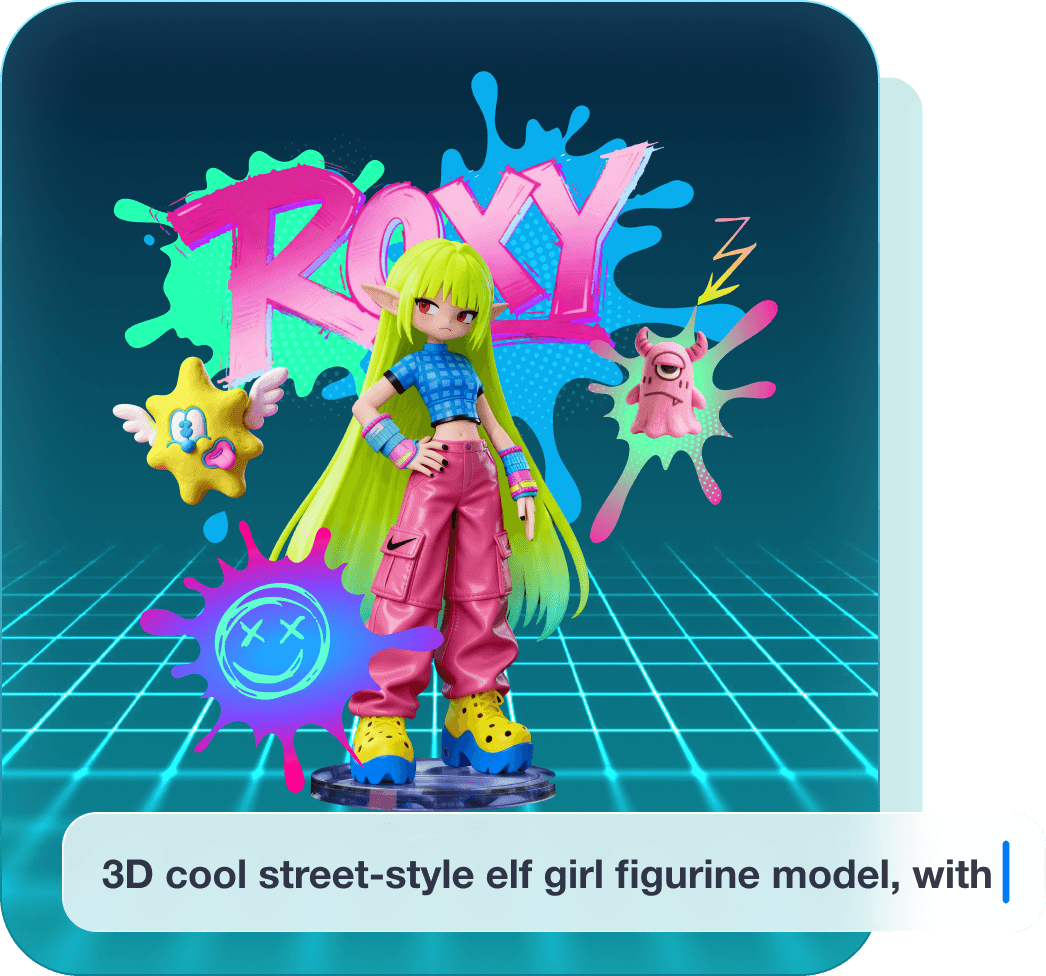
You describe it, we build it
Tell us what 3D model you want with simple text prompts. From product assets to character designs, Kivi AI brings your words to life.
TRY IT NOWUpload illustrations, photos, sketches, or even textbook images. Kivi AI reconstructs 2D visuals into fully textured 3D.
TRY IT NOW
No 3D software or coding required. Perfect for marketers, artists, educato students.
Al preserves textures, lighting, and structure from your prompts or images 3D assets.
Seamlessly connect with Kivicube's AR creation tools. Complete the full pi prompt → 3D → interactive AR.
Refine models with Al-powered retouching, texture adjustments, and poly! optimization after generation.
Generate models in minutes without needing a powerful local GPU.
3 Simple Steps to Your 3D Model Input Your Idea

Or upload an image to define your 3D asset.

Our cloud AI processes your input and creates a textured 3D model in minutes.

Refine details, adjust lighting, and export to GLB/ GLTF or publish directly to AR with Kivicube.
"Kivicube’s AI 3D generator takes us from concept to production-ready assets in minutes. It removes bottlenecks without compromising quality."
"We can generate 3D product visuals instantly and turn them into interactive experiences. It’s a major upgrade for scalable digital campaigns."
"The speed and simplicity stand out. Kivicube makes high-quality 3D creation accessible and ready for AR right out of the box."
Generate quick prototype assets for games and virtual environments.


Create anime-style 3D characters and scenes for AR and creative projects.


Create character models, environments, props, and textures instantly. Compatible with Unity, Unreal Engine, and Blender.


Turn textbook illustrations or student sketches into 3D learning tools.


No. Kivi AI is designed for beginners. Simply enter text or upload an image to generate a 3D model.
No. Everything runs directly in your browser. No installation or plugins are needed.
You can export GLB and OBJ files. These formats are compatible with Three.js, Unity, and most AR and 3D platforms.
Yes. All AI generated 3D assets can be used commercially. You are responsible for ensuring that your input content is properly licensed.
Most models are generated within 1 to 3 minutes. Processing time depends on model complexity. You can close the page and processing will continue in the background.
If generation fails, your generation credits will be refunded. You can retry by improving your reference image or simplifying your prompt.
AI outputs can vary. Check the user guide and refine your prompt or reference images for better results. If you are still unhappy with the results, you may send your feedback to us at wendell.yang@kivisense.com.
Use PNG or JPG images under 10MB. For best results, choose images with clean backgrounds, good lighting, and a centered subject. For complex objects, upload 2 to 4 images from different angles.
Keep prompts clear and specific. A simple structure includes subject, shape, material, style, and details. Avoid vague descriptions.
Yes. You can switch between quality levels. Smart Low-poly is recommended for faster generation with optimized poly count.
Yes. You can download textures under Material and Base Color, or upload your own to replace them.
We recommend exporting in GLB format, which includes textures. If using OBJ, place textures in the same folder and reload them in your 3D software.
You can export models in OBJ format for 3D printing. We recommend using the 100K polygon count option. You are responsible for checking model suitability and making any necessary adjustments before printing.