5 Best Augmented Reality Software to Create an AR Card in 2026
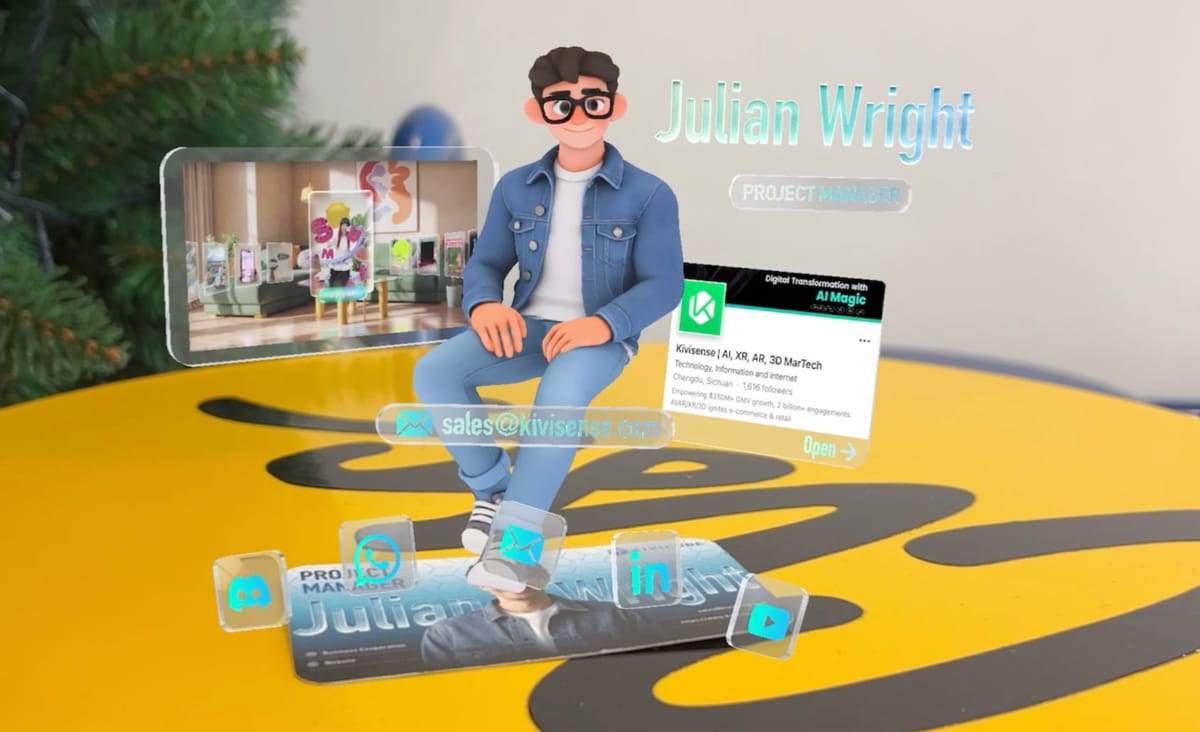
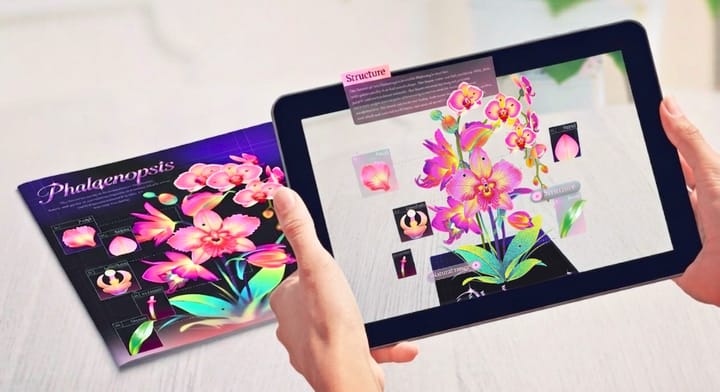
By 2026, AR cards have moved way beyond being just a fun novelty—they’ve become a practical, powerful way to connect with audiences. Rather than sending plain, static greeting cards or business cards, brands and creators now use interactive AR cards that load instantly in any browser.
With WebAR, users simply scan a QR code or tap a link to access the experience directly no app required. Creators and developers can then bring all kinds of interactive content to life right from a physical card.
But if you want to build a polished, reliable AR card, you need the right augmented reality software behind it.
Below are five of the most widely used tools for building AR cards in 2026, starting with one of the most beginner-friendly options available right now.
1. Kivicube – Best Augmented Reality Software for AR Card Creation
If you want to build an AR card quickly and without coding, Kivicube is one of the most straightforward platforms to use.
It’s a browser-based augmented reality software built for WebAR experiences. Its visual editor lets anyone create interactive AR cards—no programming required.
As many popular WebAR tools including SparkAR and 8th Wall have been discontinued in recent years, many creators have turned to Kivicube as a dependable alternative for launching lightweight, accessible WebAR experiences.
Kivicube AR Software: Complete Feature Overview
Why Kivicube Works Great for AR Cards
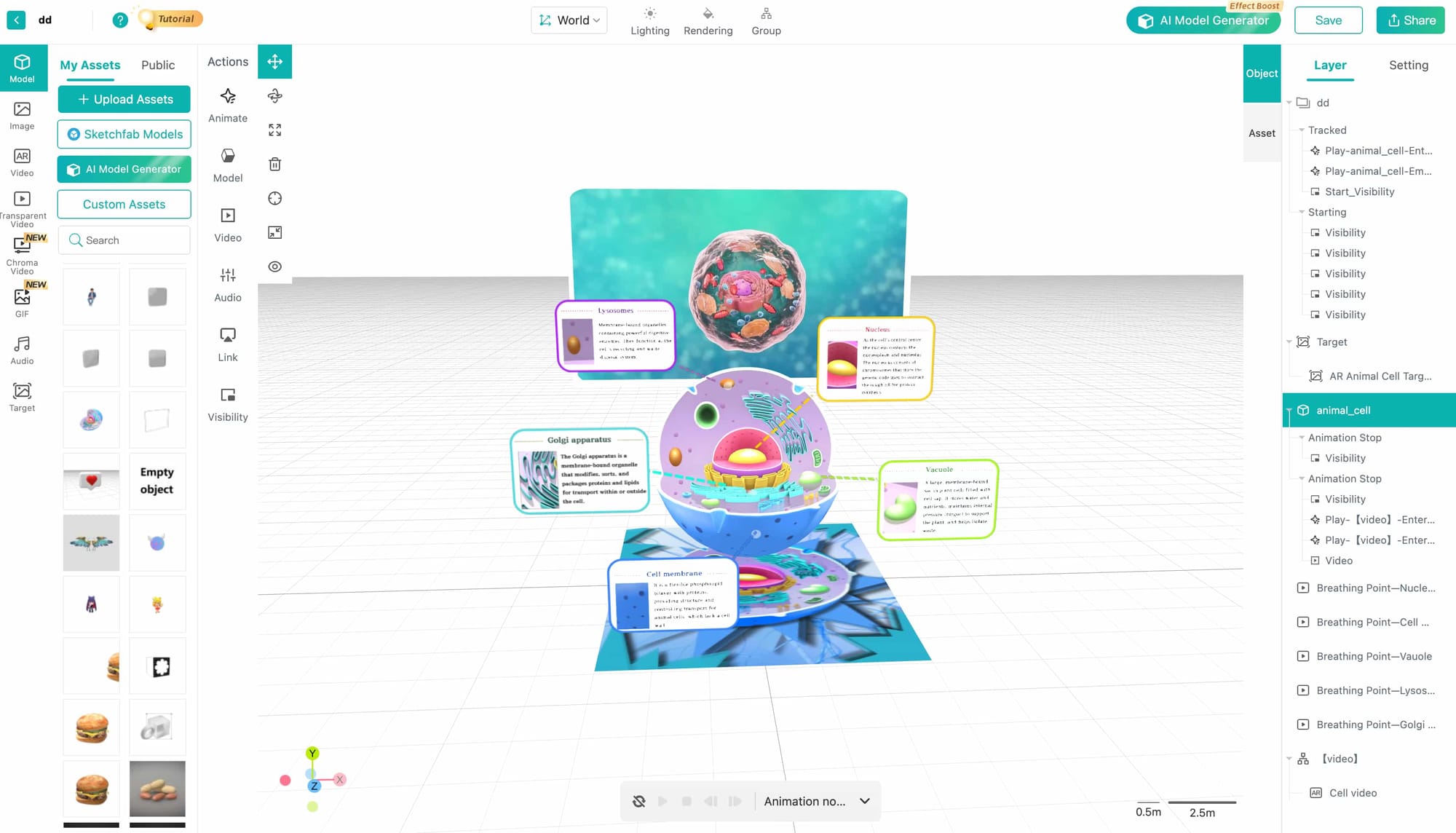
No-code editor: Kivicube uses a simple drag-and-drop interface. You can upload images, 3D models, animations, or videos and place them directly into your AR scene with just a few clicks.
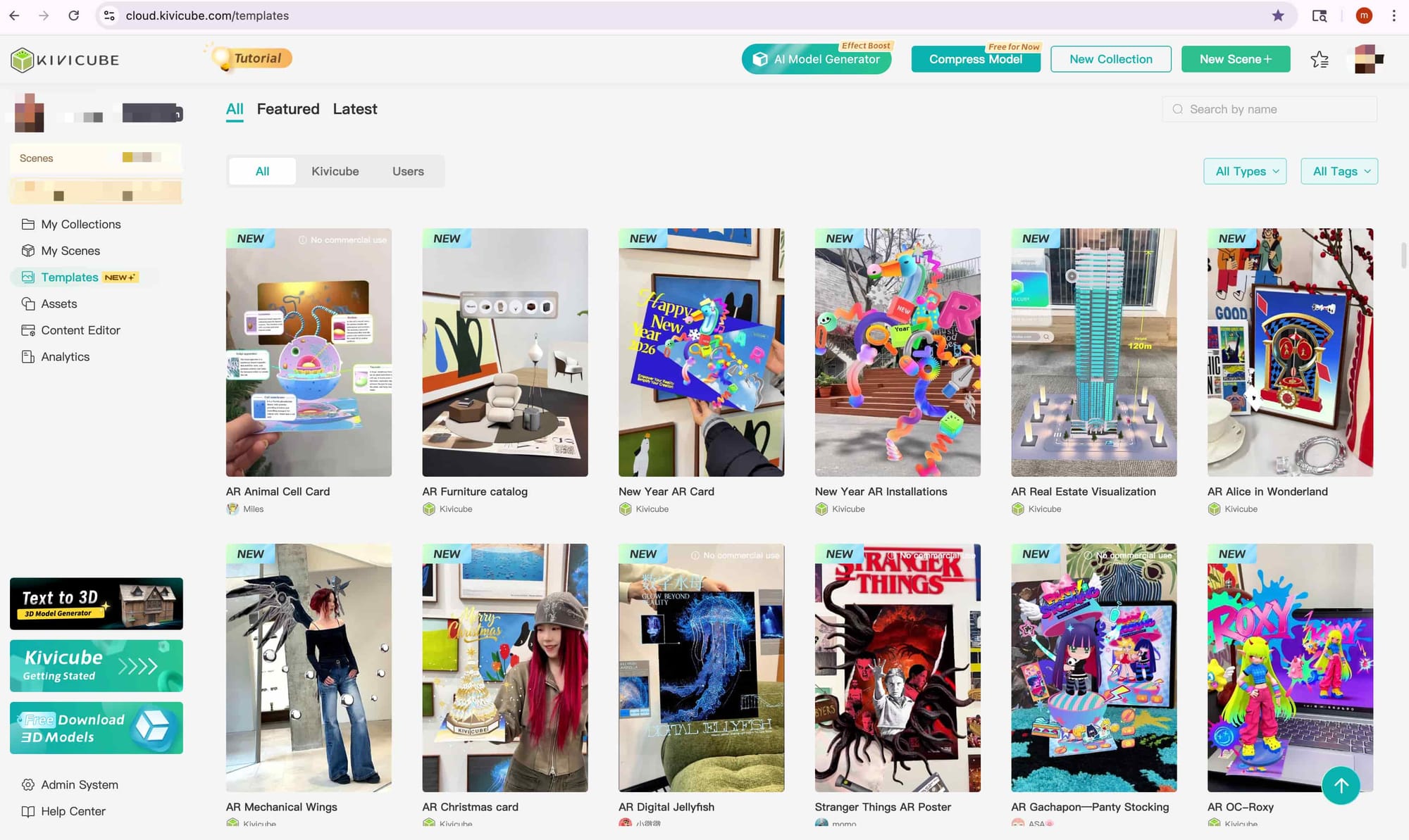
Ready-made AR templates: The platform comes with prebuilt templates for greeting cards, marketing campaigns, educational projects, and more. You can just duplicate a template and add your own content in minutes.
Massive AR abilities support: Kivicube supports image tracking, body tracking, plane tracking, and face tracking—capabilities that meet the needs of educators, marketers, artists, and more. For developers who find the no-code editor insufficient, Kivicube also offers APIs for custom coding, adding scalability to its already robust feature set.
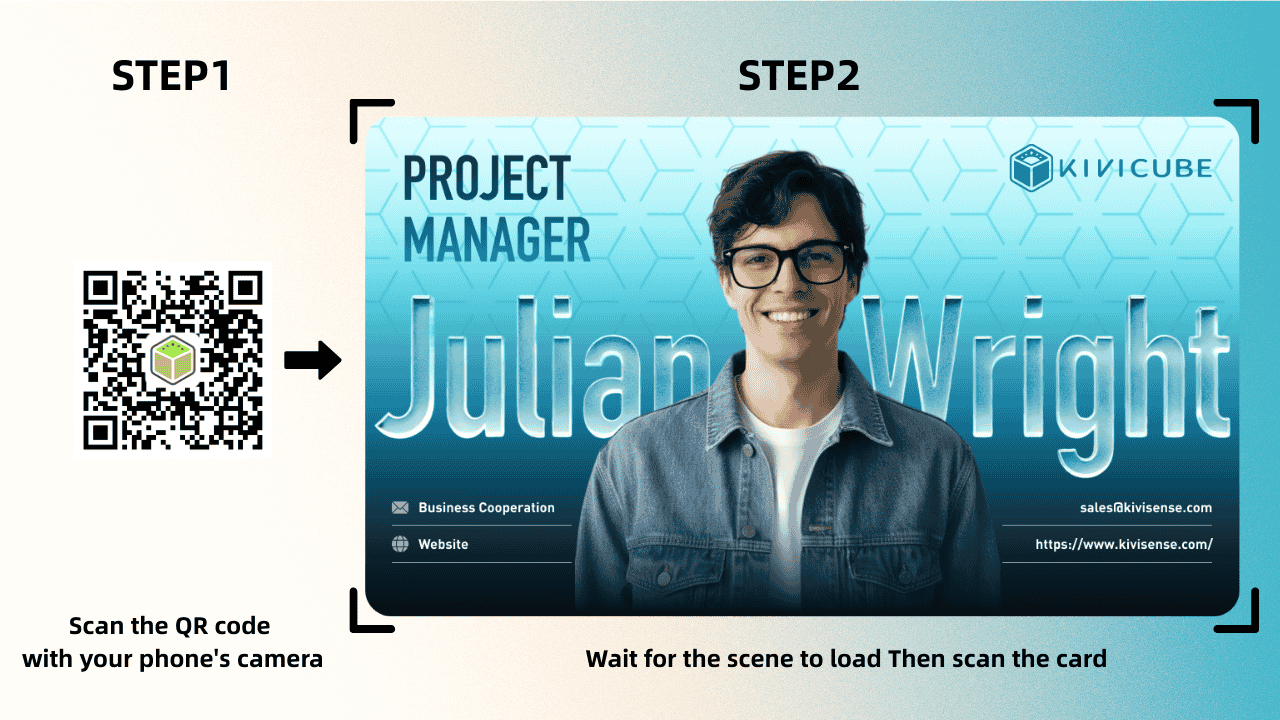
Instant WebAR publishing: Once your AR card is finished, Kivicube generates a QR code or shareable link that opens the experience directly in a mobile browser.
Efficient Tools to Streamline Your AR Creation: Kivicube also includes a suite of time-saving tools to make your AR card creation process smoother.
Its AI model generator lets you create 3D models directly from text prompts or reference images—no professional modeling skills needed.
For video assets, the built-in video background removal tool helps you create transparent videos in seconds, without extra editing software.
Plus, an integrated image and text editor lets you polish your content without switching between platforms.
If you want to learn how to make your first AR card with Kivicube, check out this beginner tutorial.
 summerqiu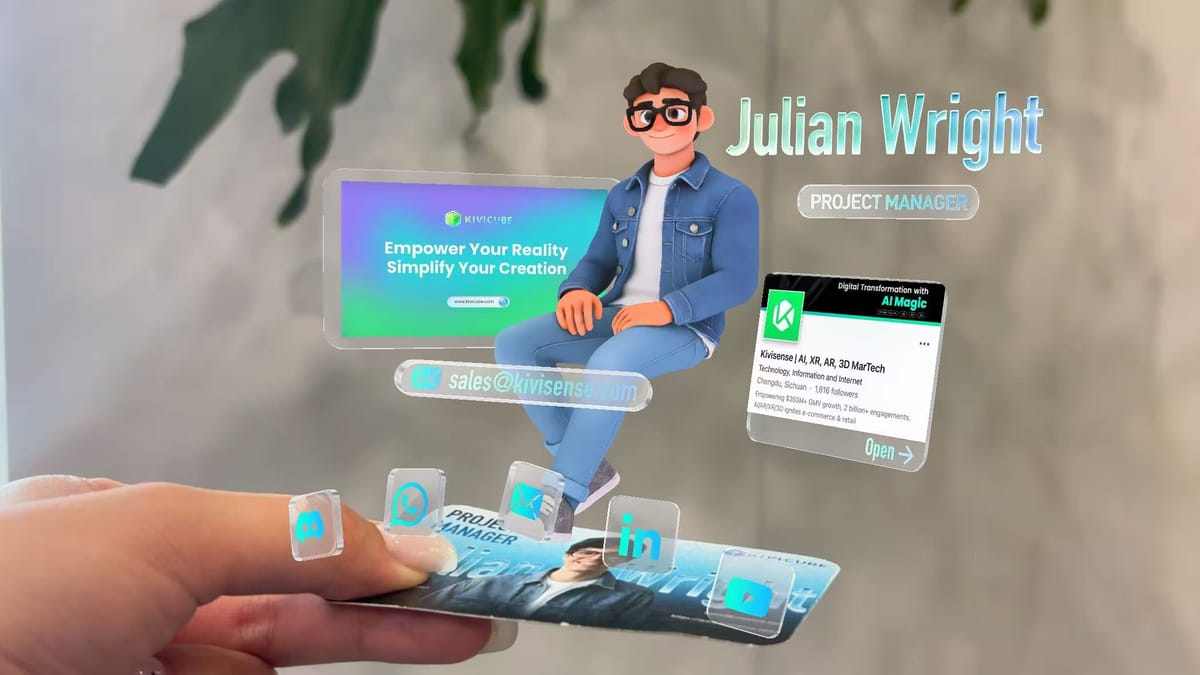
Thanks to its speed and ease of use, Kivicube has become the best choice for designers, marketers, educators, and small teams getting started with WebAR.
2. ZapWorks – A Solid Platform for Branded AR Cards
ZapWorks is another long-established augmented reality software platform that supports WebAR experiences.
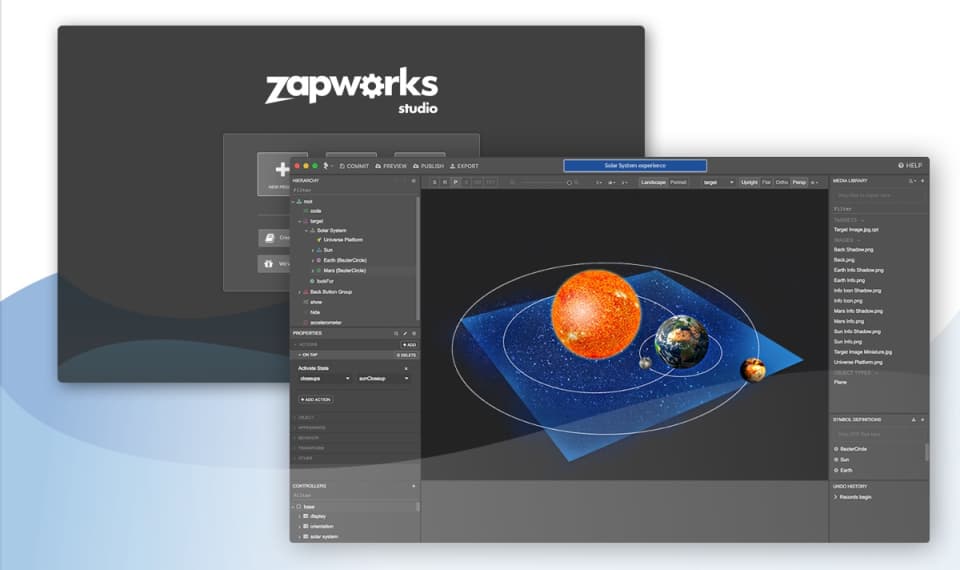
It provides strong editor for creating branded AR content, making it a good fit for marketing teams that want their AR card designs to align closely with brand guidelines.
ZapWorks includes both visual tools and scripting options, so users can build more custom interactions. That said, beginners may find it has a slightly steeper learning curve.It remains a strong choice for agencies and design teams working on professional, large-scale campaigns.
3. AR.js – Open Source WebAR for Developers
For developers who want to take full control of their projects, AR.js is a famous open-source library for building WebAR experiences. It’s free, lightweight, and commonly used for experimental AR card project.
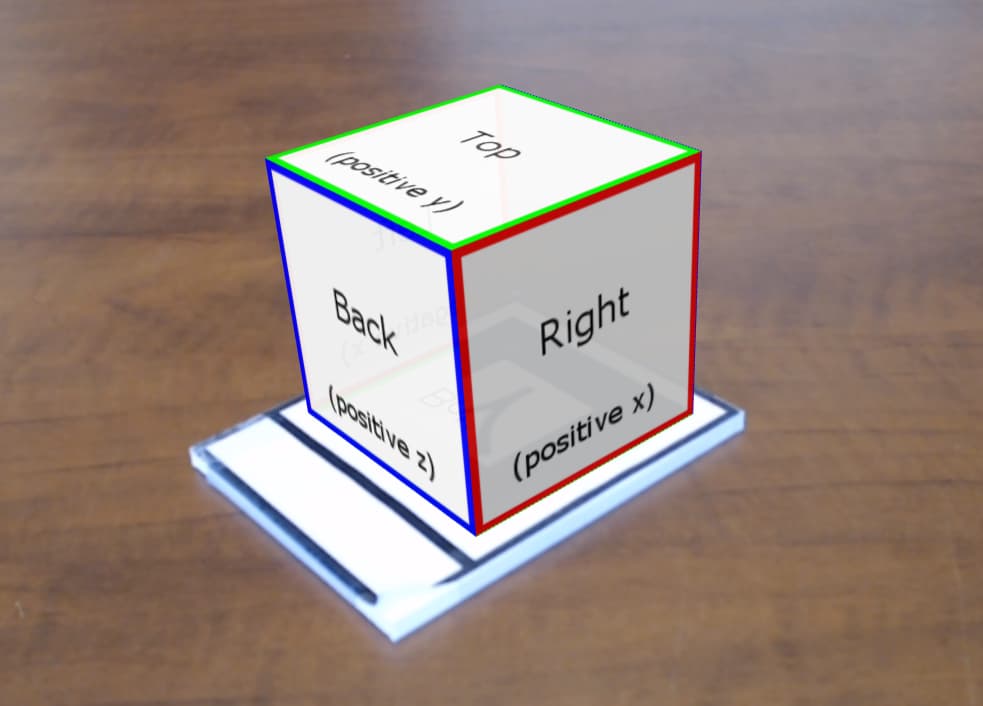
However, AR.js does require coding knowledge and manual setup. Instead, you’ll need to code from the very start.If you’re comfortable with JavaScript and web development, AR.js offers a lot of flexibility. For most non-technical creators, though, it can feel too technical.
4. AR Code – Built for WebAR Cards & Print-to-Digital Experiences
AR Code is a dedicated WebAR platform designed for turning physical cards, prints, and marketing materials into interactive augmented reality experiences. It focuses on image tracking, making it one of the most straightforward tools for building AR business cards, greeting cards, and branded promotional cards.It also supports 3D models, videos, animations, and custom CTAs, all optimized for lightweight, fast‑loading AR cards.That said, it’s less ideal if you’re not focusing on card-based AR effects or if you need to upload large 3D models.
5. Vuforia Engine – Enterprise-Level AR Development
Vuforia is an enterprise-level augmented reality software owned by PTC.
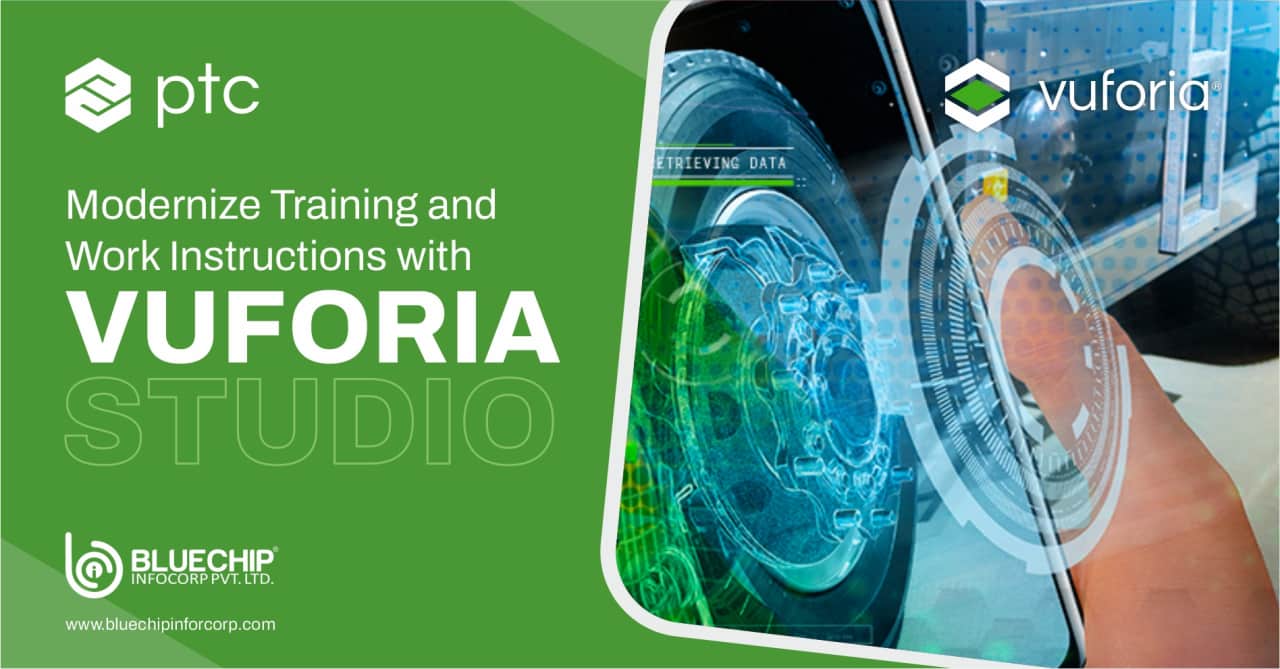
It offers advanced tracking and strong performance, which is why it’s widely used in industrial and enterprise settings.Companies often use Vuforia for AR product demos, training tools, remote collaboration, and interactive packaging.That said, Vuforia usually requires more development experience and setup than beginner-friendly platforms, and its license fees are relatively high, fitting its enterprise-level focus. If your main goal is to create a simple WebAR card, it may be more powerful and costly than you need.
Choosing the Right Tool for Your AR Card
As WebAR continues to grow in 2026, interactive AR cards are becoming a connection hub for brands and creators to introduce audiences to augmented reality. And with the right tools, like Kivicube, building them is easier than ever before.