Top 5 Popular AR Creator Apps & Best Use Cases
This guide covers what AR creator apps can do, the best use cases, the top platforms, and why Kivicube is a standout no-code choice for creating fast, polished AR experiences.
Augmented Reality (AR) is changing the way brands, educators, and creators connect with audiences. With an AR creator app, you don’t need to be a developer or a designer to bring interactive AR experiences to life. From marketing campaigns to education and events, AR is now accessible to everyone, allowing you to create content that is engaging, interactive, and instantly shareable.
In this guide, we’ll explore what you can do with an AR creator app, the best use cases, the top platforms available, and why Kivicube stands out as a leading choice for anyone looking to create AR experiences quickly and easily.
What You Can Do With an AR Creator App like Kivicube
AR creator apps let you turn ideas into interactive experiences with ease:
- Create scenes: Build immersive AR projects with templates, assets, objects, textures, and visual effects.
- Add animations & interactions: Make objects move, react, and come to life.
- Publish with WebAR: Share instantly via link or QR code—no app download needed.
- Share anywhere: Embed your AR experience on websites, social media, or print materials.
Top 5 Popular AR Creator Apps
1. Kivicube
Best for: Beginners, marketers, educators, and content creators with zero coding experience.
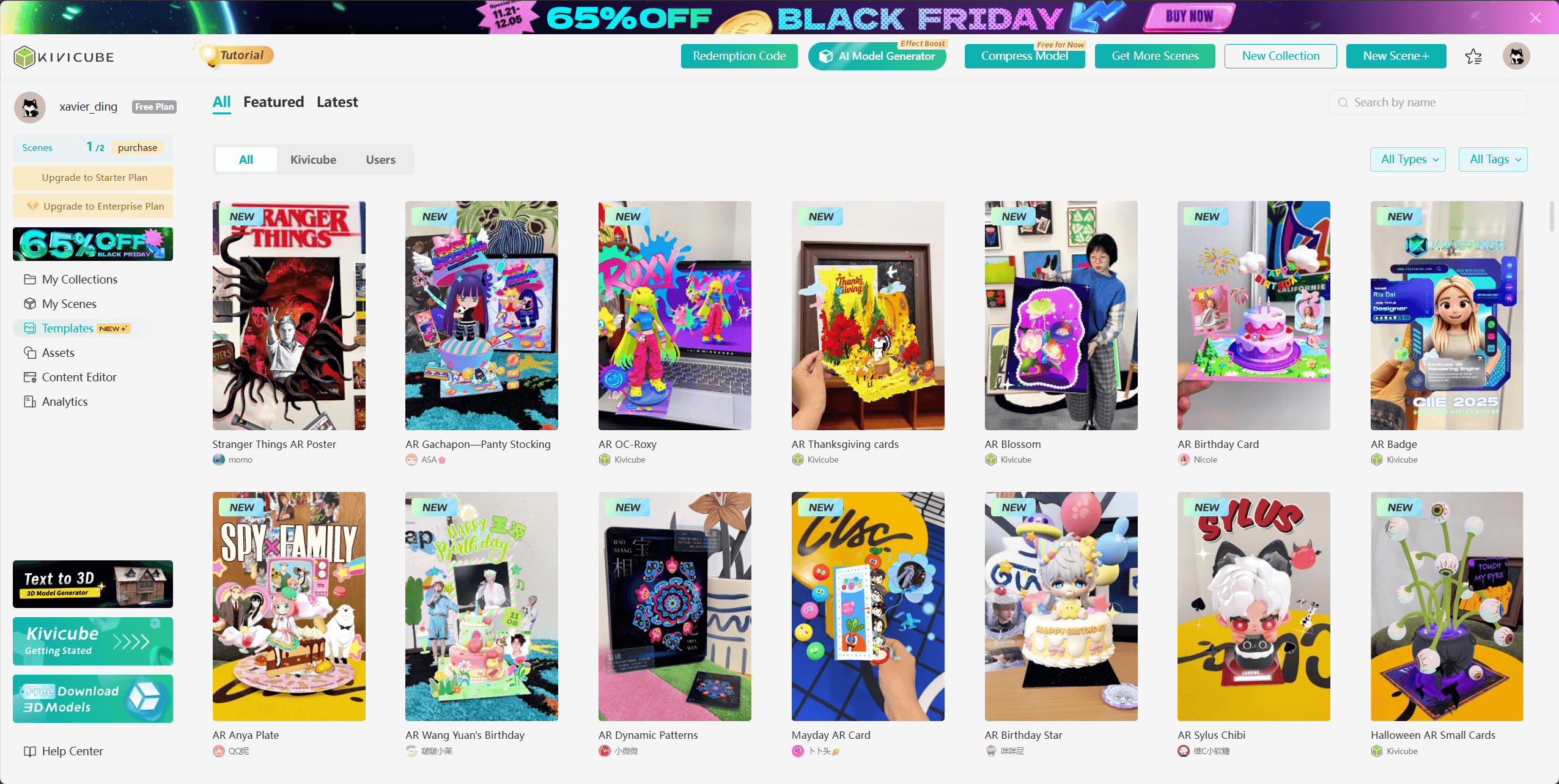
Kivicube makes it easy for anyone to create beautiful WebAR scenes in minutes. Simply drag and drop from a large asset library, pick from ready-made templates, and customize by swapping your own elements. Advanced features like BodyAR and built-in animations let you add interactive, dynamic effects effortlessly. With a fast, intuitive workflow and one-click template duplication, even beginners can produce professional AR experiences quickly.
Key Features
1. Template Library: Search templates across multiple categories and customize them instantly.
2. 3D Asset Library: Drag and drop 3D models, textures, and materials to build scenes fast.
3. Advanced Effects: Includes BodyAR and customizable animations for richer interactions.
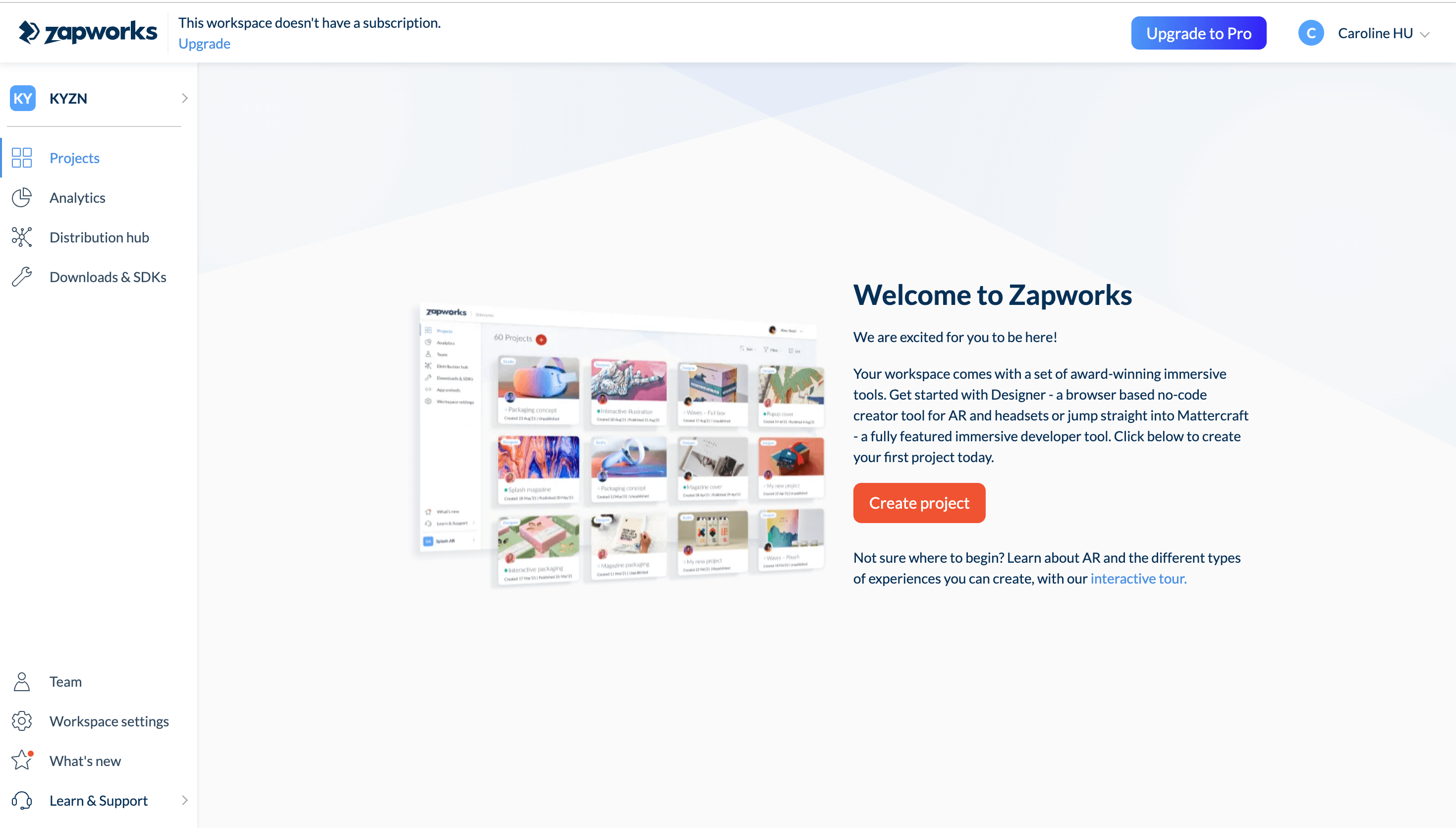
2. ZapWorks
Best for: Teams or agencies needing flexible AR workflows, from no-code to pro-level scripting.
Offers both no-code Designer mode and advanced scripting features. Ideal for interactive web-based AR campaigns.
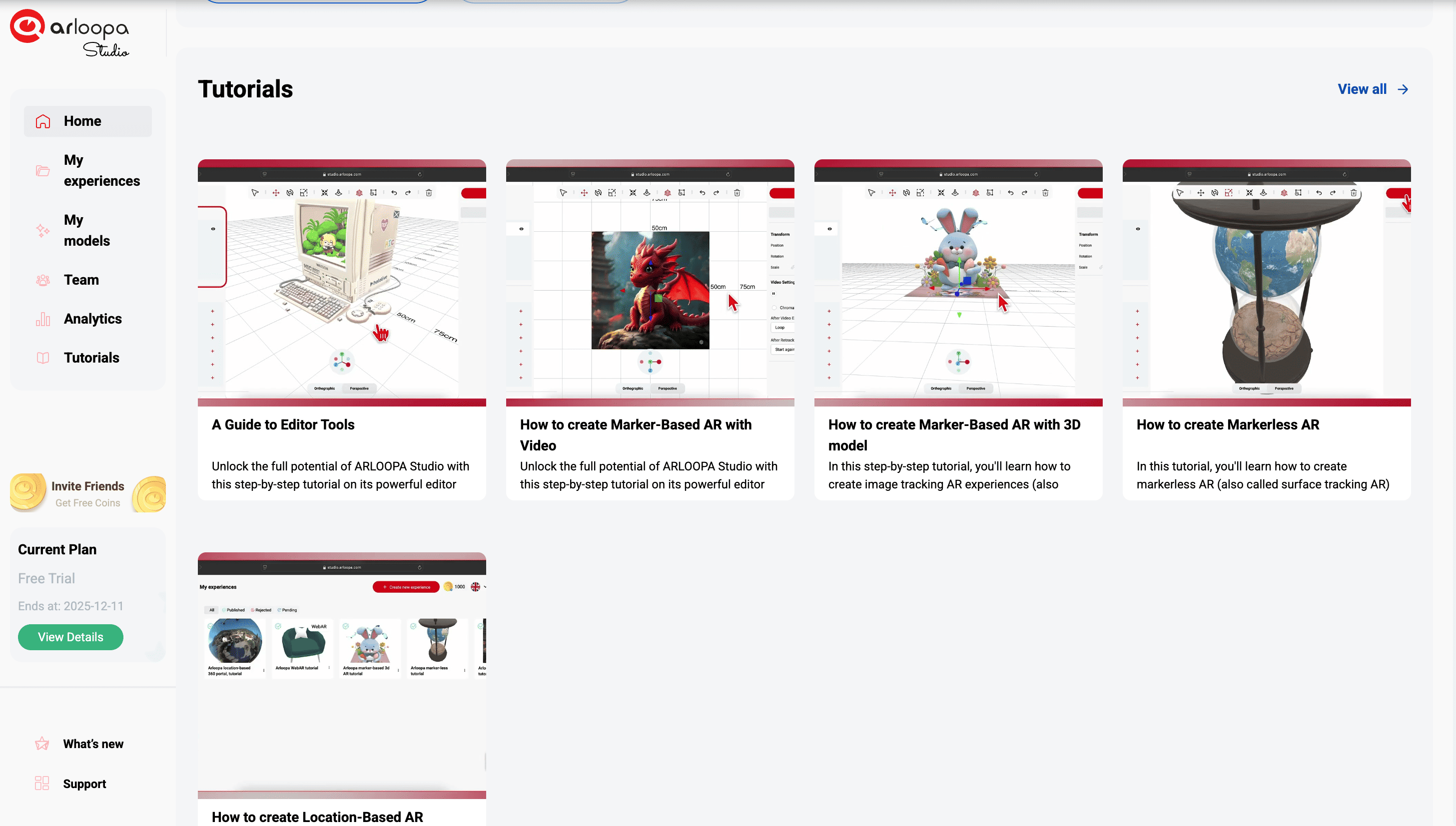
3. ARLOOPA
Best for: Users who want simple AR creation for images, objects, and 3D.
ARLOOPA provides easy tools for placing 3D models, scanning images to trigger AR content, and creating lightweight AR scenes suitable for marketing, education, and entertainment. Includes a mobile app for viewing experiences instantly and supports basic WebAR features.
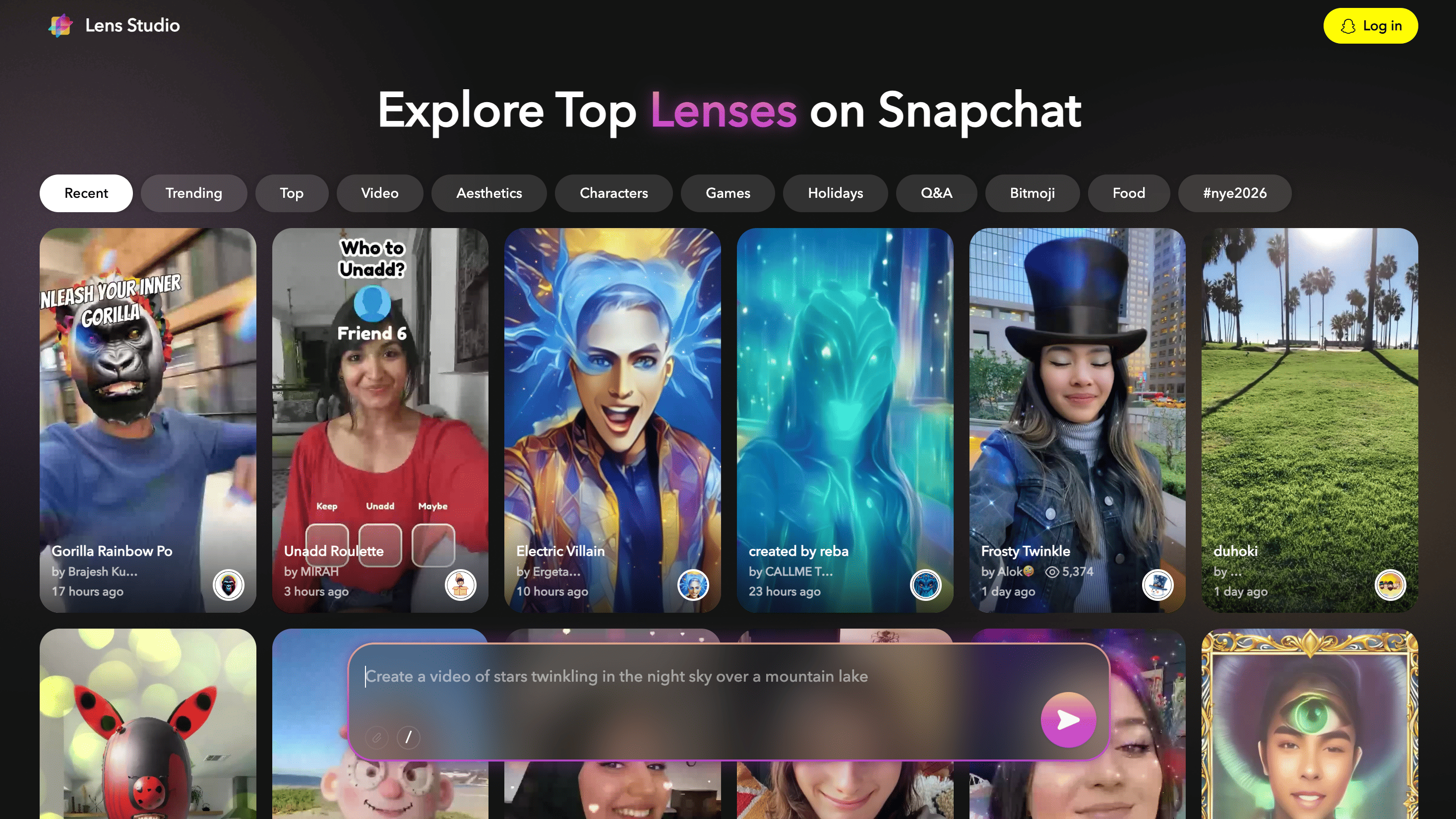
4. Lens Studio (Snap)
Best for: Social media creators looking to build Snapchat AR lenses and filters.
Quickly design and distribute AR effects to engage mobile audiences.
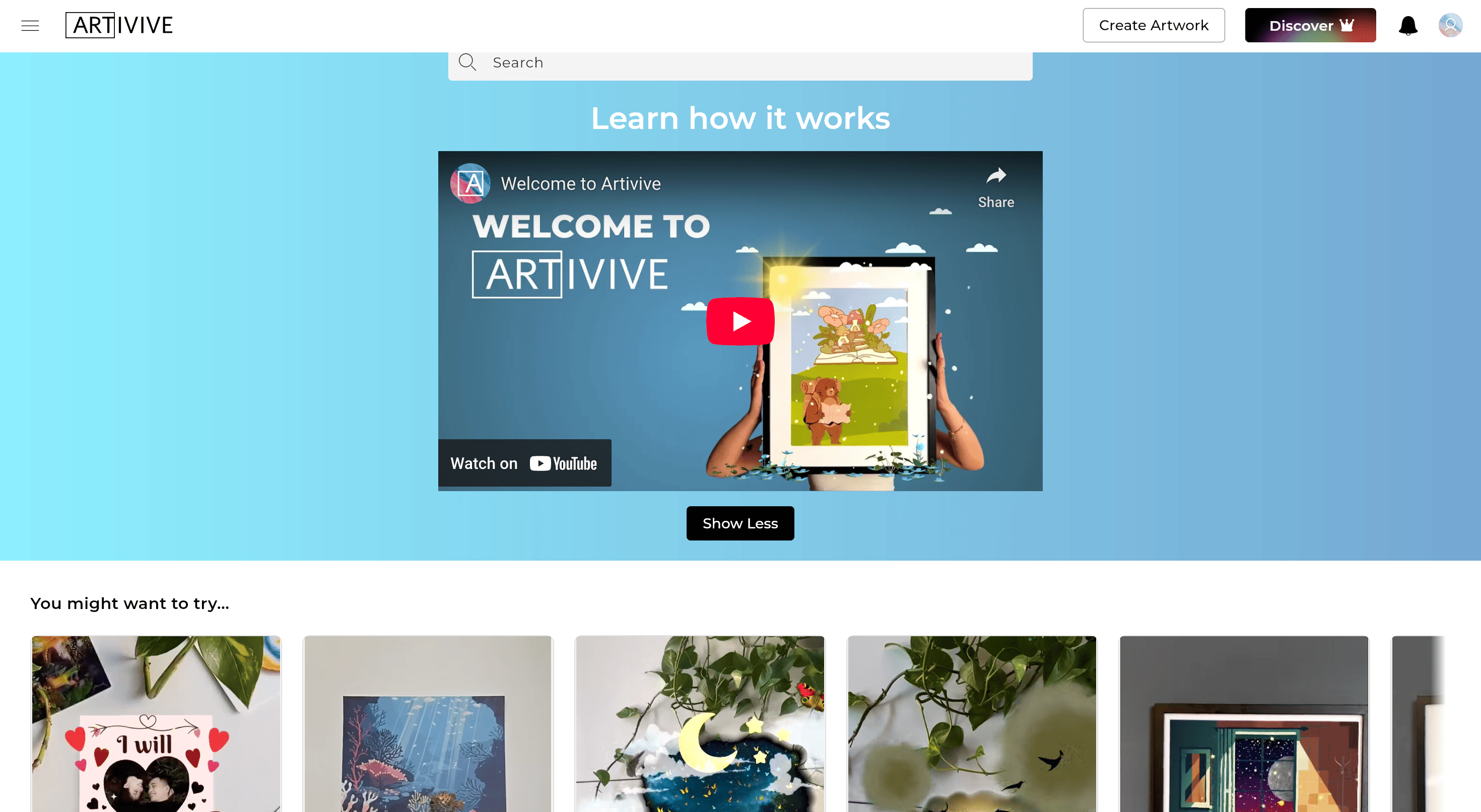
5. Artivive
Best for: Artists, galleries, and storytellers wanting to bring physical art to life.
Lets you attach digital overlays — animations, videos, or 3D content — to paintings, murals, or prints. Viewers see the artwork come alive via the Artivive app.
Best Use Cases for an AR Creator App
AR creator apps are versatile tools that work across industries, hobbies, and special occasions.
Marketing Campaigns: Brands can create interactive product demos, AR-enhanced flyers, and immersive campaigns to capture attention and leave a lasting impression.
Education & Training: Interactive lessons, 3D visualizations, and simulations help learners grasp complex concepts, making education more engaging and effective.
Events & Exhibitions: Enhance visitor experiences with AR-enabled product displays, virtual tours, and interactive exhibits that make events memorable.
Fandom & Entertainment: Fans of idols, anime, and pop culture can use AR to pose with virtual characters, try themed outfits, or step into immersive worlds. AR photo booths and filters turn these moments into shareable content.
Gifts & Holiday Cards: Add AR effects to gift packaging or greeting cards—animations, 3D models, or interactive messages make presents more memorable and festive.
Benefits of Using an AR Creator App
There are many reasons to use an AR creator app. One of the biggest advantages is speed. You can create AR content in minutes, without any coding knowledge, which dramatically reduces development time.
Cost is another benefit. Custom AR development can be expensive, often requiring a team of developers and designers. AR creator apps provide a more affordable solution, allowing individuals and businesses to create professional experiences without breaking the budget.
These apps are also highly versatile. They can be used in marketing, e-commerce, education, entertainment, and beyond, making them suitable for a wide range of projects.
Additionally, WebAR eliminates the need for app downloads. Audiences can access content directly through a browser, making it easier to reach more people and encouraging higher engagement rates. AR content created this way is not only interactive but also more accessible and shareable.
Why Kivicube Stands Out as an AR Creator App
Kivicube is more than just an AR creator app. It’s designed for users with zero coding experience, allowing anyone to start creating professional AR content quickly.
The platform offers ready-to-use templates, enabling users to start projects immediately with pre-built AR scenes. Its drag-and-drop interface is intuitive and requires no prior design or technical skills. Kivicube also provides a vast library of 3D models, icons, and characters, saving creators time and effort while allowing them to focus on the creative aspects of their work.
Custom animations and effects bring AR experiences to life, while fast publishing options—through QR codes or direct web links—make it easy to share your content. Kivicube supports cross-platform WebAR, ensuring your experiences work seamlessly on different devices and browsers.
Start your AR journey today with Kivicube and bring your ideas to life!