8th Wall Shutdown: WebAR Alternatives for Your Projects
8th Wall Shutting Down? Where to Migrate Your WebAR Projects in 2026 | Kivicube
Let’s be honest—8th Wall’s shutdown didn’t just retire a tool; it threw a massive wrench into the workflow of thousands of developers, marketers, and creators. For a decade, they were the trailblazer, proving that powerful AR—world tracking, face filters, image targets—could live entirely in the browser, no app required. For that, we owe them thanks.
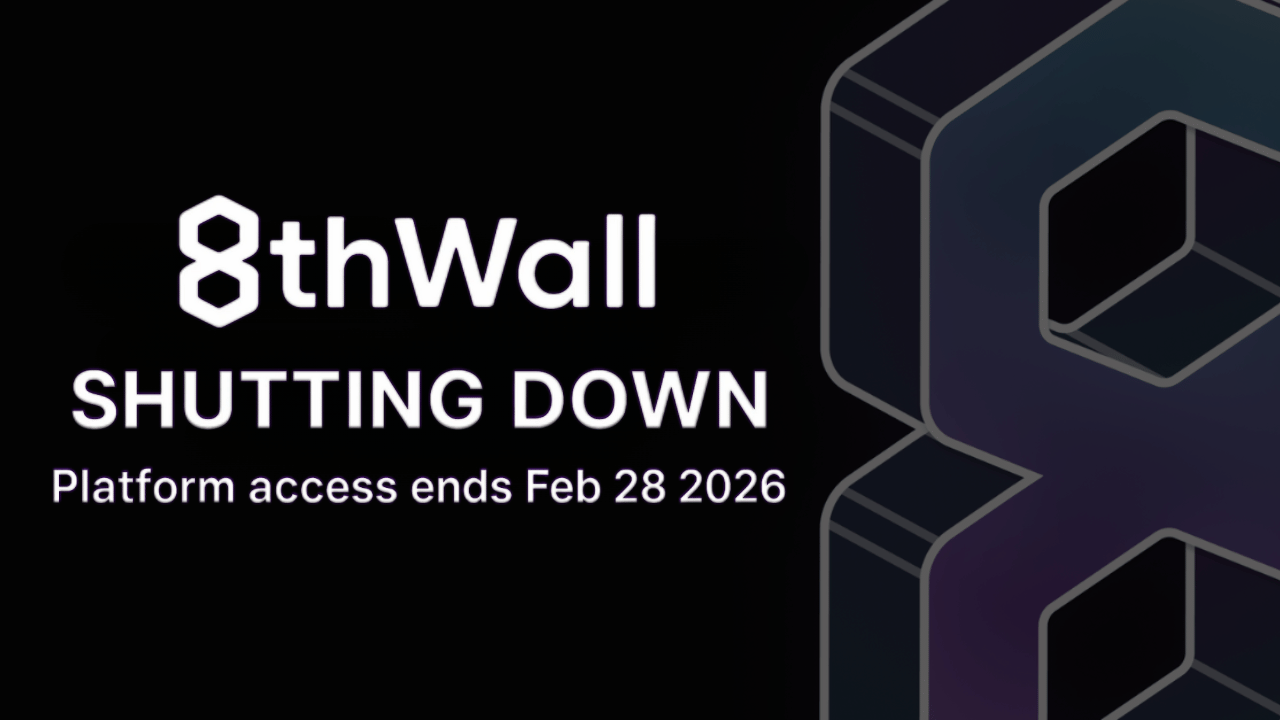
But now, reality sets in. With 8th Wall winding down, a critical question looms for every team that relied on it: What’s next? Is there a true successor?
This guide breaks down what you actually need now, balancing technical must-haves with practical business sense. We’ll explore why WebAR remains the only logical path forward, and how modern, no-code platforms like Kivicube are stepping up—not just to fill the gap, but to finally bridge the divide between developers and creatives.
Why Losing 8th Wall Leaves a Real Void
8th Wall wasn’t just another platform; it made WebAR viable at scale for the mainstream. It handled the complex stuff—face tracking, image recognition, cross-device headaches—so teams could focus on creating. Its absence isn’t just a feature gap; it’s a workflow crisis for anyone who depended on:
- True browser-based delivery (zero app installs)
- Seamless cross-platform compatibility
- Fast, scriptable pipelines for marketing and campaigns
- Rapid prototyping without native app overhead
As the undisputed pioneer, 8th Wall powered tens of thousands of experiences and reached billions of devices. Replacing it means finding something that preserves these technical advantages while reducing future risk.
What to Look for in a True 8th Wall Alternative
A worthy successor must check these boxes:
- Pure WebAR Architecture: It must run natively in the browser using WebGL, WebXR, and device APIs. Any redirect to an app store is an instant deal-breaker.
- Cross-Platform by Default: Your experience must work flawlessly on iOS Safari, Android Chrome, in-app browsers, and via QR codes. One build, everywhere.
- Support for Rich AR Capabilities: It needs to match the core toolkit that made 8th Wall indispensable:
- Face Tracking for filters and try-ons
- Image Targets for print and packaging
- World Tracking (SLAM) for room-scale experiences
- Drastically Lower Overhead: Post-8th Wall, priority has shifted to speed and accessibility. The ideal platform should offer faster iteration, less custom JavaScript slog, and lower barriers for non-developers. This is why no-code/low-code solutions are now front and center.
Why Sticking with WebAR is the Only Smart Move
Falling back to app-based AR might seem tempting, but it’s a step backward. Apps mean development bottlenecks, app store friction, and instant user drop-off. WebAR remains the most scalable, accessible delivery model—especially for marketing, education, and live events where reach and immediacy matter most.
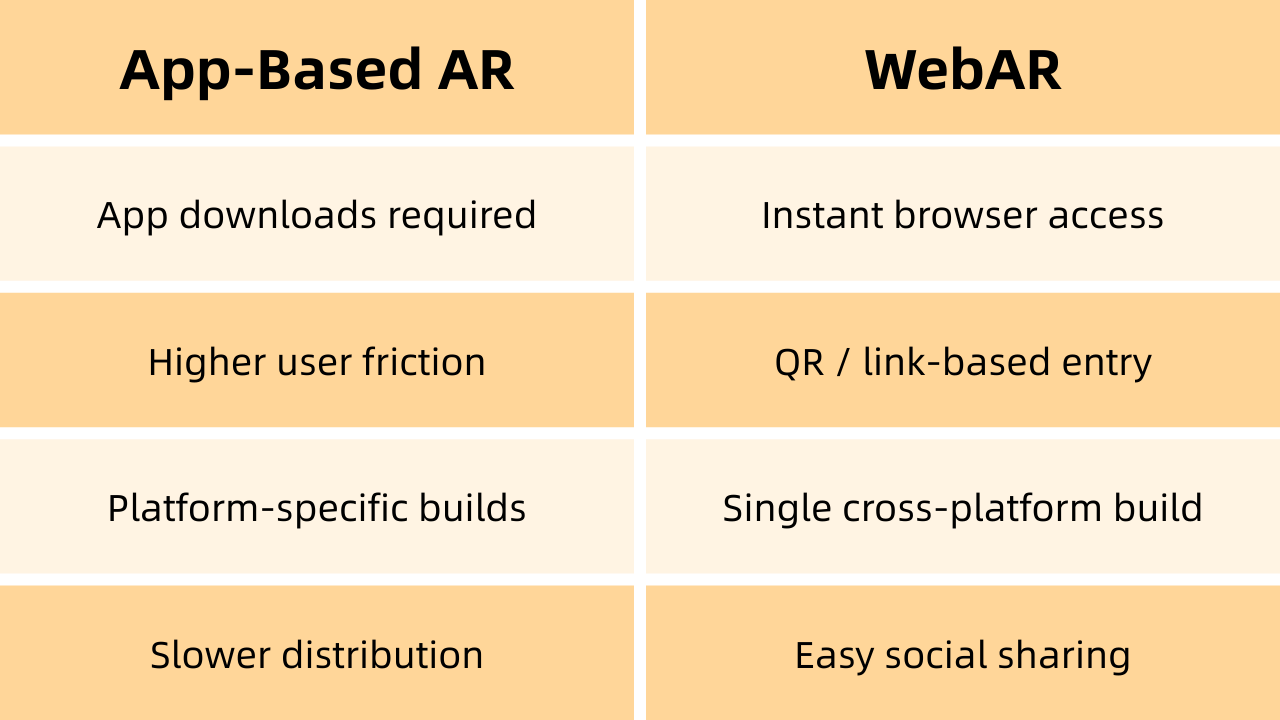
Kivicube: The Modern, No-Code WebAR Platform Built for This Moment
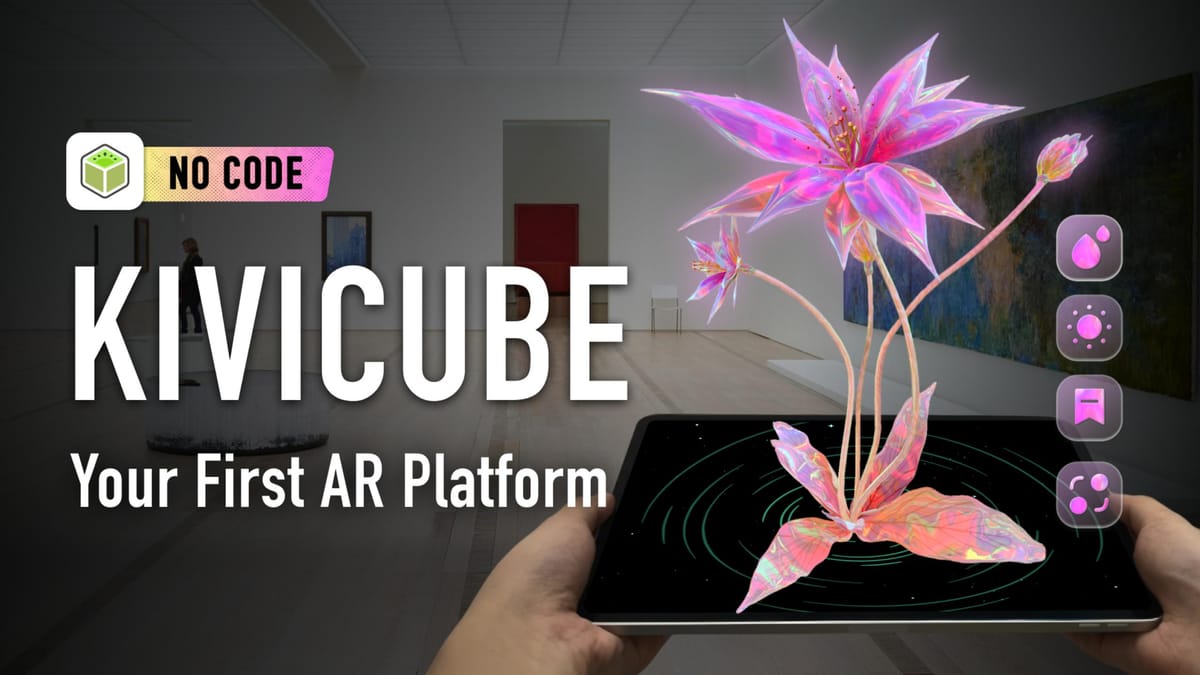
Kivicube was built specifically to solve the problems 8th Wall’s exit exposed. It’s a pure WebAR platform that prioritizes speed, accessibility, and maintainability—without relying on hybrid or app-dependent workarounds.
AR scenes supported by Kivicube
Why Kivicube Works as a True Successor
- Visual, No-Code Authoring: Swap JavaScript heavy-lifting for a drag-and-drop editor. Build face AR, image AR, SLAM experiences, and more—adjusting animations and interactions visually—without redeploying code. It slashes development time while keeping quality high.
- Built-In, Production-Ready Features: Kivicube comes ready with the capabilities teams actually use:
- Face filters, glasses try-ons, masks
- Image and cloud recognition triggers
- World tracking (SLAM) for immersive effects
- Body tracking
This covers the vast majority of 8th Wall use cases out of the box.
AR Face filters made by Kivicube
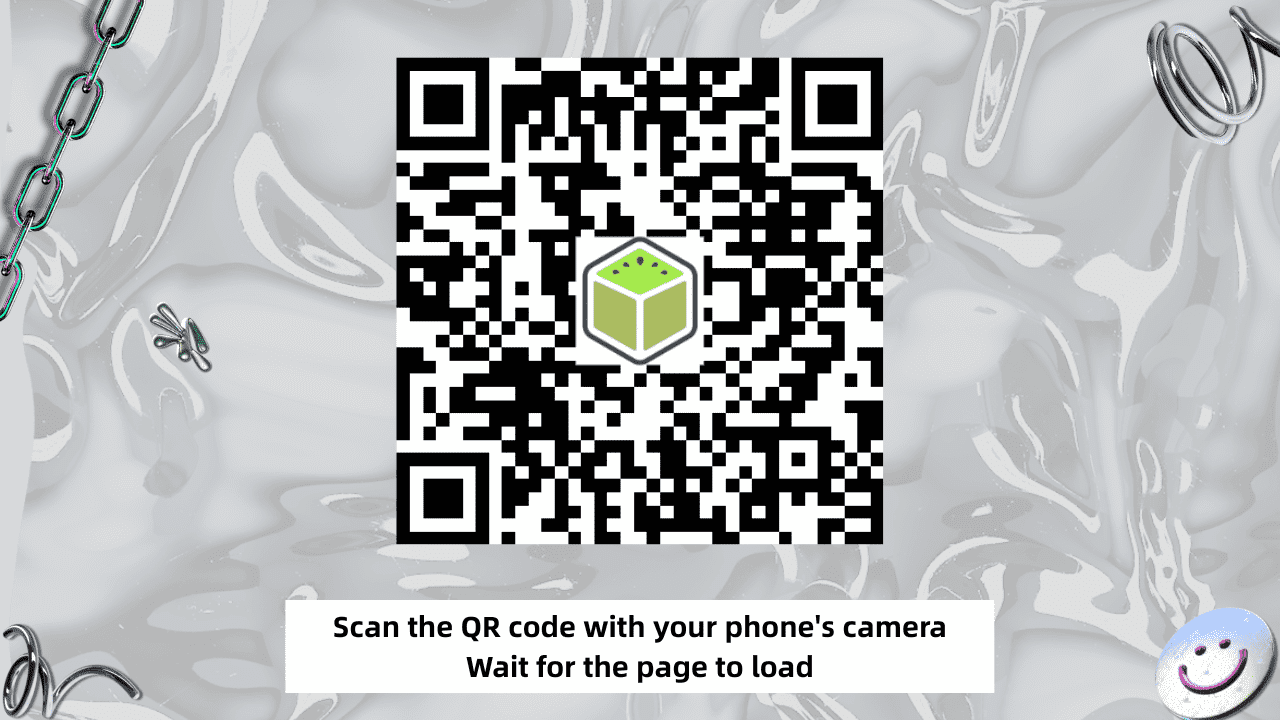
- Truly Web-Native Deployment: Everything you build is instantly accessible via a link or QR code. It runs directly in iOS Safari and Android Chrome—no SDK installs, no environment setup.
- Templates & Assets to Move Fast: A built-in asset library and industry-specific templates let you duplicate, customize, and launch rapidly. It’s built for both quick prototyping and scaled production.
- Scalable for Developers When Needed: For teams that need it, Kivicube offers advanced APIs for custom logic, deep integrations, and complex projects beyond the template scope.
The bottom line? Kivicube lets you jump in and build AR, regardless of your coding comfort. It’s designed for both coders and creatives to finally work from the same page.
Common Use Cases Migrating from 8th Wall
Teams are already using Kivicube to rebuild and even improve upon their 8th Wall projects:
- Face AR filters for social and web campaigns
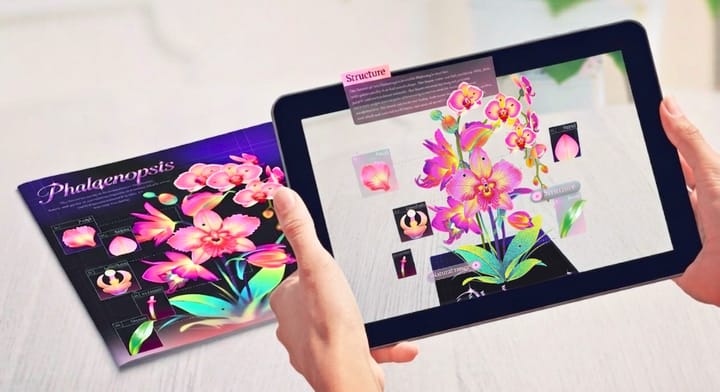
- Interactive AR books and educational content
- Virtual try-ons for fashion, glasses, and accessories
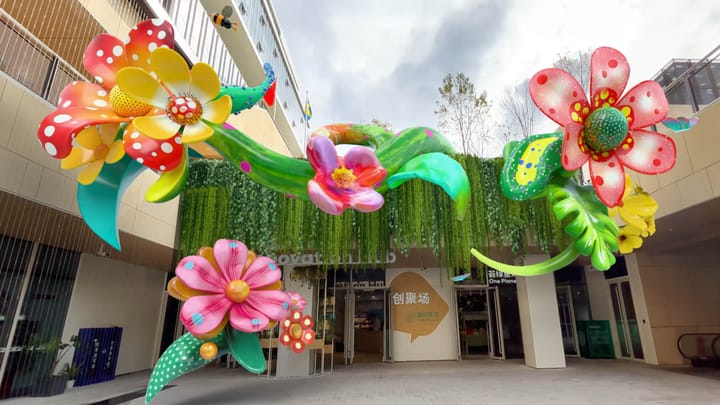
- Immersive AR exhibitions and art installations
- QR-driven AR packaging and print media
In many cases, the workflow ends up being faster and more collaborative than before.
AR art installation made by Kivicube
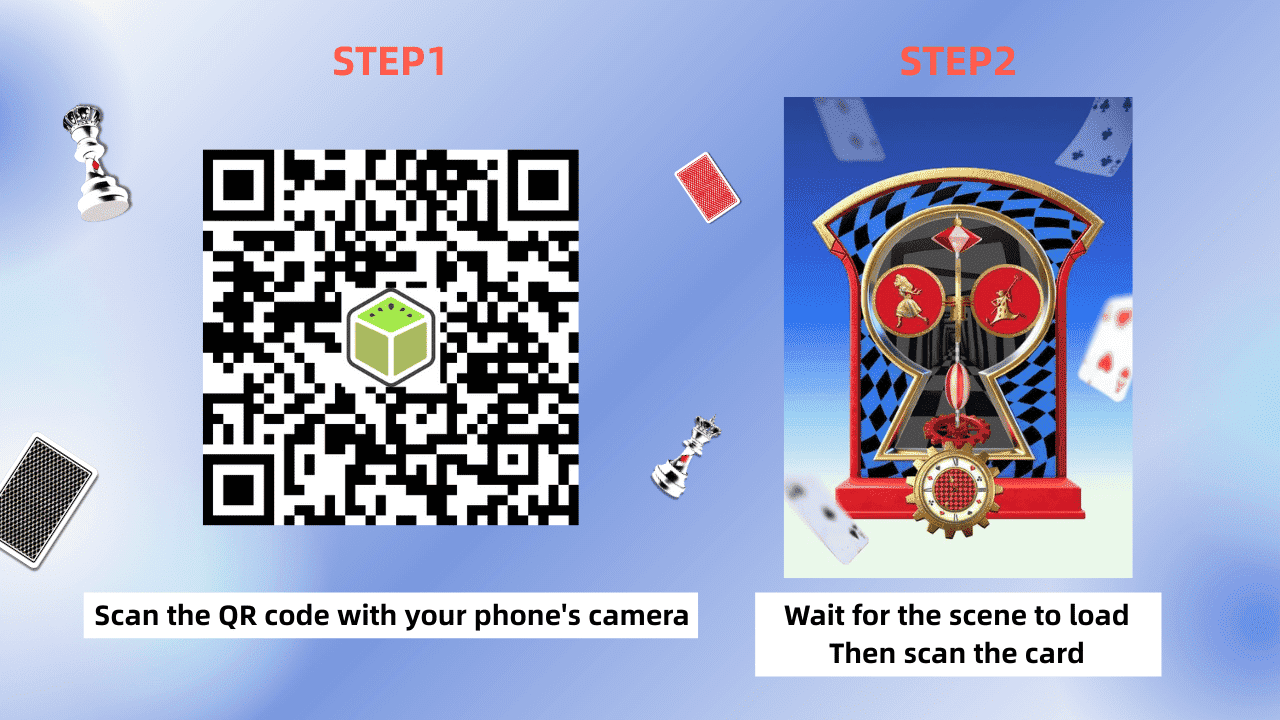
Getting Started Is Surprisingly Simple
The onboarding is intentionally lightweight:
Step 1 — Create a free account.
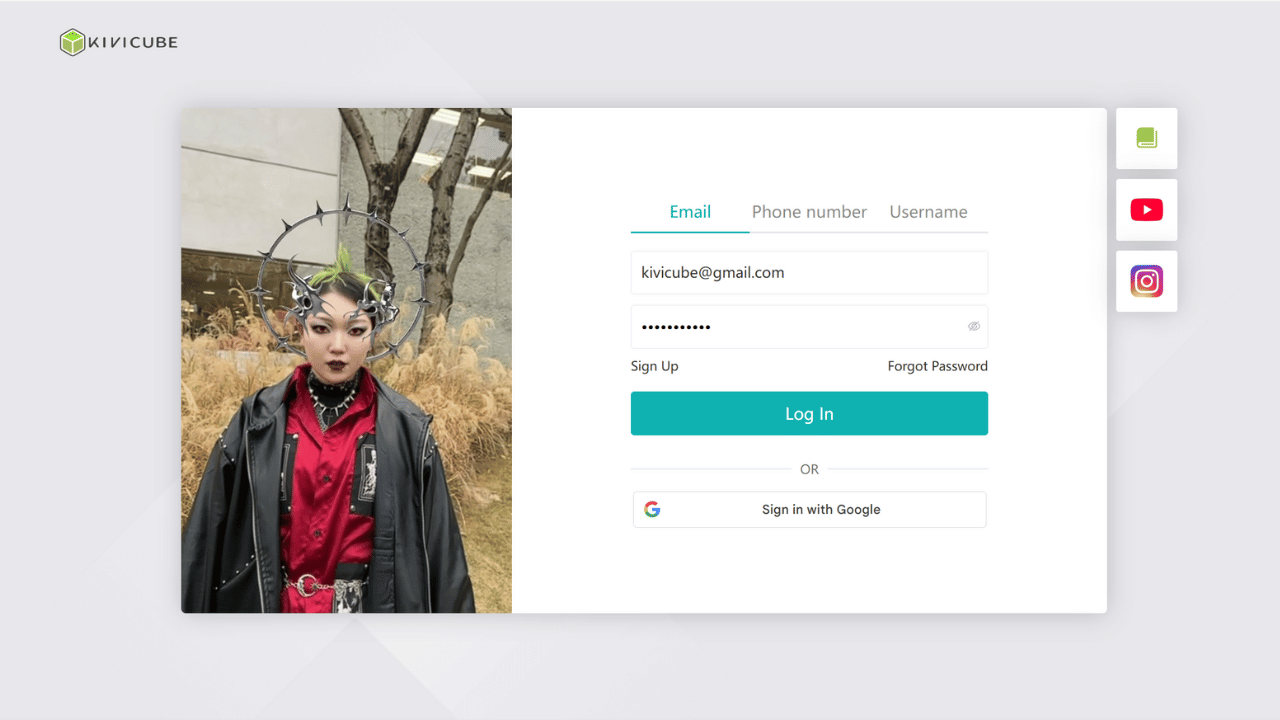
Step 2 — Pick a template (Face AR, Image AR, SLAM, etc.).
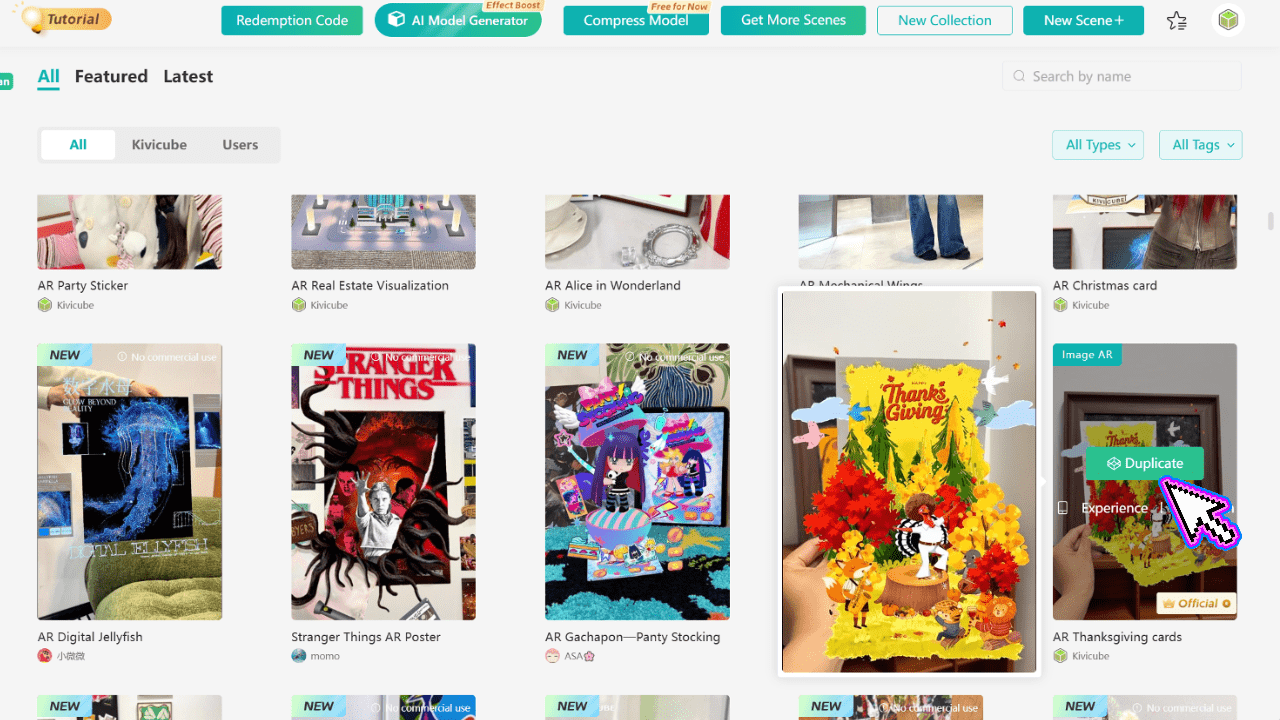
Step 3 — Upload your 3D models, images, or videos.
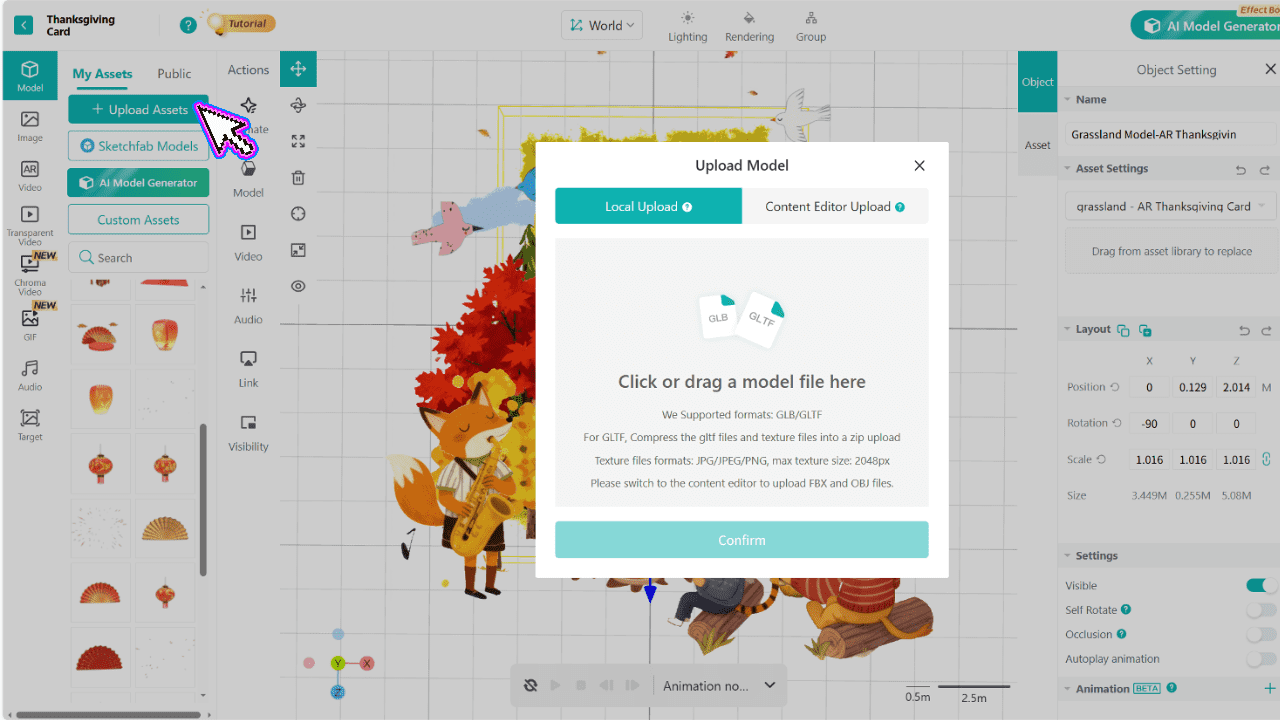
Step 4 — Configure interactions visually in the editor.
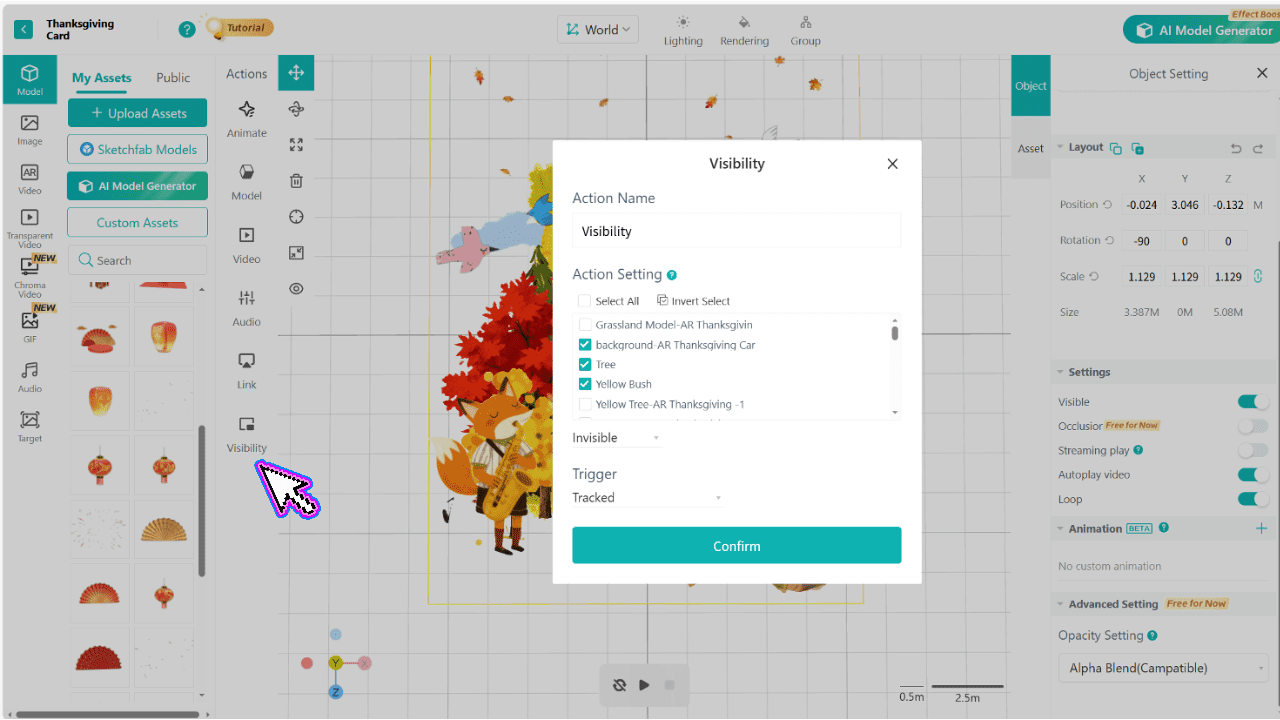
Step 5 — Publish & share instantly via a browser link or QR code.
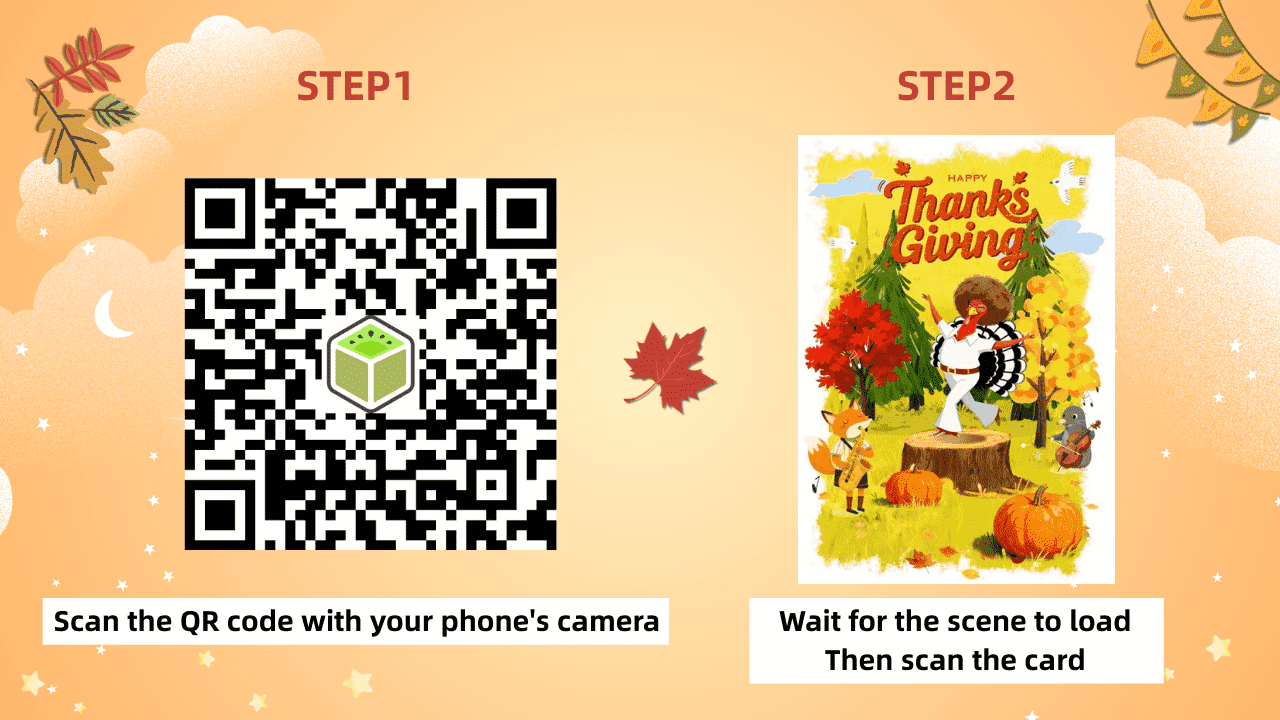
AR Thanksgiving Card Creator: A Tutorial
No local servers, no app packaging, no complex deployment pipelines. You can go from zero to a live WebAR experience in under an hour.
Conclusion: The Future of WebAR is Accessible
8th Wall’s closure isn’t the end of WebAR—it’s an evolution. The future belongs to platforms that are both technically robust and genuinely creator-friendly.
For teams that value browser-based delivery, cross-platform reach, and streamlined workflows, the path forward is clear. Kivicube represents this new generation: no-code where possible, extensible where needed, and built entirely for the open web.
Don’t just replace your toolkit—upgrade it.
👉 Sign up for Kivicube Free and launch your first post-8th Wall WebAR experience today. No risk, just results.