Augmented Reality in Education: How WebAR Is Transforming Learning Experiences
Discover how augmented reality in education is evolving with WebAR. Learn how no-code platforms like Kivicube help educators create interactive AR learning experiences—no app required.
Augmented Reality in Education Is No Longer a “Nice to Have”
For years, educators have been told that technology would “transform learning.” In reality, many classrooms saw little change. Screens replaced paper, slides replaced blackboards — but the learning experience itself often stayed the same.
That’s starting to shift.
Augmented reality in education is gaining real traction not because it’s flashy, but because it finally solves a long-standing problem: helping students understand, not just memorize. By layering digital content onto the real world, AR allows learners to see abstract ideas, explore complex systems, and interact with knowledge in ways that textbooks alone never could.
More importantly, recent advances in WebAR have removed one of the biggest barriers to adoption. AR no longer requires expensive devices, complex software, or app downloads. Today, students can access immersive learning experiences directly through a browser — instantly, and on devices they already use.That shift is what’s making AR practical for real classrooms, not just pilot programs.
Why Augmented Reality Matters in Education
Education is gradually moving away from passive learning models. Reading, listening, and watching still matter — but on their own, they’re often not enough to keep students engaged or help them retain information long-term.
Augmented reality changes the role of the learner.
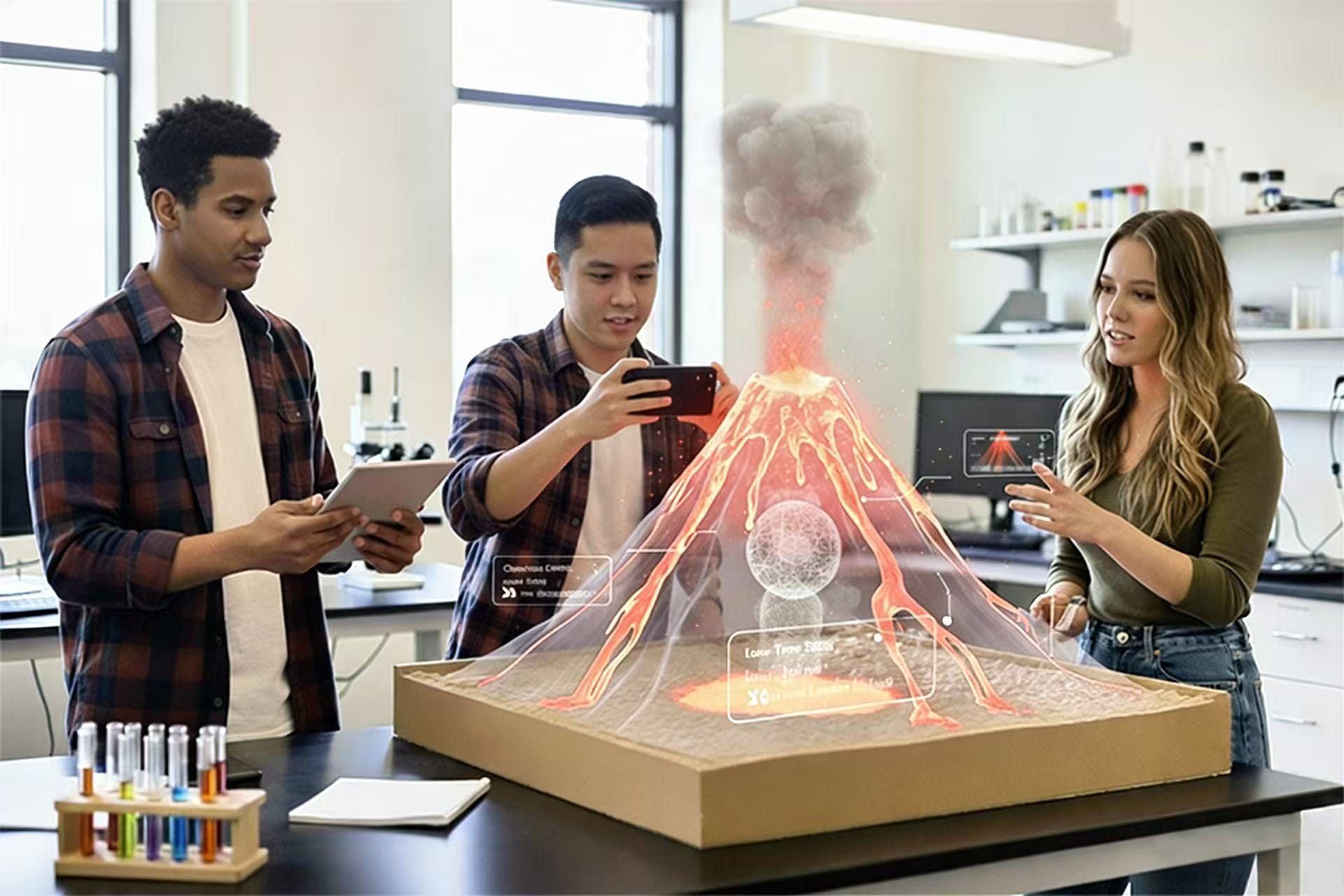
Instead of asking students to imagine how something works, AR lets them see it, move it, and explore it. A biology concept becomes a 3D structure floating above a desk. A historical site becomes a space students can walk around and examine. Learning becomes something you do, not something that happens to you.
What makes AR especially valuable in education is how naturally it supports curiosity. When students can interact with content, questions come faster. Discussions last longer. And lessons tend to stick.
As schools look for ways to support deeper understanding — not just higher test scores — AR is becoming less of an experiment and more of a practical teaching tool.
The Main Challenges of Traditional Learning — and How AR Helps
1.Low Engagement in the Classroom
Let’s be honest: attention is hard to hold. Even motivated students struggle to stay focused when learning feels repetitive or disconnected from the real world.
Augmented reality introduces an element of discovery. When a lesson includes an AR experience, students don’t just watch — they lean in. They scan, tap, rotate, and explore. That sense of interaction turns learning into something active, which naturally increases motivation and participation.
2.Abstract Concepts Are Difficult to Visualize
Many subjects rely heavily on imagination. Molecular structures, historical architecture, astronomical systems — these are hard to grasp through text and flat images alone.
AR bridges that gap by placing abstract concepts into physical space. Students can observe how parts relate to each other, understand scale and structure, and explore details from multiple angles. When learners can see how something works, comprehension comes faster and lasts longer.
3.Screen Fatigue from Passive Digital Learning
Digital education often replaces one passive format with another: videos instead of lectures, slides instead of books. While helpful, this can still lead to screen fatigue.
AR shifts the experience from consumption to interaction. Students don’t just stare at a screen — they use it as a window into their environment. That change alone makes learning feel lighter, more engaging, and less exhausting.
Common Educational Use Cases for AR
3D Models for Science & Biology
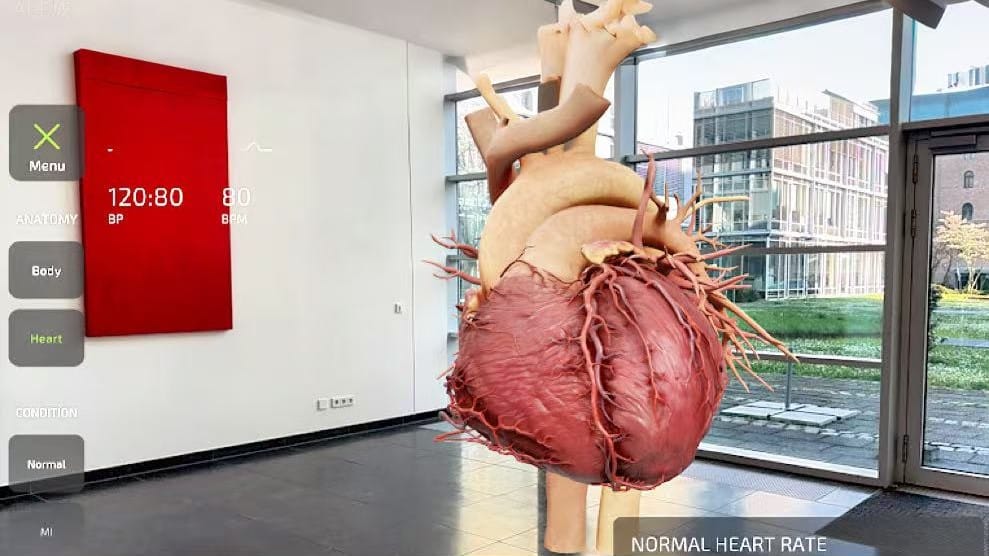
Example: Exploring the Human Heart
Instead of relying on flat textbook diagrams, students scan a printed image or QR code to view a 3D heart model in AR. They can rotate it, zoom in, and highlight specific parts like valves or arteries.
Why it works:
- Makes invisible or microscopic concepts visible
- Helps students understand spatial relationships
- Supports visual and hands-on learners
Historical Reconstructions
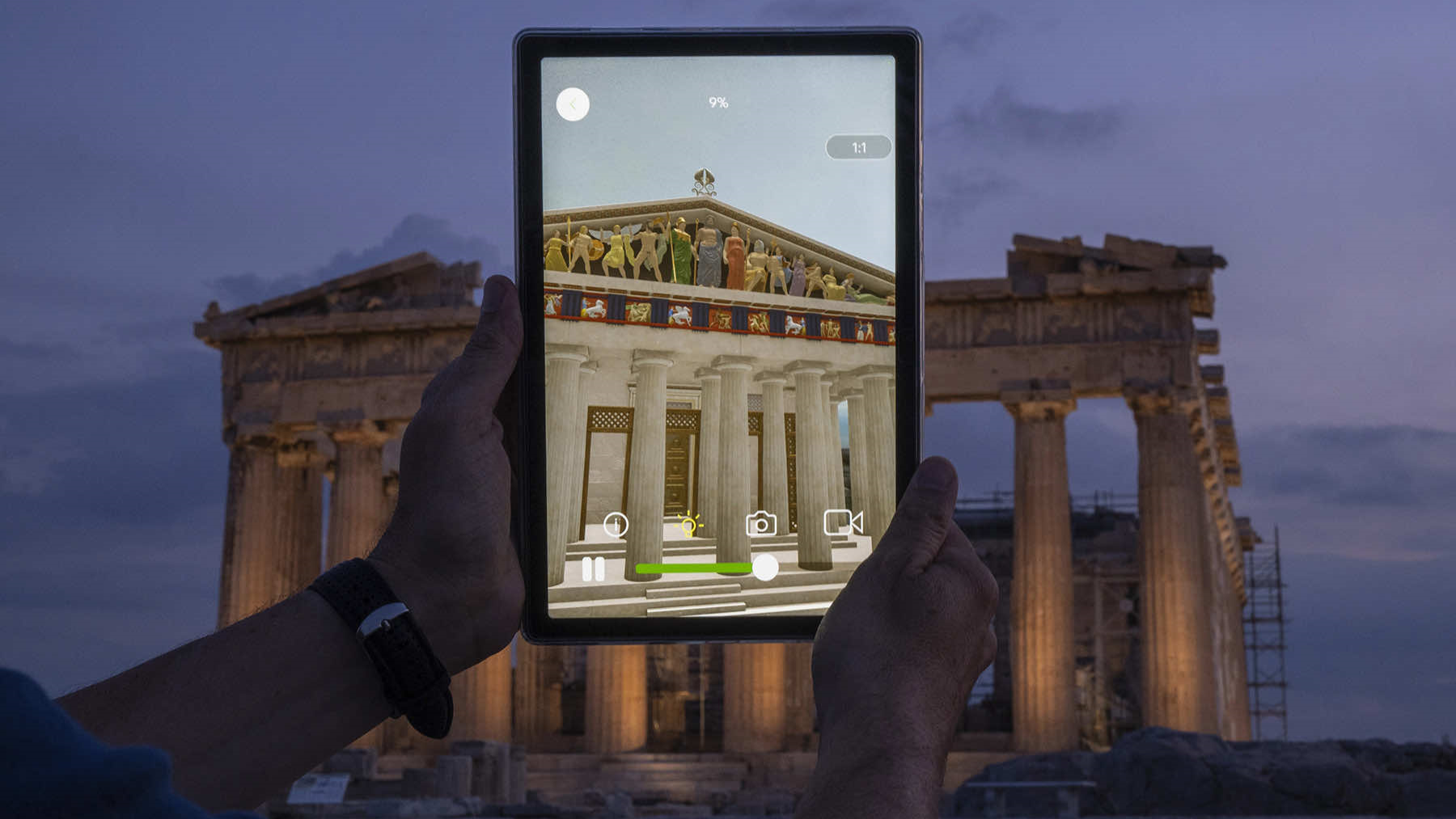
Example: Ancient Architecture in AR
By scanning a textbook image, students can see a 3D reconstruction of ancient Rome, the Great Wall, or Egyptian temples appear on their desk. They can walk around the structure and explore it from different angles.
Why it works:
- Turns history into an immersive experience
- Helps students understand scale, space, and context
- Improves emotional engagement and retention
Art & Creative Subjects
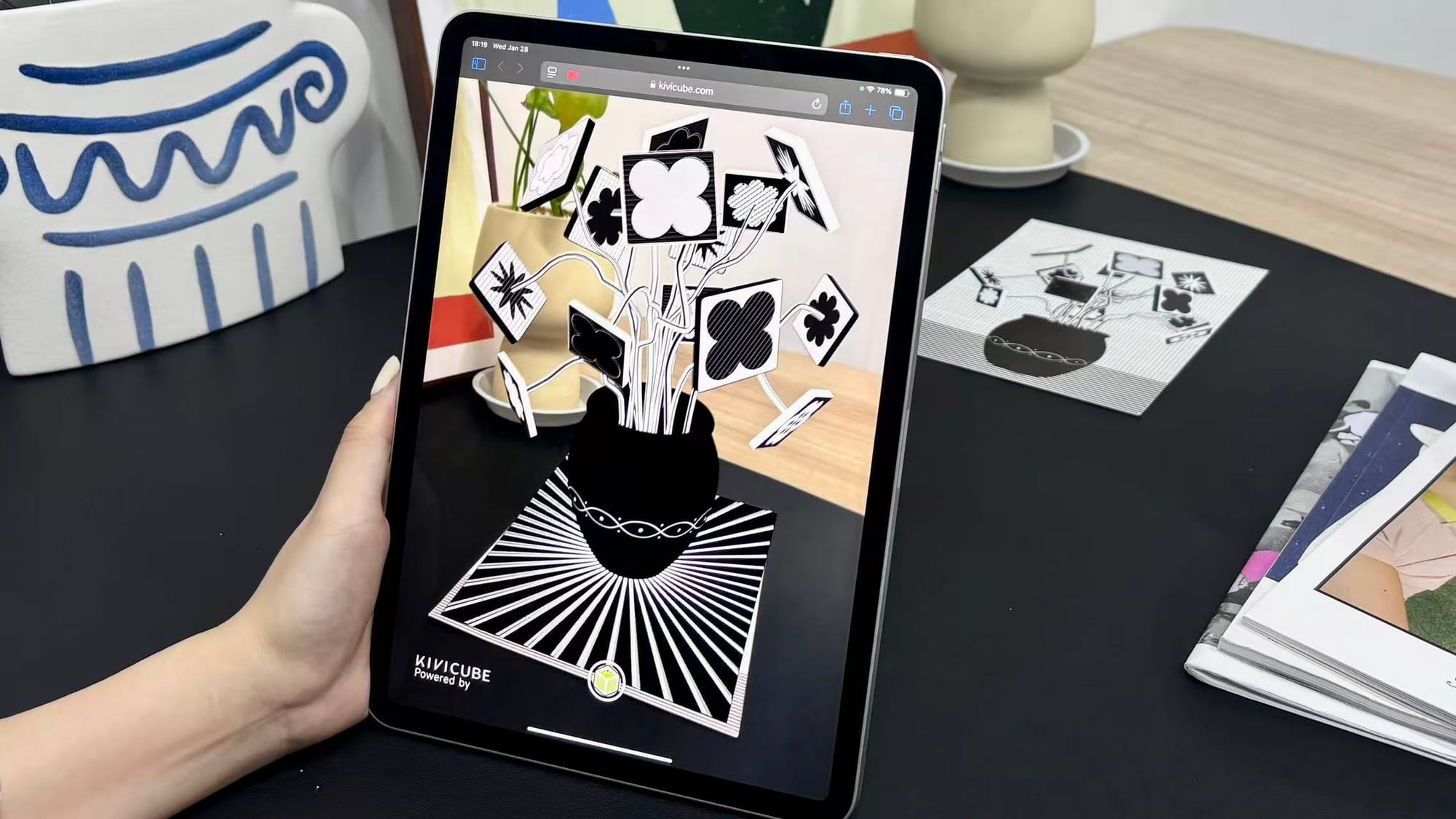
Example: Interactive Student Exhibitions
Students scan their artwork—or their classmates’ projects—to reveal AR animations, 3D elements, or artist statements. Hallways and classrooms become interactive galleries.
Why it works:
- Encourages creativity and experimentation
- Connects traditional art with digital media
- Gives students new ways to present and reflect on their work
Interactive Textbooks
Example: AR-Enhanced Printed Books
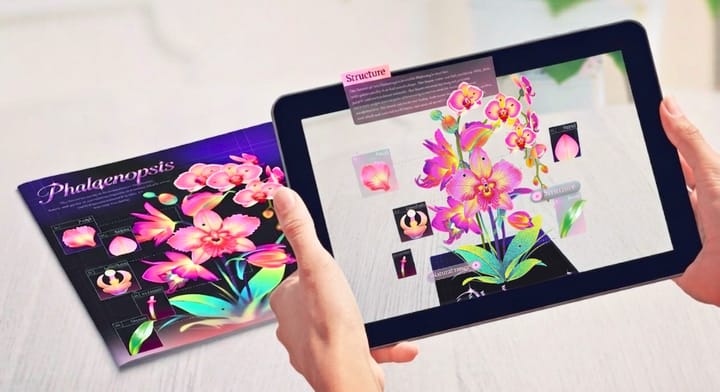
Printed textbooks come to life when students scan images to unlock videos, animations, 3D objects, or quizzes. A single page can deliver far more information without cluttering the layout.
Why it works:
- Extends the value of printed materials
- Supports independent and blended learning
- Reduces reliance on heavy apps or software

The Problem with Traditional AR in Education
While AR offers clear benefits, traditional AR solutions often come with challenges—especially in schools.
Common pain points include:
- Mandatory app downloads that slow adoption
- Device compatibility issues
- High development and maintenance costs
- Limited technical skills among educators
- IT restrictions within schools
This is where WebAR changes the game.
What Is WebAR—and Why It’s Ideal for Education
What Is WebAR?
WebAR allows AR experiences to run directly in a web browser. Students simply tap a link or scan a QR code—no app download required.
Why WebAR Works Better for Schools
- Easy access for students
- Works across most devices
- Faster to deploy in classrooms
- Simple to share via links or QR codes
- Lower technical and IT barriers
For education, WebAR removes friction and makes AR practical at scale.
No-Code AR Platforms Make AR Accessible to Educators
Most educators don’t have coding or 3D modeling experience—and they shouldn’t need it.
No-code WebAR platforms solve this problem by offering visual editors, ready-made templates, and asset libraries. Teachers can focus on teaching, not technical setup.
This is why no-code AR tools are becoming essential in modern education.
How Kivicube Supports Augmented Reality in Education
Kivicube is a no-code WebAR platform designed to make AR creation accessible for educators and creators.
Types of AR Scenes Supported by Kivicube
Key features include:
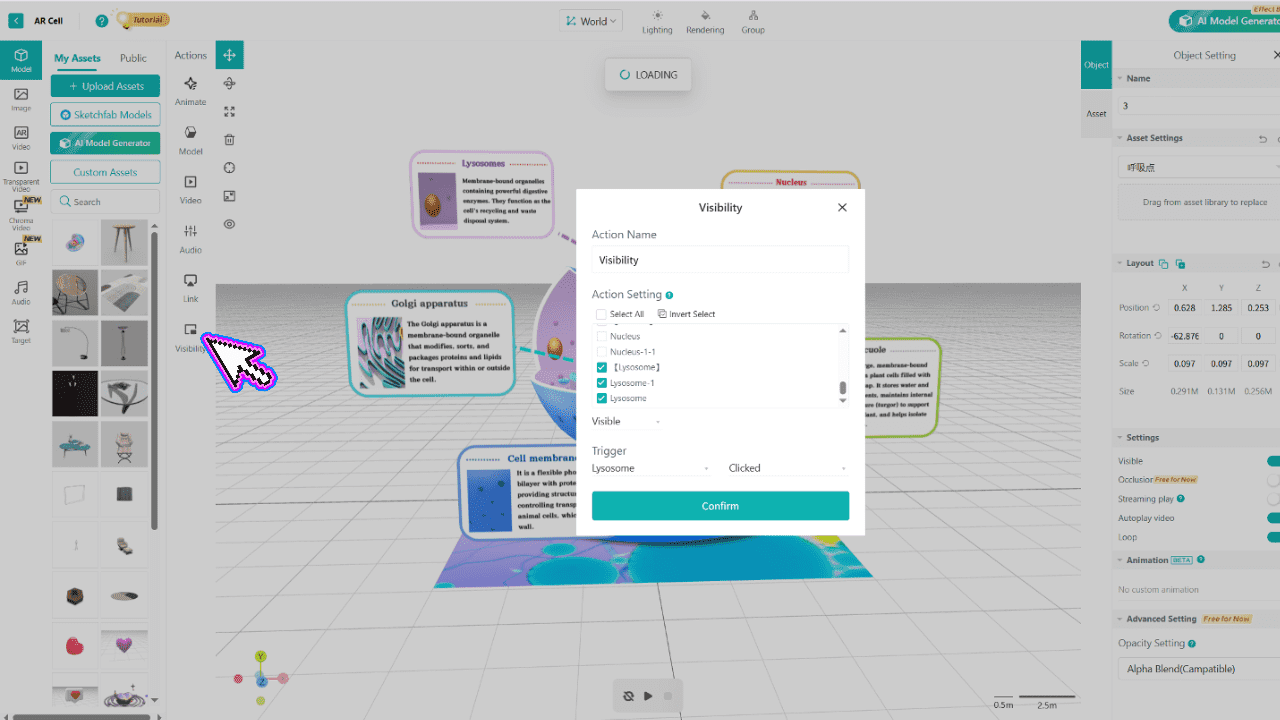
Visual, no-code editor
Create AR scenes using simple drag-and-drop tools—no programming required.
Web-based AR experiences
All AR content runs directly in the browser. Students don’t need to download any apps.
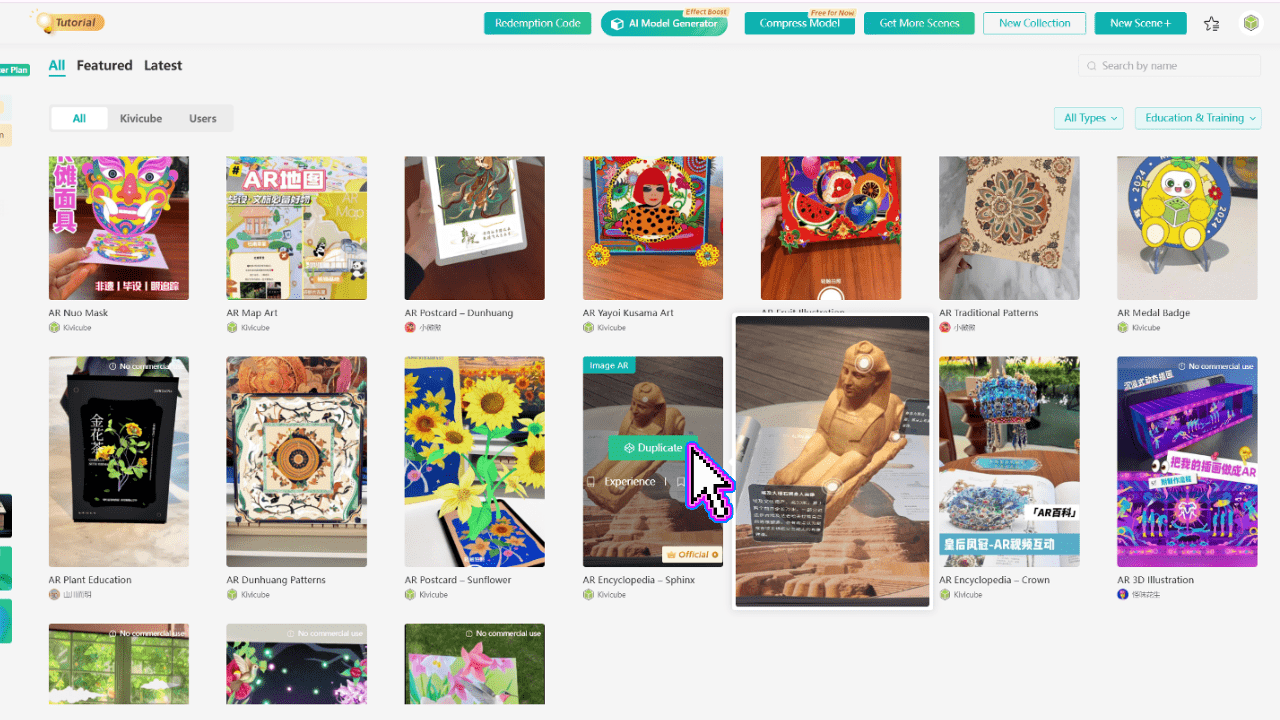
Education-friendly templates
Choose from templates designed for education and learning scenarios, then replace assets to create your own experience.
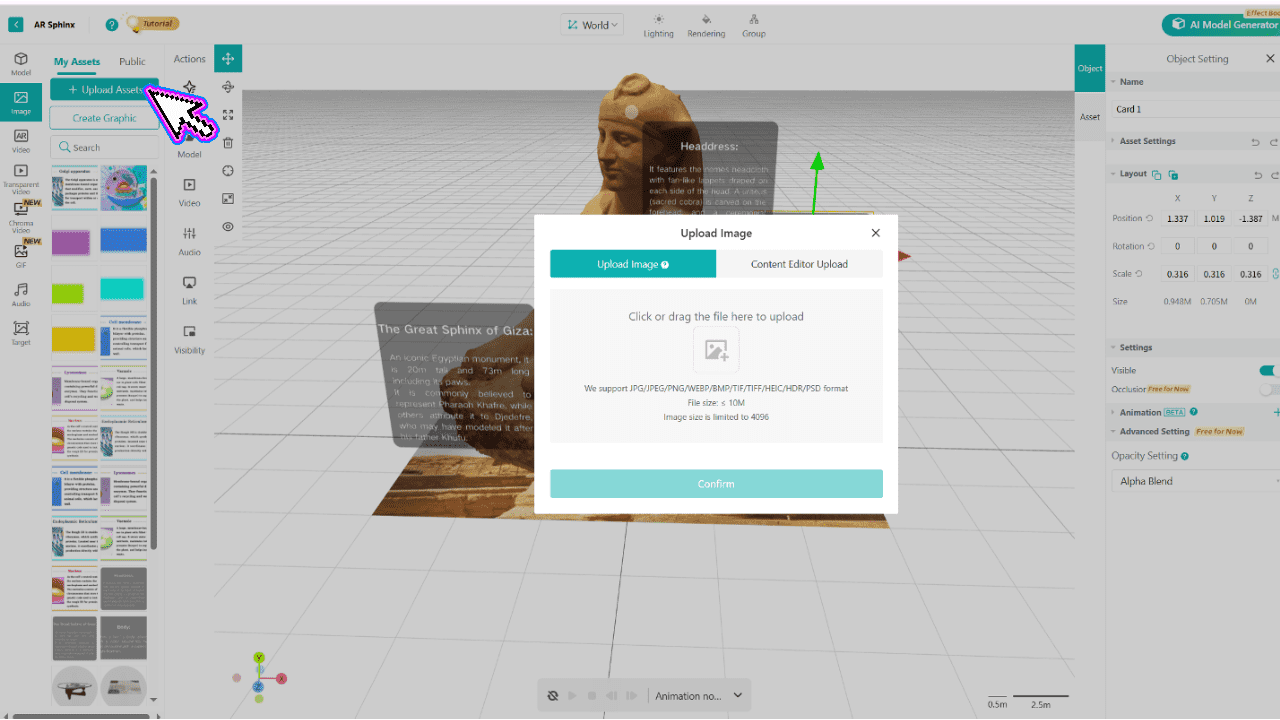
Extensive asset library
Access over 100,000 built-in assets, including images, videos, effects, and 3D models. AI-powered model generation is also available for faster content creation.
Real Educational Use Cases Built with WebAR
Educators are already using Kivicube across a wide range of learning scenarios.
Art and creative education
Teachers bring student artwork into the real world, adding animation and interaction to traditional painting and design classes.
Museum and exhibition learning
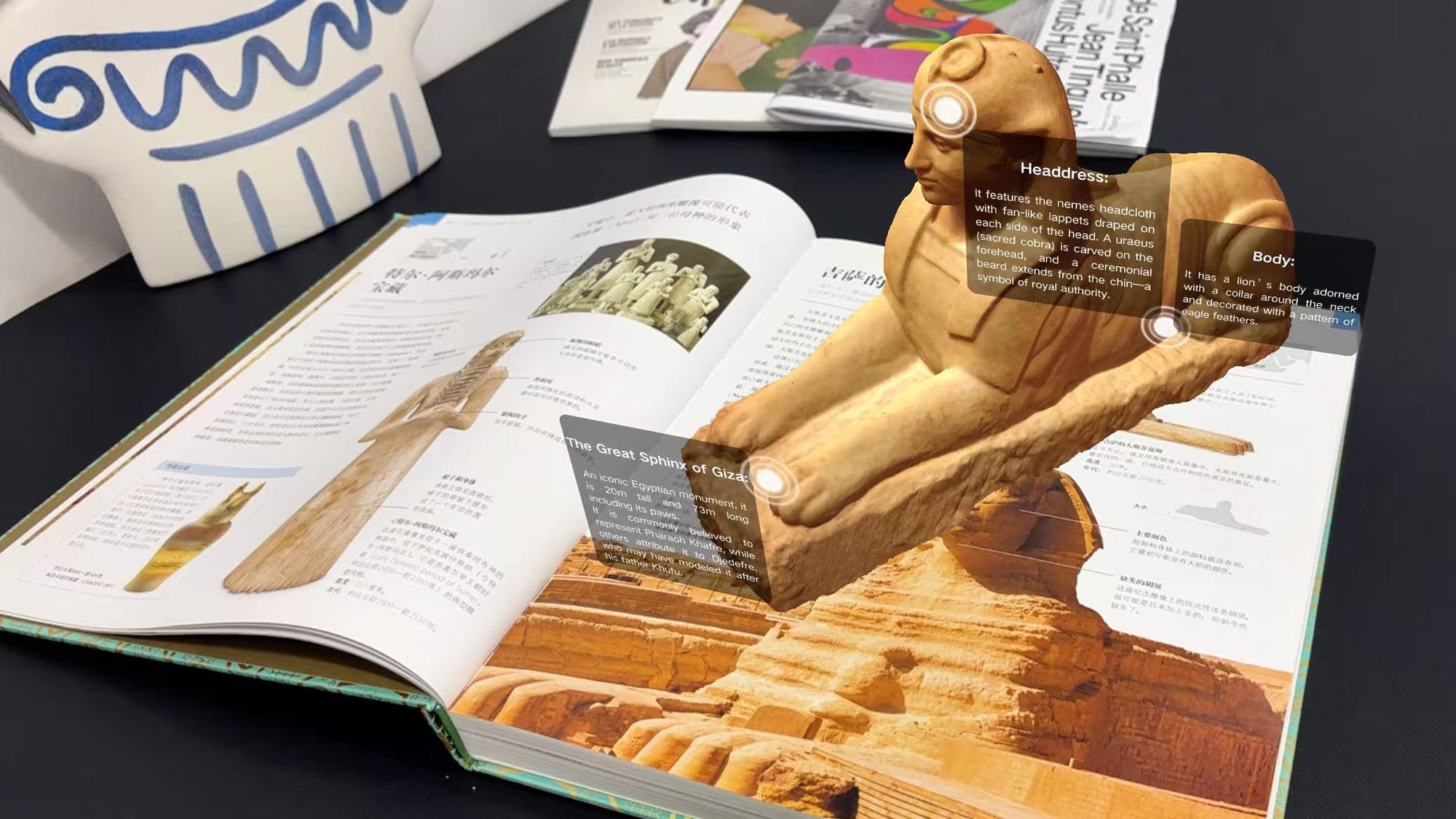
Students explore historical artifacts—such as the Sphinx—in AR, interacting with visual stories and data to better understand cultural context.
AR textbooks
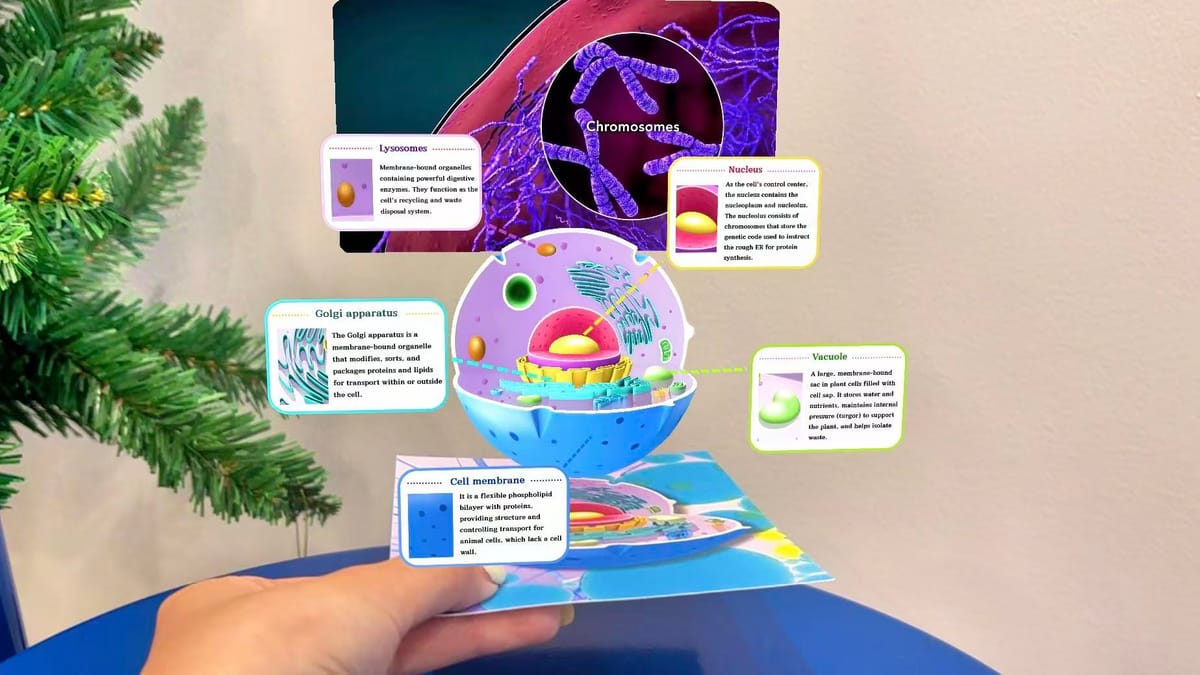
Biology textbooks enhanced with AR allow students to scan pages and explore detailed, 3D sectional models of cell structures, improving comprehension and retention.
How Educators Can Get Started with WebAR
Creating your first educational WebAR experience takes just a few steps:
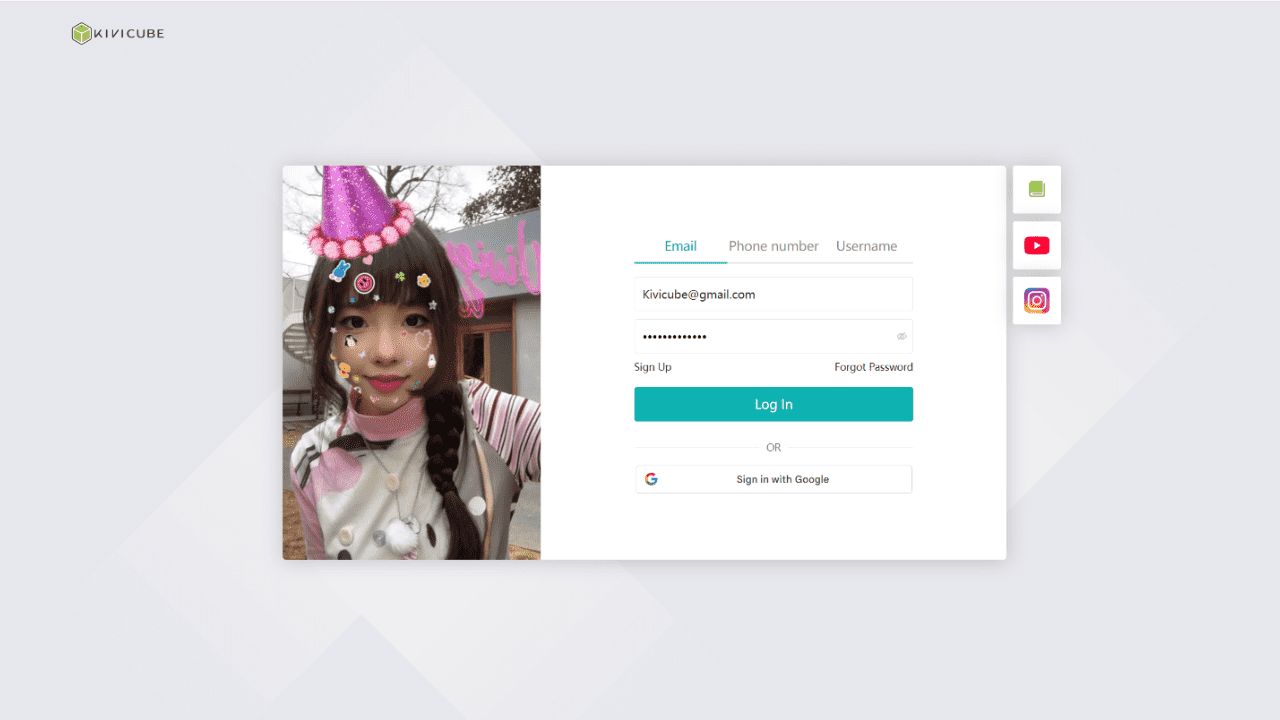
Step 1 — Create a free Kivicube account
Step 2 — Choose an education-focused template
Step 3 — Upload your own assets or use the built-in library
Step 4 — Configure interactions visually in the editor
Step 5 — Publish and share via link or QR code
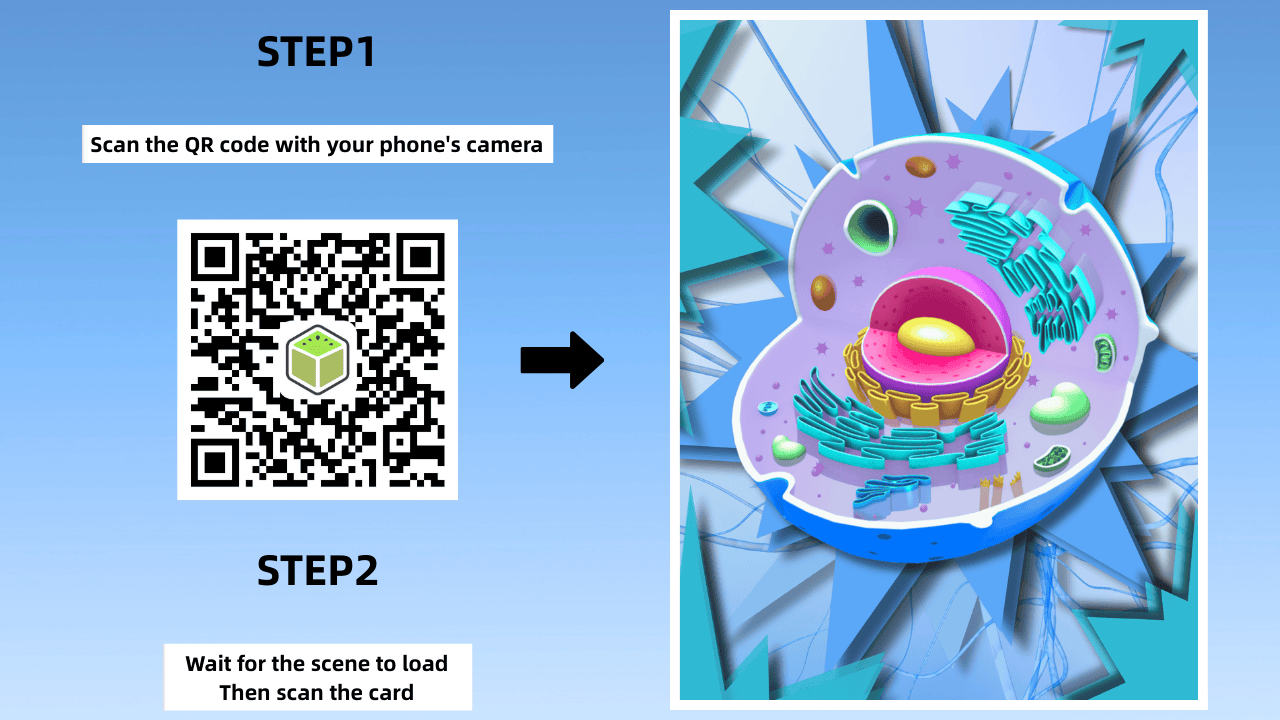
No prior AR experience is required.
Interested in our AR Learning Card case? Explore the full tutorial here: How to Create an Interactive AR Card for AR Learning
The Future of Augmented Reality in Education
AR + AI
AI-generated models and assets are making educational content easier to create than ever. Combined with no-code WebAR platforms, AR production is becoming faster and more accessible.
Personalized learning
As AR creation becomes more efficient, educators can design tailored learning experiences for different student needs.
Web-based immersive education
With no app downloads required, WebAR is paving the way for broader adoption of AR in classrooms, museums, and remote learning environments.
Choosing the Right AR Platform for Education
If you’re exploring augmented reality in education, starting with a no-code WebAR platform like Kivicube makes the journey easier and more scalable.
Ready to bring your lessons to life?
Create your first WebAR learning experience with Kivicube—no code required.