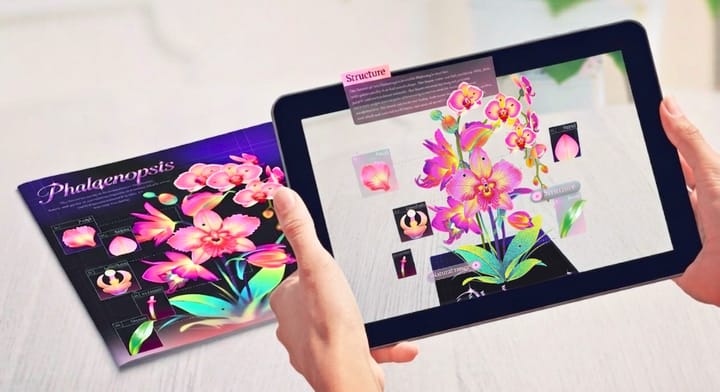
Web Augmented Reality: Your 2026 Guide to WebAR
A quick guide to WebAR: what it is, how it works, why brands love it, and how you can start creating WebAR project right from the browser.

Augmented Reality isn’t just about apps anymore. Over the past few years, Web Augmented Reality (WebAR) has quietly become one of the fastest-growing ways for brands, educators, and creators to deliver immersive experiences — without making people download a thing. Yup, just a URL or a QR code and boom, AR pops up right in your mobile browser.
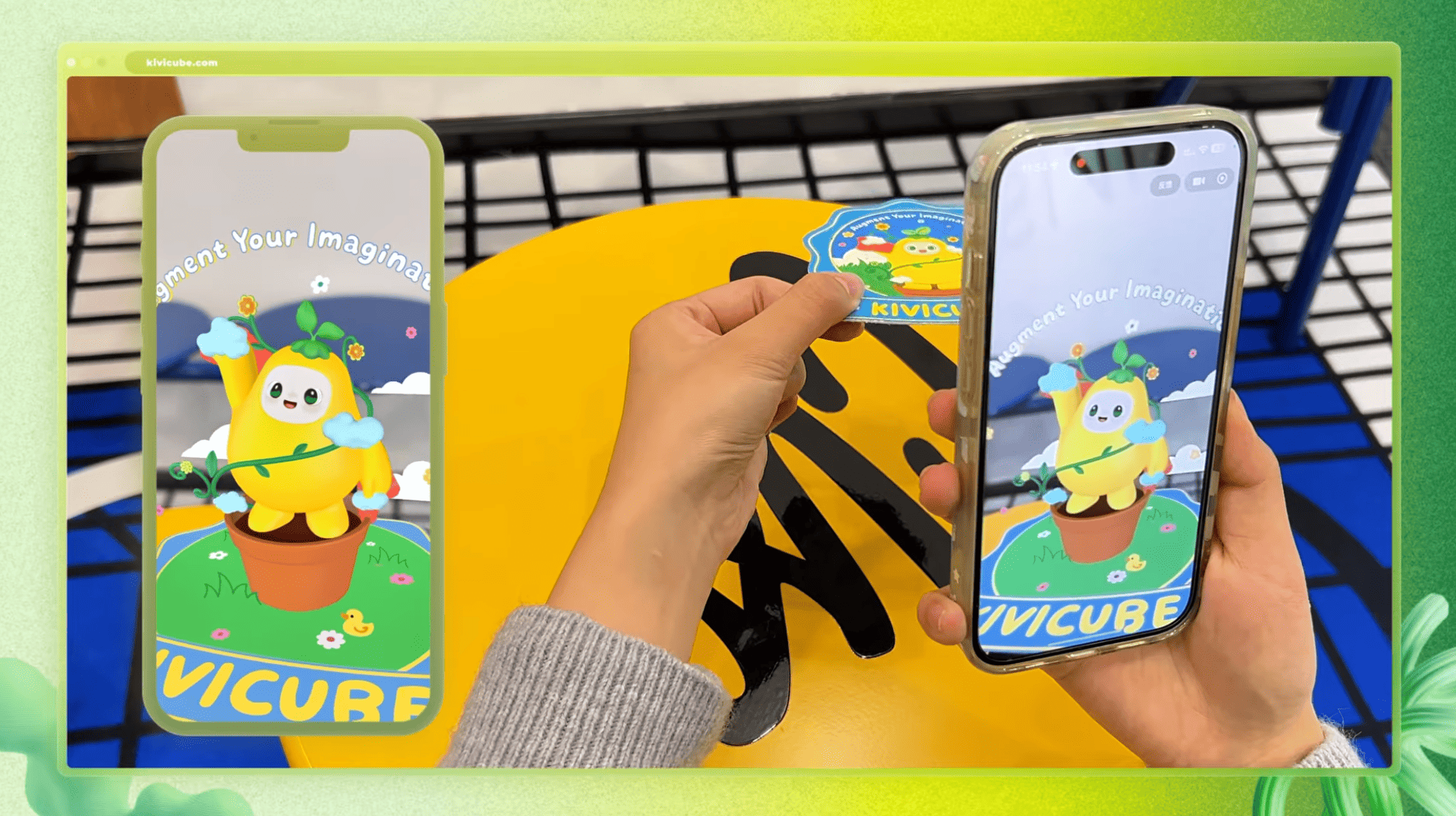
In this guide, we’ll break down what WebAR actually is, how it works, where it shines, the top tools you can use, and what the future might hold. Whether you’re a marketer, a designer, a teacher, or someone building products, this is your starting point.
What is Web Augmented Reality
WebAR is just AR you can access straight from your browser — think Safari, Chrome, or Samsung Internet. No apps needed. Traditional AR? You had to download a whole app, which often meant people gave up before even trying it. WebAR skips all that hassle:
● Click a link
● Scan a QR code
● Instantly see the AR
That simplicity is exactly why WebAR has blown up in marketing, retail, education, and entertainment.
WebAR vs. App-Based AR
Feature |
WebAR |
App-Based AR |
Download needed |
❌ No |
✔️ Yes |
Time to launch |
Instant |
Slow |
Sharing |
Easy (URL/QR) |
Trickier |
Performance |
Moderate–High |
Highest |
Best for |
Marketing, retail, light AR |
Complex, high-fidelity AR |
For most campaigns, getting people in fast matters way more than squeezing out top-notch performance — which is why WebAR is often the go-to.
How does WebAR actually work?
It’s basically a cocktail of browser tech:
● WebGL / WebGPU → renders the 3D stuff
● WebXR → lets the browser use the camera and track motion
● JavaScript libraries → handle interactions
● Cloud engines → keep everything stable
Under the hood, WebAR is a mix of browser technologies. WebGL or WebGPU handles the 3D graphics, while WebXR gives the browser access to your camera and tracks motion. JavaScript libraries make interactions possible, and cloud engines keep everything stable even when devices are less powerful.
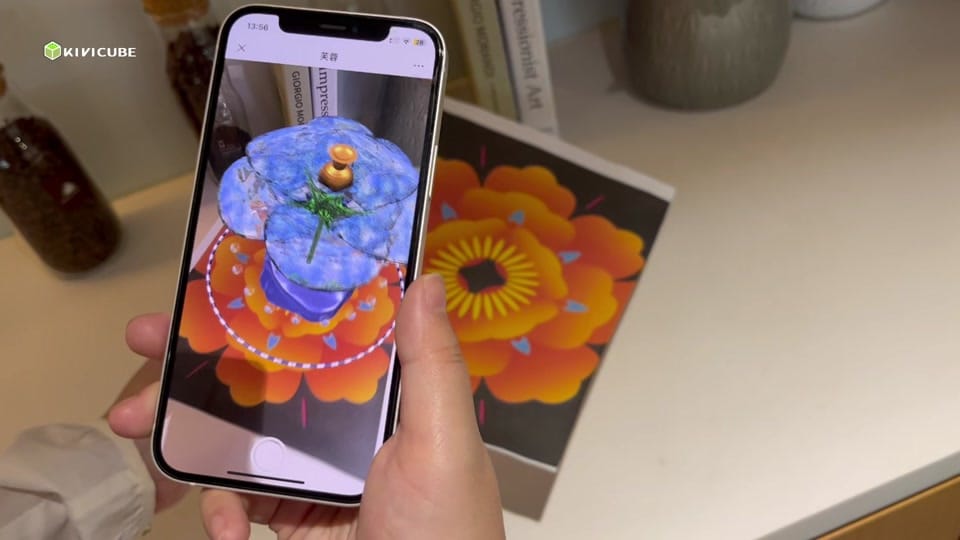
Most modern phones can handle WebAR fine, though performance varies a bit. That’s why the big WebAR platforms spend time optimizing tracking and compatibility so even mid-range devices won’t glitch out.
Why WebAR rocks
1. No app download
Seriously, this is huge. Studies show almost 80% of people drop off if they have to download an app first. WebAR just skips that drama.
2. More engagement & conversions
People try things out instantly, share them, and are more likely to buy — especially for products they can “try” virtually.
3. Works on pretty much anything
iOS, Android, even some desktops — your AR works almost everywhere.
4. Easy for creators
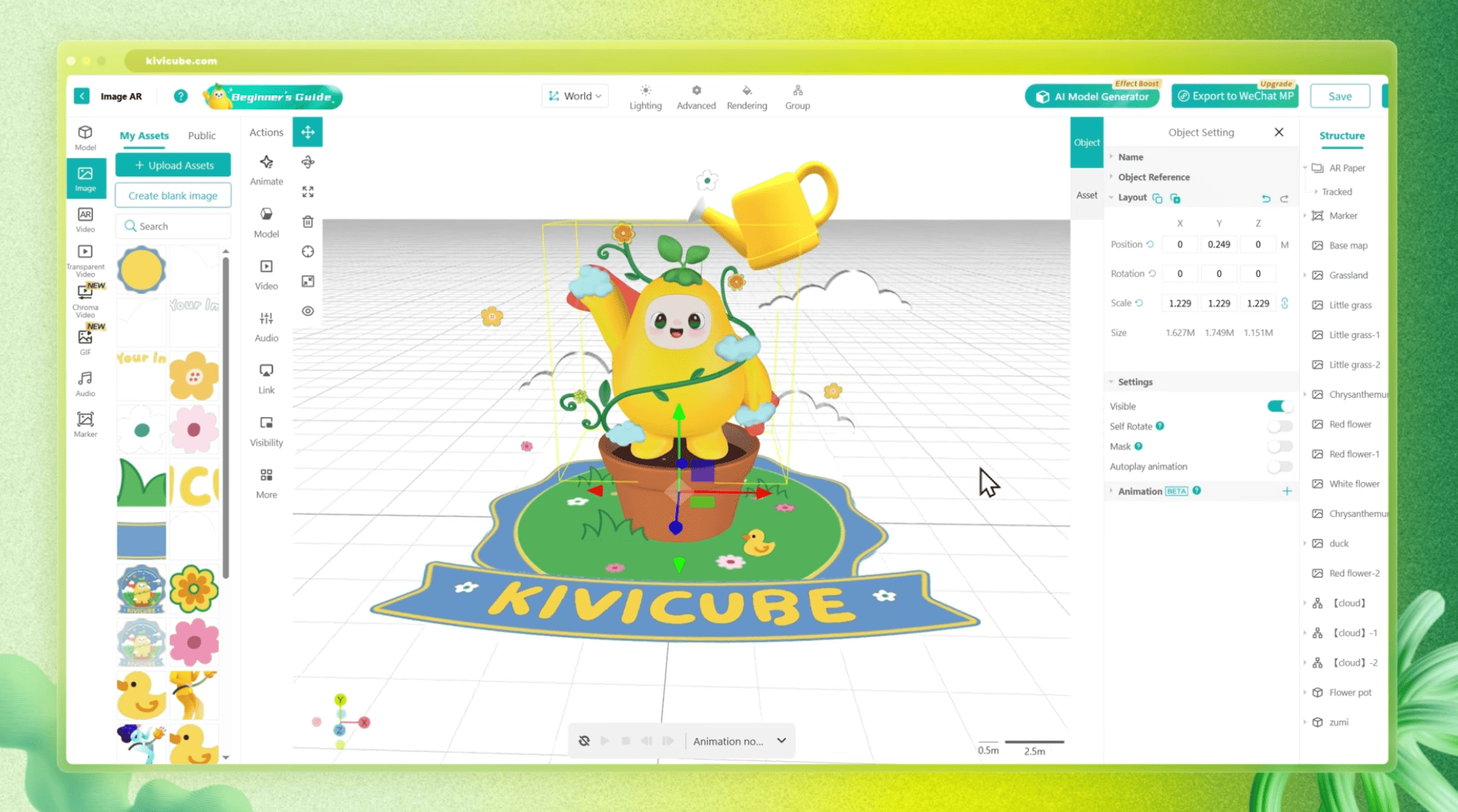
No coding? No problem. Tools like Kivicube let you drag, drop, tweak, and launch.
5. Super shareable
Links, QR codes, emails, SMS, social media — all fair game. Your AR can spread like wildfire.
6. Analytics-friendly
Track views, interactions, dwell time, conversions. Adjust and improve campaigns on the fly.
Where WebAR shines in the real world
WebAR is showing up in industries you might not expect. In retail, it’s transforming online shopping. Imagine trying on a pair of glasses, checking how a sofa fits in your living room, or seeing a watch in its real color and size — all without installing an app. Shoppers feel more confident, and brands see fewer returns.
Marketing and advertising teams are jumping on WebAR too. From interactive posters and AR face filters to gamified product launches, these experiences often outperform traditional digital campaigns in terms of engagement.
In education, WebAR is quietly revolutionizing learning. Students can explore 3D science models, dive into historical scenes, or follow step-by-step technical tutorials without the hassle of installing software.
Events and exhibitions are also benefiting. Museums can add AR layers to exhibits, trade shows can turn booths into interactive experiences, and visitors only need to scan a code to unlock extra content. Similarly, packaging is becoming interactive: scan a box to play a mini-game, watch a tutorial, or enjoy a virtual unboxing.
Even tourism and cultural heritage projects are taking advantage. Landmarks, sculptures, and traditional crafts can come to life with AR, turning passive sightseeing into something engaging and memorable.
Top WebAR platforms today
Choosing the right platform really comes down to what you’re building. 8th Wall used to be the top choice for polished, commercial-grade AR — with world tracking, face effects, and impressive photorealistic rendering — but the platform officially shut down in 2026. These days, creators often lean toward alternatives.

Zappar and ZapWorks remain solid picks, especially for agencies, thanks to their dependable tracking and well-designed editor, though their free tiers are still pretty limited.

For beginners or educators, Kivicube is simple and intuitive, though it doesn’t have all the advanced bells and whistles. On the other hand, it is perfect for no-coding creators and marketers: drag-and-drop editor, huge assets library, tons of templates, and easy custom animations make it approachable. The trade-off is that complex scripting may require cloud integration.

For developers wanting something free, AR.js is lightweight and open-source, though features are basic. Niantic Lightship WebAR shines in large-scale, location-based projects, but it does need technical know-how.
Making your first WebAR (no coding needed!)
Start by choosing the right platform. If you prefer a no-code workflow, tools like Kivicube, Artivive, or ZapWorks are solid options. If you need something more advanced, Niantic used to be a go-to through 8th Wall — though 8th Wall officially shut down in 2026.
Once your platform is set, gather your assets: 3D models, images, videos, audio, and any UI elements you’ll need.
Building interactions is easier than it sounds. Drag-and-drop editors let you add animations, trigger events, and create simple tap interactions or buttons. Once that’s done, test your AR across devices — check tracking, loading speed, lighting, and browser quirks.
Publishing is straightforward. Most platforms generate a URL and QR code, which you can share in social posts, emails, packaging, or ads. Finally, keep an eye on analytics: views, interactions, completion rates, and device types all give insights for tweaks and improvements.
Real-life WebAR success stories
Beauty and fashion brands are using AR try-ons to boost shopper confidence — and now, many are extending that same approach to image-based AR on packaging.
With instant browser access, far more people engage with products compared to traditional app-based AR. A quick scan of a box or label can trigger product tutorials, or animated effects, making even simple packaging feel interactive.
Big names like Ingka, Loewe and Nike have launched WebAR campaigns on packaging or out-of-home ads. The result? More shares, repeat engagement, and measurable impact.
Cities and museums are bringing culture and landmarks to life. Visitors can interact with historical sites or traditional crafts, turning passive experiences into something memorable. In these cases, engagement is longer, time-on-page is higher, and campaign ROI improves noticeably.
WebAR Trends for 2026 and beyond
AI-generated AR content is starting to pop up, letting creators automatically generate 3D models, animations, and layouts. Spatial commerce is another hot trend, blending virtual try-ons with real-time recommendations. WebGPU support is making photorealistic 3D a reality in browsers, while no-code tools like Kivicube are lowering the barrier for everyone.
Picking the right platform for you
Start by thinking about your experience level: no coding? Stick to Kivicube, Arloopa, or Artivive. Developer? Try ZapWorks, AR.js, or Lightship. Budget also matters — free options like AR.js exist, affordable tools like Kivicube work for most small teams, and enterprise-level solutions like Zappar are great for big campaigns. Finally, think about complexity: simple marketing AR can rely on no-code editors, but advanced world tracking will need more robust platforms.
Wrapping up
WebAR is hands-down one of the easiest ways to create engaging, interactive experiences. No downloads, effortless sharing, and a growing ecosystem of no-code tools make it perfect for brands, educators, and solo creators alike.
If you’ve been curious about AR, there’s never been a better time to jump in. The barriers are gone, and the creative playground is enormous. Experiment, play around, and see what you can build — you might be surprised at what’s possible.