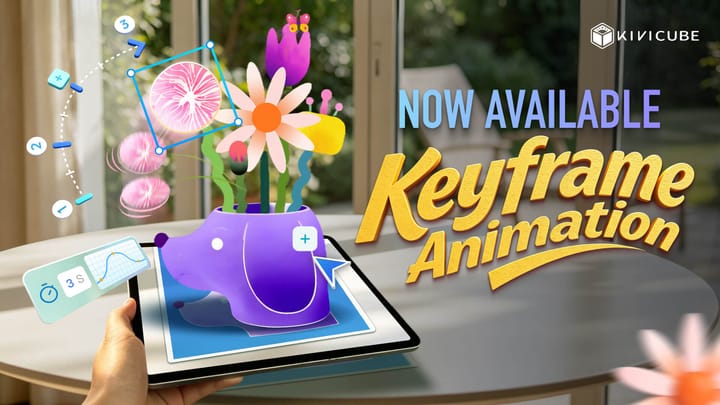
Kivicube Major Update: Meet Kivi AI for Seamless 3D & AR Content Creation
We’re excited to announce a new update for Kivicube! This release introduces a host of practical new features, including a powerful all-in-one AI creation toolkit, enhanced 3D production capabilities, and a fully upgraded AR interaction experience. Whether you’re a new user or an experienced creator, you can now build stunning AR effects faster and more easily than ever.
What’s New in This Update
- KIVI AI is officially launched! Your all-in-one AI creation companion
- AI Model Generation has been significantly upgraded for more realistic results
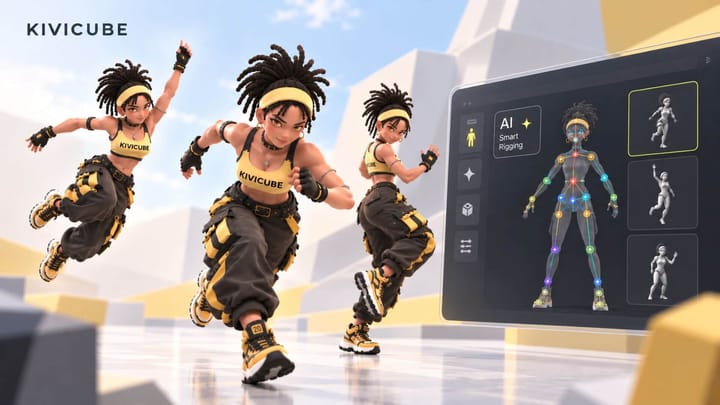
- Body AR scenes now support interactions and animations
- Plus additional improvements to the creation workflow and overall experience
KIVI AI, All-in-one AI Creation Tool
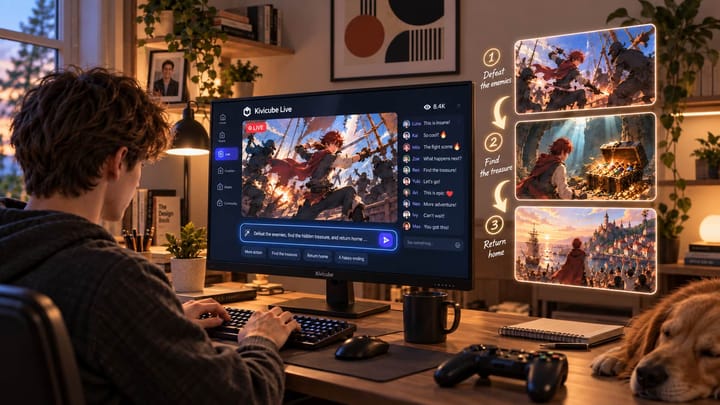
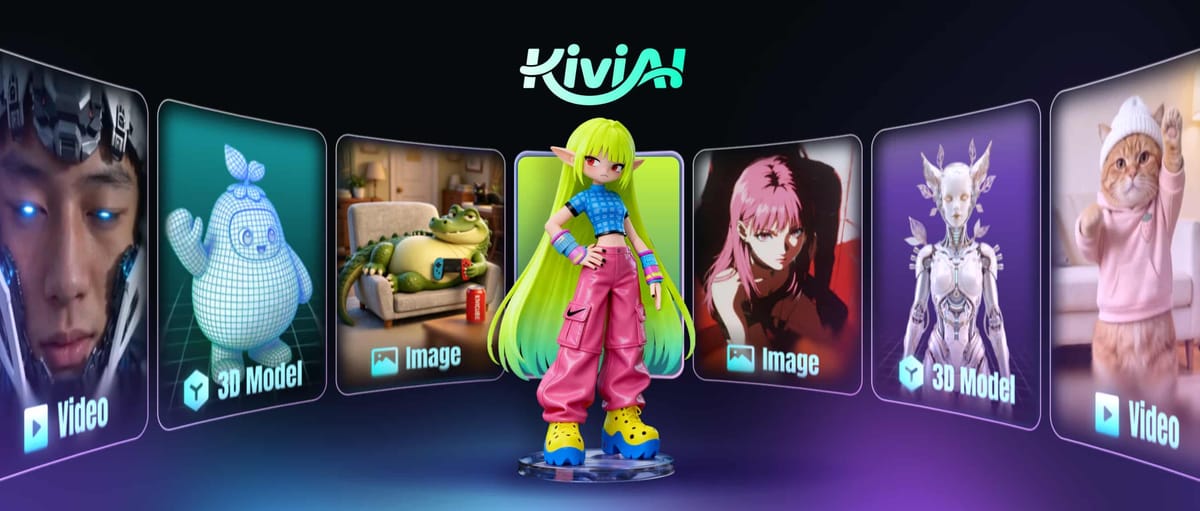
Introducing KIVI AI to free your hands! You will no longer struggle with complex design and effects software or spend time looking up tutorials. Just share your creative ideas with KIVI AI, and it will handle your entire creation process in one stop. It can easily generate images, videos and models, which perfectly fit all your AR creation scenarios.
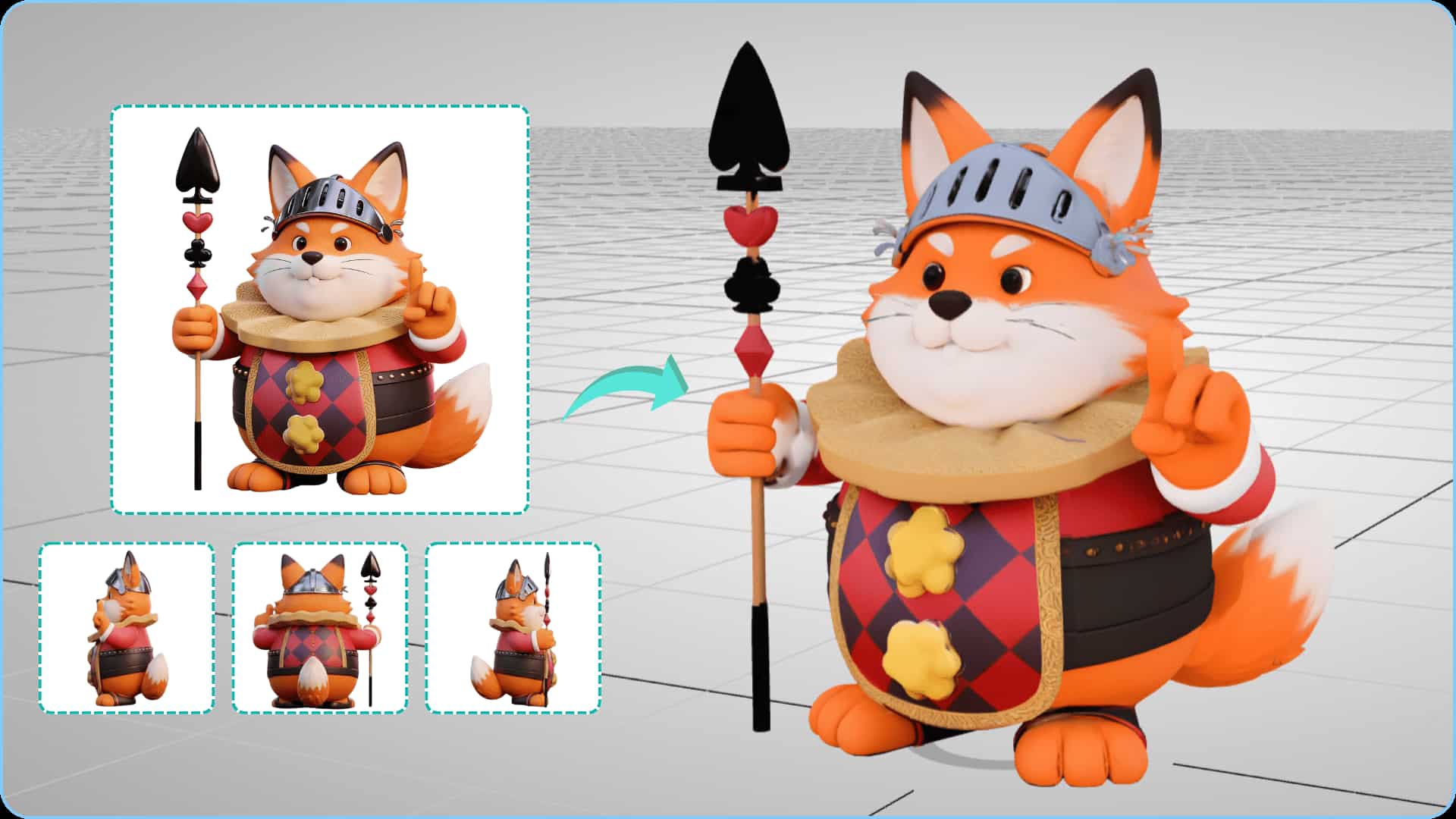
Upgrade to AI Model Generation
AI model generation has received a major upgrade. We’ve introduced two new generation modes, Pro V1 and Pro V2, and further optimized both Standard and Enhanced modes. Newly generated models come with significantly improved accuracy, surface texture and detail fidelity, delivering more refined and realistic results.
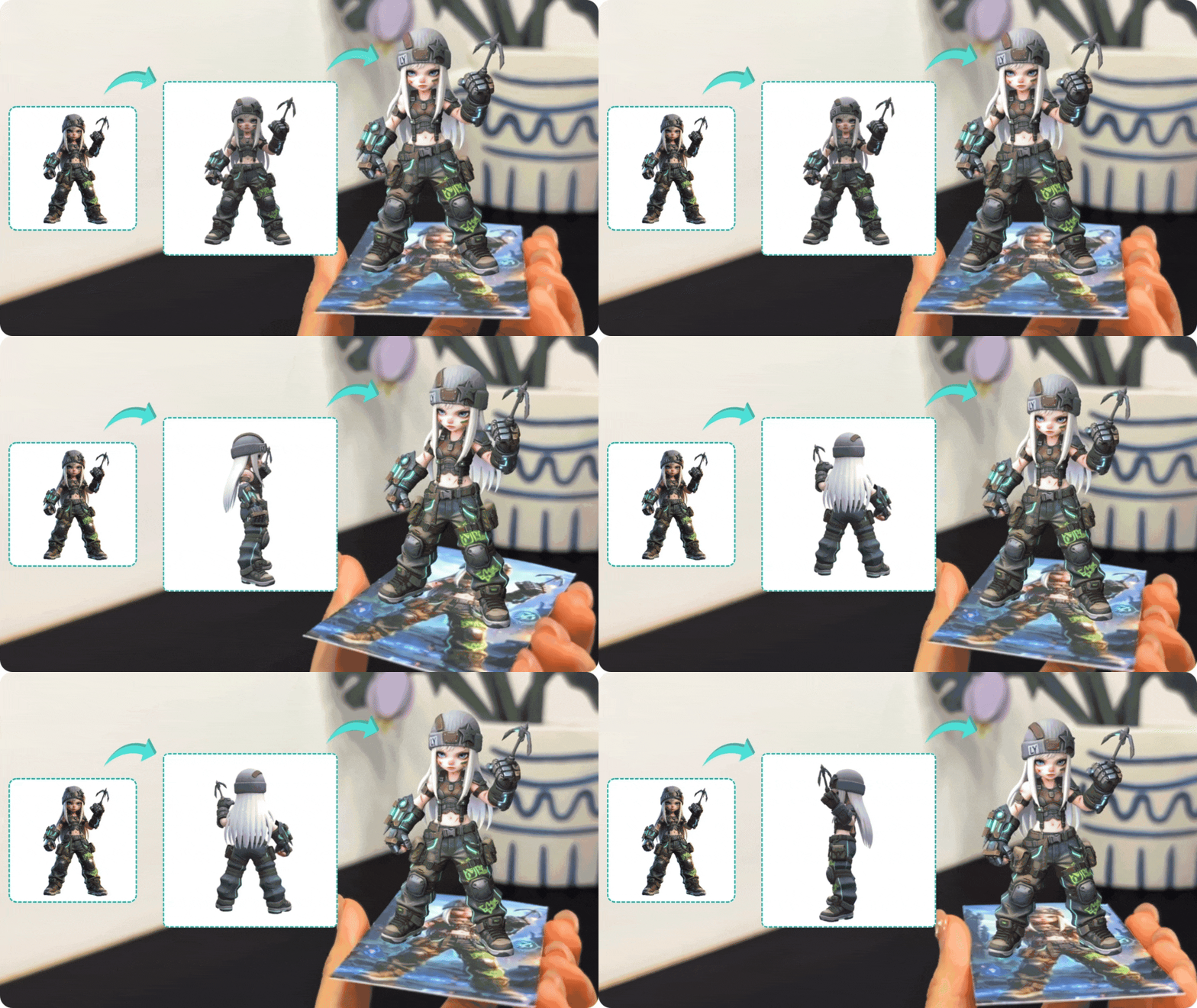
Multi-view model generation has also been added. By generating models from multi-angle inputs, structures become more three-dimensional and proportions more precise. Even complex shapes can be reproduced with ease, greatly boosting both 3D creation efficiency and overall quality.
Check out this tutorial to learn more about using the AI model generation feature in Kivi AI.
From image to 3D to AR| Kivi AI Model Generator Tutorial
AI Video Generation
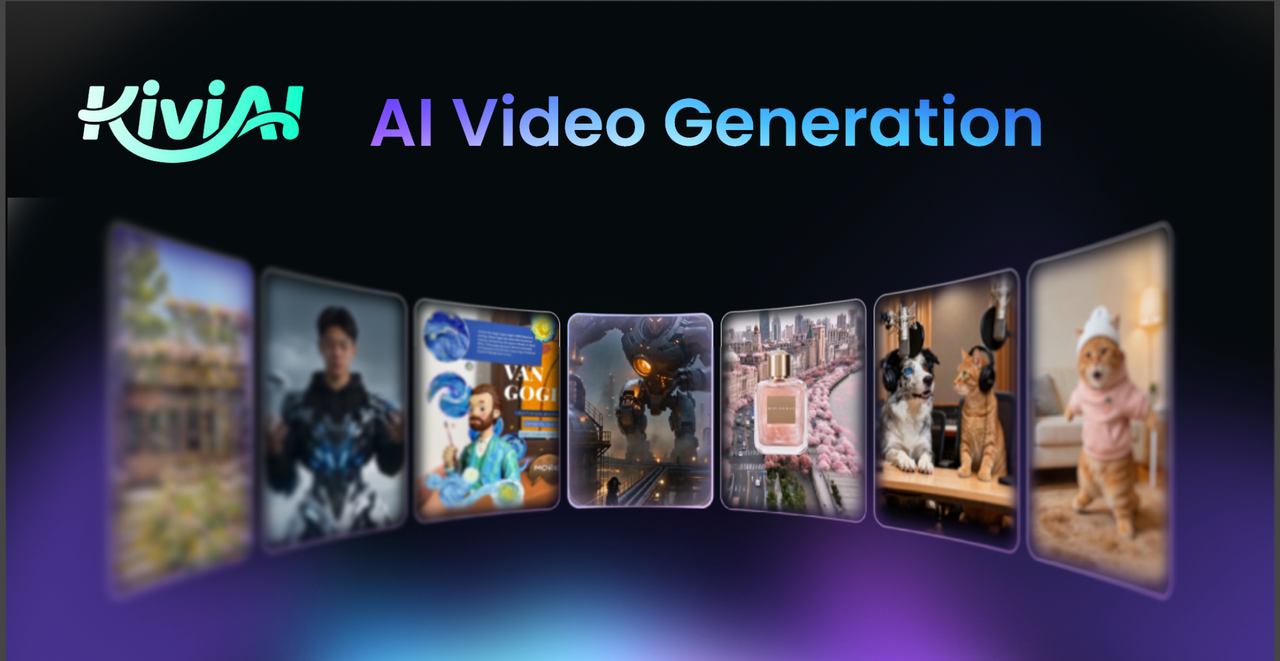
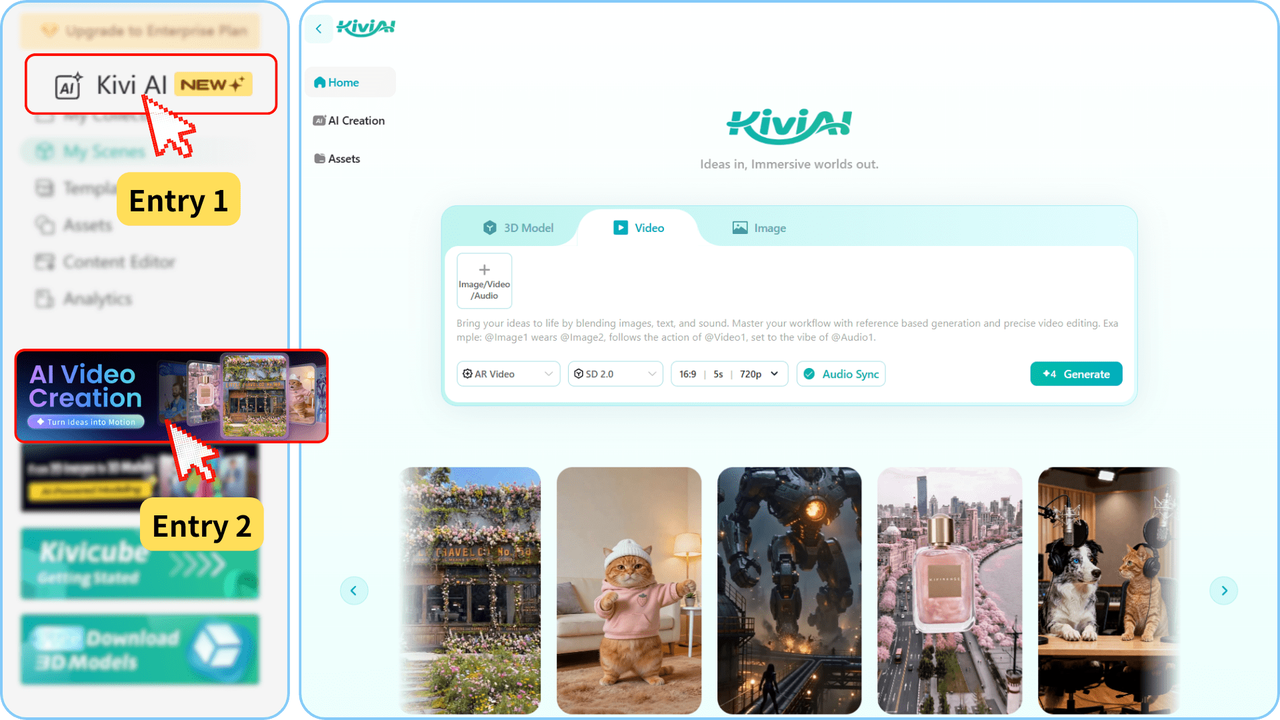
AI Video generation now supports multi-modal input, including images, video, audio, and text, so you can complete your entire creation in one seamless workflow.
No professional skills required. Simply describe your idea to quickly create dynamic videos for ads, product demos, animation, short dramas, and social media content. Generated videos include automatic audio and video sync, consistent character visuals, and smooth, cinematic camera movement with high quality output.
Access AI Video generation directly from the Kivicube sidebar after logging in. Use reference images to shape your style, reference videos to guide motion and camera movement, and audio to set the mood. Add text prompts to complete your creation, then fine tune the video ratio, duration, and quality to fit your needs.
Generated AI videos can be downloaded directly or seamlessly imported into the Kivicube AR editor, so you can complete your entire creation workflow in one go.
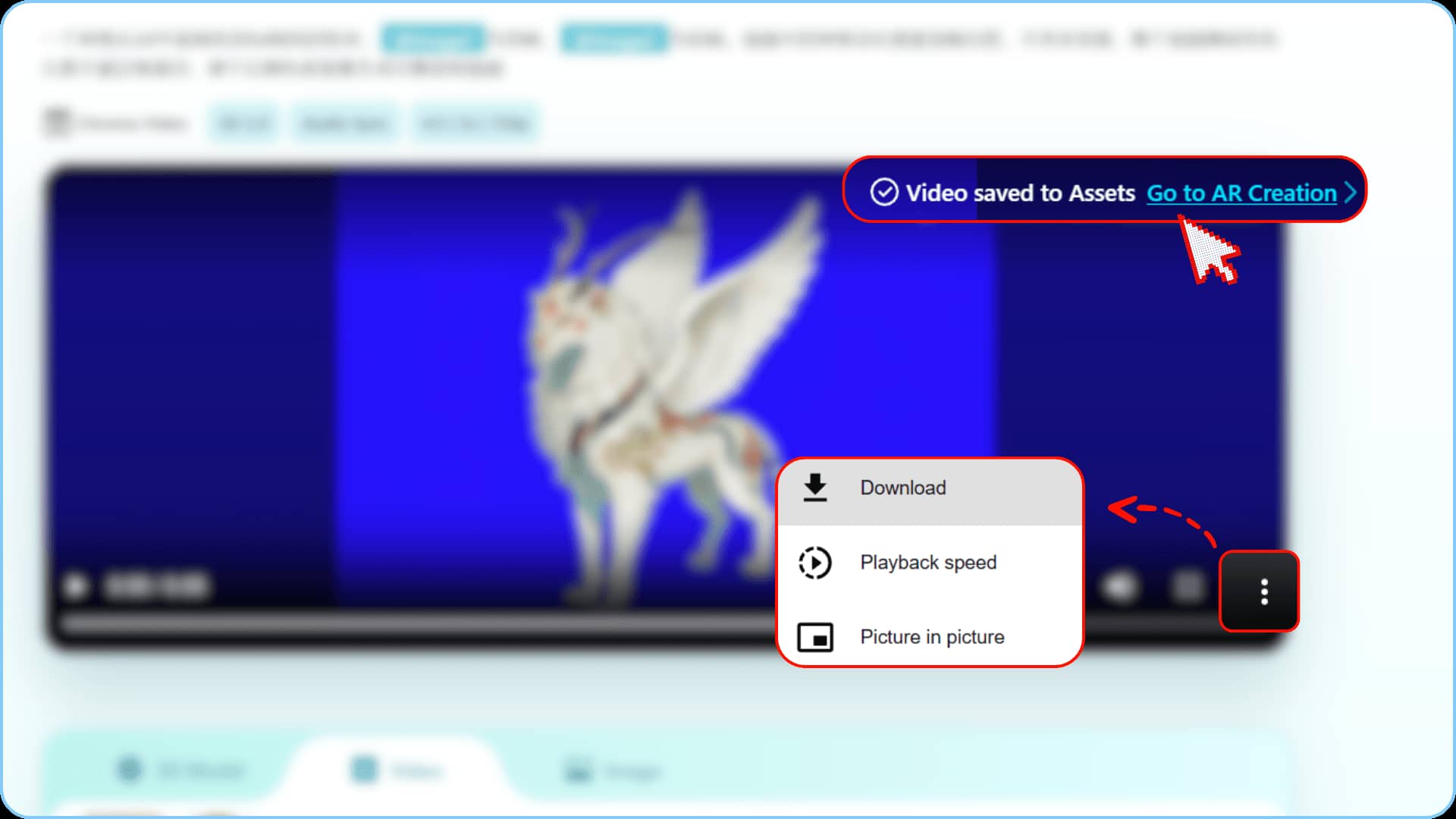
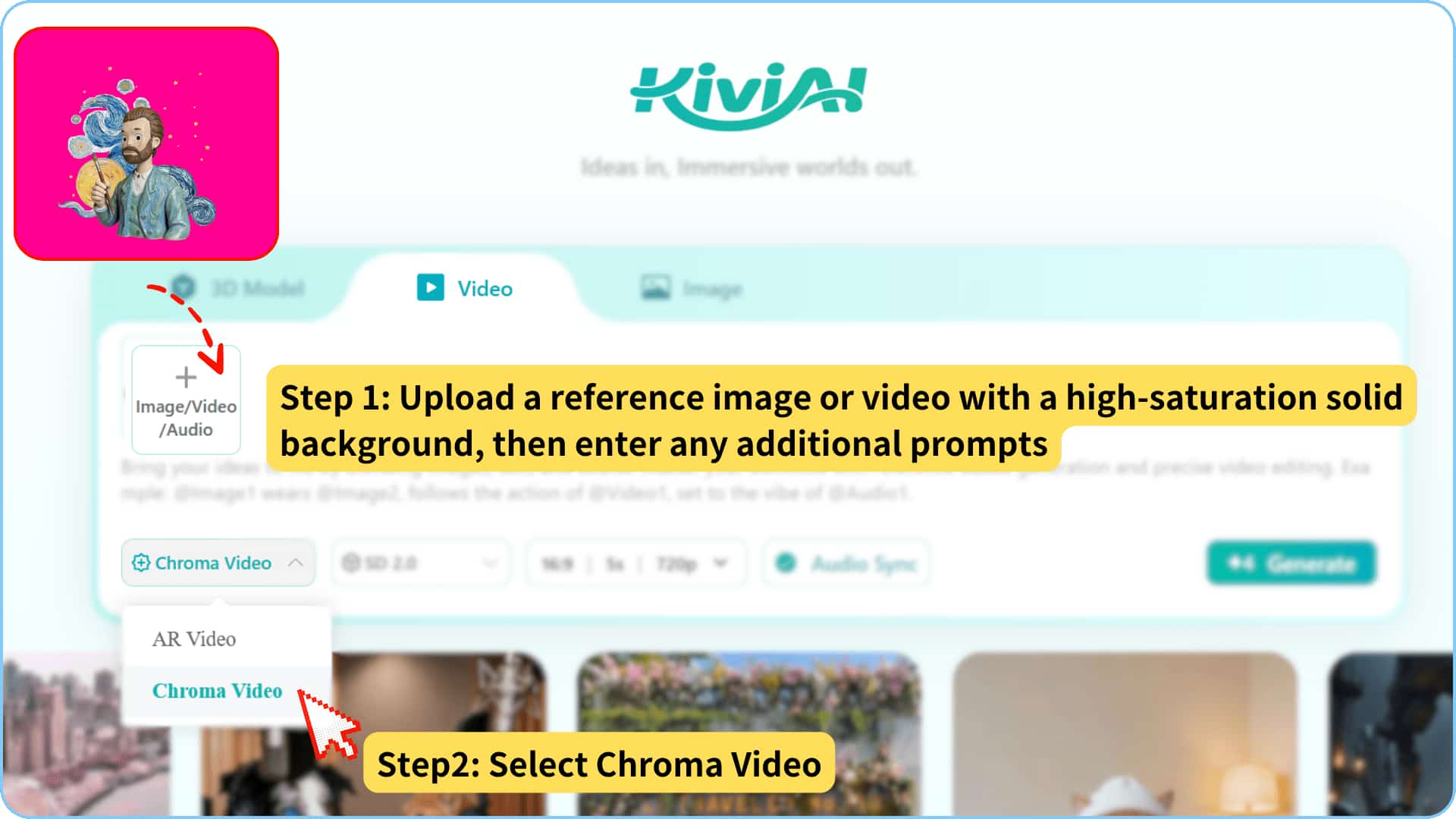
You can also pair it with Kivicube Chroma Video to quickly create videos with transparent backgrounds. Simply upload a bright, solid-colored background image, choose "Chroma Video" during generation, and remove the background in the scene editor for direct use in AR scenes.
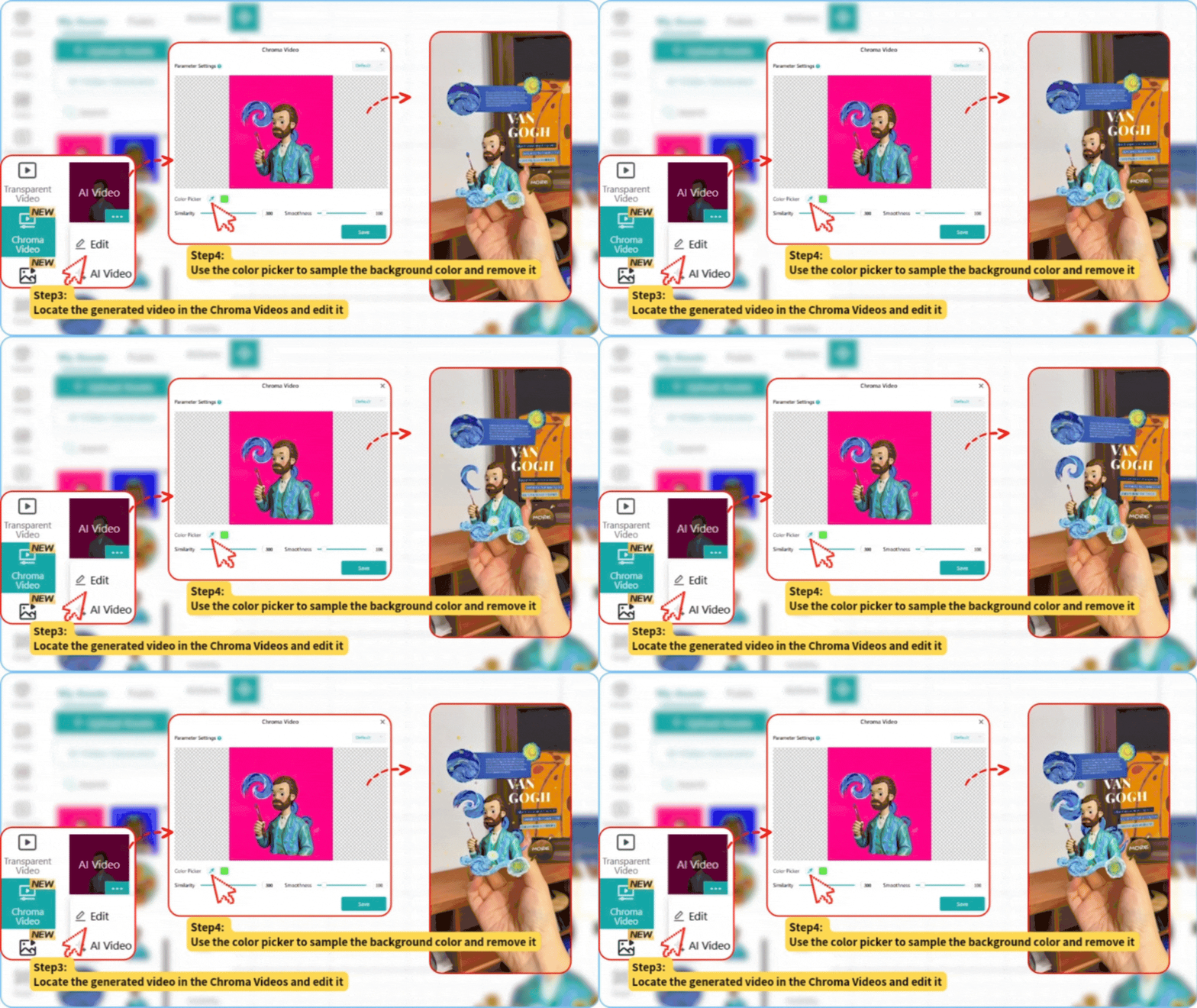
Kivicube will keep rolling out more AI-generated content to boost your creative potential. Whether you're just starting out or an experienced creator, you can easily make engaging, eye-catching content.
AI Image Generation
Create stunning visuals with AI Image generation using text prompts and up to 14 reference images. Just type in your preferred style and elements to bring your ideas to life. You can also upload multiple reference images, so the AI precisely replicates your composition, color tones and fine details. This eliminates the hassle of searching for assets and lowers barriers to design.
Generated images are ready to use instantly in your AR scene creation. No format conversion or resizing is needed.
Body AR Now Support Interactions and Animations
It’s finally here. Body AR now supports click-based interaction events and custom animations. Just like in other AR scenes, you can freely set up interaction events and customize animations to create a more engaging interactive experience.
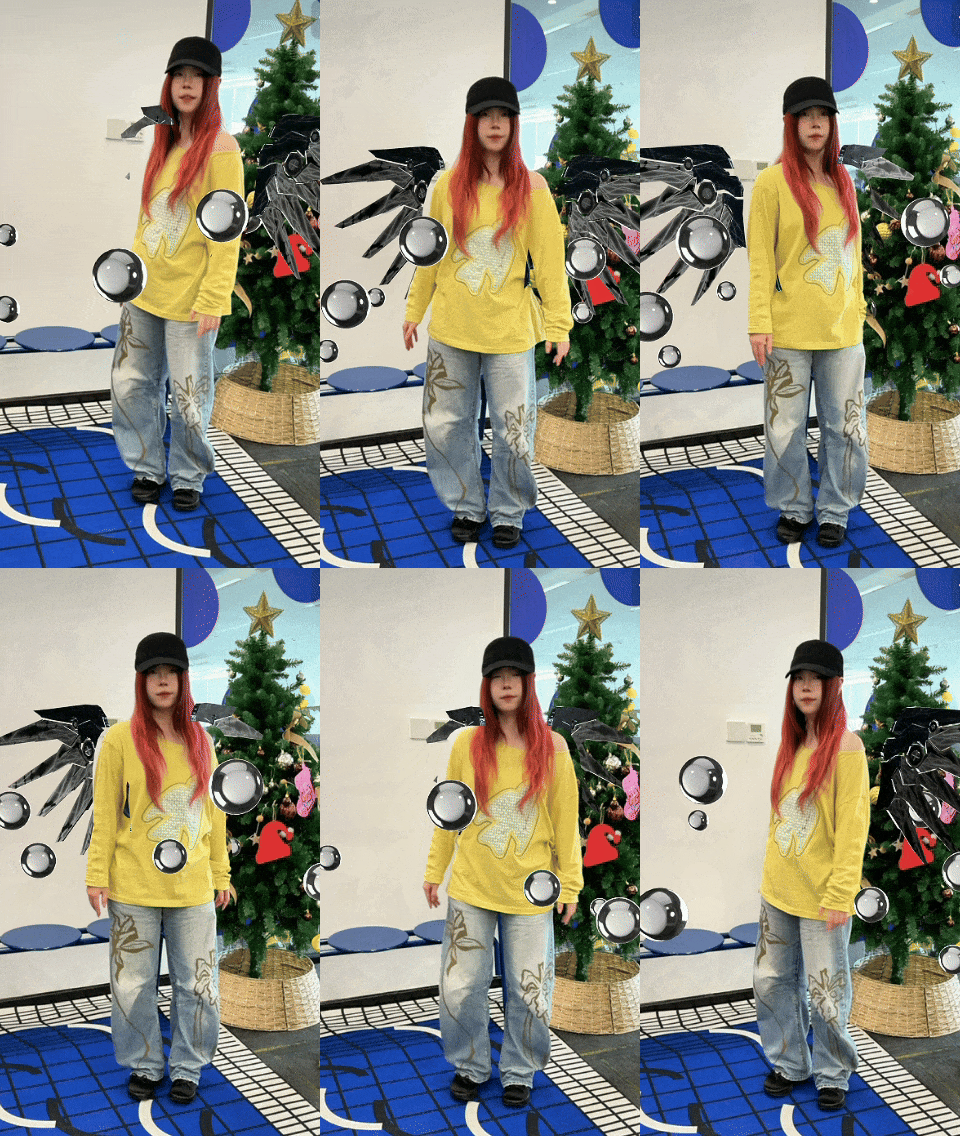
Pro Tips:
- New Body AR features are only available for scenes created from scratch after this update.
- If animations aren’t noticeable, try scaling up scene elements or using animations with larger movements for better effects.
More Updates
Plane AR Creation Upgraded
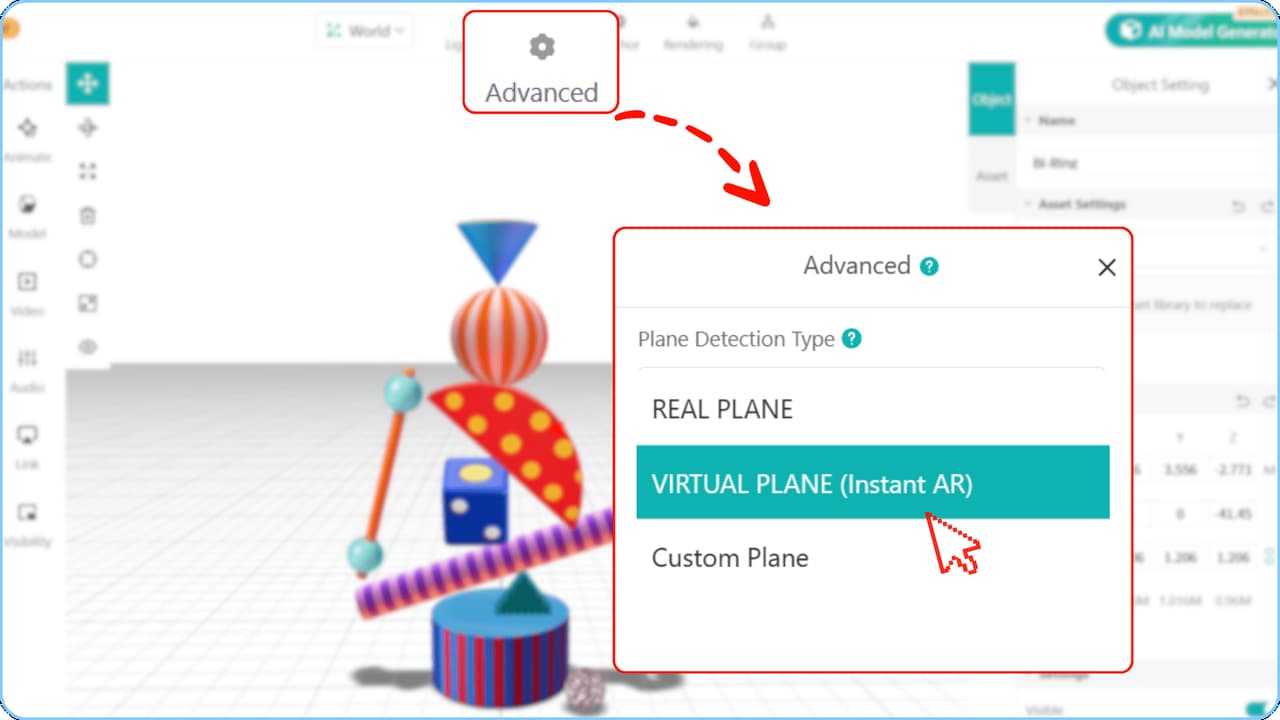
New Virtual Plane Feature: To further improve the adaptability and flexibility of Plane AR, we have added virtual plane support, letting you configure it according to your specific needs.
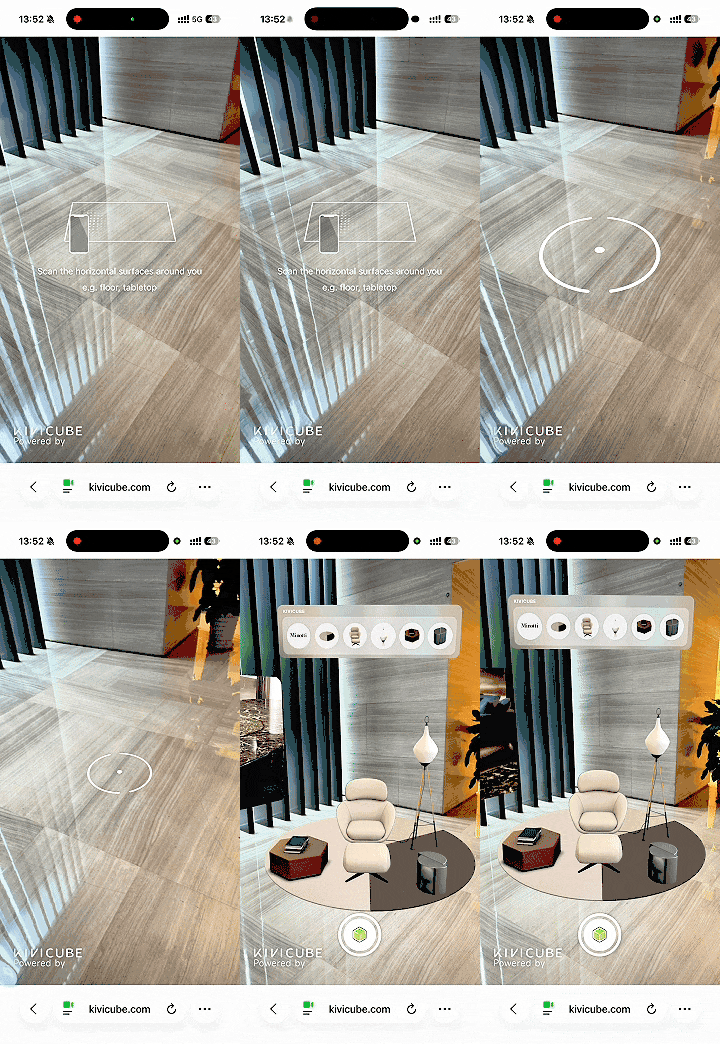
Real Plane: AR content can be precisely anchored to real surfaces, ideal for use cases like furniture placement and real-world previews that require accurate alignment with physical objects.
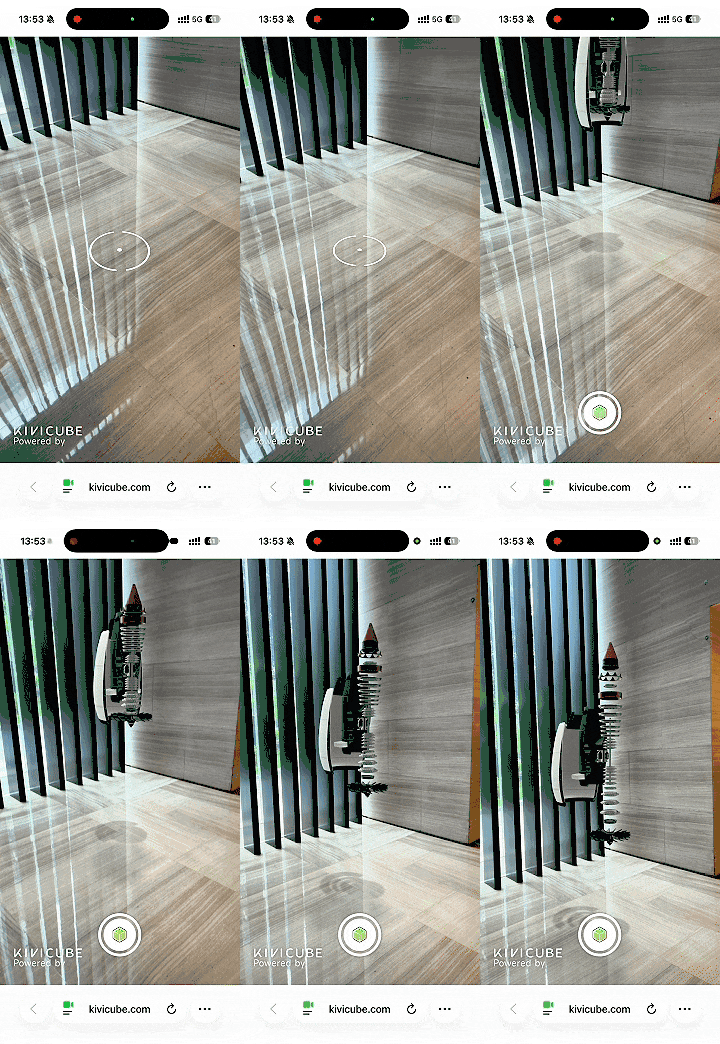
Virtual Plane: No physical surface detection is needed. It supports floating displays and works without a real plane, offering faster recognition and lower device requirements.
New High Quality Shadow
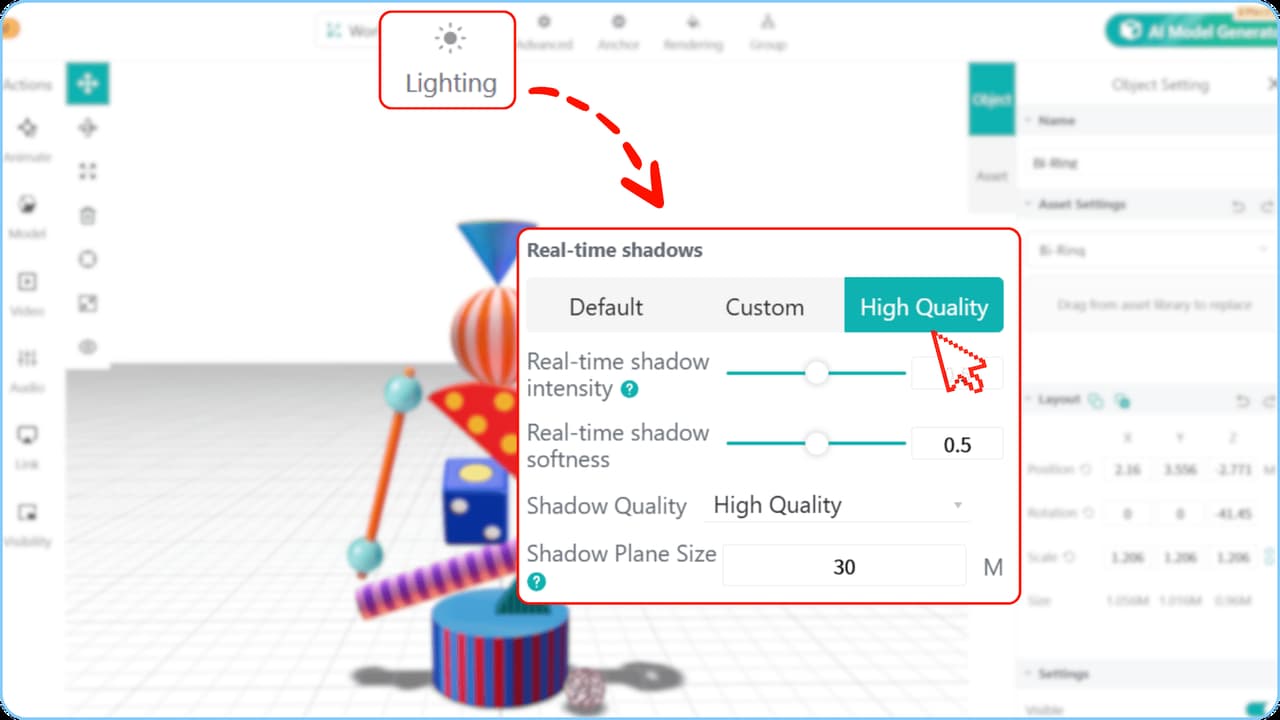
We have introduced a new high-quality real-time shadow feature to make your AR content more realistic and spatial.
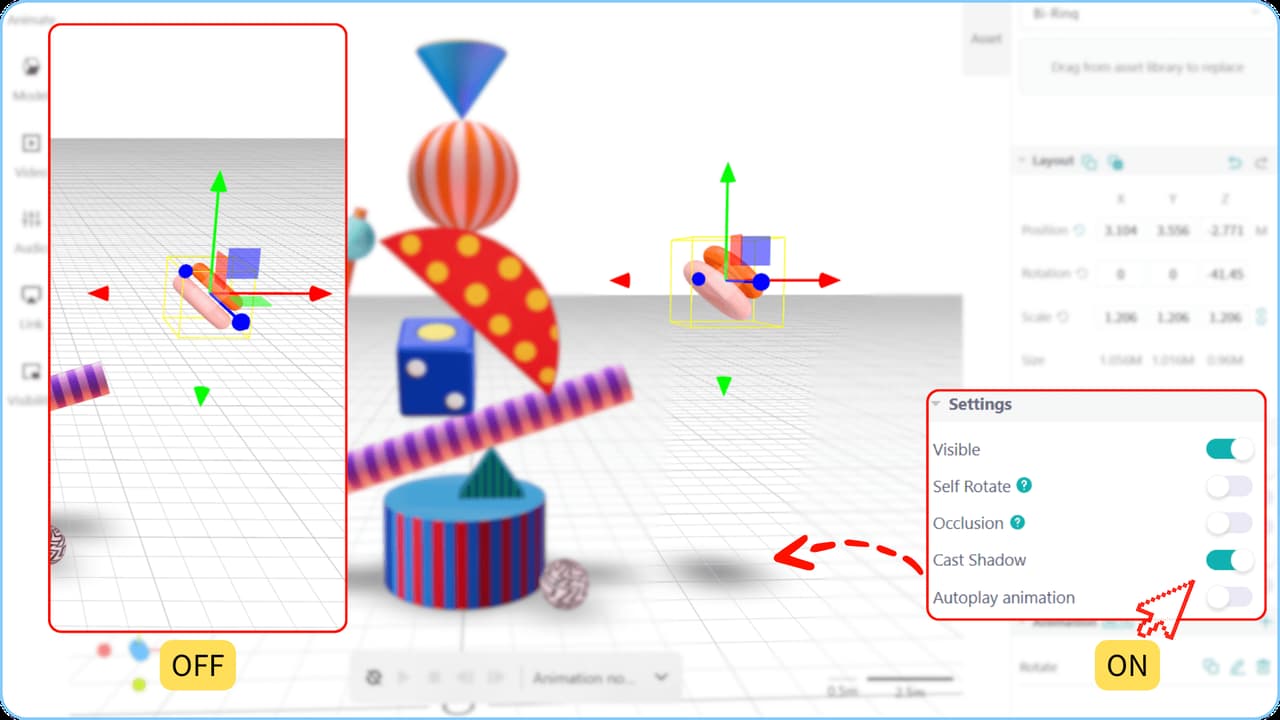
For Plane AR scenes, we’ve added a new global “High Quality” real-time shadow mode alongside the existing “Default” and “Custom” modes, giving you three options. In High Quality mode, you can adjust the shadow area, intensity, softness and overall quality to fit your needs.
You can also independently toggle shadows for each asset in the scene. Add shadows to key elements to make them stand out, or disable them for secondary elements to keep the scene clean. You’re in full control of the visual hierarchy and overall look.
Scene Editor Right Click Actions
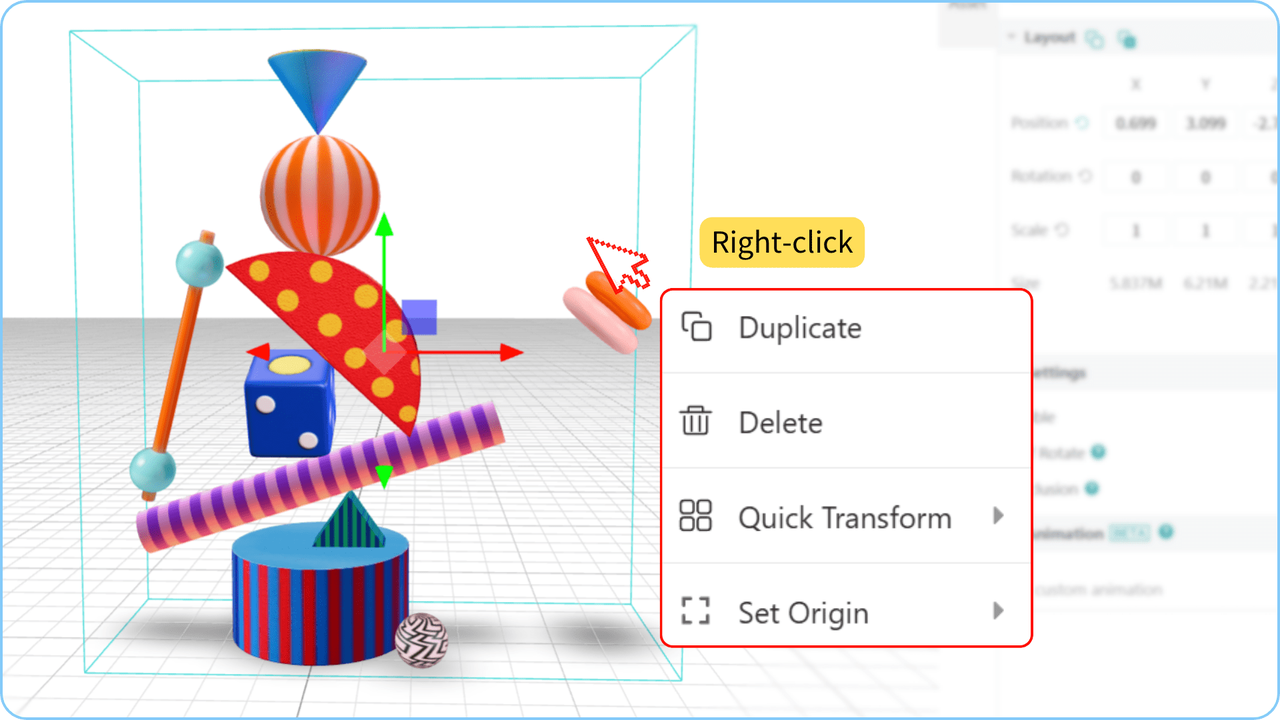
Right-click any asset in the Scene Editor to access a variety of handy quick actions.
Duplicate: Quickly copy a scene asset. The duplicated item inherits all functions and animations from the original.
Quick Transform: Align assets with a reference image or plane in one click — either parallel or perpendicular, or match its height or width.
Set Origin: Quickly adjust the pivot point for grouped assets to streamline your workflow and make custom animation setup much easier.
Content Editor Upgraded
Model Texture Download Available: In the content editor, you can now download model textures directly for editing, modification, and replacement, without needing to return to external modeling software. This makes your workflow more flexible and efficient.
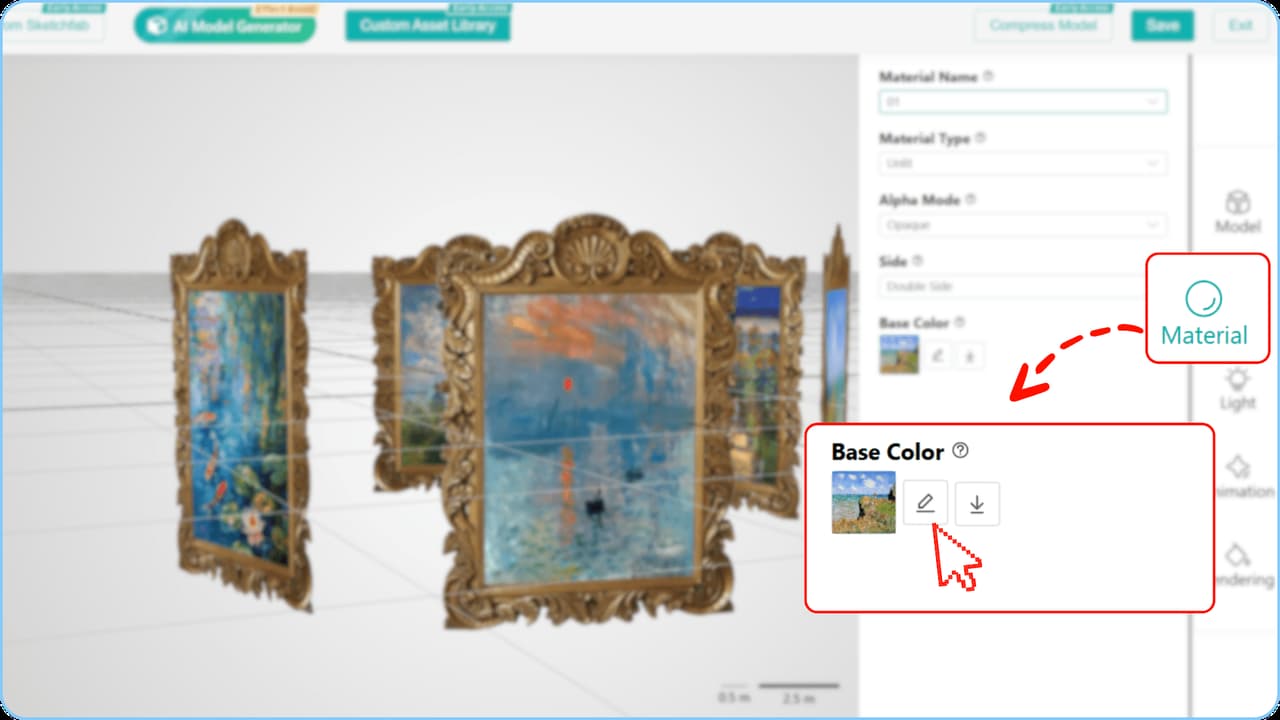
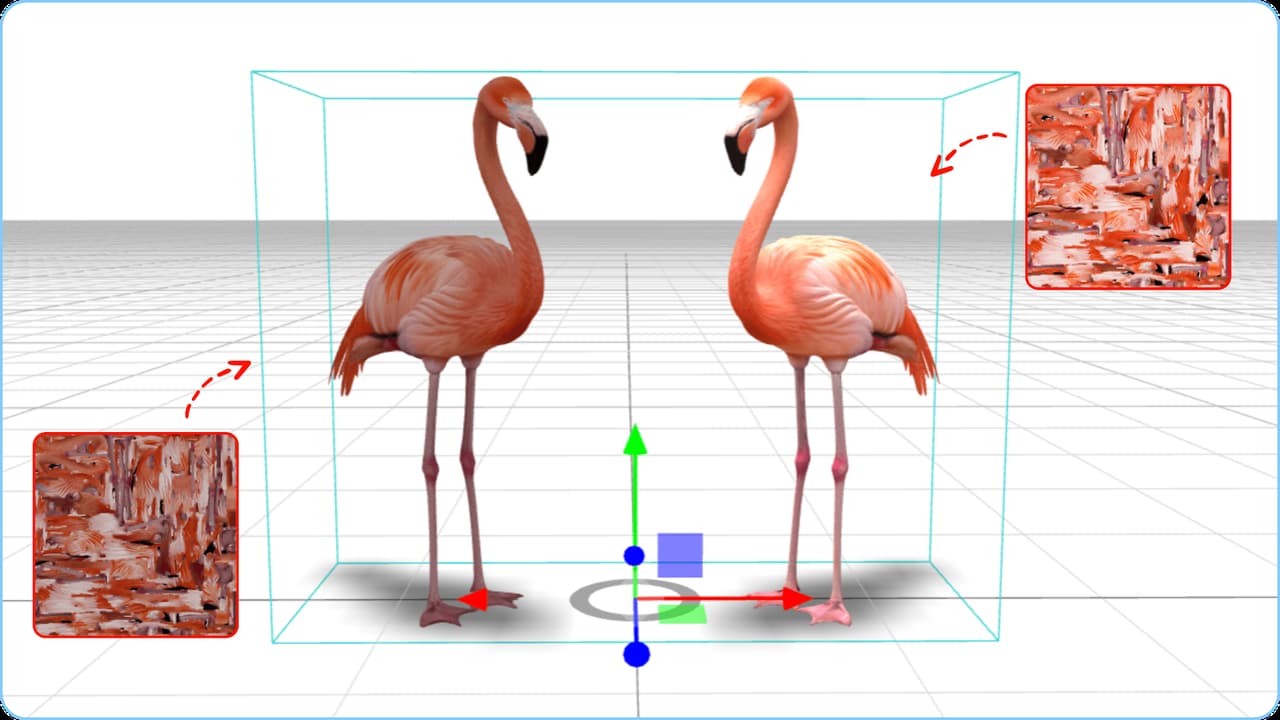
Even users without any modeling experience can easily adjust model textures. For example, if an AI generated model appears too dark, you can simply download the texture, adjust the brightness, and upload it again.
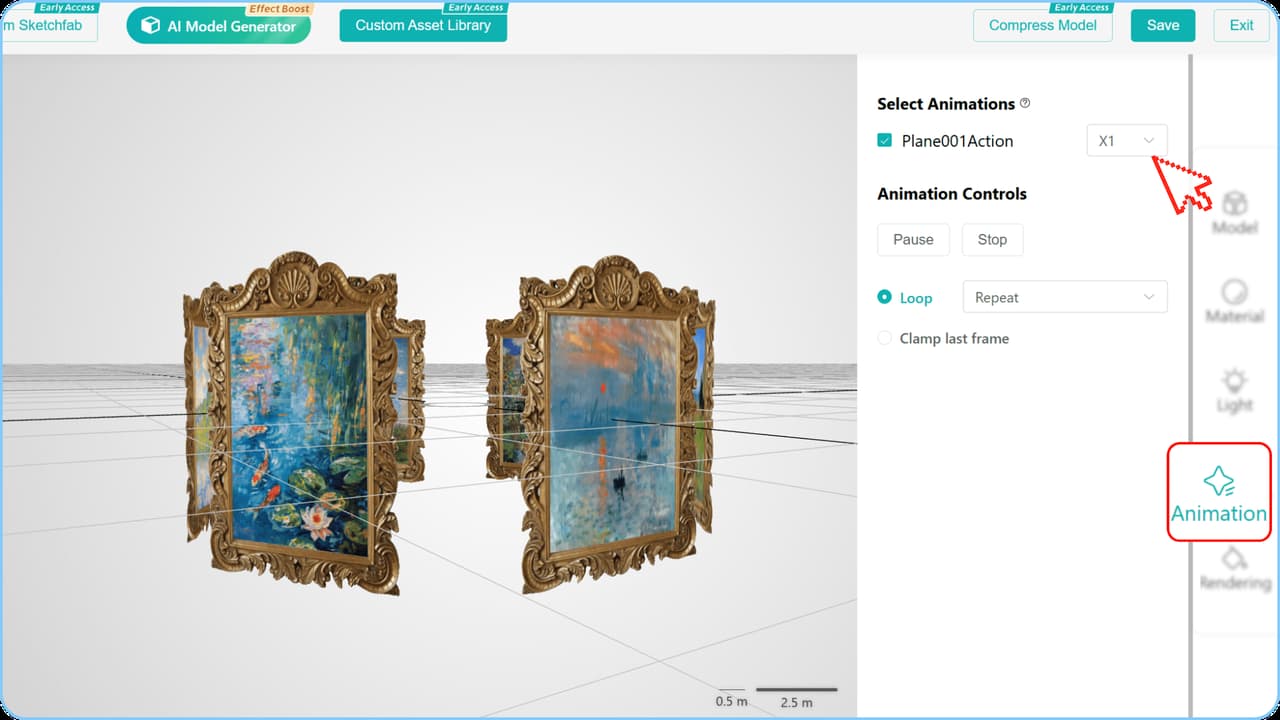
Optimized Animation Saving Mechanism: In the content editor, you can now save and sync animation speed adjustments directly to your model. These settings are no longer just temporary previews and apply right away, making your workflow smoother and more efficient.
In this update, all new features are now fully live. Click here to access Kivicube and explore the latest features and improvements. We will continue to iterate on and enhance the platform, so stay tuned for more updates ahead.