10 Best Augmented Reality Online Tools 2026
Looking for easy AR tools? Here are the 10 best augmented reality online platforms of 2026, creating stunning AR effects in seconds, right in your browser.
Many people believe creating augmented reality takes coding knowledge and complicated steps. Actually, there are emerging tools now that require almost no technical skills. Anyone can make stunning AR effects easily online. After personally testing and comparing mainstream AR platforms, here are the 10 best augmented reality online platforms that are easy to use, some are even free!
Quick List of 10 Best Augmented Reality Online Tools
▶ Web-AR.Studio: Free and quick to start.
▶ Kivicube: Overall best online AR maker.
▶ Blippar: Paid service supports both code and no‑code.
▶ Artivive: Free service limited to 50 views.
▶ Zapworks: 14‑day trial but requires a learning curve.
▶ Overly: 14‑day trial with basic 3D assets.
▶ ARViewer: Free but with very basic features.
▶ MyWebAR: Rich assets, free with limited AR types.
▶ Onirix: Great templates but basic model assets.
▶ 8th Wall: Great tool but service discontinued.
1. Web-AR.Studio: Free Online AR Editor Easy to Start
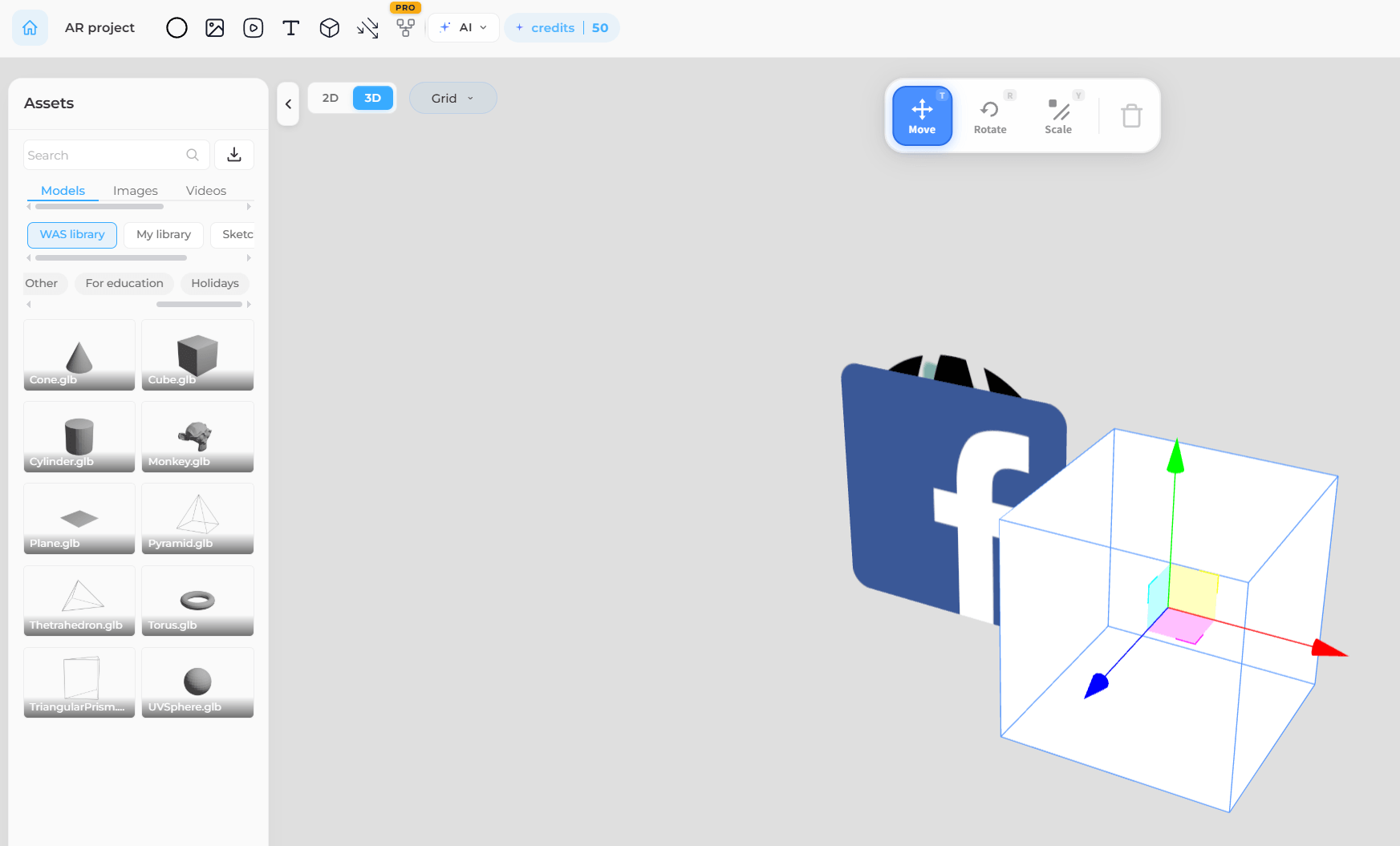
Web-AR.Studio is an online augmented reality platform free to start. There are no complicated steps, just register and go straight into the editor online right in your browser. Set up your project with tracking methods like QR code recognition or photo recognition, and start to edit with simple drag-and-drop actions. Web-AR.Studio might not deliver the most stunning effects, but it is definitely one of the easiest ones to get started with.
- Ease of use: ★★★★★
- Starting price: Free, but limited to 10 projects and 200 MB of storage.
- Asset library: Yes, it offers basic models, images, and videos.
- Pre-built templates: No.
- Best for: Anyone who values ease of use over eye-catching effects.
2. Kivicube - Overall Best Augmented Reality Online Tool
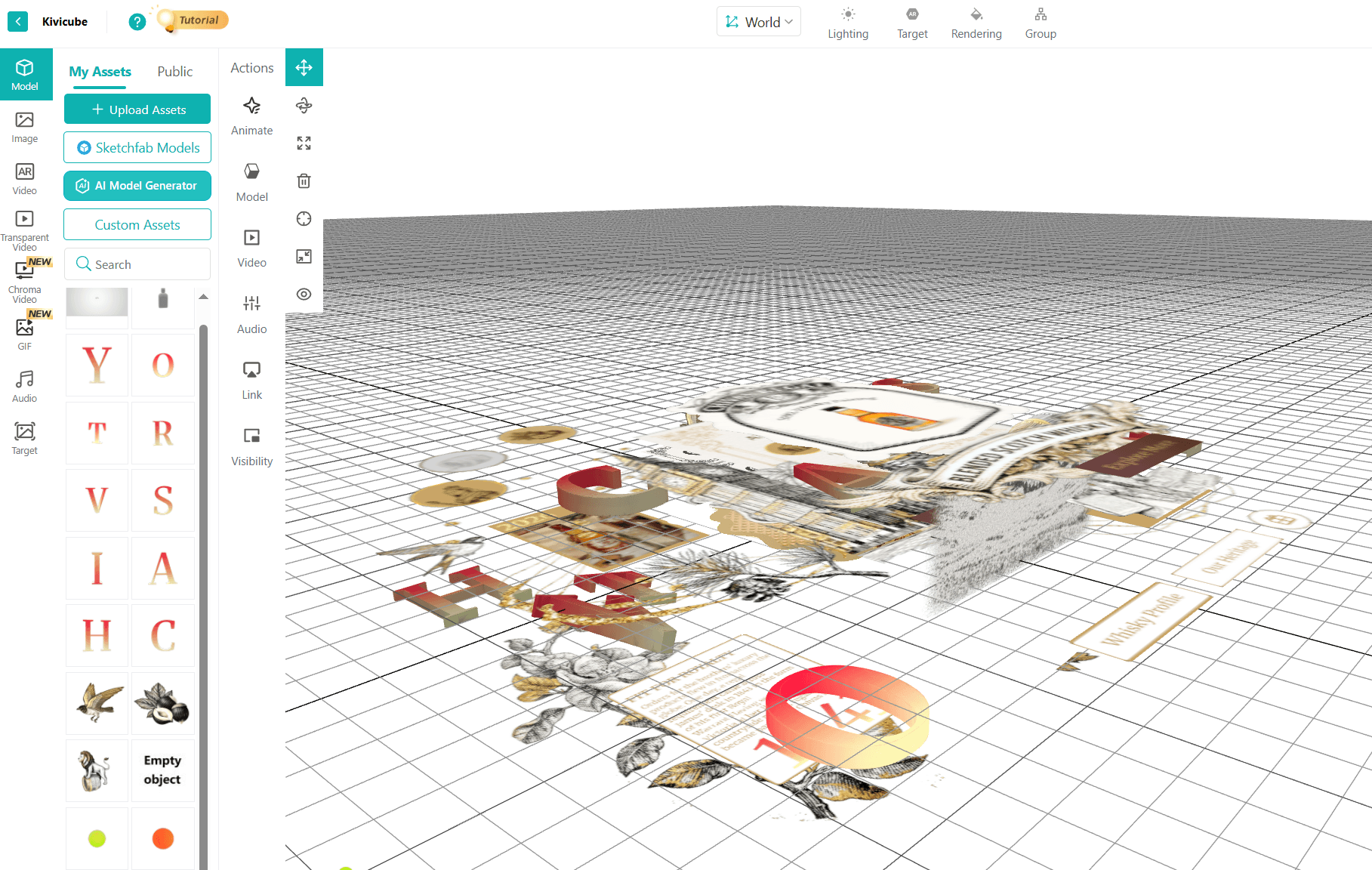
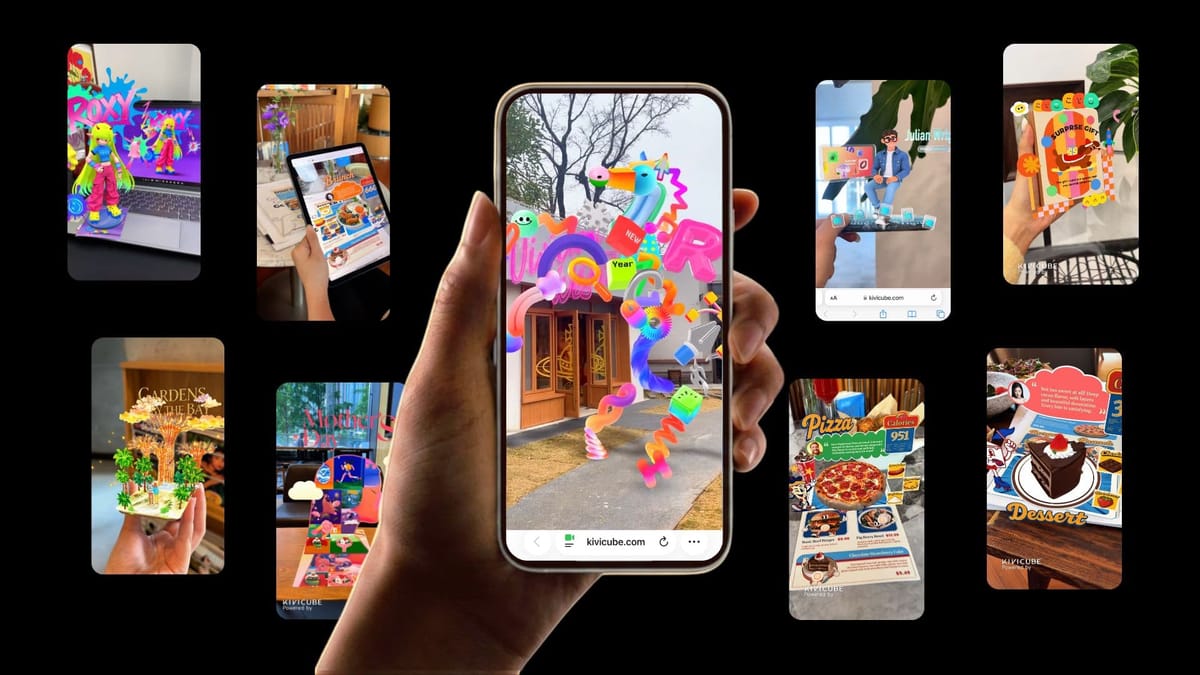
Not satisfied with Web-AR.Studio's visual quality? Then check out Kivicube! It meets all your imagination of augmented reality effects. Same free tier available, this online augmented reality service offers hundreds of stunning AR templates, supports various AR types, and features KiviAI to help generate gorgeous models and image assets.
⭐Free Online AR Creator
No app or dedicated viewer download needed. Everything from creation to final viewing happens entirely online. Besides, you can create 2 scenes entirely free, no credit card or other payment methods required. Make your first augmented reality online effortlessly.
⭐Hundreds of Stunning Templates & Assets
Don't know where to start? Just pick a ready-to-use template. You can also add models and images from the asset library, or create your custom assets with KiviAI.
⭐Easy Drag & Drop Edit
No coding or 3D modeling skills are needed. Simply drag assets onto the canvas, adjust triggers and animations, and preview your AR scene in real time.
⭐High-Impact AR Visuals
Kivicube delivers AR visuals that actually stand out. With smooth lighting, sharp textures, and fluid 3D rendering, your scenes look vibrant and professional, capturing viewers‘ attention at first glance.
- Ease of use: ★★★★★
- Starting price: Free, limited to 2 projects with full access to templates.
- Asset library: Yes, it offers hundreds of models, images, and videos, etc.
- Pre-built templates: Yes, it provides hundreds of stunning, ready‑to‑copy templates.
- Best for: Both businesses looking for professional AR effects to drive engagement and individuals who want to create something different or have fun with AR games.
3. Blippar - Paid AR Platform with or without Code
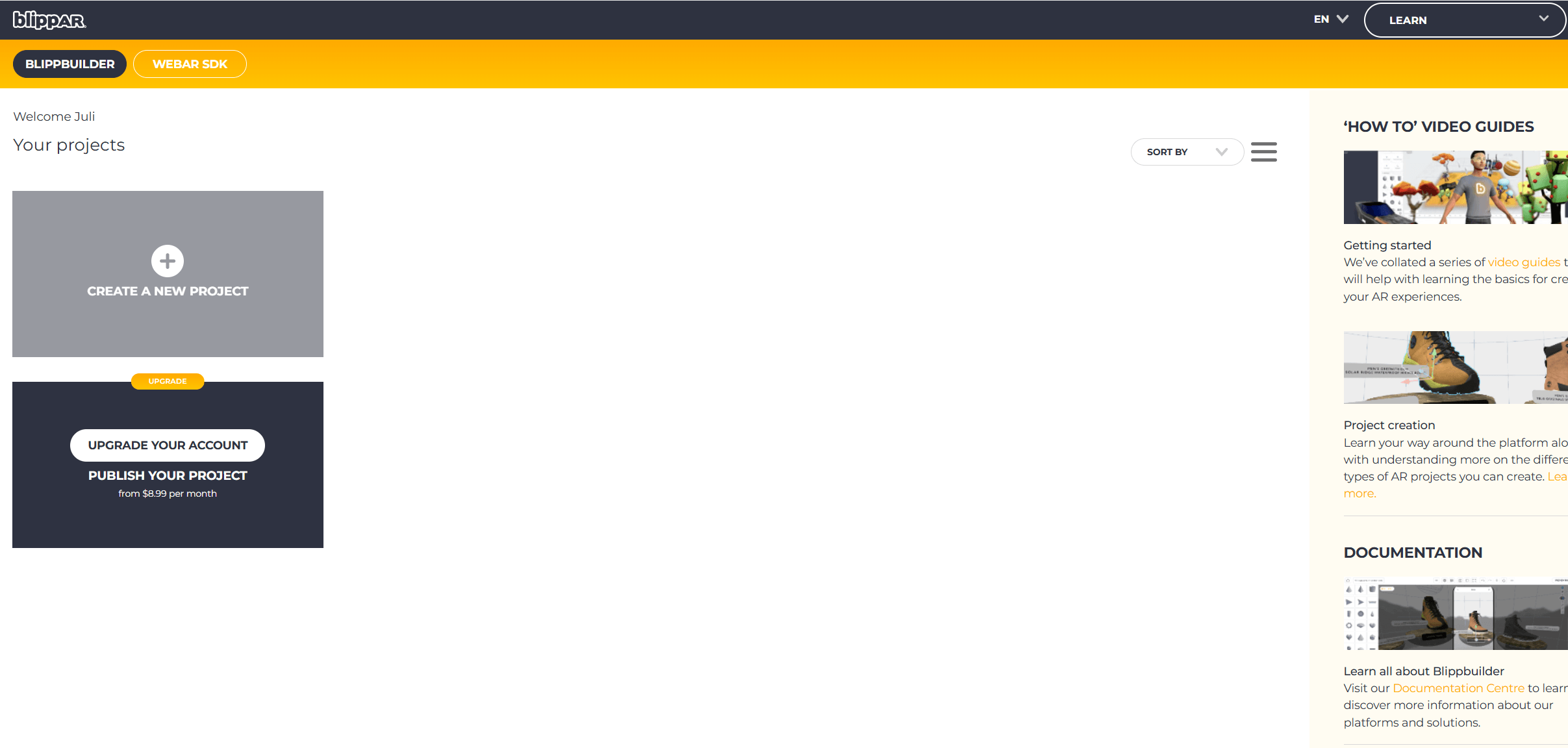
Another online AR platform is Blippar. It suits different skill levels by supporting both code‑based and no‑code workflows. There are dedicated solutions for creators, developers, and education scenarios, for which discounts are available upon request. Unlike Kivicube, which offers ready‑to‑go templates, Blippar users can only drag and drop 3D assets to fuel their creativity. However, a subscription is necessary before you can start.
- Ease of use: ★★★★☆
- Starting price: $8.99/month.
- Asset library: Yes, it offers 3D models, images, audio, etc.
- Pre-built templates: No.
- Best for: Creators, developers, and schools who are willing to pay upfront without a free trial.
4. Artivive - Online Editing but App-Based Viewing
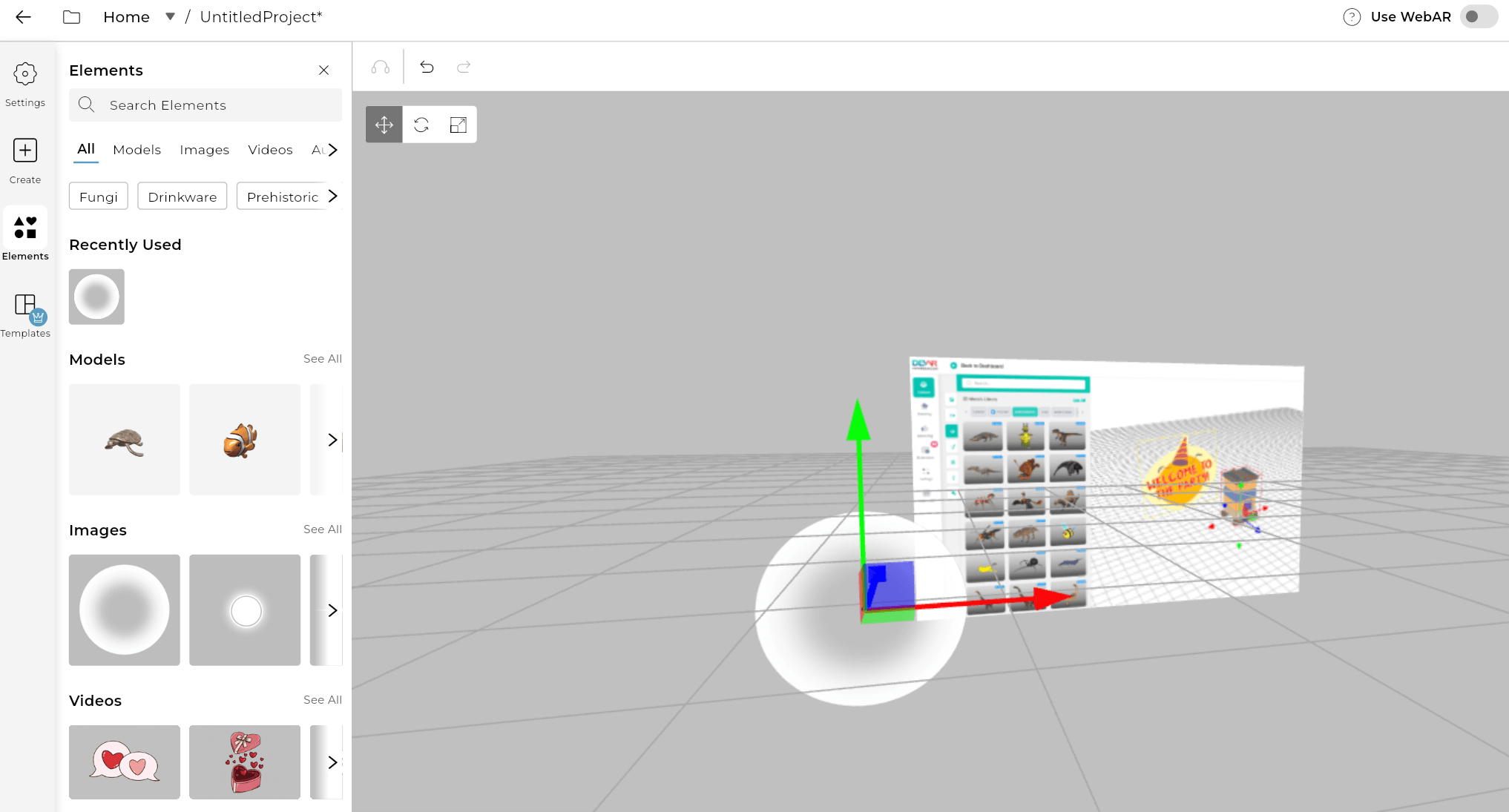
Another online AR platform that stands out for its visual impact is Artivive. Built for marketers, artists, and educators, it offers a wide range of templates and assets to help with creation. Although it's an online AR editor, people still need to download the Artivive app to view the AR creation unless the creator paid for and enabled the WebAR feature when creating. The free tier only supports 50 views and 1MB of storage. You can also get a 7-day free trial by adding your credit card.
- Ease of use: ★★★★☆
- Starting price: Free. Limited to 50 views and 3MB of storage.
- Asset library: Yes, it offers some free 3D models and images.
- Pre-built templates: No.
- Best for: Artists, educators, and businesses with a sufficient budget.
5. Zapworks - AR Editor Requiring Learning Curve
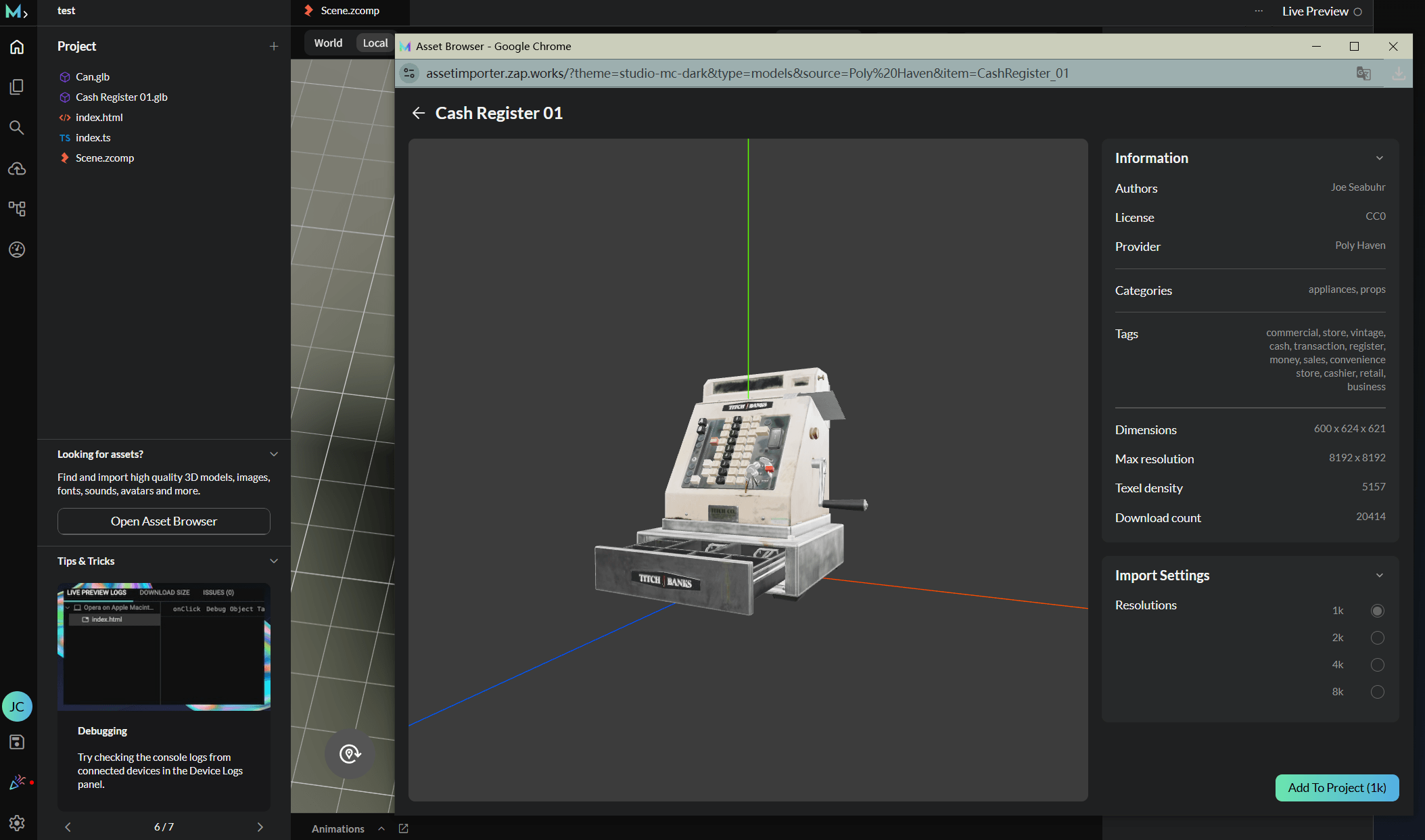
Zapworks is an online augmented reality editor from the British AR company Zappar. It is a paid tool offer a 14-day free trial for new users to start. However, the built‑in templates are fairly basic, meaning users need to invest more effort and assets themselves. Overall, Zapworks requires a certain learning curve and is not the kind of "sign up and publish in seconds" tool.
- Ease of use: ★★★☆☆
- Starting price: Free 14‑day trial (paid plans start at $12.99 / month).
- Asset library: Yes, it can import 3D models, 360° panoramas, and images from external libraries.
- Pre-built templates: Yes, but only basic templates like the Shader Material Template.
- Best for: Marketers and businesses with some technical background.
6. Overly - No‑Code Online AR Editor with Basic Assets
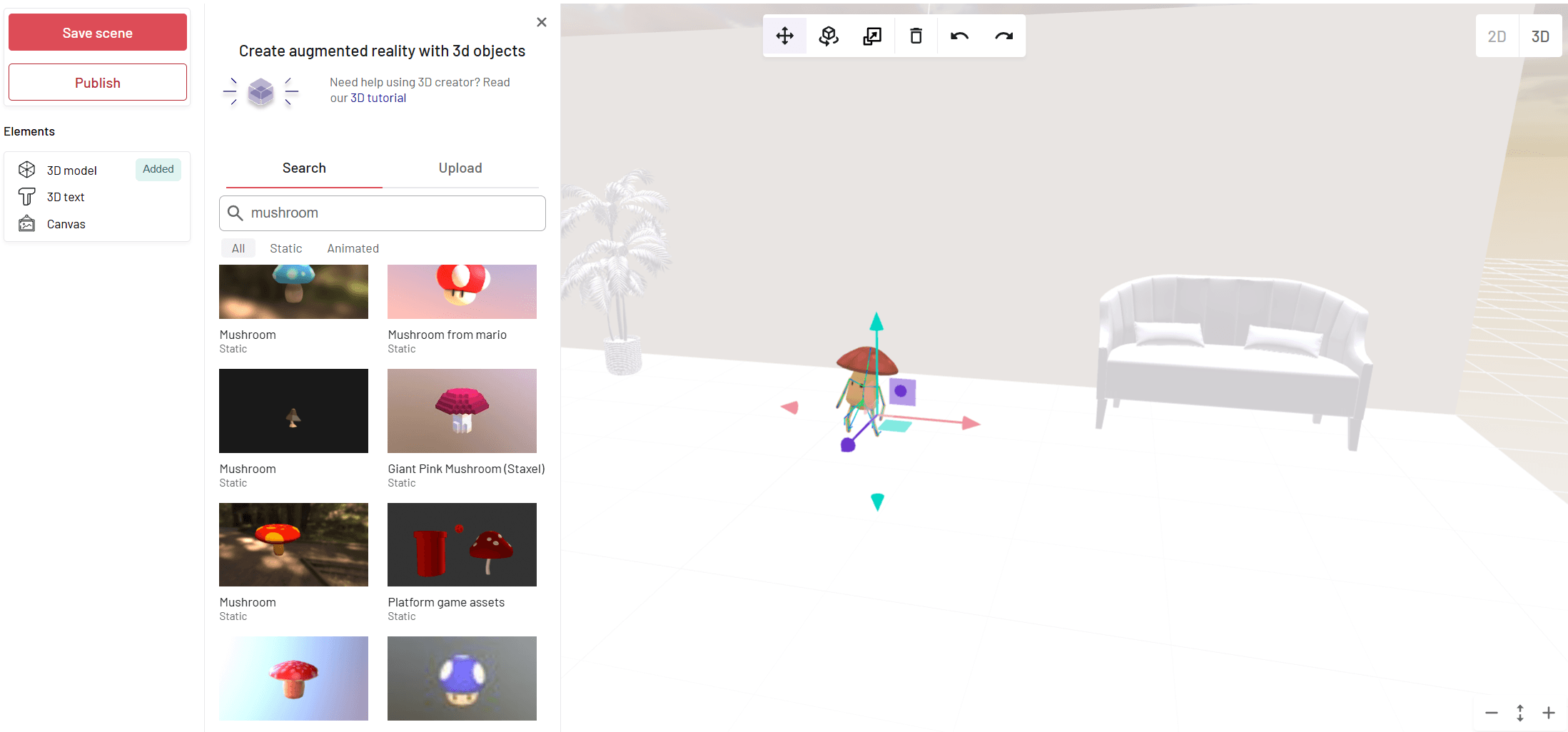
Overly is an online AR platform supporting both marker‑based AR and WebAR. Unlike Kivicube, it has no ready‑made templates but just basic 3D models and 3D text, plus the ability to upload your own assets. Overly's free plan gives you a 14‑day trial with 100 views and 2 projects, which is fine for initial testing and personal use.
- Ease of use: ★★★☆☆
- Starting price: Free 14‑day trial limited to 100 views and 2 projects.
- Asset library: Yes, supports 3D models and text.
- Pre-built templates: No.
- Best for: Individuals and small businesses on a budget who want to test AR with basic assets.
7. ARViewer - Turn Text & Drawings into 3D AR
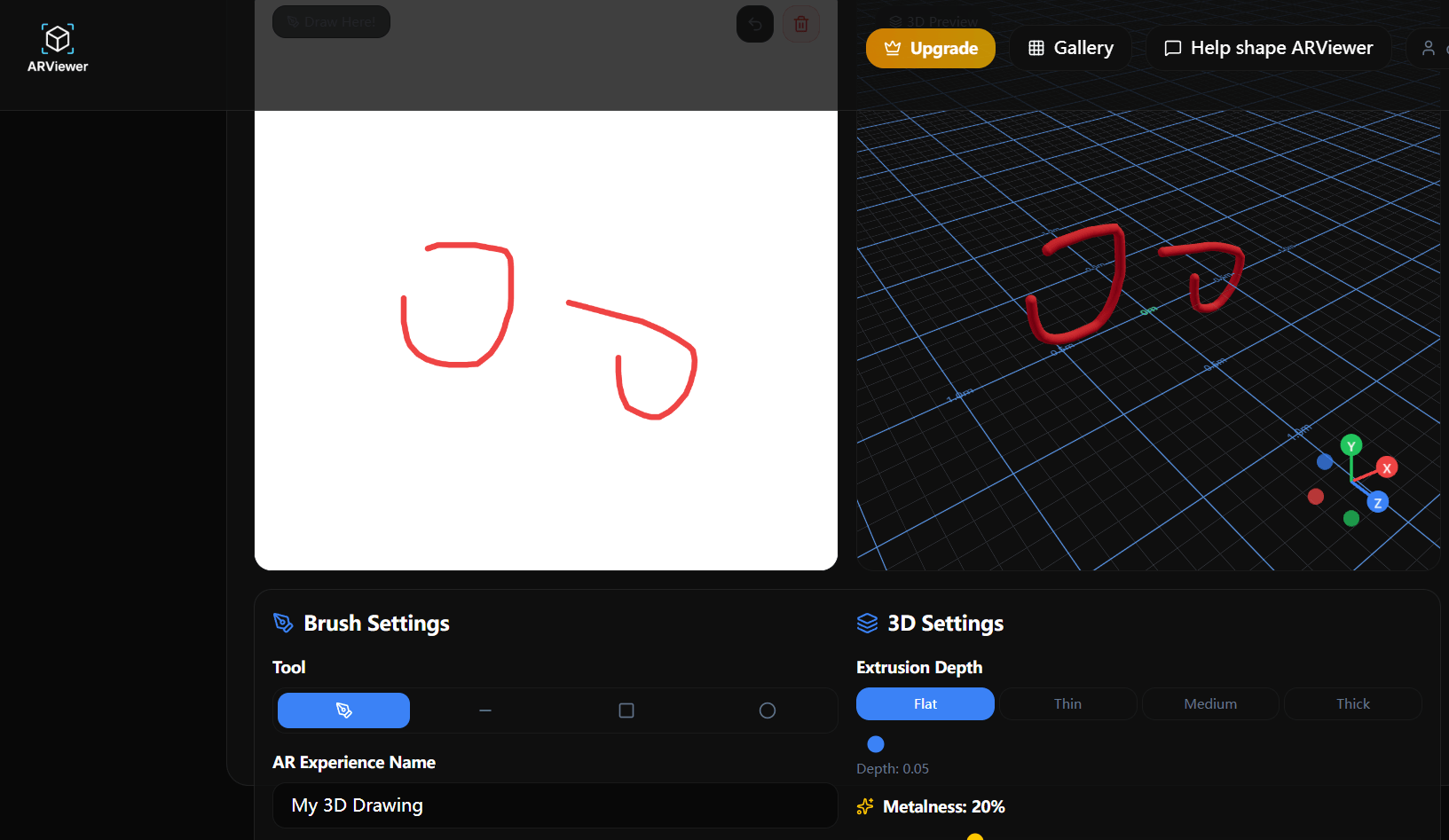
ARViewer is an online AR platform that specializes in turning text, drawings, and SVG into 3D. It supports 6 AR types: Model AR, Face AR, Image AR, Picture Frame, 3D Text, and SVG to 3D. The free version is quite limited, basically only text‑to‑3D and a few simple conversions. Advanced features and custom solutions require contacting the sales team.
- Ease of use: ★★★★☆
- Starting price: Free, limited to basic text‑to‑3D and simple conversions
- Asset library: No.
- Pre-built templates: No.
- Best for: Individuals who just want to have fun and experiment with AR casually.
8. MyWebAR - Rich Assets Online AR Maker
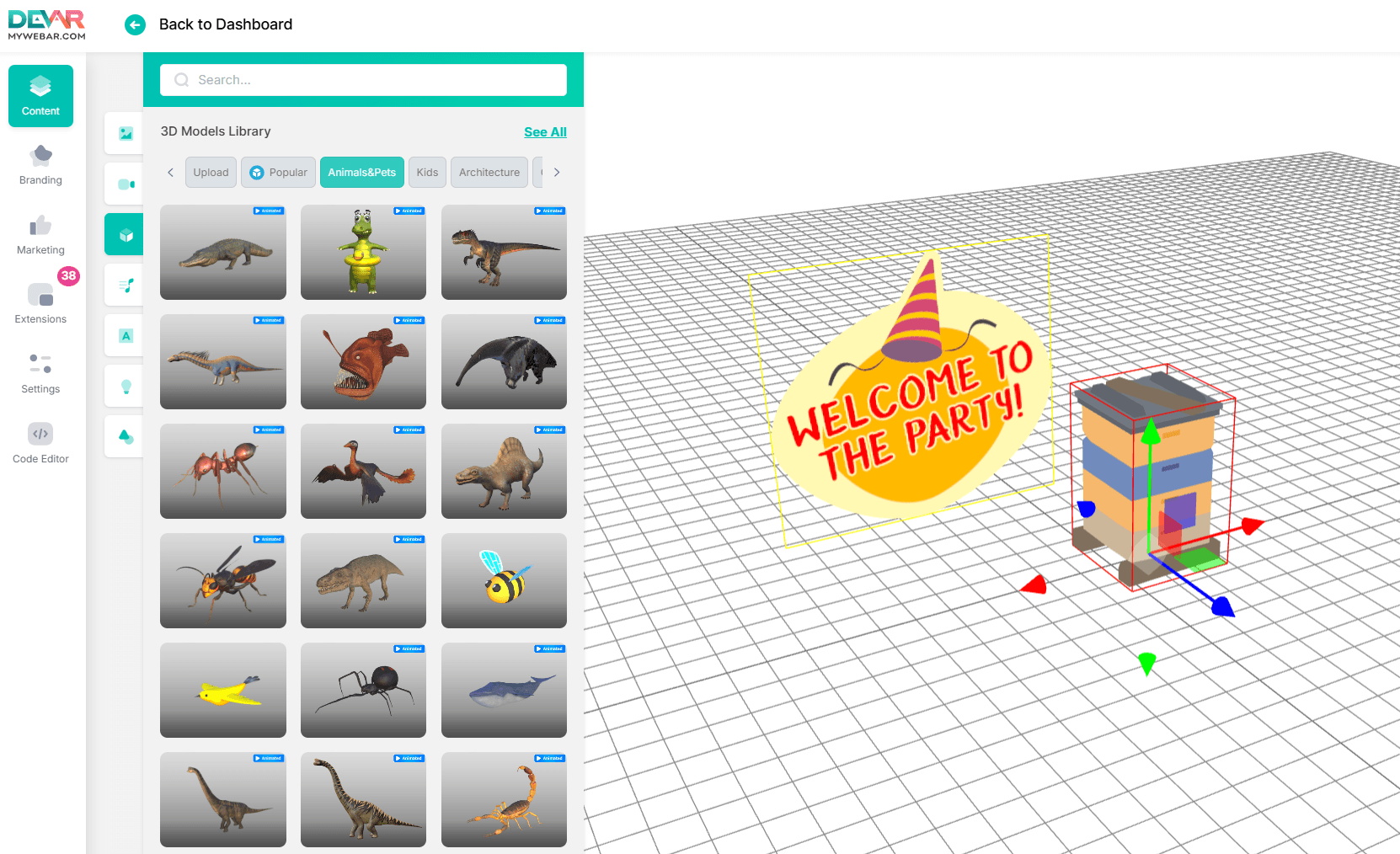
MyWebAR is an online AR creation platform from DEVAR, supporting both no‑code and code‑based editing. It offers a drag‑and‑drop editor, a rich asset library, and premium templates. However, you'll need to provide details like your company website, country, and industry to register. Paid plans offer a 14‑day trial with a credit card required. Without a card, free users are limited to AR in the Real World, Face Filters & Effects, and AR on a QR Code.
- Ease of use: ★★★★☆
- Starting price: Free, limited to 3 AR types.
- Asset library: Yes, rich library including models, images, videos, and more.
- Pre-built templates: Yes, premium templates available.
- Best for: Marketers, educators, and businesses ready to invest in a feature‑rich AR platform.
9. Onirix - Low-Code AR with Ready-Made Templates
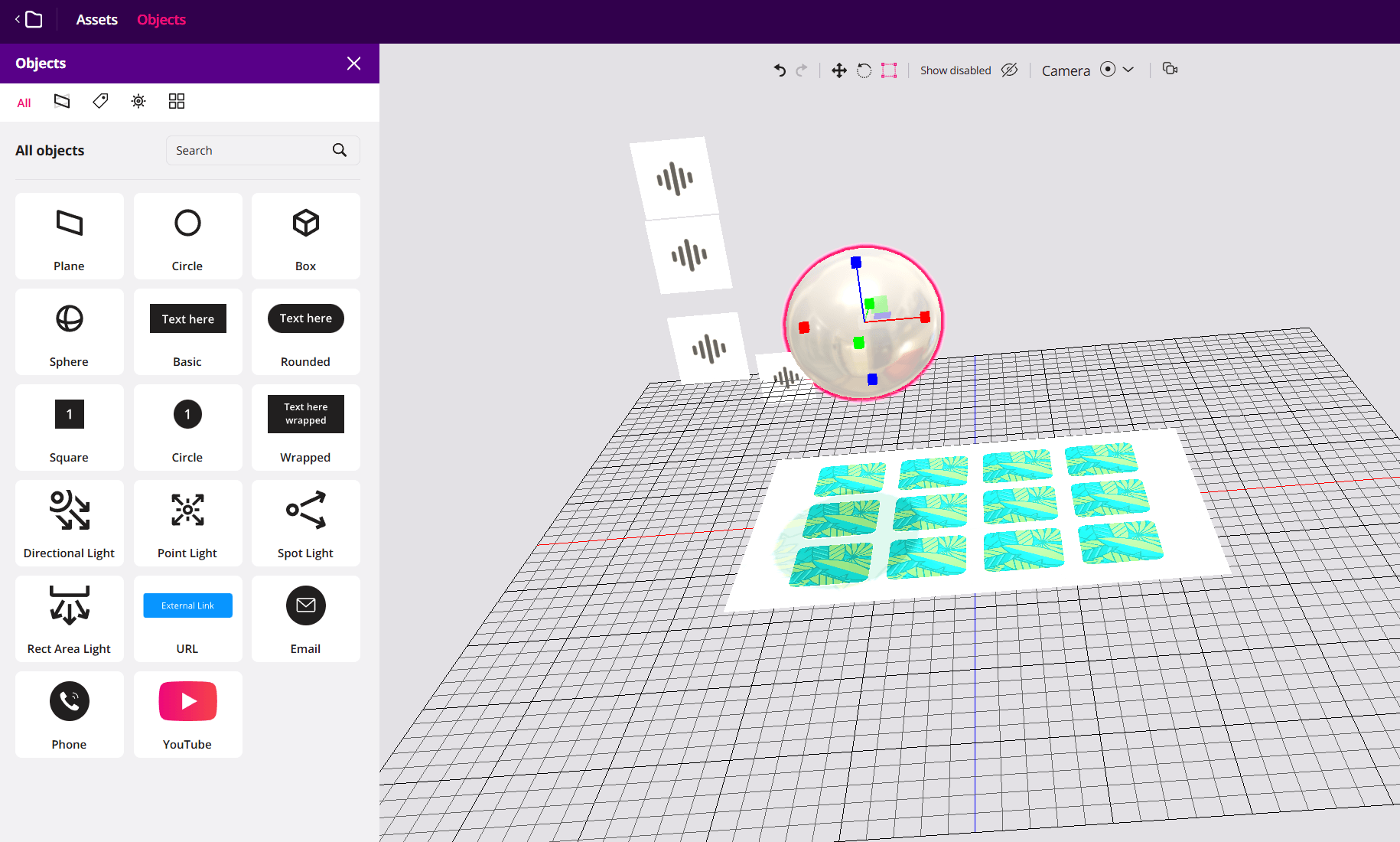
Onirix is an online AR creation platform that offers both a no-code drag-and-drop editor and a low-code SDK. There's a rich library of ready-made templates to help start with. However, the asset library is quite limited. Most 3D models, images, and videos need to be prepared by yourself. Besides, you‘ll need to provide details such as your company website and industry to register, and after that you'll get a 15‑day free trial.
- Ease of use: ★★★★☆
- Starting price: 15‑day free trial with limited features.
- Asset library: Limited assets.
- Pre-built templates: Yes, premium templates available.
- Best for: Teams that value tracking performance and are ready to upload their own models.
10. 8th Wall - Legendary Online Platform Now Open Source
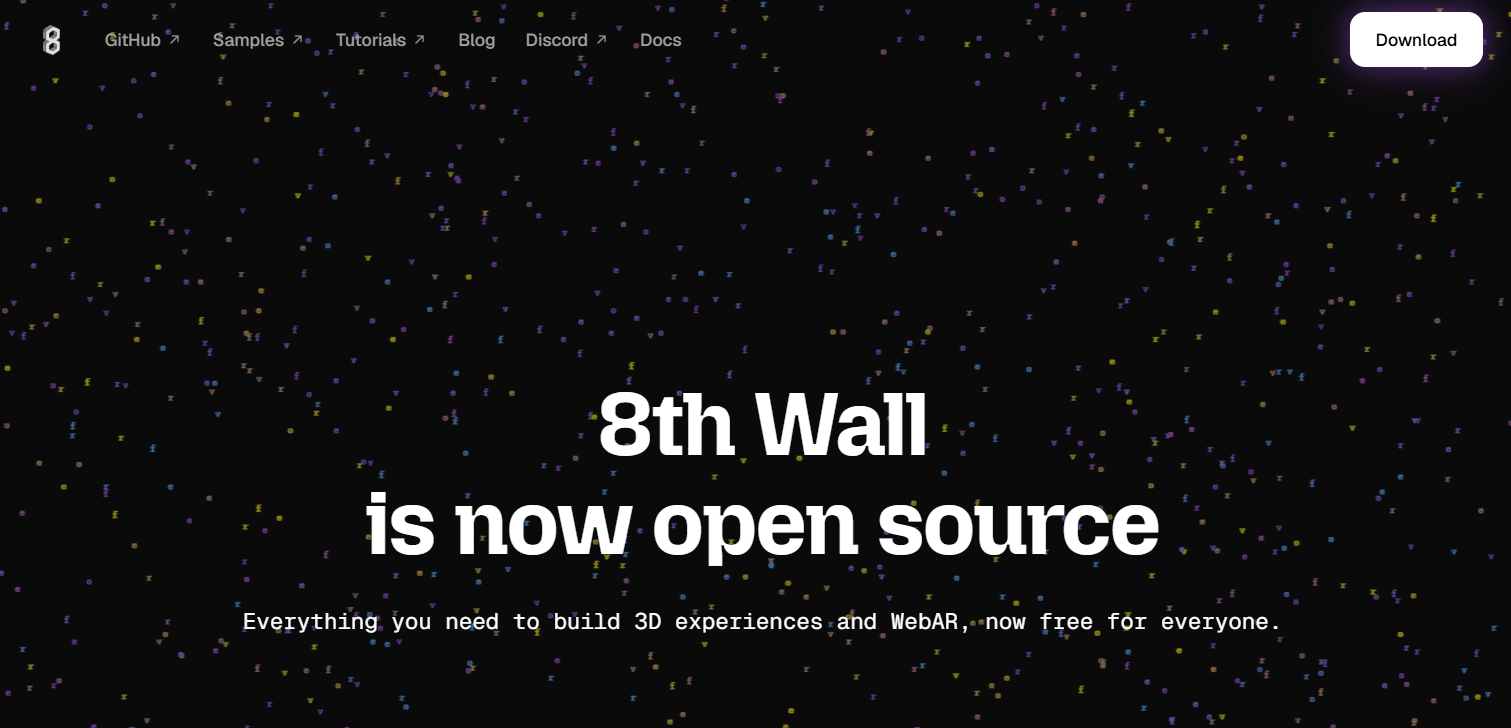
The 8th Wall shutdown shapes one of the biggest regrets in the AR industry. Its commercial platform shut down on February 28, 2026, leaving the key technologies open source. If you are still interested in this product, you can explore its open‑source code in GitHub or try the 8th Wall alternatives introduced above.
- Ease of use: ★☆☆☆☆
- Starting price: Open source and free now.
- Asset library: No (platform discontinued).
- Pre-built templates: No (platform discontinued).
- Best for: Learning and self‑hosting via its open‑source release.
Comparison of the 10 AR Online Tools
How to pick your online AR maker? It depends on your exact purpose. This table compares their visual quality, ease of use, templates & assets, and free options. Choose what fits your needs.
AR Tools | Visual quality | Ease of use | Template & Assets | Free Option |
Web-AR.Studio | ★★☆☆☆ | ★★★★★ | ★☆☆☆☆ | √ |
Kivicube | ★★★★★ | ★★★★★ | ★★★★★ | √ |
Blippar | ★★★★☆ | ★★★★☆ | ★☆☆☆☆ | × |
Artivive | ★★★★★ | ★★★★☆ | ★☆☆☆☆ | √ |
Zapworks | ★★★★☆ | ★★★☆☆ | ★★★☆☆ | √ |
Overly | ★★★★☆ | ★★★☆☆ | ★☆☆☆☆ | √ |
ARViewer | ★★★☆☆ | ★★★★☆ | ★☆☆☆☆ | √ |
MyWebAR | ★★★★☆ | ★★★★☆ | ★★★★☆ | √ |
Onirix | ★★★★☆ | ★★★★☆ | ★★★★☆ | √ |
8th Wall | ★★★★★ | ★☆☆☆☆ | ★☆☆☆☆ | √ |
Basically, Kivicube covers all your needs. From visual quality to stunning templates, it's the ideal option to get started with. And there are two free scenes to try out. Come and explore!
Conlcusion
Today, creating augmented reality is no longer a privilege of developers. All 10 augmented reality online services introduced here help every individual enjoy the fun of AR making. Among all the platforms tested, Kivicube delivers the best AR experience I've ever had. Just create your own workspace and bring your AR ideas to life.
FAQs
Can I Create Augmented Reality Online?
Absolutely. All the platforms listed in this article work entirely online. No need to download any professional coding app. Just register and jump into the online editor right in your browser.
Are There Free Augmented Reality Online Tools?
Yes. Many platforms offer free tiers or trials without requiring a credit card. For example, Kivicube gives you 2 free scenes with full template access, Web-AR.Studio offers 10 free projects, and Artivive has a free plan as well.
How to Create Augmented Reality Online?
That depends on the online augmented reality tool you choose. Take Kivicube as an example, you can easily make your AR scene with the following steps:
Step 1. Go to Kivicube and sign up for a free account.
Step 2. Duplicate any template you are interested in, or build one from scratch, all using your imagination.
Step 3. Edit your AR scene by simply dragging and dropping. There are various assets to help you.
Step 4. Preview your work, and publish it at any time you are satisfied.
How to View My AR Work Created Online?
That depends on the tool you choose. A professional AR tool like Kivicube is WebAR‑based, which means you and your audience simply need to scan the code with the phone camera. No need to download any viewer app.