How Paola Pérez Letina Brings Illustration to Life with Digital Content by Kivicube
Explore how children’s book illustrator Paola Pérez Letina transforms her artwork into interactive AR experiences using Kivicube.
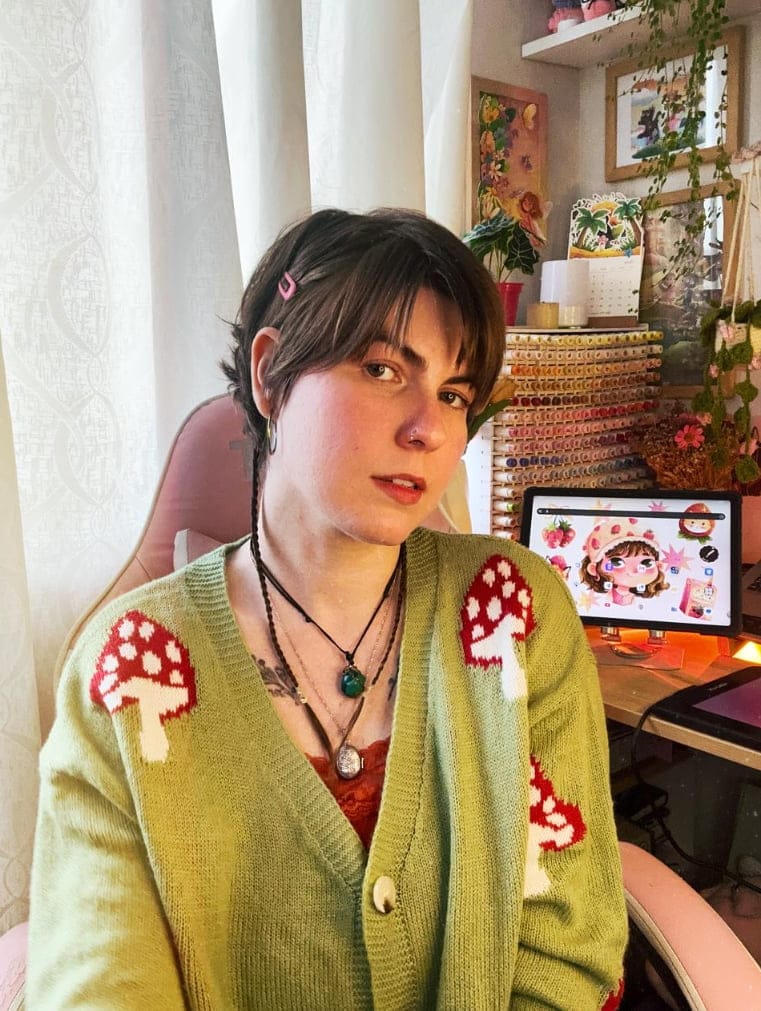
For children’s book illustrators, creating beautiful artwork is only the beginning. Unlike traditional static illustrations, AR-enhanced artwork gives young readers a new way to interact with characters and become part of the story.
This is the creative journey of Paola Pérez Letina, a children’s book illustrator who has attracted over 26K followers on Instagram with her colorful artwork. Through her illustrations, Paola transforms everyday moments into playful worlds filled with warmth, emotion, and imagination.
In this story, Paola shares how she uses Kivicube to extend her digital artwork beyond static images by turning her illustrations into interactive AR experiences.
Who Is Paola Pérez Letina?
Paola Pérez Letina is a children’s book illustrator and graphic designer, best known as the creator behind the Instagram account “Colorina Colorada”. Paola is originally from Venezuela and currently lives in Lima, Peru. She loves being outdoors when not working. She has a deep connection with animals and often draws inspiration from the natural world. As a curious creator with many interests, she enjoys exploring new skills, including crochet, writing, painting, and gardening.
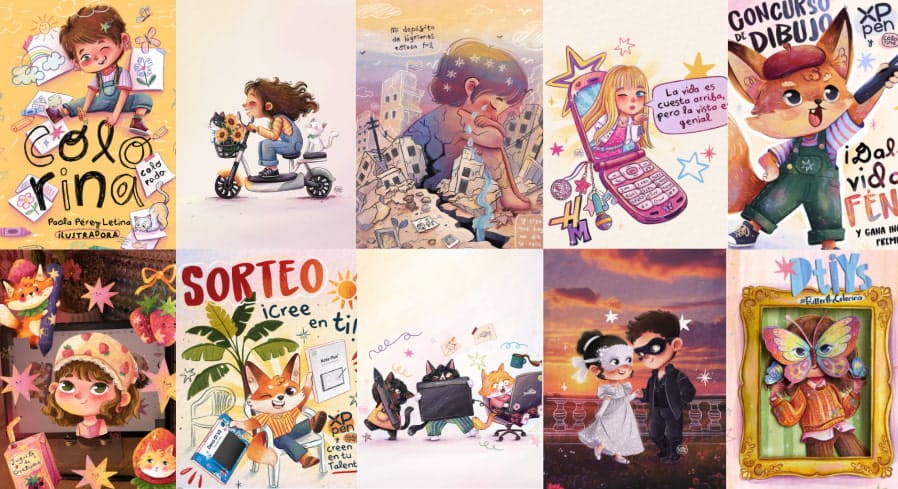
Paola has one central goal when it comes to her art: illustrating stories in a way that builds an emotional connection between her creations and the young readers. Specializing in children’s editorial illustration, she enjoys creating cute characters and imaginative scenarios that encourage children to discover new worlds through her artworks.
How Paola Pérez Letina Creates an Augmented Reality Scene for Her Illustration
According to Paola, Kivicube helped her explore new creative possibilities by making AR creation more accessible. Here are the simple steps showing how Paola Pérez Letina transforms her illustration into an interactive WebAR experience within the intuitive platform.
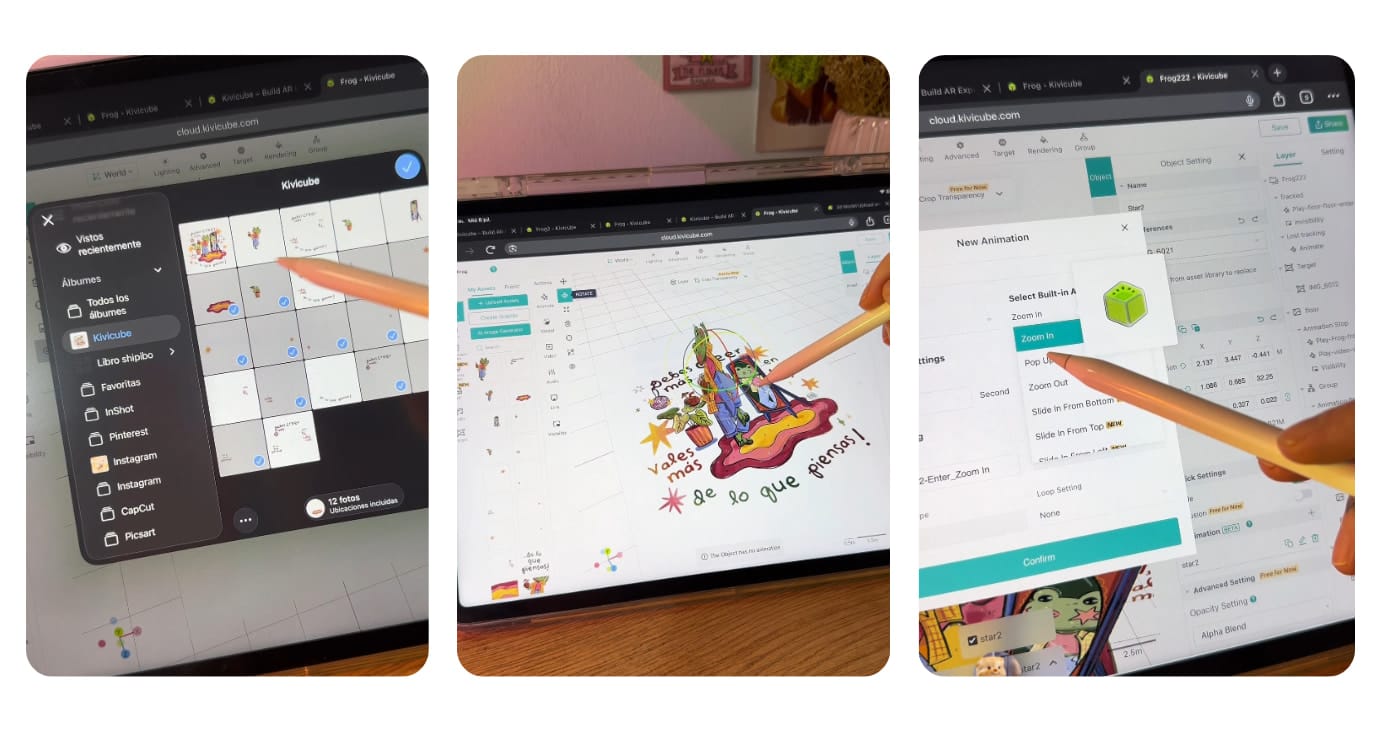
Step 1. Create a new illustration and export each element with a transparent background.
Step 2. Open Kivicube and log in, then create a new “Image AR”.
Step 3. Upload all prepared assets for the AR illustration experience.
Step 4. Drag and drop the assets into the grid editor, then set the animations and interactions according to her ideas.
Step 5. Scan the QR code and the target image to enjoy the immersive AR illustration experience.
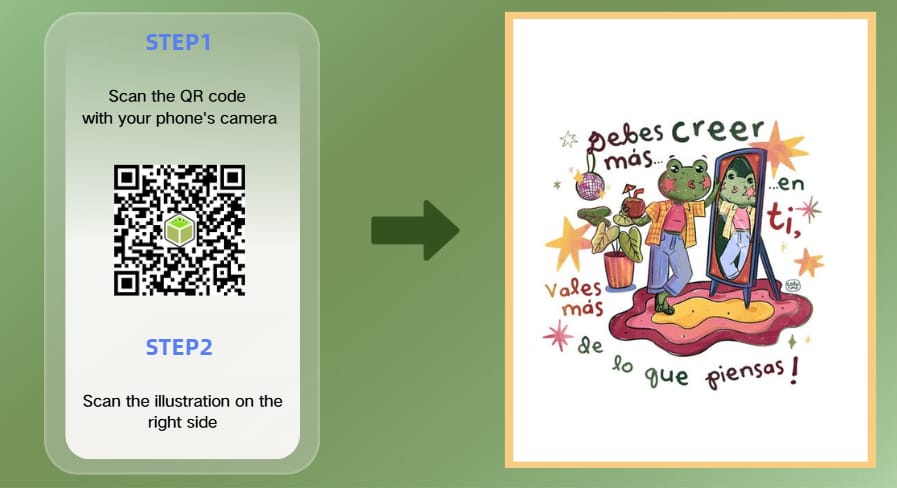
Note: For the best experience, please use a tablet or other device with a flat surface view to experience the AR scene.
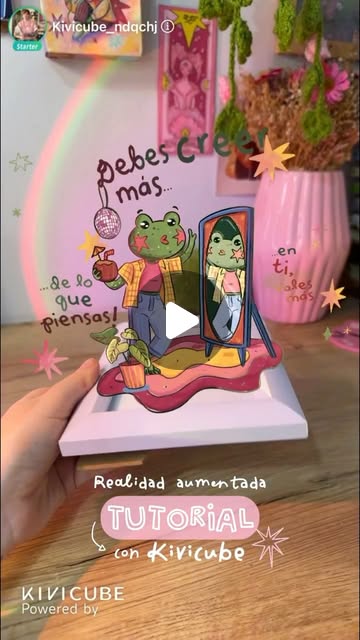
We collaborated to create the AR scene and shared it through a collaborative Instagram post, which has received more than 9,000 likes so far.

Kivicube: A Creative AR Assistant for Illustrators & Other Artists
For illustrators, AR offers a new way to extend their artwork beyond the page and create interactive experiences for audiences. With accessible WebAR tools, creators can transform static illustrations into immersive digital experiences, with no advanced technical skills required. Kivicube is a WebAR platform that helps creators make interactive AR scenes that audiences can experience directly through a web browser, with no app or coding required. It’s a practical tool for illustrators such as Paola to display their artworks and creative ideas with ease.
Main Features:
Create AR Experiences for Free: Each new user has 2 free scenes with unlimited features, so people can try the platform before investing in a paid plan.
Multiple Ready-to-Use AR Templates: Multiple pre-made AR templates are provided for illustrators to directly duplicate.
Layer-Based AR Creation: Like Paola’s workflow, most illustrators tend to place each element on separate layers to construct more three-dimensional AR scenes that make the illustration display more vividly. Kivicube enables users to create layered AR content via a streamlined interface, requiring no coding skills.
Add Multiple Animations and Interactions: It supports users in adding various animations and interactions based on their own ideas, such as triggers, entering effects, etc., to make the AR scene more engaging for audiences.
AI-Assisted AR Scene Generation: The built-in AI generator can create AI images, 3D models, and videos with simple clicks, and the generated AI assets will be automatically stored in your asset library for fast creation. In addition, the newly launched AI AR agent helps to generate complete AR projects using simple prompts.
Q&A With Paola Pérez Letina
Q1: Hi Paola, could you please tell us more about yourself?
Of course. I’ve loved drawing and telling stories through illustrations for as long as I can remember. I especially enjoy working on children’s books because I love creating characters and scenes that convey emotions and connect with young readers—and with the young at heart as well. There’s always something new to discover, and recently I learned how to use augmented reality as another way to explore my creativity.
Q2: How does Kivicube fit into your creative workflow?
I start by creating the illustration, making sure each element is on a separate layer. Then I isolate the parts I want to animate, export them with transparent backgrounds, and import everything into Kivicube. From there, I experiment with different movements and effects, and it feels dynamic and engaging.
Q3: Since you were a newcomer to AR, how was the learning curve?
I had never worked with augmented reality before, and I expected it to be much more complicated. Instead, Kivicube was surprisingly helpful with practical functions and intuitive drag-and-drop editing. So my first AR journey was smooth and fun.
Q4: Would you like to recommend Kivicube to your friends?
Absolutely. I think it’s a great tool for illustrators and anyone with a creative background who wants to make their projects more interactive. It allows you to create a unique experience without requiring complicated technical skills, and I also appreciate that it’s very accessible and easy to incorporate into your creative workflow.