Augmented Reality Geography: Use Cases, Examples & How to Create One with Ease
In this post, we’ll explore how augmented reality geography works, 5 real-world examples, and how to create your AR geography scene with Kivicube.
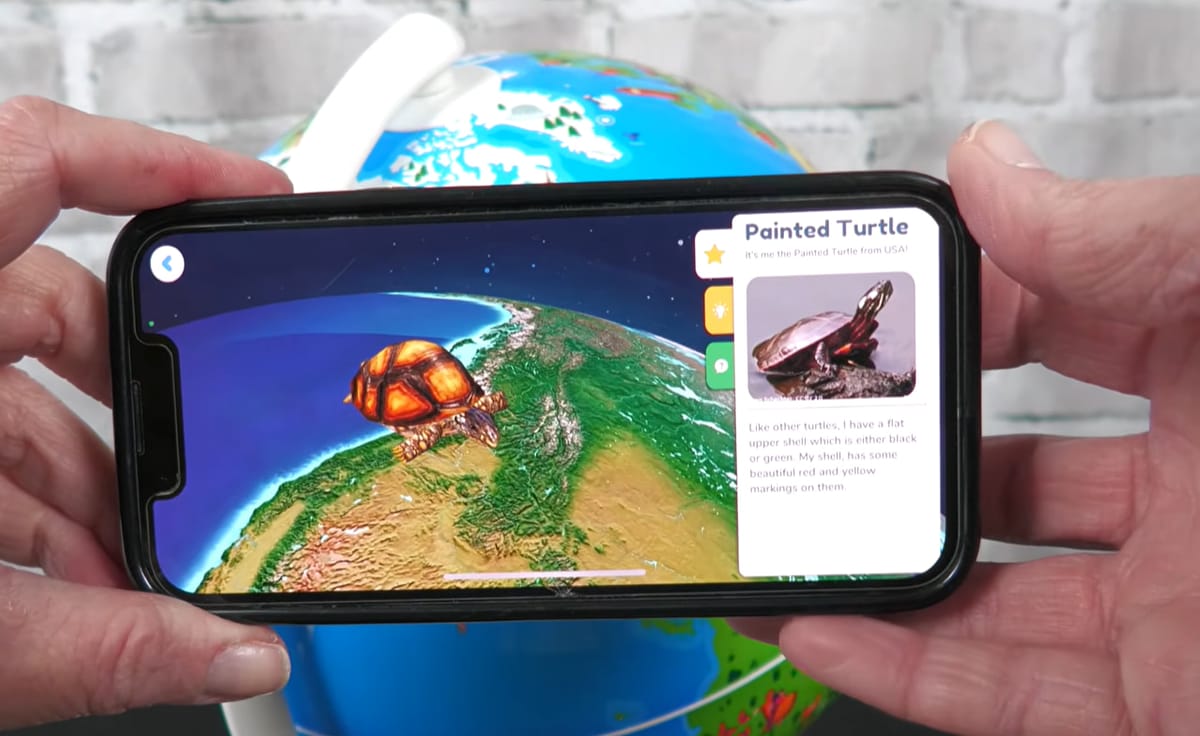
In the past, learning abstract geographic concepts could be difficult for both students and visitors. With the growing use of augmented reality, educators and other content creators have a more engaging way to present geographic information with interesting 3D visualizations and animations.
In this post, we’ll explore augmented reality geography use cases in depth, talk about 5 examples in real life, and walk through the steps for creating an interactive geography experience with Kivicube.
What is Augmented Reality Geography?
Augmented reality in geography refers to the use of AR technology to overlay digital geographic content, such as 3D terrain models, maps, and spatial data, onto the real world. Users can explore geographic concepts through interactive visualizations.
Unlike traditional maps and geographical textbooks, AR geography experiences allow users to view geographical features from different angles and examine details that may be difficult to understand through flat images. A 2025 review published on MDPI found that AR applications can support students’ understanding of spatial relationships, landforms, and topographic maps. Interactive tools such as GeoAR and AR Sandbox bring geographic concepts to life through digital map overlays and 3D terrain models.
How is Augmented Reality Used in Geography?
So how is augmented reality applied in geography? Below, we’ll explore some common use cases of augmented reality in geography.
- Geography Education and Interactive Learning
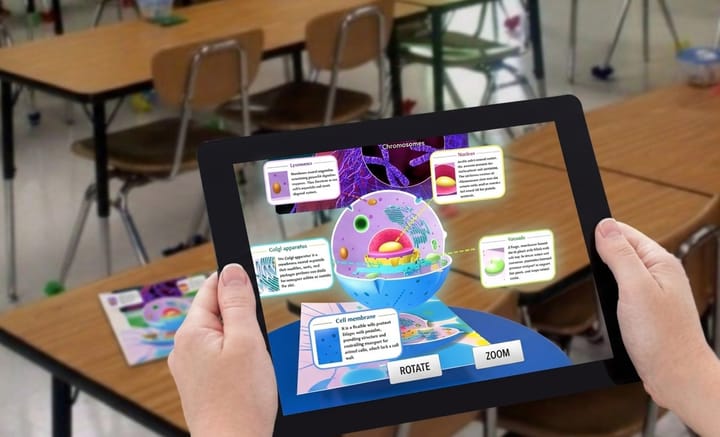
Educators and teachers can integrate digital content and 3D animations into geography lessons using AR. Students can scan a QR code to access an AR geography experience or open up an augmented reality geography app. Then they can view models from different angles and gain insight into complicated geographic concepts such as tectonic plates and landscape formations.
- Exploring Maps, Landforms, and Geographic Features
Through the integration of 2D maps with 3D representations of the real world, augmented reality geography can make map reading more understandable and interactive. The intuitive visualization of various landform features and locations is also helpful for students in understanding relationships between elevation, distance, and space.
- Understanding Natural Hazards and Environmental Changes
Moreover, augmented reality in geography can help educators to introduce natural hazards and changes in the environment. In particular, by using 3D models and animation, educators can show how erosion influences the transformation of riverbanks. Students can explore how geographic environments change and how those changes affect people.
- Geography Field Trips and Real-World Exploration
In fact, augmented reality in geography is not only applicable inside the classroom but also outside it. For instance, during fieldwork, learners can use their mobile phones to discover geographical landmarks as well as the ways humans interact with the environment.
Real-World Augmented Reality Geography Examples
Augmented reality is now widely used for different purposes. Let’s review some real-world examples of AR geography, so you can see how people used it.
1. GeoGeek AR
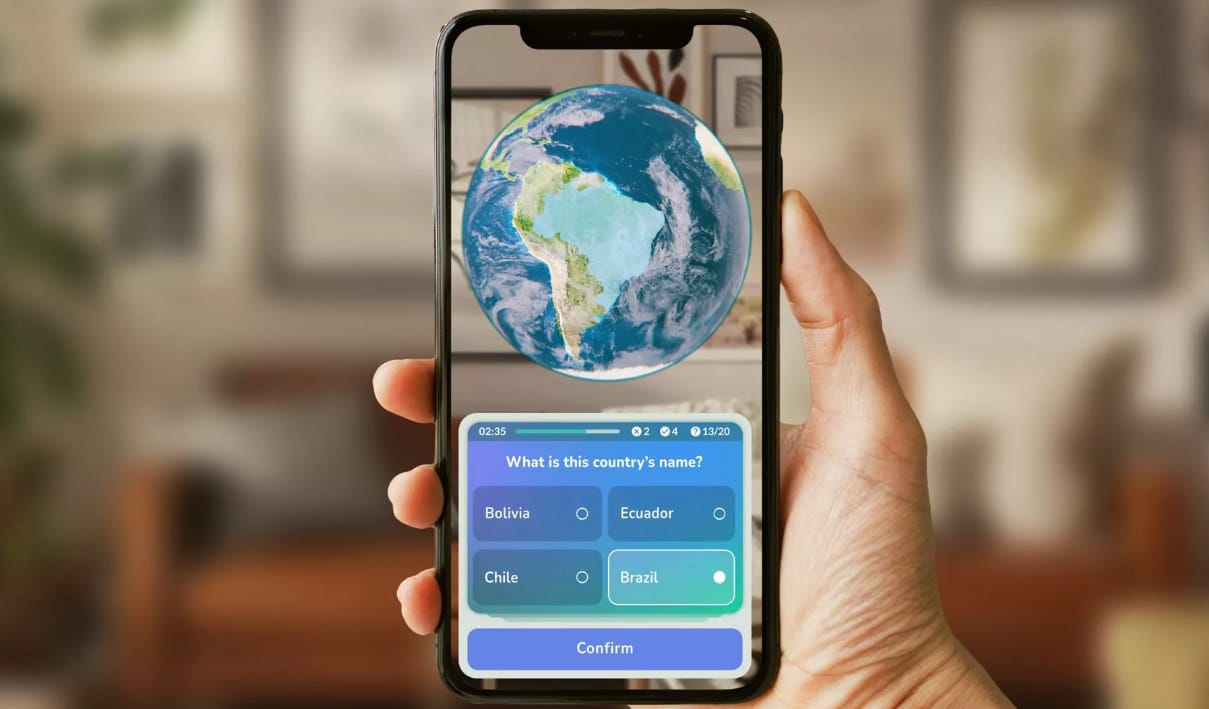
GeoGeek AR is an educational app that combines augmented reality with geography quizzes. It places an interactive 3D globe in the user's surroundings, making it easier to explore the world's countries and geographical features. The augmented reality geography app offers 8 game modes and multiple difficulty levels. It also provides an interactive atlas for users to explore geographical information.
Want to make an AR game for immersive geography learning? Then this article can be helpful:
 Bella
Bella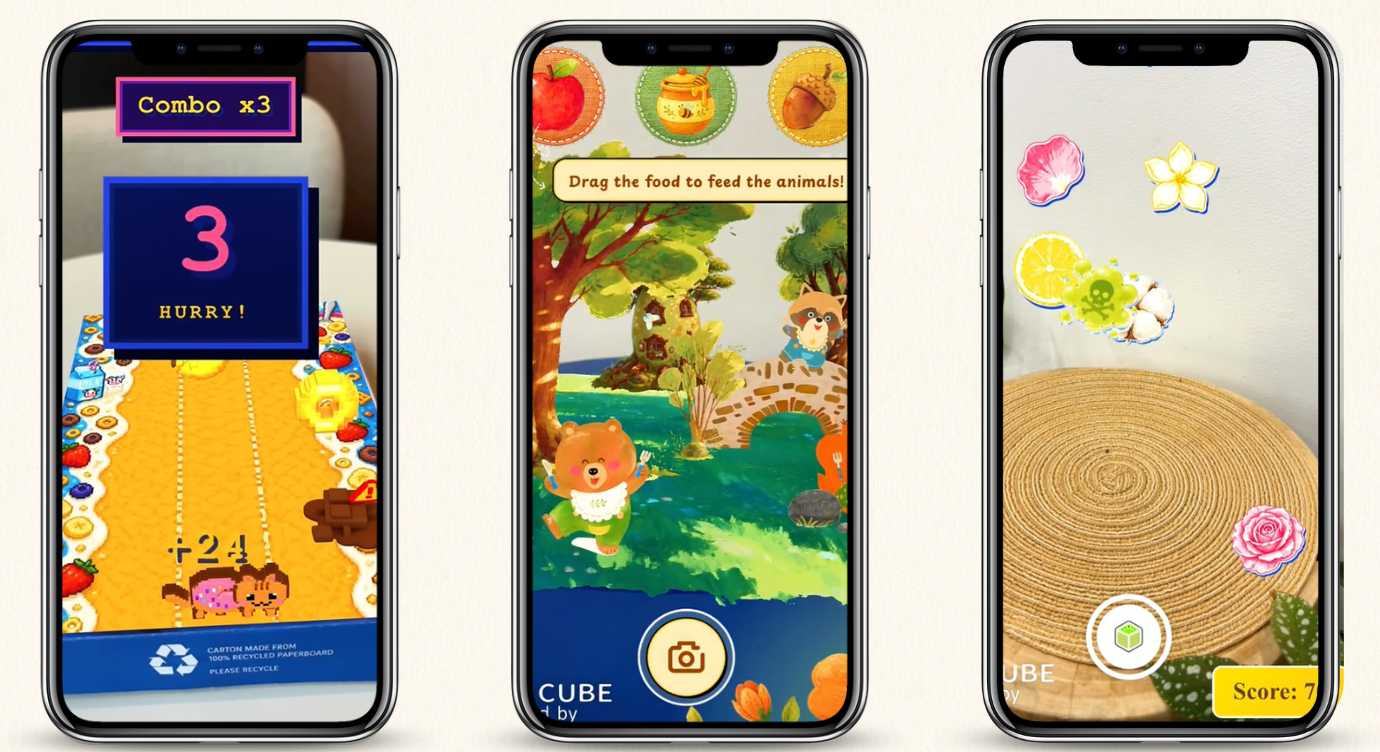
2. UC Davis Augmented Reality Sandbox
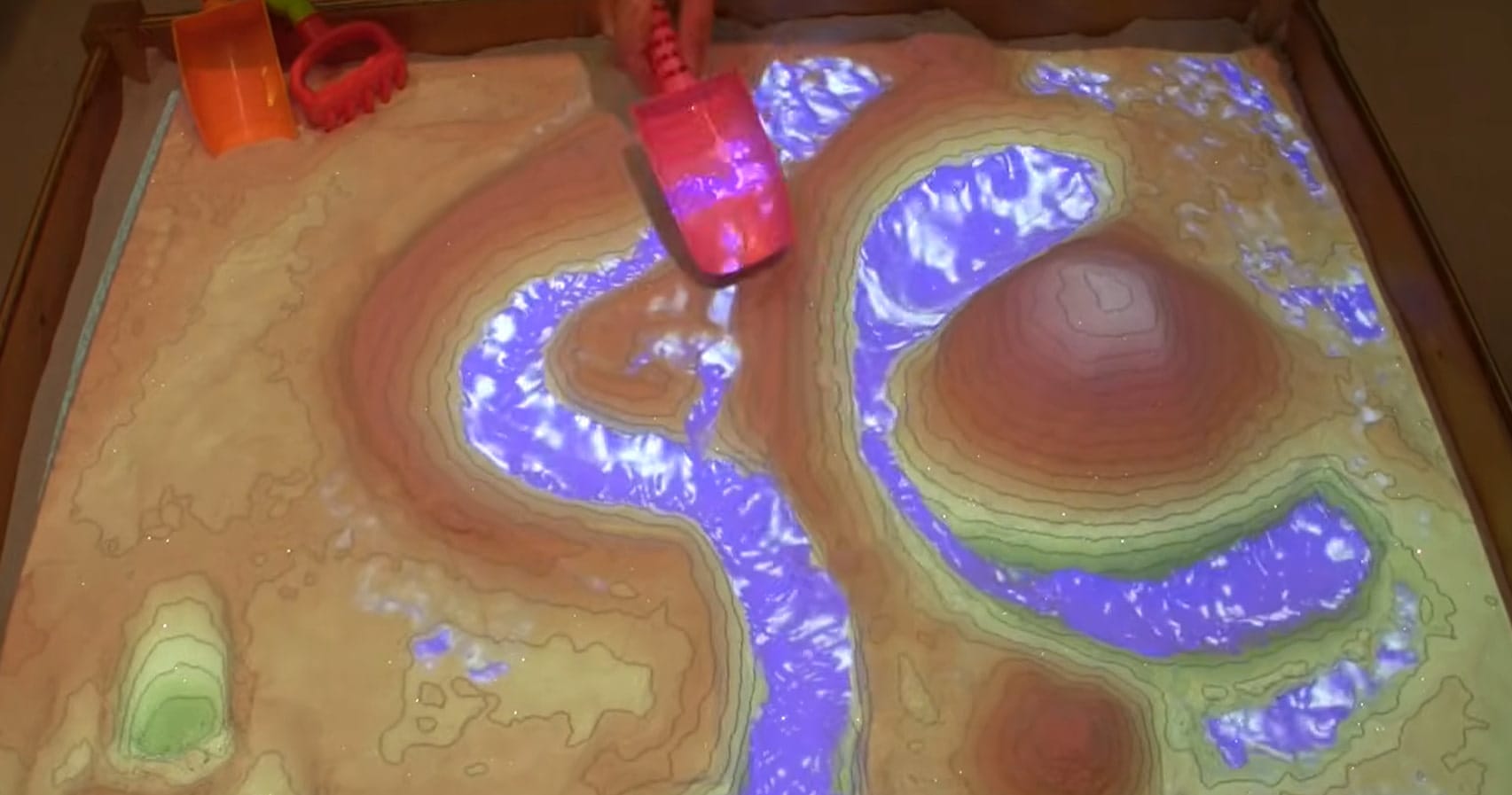
The UC Davis Augmented Reality Sandbox is an interactive geography learning system developed by researchers at the University of California, Davis, and partner institutions. It combines a physical sandbox with a 3D camera, computer software, and a projector. As users shape the sand, the system displays elevation colors and topographic contour lines on the surface in real time. Users can also simulate rainfall and watch virtual water flow across the terrain.
3. Find Me Geographically
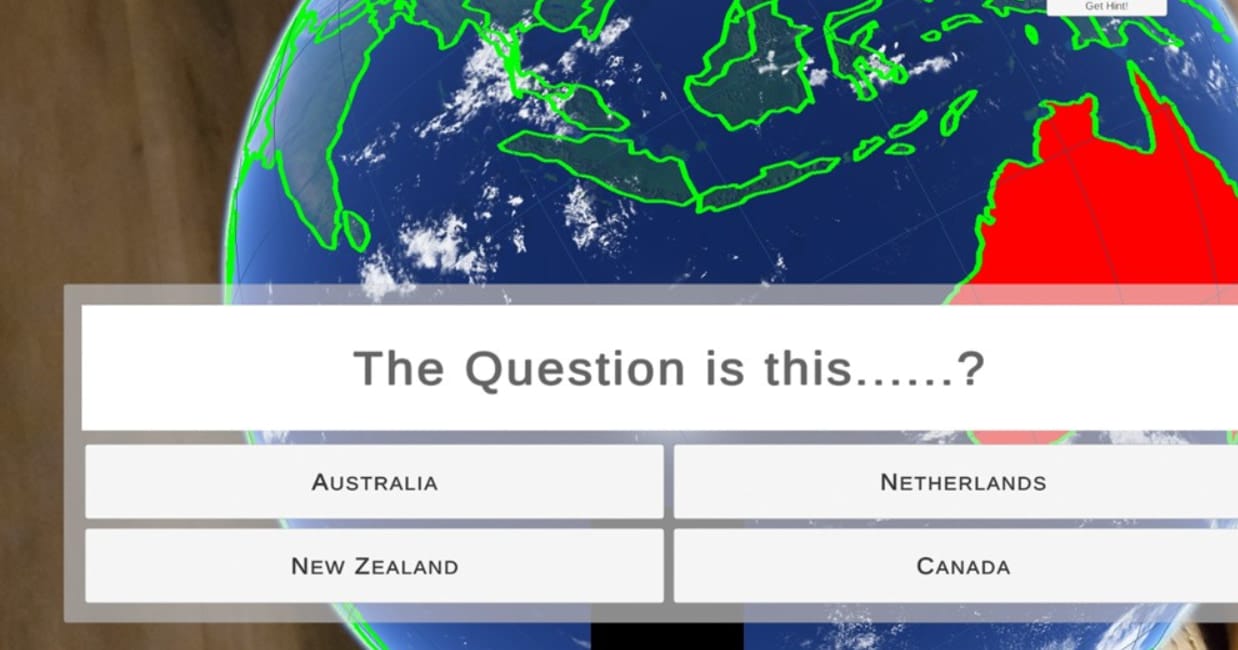
Find Me Geographically is an augmented reality geography project developed by a student team at Florida Atlantic University in Spring 2022. It uses Unity AR to place an interactive virtual globe in the user's physical surroundings. Participants can explore the globe on a mobile phone and identify countries based on questions from a facilitator. They can also receive clues, such as geographical maps and interesting facts about each country.
4. EcoMOBILE
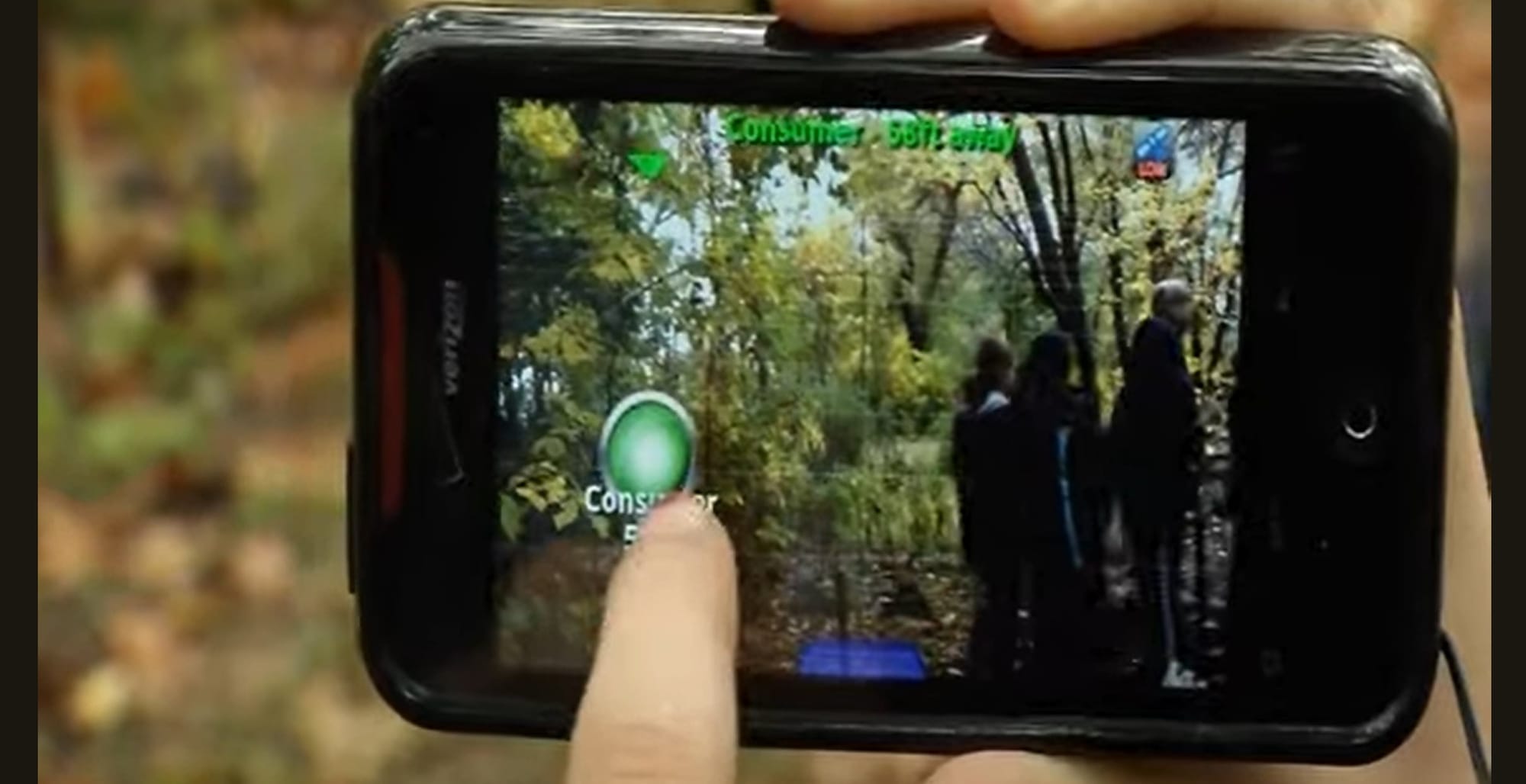
EcoMOBILE is an educational research project from the Harvard Graduate School of Education. It combines augmented reality with outdoor field trips to help students explore real pond ecosystems. During these activities, students use mobile devices to visit designated locations, access digital information, answer questions, and view virtual content overlaid on their surroundings. They also collect water quality data, including temperature, pH, and dissolved oxygen levels, with environmental sensors.
5. Georeferenced AR for Urban Planning
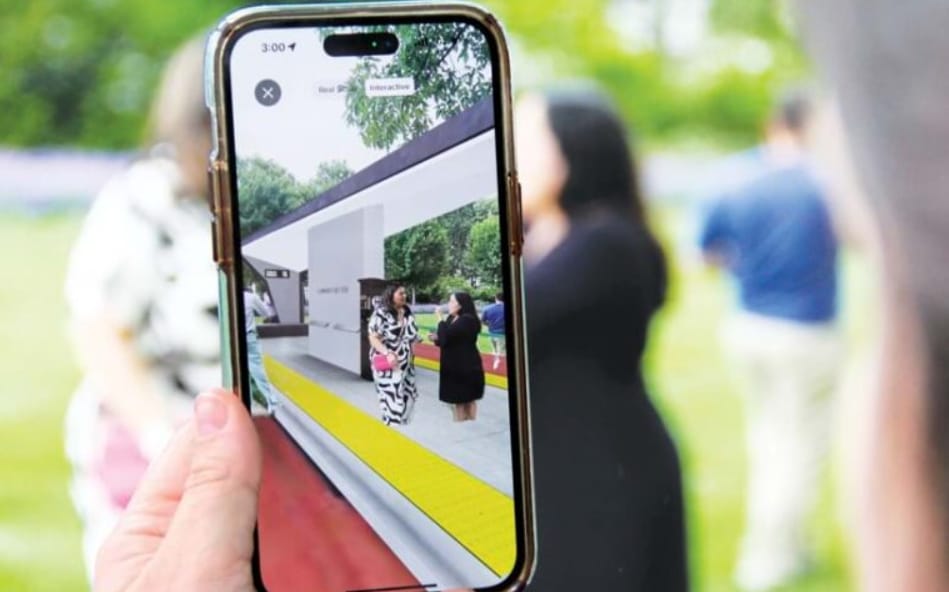
Georeferenced AR brings urban planning proposals into real-world locations. The LinkUS transit project in Columbus, Ohio is a representative example. The Central Ohio Transit Authority partnered with inCitu to visualize proposed bus rapid transit stations, micromobility hubs, and future mixed-use developments along West Broad Street. Using a smartphone, residents could scan QR codes and view the planned infrastructure in its actual surroundings.
Explore more examples of AR in education:
summer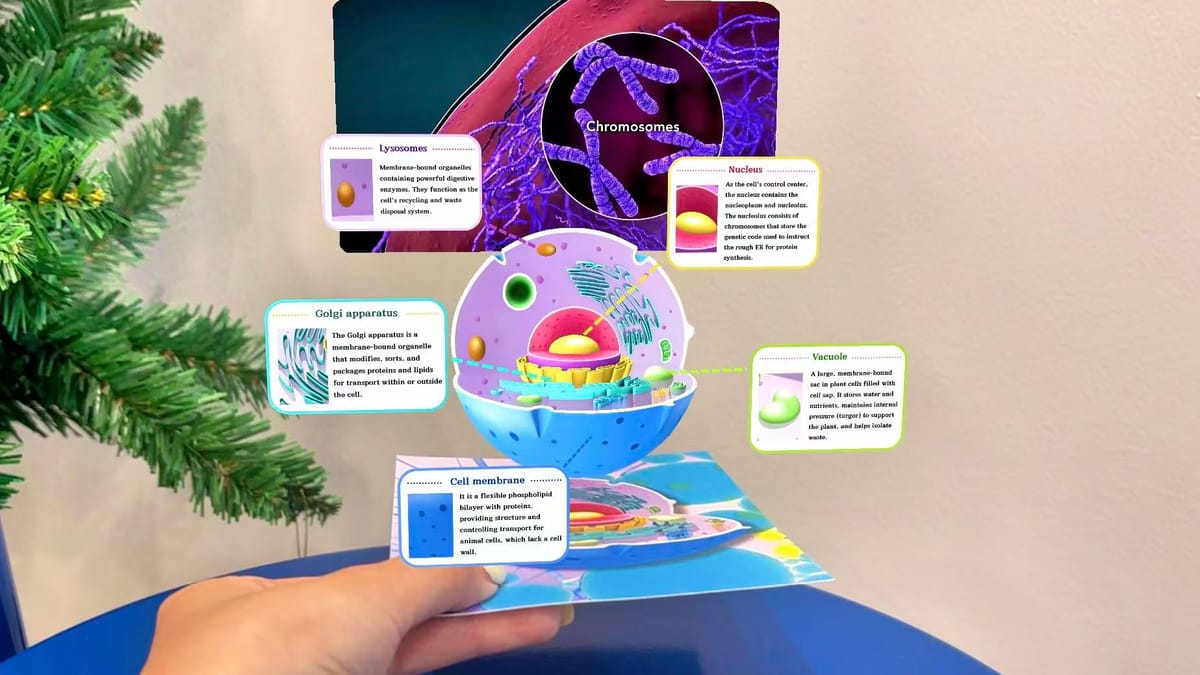
How to Create an Augmented Reality Geography Experience with Ease?
Curious about how to create an AR geography scene? Here, we take an interactive geography quiz as an example to show you the simple steps to make it with Kivicube.
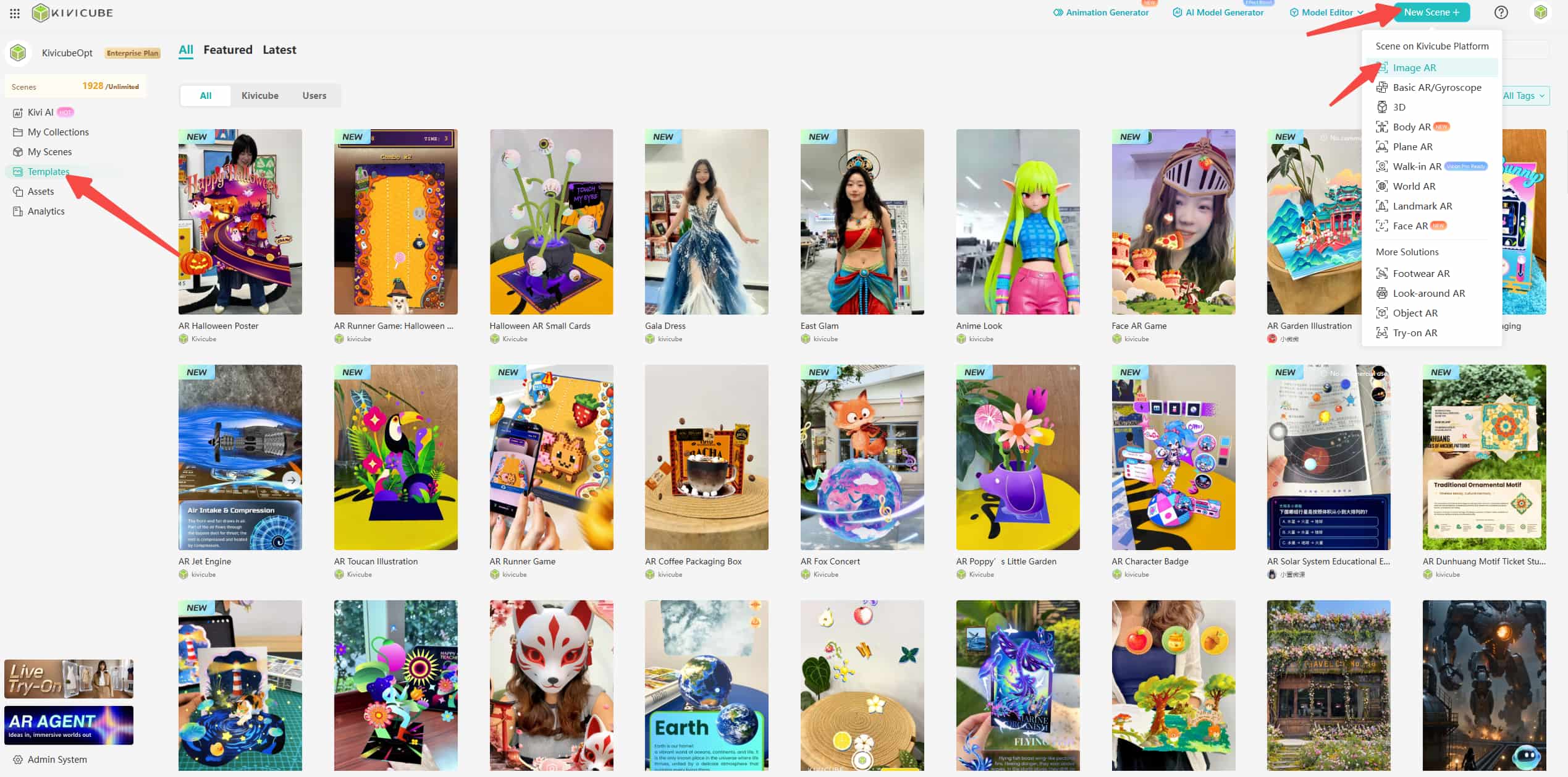
Step 1. Open Kivicube and log into your account. Then choose a pre-designed AR template you like. To start from scratch, click “New Scene +” and select an AR type. Here, we select the “Image AR”.
Step 2. You’ll enter the scene editor, then select a collection, add a scene name, and upload the target image.
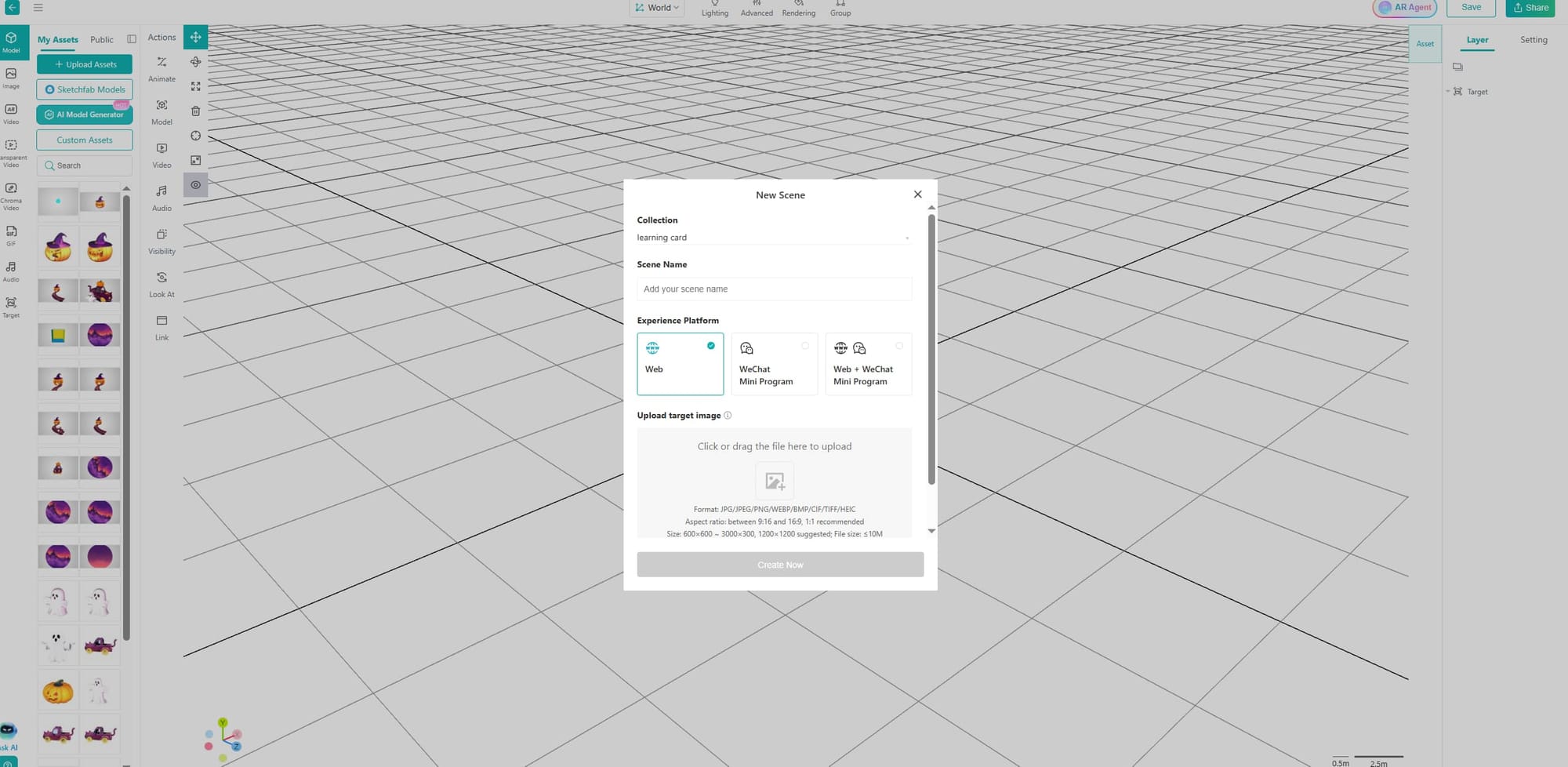
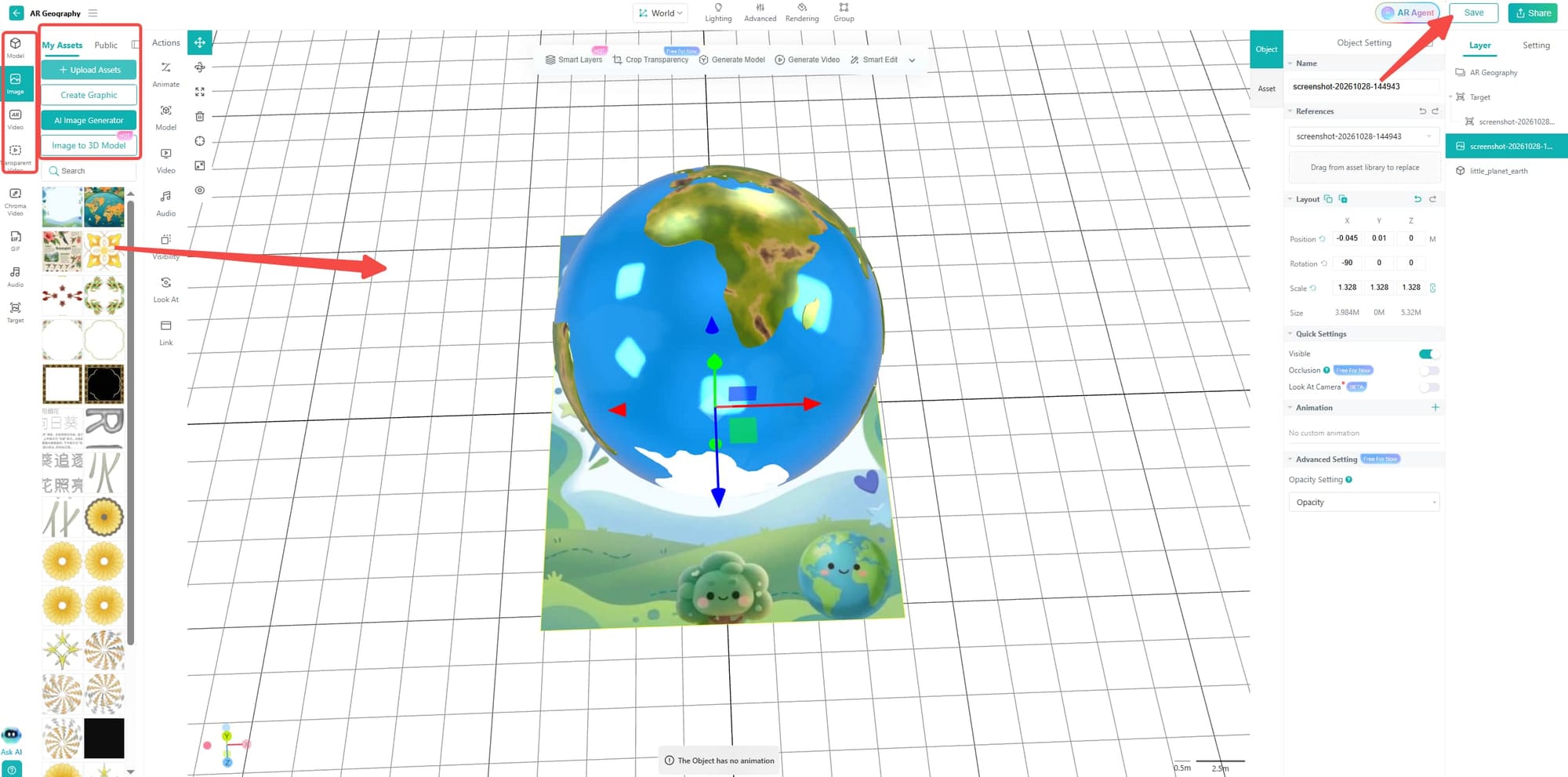
Step 3. Upload the assets you want to add to your geography AR scene, then drag and drop them into the editor and click “Save”.
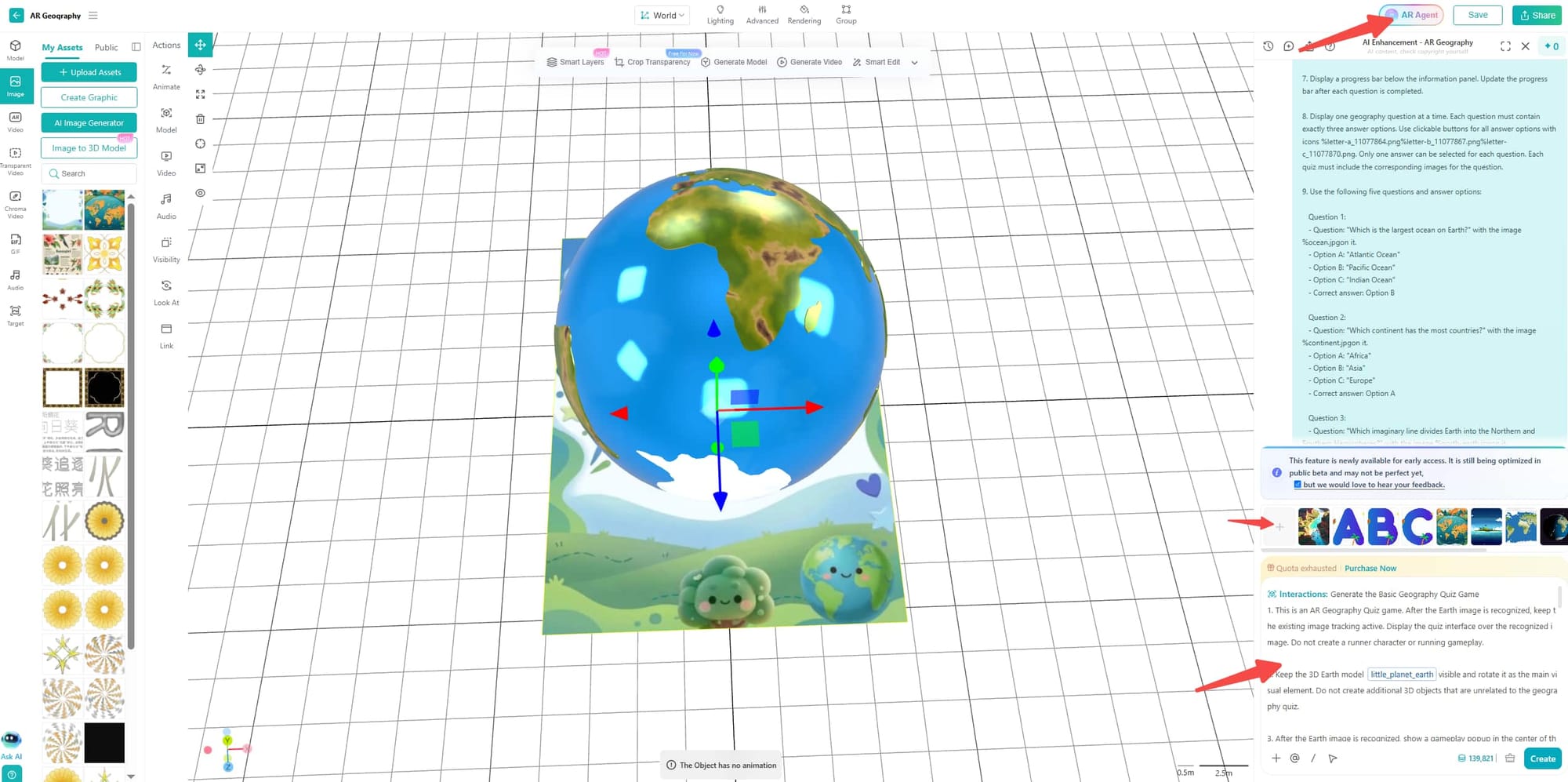
Step 4. Click “AR Agent” in the upper right corner. Upload the assets required for the interactions and animations, then add the prompts to set the details.
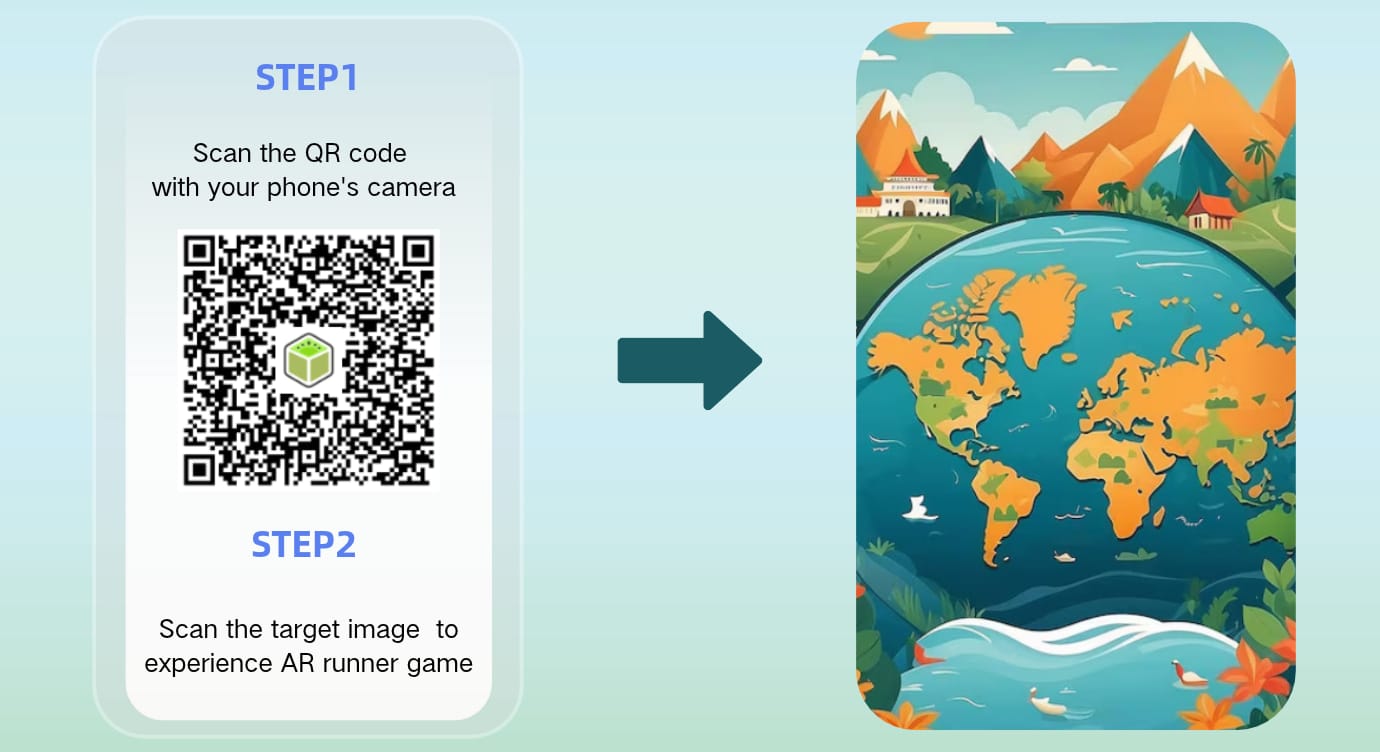
Step 5. Once everything is done, you can share the QR code and target image across platforms. Everyone can play the AR geography quiz without downloading an app.
Best Tool for Creating Augmented Reality Geography Experiences
Looking for a tool to make your own augmented reality geography scenes? Meet Kivicube, which is a no-code WebAR platform to help users create interactive AR experiences simply by dragging and dropping. Whether you are a teacher or event planner, you can bring your AR geography ideas to life with ease.
- Create Interactive Geography Experiences: It supports making AR geography scenes with interactive elements, such as animations, videos, audio, and user-triggered events.
- Comprehensive AR Asset Support: The platform offers pre-made assets across multiple themes. Just drag and drop, then you can add the material you want to the AR scene.
- Multiple Pre-Designed Templates: A wide range of pre-designed AR templates are available for different purposes, including education, e-commerce, art, etc.
- AI-Powered Creation: The AI tools can help you to generate AR assets like images, 3D models, and videos. Besides, if you want a completed AR project, you can upload your assets and tell the AI AR Agent what AR geography scene you want, then it will build all AR interactions for you.
- Easy Sharing Across Platforms: The generated WebAR geography scene can be quickly shared to various websites, H5 pages, and campaign pages via links and QR codes. No separate geography AR app download is required.
- Easy Updates After Publishing: The published scene's QR code remains the same even when the scene is edited, so creators can update animations or replace assets without generating a new code.
- Cost-Efficient AR Customization Services: Our team provides tailored WebAR development for projects such as interactive geography lessons and museum exhibits.
To Sum Up
Technology is changing the way we explore geography. Interactive digital content can make it much easier to communicate information and knowledge. In this post, we talked about use cases and real-world examples of augmented reality geography. To help people who want to make a custom AR geography scene, we also introduced Kivicube and provided an easy-to-follow guide to make it. Ready to get started? Explore Kivicube and create your first AR experience.
FAQs About Augmented Reality Geography
Can AR be used for geography field trips?
Yes. Mobile devices can be used by students and visitors to access information regarding different landmarks as well as explore their surroundings.
How is AR used in urban planning?
Georeferenced AR can place infrastructure like proposed buildings and transportation stops at specific geographic positions. Therefore, residents can have a clearer view of development plans before construction begins.
What devices do I need to use augmented reality in geography?
The device requirements will be determined by the particular AR experience. In most cases, WebAR experience work on compatible devices with a camera and a supported web browser, so users can access them without downloading a dedicated app. However, some systems require special equipment such as the augmented reality sandbox.
Can I create AR geography experiences without coding?
Yes. Some no-code AR platforms, like Kivicube, offer visual editors and drag-and-drop tools for building interactive scenes. You can add 3D models, images, text, and other digital elements without writing code.