8 Best AR Studios for Easy Creation & End-to-End Delivery
The 8 best augmented reality studios are: 1. Kivicube, 2. Web-AR.Studio, 3. Elysium, 4. JigSpace, 5. Treeview, 6. DB Creations, etc. Learn more details here.
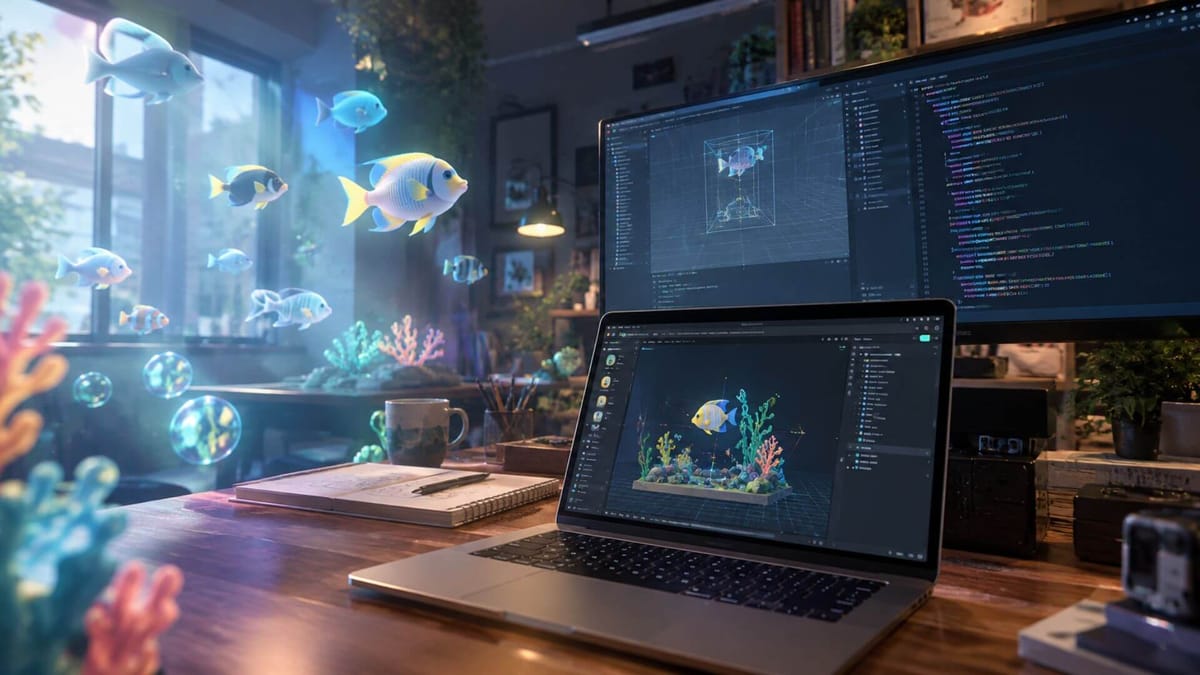
Augmented reality has its magic to stop people in their tracks. By overlaying dazzling digital elements onto the real world, it creates an eye-catching, almost magical visual experience. However, for anyone without AR knowledge or a dedicated development team, producing that kind of effect can be extremely difficult.
That’s where an augmented reality studio comes in. It helps you bring those imaginative AR experiences to life without technical complexity. Here, we tested and picked the 8 best AR studios to help you develop AR projects, games, apps, and much more.
Quick List of 8 Best Augmented Reality Studios
- Kivicube - Best No-Code WebAR Studio
- Web-AR.Studio - Top Augmented Reality Studio Easy to Use
- Elysium - Best Augmented Reality Game Studio on Mobile
- JigSpace - Top AR Studio for 3D Presentations
- Treeview - Top AR Glasses App Development Studio
- DB Creations - Mixed and Augmented Reality Game Studio
- Lens Studio - Best Social Media AR Filter Studio
- Another Reality Studio - US Physical Studio for Enterprise XR
What Is an Augmented Reality Studio?
An augmented reality studio is a specialized platform, software or team that helps you build interactive AR projects. It removes the technical barriers and turns the augmented reality imagination into something ready to launch.
Types of AR Studio
- No-Code WebAR Studio: Browser-based AR creation platforms that let you build and publish AR experiences without downloading an app.
- Dedicated AR Studio App: Native AR apps for iOS and Android that offer AR building capabilities and deep device integration.
- AR/VR Glasses Development Studio: Teams that specialize in developing software for VR/AR glasses and wearable displays.
- Social Media AR Studio: Social media built-in features that allow creating AR filters and interactive effects for content sharing.
- Physical AR Studios: Physical studios with an in-house team specializing in enterprise XR, digital twins, and interactive applications built with Unity and Unreal Engine.
 Bella
Bella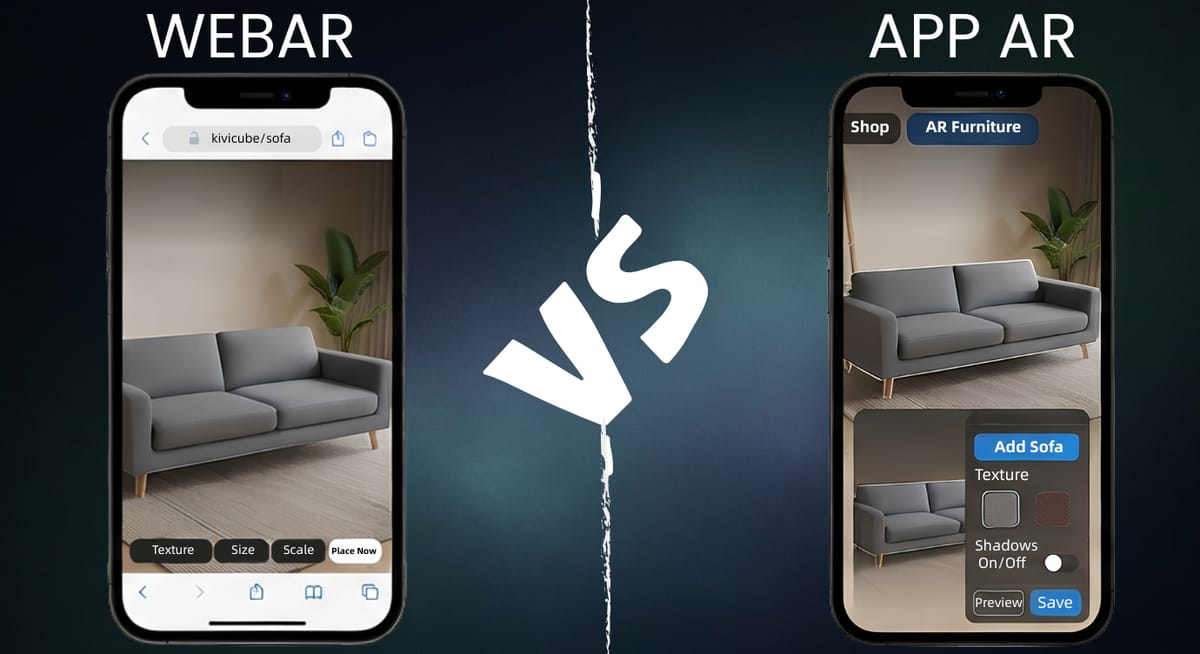
8 Best Augmented Reality Studios
Here are the 8 best augmented reality studios covering all 5 types above. You can explore what exact services they provide and choose the one fit your need.
1. Kivicube - Best No-Code WebAR Studio
Best for: Both AR newcomers who prioritize easy creation and teams that want end-to-end delivery.
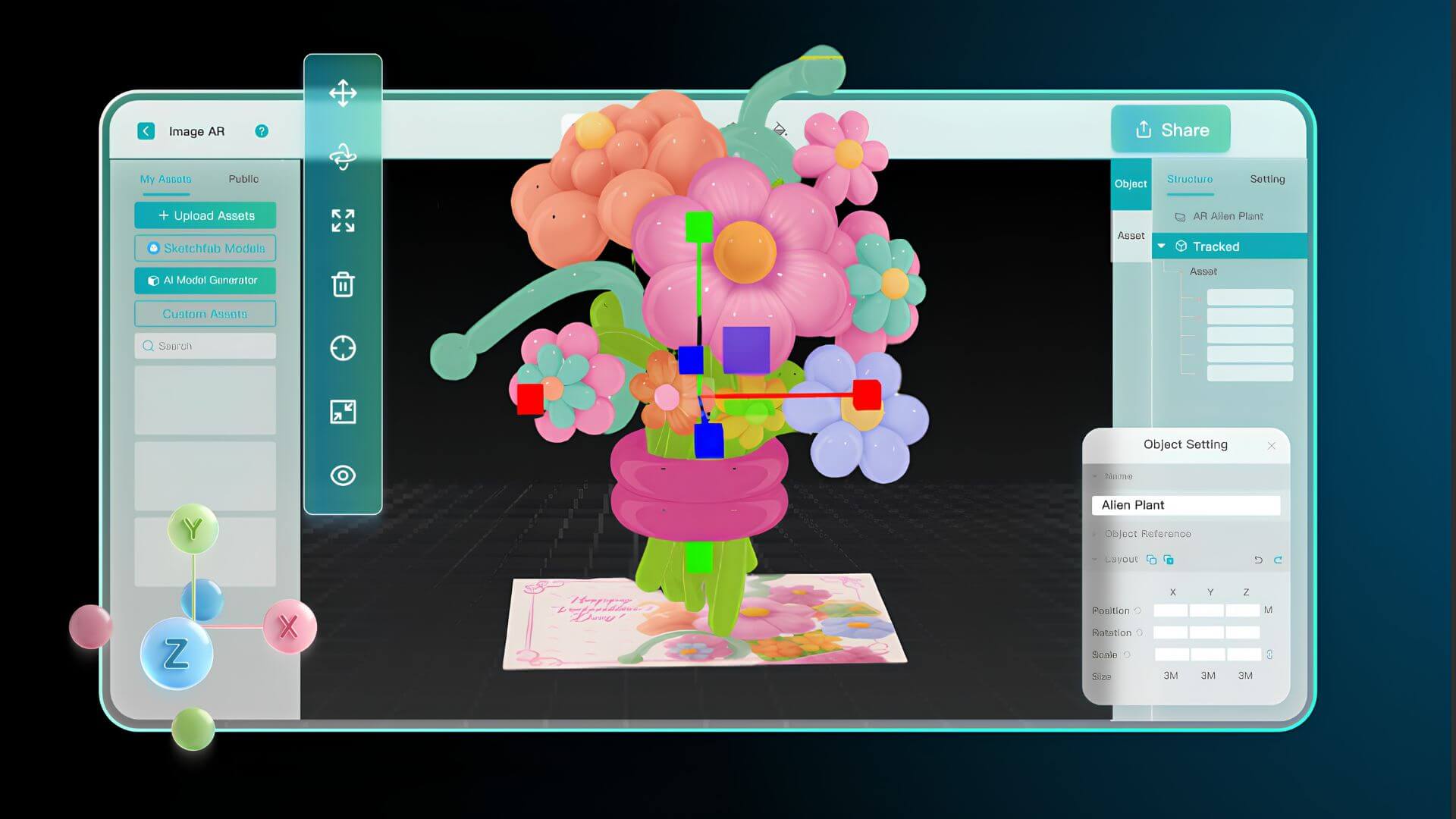
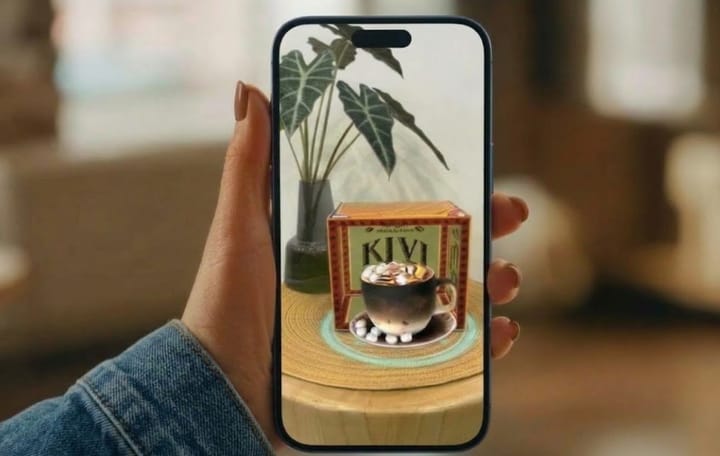
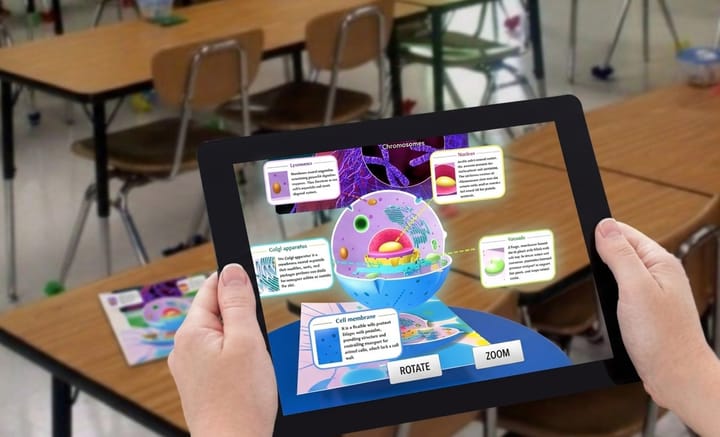
Kivicube stands out as the best no-code WebAR studio that lets you create AR projects entirely in the browser, without downloading any app. Its drag-and-drop editor removes technical barriers, so anyone can create AR without coding or a development team. From AR games with 3D characters to marketing campaigns, interactive menus, and AR lessons, Kivicube covers a wide range of use cases, making it one of the best AR studios to try.
Key Features of Kivicube:
- No-Code WebAR Editor: Kivicube AR Studio lets you build AR projects with a drag-and-drop editor, or vibecoding them effortlessly through an AI AR Agent. Viewers simply scan a QR code or open a link to experience it.
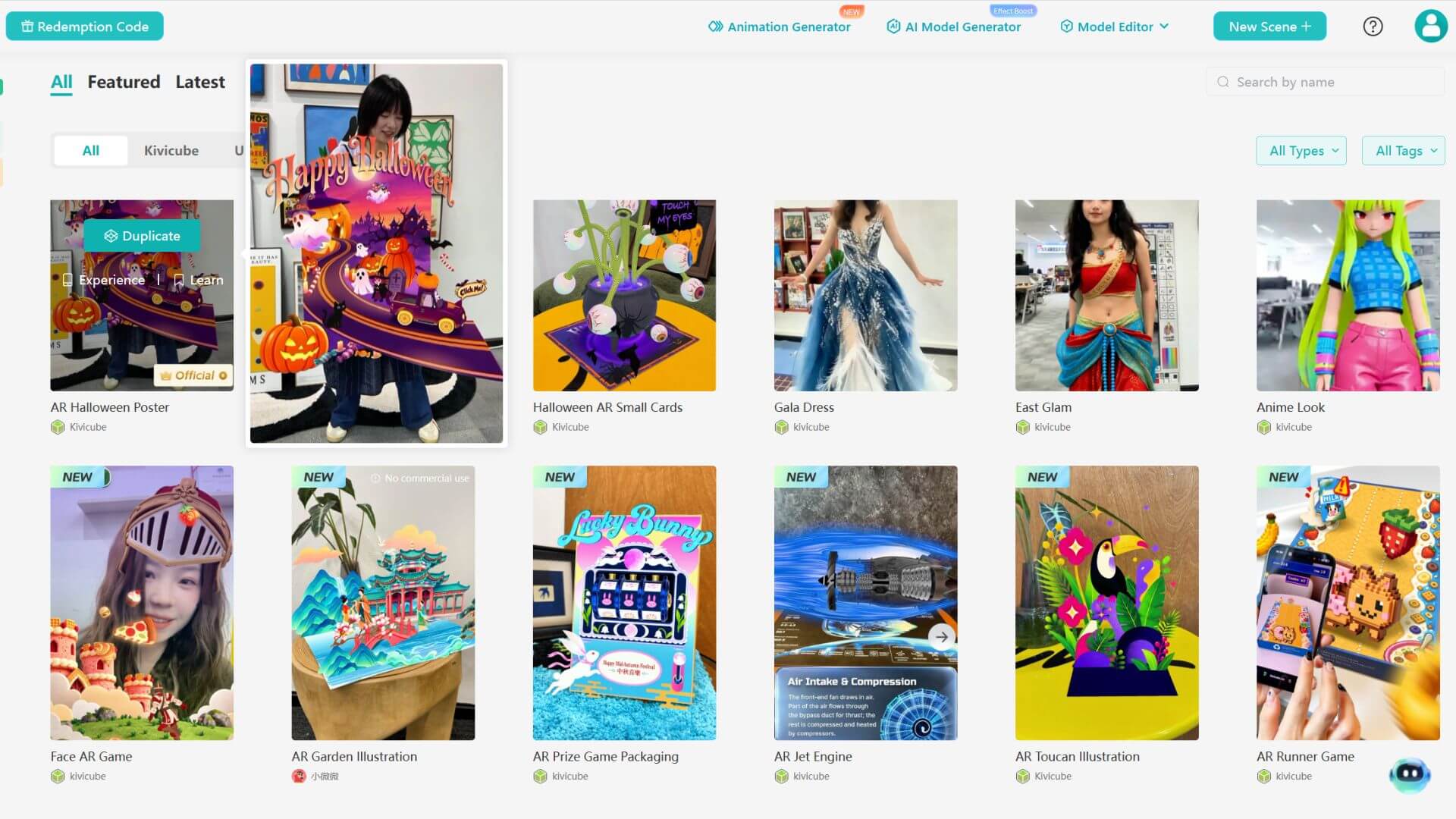
- Hundreds of Templates for All Use Cases: Skip building from scratch. Duplicate a ready-made template covering marketing, education, art, tourism, packaging, and more.
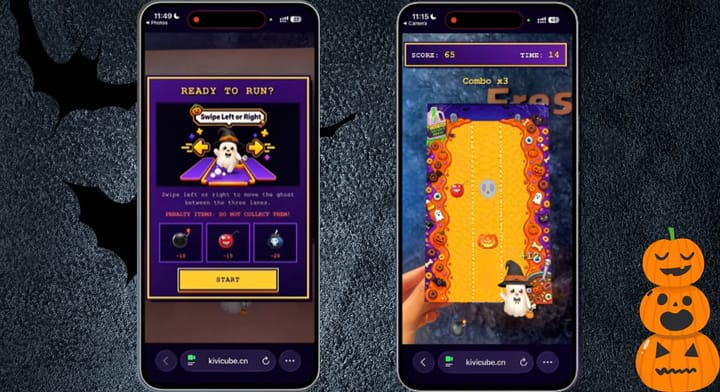
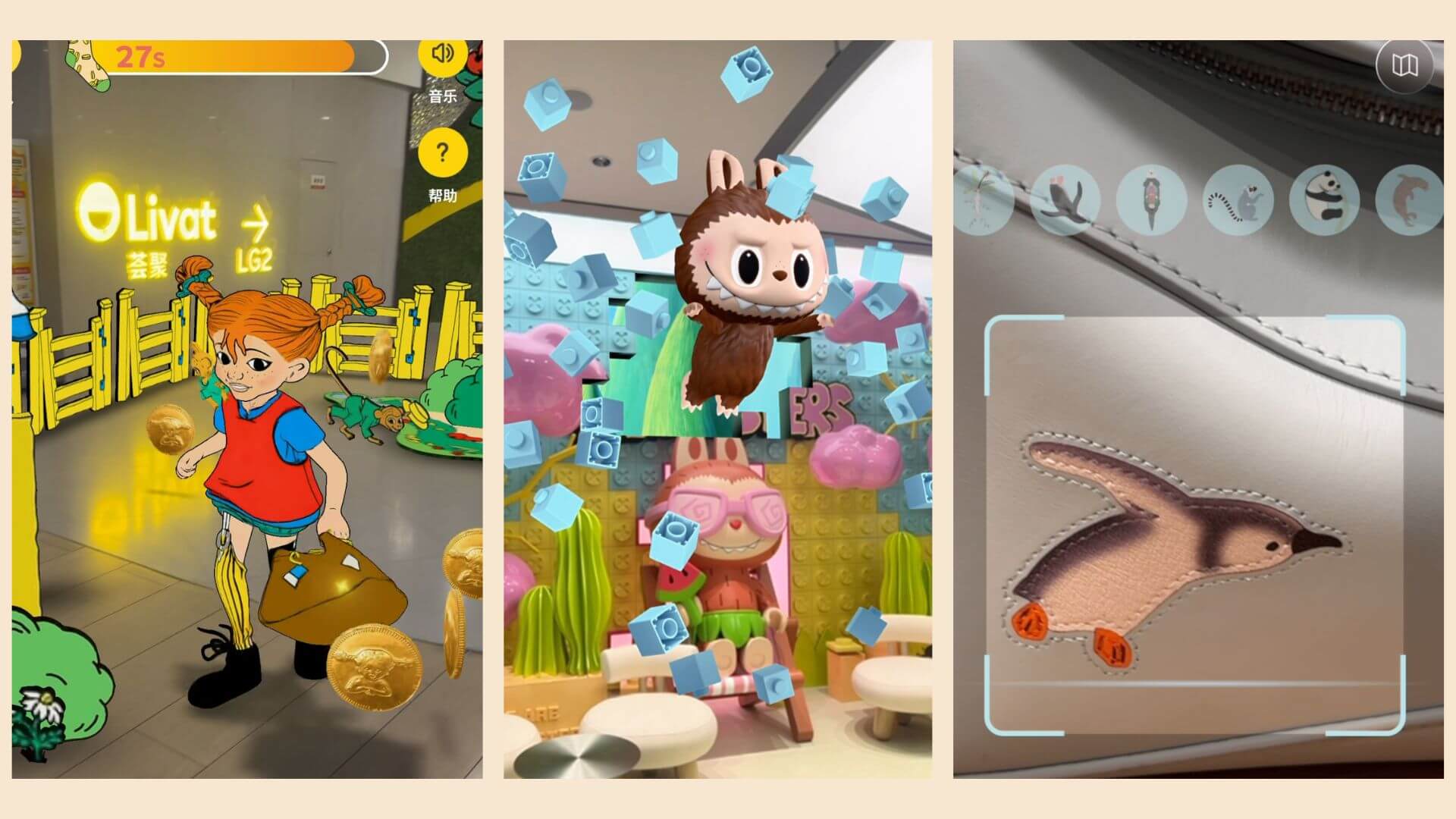
- AR Games and Interactive Experiences: Kivicube also works as an augmented reality game studio. Build AR games with 3D characters and interactive objects for product packaging, opening events, and any other scenario you have in mind.

- Customizable AR Projects: Kivicube WebAR Studio offers tailored services. Contact us with your idea, and we will build a ready-to-launch AR project exclusively for you.
2. Web-AR.Studio - Top Augmented Reality Studio Easy to Use
Best for: Short-term users who want a quick start with basic template needs.
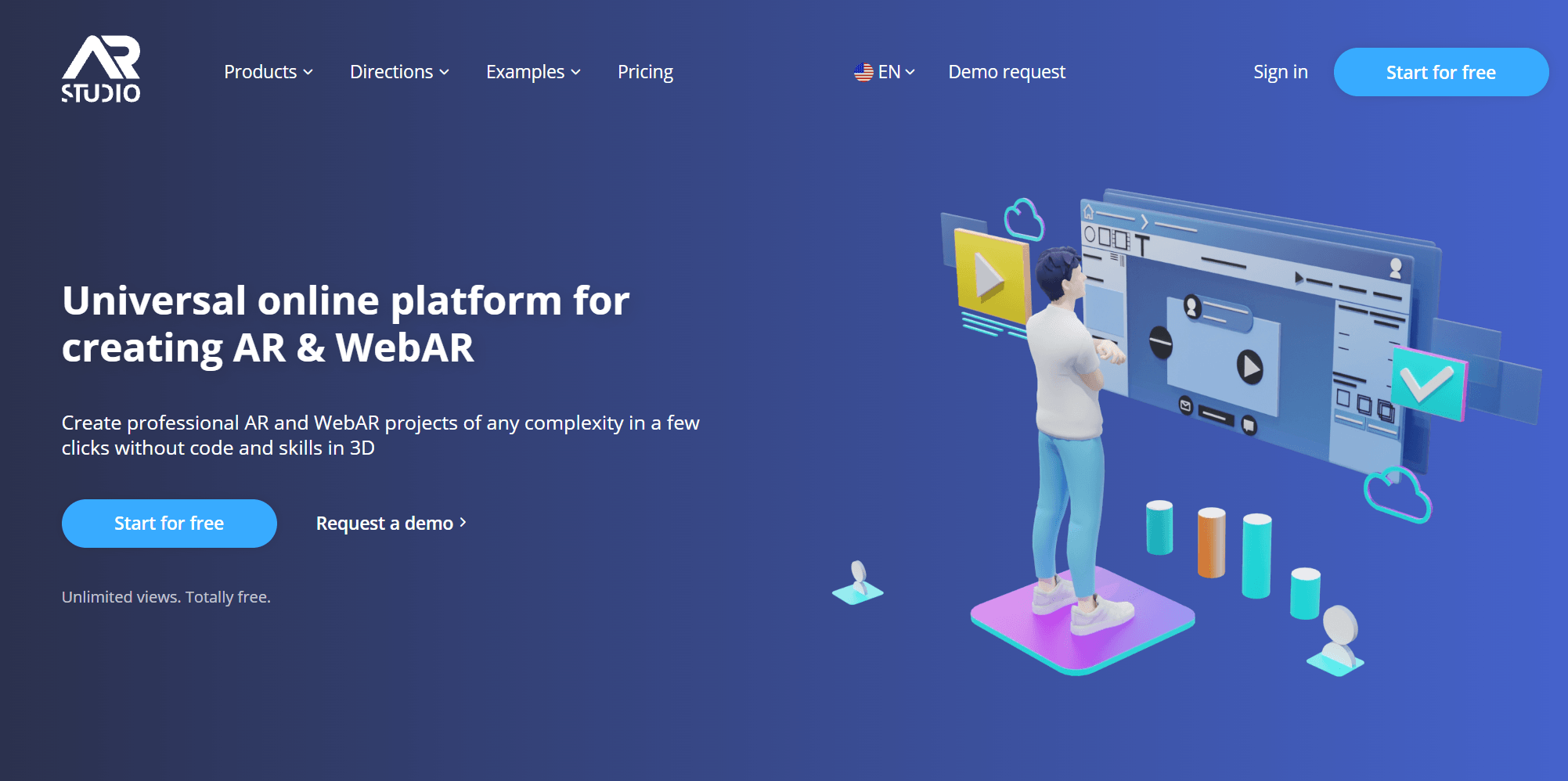
Web-AR.Studio is another WebAR studio that's easy to get started with templates provided. However, when comparing Web-AR.Studio with Kivicube, you'll notice a much smaller template library here. There are only about 10 templates available with Web-AR.Studio, organized by trigger type. Besides, you may lose access to your AR creations if your subscription expires, but access returns when you renew.
Key Features of Web-AR.Studio:
- Flexible Creation & Publishing: It provides three editors and three publication types, enabling flexible creation and publishing to meet your needs.
- Dozens of Templates: Web-AR. Studio provides about 10 ready-made templates organized by trigger types.
- AI-Powered Asset Creation: While less powerful than Kivicube, this WebAR studio can also help create 3D models, images, and video.
- 8 Tracking Modes: The free plan can try 6 tracking modes, while business adds GEO AR, and Unlimited adds VPS.
3. Elysium: Best Augmented Reality Game Studio on Mobile
Best for: People building location-based augmented reality games on mobile.
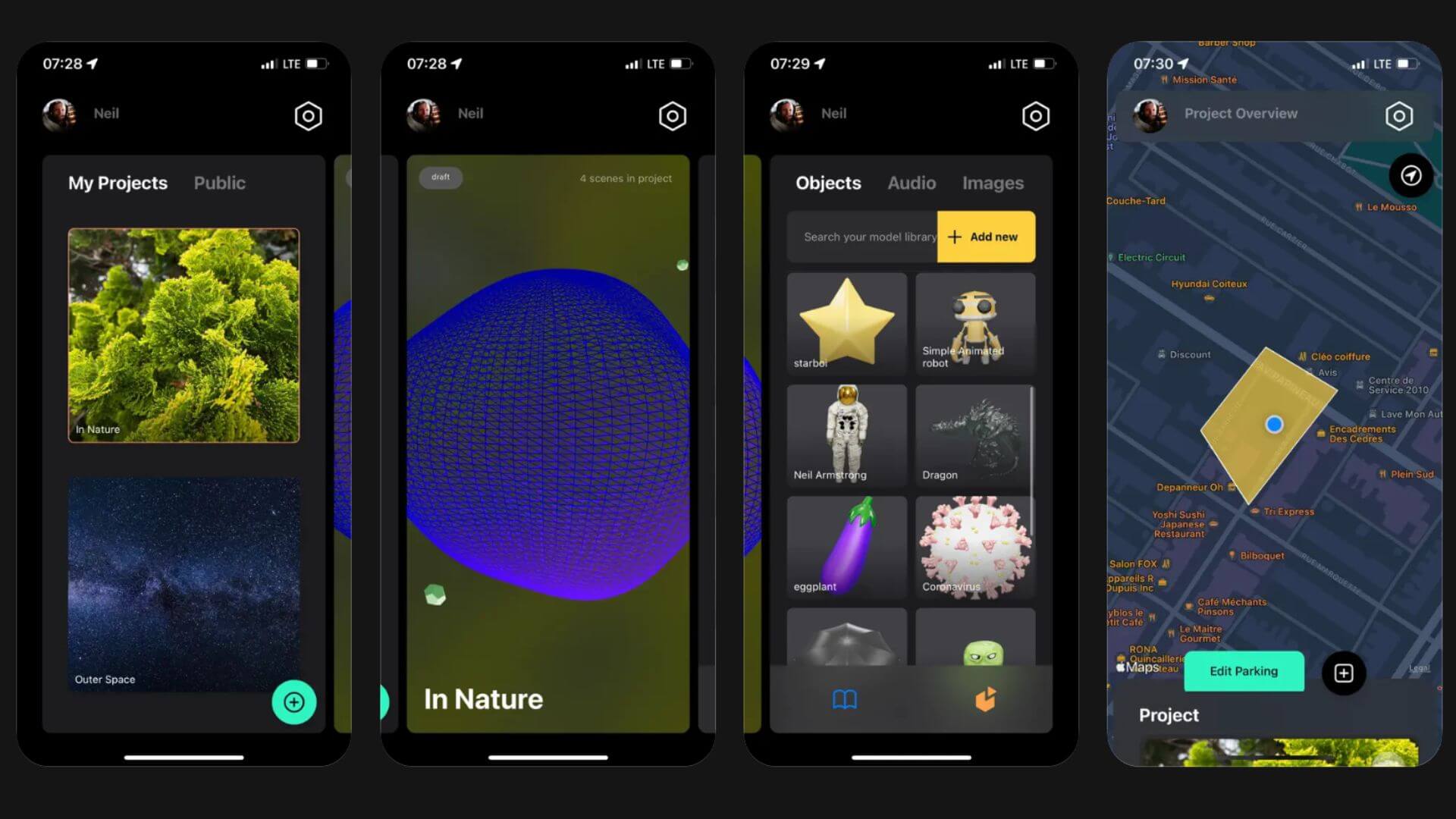
Elysium is a no-code AR game world-building tool available on iOS, iPadOS, Android, and Apple Vision. It specializes in geolocated AR storytelling and interactive world-building. Much like Pokémon GO, it anchors your created content to the real world, allowing other users to discover and interact with it at specific locations.
Key Features of Elysium:
- No-Code Visual Creation: Drag and drop 3D characters and other assets to build an AR world without programming.
- Geolocation-Based: Bind your AR projects to precise GPS coordinates so others can explore over time.
- Dual-Mode Design: Users can switch between Player mode to discover the AR game world and Creator mode to build their AR projects.
4. JigSpace: Top AR Studio for 3D Presentations
Best for: Teams that need industrial 3D presentations from CAD files.
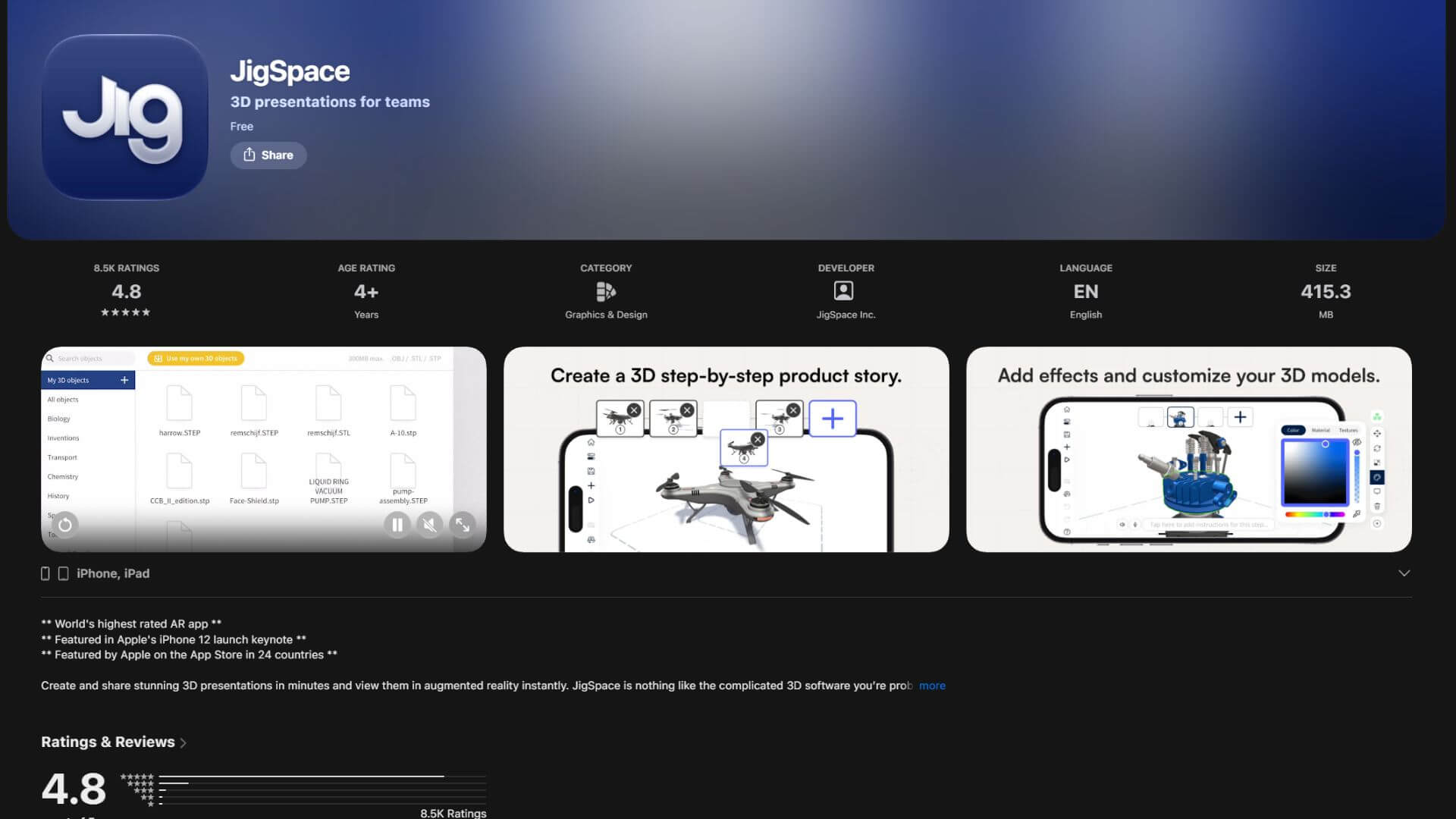
JigSpace is a mobile app focused on 3D visual presentations. It is not a 3D modeling tool, but a platform that turns existing 3D data, especially CAD engineering files, into interactive 3D demonstrations. It is widely used for technical sales and 3D product visualization.
Key Features of JigSpace:
- Direct 3D and CAD Import: Import SolidWorks, Fusion 360, STEP, FBX, OBJ, and STL files to transform original engineering designs directly into usable presentation assets.
- Built-in 3D Asset Library: Access over a thousand free 3D models and materials for 3D presentations.
- Interactive 3D Presentations: Add step-by-step instructions and 3D animations to static models.
Juli Cooper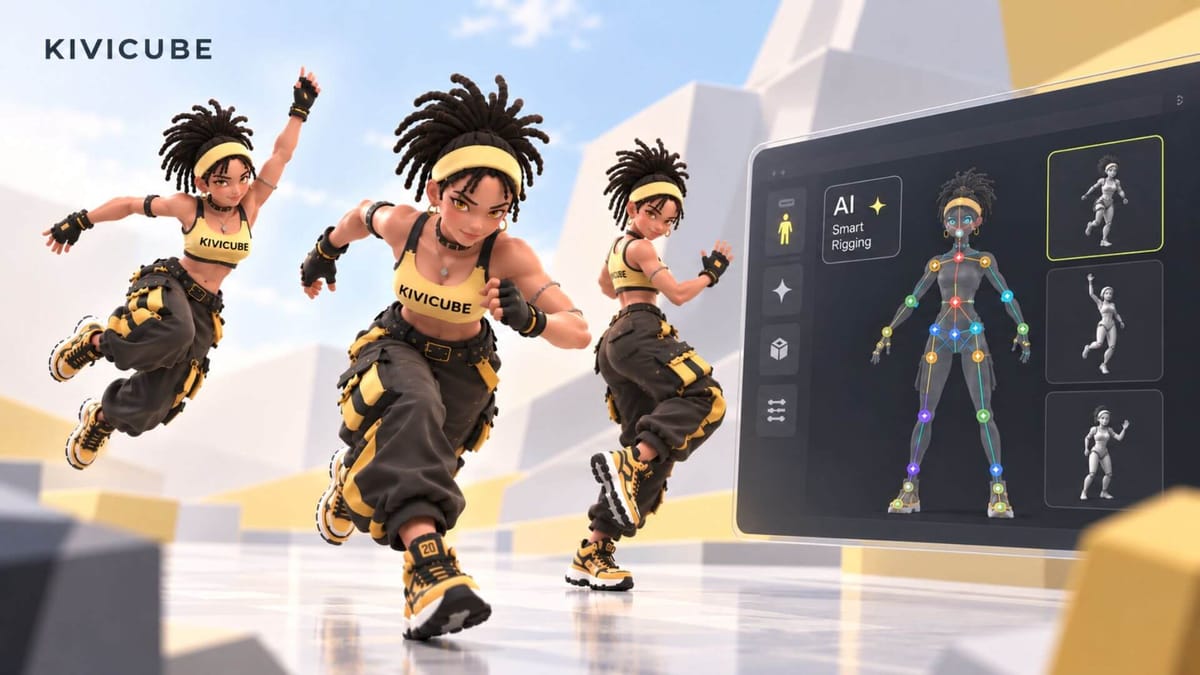
5. Treeview: Top AR Glasses App Development Studio
Best for: Enterprise teams building custom AR glasses applications.
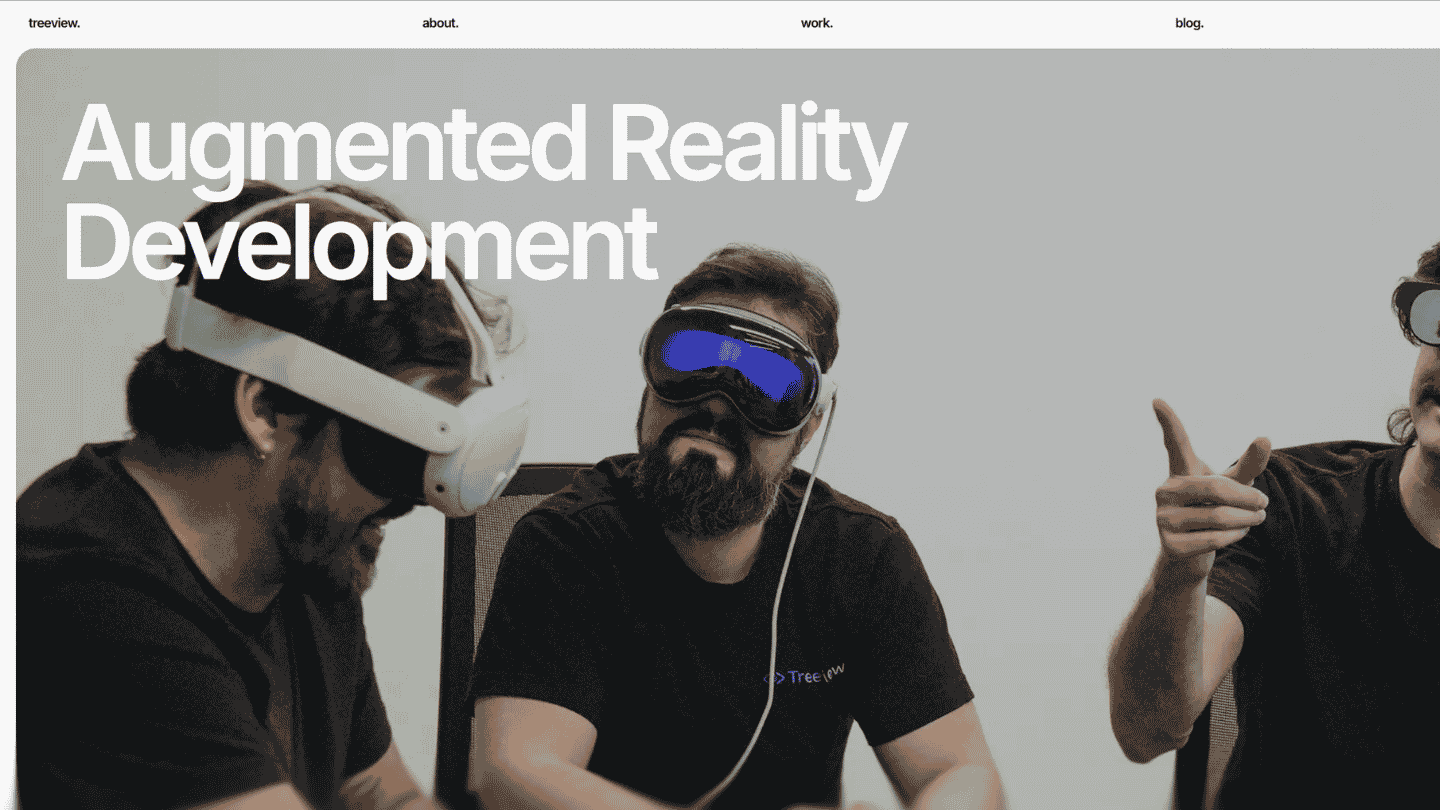
Treeview is an enterprise XR development studio focused on building custom smart glasses applications for production-level systems. This augmented reality development studio specializes in deep AR integration for enterprise workflows.
Key features of Treeview:
- Cross-Platform Glasses Support: Develops applications compatible with Meta, Android XR, and Snap Spectacles ecosystems.
- Enterprise System Integration: Builds production-level AR software designed to integrate deeply into existing business workflows.
- Senior Engineering Team: Projects are handled by a team of experienced engineers.
Bella
6. DB Creations: Mixed and Augmented Reality Game Studio
Best for: Creators building spatial AR games for smart glasses.
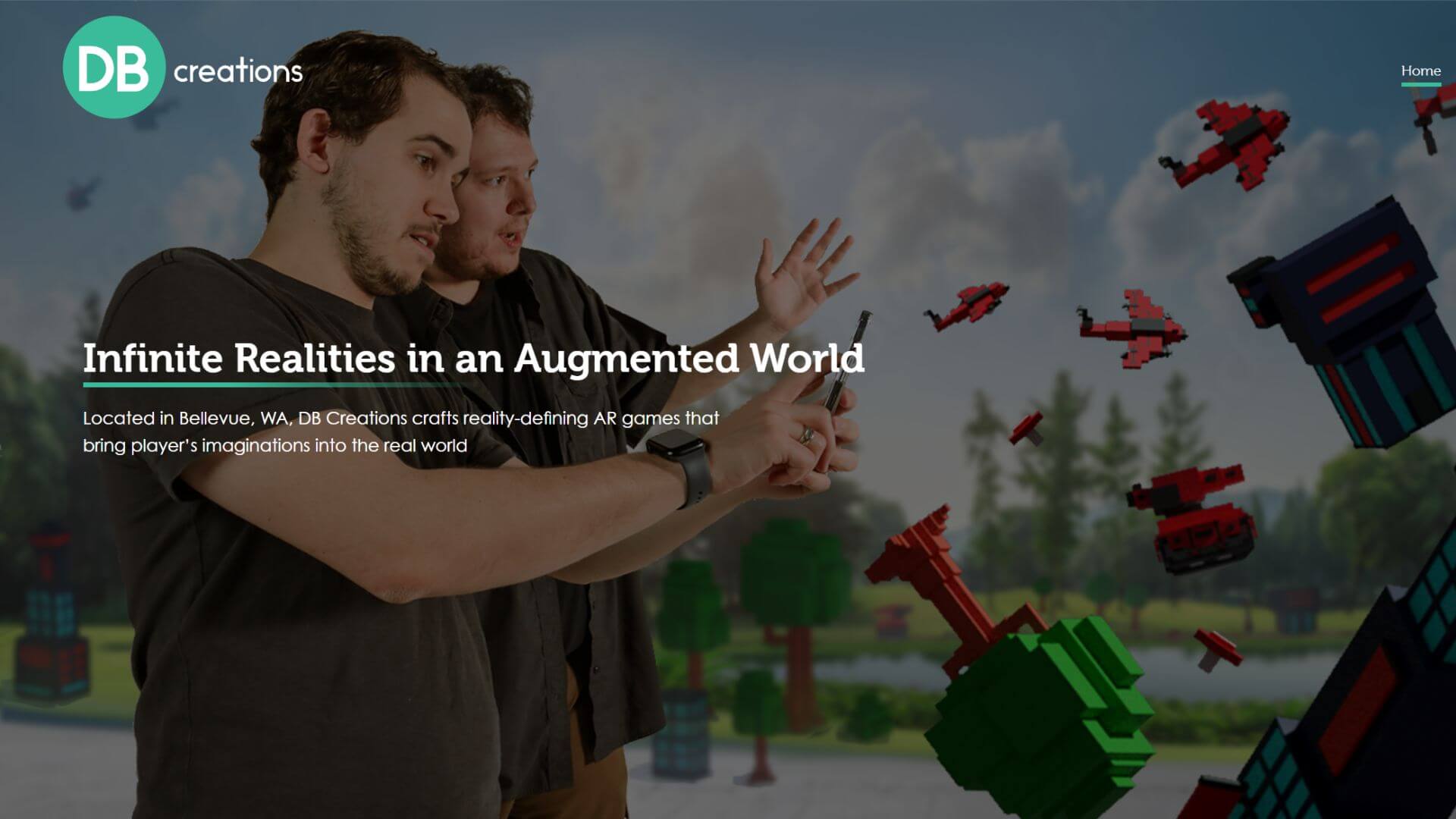
DB Creations is an independent VR and AR game studio that builds native interactive experiences for smart glasses. It is best known for creating spatial games specifically for Snap Spectacles, successfully blending physical environments with digital gameplay.
Key features of DB Creations:
- Spatial Game Design: Creates original gaming titles for AR and VR devices.
- Physical Space Integration: Designs gameplay that relies on the user's real-world environment.
- Cross-Platform XR Development: Extends its game development expertise across VR and MR platforms, including Meta Quest and Apple Vision Pro.
7. Lens Studio: Best Social Media AR Filter Studio
Best for: Creators making social media AR filters for Snapchat.
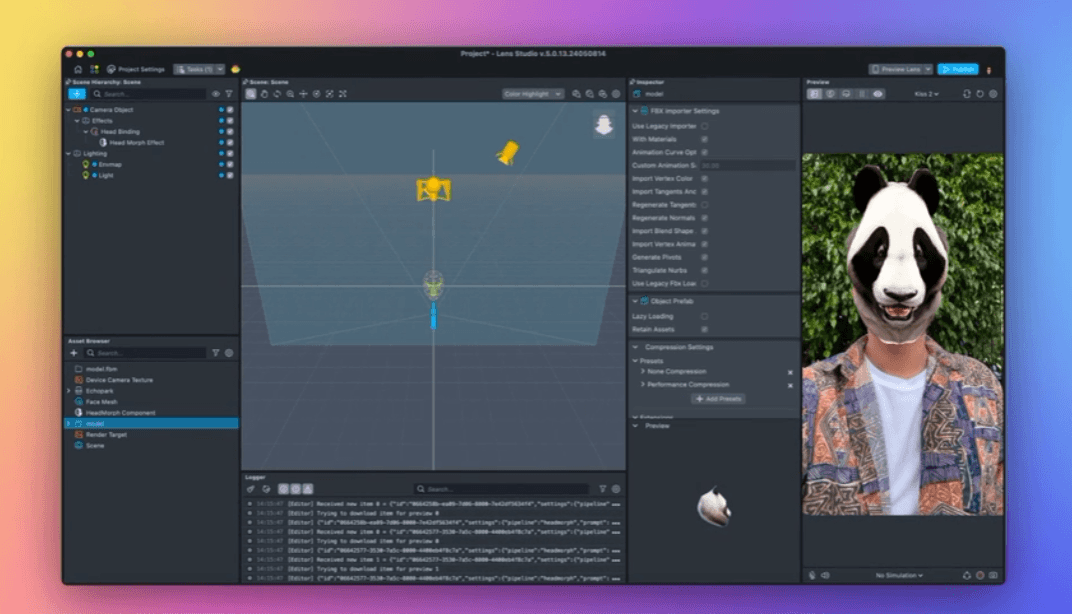
Lens Studio is Snap’s official desktop software for creating AR filters and Lenses. You can build viral AR filters or bring a 3D character to life in a Lens, then publish it to the Snapchat camera. Unlike browser-based AR studios that share a universal link anywhere, Lenses are primarily designed for the Snapchat ecosystem.
Key features of Lens Studio:
- Ready-to-Use Templates: Start from a library of trending templates.
- Direct Snapchat Publishing: Publish Lenses instantly to Snapchat camera.
- Lens Analytics and Monetization: You can track engagement metrics to see exactly how your Lenses perform and monetize them.
8. Another Reality Studio: US Physical Studio for Enterprise XR
Best for: US-based teams seeking face-to-face collaboration and on-site delivery.
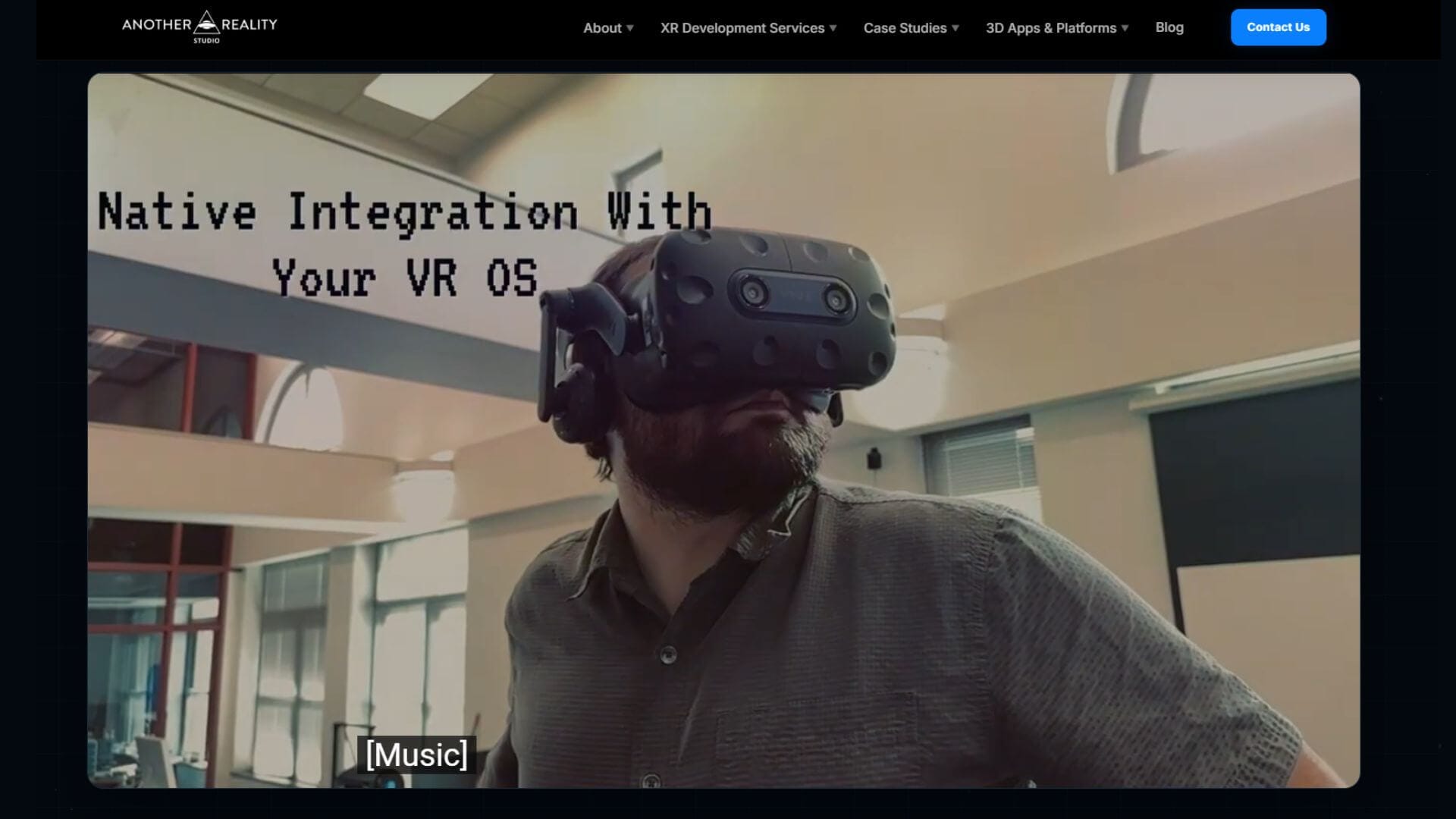
Another Reality Studio (ARS) is a physical XR development studio based in St. Louis, specializing in B2B and enterprise-grade solutions since 2013. ARS builds custom, production-ready digital twins, VR training systems, and interactive 3D applications using Unity and Unreal Engine, serving clients ranging from startups to Fortune 100 companies.
Key Features of Another Reality Studio:
- Digital Twins and Spatial Computing: Develops large-scale digital twins.
- Unreal Engine and Unity Development: Maintains in-house engineering teams to build high-fidelity AR/VR projects.
- End-to-End Enterprise Delivery: Provides full-cycle project delivery from initial concept and 3D asset creation to final on-site deployment.
Conclusion
Here we picked the 8 best augmented reality studios covering all categories. Among all the options, WebAR studios like Kivicube remain the easiest to start and can cover most of your augmented reality needs. Evaluate your workflow and distribution needs first, and choose the right AR studio to bring your ideas into reality. Or simply talk to us and let's figure out together what suits you best.