WebAR vs. App AR: Which AR Solution Is Better for Your Business in 2026
WebAR vs app AR, which is better? In this post, you’ll get the difference between the 2 methods and learn to make a WebAR scene for your business.
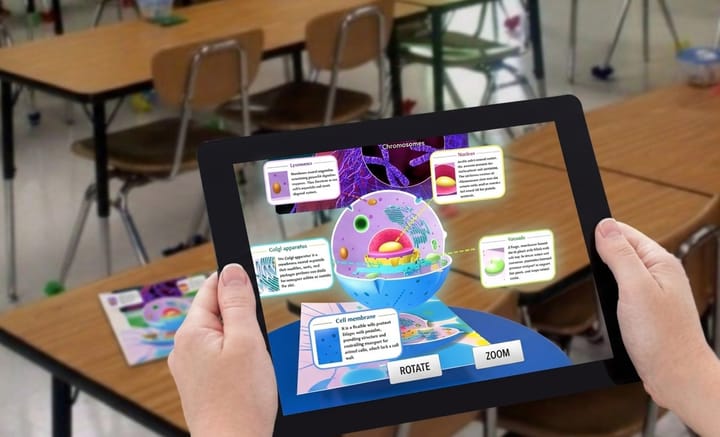
Augmented reality has evolved from a new technology for entertainment into a powerful tool for businesses' marketing. Today, businesses use AR to create interactive experiences across various industries, including shopping, education, travel, and marketing.
There are two main ways to try AR experiences: WebAR and App AR. While both can create interactive digital experiences, they significantly differ in accessibility, performance, development requirements, and user adoption. So, which AR solution is better for your business? In this post, we’ll compare WebAR and App AR in detail and help you choose the right option.
Key Takeaways
- WebAR overcomes the biggest barrier to AR experience: app downloads.
- Modern WebAR technologies have significantly narrowed the quality gap from traditional app AR.
- Businesses should choose based on goals: reach and scalability vs advanced capabilities.
- App AR still leads in advanced AR applications requiring maximum hardware performance.
- Businesses can leverage WebAR platforms like Kivicube to create interactive AR experiences without complex development.
What is App AR?
App AR refers to AR experiences delivered through native AR apps. It can exist as a standalone AR application or as an integrated feature within a brand’s existing mobile app. With the powerful AR frameworks ARKit and ARCore, developers can deploy app-based AR experiences through computer vision and motion tracking. Since native apps have deeper access to device hardware, they can support more complex AR experiences with higher performance and detailed 3D interactions.
Advantages: advanced graphics and interaction, complicated AR performance, offline experiences, and highly personalized settings.
How App AR Works: The app AR uses the camera, sensors, and computer vision technology to understand the environment, track movement, and then place digital objects into the real world.
How to Access App AR Experiences: search for an app in the app store or scan the provided code > download and install > open > set grant permissions > sign up and log in > turn to AR experience.
When to Use: virtual try-on with preference storage, games, employee training, loyalty-related programs.
What is WebAR?
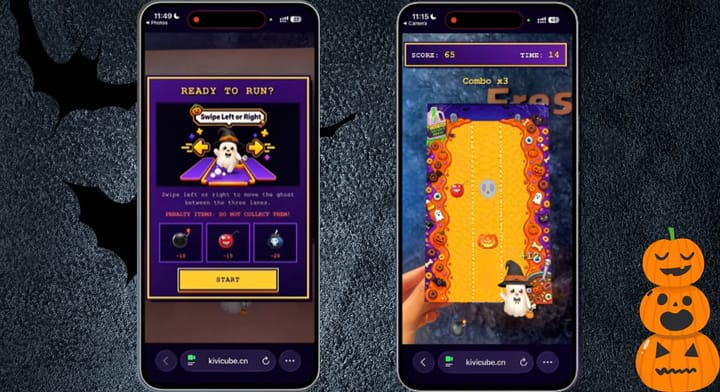
WebAR provides augmented reality experiences that run directly through a web browser, with no dedicated app download required. It works on common smartphones and uses browser-based technologies to recognize environments and display digital content in the real world. Users can access WebAR through a QR code, link, or website using a smartphone camera. This makes AR experiences easier to share and faster to access.
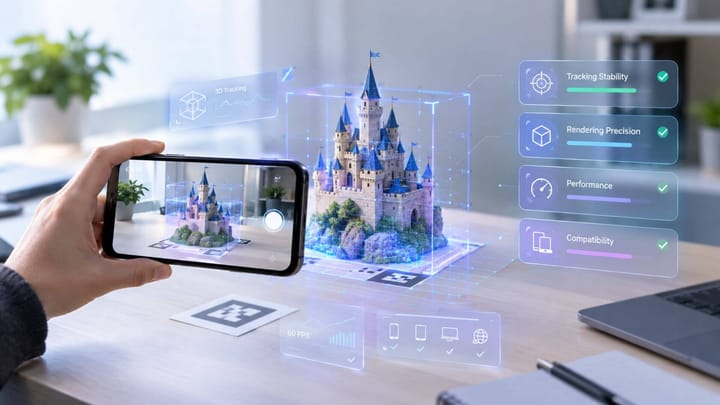
How Does WebAR Work: WebAR works with several browser-based technologies that bring AR experiences directly to smartphones. WebGL and WebGPU handle 3D graphics, while WebXR provides access to the camera and motion tracking. JavaScript libraries manage user interactions, and cloud-based systems help deliver stable AR experiences across different devices.
Advantages: no need to download any app, instant access via browsers, high engagement, simple sharing with QR codes and links, easier to optimize for search engines and discover through online search.
How to Access WebAR Experiences: scan the QR code or link > click to start > interact with AR scene.
When to Use: 3D product visualization online, interactive packaging, digital advertisement, education, and other campaigns.
Explore more about web-based AR in this post:
 summer
WebAR vs. App AR: Which is Better
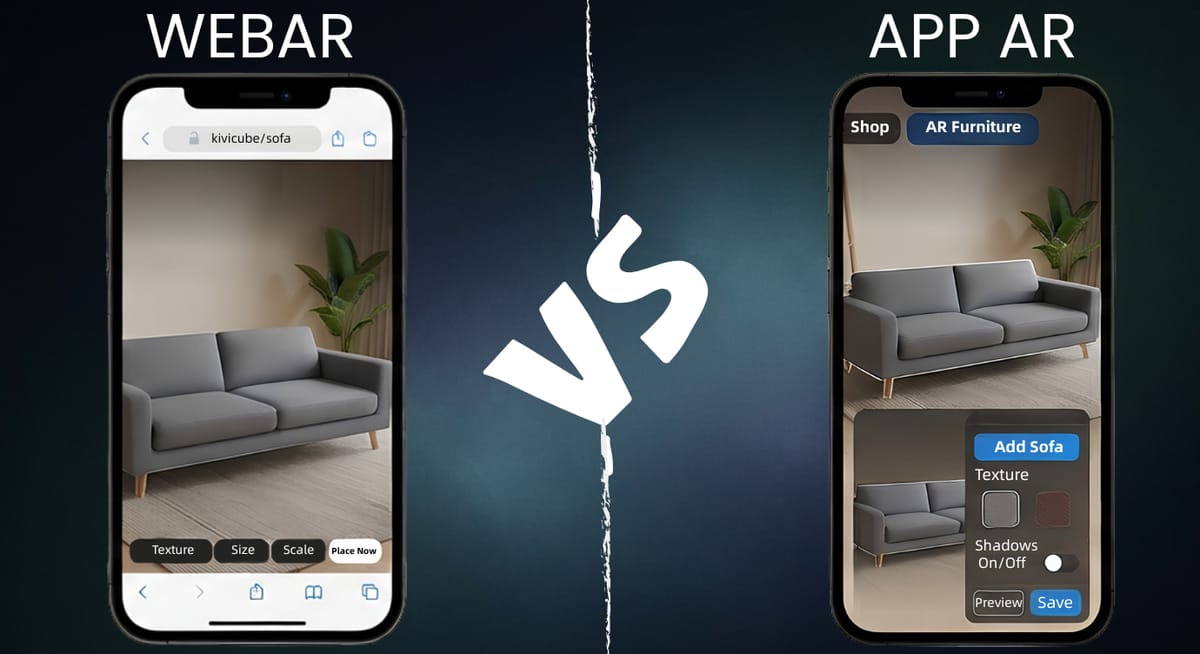
Curious about whether WebAR or app AR is better? Below is a table about the difference between WebAR and app AR.
App AR | WebAR | |
Installation Requirement | Requires downloading and installing an AR app. | No app is needed. |
Accessibility | Needs to find the app in an app store. | Open AR experiences through a QR code or link. |
User adoption | Low user engagement due to app fatigue. | Easier access attracts more users. |
Development cost | Requires more development resources and technical expertise. | Requires less investment. |
Update | Requires users to download new versions. | Updates can be applied directly without user action. |
Search result visibility | Limited visibility in search engines. | WebAR pages can be optimized for search engines and discovered online. |
Performance | Provides stronger performance for complex AR applications. | Offers sufficient performance for many marketing and shopping experiences. |
Hardware access | Has deeper access to device features and sensors. | Depends on browser capabilities and supported device functions. |
Although WebAR is better than app AR in several aspects, it does not indicate that it can replace app AR. For experienced users and repeat customers who focus on saved performance and high personalization, the app AR is much more valuable.
Why More Businesses Are Choosing WebAR Over App AR
As businesses look for lower-friction ways to deliver immersive experiences, WebAR has gained popularity across marketing, retail, and product visualization campaigns. For example, as one of the most influential WebAR platforms, 8th Wall once worked with businesses across industries and displayed diverse WebAR projects in its official case study library. Why do many businesses prefer web-based AR? Here are some reasons.
- No Need to Download App
Many consumers are unwilling to install new apps, especially for a single shopping or marketing interaction. The additional step may create friction and reduce the number of users who complete the AR experience. WebAR solves this problem by allowing users to access AR directly through a browser. Customers can simply scan a QR code or open a link to start the experience immediately.
- Quality Disparity of AR Creation Narrowed
Since native apps offered superior access to device hardware in the past, App AR was once considered the better choice for high-quality AR experiences. However, thanks to the development of web technologies, the gap between App AR and WebAR has gradually narrowed. Technologies such as WebGPU improve browser-based graphics performance, allowing WebAR to work for more realistic visuals and smoother interactions.
- Benefits in Discovery
App AR experiences are usually limited to dedicated applications that are harder for search engines to discover. Besides, users need to find the app through an app store before accessing the AR experience.While WebAR experiences can be shared through links and QR codes across platforms, websites, and digital marketing channels. So the web-based AR experiences can be much easier to discover and index on search engines like Google, enabling businesses to reach more users without interruption.
- Future Strategy for Spatial Commerce
As spatial commerce continues to develop, WebAR provides a scalable way for businesses to deliver immersive shopping experiences online. Relying on open web standards such as WebXR, web-based AR allows brands to create reusable 3D assets that can adapt to future spatial environments.Instead of rebuilding their technology systems, retailers can continue expanding their digital experiences as new devices emerge. The same 3D models used for WebAR product visualization today may support future experiences on smart glasses and other spatial computing devices. This makes WebAR a practical foundation for businesses preparing for the next stage of digital commerce.
Here are multiple web-based AR examples for different industries:
Bella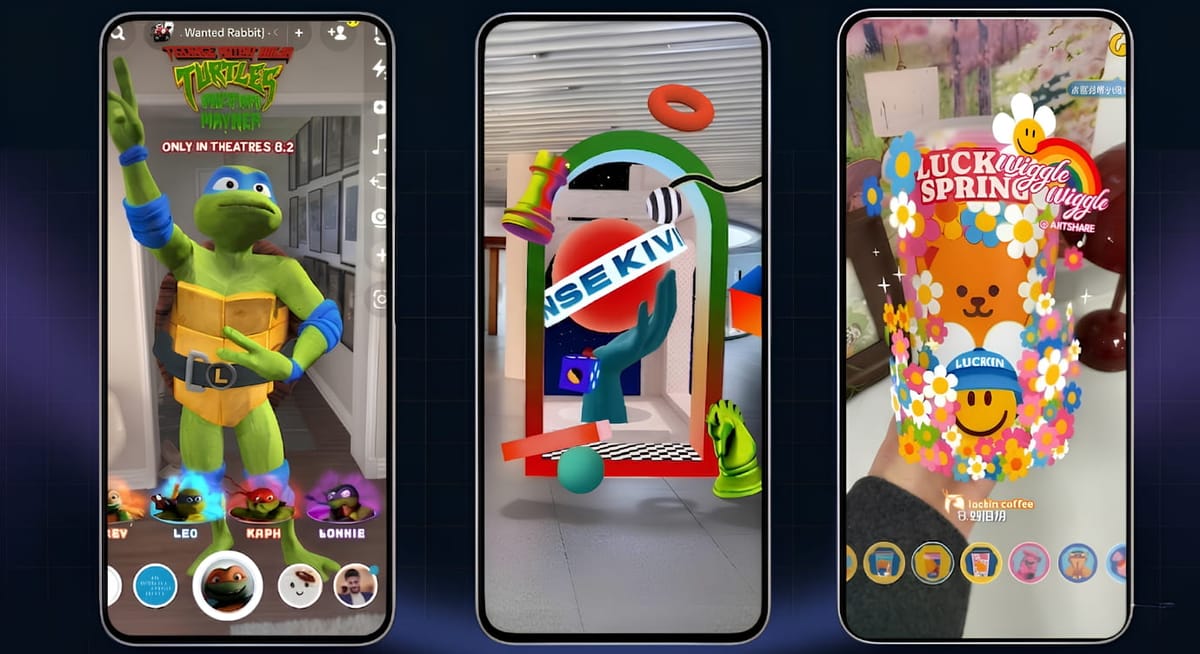
Step-by-Step Guide: Create a WebAR Scene without Coding
Want to create a WebAR scene to boost your business but have no idea how to start? Then, the browser-based AR platform Kivicube can be helpful for you, which supports you in creating engaging WebAR scenes with simple drag and drop editing. When you want a high-end, customizable AR project, the experienced team can meet all your needs.
Why Kivicube:
- Intuitive no-code editing: A simple drag-and-drop editor ensures fast AR creation without coding. Whether for personal projects or commercial campaigns, it supports a wide range of use cases.
- Wide-ranging AR template library: Kinds of duplicate-ready AR templates are provided, saving your time and energy for creation.
- Eye-catching AR visuals: High-precision rendering technology helps create realistic and visually engaging WebAR experiences that can catch people’s eyes once open.
- AI-powered asset creation: Built-in Kivi AI generator can directly generate 3D product models from the given images. Besides, AI images and videos are supported for generations.
Follow the steps:
Step 1. Sign up and choose a template in the library.
Step 2. Upload your own assets, select the target assets in the grid editor for replacement. Adjust the interaction and animation according to your requirements.
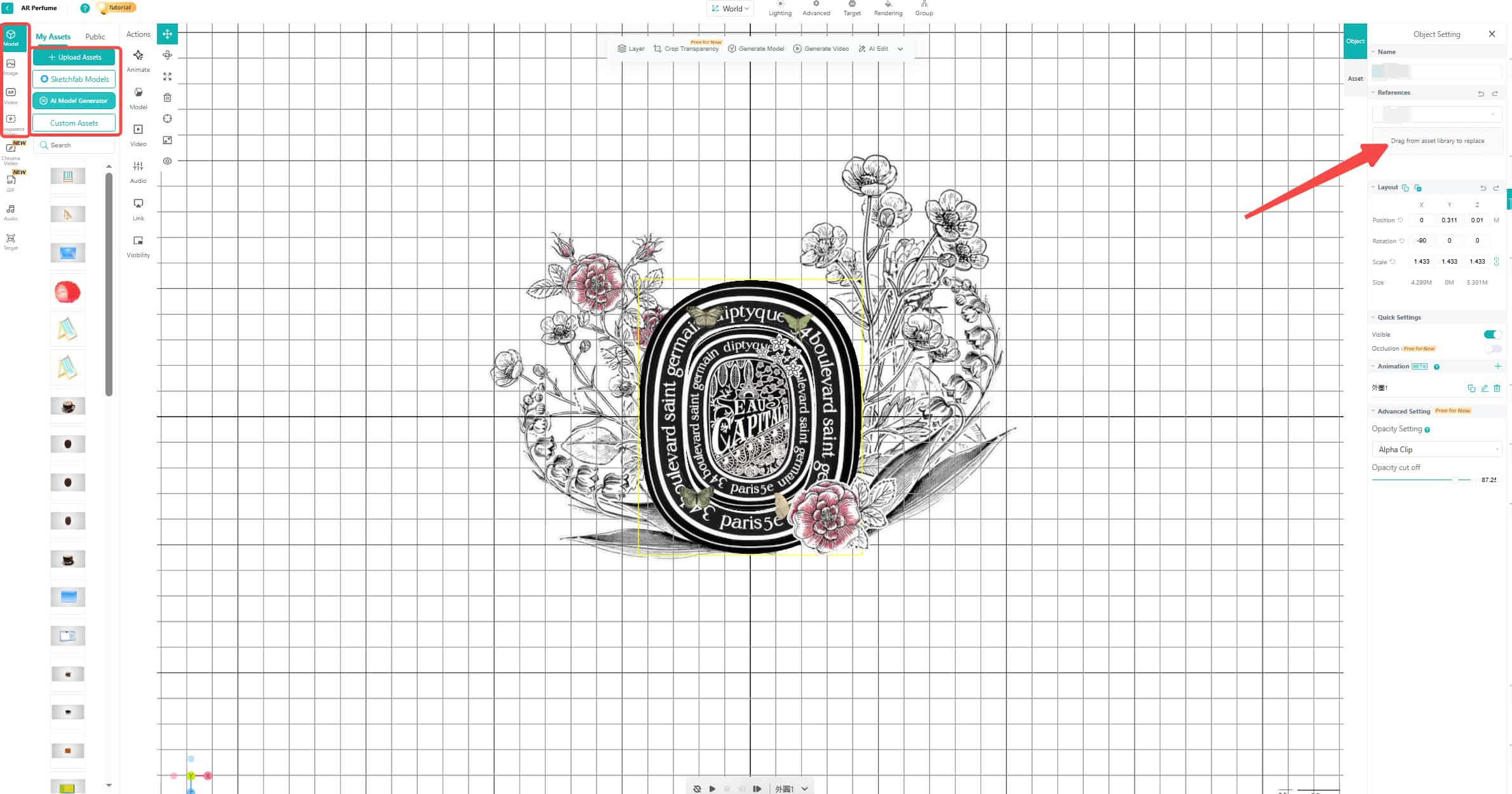
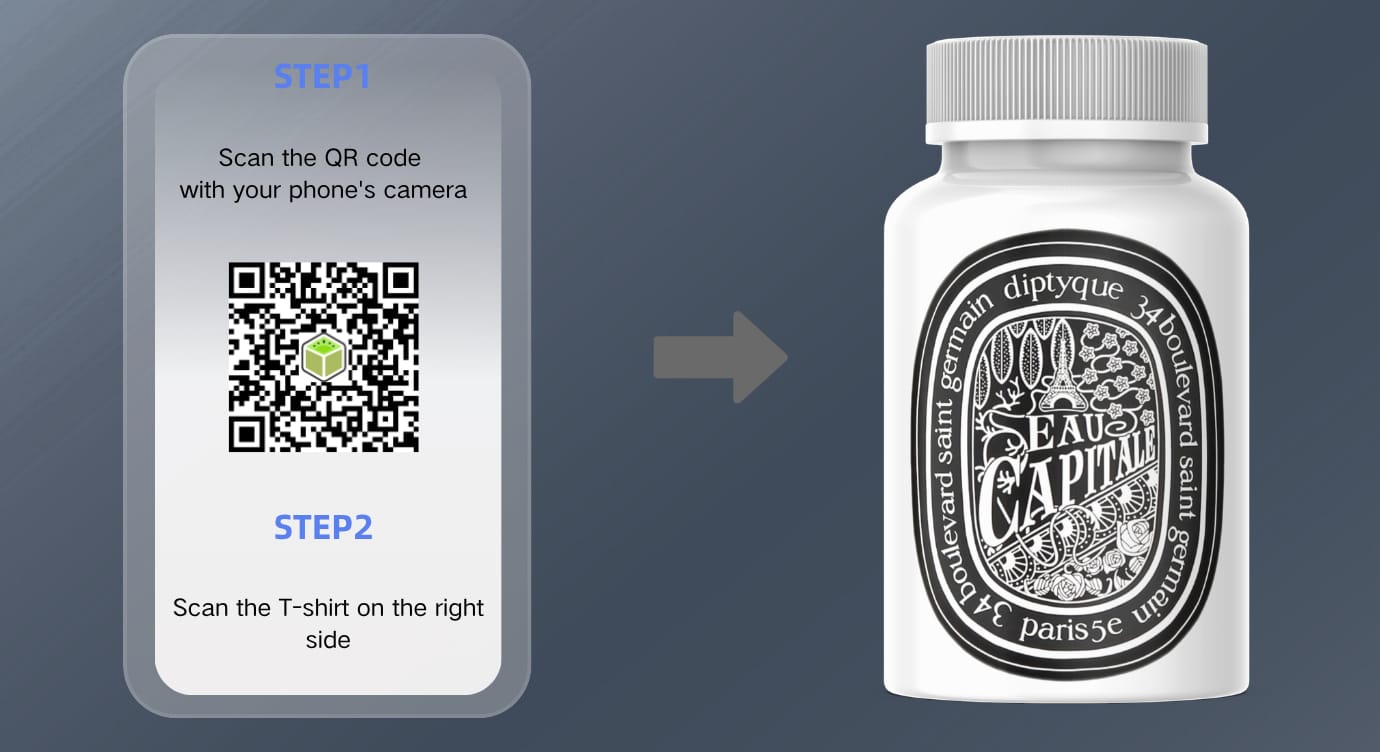
Step 3. When everything is done, save the WebAR scene. Then share the QR code or link across platforms.
FAQs about WebAR and App AR
Q: Do users need to download an app for WebAR?
No. Users can directly interact with a WebAR scene through browsers by scanning the given QR code or clicking the link. No app downloading required.
Q: What are the primary use cases for WebAR?
WebAR is ideal for immediate and single experiences, such as product packaging, marketing campaigns, clothes try-on, and more.
Q: Does WebAR have limitations?
Yes. Since it works on browsers, WebAR typically offers simpler interactivity and less tracking stability than AR apps. Besides, some WebAR experiences may not preserve user progress after leaving the browser session.
Q: Which solution is cheaper to develop, WebAR or app AR?
Usually, the web-based AR is cheaper to develop than app AR, for they do not require app store approval or separate iOS and Android builds.
Conclusion
WebAR vs app AR, which is better? In this post, we have introduced both WebAR and app AR in depth and compared them from different angles. The answer to this question is not fixed, but based on your purposes. For developers who aim for complicated AR experiences, app AR is more suitable. For businesses that want to boost conversion with fast access and high-engagement AR experiences, WebAR can be the best option. By the way, we shared a browser-based AR generator to make an AR scene in just minutes.