Augmented Reality in the Classroom: 8 AR Tools for Immersive Education
In this post, we’ll cover the benefits of AR in the classroom, 5 practical ways to use it in the classroom, and 8 AR tools for interactive learning.
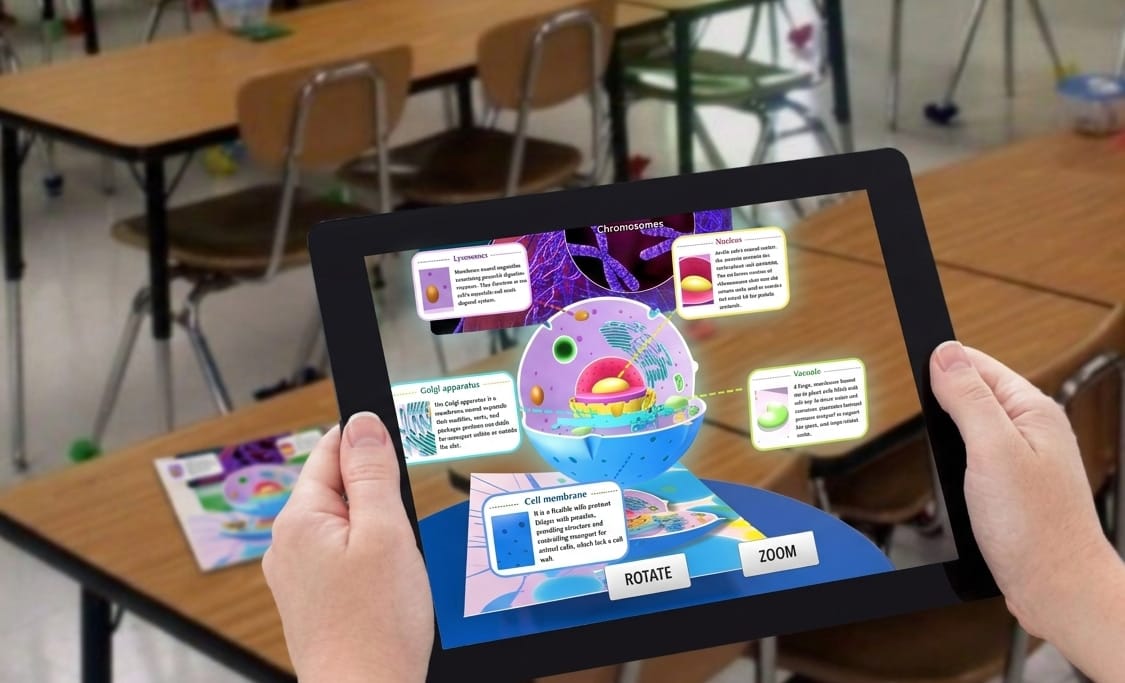
Making students pay attention to your content, especially when it's difficult to understand, can be tricky. Now, AR provides educators with another way to encourage classroom participation through interactive learning experiences. It makes abstract concepts easier to visualize and gives students more opportunities to explore lesson content.
If you’re new to using augmented reality in the classroom, you may wonder how it works. This guide explores the benefits of AR in the classroom, 5 practical teaching applications, and 8 AR tools for different educational needs.
Why Use Augmented Reality in the Classroom?
Augmented reality is a technology that overlays digital content, such as images and videos, on the real-world classroom environment. A meta-analysis from ScienceDirect reported positive findings across several outcomes, including learner responses, knowledge and skills, and learning performance.
The value of AR goes beyond its “wow” visual effect. It also makes abstract ideas easier to understand and encourages students to engage more actively in learning.
Here are 4 benefits of using augmented reality in the classroom:
✍Increase Student Engagement
Compared with studying from textbooks or attending lectures, AR makes classroom learning more engaging for students. With AR technology in the classroom, students can interact with 3D objects, manipulate digital content, and examine virtual models from multiple angles. The AR technology enables teachers to design engaging lessons that actively involve students in classroom activities.
✍ Make Abstract Concepts Easier to Visualize
AR content can transform classroom lessons into 3D immersive learning experiences. Through interaction with AR content in the classroom, students can better understand concepts presented in textbooks.
✍ Bring Learning Experiences Beyond the Classroom
The use of augmented reality in the classroom bridges the gap between classroom learning and the real world. Now, students can explore historical buildings, take virtual museum tours, and even conduct experiments without leaving the classroom. The application of AR in classrooms not only reduces educational costs but also broadens students' horizons in engaging ways.
Explore more about augmented reality museum in this post:
 Bella
Bella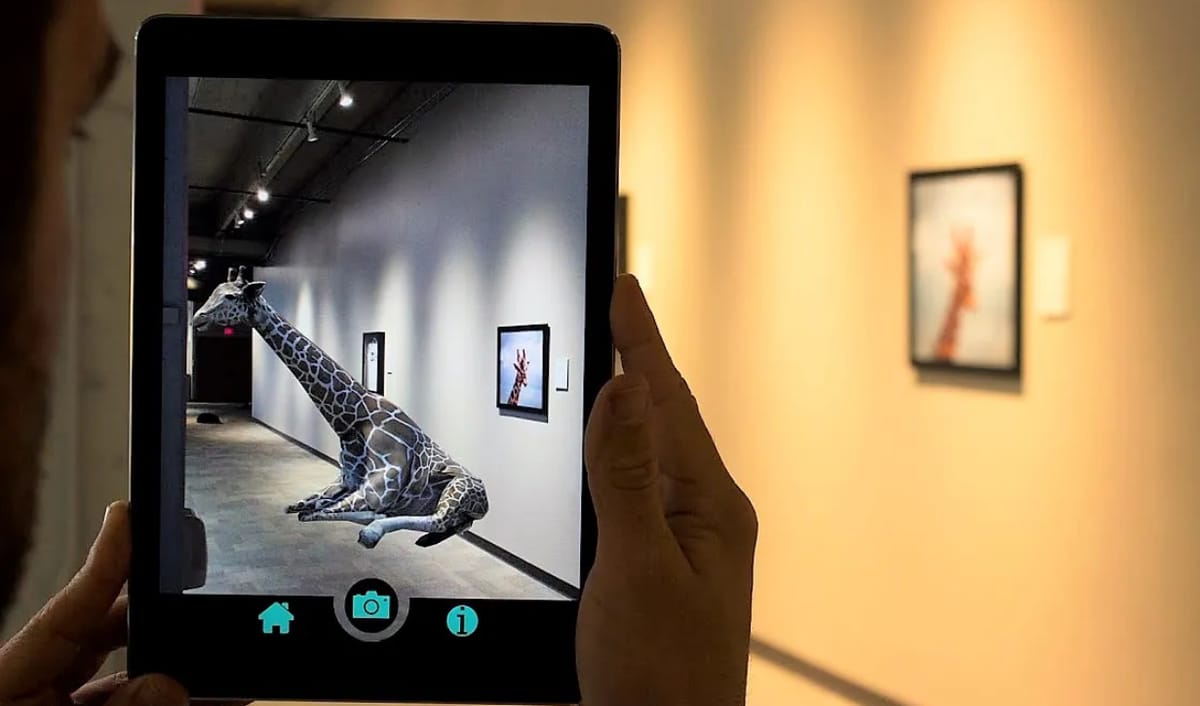
✍ Encourage Creativity and Hands-On Learning
Instead of just exploring 3D immersive learning experiences designed by teachers, students can also create their own AR experiences to demonstrate what they have learned. This creative experience encourages students to think critically about what they learn and participate actively in classroom activities.
5 Common Ways to Use AR in the Classroom
How could AR be used in the classroom? Here are 5 common ways that teachers can try to make their lessons more engaging with AR.
1. Use AR to Teach Different School Subjects
Teachers can use augmented reality classroom experiences to visualize concepts and introduce interactive activities across a range of school subjects. Some examples are listed below:
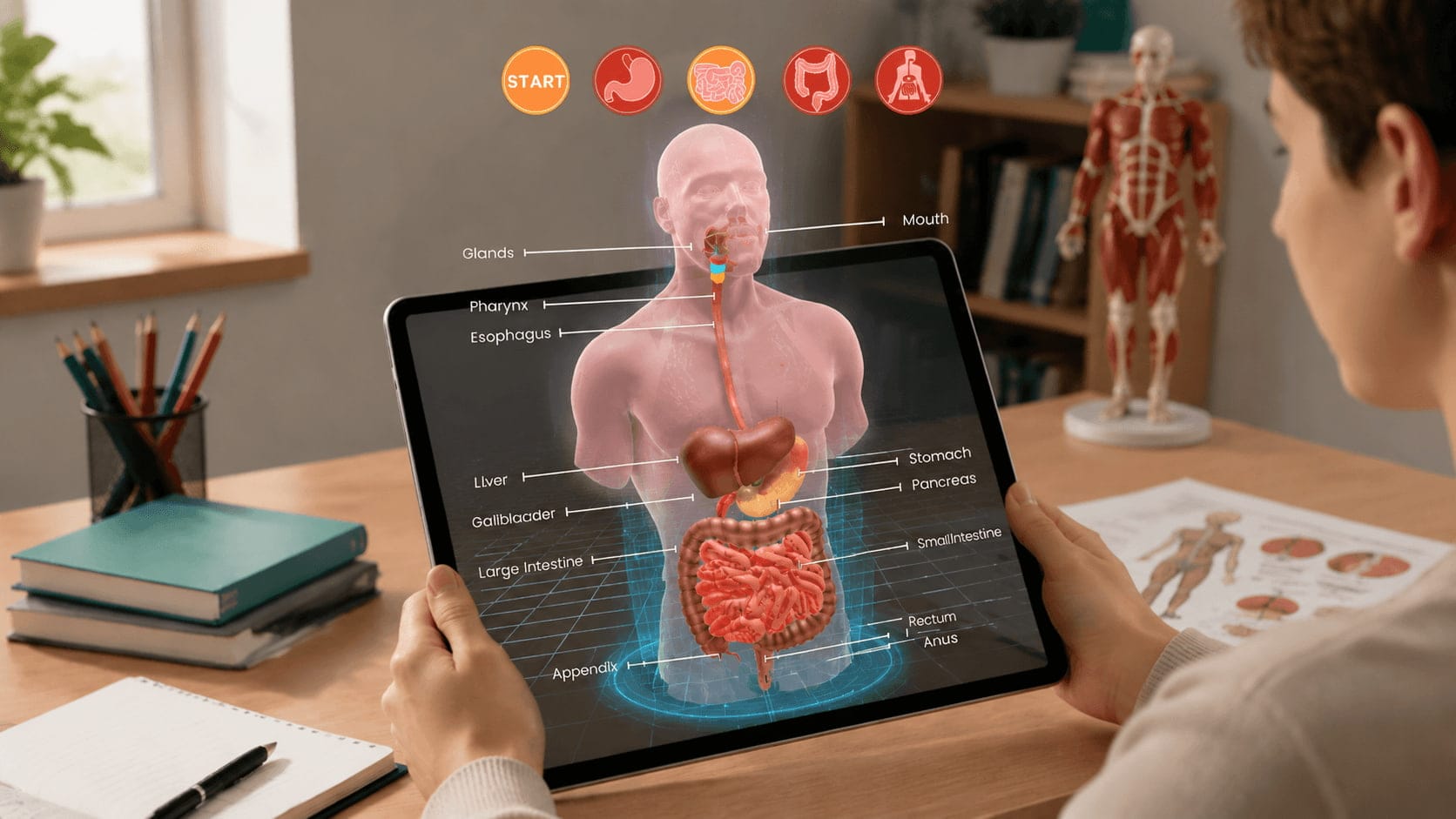
• Science: Explore 3D models of the AR human anatomy, study the structure of plants, and see how ecosystems function.
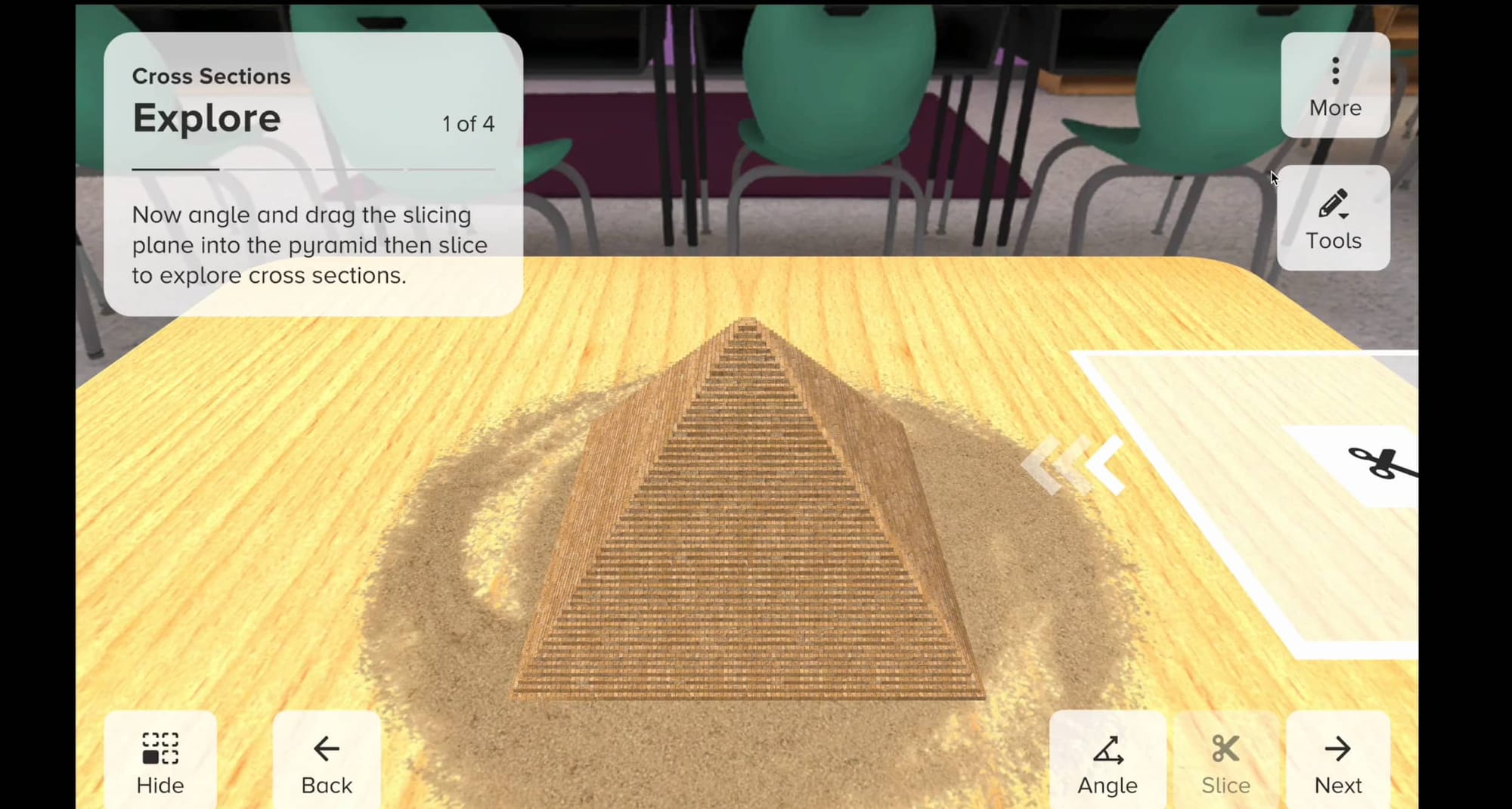
• Mathematics: Explore 3D geometric shapes, examine angles, and develop spatial reasoning.
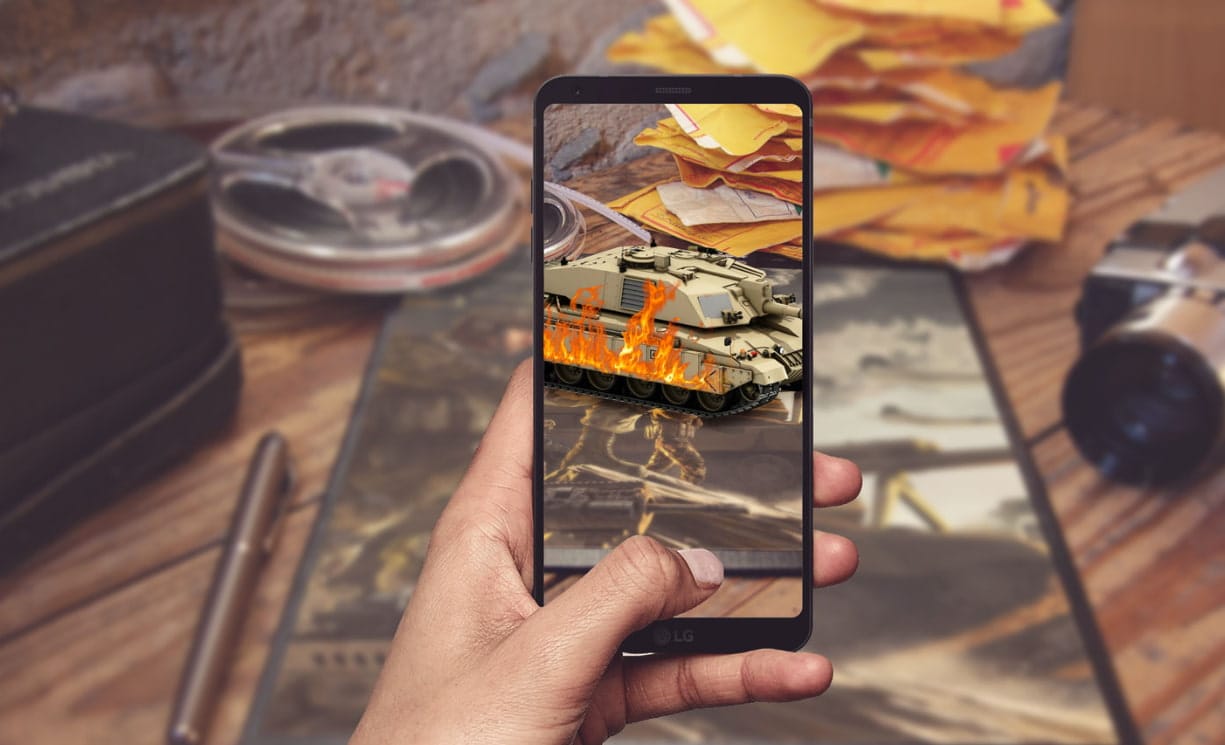
• History: Explore historical landmarks and examine historical artifacts.
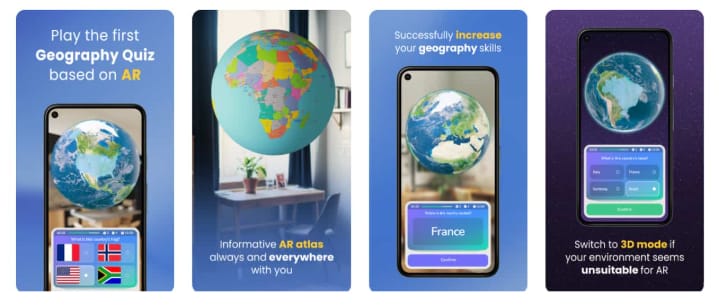
• Geography: View continents, landforms, and natural environments.
• Language arts: Add AR content to reading exercises.
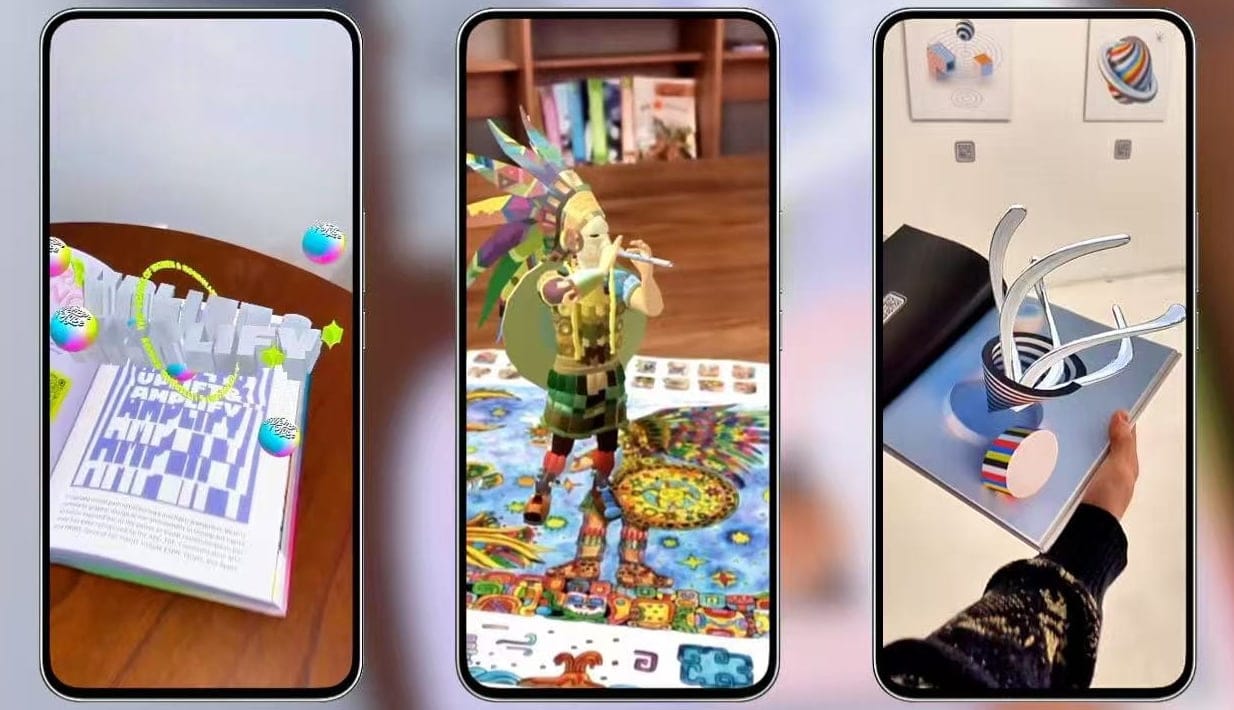
• Art: Create AR artwork and interactive exhibitions.
2. Turn Printed Learning Materials into AR Experiences
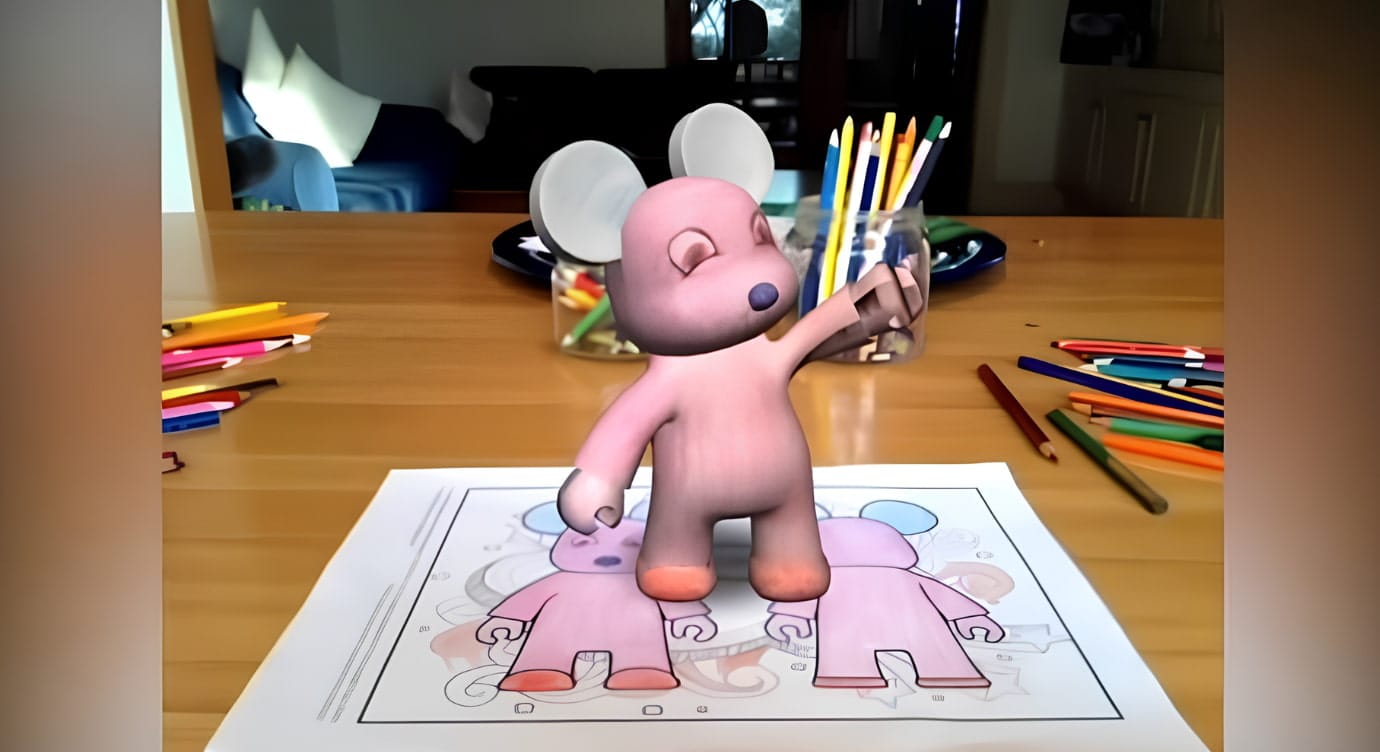
Teachers can turn printed materials, such as textbooks and coloring pages, into AR experiences that make classroom learning more engaging. After scanning a printed image, students can explore interactive scenes featuring models and 3D animations.
For example, Quiver transforms students’ coloring pages into animated 3D experiences, connecting their paper creations with interactive digital content.
3. Create AR Projects to Demonstrate Student Learning
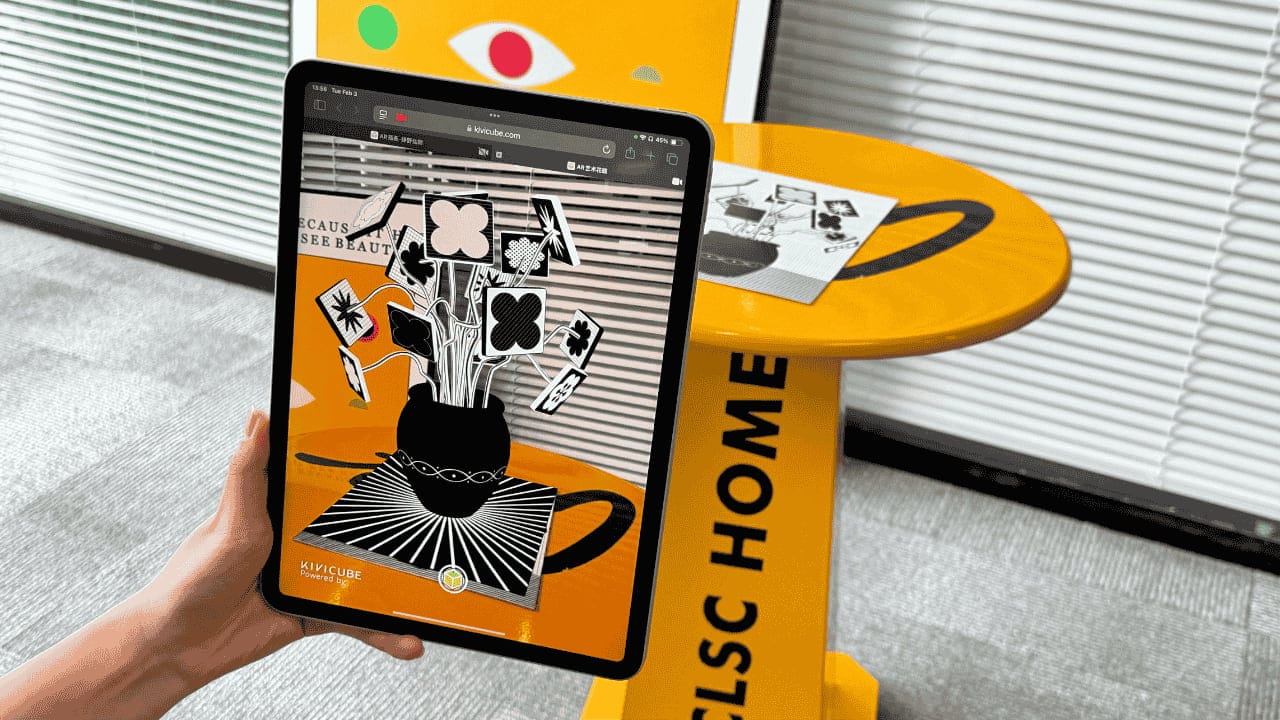
Students can use augmented reality generators like Kivicube to create their own AR projects, such as interactive science posters, to demonstrate what they have learned. The AR creations give students a chance to organize their ideas and explain concepts in their own words. Teachers can also assess students’ understanding through their finished work and presentations.
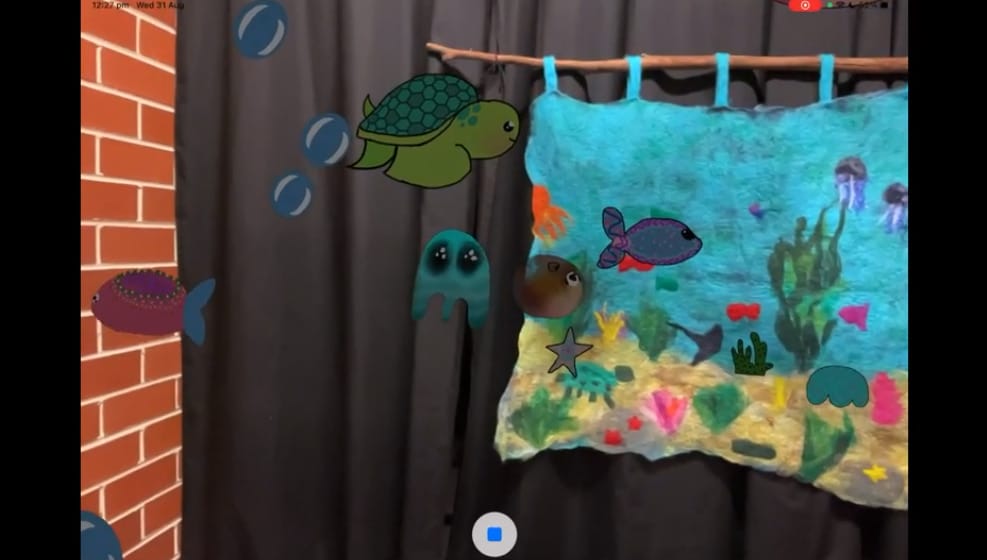
In an augmented reality art project featured by Apple Education, students created an underwater world filled with digital sea creatures, swimming fish, bubbles, and ocean sounds. Visitors could scan the students’ physical artwork to explore the virtual scene.
4. Explore Real-World Objects and Environments with AR
Students gain new ways to explore places and objects beyond the classroom by examining historical sites and discovering natural environments.
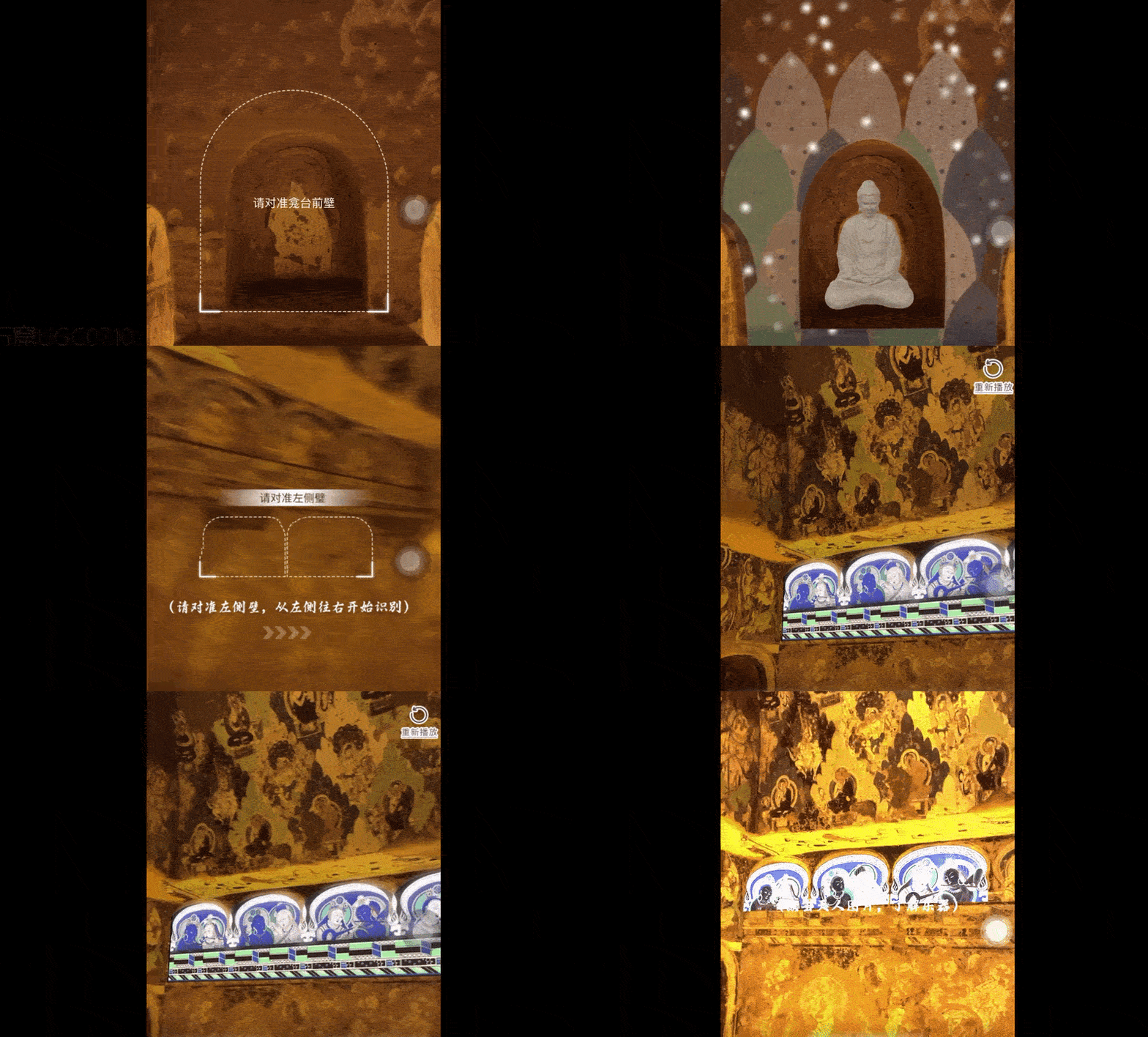
Kivicube’s AR project for the Kizil Caves in Xinjiang, China, offers another example. Teachers can use the AR experience to introduce the caves’ Buddhist murals and history, helping students explore this cultural heritage even if they cannot visit the site in person.
5. Support Hands-On Experiments and Simulations
In science lessons, AR models can show how a machine works and illustrate changes that are difficult to observe directly or visualize in textbooks. Students can view digital labels on equipment, examine internal structures, or follow visual instructions for each step.
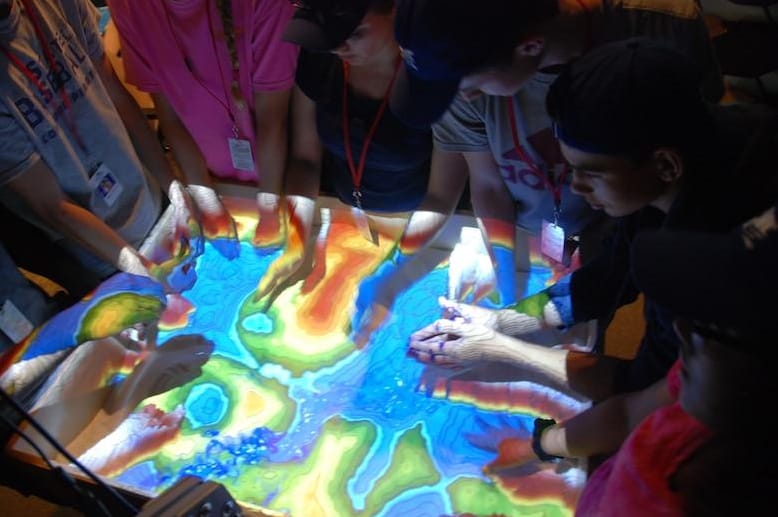
The U.S. Army Engineer Research and Development Center introduced an interactive tool to engage students in STEM learning. Students could reshape real sand and observe projected contour lines, elevation maps, and simulated water flow in real time. Rather than relying on diagrams alone, students could change the physical landscape and observe the results immediately.
8 Practical Tools to Add Augmented Reality in the Classroom for Different Purposes
How can you use AR in the classroom? A utility tool may be required. Let’s explore the 8 augmented reality tools that can be helpful for your in-classroom education.
1. Kivicube: Create Different Types of AR Experiences with No Code
Suitable for: Teachers and students who want to create interactive AR scenes and 3D immersive learning materials without programming skills.
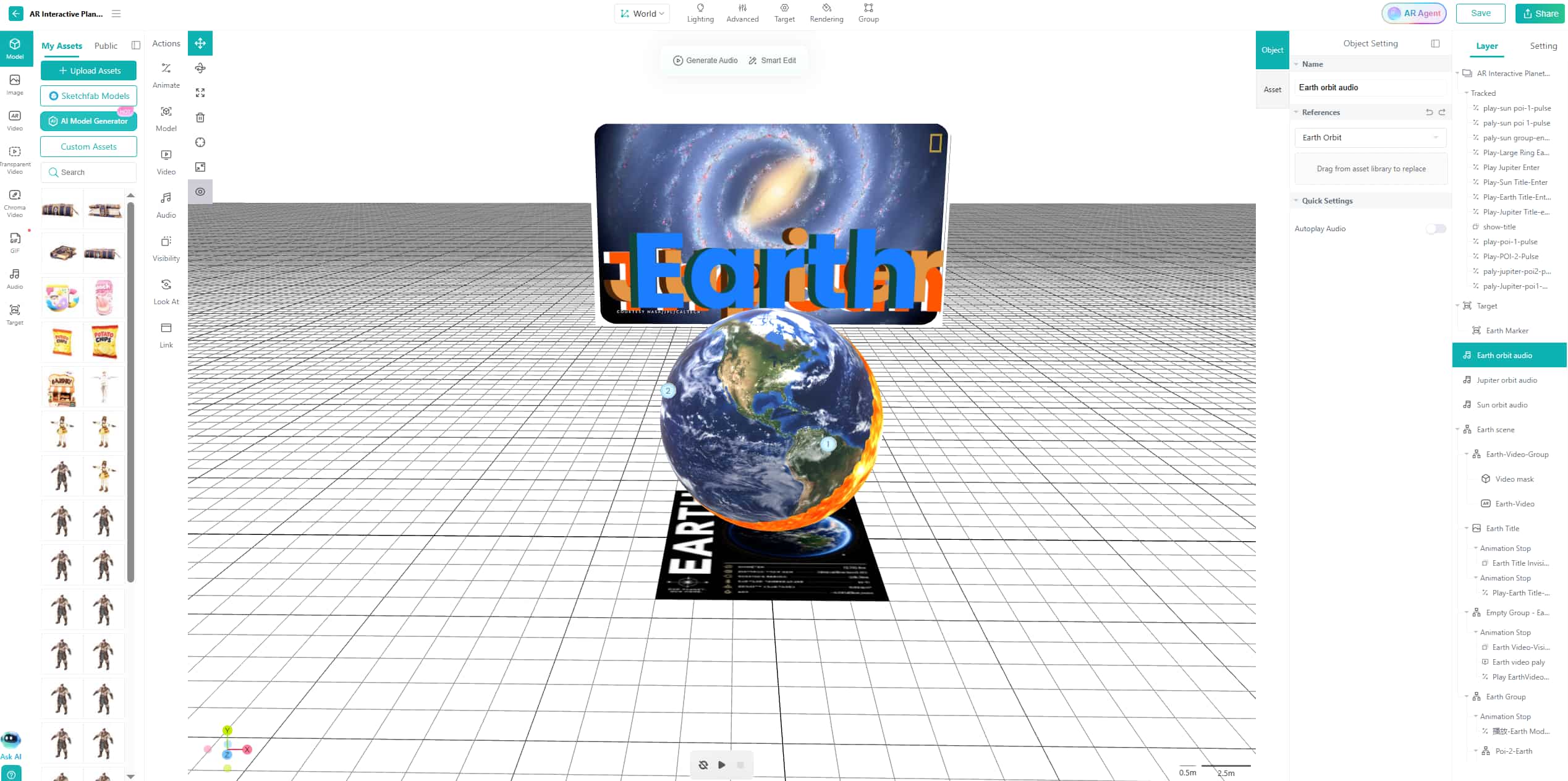
Kivicube is a web-based augmented reality generator that supports various AR experiences across different subjects. Its drag-and-drop editor, ready-made templates, and extensive asset library make it easier for both students and teachers to customize augmented reality scenes for classroom use. Students can access these AR experiences through a mobile browser without installing a dedicated app.
Pricing: Free trial for 2 totally free AR scenes and an extensive AR template library, €47.90/year for the Starter plan (≈ €3.99/mon), €1,680/year for the Pro plan (≈ €140/mon).
Recommendation Index: 5/5
2. Quiver Masks: Customize AR Coloring Masks for Immersion Edutainment
Suitable for: Elementary school teachers, art educators, and activity leaders who want to combine creative coloring with interactive digital experiences.
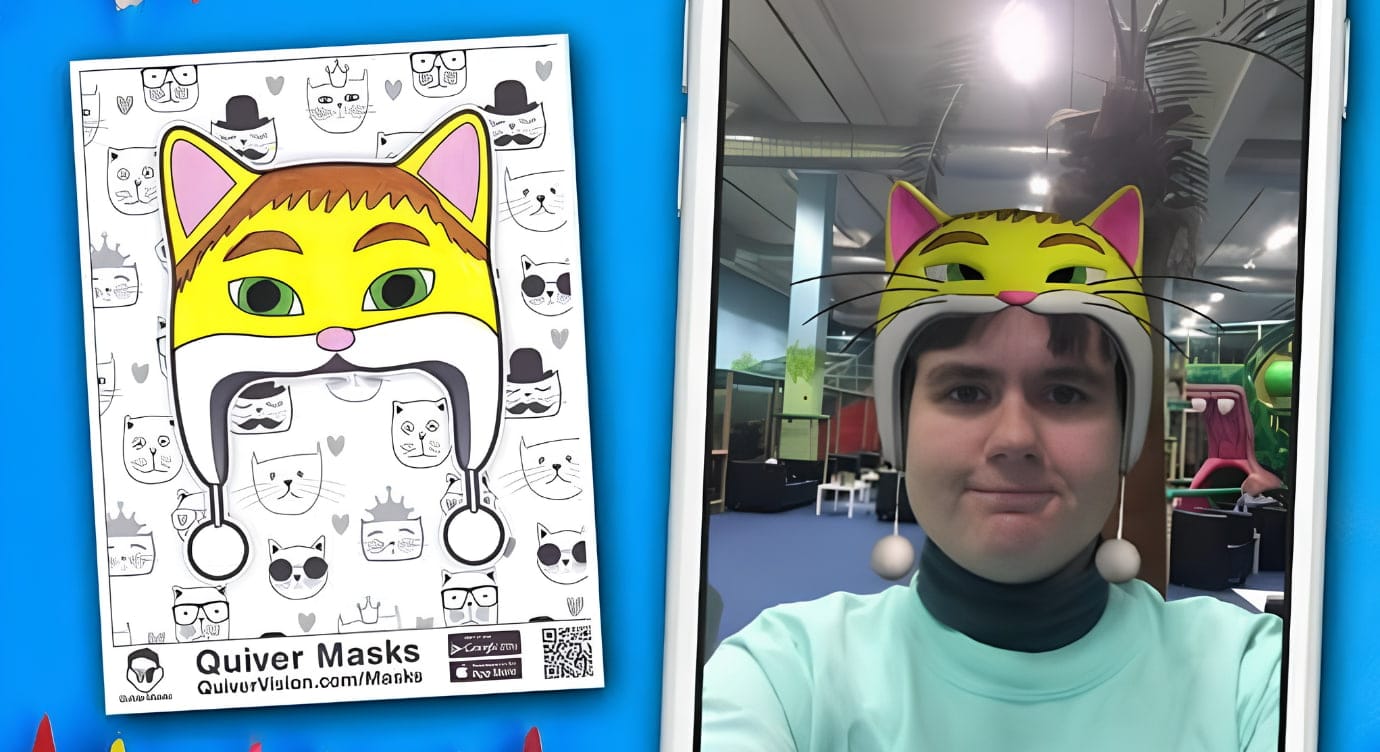
Quiver Masks is an interesting resource in QuiverVision’s augmented reality coloring collection. Students can color printable mask designs and use the Quiver app to bring their creations to life in AR. This activity connects hands-on art with digital play and gives students a chance to see their designs appear as animated 3D content.
Pricing: $7/mon for 10 seats, $12/mon for 30 seats, and $24/mon for 75 seats.
Recommendation Index: 4.5/5
3. Storybooks Alive AR: Bring Storybooks to Life on iOS Devices
Suitable for: Teachers in early elementary school, reading teachers, and parents who wish to increase excitement during story time with their children.

Storybooks Alive AR is an iOS app designed to add augmented reality experiences to children's storybooks. It combines printed text with digital content, providing another method for young learners to explore a story beyond the printed page.
Pricing: The app is free to download. A printed copy of Amos Alligator Arrives at the Airport is listed at $9.95 on the App Store description. The app requires the book for full experience, although sample pages are also available online.
Recommendation Index: 4.5/5
Wonder how to make a customizable AR storybook? Maybe this guide can be helpful:
summer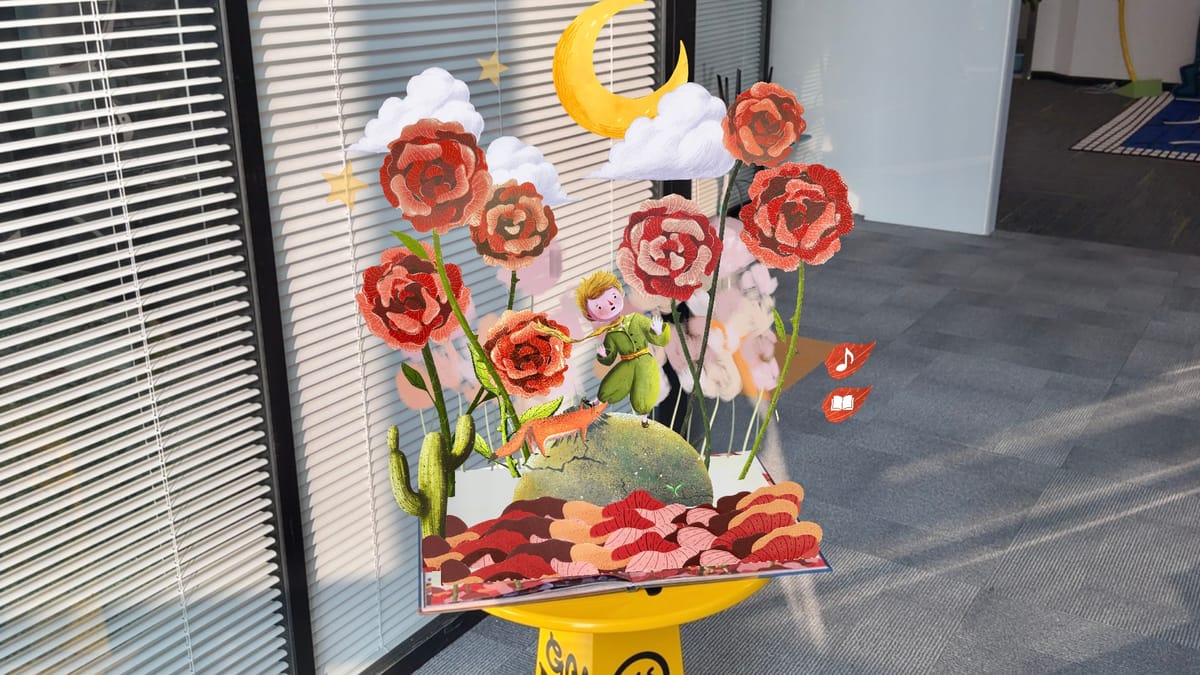
4. Narrator AR: Combine Handwriting Practice with AR Learning
Suitable for: Early childhood teachers, preschool and kindergarten educators, as well as parents who would like their kids to improve their skills in handwriting and letter recognition through AR games.
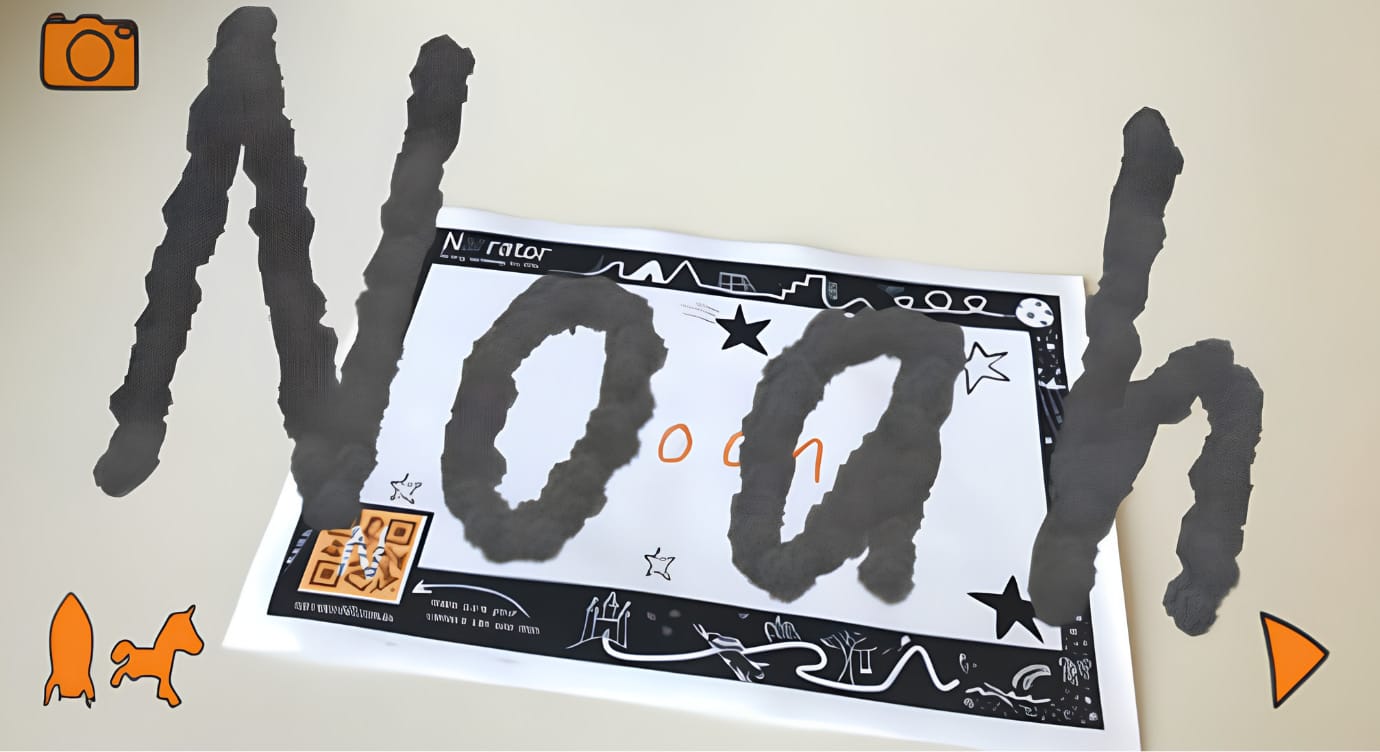
Narrator AR is an iOS AR app that provides interactive experiences in the form of AR games that make learning handwriting more interesting for children. This app involves conventional handwriting activities with the addition of 3D characters who come alive when children scan their handwriting on paper. It guides children in letter formation and provides them with interactive handwriting experiences.
Pricing: Free to download. Check the current App Store listing for any updated pricing or purchase information.
Recommendation Index: 4.6/5
5. Merge3D: Make STEM Lessons More Interactive
Suitable for: STEM instructors, science teachers, and students seeking to examine 3D models of scientific phenomena.
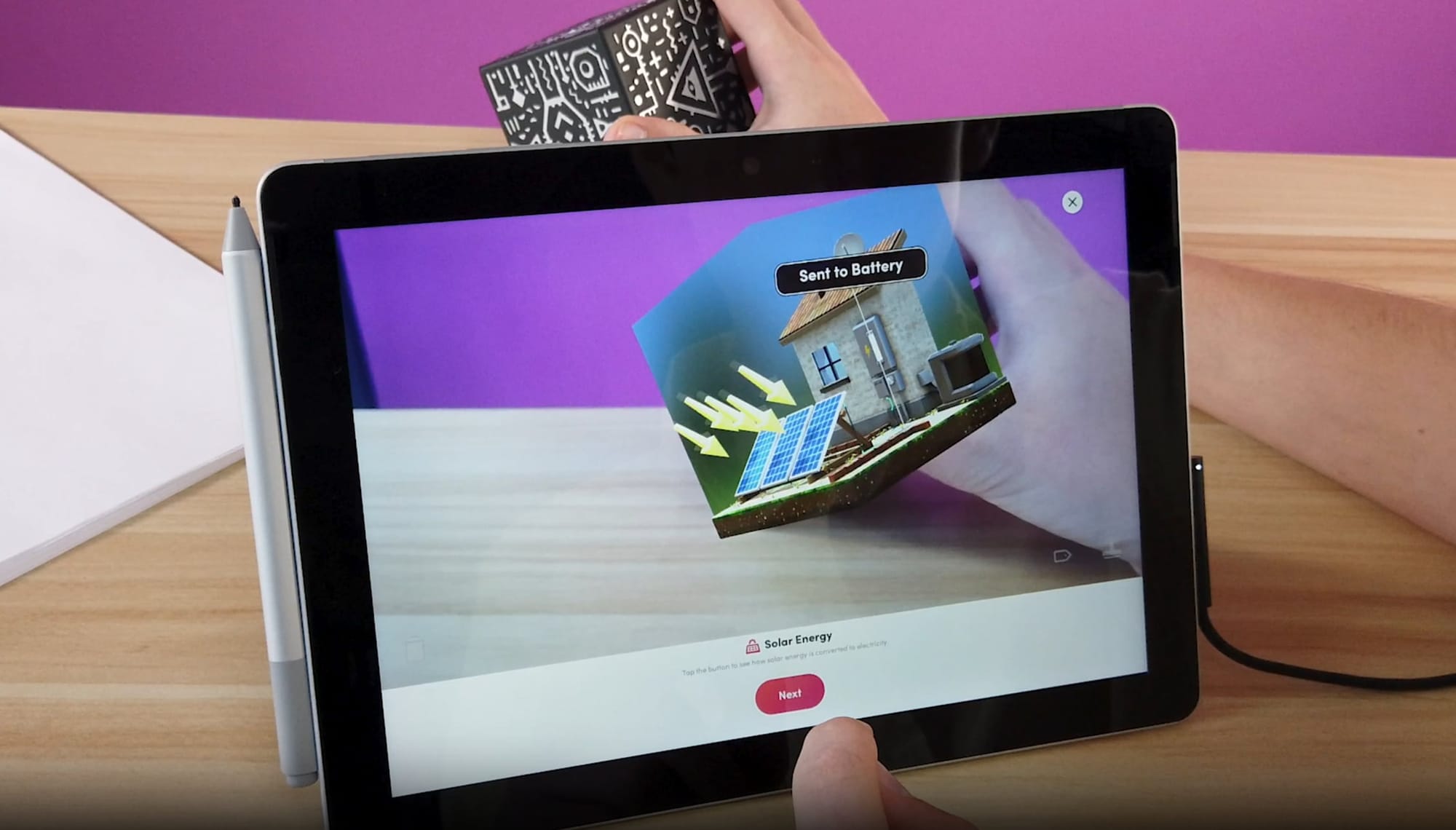
Merge3D offers useful tools that allow teachers to create and explore 3D models for immersive educational purposes. Teachers can use these models to illustrate various concepts, such as human anatomy and engineering principles. The virtual models allow students to examine objects that may be difficult to observe directly in the classroom.
Pricing: $14/mon for Individual, $14/mon for Teacher, $71/mon for Classroom, and $283/mon for School.
Recommendation Index: 4.9/5
6. CoSpaces Edu: Encourage Hands-On Learning Through 3D Creation
Suitable for: Teachers and students who wish to develop 3D interactive projects, learn about basic coding, and explore AR and VR in various subjects.
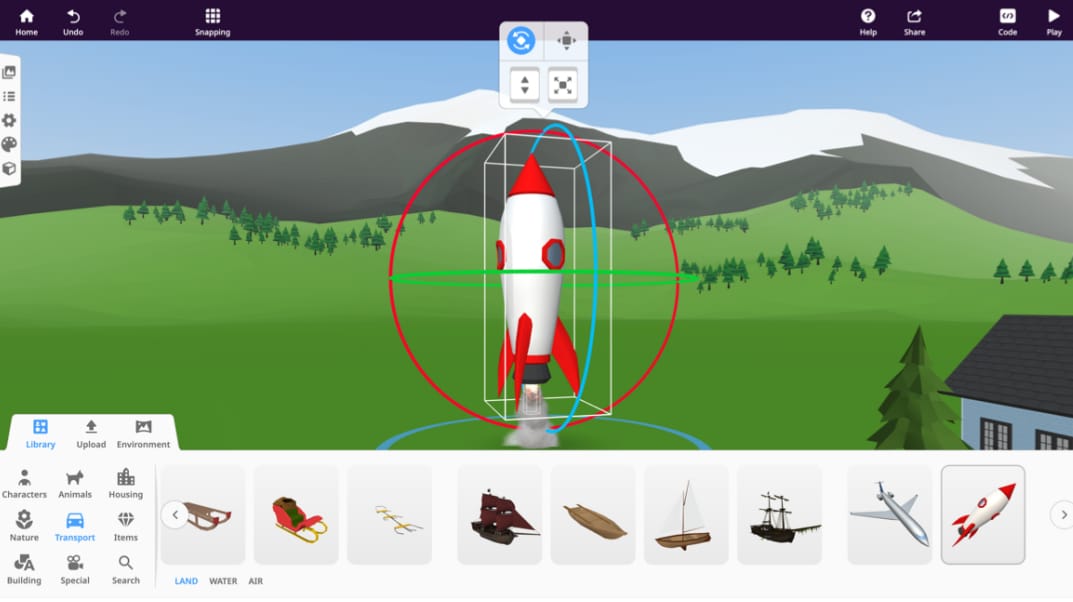
CoSpaces Edu, which is currently named Delightex Edu, is an educational creation tool that allows both students and educators to create their own virtual worlds using 3D models and animations.
Pricing: Free version with basic features and $50/year for Pro version.
Recommendation Index: 4.6/5
7. Augmented Classroom: Create K–6 AR Lessons Across Subjects
Suitable for: K–6 teachers, home-schooling teachers looking for prepackaged interactive lessons and easy-to-use class activity aids.
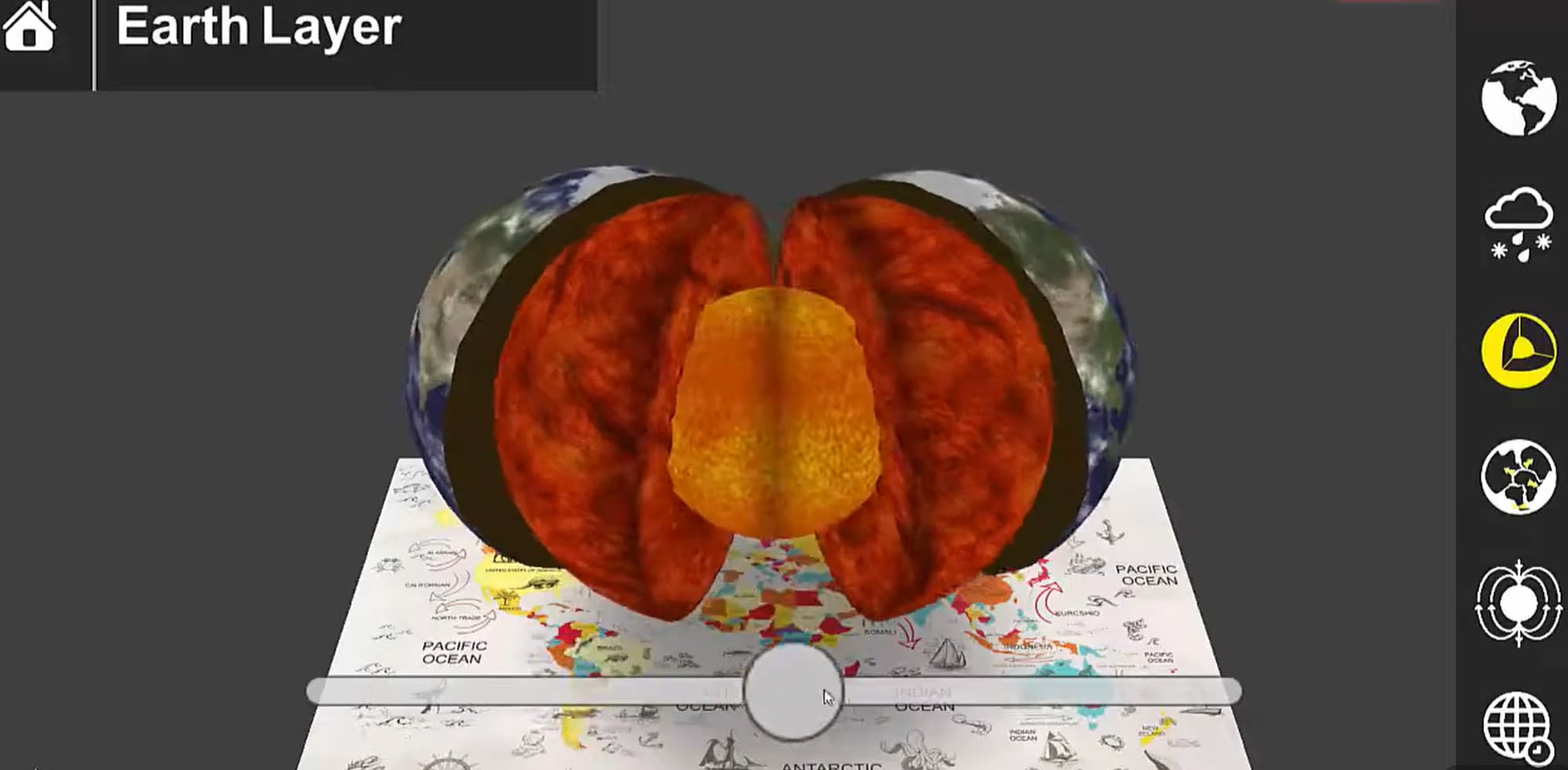
Augmented Classroom by CleverBooks is an integrated platform that incorporates 2D, 3D, AR, and AI learning resources. Teachers can create AR games, quizzes, and collaborative learning activities within the platform. The lesson library offered by the tool includes topics in science, mathematics, language arts and social studies, and more.
Pricing: Free trial for 14 days. Paid plans for classrooms are as cheap as $1.99 per student per month, while annual fees could be as low as $4.50 per student.
Recommendation Index: 4.7/5
8. JigSpace: Explain Complex Concepts with Interactive 3D Models
Suitable for: Educators in STEM subjects, engineering teachers, and teachers who wish to illustrate complicated systems and concepts.
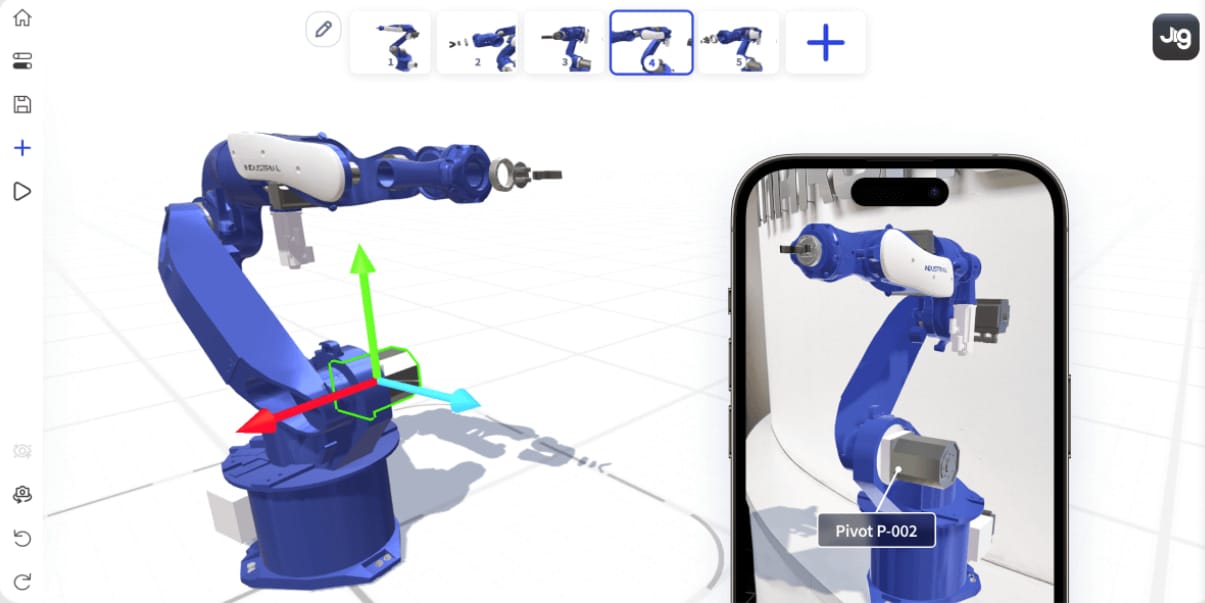
With JigSpace, teachers can make step-by-step presentations in 3D format called Jigs. They can import 3D models, add text and images, and break complex objects into smaller components to explain how they work. The app is useful when users are working with subjects such as human anatomy, machinery, and engineering.
Pricing: JigSpace offers a free plan with one project (Jig). And you need to talk to the team for the details of paid plans.
Recommendation Index: 4.6/5
How to Use Augmented Reality in the Classroom: A Step-by-Step Guide
Curious about how to build AR classroom projects? Follow these steps to create an interactive anatomy scene with Kivicube.
Step 1. Open Kivicube AR generator and log in to your account. Select the AR anatomy template on the templates page and click “Duplicate”.
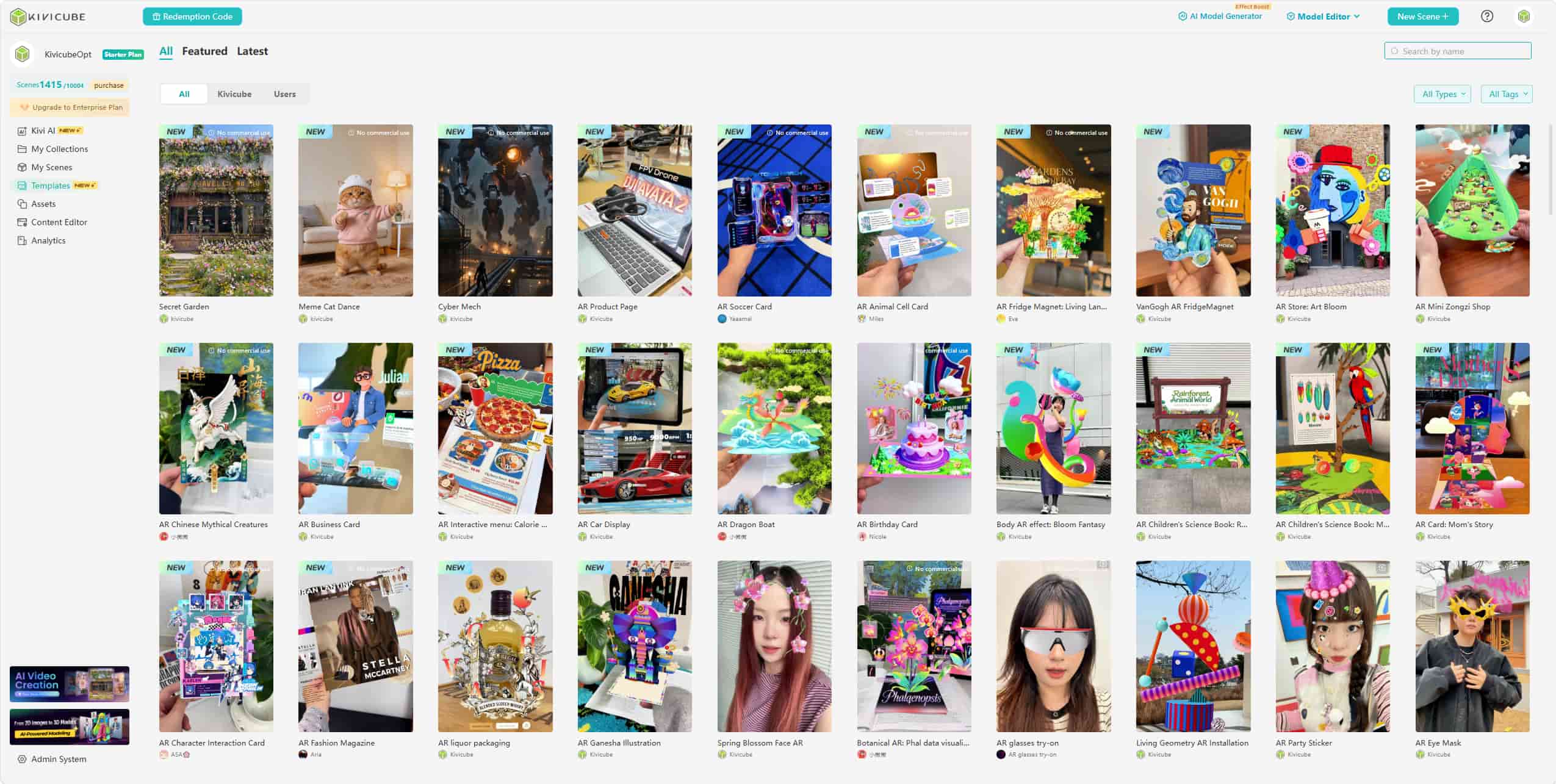
Step 2. In the editor, upload your own assets. Then drag and drop to replace the original biology assets in the template.
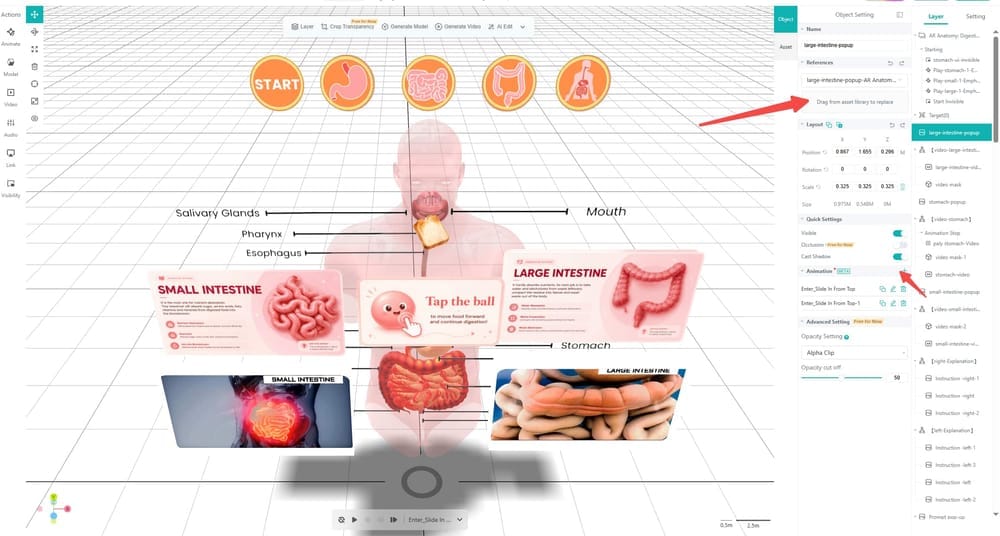
Step 3. You can adjust the animations and interactions of the AR scene according to your requirements.
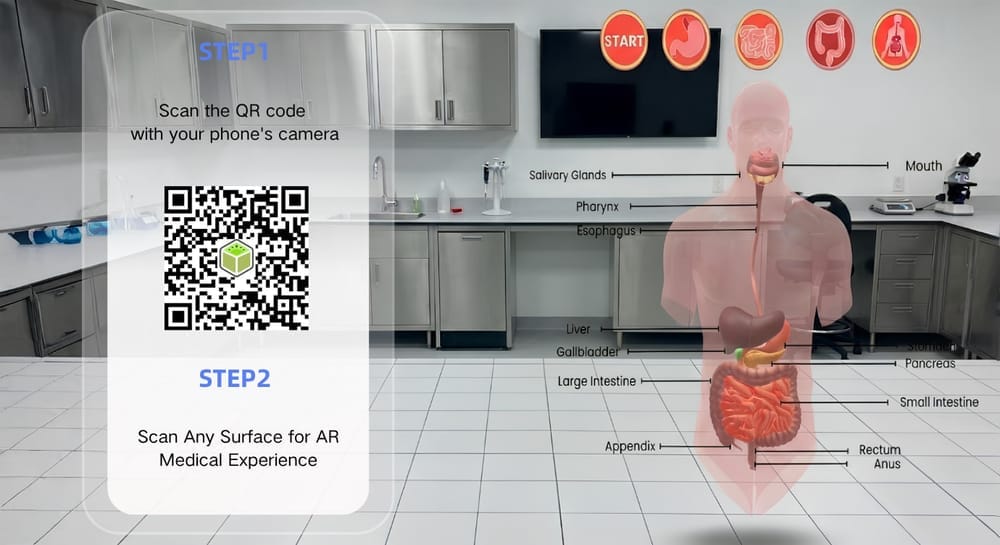
Step 4. Once you’re finished, click “Save” and “Share” to publish the AR anatomy scene and share it with your class. Everyone can scan the QR code and target card to interact with the scene without downloading any dedicated app.
FAQs about Augmented Reality in the Classroom
What Is the Difference Between VR and AR in the Classroom?
AR adds digital elements to the real-world classroom, while virtual reality (VR) places students inside a computer-generated environment. Both technologies offer different ways to present educational content.
What Equipment Is Required to Use AR in the Classroom?
Most classroom AR activities require a smartphone or tablet with a camera. Teachers may also need printed image targets, worksheets, or a physical accessory such as a Merge Cube.
Is It Suitable to Use Augmented Reality in the Elementary Classroom?
Yes. AR can be suitable for elementary school students when the activities match their age and learning needs. For example, animated storybooks and interactive 3D models can make lessons more engaging and give children another way to explore new concepts.
Can Students Create Their Own AR Projects?
Yes. Some AR platforms, such as Kivicube, offer drag-and-drop editors for students to create their own AR scenes to show what they have learned, like interactive posters and virtual exhibitions.
To Conclude
From interactive storybooks to student-created AR projects, both teachers and students can make lessons more engaging and easier to explore by using augmented reality in the classroom.
In this post, we talked about the benefits of AR in education, 5 practical ways to use it in the classroom, and 8 tools for different learning activities. Start with a simple AR activity, such as an interactive science model or an augmented coloring page, and explore how it fits into your teaching goals.