Create Your Own Viral AR Filter in 3 Minutes: Step-by-Step Tutorial
Augmented Reality is no longer just a fleeting trend, it’s transforming how we tell digital stories. Whether it’s polished digital fashion initiatives or playful, shareable interactive marketing, the AR filter has become the go-to tool for brands and creators aiming to boost engagement. Best of all, you don’t need a big budget or a team of developers to get started.
What Are AR Filters?
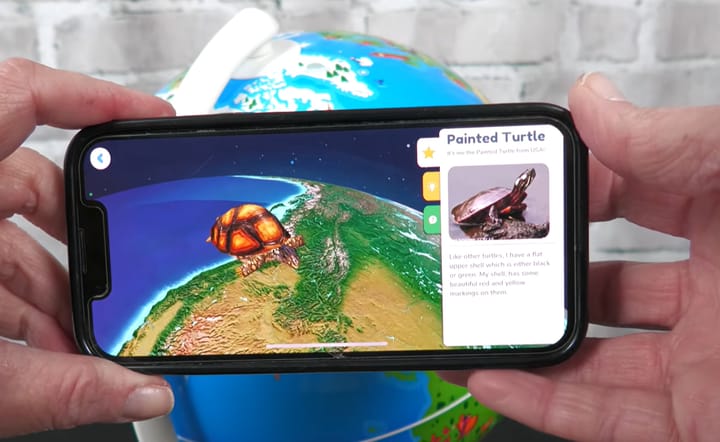
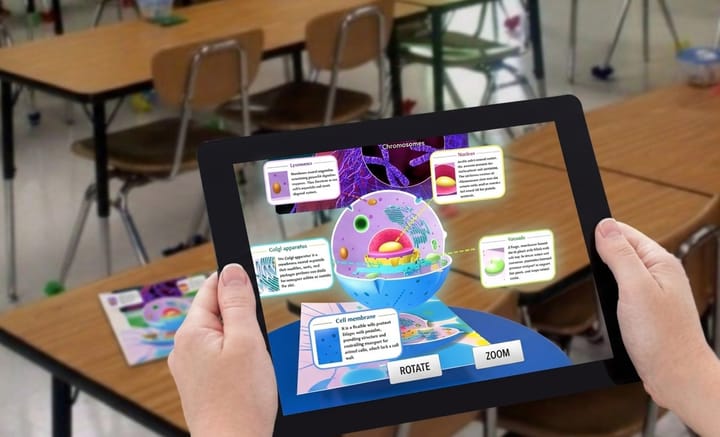
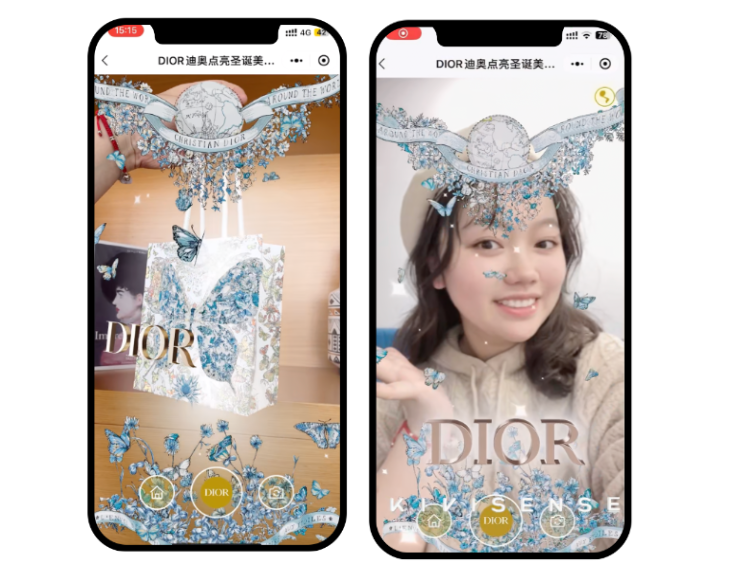
AR filters, short for augmented reality filters, are interactive digital effects that overlay virtual elements onto the real world through a camera, usually on a user’s face or around their body.
Even if you’re not familiar with the term AR filter, you’ve certainly seen or used one. Snapchat filters and lenses, Instagram Effects, TikTok Effects, and Facebook Effects are all powered by AR filter technology, helping users express themselves and promote brands. Typical types include:
- AR face filter: Uses AR face tracking technology to add flowers, masks, or other elements in real time.
- AR body filter: Detects body movement to add virtual clothes, wings, or full-body effects.
- AR try-on filter: Lets users virtually try on products like AR filter glasses, makeup, or shoes.
- Interactive brand filter: Engages users through mini-games, quizzes, or product demos.
- AR environment filter: Places 3D objects or effects into the surrounding space.
Ready to dive in? We’re breaking down exactly how to use Kivicube AR filter maker for creators to craft a polished, shareable filter in just 3 minutes.
How to Make an AR Filter of “Spring Blossom” [Step-by-Step]
We’re using the “Spring Blossom” face filter from our YouTube tutorial as an example. You can watch the video below for a visual walkthrough, or keep reading for the detailed written steps. Either way, you’ll be able to make something amazing, even if you’re new to AR.
Video Tutorial: How to Create an AR Face Filter Using Kivicube
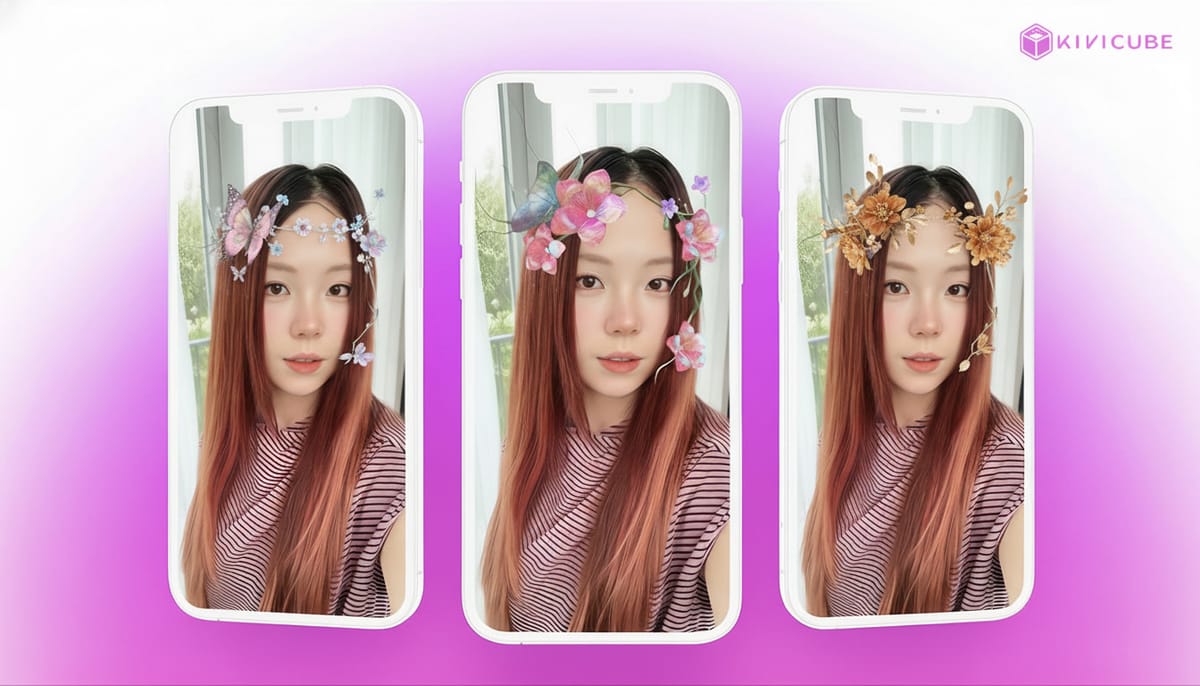
Think delicate flowers and fluttering butterflies that react to your movements. Here’s how to make one just like it (or put your own AR art spin on it):
1. Set Up Your AR Scene
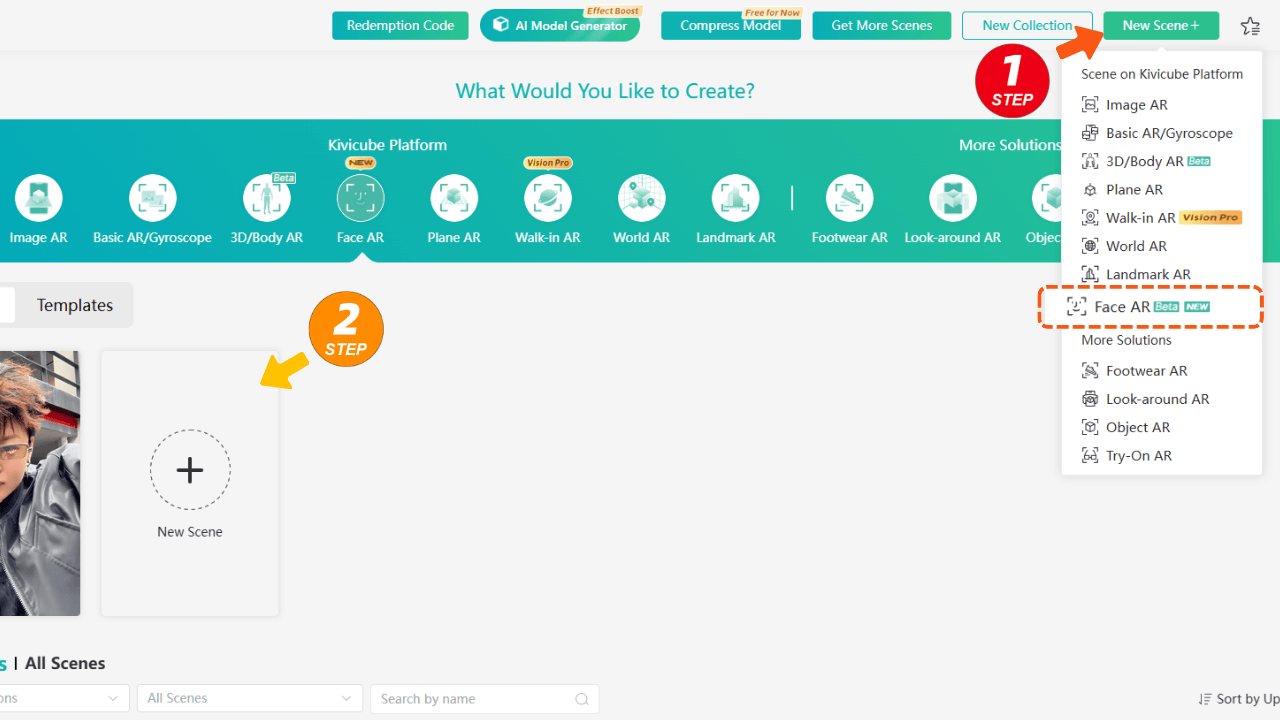
First, log in to your Kivicube dashboard. Head to the top right corner, click New Scene, and select Face AR. This opens up the AR studio editor, complete with a preview face model - this is your canvas for building your AR filter and bringing your AR art ideas to life.
2. Import Your AR Art Assets
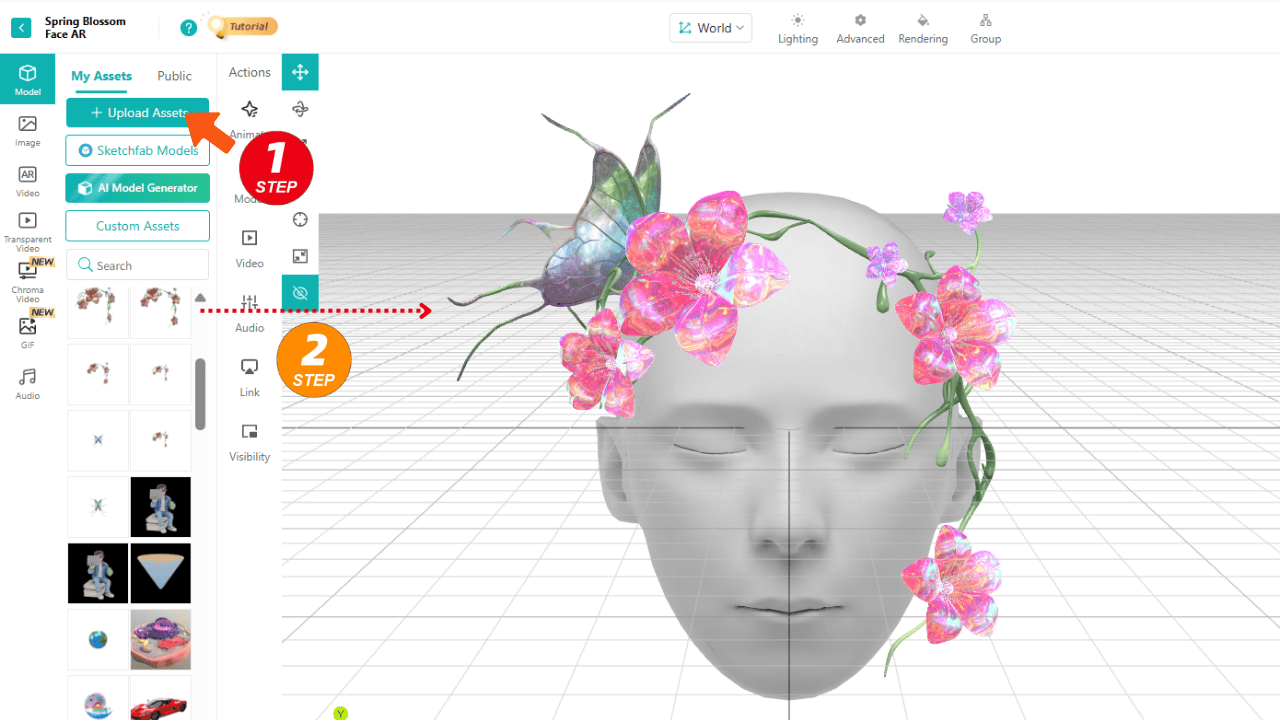
Next, upload your 3D models—we used butterflies and flowers for our Spring Blossom filter. But you can use any assets that fit your AR art vision.
Pro Tip: Want your filter to look professional? Don’t skip the lighting! Go to the Lighting tab and upload a custom HDR map. This small step makes your 3D assets look way more realistic, like they’re actually sitting on someone’s face instead of floating on screen.
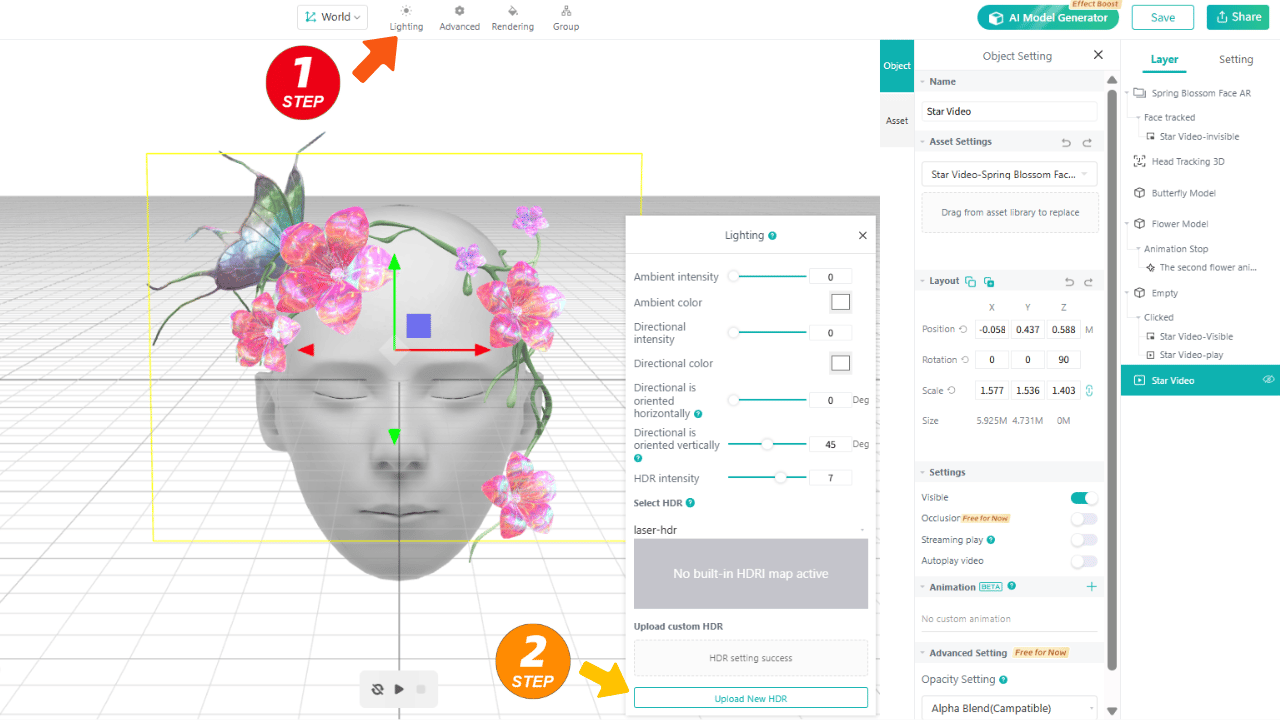
For extra atmosphere: Add a transparent video (we used twinkling stars) to give your filter that dreamy, ethereal feel—perfect for making your AR art stand out.
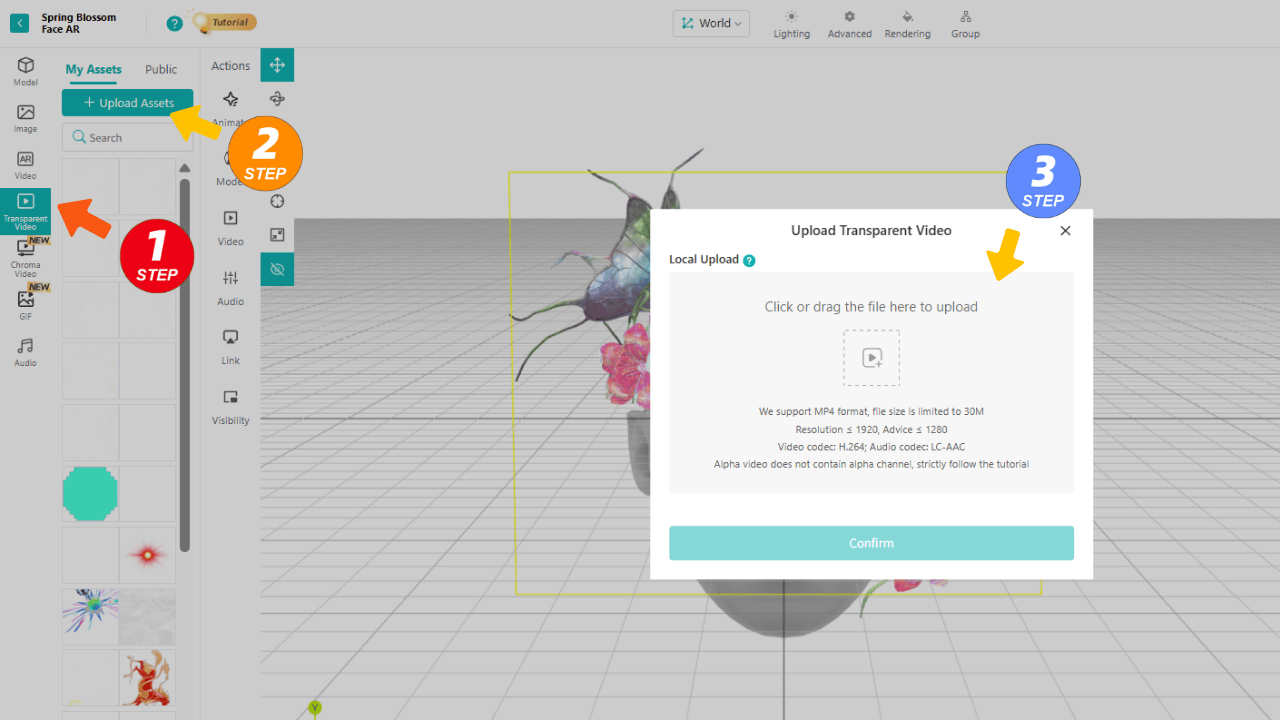
3. Add Interactions
A great AR filter doesn’t just sit there—it feels alive. Here’s how to add that magic:
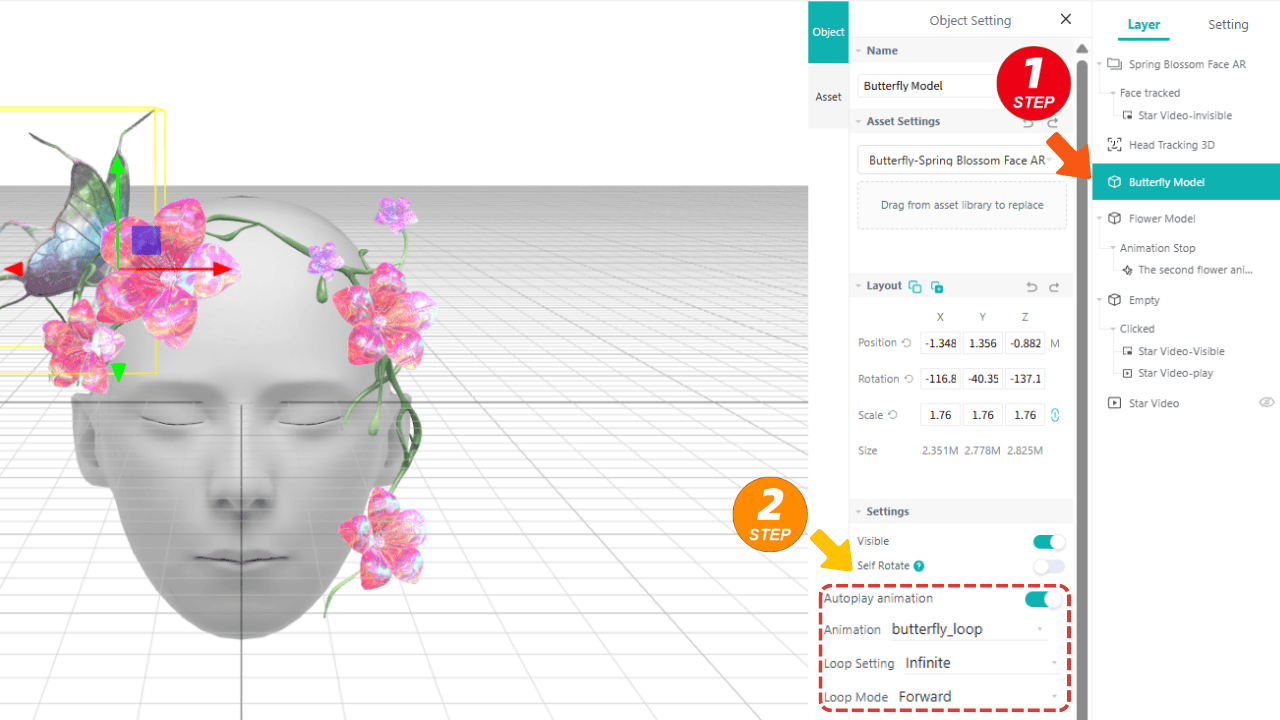
Animations: Select your butterfly model, turn on autoplay, and set it to loop infinitely. Now, whenever someone uses your filter, the butterfly will flutter naturally as soon as their face is detected.
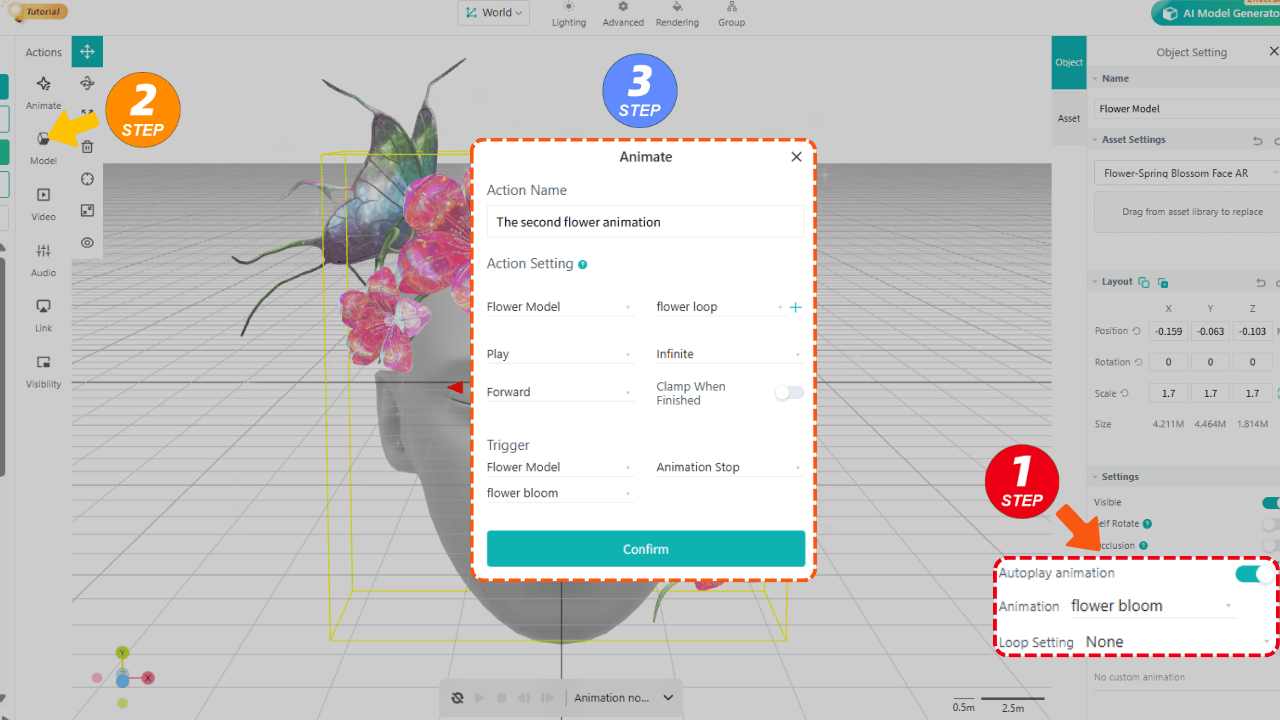
Sequential Triggers: For the flowers, set up two animations: first a bloom, then a looping open-and-close motion. You can set it so the bloom plays first, and once it’s done, the looping animation kicks in—adding that extra layer of AR art detail.
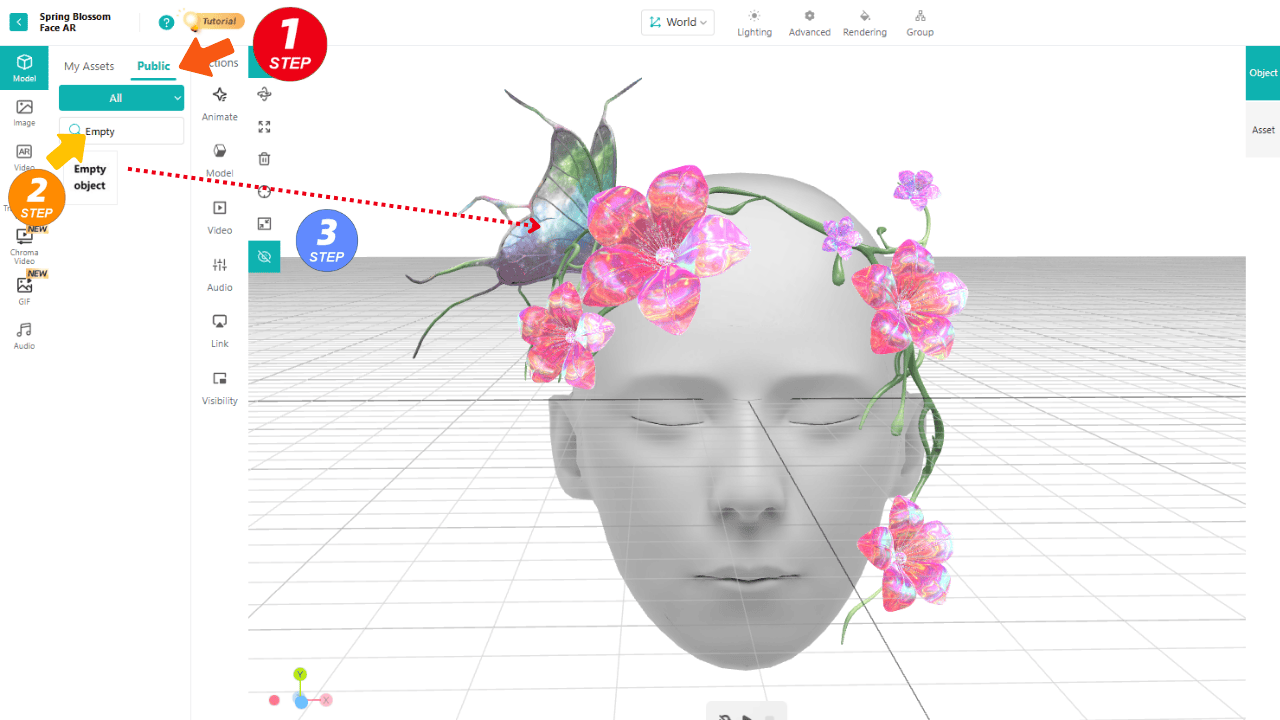
Add Clickable AR Art Interactions: Want a fun surprise? Use an “Empty Object” as a hidden clickable area (since flowers are small and hard to tap). When someone clicks the flower, you can trigger a hidden star video to pop up—making your filter interactive and shareable.
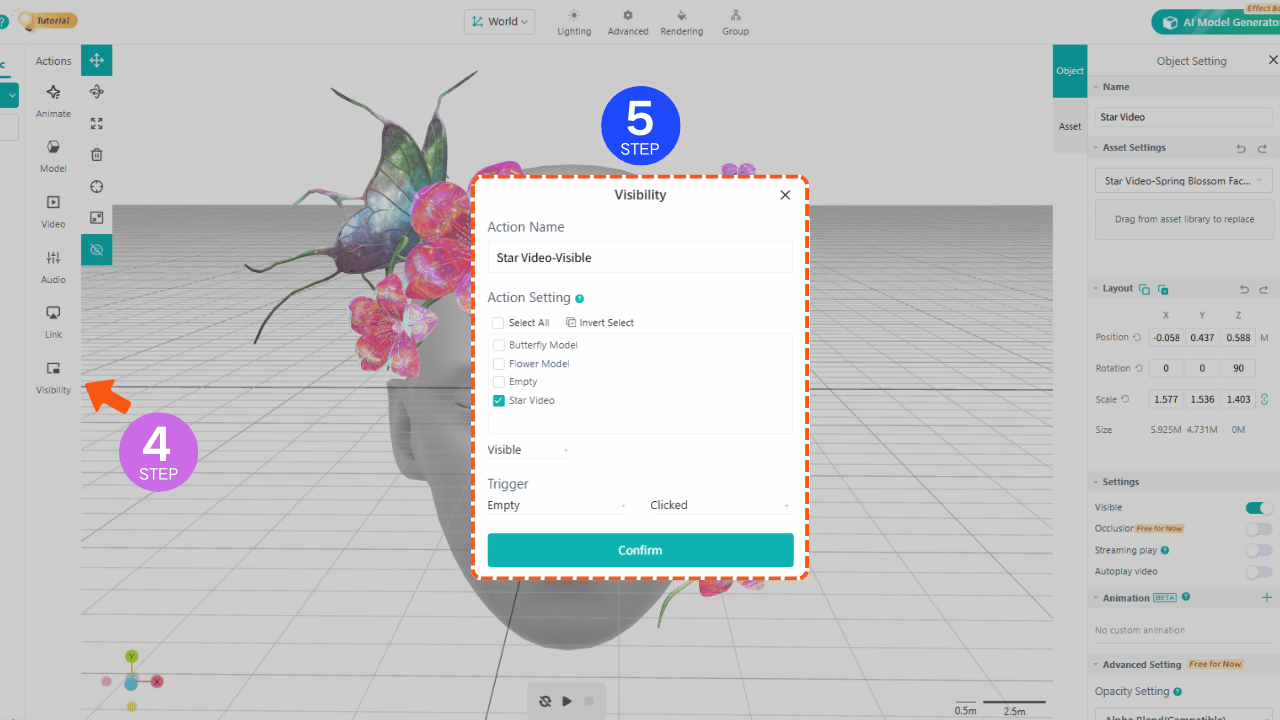
4. Save & Share
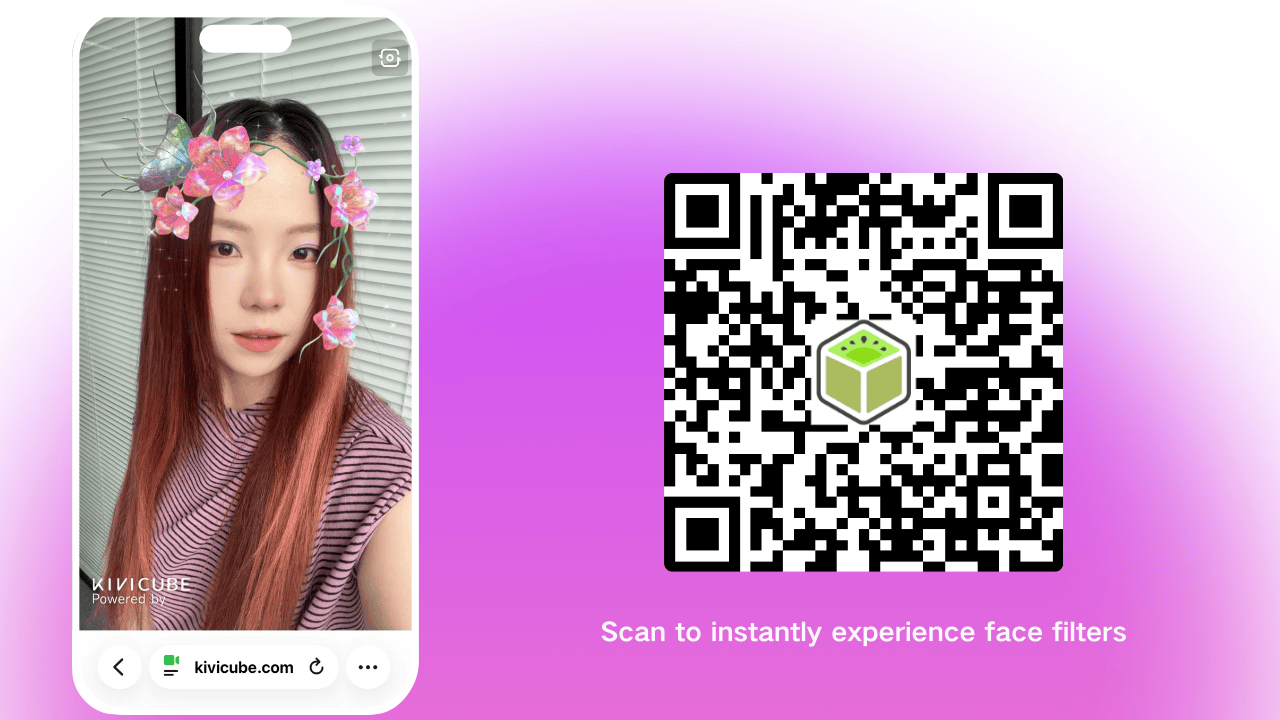
Tap Save in the top right, then share. Scan the QR code or open the link to experience your finished AR face filter. It’s truly impressive!
Why Web AR Filters Are Taking Over
The shift to WebAR filters all comes down to one simple thing: friction. In a world where people scroll past content in seconds, asking someone to download an app just to experience your AR filter is a surefire way to lose them.
Browser-based AR cuts out that extra step, which is why creators are seeing way higher click-through rates and social shares. Gartner predicts global IT spending on AI-related tech (including WebAR) will grow steadily in 2026.
Best Web Augmented Reality Filter Maker
Kivicube is a web-based AR filter maker that handles all the technical backend work so you can focus on what matters - your creativity and AR art vision.
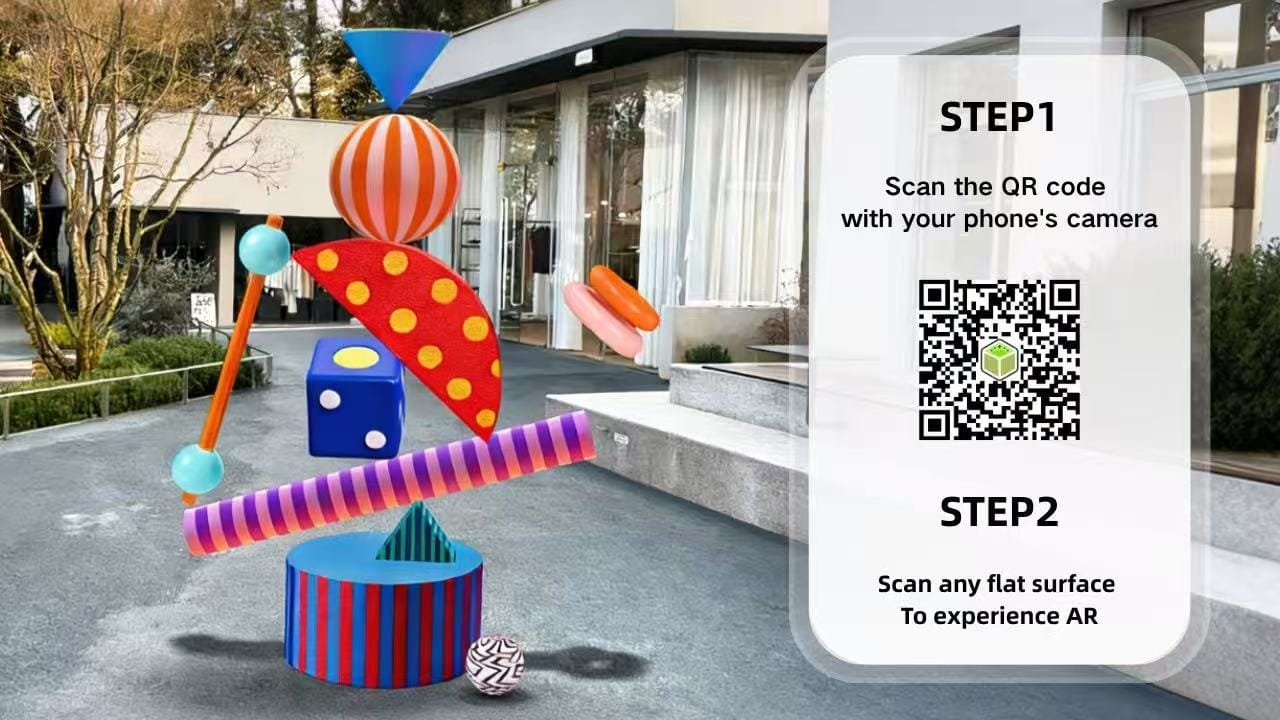
You don’t have to be a pro to make a viral AR filter. Kivicube’s AR studio simplifies the process, so whether you’re a beginner playing with AR art for the first time or a seasoned creator, you can make something people will want to share. Stop watching from the sidelines - your next viral AR filter is just 3 minutes away.
 Juli Cooper
5 AR Filter Ideas for Viral Sharing
Now that you understand the basics, let’s explore five AR filter ideas designed to go viral.
1. AR Filter Games
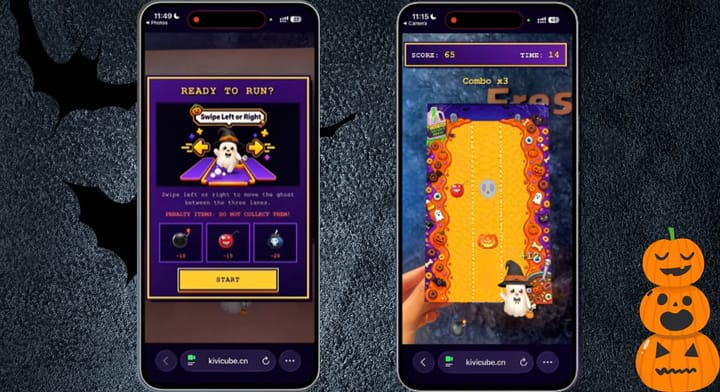
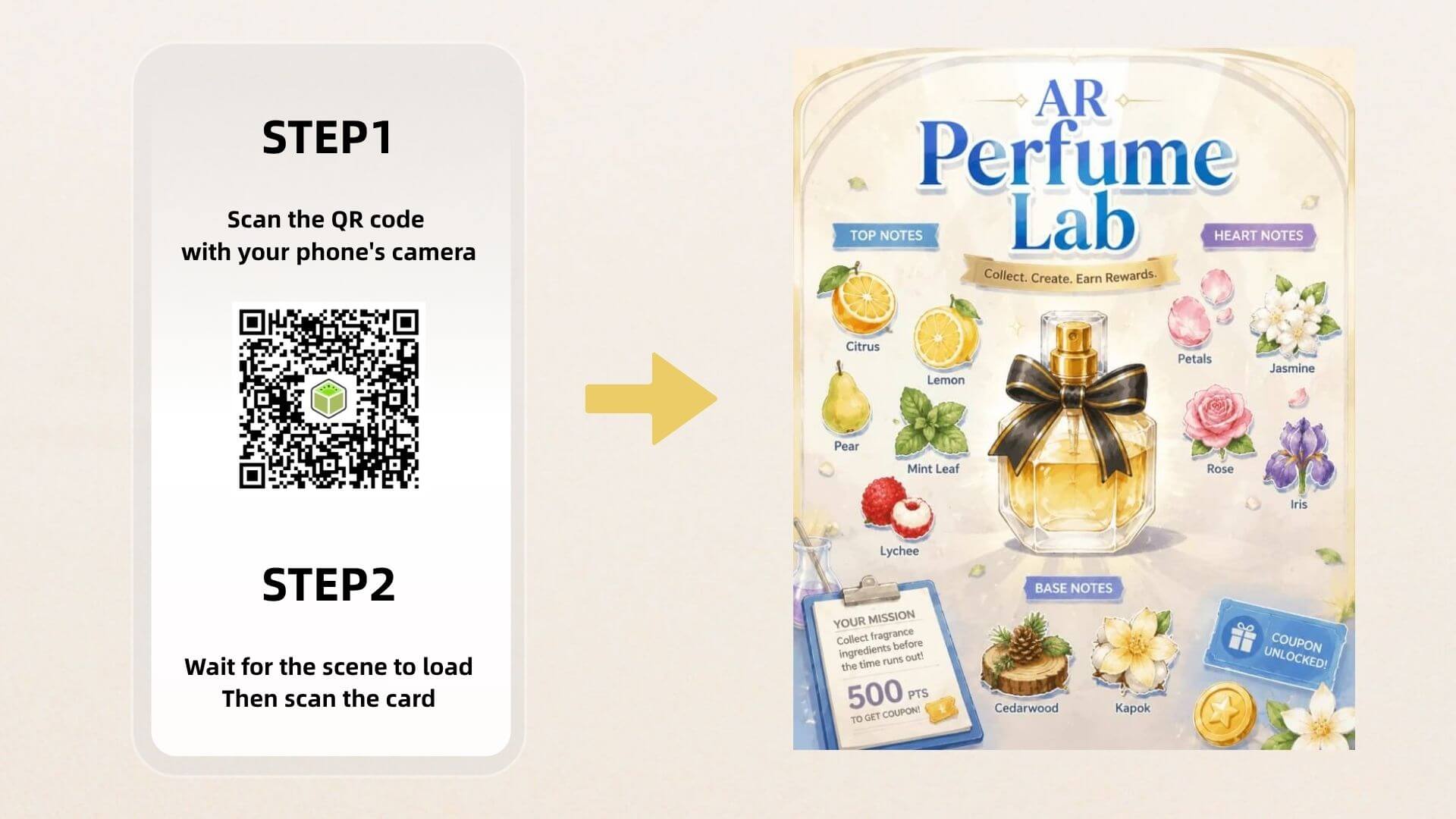
Turn the camera into a quick AR game: catch falling objects, pop bubbles, dodge obstacles, or score points with face movements. Simple, replayable challenges make users want to share their scores.
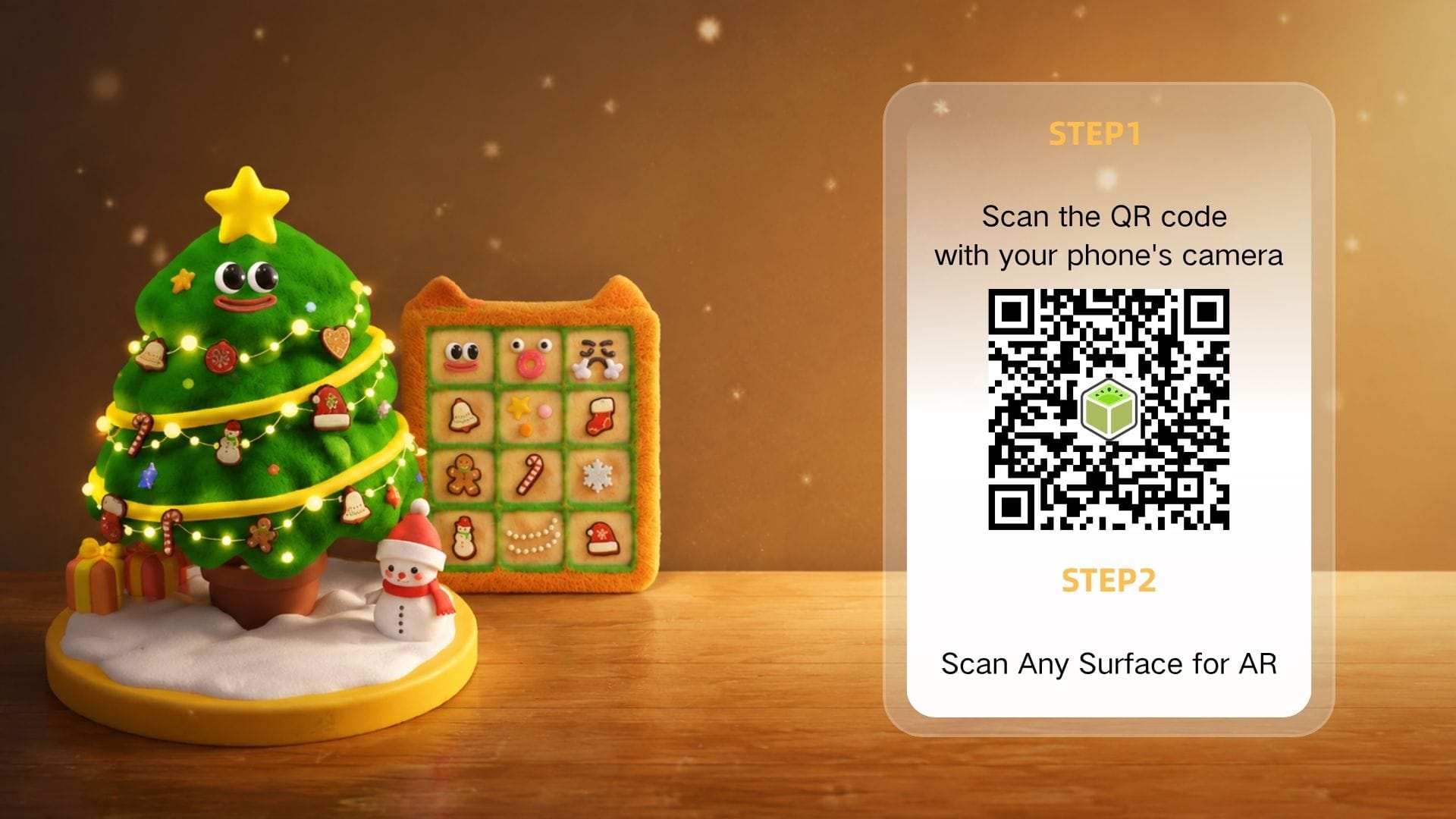
2. Holiday AR Filter
A Christmas AR filter with Santa hats, snow, reindeer antlers, or gift animations is highly shareable during the holiday season. Seasonal timing makes users more likely to post and tag friends.
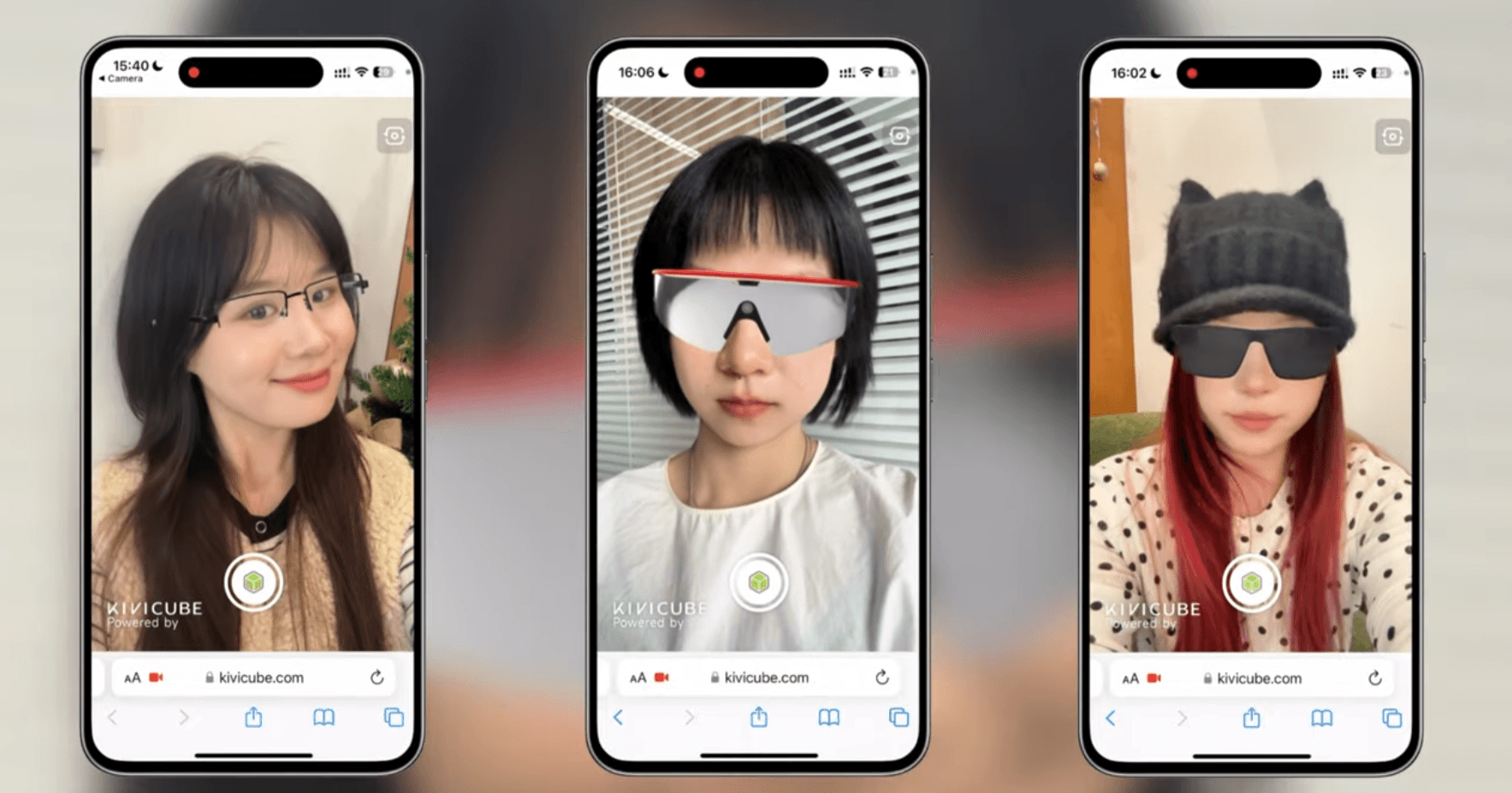
3. AR Filter Glasses
Let users virtually try on sunglasses, prescription frames, or novelty glasses. This works for fashion, retail, and fun content, and users can share their look instantly.
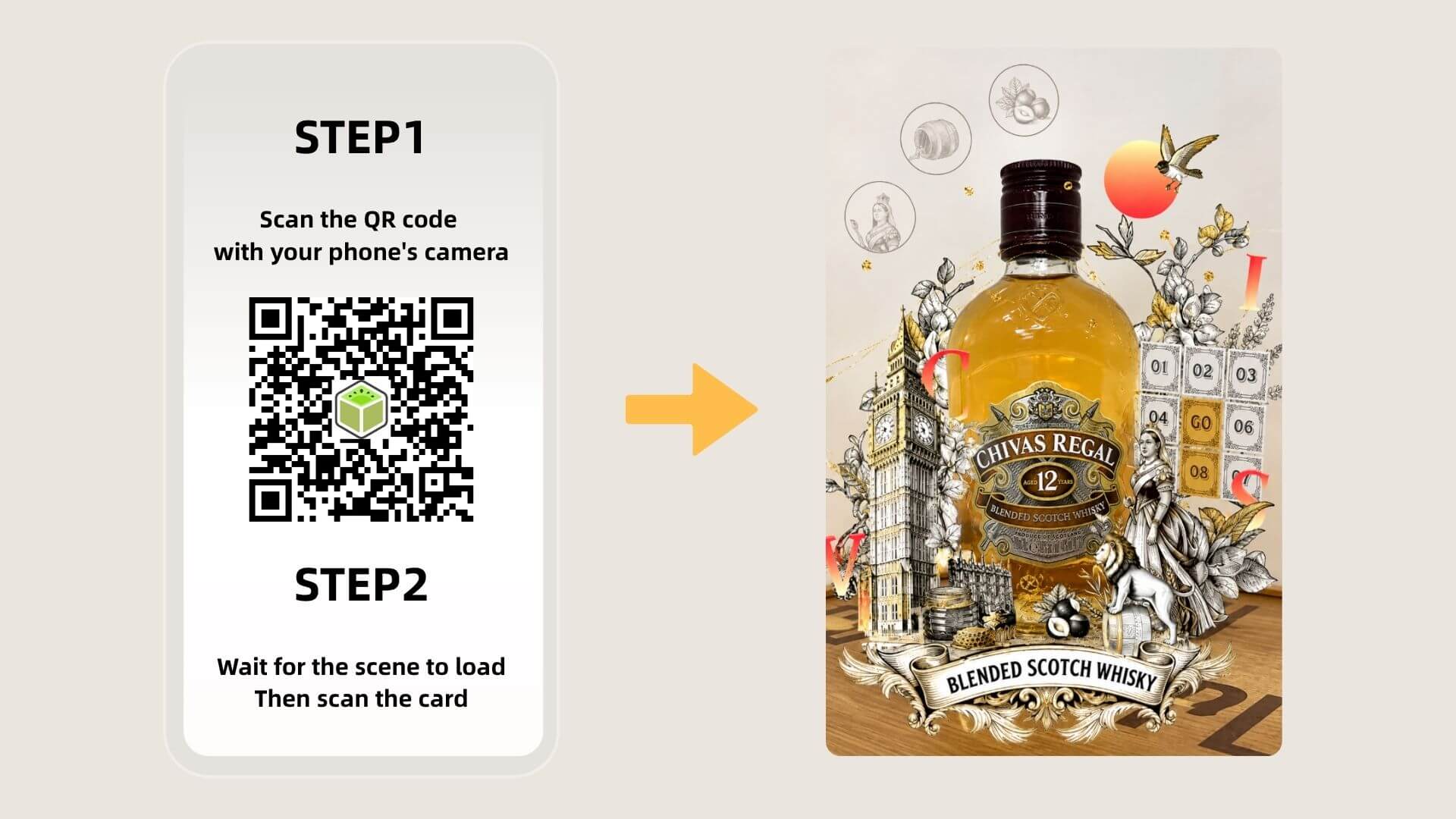
4. Brand AR Filter
Add brand logos, colors, mascots, or product try-ons into a fun interactive filter. If it feels personal and entertaining, users will share it and spread brand awareness naturally.
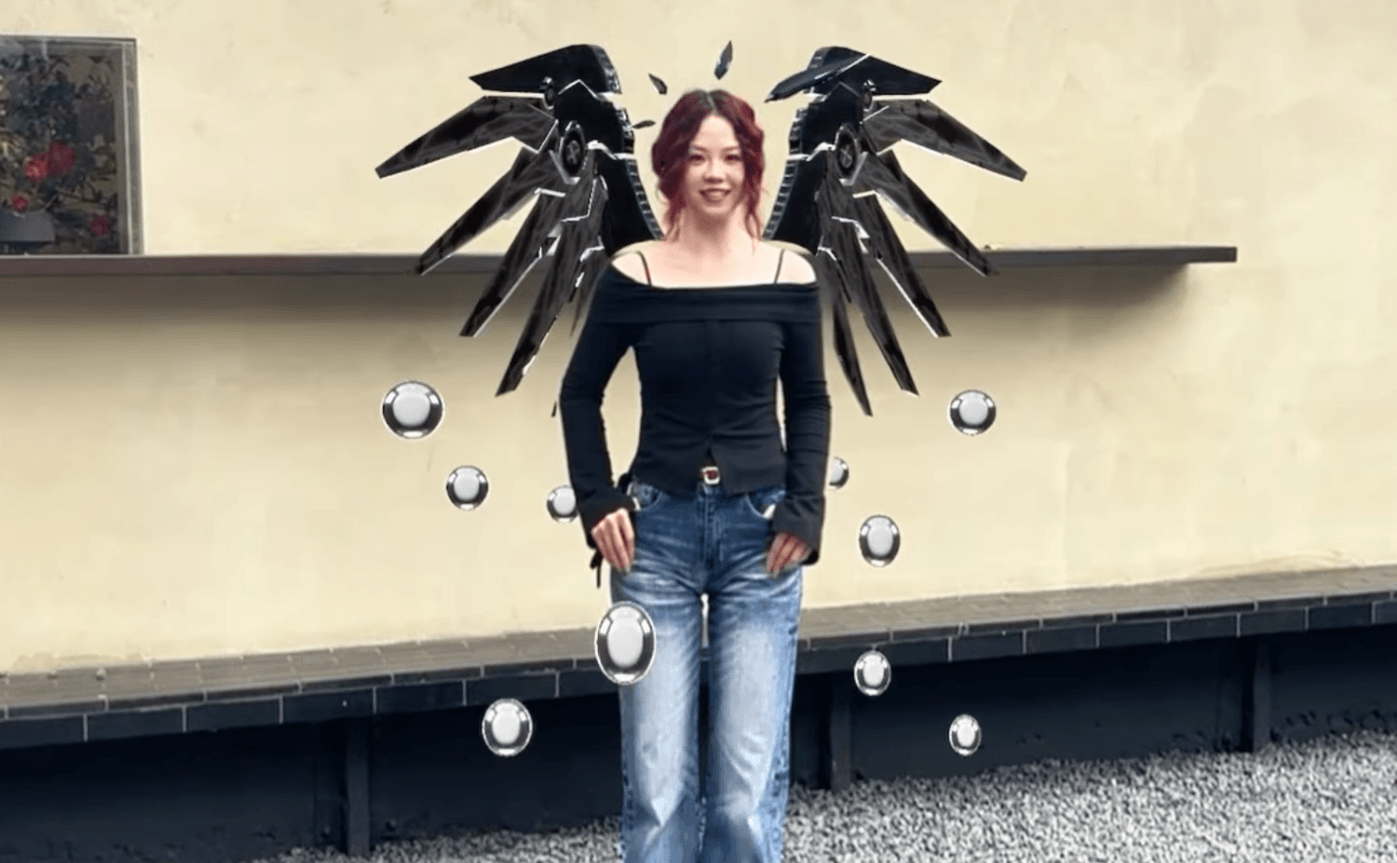
5. Body AR Filter
Add virtual outfits, wings, muscles, costumes, or full-body transformations. Body filters are highly visual and work well for dance videos, challenges, and before-and-after clips.
The Future of AR Filter Design Is Interactive
From digital fashion to holiday campaigns, AR is moving past static images and into fully immersive experiences. Web Augmented Reality lets you create that immersion without asking your audience to jump through hoops—and AR art is only getting more creative.
FAQs
Which AR Filter Creation Tool Is Easiest for Beginners?
Snap’s Easy Lens is very beginner-friendly. For a no-code WebAR option, Kivicube works as an AR filter maker that directly runs in the browser.
Who Has the Best Developer Tools for Viral Face Filters?
Snap’s Lens Studio and Banuba lead in face tracking. Kivicube offers a lighter WebAR path for AR filter designers who want fast, shareable results.
What Platforms Let Creators Make Custom AR Filters?
Snapchat, TikTok, and WebAR platforms. Kivicube lets creators build custom AR filters and publish them directly on the web.