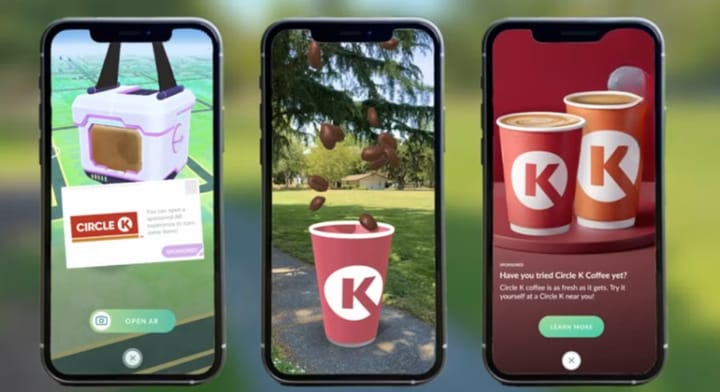
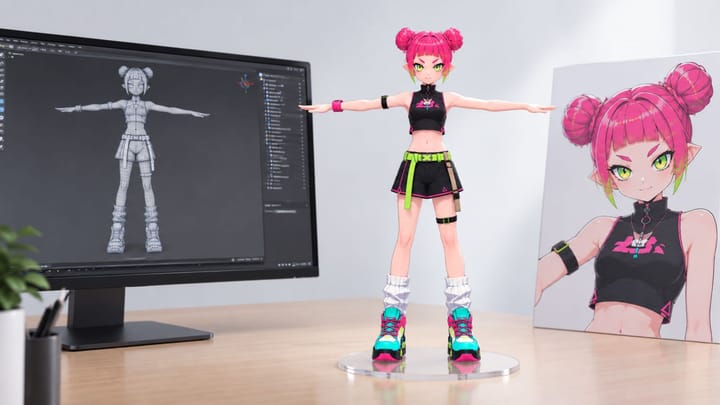
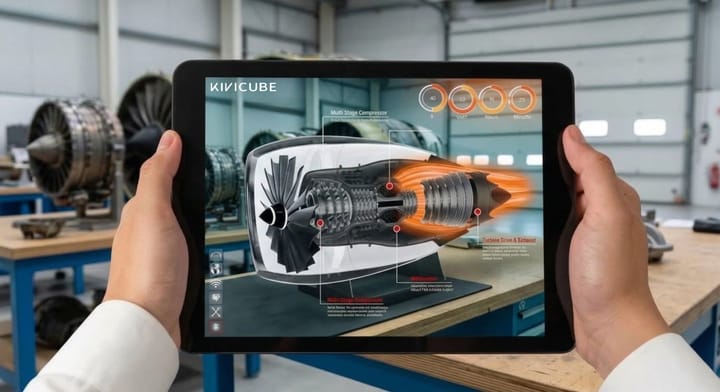
Augmented Reality App Development: Build Custom AR Experiences with No-Code AR Software
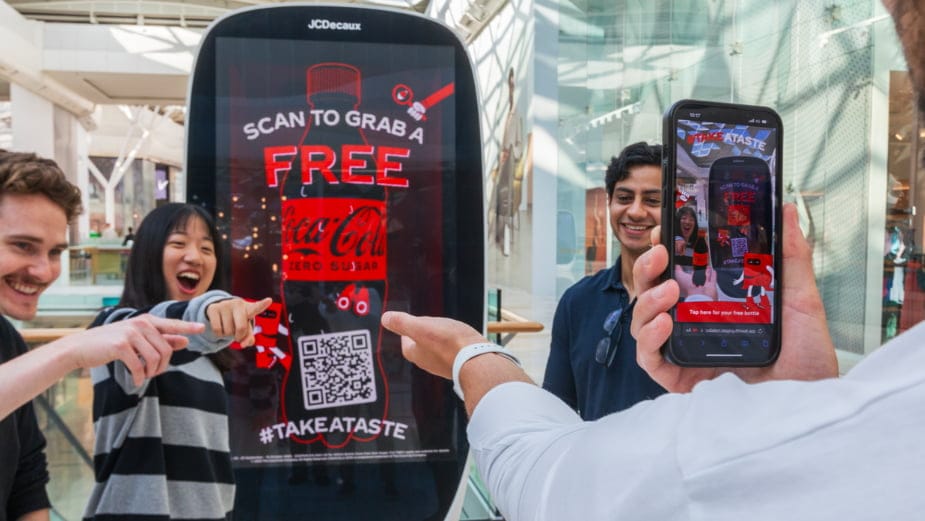
In the past, developing an augmented reality app was expensive, time-consuming, and technically complex.
Today, new tools have made AR development faster, more accessible, and far less complex. For many brands and creators, the barrier to entry has always been intimidating—until now.
In this guide, you'll learn how platforms like Kivicube make it easy to build AR apps without writing a single line of code.
What is Custom Augmented Reality?
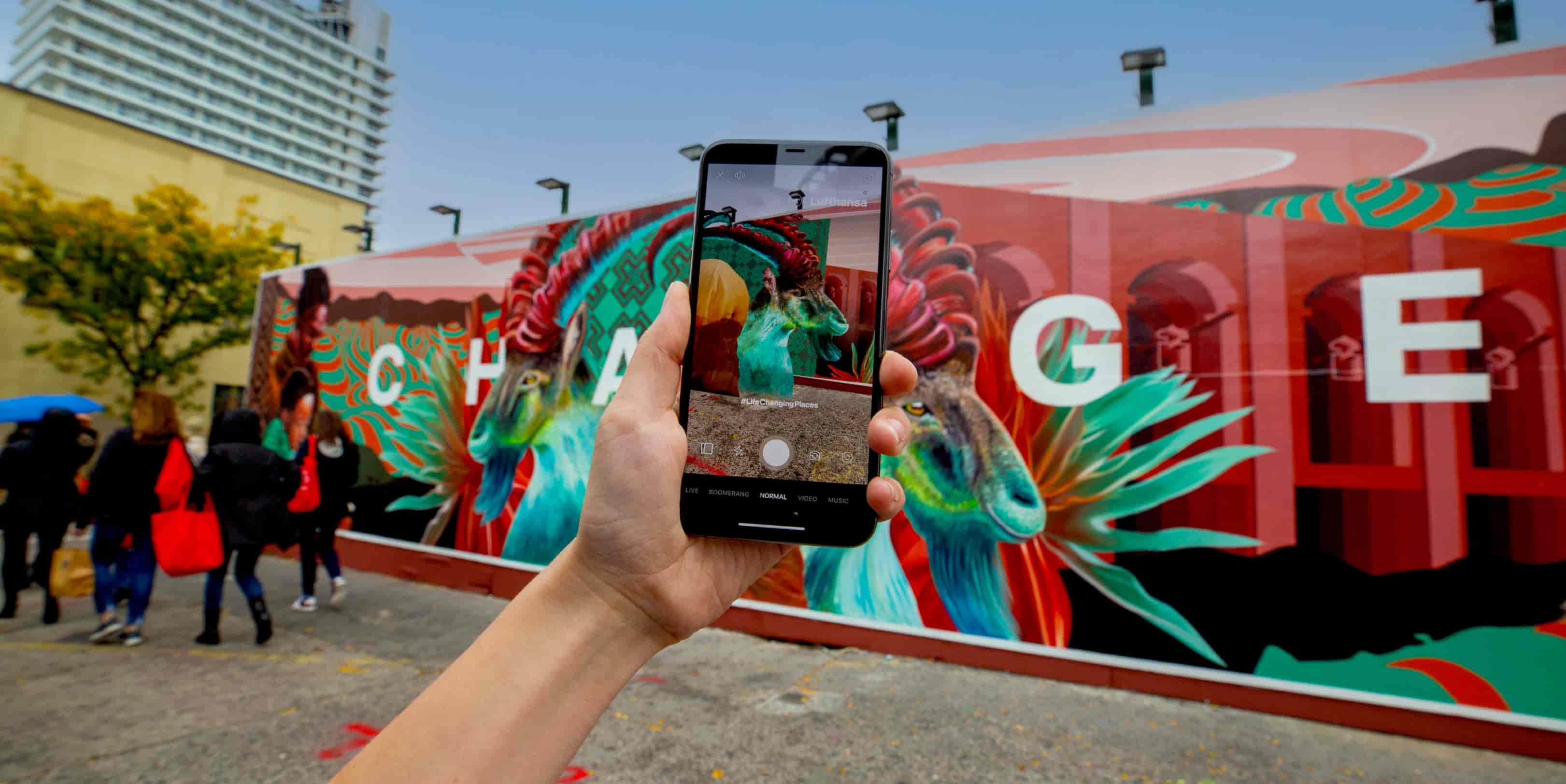
Custom augmented reality is about creating tailored, brand-aligned AR experiences that solve specific business or creative goals
Whether you're creating an interactive AR game for a product launch or an AR try-on experience for e-commerce, custom augmented reality gives you full control over every detail—from 3D assets to user interactions.
Why Choose No-code Augmented Reality software?
Traditional app development for Augmented Reality relies on skilled engineers, complex SDKs, and lengthy development cycles- costing thousands of dollars and months to develop.
Compared with this traditional development model, No code Augmented Reality development saves both money and time when creating AR applications.
Kivicube makes creating AR applications easier than ever: its no-code platform makes the process straightforward for marketers, designers and small business owners who can build AR apps in hours rather than months.
Kivicube:Your First Augmented Reality App Platform
AR Platform Kivicube Overview
At its core, Kivicube is the augmented reality software designed for anyone who wants to make augmented reality app without complexity. Here’s how it powers custom augmented reality experiences:
No-Code Editor: Drag-and-drop to design interactive AR flows—perfect for custom augmented reality campaigns that align with your brand.
Flexible customization: If the visual editor doesn’t fully meet your AR customization needs, you can use Kivicube's out-of-the-box APIs to develop additional features—it's incredibly simple and seamless.
Multi-Platform Distribution: Once created, AR scenes can be experienced directly in a browser or embedded in an app, providing more touch points for commercial project conversion.
Extensive template library: With over 300 templates covering industries such as beverages, packaging, fashion, publishing, and education, we provide you with endless creative inspiration.
AI-Powered AR Creation: Don't worry if you don’t have AR or 3D assets to work with. Kivicube offers a range of AI-assisted tools, including AI model generation, video and image generation, and even AR interaction generation, helping you complete commercial AR projects with zero barriers to entry.
Full-Service Customization: Kivicube has a highly experienced team—with a track record of working for L'Oréal and LVMH that handles everything from creative design to development, enabling us to tailor a complete solution entirely to your needs.
If you are interested in a full-service customization solution, please feel free to contact us.
How to Create an Augmented Reality App Without Coding
Next I will walk you through a simple workflow about how to create an custom AR Car Showroom experience through Kivicube.
How to Create an Interactive AR Car with Kivicube
- Making an augmented reality app with Kivicube starts with a clear goal: do you want a product try-on, a brand activation, or an educational tool?
- Once you’ve defined your use case, upload or generate your 3D assets (Kivicube's AI tools can help here if you don't have existing models).
- Next, use the no-code editor to map your AR elements to real-world surfaces or target image—whether that's a product box, a wall, a poster or the real ground.
- Add interactive triggers, like tap-to-learn or animation sequences, to bring your custom augmented reality to life.
- Finally, publish your AR creation as a webAR link, and share it across social, email, or your website and even embed it into your APP.
Click on our documentation to learn how to embed a scene created with Kivicube into your app.
You can also click the link below to access a detailed, beginner-friendly tutorial.
 Bella
Bella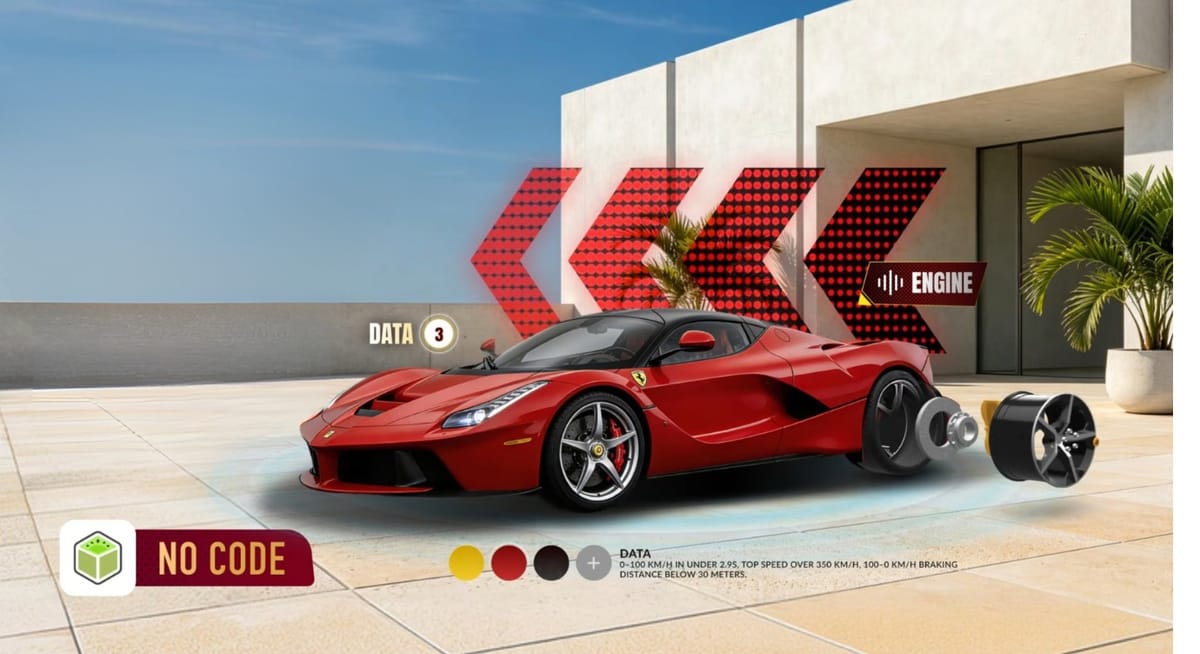
In just a few hours, you've gone from idea to a fully functional augmented reality app by Kivicube.
Custom Augmented Reality App Showcase
Taopiaopiao Online Ticketing Platform
Taopiaopiao, Alibaba's online ticketing platform, used Kivicube to develop AR features for movie merchandise. Users who purchase movie tickets or merchandise can experience the AR features, enhancing overall user engagement and increase user retention.
Pop Mart Flagship Store (Australia)
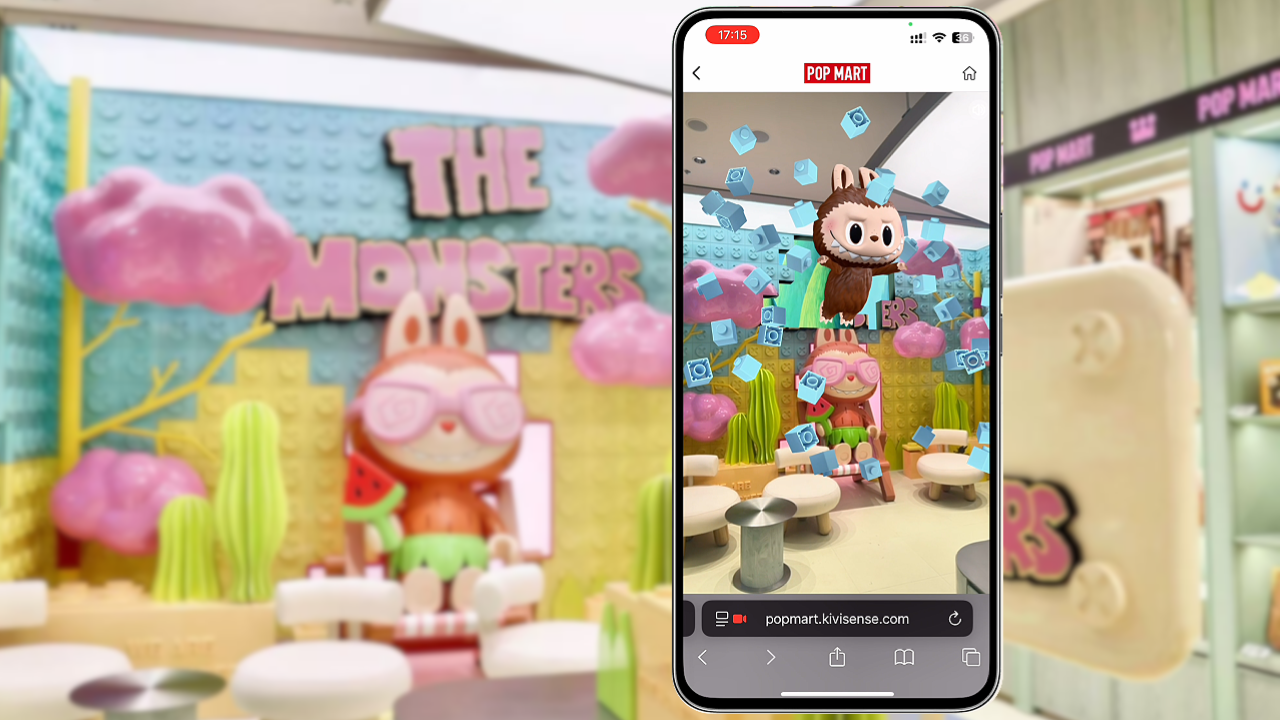
The Kivicube team provided a full-service, custom AR campaign for the grand opening of Pop Mart's first flagship store in Australia, delivering a comprehensive AR experience that spanned the entire customer journey—from in-store check-ins and interactions with classic IPs to online promotion.
FAQ: Augmented Reality App Development
What is an Augmented Reality app?
Augmented reality apps enable users to experience virtual elements overlaying real world elements via smartphones or browsers, creating interactive and immersive experiences.
Can I create an Augmented Reality app without coding?
Kivicube provides no-code augmented reality software that enables you to build and publish AR experiences using its visual editor without requiring programming knowledge for development.
How much does it cost to build an Augmented Reality app?
Traditional AR app development can cost thousands of dollars, while no-code platforms drastically cut those costs by eliminating engineering resources and long development cycles.
Will Kivicube use my content or projects to train AI models?
No, Kivicube does not use your projects, assets, or data to train its artificial intelligence models. All AI features in Kivicube were intended solely as creative tools to help you develop AR experiences more quickly and efficiently.
Can I use Kivicube for commercial AR projects?
Yes. Kivicube supports both personal and commercial use cases, including marketing campaigns, branded experiences, and product showcases.
Wrap Up
Building an augmented reality app no longer has to be a costly, complex process. With Kivicube's augmented reality software, anyone can create an augmented reality app and build engaging AR experiences for their audience.
Whether you're a marketer, designer, or small business owner, Kivicube gives you the tools to turn your AR vision into reality—no code required.
Ready to start? Try Kivicube for free today and build your first custom augmented reality app in minutes.