Augmented Reality Learning: How WebAR Is Transforming Learning Experiences
Discover how augmented reality learning is evolving with WebAR. Learn how no-code platforms like Kivicube help educators create interactive AR learning experiences. No app required.
For years, educators have been told technology would “transform learning”. In reality, many classrooms saw little change. Although screens replaced paper and slides replaced blackboards, the learning experience itself often stayed the same.
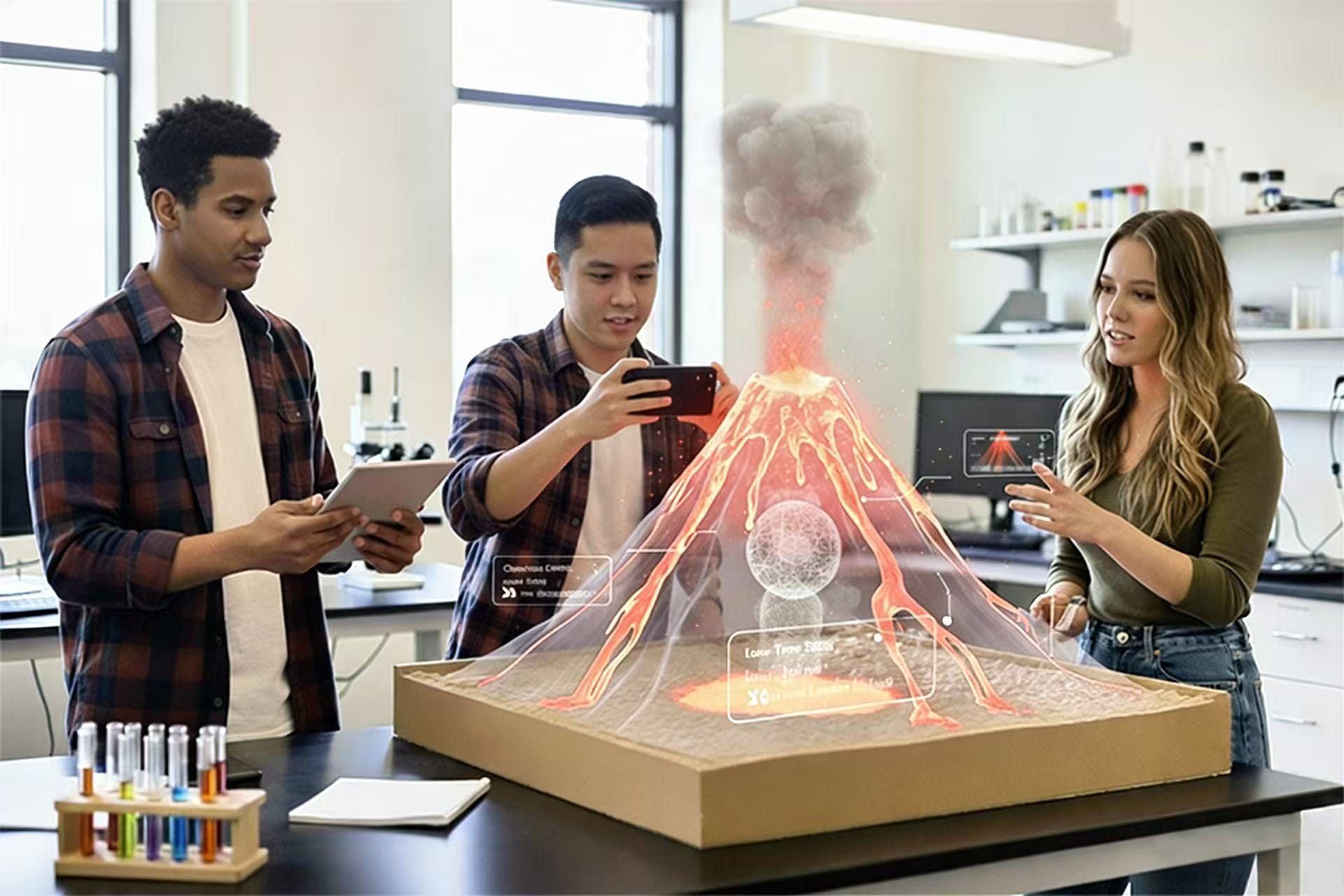
And now, augmented reality in learning is gaining real traction. With interactive AR learning materials, it helps students understand knowledge instead of just memorizing. By layering digital content onto the real world, AR technology allows learners to see abstract ideas, explore complex systems, and interact with knowledge in ways that textbooks alone never could.
More importantly, recent advances in WebAR have removed one of the biggest barriers to using AR for classroom learning. Today, students can access immersive learning experiences directly through a browser instantly, and on devices they already use.
Why Augmented Reality Matters in Learning
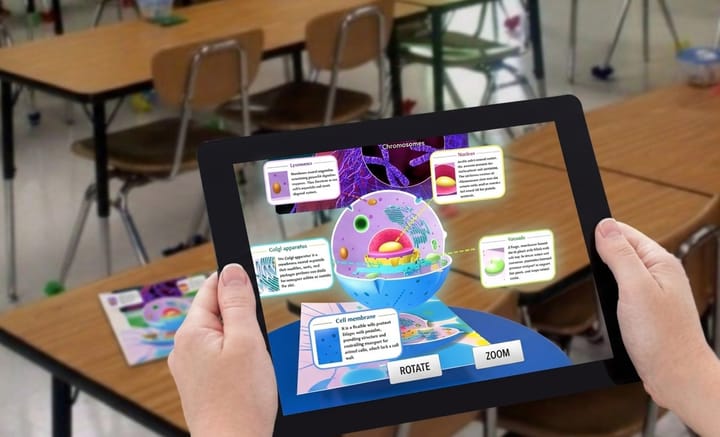
Augmented reality (AR) brings digital content into the real world, giving students new ways to explore what they learn. Instead of relying solely on textbooks or diagrams, students can view 3D models and interactive content in their physical surroundings.
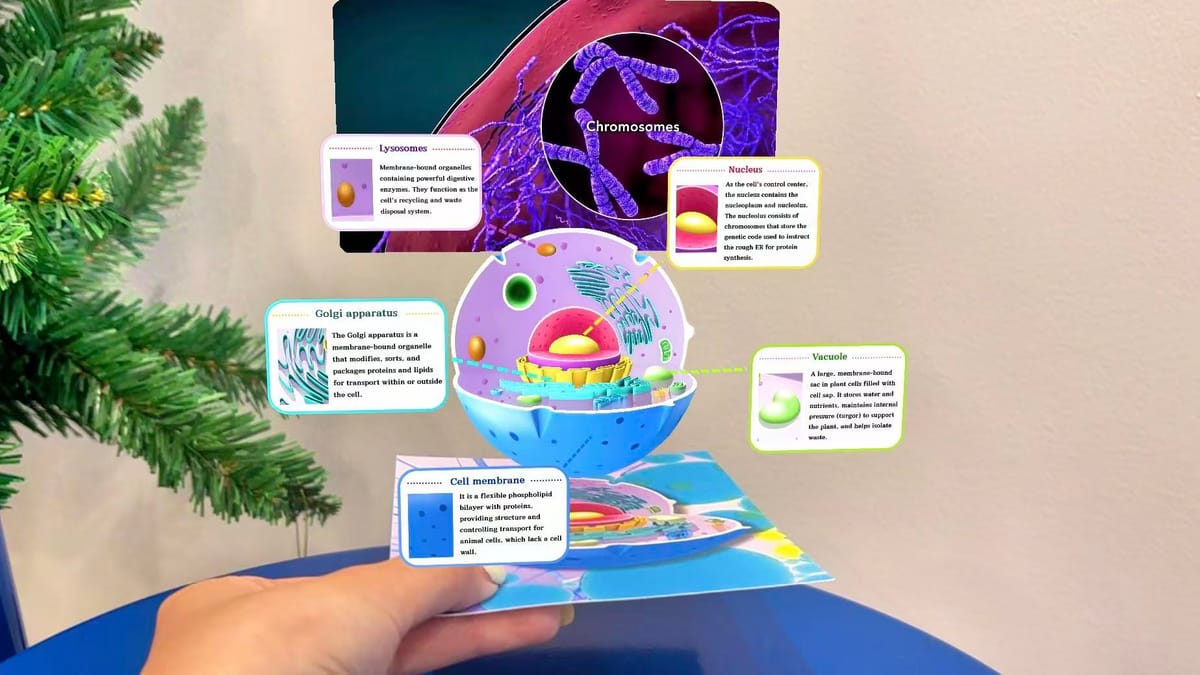
For example, a biology lesson can feature a 3D model of a cell, while a history lesson can offer a closer look at an ancient building. Such experiences give students another way to explore complex concepts and connect classroom lessons with the world around them.
How Augmented Reality Improves Classroom Learning
Traditional classroom learning comes with several challenges, from keeping students engaged to explaining complex concepts. Augmented reality in learning addresses these difficulties and creates a more engaging learning experience.
1. Increase Student Engagement
Keeping students engaged can be challenging, especially when lessons rely heavily on textbooks and lectures. Students may find it harder to stay focused when concepts feel distant from their everyday experiences. Augmented reality learning tools add an element of exploration to classroom activities. Students can scan images, view 3D animations, and interact with digital objects in their surroundings. These activities give students a more active role in the lesson and create more opportunities to explore topics that interest them.
2. Make Abstract Concepts Easier to Visualize
Some subjects cover concepts that are difficult to understand through text and flat images alone. Molecular structures, historical architecture, and astronomical systems are just a few examples. AR places digital models and visual content in the real world. Students can examine a 3D structure from different angles, explore how its parts fit together, and observe details that may be difficult to show in a textbook. These visual experiences offer another way to understand complex topics and connect theoretical knowledge with concrete examples.
3. Introduce More Interactive Learning Activities
Digital learning often relies on videos, slides, and other screen-based materials. These resources have their place in education, but students may have limited opportunities to interact with the content directly. Students can use a mobile device to explore digital objects in their physical surroundings rather than simply watching information on a screen. Teachers can incorporate AR models, interactive scenes, and real-world exploration into their lessons. This variety gives students more ways to engage with learning materials and breaks up routines built around passive viewing.
Common Use Cases of AR Learning
Here are some common use cases to show how to add augmented reality in learning.
Case 1. 3D Models for Science & Biology
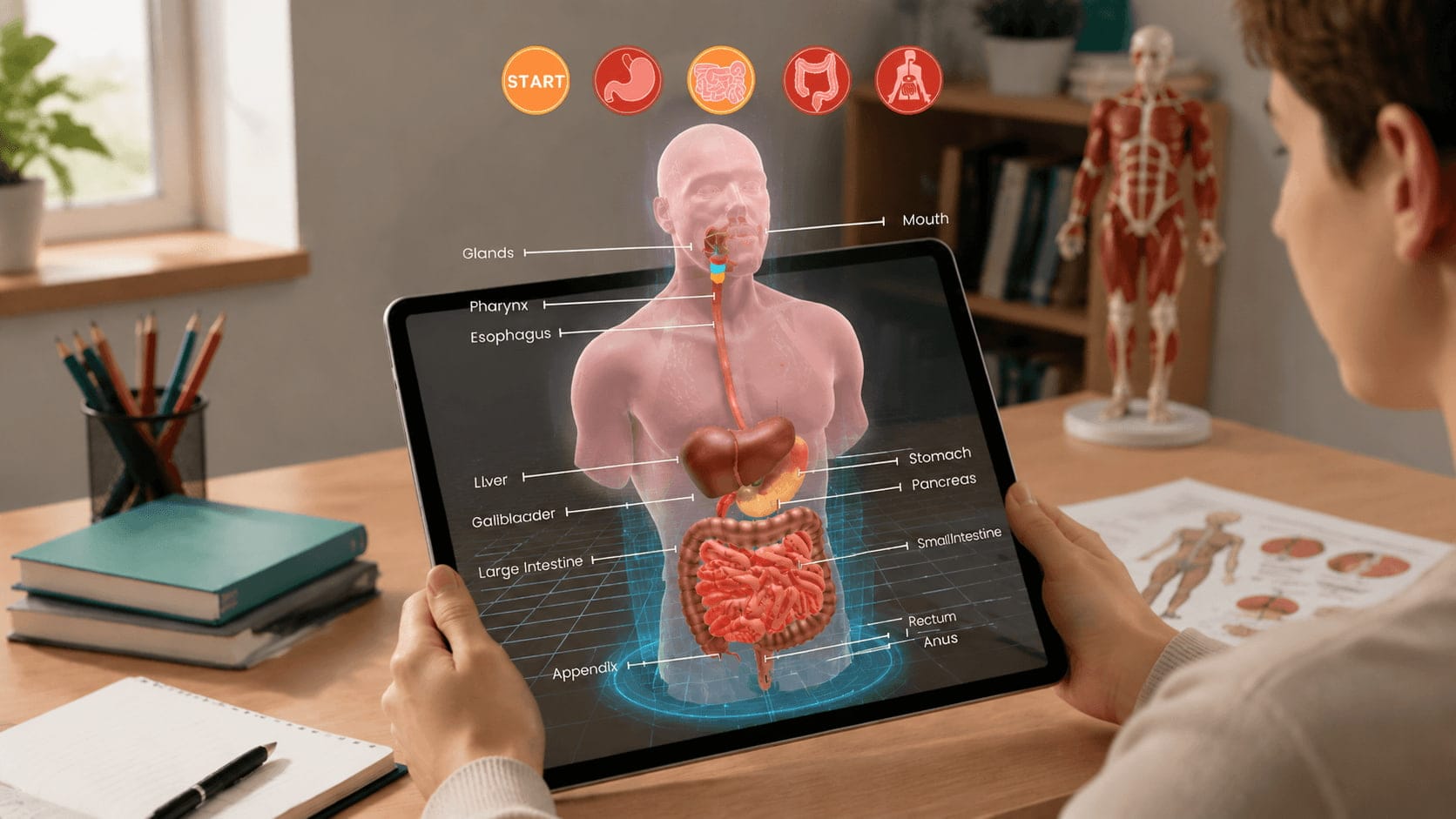
Example: Exploring the Human Heart
Instead of relying on flat textbook diagrams, students scan a printed image or QR code to view a 3D heart model in AR. They can rotate it, zoom in, and highlight specific parts like valves or arteries.
Why it works:
• Makes invisible or microscopic concepts visible.
• Helps students understand spatial relationships.
• Supports visual and hands-on learners.
Curious about how to make your own AR anatomy experience? This post can be helpful:
 Juli Cooper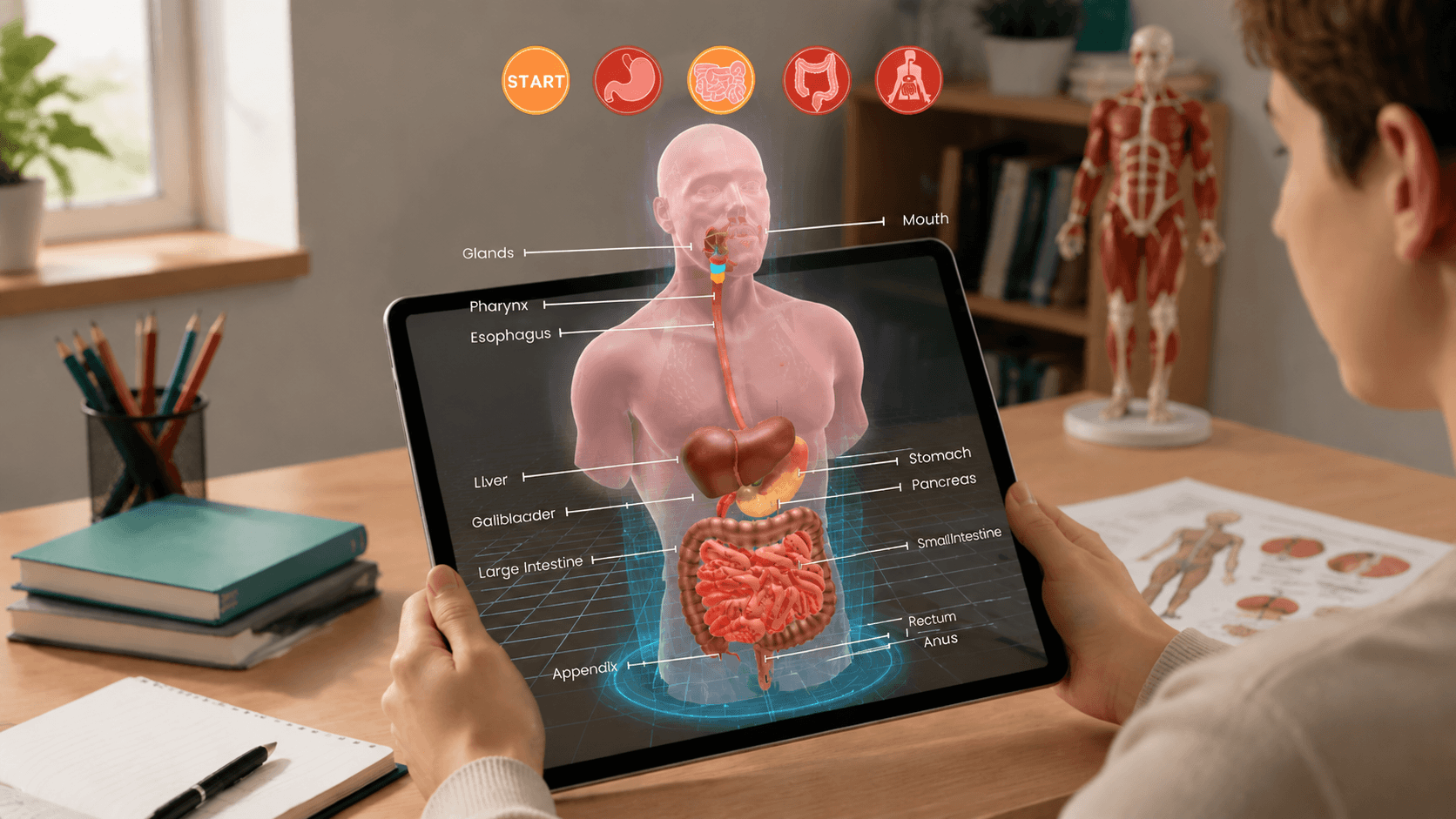
Case 2. Historical Reconstructions
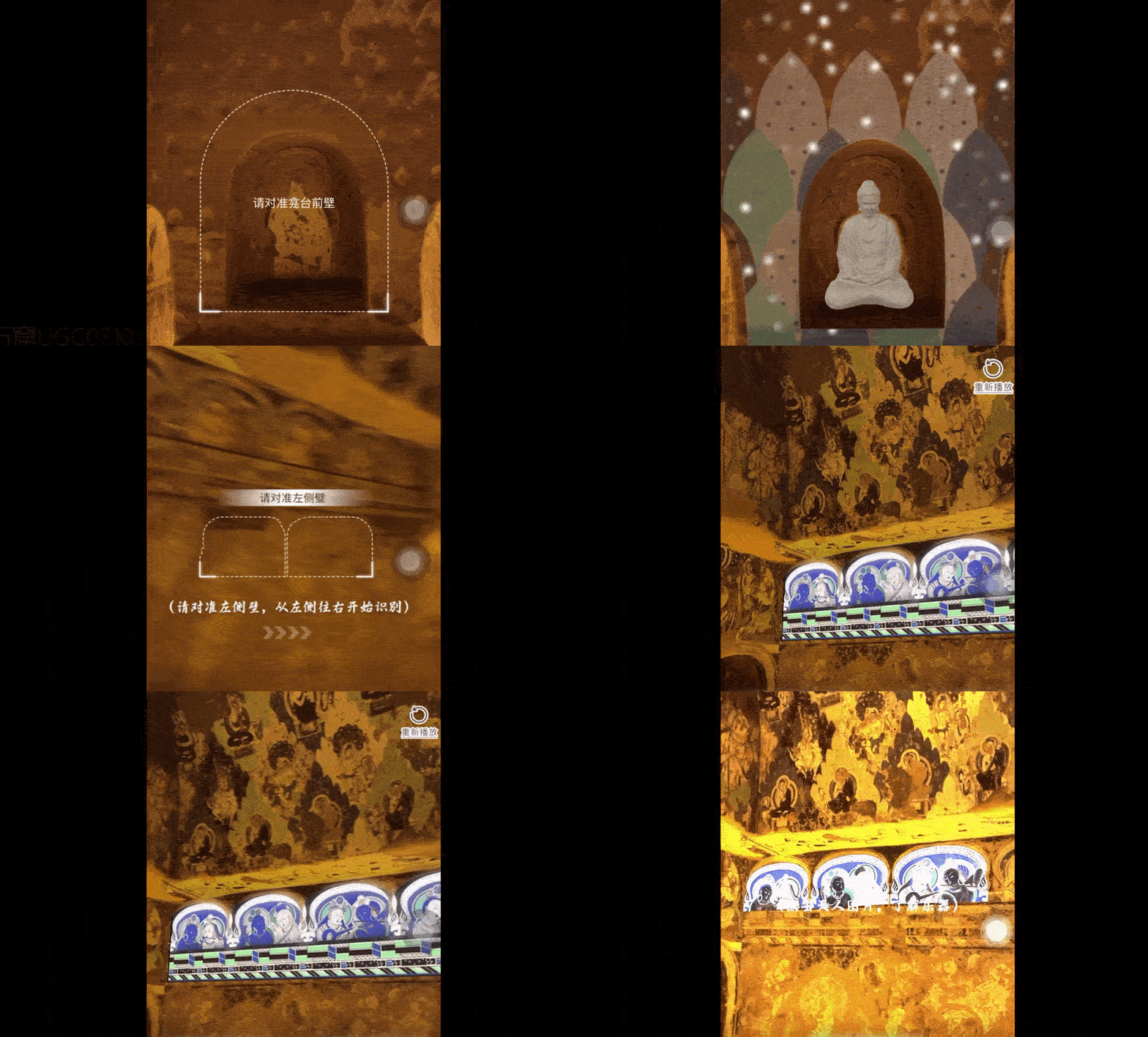
Example: Ancient Architecture in AR
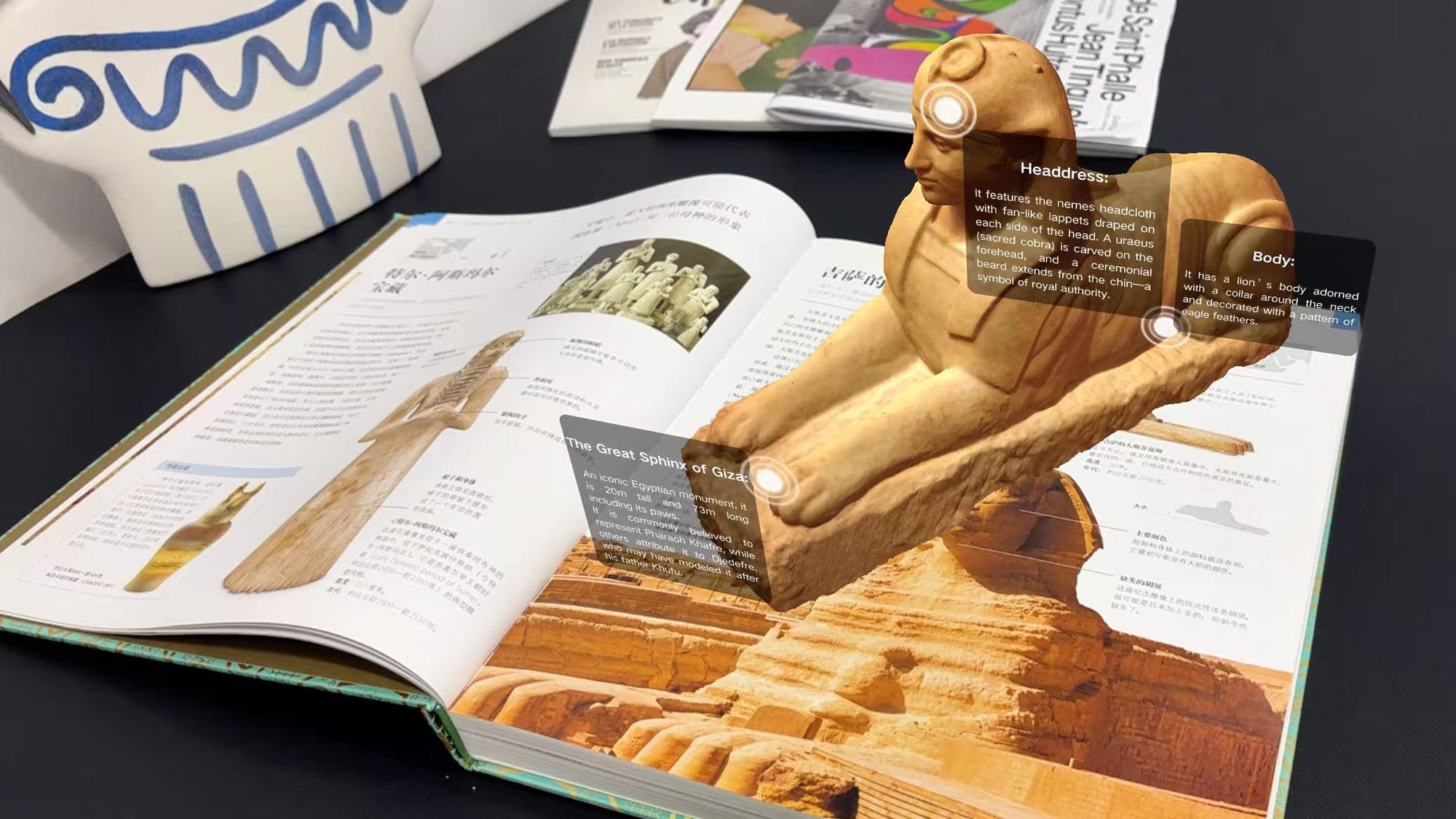
By scanning a textbook image, students can see a 3D reconstruction of ancient Rome, the Great Wall, or Egyptian temples appear on their desk. They can walk around the structure and explore it from different angles.
Why it works:
• Turns history into an immersive experience.
• Helps students understand scale, space, and context.
• Improves emotional engagement and retention.
Case 3. Art & Creative Subjects
Example: Interactive Student Exhibitions
Students scan their artwork—or their classmates’ projects—to reveal AR animations, 3D elements, or artist statements. Hallways and classrooms become interactive galleries.
Why it works:
• Encourages creativity and experimentation.
• Connects traditional art with digital media.
• Gives students new ways to present and reflect on their work.
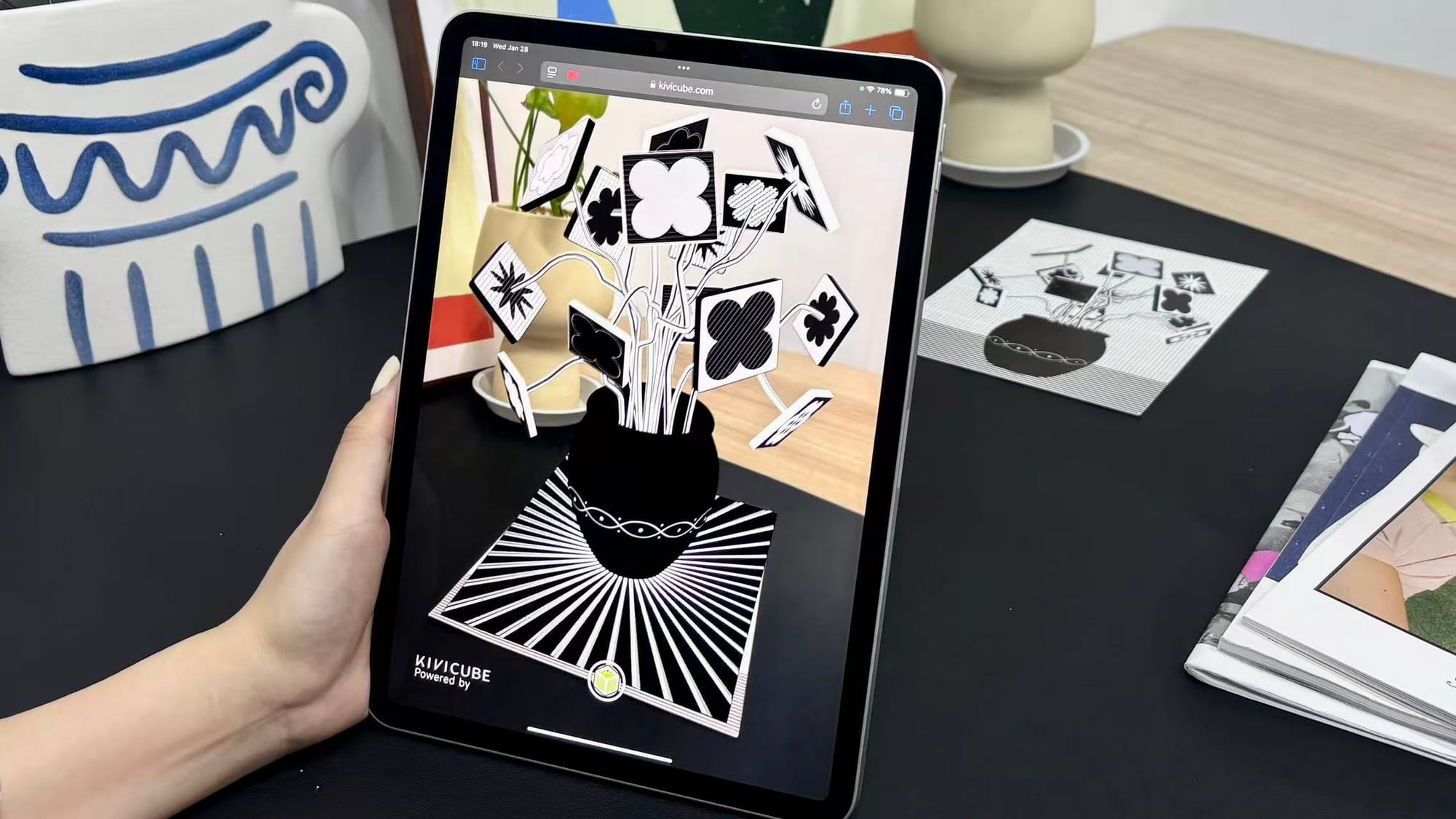
Case 4. Interactive Textbooks
Example: AR-Enhanced Printed Books
Printed textbooks come to life when students scan images to unlock videos, animations, 3D objects, or quizzes. A single page can deliver far more information without cluttering the layout.
Why it works:
• Extends the value of printed materials.
• Supports independent and blended learning.
• Reduces reliance on heavy apps or software.
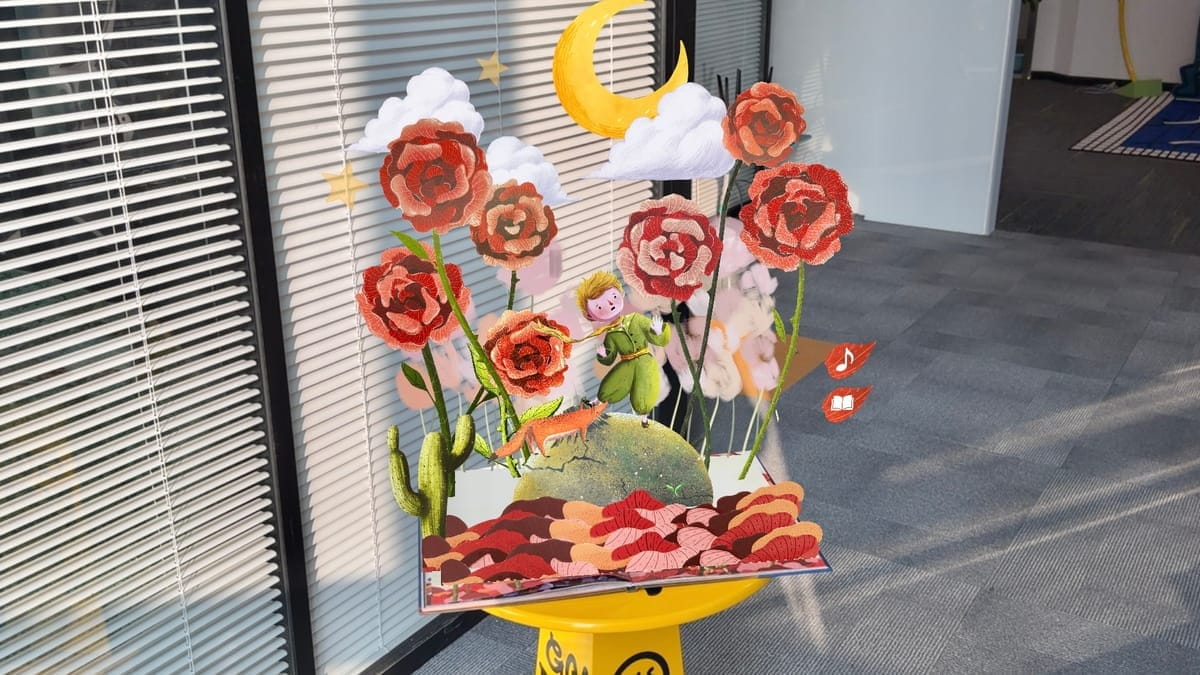
Case 5. Hands-On Experiments and Simulations
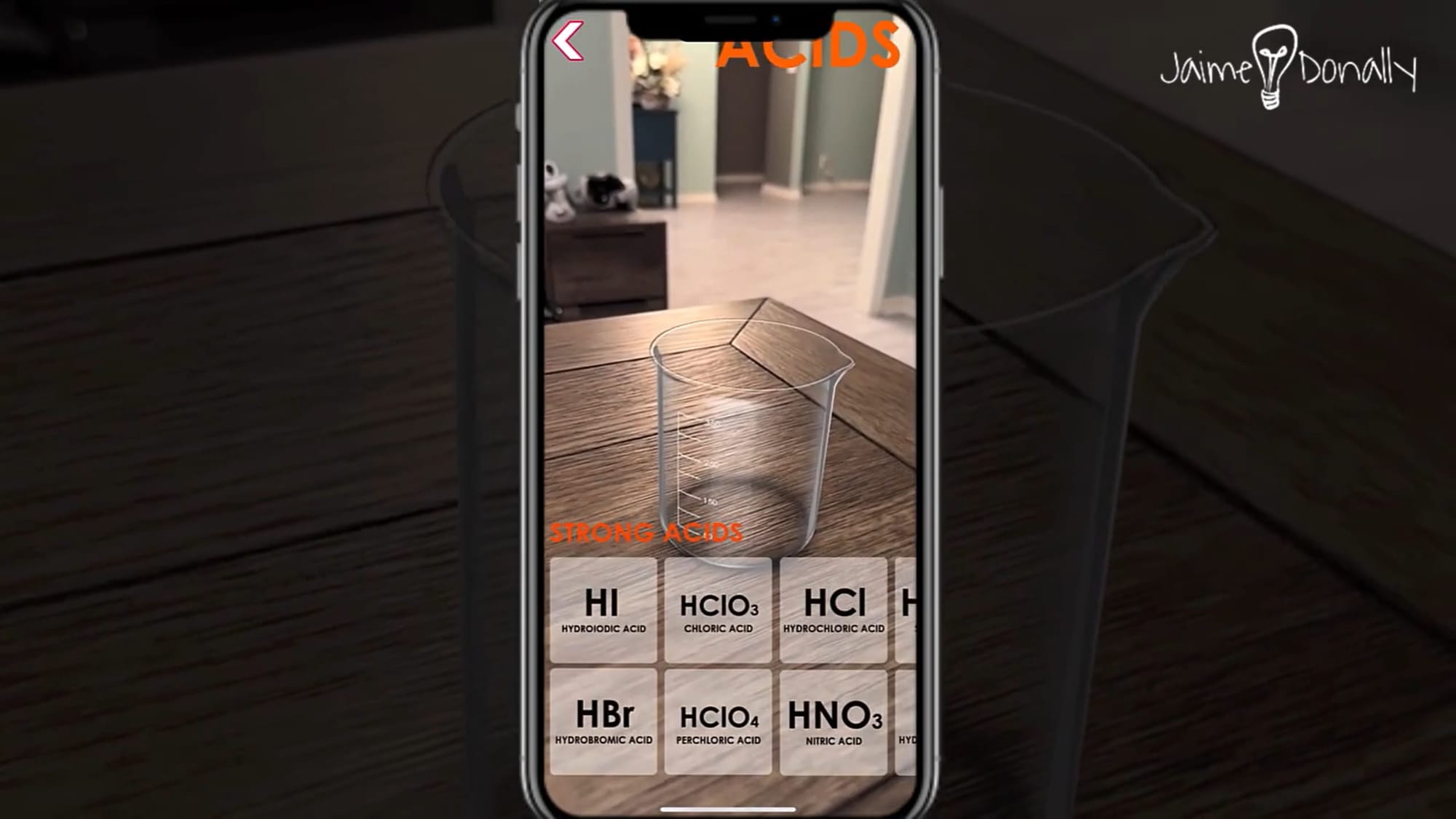
Example: Exploring Chemical Reactions in AR
Students use AR to explore chemical reactions and scientific processes through interactive 3D models and animations. They can observe how molecules interact, examine changes during a reaction, and visualize processes that are difficult to see in a traditional classroom.
Why it works:
• Makes complex scientific processes easier to visualize.
• Encourages active exploration and scientific curiosity.
• Provides a visual supplement to classroom experiments.
Case 6. Astronomy and Space Exploration
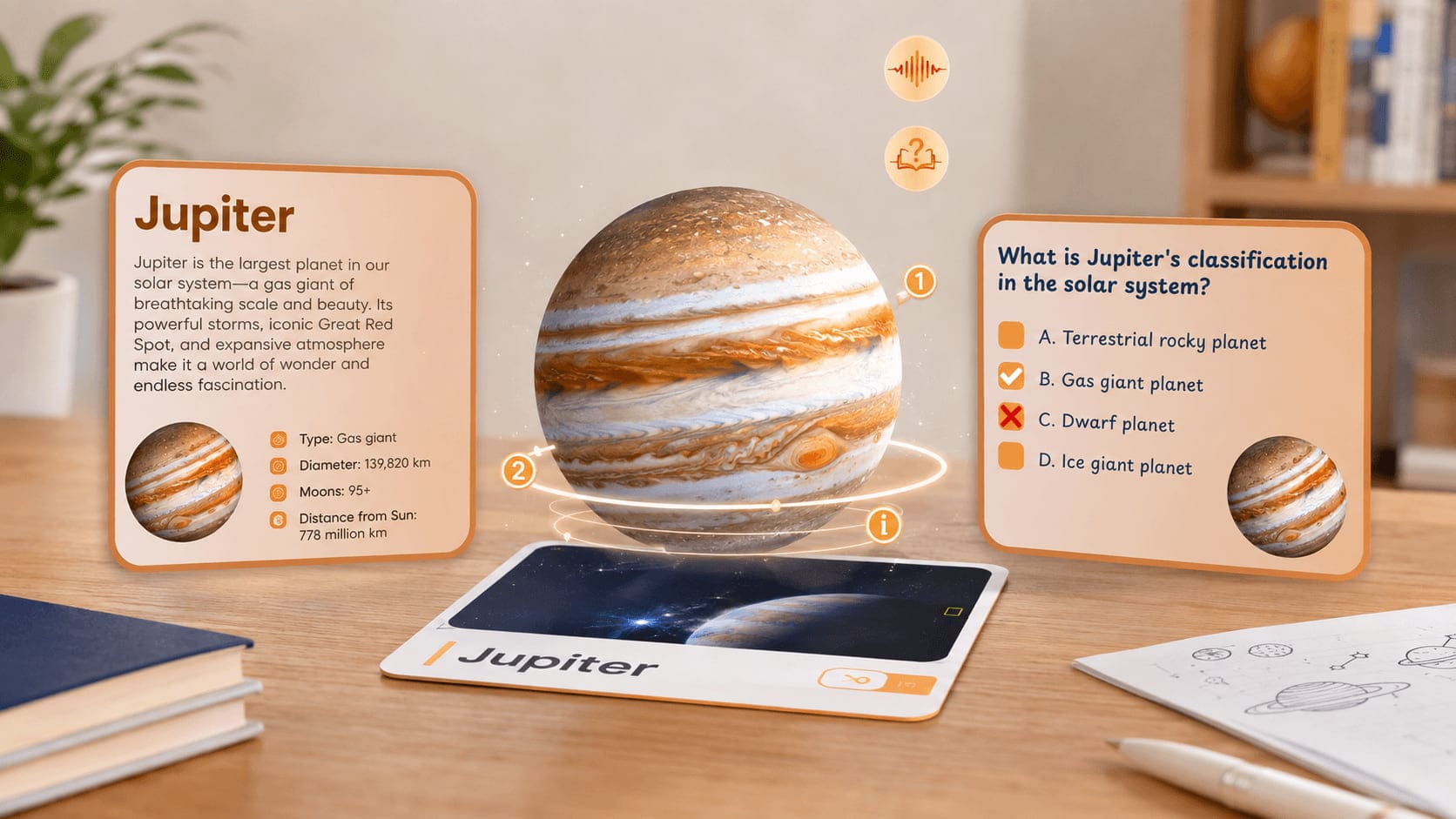
Example: Exploring the Solar System in AR
Students use AR to view 3D models of the Sun, planets, and other celestial objects in their classroom. They can examine planetary features, compare the sizes of different planets, and explore their positions within the solar system.
Why it works:
• Makes distant celestial objects easier to explore.
• Helps students compare planetary features and spatial relationships.
• Sparks curiosity about astronomy and space science.
Case 7. Technical and Vocational Training
Example: Learning to Assemble Mechanical Components
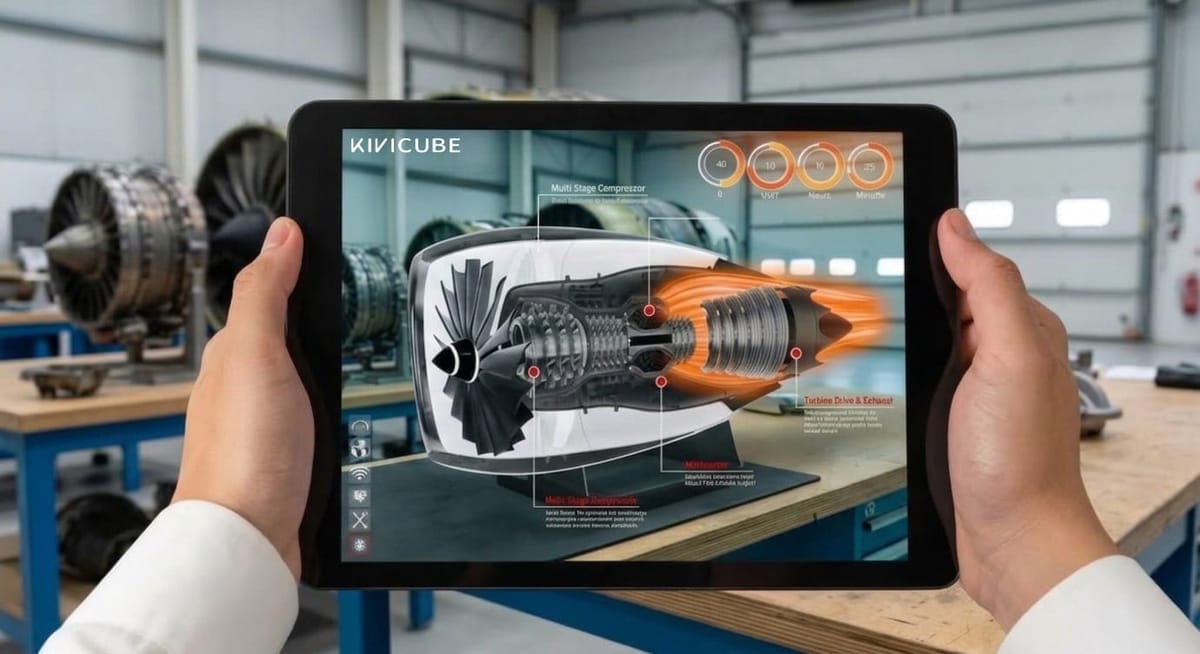
Students view 3D models of machines or mechanical components through AR to understand how different parts fit together. Interactive visual instructions can guide them through assembly steps and help them identify individual components before working with real equipment.
Why it works:
• Clarifies complex structures and assembly procedures.
• Supports practical, hands-on skill development.
• Helps students prepare for real-world technical tasks.
A No-Code WebAR Platform to Create Augmented Reality Learning Scenes
While AR offers clear benefits, traditional AR solutions often come with challenges, especially in schools. Traditional app-based AR can be difficult to adopt in schools because it often requires app downloads, compatible devices, and technical support. Besides, high development and maintenance costs and school IT restrictions can also make classroom implementation more challenging.
WebAR offers a more accessible way to bring AR into the classroom.
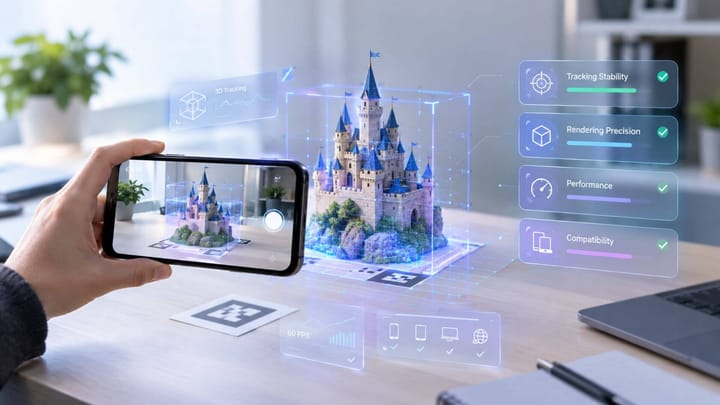
Kivicube is a no-code WebAR platform designed to make AR creation accessible for educators and creators without app development. Its simple drag-and-drop editor makes AR learning material creation easy for beginners and experienced users alike, so teachers can focus on creating engaging classroom activities rather than dealing with technical complexity.
Key features:
Visual, no-code editor: Create AR scenes using simple drag-and-drop tools—no programming required.
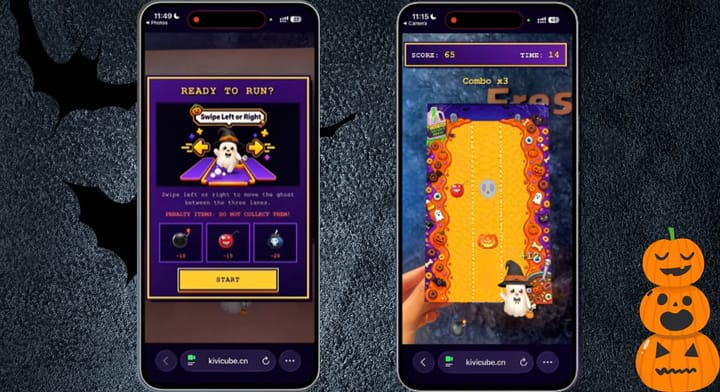
Web-based AR experiences: All AR content runs directly in the browser. Students don’t need to download any apps.
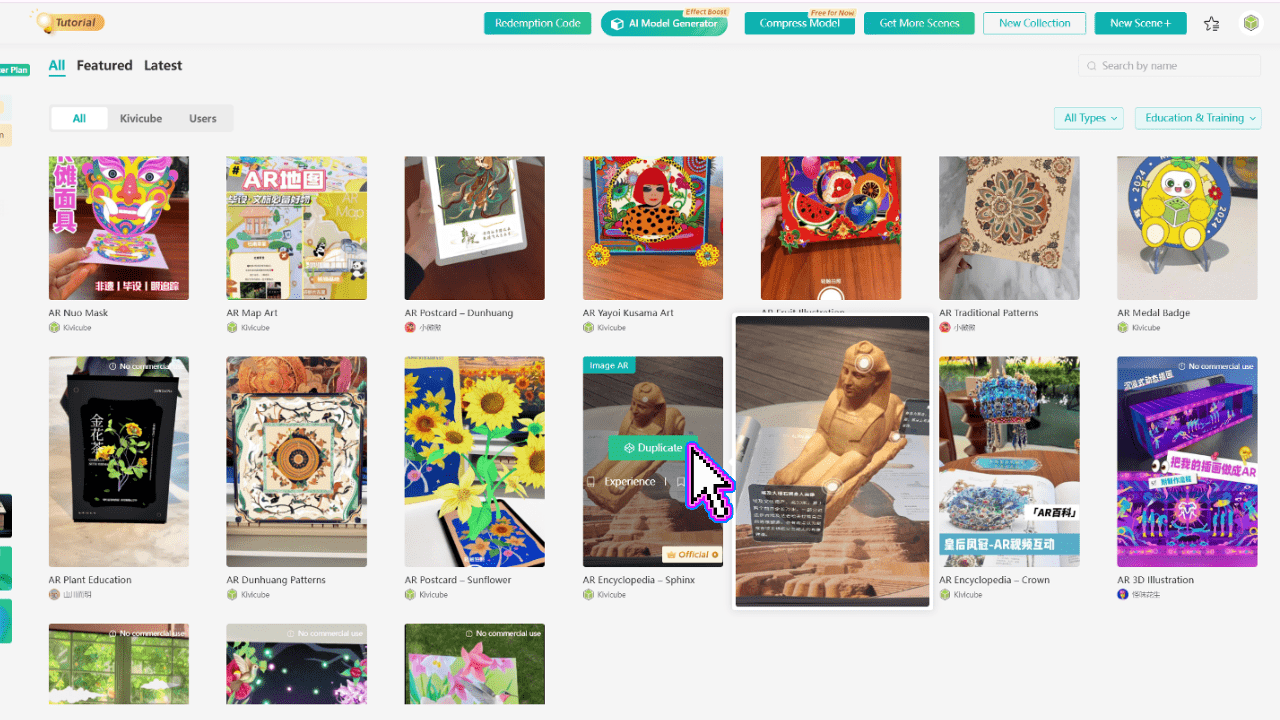
Pre-designed AR learning templates: Choose from multiple themes of templates designed for education and learning scenarios, then replace assets to create your own experience.
Extensive asset library: Access over 100,000 built-in assets, including images, videos, effects, and 3D models. AI-powered model generation is also available for faster content creation.
How Educators Create Web-Based Augmented Reality Learning Scenes with Ease
Creating your first WebAR learning experience takes just a few steps:
Step 1. Create a free Kivicube account.
Step 2. Choose an education-focused template.
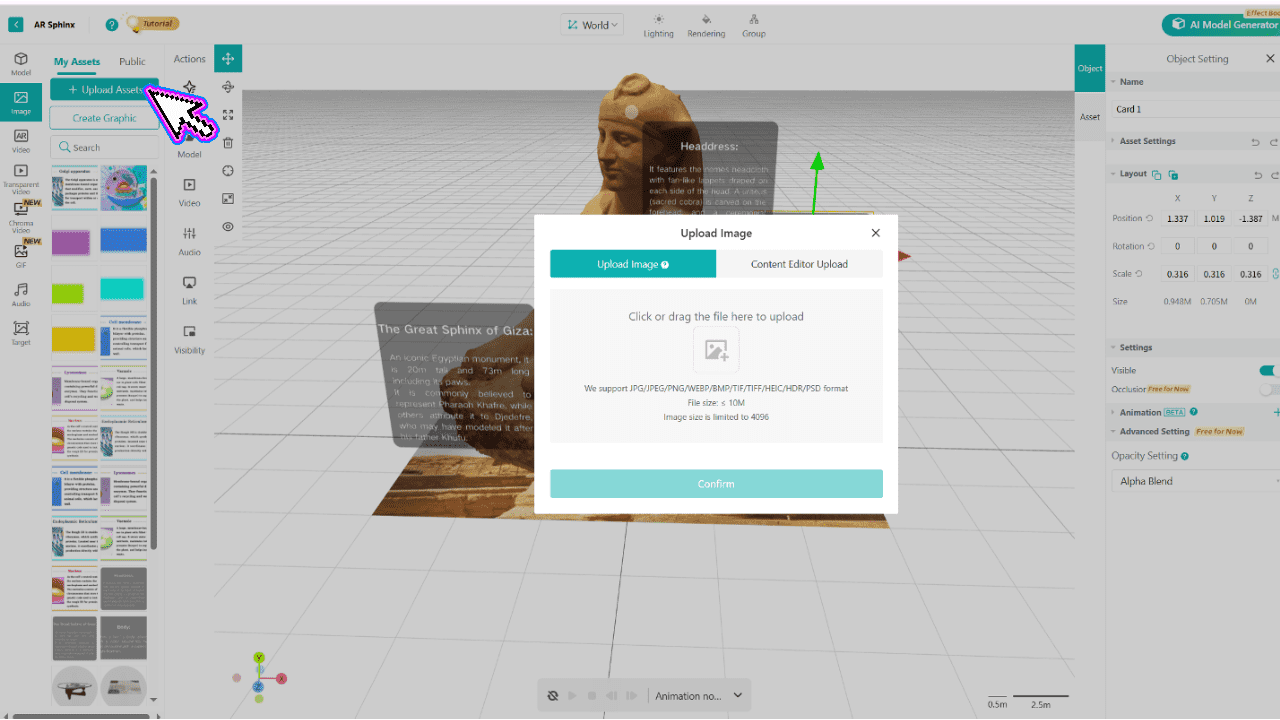
Step 3. Upload your own assets or use the built-in library.
Step 4. Configure interactions visually in the editor.
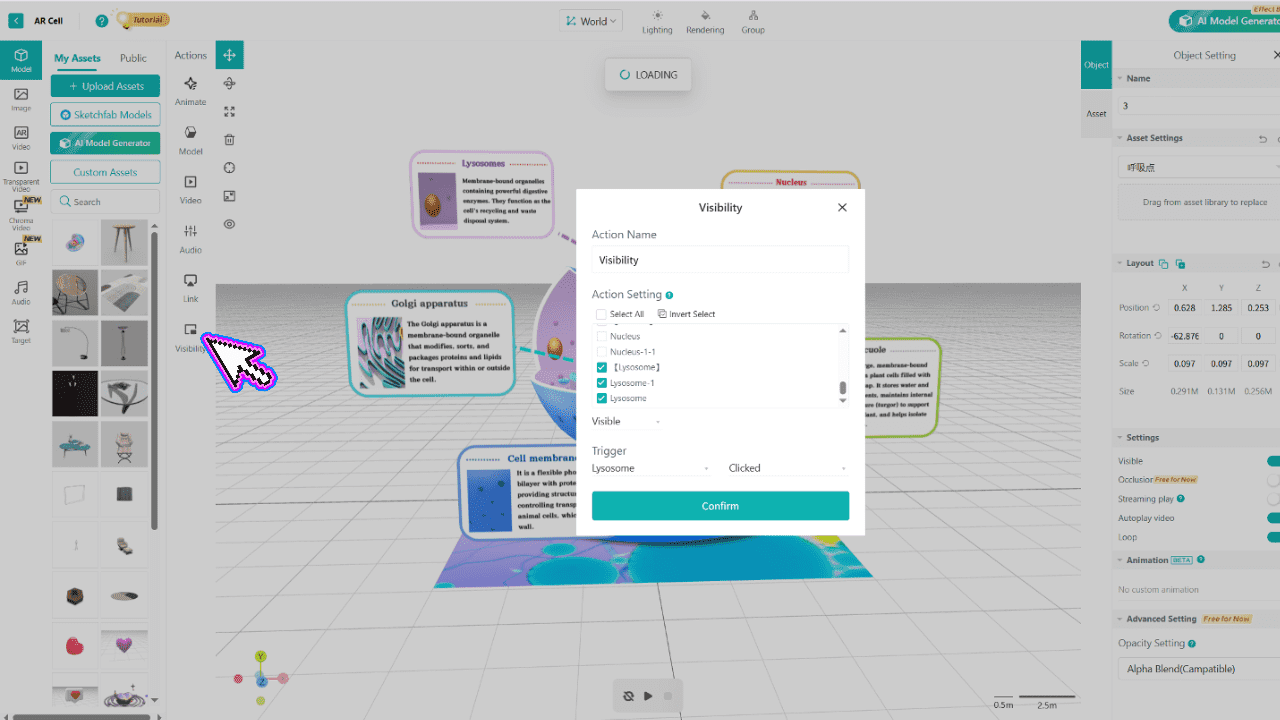
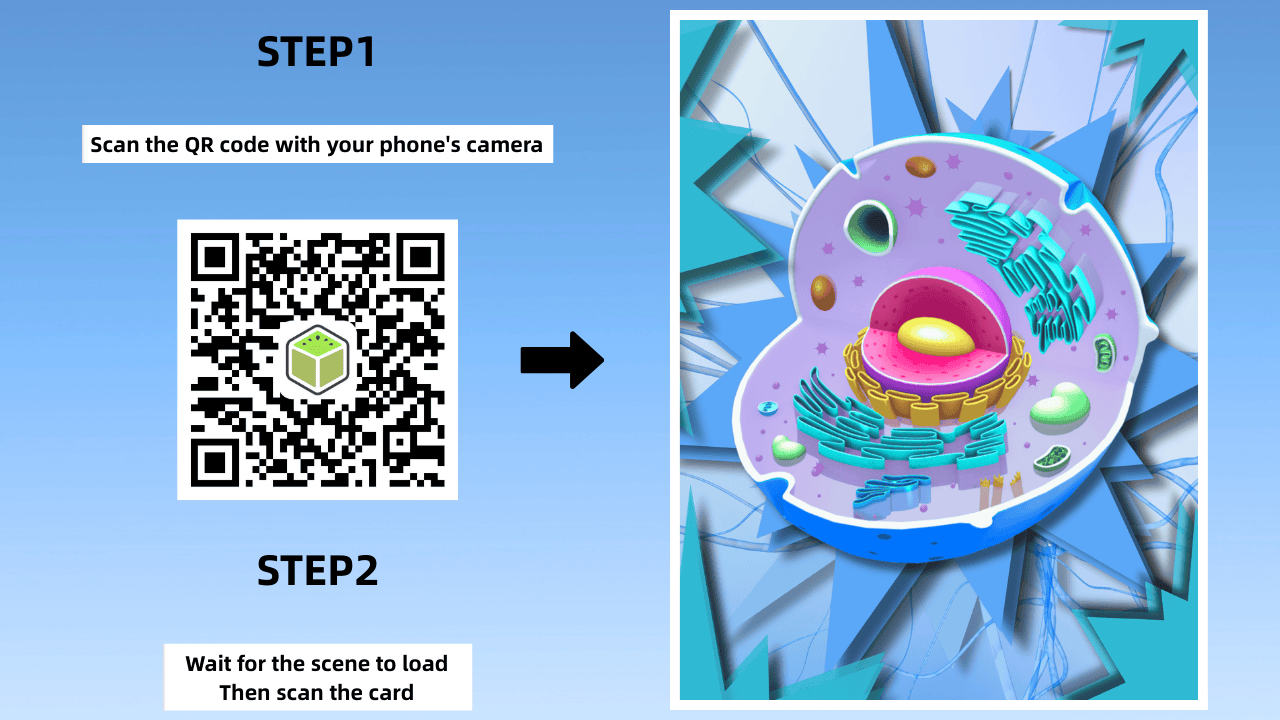
Step 5. Publish and share your augmented reality learning scene via link or QR code.
Conclusion
Augmented reality learning offers new ways to make classroom lessons more interactive, visual, and engaging. From exploring 3D anatomy models to bringing printed textbooks to life, AR enables students to understand complex concepts through visual exploration. The WebAR tool Kivicube makes the process even more accessible with its no-code editor, ready-made templates, and built-in asset library. Ready to bring your lessons to life? Try Kivicube and create your own WebAR learning experience today.
FAQs about Augmented Reality Learning
How is augmented reality transforming the way we learn?
Augmented reality is transforming the way we learn by making lessons more interactive and visual. Students can explore 3D models, examine complex structures, and interact with digital content in real-world environments. From science and history to art and language learning, AR offers new ways to understand concepts beyond traditional textbooks and diagrams.
How can teachers integrate AR experiences into STEM lessons without special equipment?
Teachers can integrate AR experiences into STEM lessons using smartphones or tablets with compatible cameras and browsers. For example, students can scan a QR code to explore 3D models of the human body, examine planetary systems, or visualize scientific concepts. WebAR platforms such as Kivicube allow educators to create and share browser-based AR experiences without requiring specialized equipment or app downloads.
Which AR filter design platforms are best for student projects?
The best AR filter design platform depends on the project requirements, students' technical skills, and the type of AR experience they want to create. No-code platforms such as Kivicube are suitable for students and educators who want to create interactive AR scenes using visual editing tools.
What free AR resources can teachers use in the classroom?
Teachers can find free augmented reality resources for elementary and middle school that work without special equipment through browser-based WebAR platforms. For example, Kivicube creates interactive learning experiences that students can access through a browser using a link or QR code, without downloading an app.