Bring 3D Artwork to Life with AR: An Interview with Léa
From 3D projects to AR experience. See how 3D artist Léa use AR technology to turn her artwork into ineratctive art.
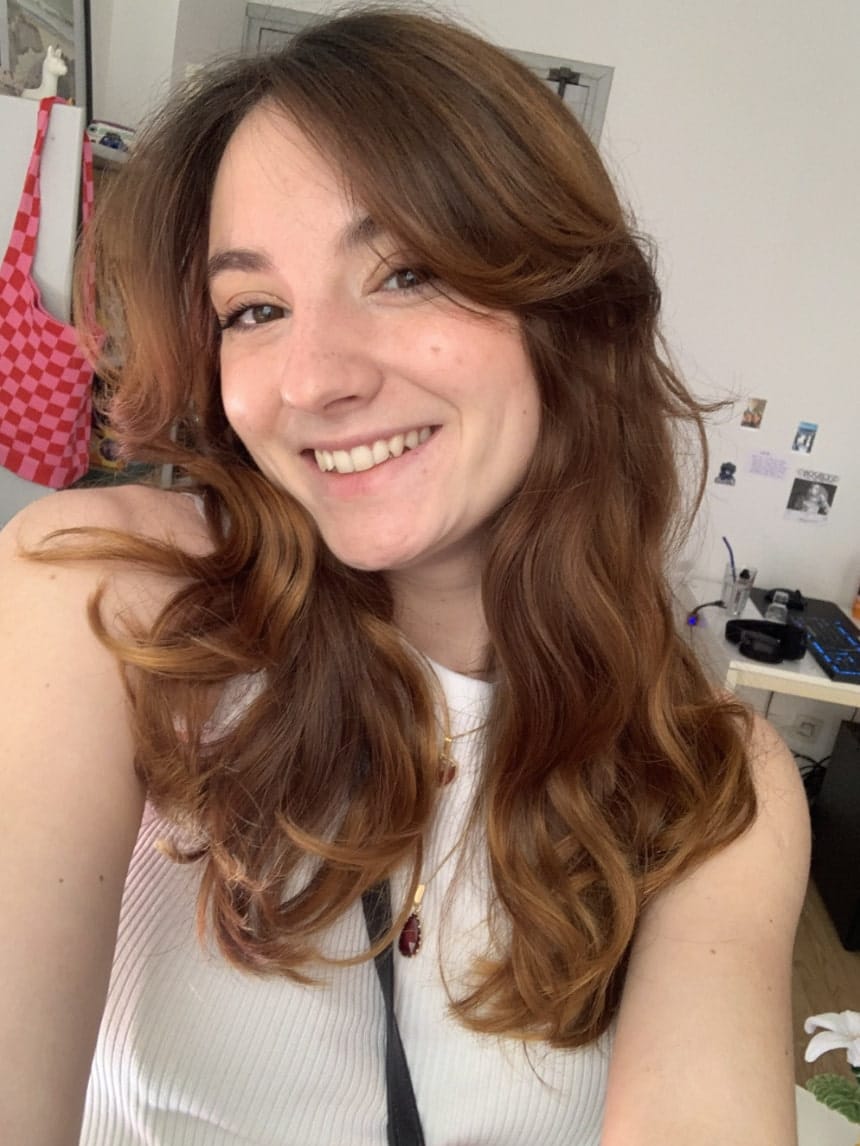
“I'd love to create 3D animated effects around me, to mix up my content a bit and try out new things, more graphic and aesthetic.”
Léa is a 3D artist and animator living in Montpellier, in the south of France. In addition to working at an animation studio, she also creates as a freelancer, creating projects in the areas she is most passionate about. She loves animation, and always tries to bring everything to life.
In our interview, Léa shares her creative journey, what inspires her as an artist, and how she used Kivicube to bring her “Summer” artwork for Schoolyard to life with augmented reality.
Meet Léa: A 3D Artist with Many Creative Passions
Léa started working as a freelancer two years ago. Although there are a lot to build from scratch, she is passionate about the creative freedom it offers. For Léa, a real sense of achievement comes from pursuing the work she truly wants to do while maintaining strong client relationships. She’s also interested in understanding people’s projects and considering how to add creativity to them with her artistic expertise.
She has always been an optimistic person and is deeply concerned about letting others down, so she makes it a habit to give her all in everything she does. In addition, she joined an animation studio and is working on a project that a lot of kids love, which was her goal when she started her studies.
Artistic Style of Léa
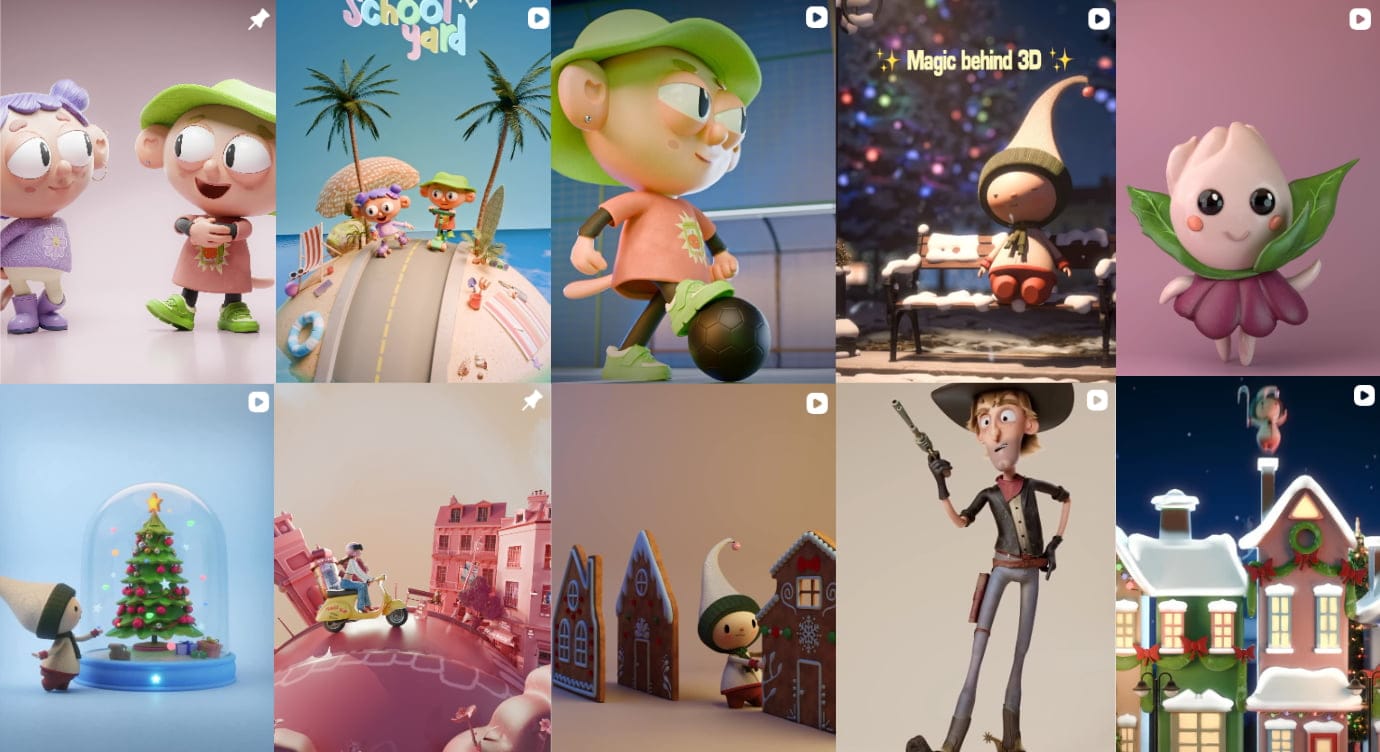
Léa doesn’t like to limit herself to a clearly defined artistic style. She prefers cute, colorful, cartoon-style art to highly realistic or dramatic styles. As for 3D, she specializes mainly in animation. She enjoys bringing everything to life, and believes this is what sets her work apart.

What Inspires Léa to Create
Ever since she was young, Léa wanted to work in the audiovisual field. While researching different career paths, she discovered animation schools and quickly fell in love with the art of animation. What she finds incredible is being able to bring anything to life, even though there are very few limits.
Besides, Léa has many hobbies. She loves doing things with her hands, such as coloring, scrapbooking, and watercolor painting, as well as crossword puzzles and sports, which relax her eyes from the screen at work and keep her creative.
What inspires her most is the world outside, especially architecture, people, relationships, human behavior, and holidays (like Christmas, which she absolutely loves). She doesn’t really have any favorite artists, because she has a lot of respect and admiration for artists who have their own style and creative world, no matter the field.
Why Did Léa Choose Kivicube for Her AR Project?
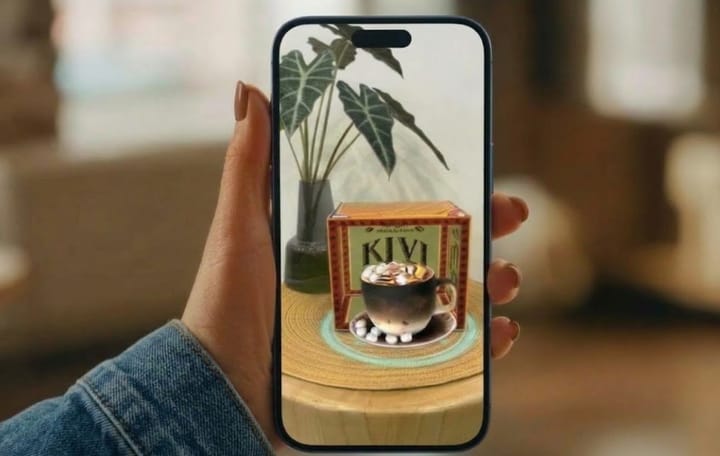
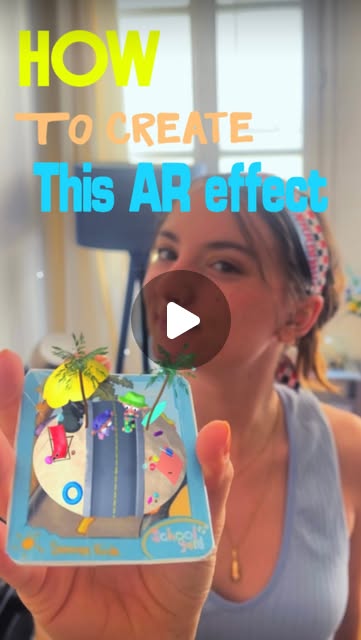
For Léa, augmented reality offered a new way to bring her visual work beyond the screen. She chose Kivicube to turn her “Summer” animation for Schoolyard to a more interactive experience and take her artwork to the next level. The project allowed her to explore how animated artwork could become part of an immersive AR experience that people can interact with rather than simply view.
With its intuitive interface, this WebAR generator helps her create an image-based AR scene to present her 3D creations. With transform tools and an events panel, she can naturally add pre-designed 3D models and other assets into the AR experiences. Advanced animation and interaction settings also help make the AR experience more engaging and eye-catching.
The project also sparked her ideas for future creations. Léa would like to use Kivicube again to create a series of AR cards inspired by different seasons and holidays. As she puts it, “Why not?” For an artist who enjoys bringing things to life, AR opens up another creative space for her to experiment with animations, visuals, and interactive experiences.
From 3D Artwork to an Interactive AR Experience
Here are the simple steps to show how Léa used Kivicube to turn her artwork into an AR scene.
Step 1. Select a target image, then export 3D animation models in GLB format. Log into Kivicube and create a new AR image scene. Name the AR scene and upload the selected target image.
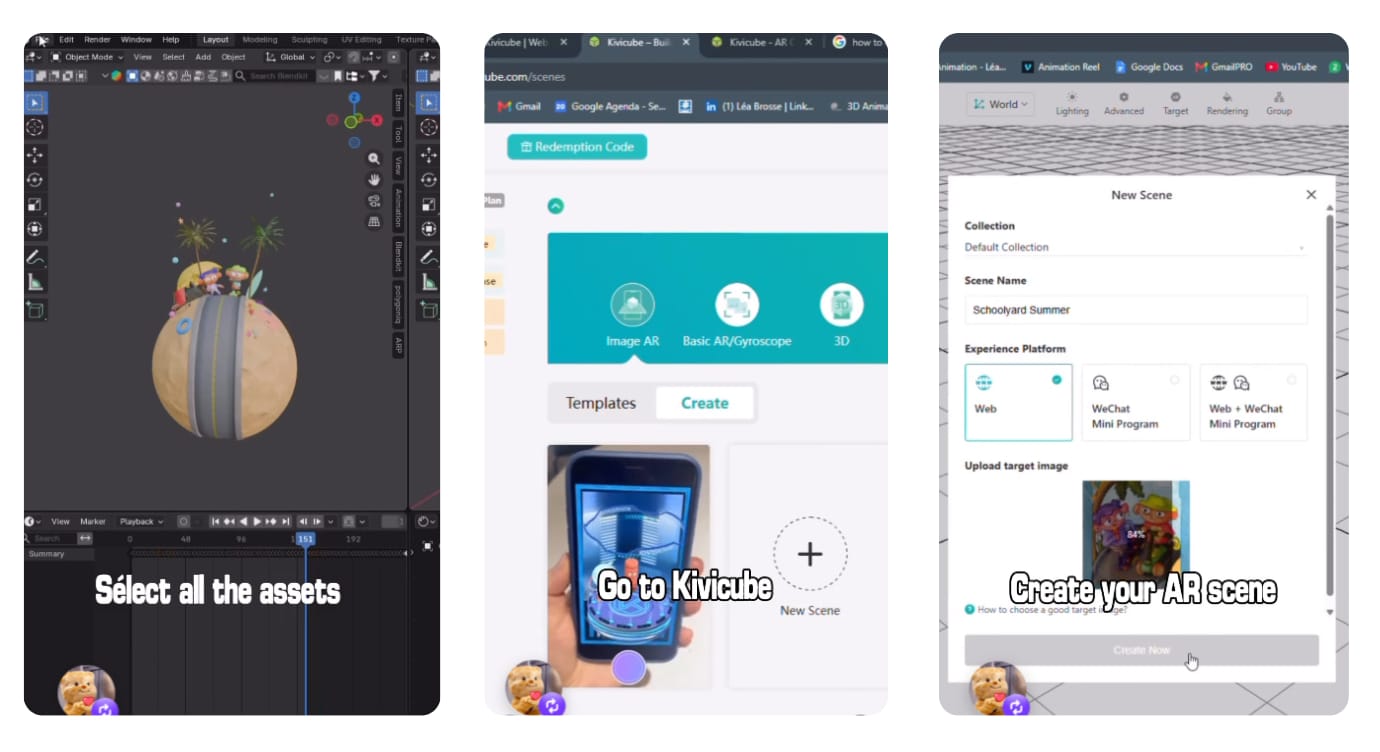
Step 2. Upload the pre-designed 3D animation model, then drag and drop it into the editor. Use the transform tools to adjust the models in the 3D canvas and set the interactions.
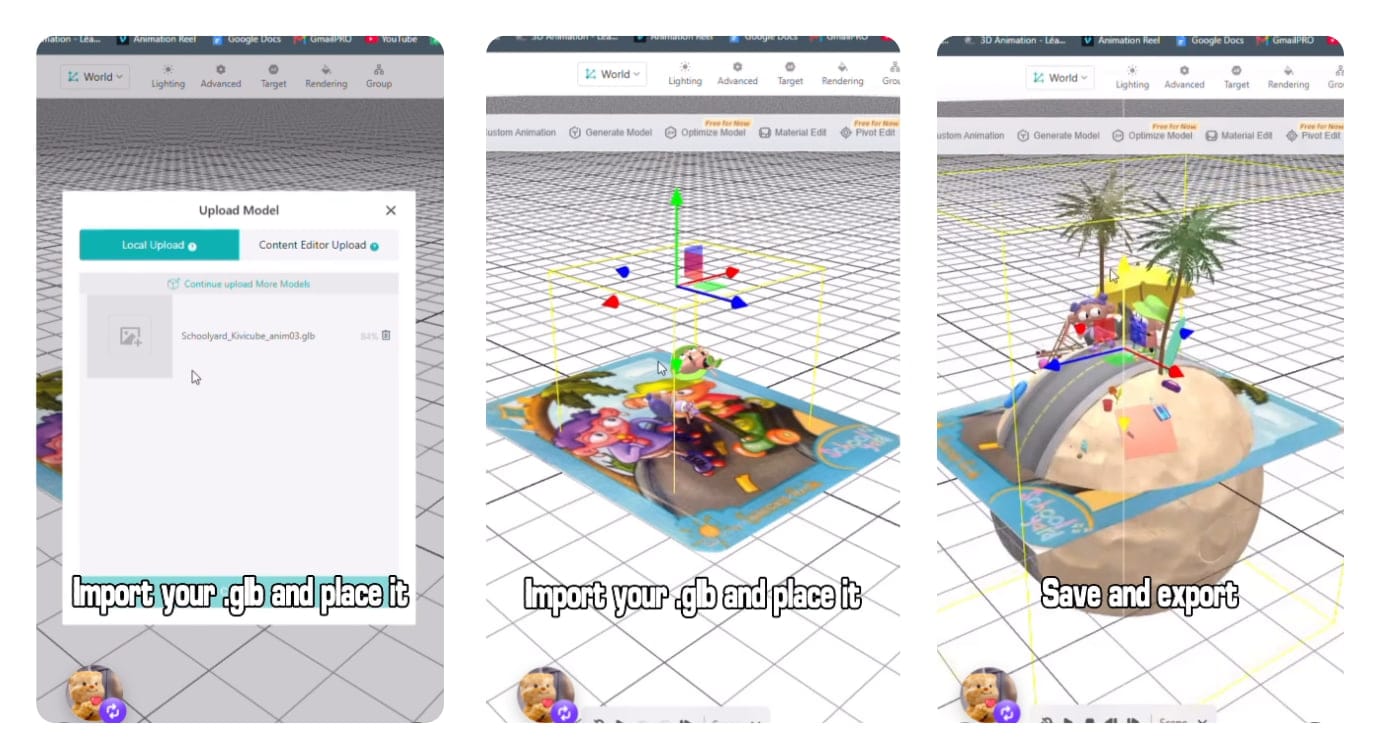
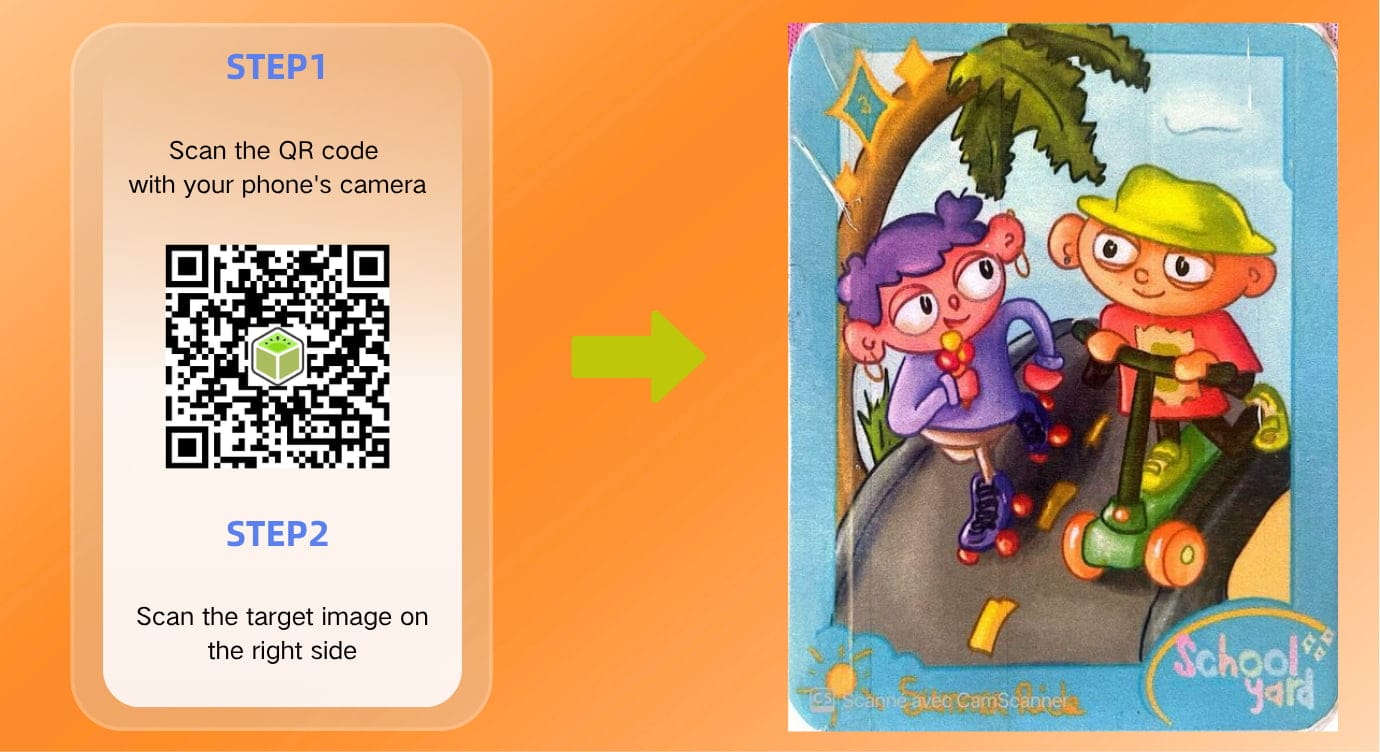
Step 3. When everything is done, click “Save” and “Share” to get the AR code of the new AR scene. Scan the QR code and the target image to interact with the 3D animation model created by Léa.
Tip: To get a better experience, please scan the target images on devices placed flat.
Other Q&A in Léa Interview
Q: What do you think of Kivicube?
I absolutely loved using Kivicube. First, I love the concept of augmented reality, and I know it involves a lot of coding behind the scenes, but with Kivicube, it’s so easy to use, from 2D to 3D, including science and more, that anyone can use it to make all kinds of experiences more immersive and fun! So I’m thrilled to have had the chance to try it out myself!
Q: Would you recommend Kivicube to peers? And why?
Of course I'll recommend Kivicube. In fact, I already have, and my friends were immediately excited about our project. It really is very easy to use, and the possibilities are endless, so why not give it a try and see what else you can do that's even cooler than the basic features?
Q: How do you think of 3D creation and the challenges you face?
3D isn’t an easy field, but one that takes a lot of practice. And there’s always so much to learn, such as new tools, new techniques, and so on. However, I always keep in mind that the ones who succeed are those who don’t give up and who know how to challenge themselves.