How Artist Shubhi Built Space Box with Her Illustration & Kivicube
From sketches to AR experiences. See how illustrator Shubhi uses Kivicube to turn her OC illustrations into interactive art that her followers love.
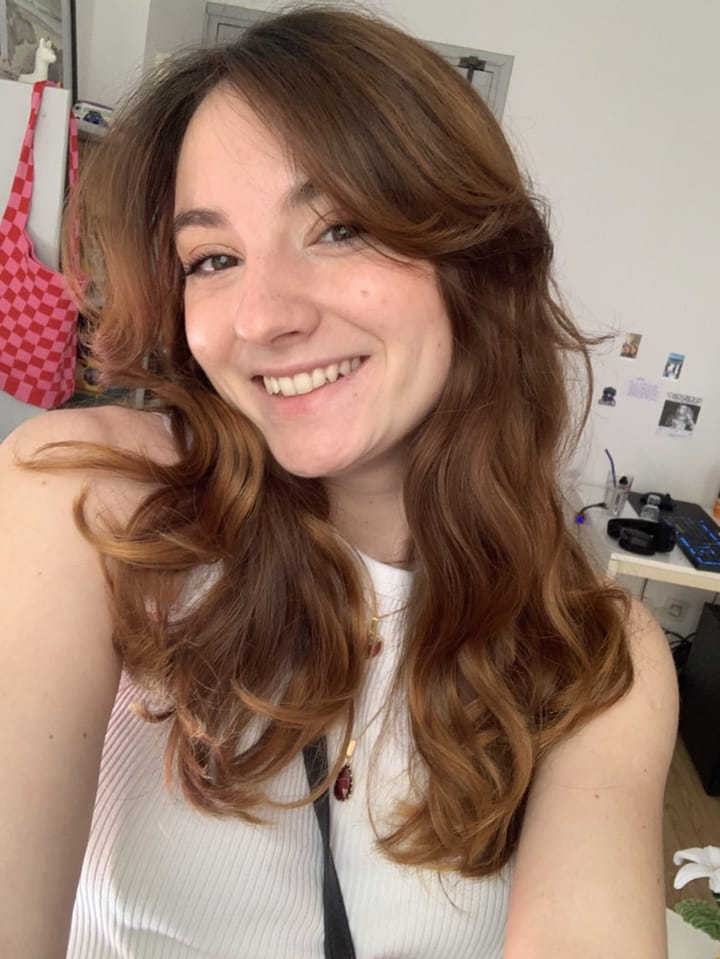
Illustrators using original characters to recreate popular memes have become a common creative format on Instagram. But what sets Shubhi apart from most is that she does not just draw. She brings them to life through animation, and now she is taking it even further into the world of augmented reality. In this interview, we sat down with the "Certified Badmos & good kid" herself, Shubhi, to hear her story of art and Kivicube.
Drawing, Animation, and a Bit of Humor
Shubhi is a freelance artist with 13.6K followers on Instagram. Her work captures the smallest, often overlooked feelings that make up everyday life, with a touch of humor. This type of creation brings the feeling of "I've been there." And that's probably why people keep coming back to it.
Her work revolves around her original character: a brown-skinned girl with a quiet charm who occasionally acts a little ridiculous. Through her, you can see the anxiety before an important presentation, the quiet pride of outgrowing your mother's arms and learning to hold her back, and that petty, uncontrollable grin when a sibling gets scolded.
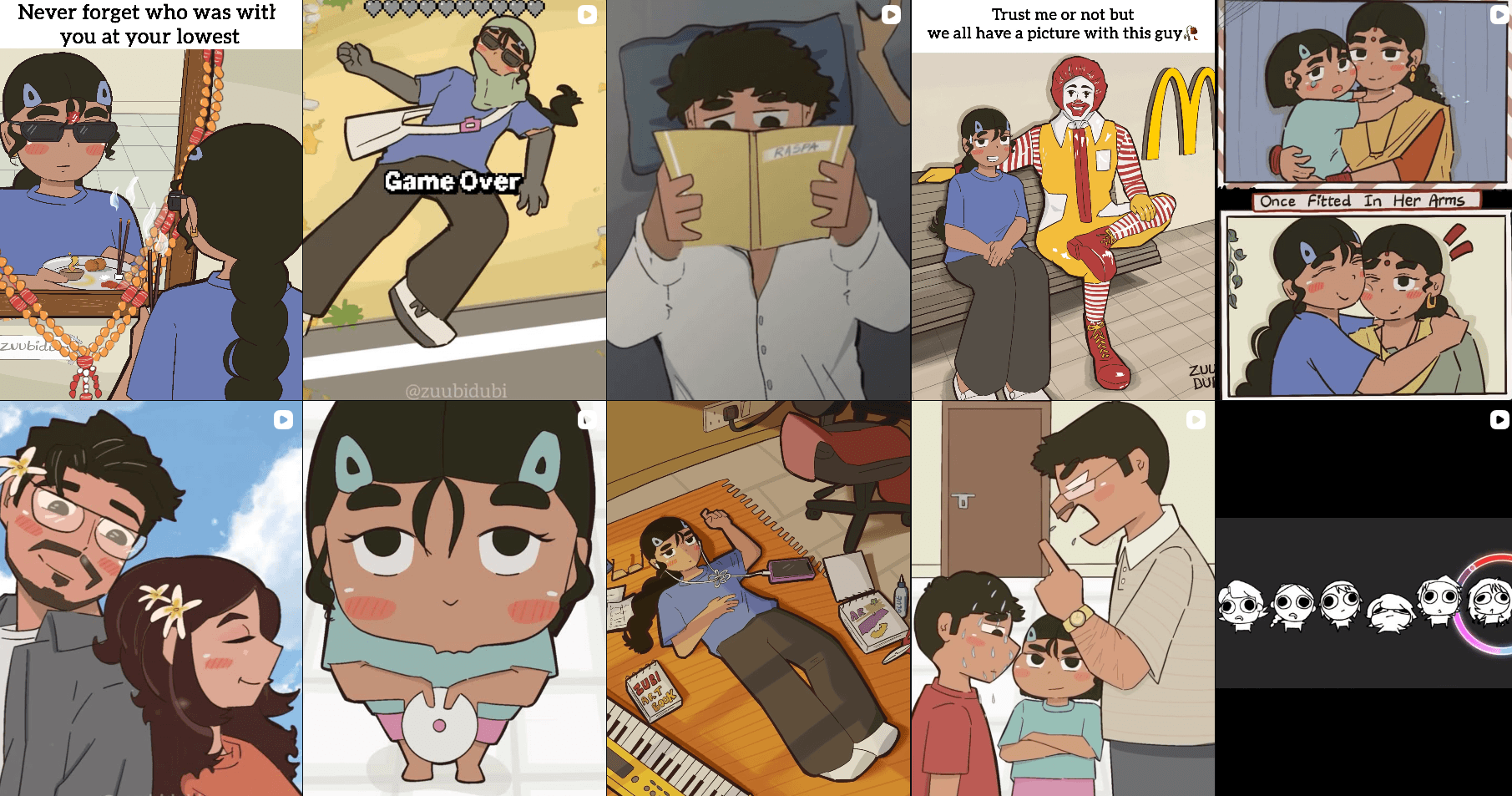
Shubhi shares the honest moments of daily life that somehow feel universal. It's the kind of storytelling that invites you to see a bit of yourself in her. And Shubhi doesn't stop at drawing. She brings these moments to life through animation and, more recently, augmented reality.
Learn more about how Kivicube brings keyframe animation for more dynamic expression:
 Juli Cooper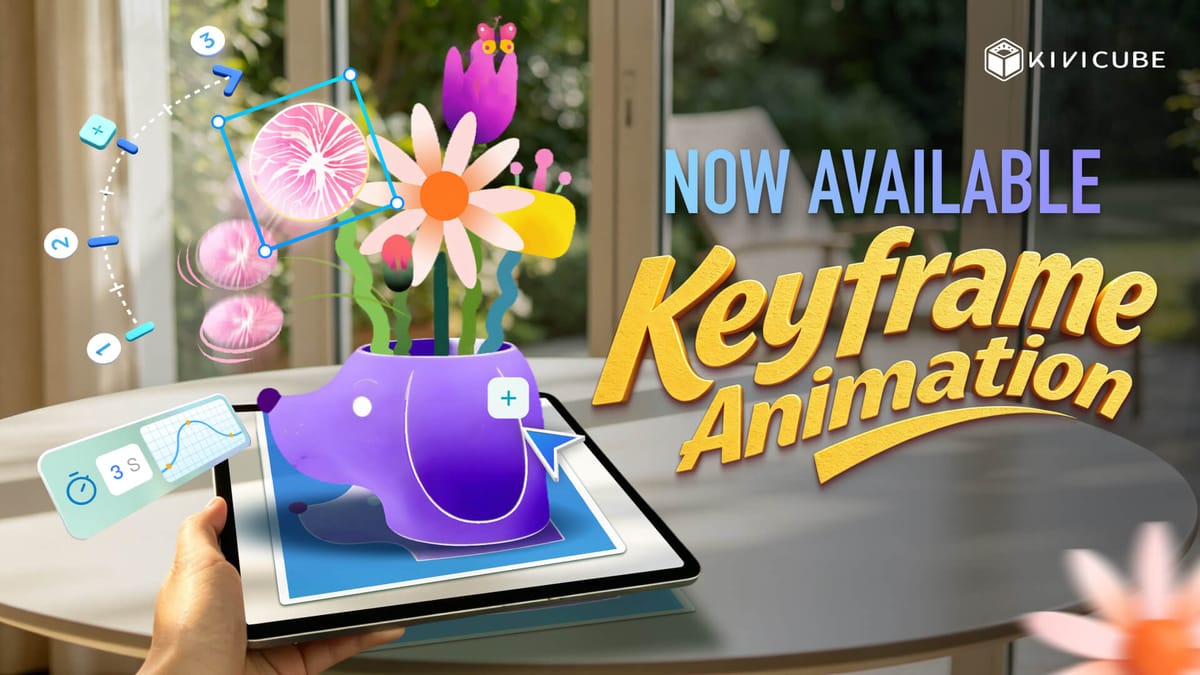
Into the Mirror: Shubhi's First AR Project
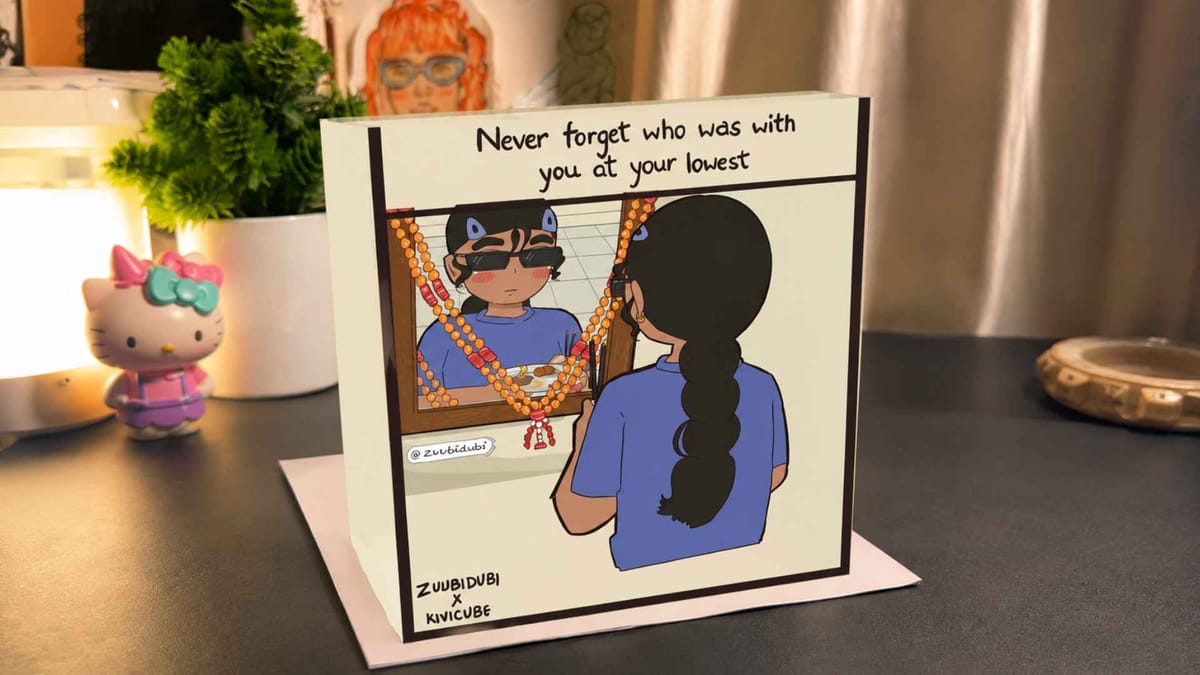
Shubhi took one of her illustrations for her first AR project. In the illustration, her original character stands in front of a mirror with her back to the viewer. Through Kivicube, however, the flat image transforms into a 3D space box, allowing viewers to explore the reflection from different angles. Here's how she brought it to life:
Step 1. Shubhi first creates an illustration with her original character and exports each element to separate PNGs.
Step 2. She logs in to Kivicube and creates a new Image AR, then uploads the PNGs prepared earlier.
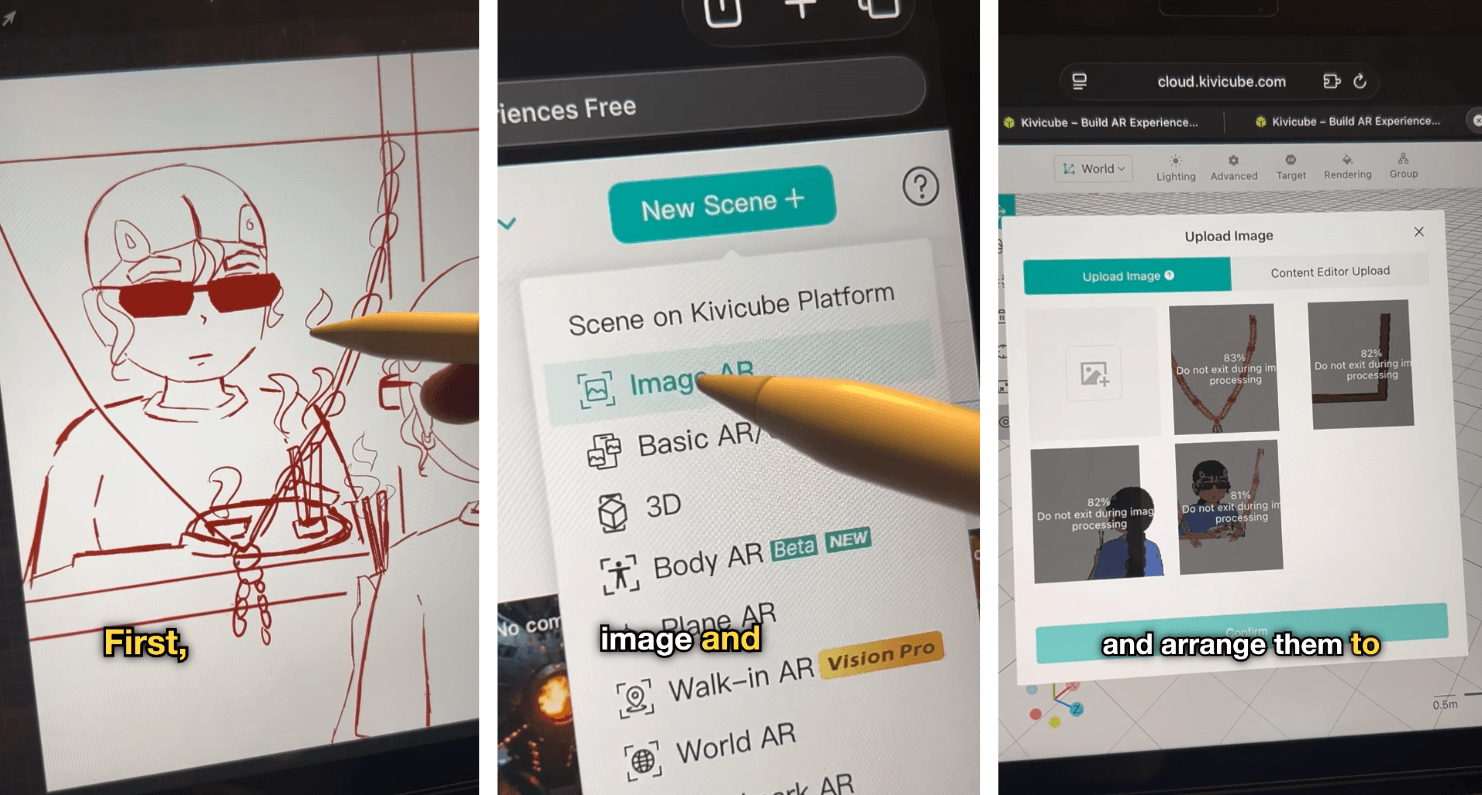
Step 3. Then she arranges the layers in position, sets up the animation, and freely scales, rotates, and transforms as she wants.
Step 4. Shubhi also added her own animation as a transparent video to further enhance her creation.
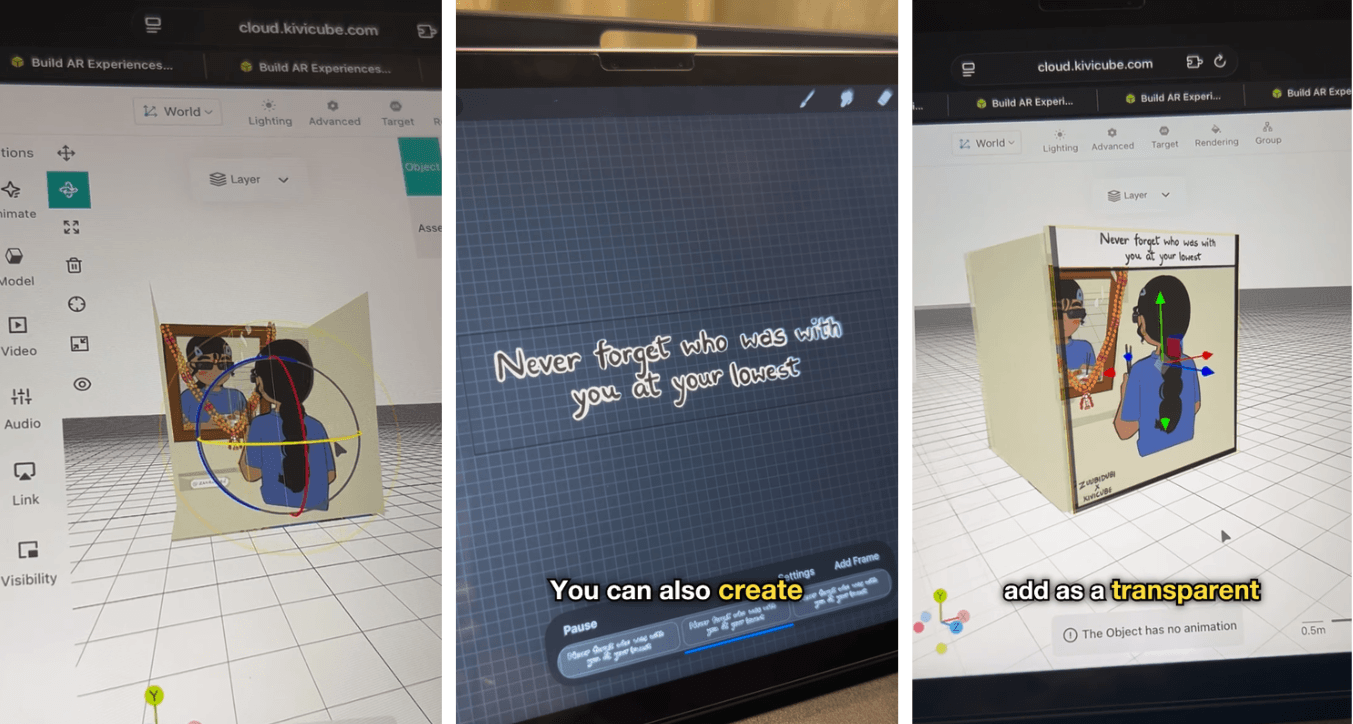
Step 5. She saved and shared her work. Now anyone can scan the QR code and point their camera at the illustration to enjoy the amazing AR project.
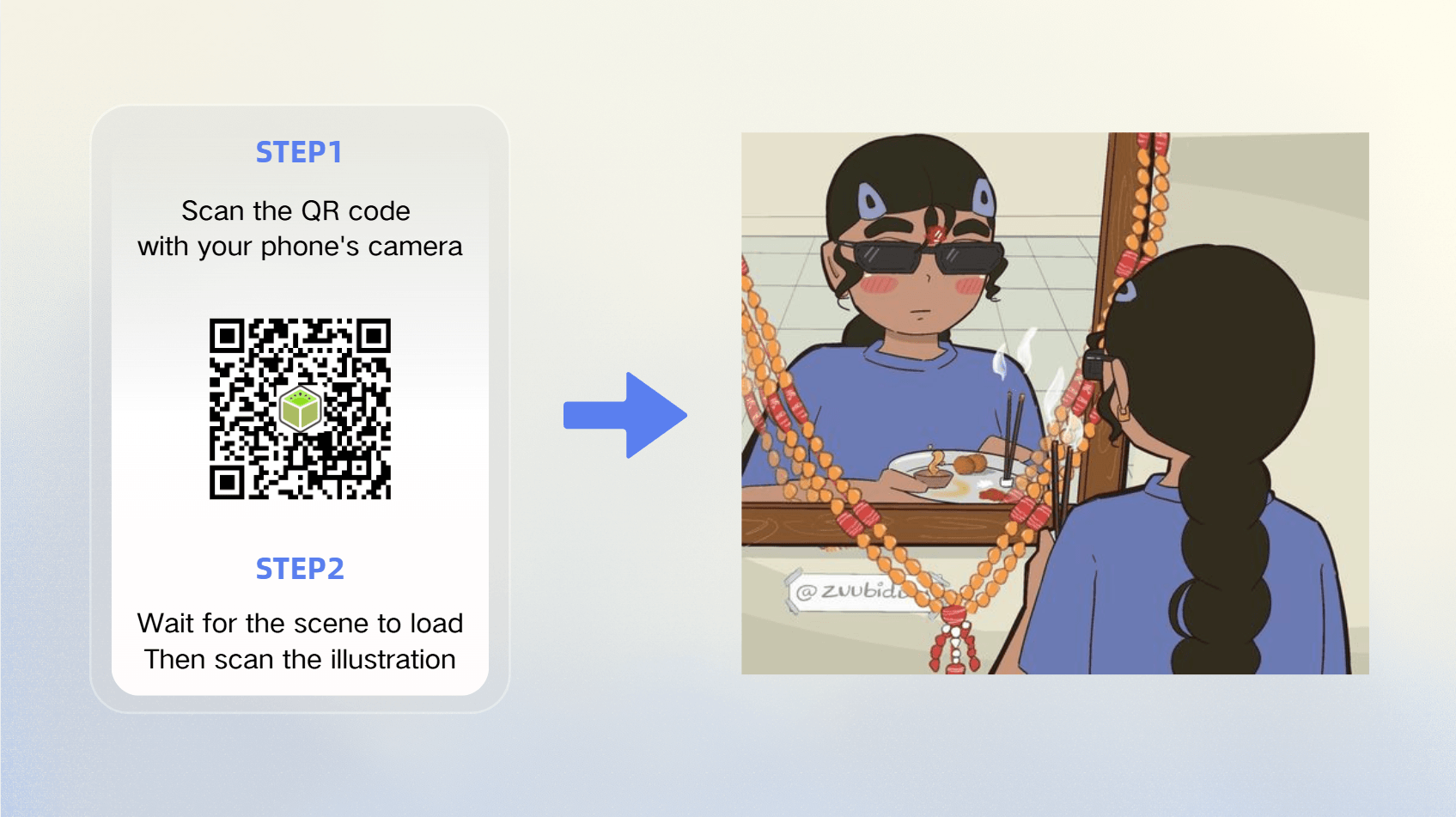
The character is still facing away, but somehow, it feels like you're walking around her, peeking into her world from every side.
What Shubhi Thought of the AR Art Experience
"I loved working with Kivicube," she said. And she doesn't say that lightly.
Shubhi has always enjoyed animation as a way of expression. The way her OC steps out fully prepared, only to get hit by a blazing summer heatwave and pass out.
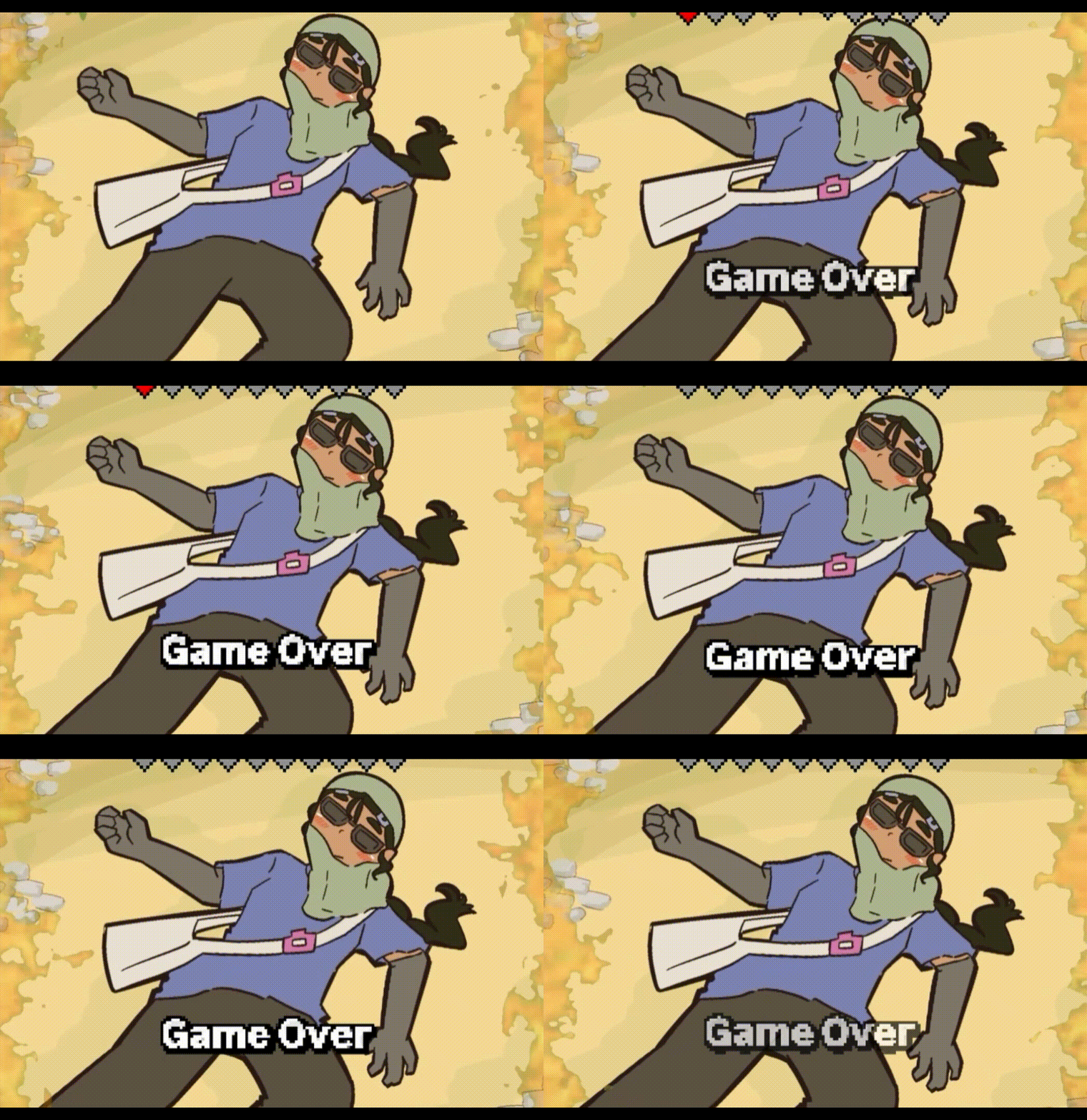
AR art, on the other hand, offers something different. "It brought my meme illustrations to life through augmented reality, making them more interactive, engaging, and fun for viewers," she added. The transition from static sketches to AR experiences felt natural. "It added a unique dimension to my creative projects," she noted. Her characters already had personality; now they had presence, too.
The tool itself was enjoyable to use. The intuitive workflow allowed her to focus on the creative side without getting stuck on technical hurdles. The AR illustration co-created has since been posted on Instagram and has received thousands of likes.

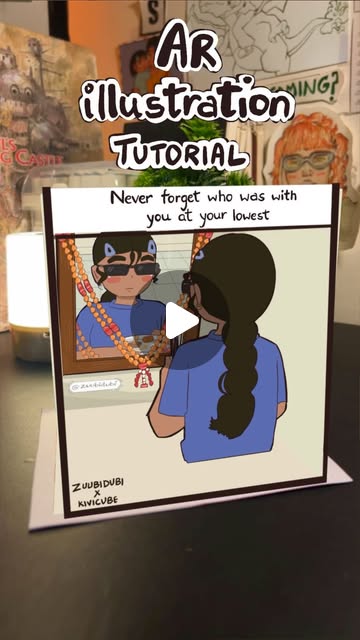
Kivicube - The Tool Behind the Magic
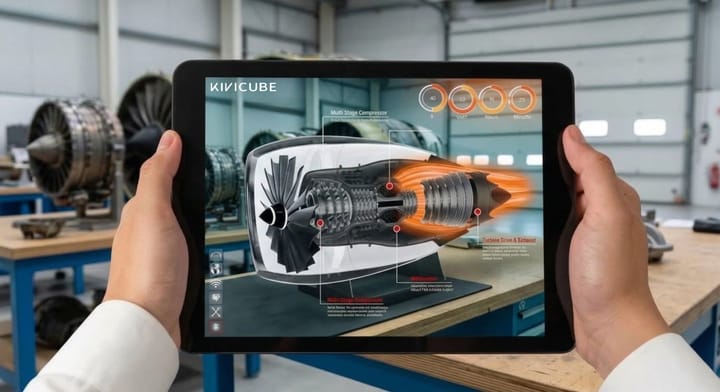
Kivicube is a browser-based AR editing platform that lets anyone build immersive 3D experiences without writing code. Why do illustrators and artists love working with Kivicube? Beyond accessibility, the editor's layer system works the same way illustrators already organize their art. Each element of an illustration can be brought in as a separate layer, allowing infinite possibilities for how you can arrange each in space, angle, and interaction. As Shubhi put it, "It was an enjoyable tool to use and added a unique dimension to my creative projects."
Another reason people love Kivicube is the wide audience reach. Sharing your creation is just as effortless. A QR code or a link makes it accessible anywhere, and the built-in screen recording further enhances the convenience of social media sharing. And for your audience, they do not need expensive headsets or app downloads. Just scan the code with their phone's camera; everything runs right in their mobile browser.
Q&A with Shubhi

Q: Hi Shubhi! First of all, can you tell us a little bit about yourself?
A: Hi! I'm a freelance artist. I mostly draw, sketch, and create animations. I also love learning the piano when I have free time. I also enjoy recreating popular memes using my original characters, adding my own creative style and humor.
Q: Your illustrations feel incredibly real. What inspires those little stories?
A: Honestly, a lot of it comes from my own life. The nerves before a presentation and the love my mom gives are all things I've felt. I just put them into my characters. And I've found so many people on Instagram feel the same way. Their comments make me really happy.
Q: You mentioned you love animation too. How does that fit into your work?
A: I've always loved animation because it adds a whole new layer to storytelling. A drawing can say a lot, but when you see a character actually swaying to music, it hits different. It makes the character and the story more real.
Q: So how did you find working with Kivicube?
A: Honestly, I loved it. It brought my meme illustrations to life in a way I didn't expect. Making them interactive and fun for viewers just felt right. And the tool itself was really enjoyable to use.
Q: Would you recommend it to other creators?
A: Definitely, I would recommend Kivicube to anyone who's curious about augmented reality. What I love most is how easy it is to add animations, almost like putting together a PowerPoint, but way more fun. And keyframe animation lets me customize movement frame by frame! Feeling my OC actually come alive. I also found the template library incredibly helpful. The idea for my mirror box project actually came from browsing through the templates, and there are many more inspiring ones there. You're gonna love it, definitely.