Step-by-Step Guide to Create Your Own Augmented Reality Anime Scene
Learn how to create augmented reality anime scenes with Kivicube. Easily bring your anime characters to life in a few clicks.
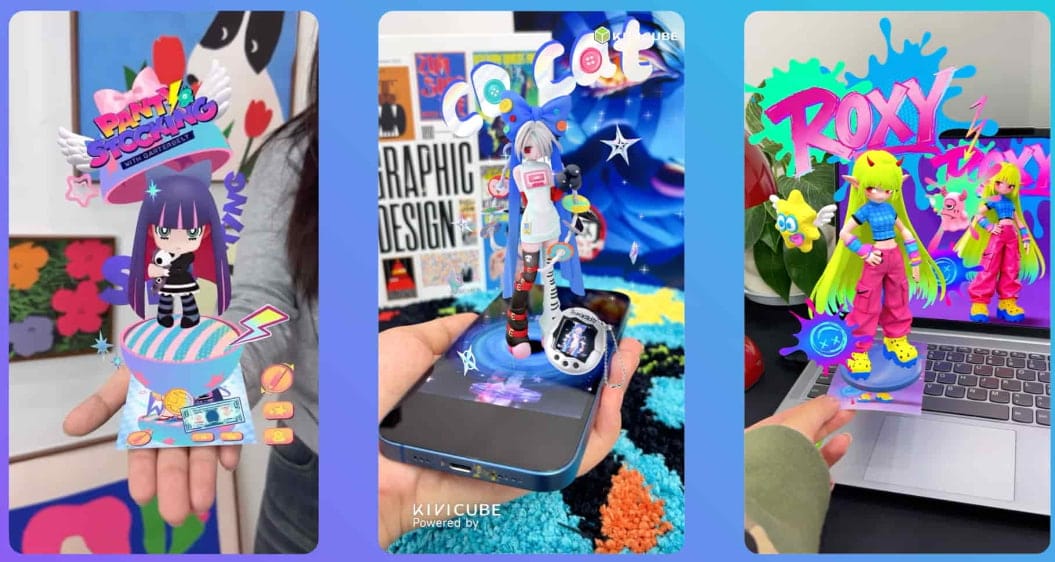
Augmented reality is changing the way people experience anime by adding interactive digital content to the real world. With AR anime experiences, fans can not only bring their creative ideas to life but also interact with their favorite characters from classic anime series in new ways. This guide will walk you through the detailed steps for making your own customized augmented reality anime scene on a no-code WebAR platform, with no app required. We’ll also explore some real-world examples as a bonus. Let’s get started.
What is Augmented Reality Anime?
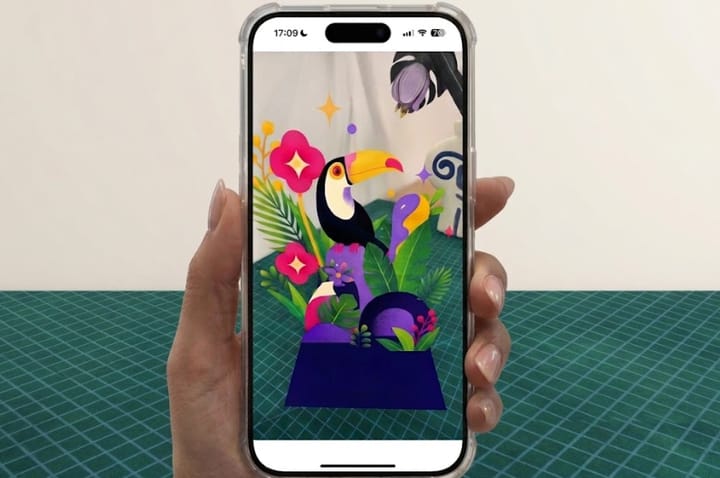
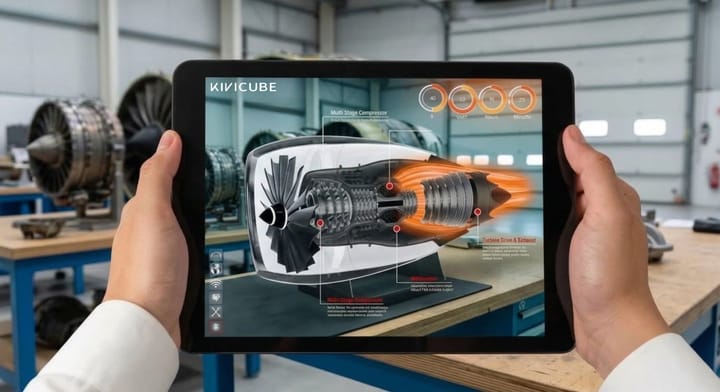
Augmented reality anime refers to placing anime-inspired characters, illustrations, and animations in the physical environment with AR technology. Using smartphones or AR glasses, people can see virtual anime content appearing in their surroundings. Unlike traditional anime viewing, which primarily takes place on a screen, anime augmented reality creates a more immersive and interactive experience that can be used for entertainment, fan experiences, and even marketing campaigns.
How to Make an Interactive Augmented Reality Anime Scene
Many people assume that creating an AR scene featuring anime characters requires coding skills. Thanks to the development of WebAR platforms, users can now make their ideal AR scene without any programming knowledge. Whether you want to bring classic anime characters to life or create an anime original character (OC) AR scene, you can make it with ease.
Follow the steps below to create an anime AR OC scene.
Step 1. Log in to Kivicube and go to the Template page. Select a pre-made AR template and click “Duplicate” to create a new AR scene.
Step 2. In the grid editor, upload your own anime assets from your device.

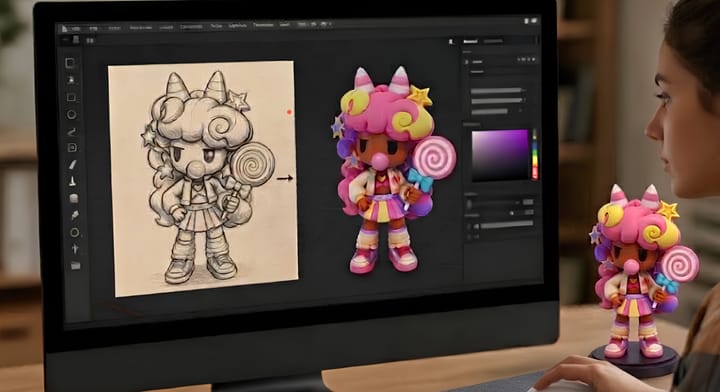
Note: You can also try the Kivi AI generator to convert anime OC images to 3D models in seconds. The tool can also help you create other AR assets, including AI-generated images and videos.
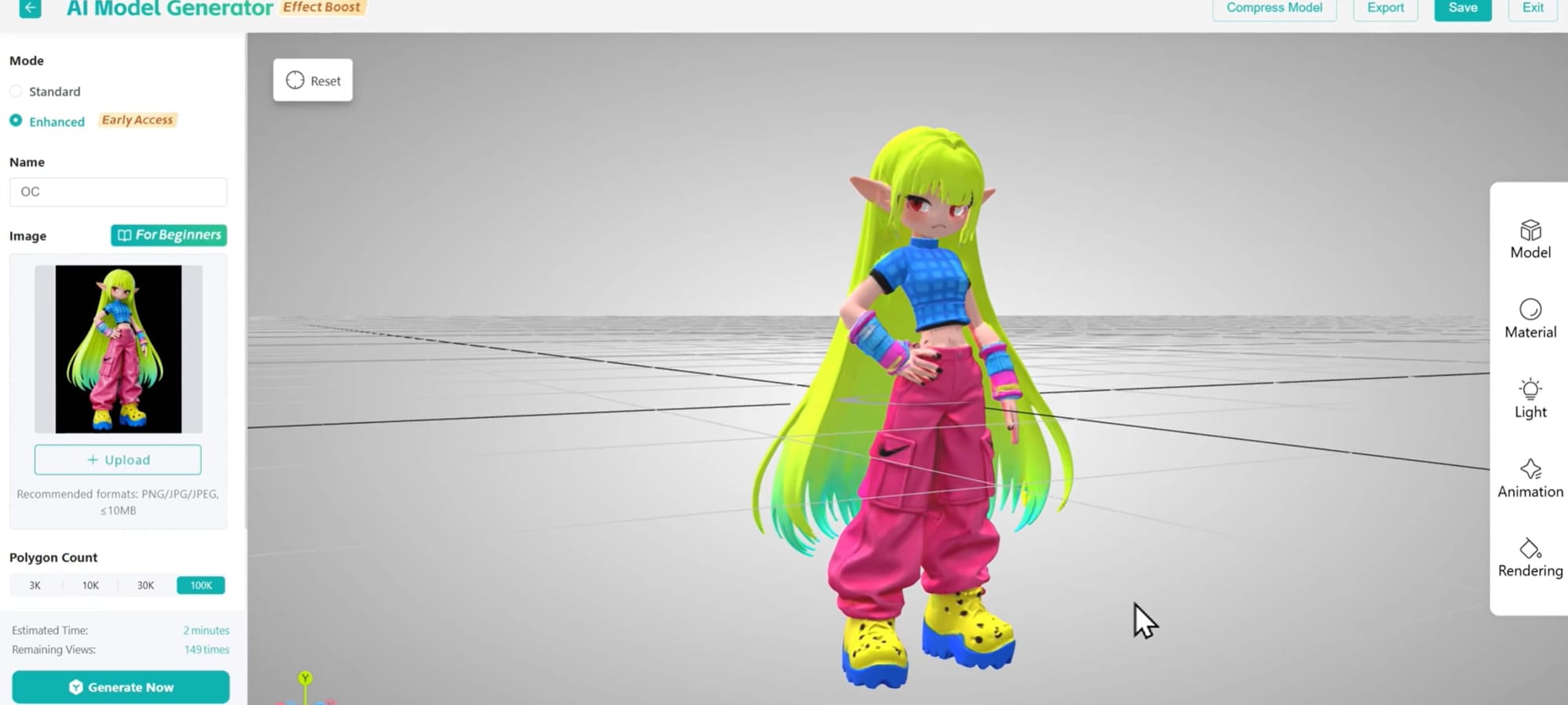
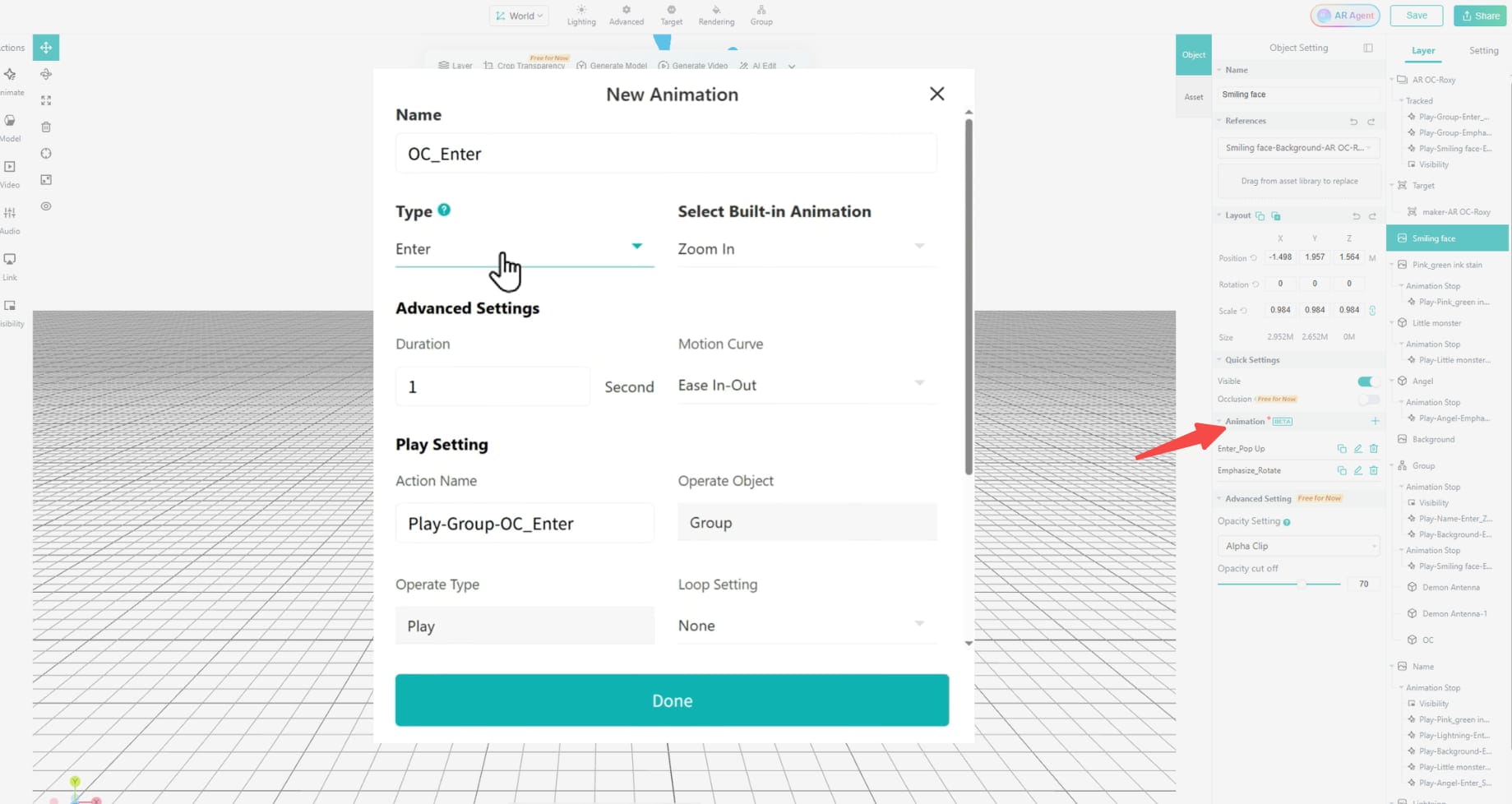
Step 3. Then adjust the animations and interactions of your AR models according to your needs.
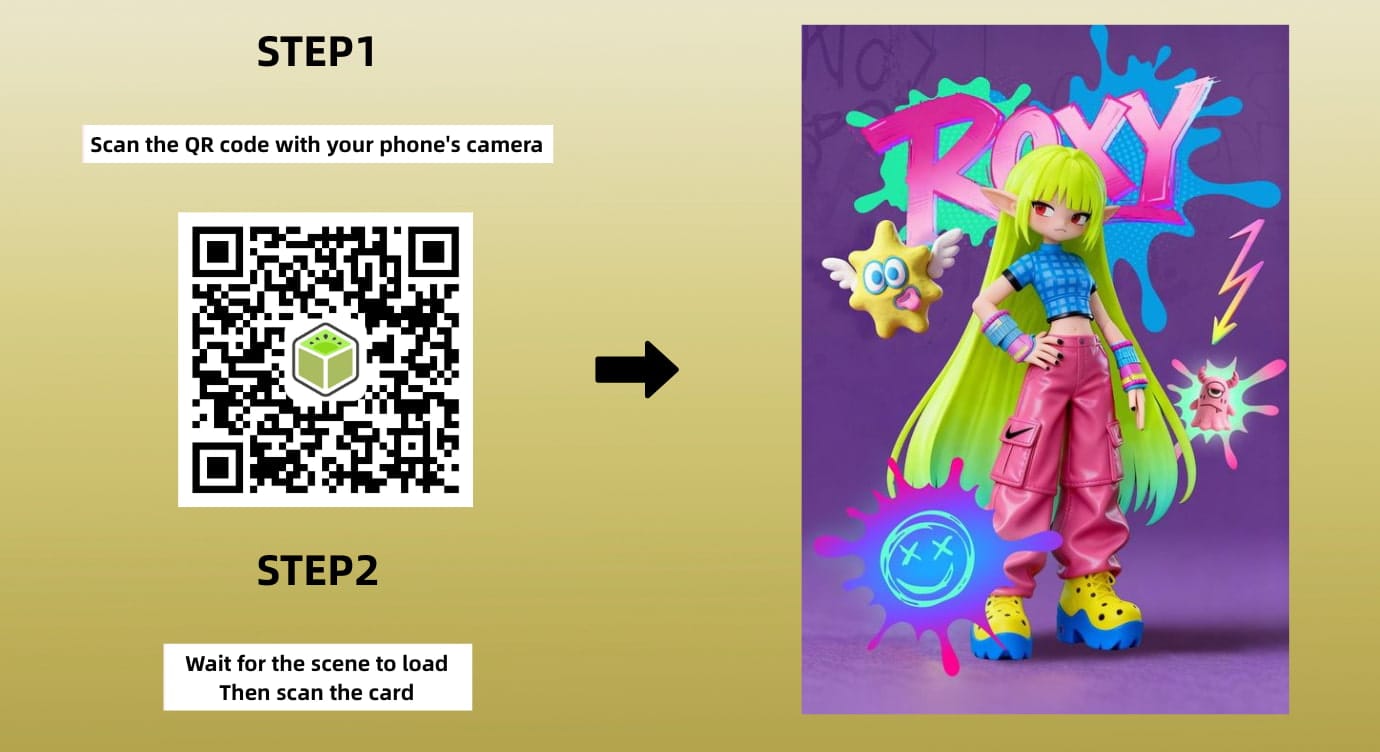
Step 4. Once you're satisfied with the scene, click “Save” and “Share” to get the QR code for the AR anime scene.
No-Code WebAR Platform for Simple AR Anime Creation
To make engaging augmented reality anime scenes, choosing the right tool matters. Unlike traditional AR generators, WebAR platforms allow users to create augmented reality scenes with no coding skills or app downloading required.
Kivicube is a WebAR tool that supports multiple types of anime AR scenes with advanced built-in features. Its visual editor makes it easy to build web-based AR anime experiences with stable tracking, while its rendering engine supports high-quality 3D visuals.
Intuitive Drag-and-Drop Editor: No coding skills are required. Users can simply drag and drop assets in the visual editor to build their AR experiences.
Pre-Designed AR Anime Templates: It offers a range of pre-designed AR templates. Whether you want to bring an anime poster to life or place an anime character in the real world, you can start with a suitable template. Simply replace the corresponding AR assets, and then you can quickly get your own anime AR scenes.
Multiple Interactions and Animations: It supports adding multiple interactions and animations, such as pop out, rotate, move, twinkle, and swing. Besides, the newly launched keyframe animation function lets you completely control the motion paths and freely animate the AR assets.
AI-Driven Anime OC AR Generation: The AI generator makes generating OC images, 3D models, and videos easier than ever. The AI AR agent can also help refine an existing AR scene from prompts.
Augmented Reality Anime Examples Created by Kivicube
Here are some AR anime scene examples created with Kivicube:
Example 1:
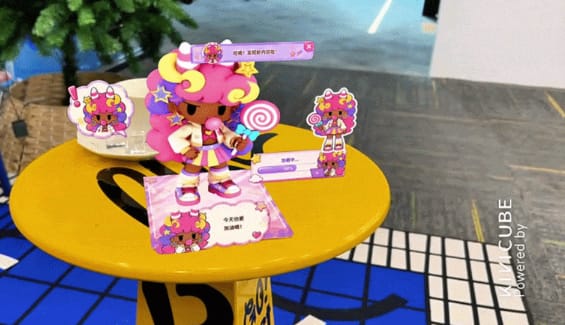
Example 2:

Example 3:
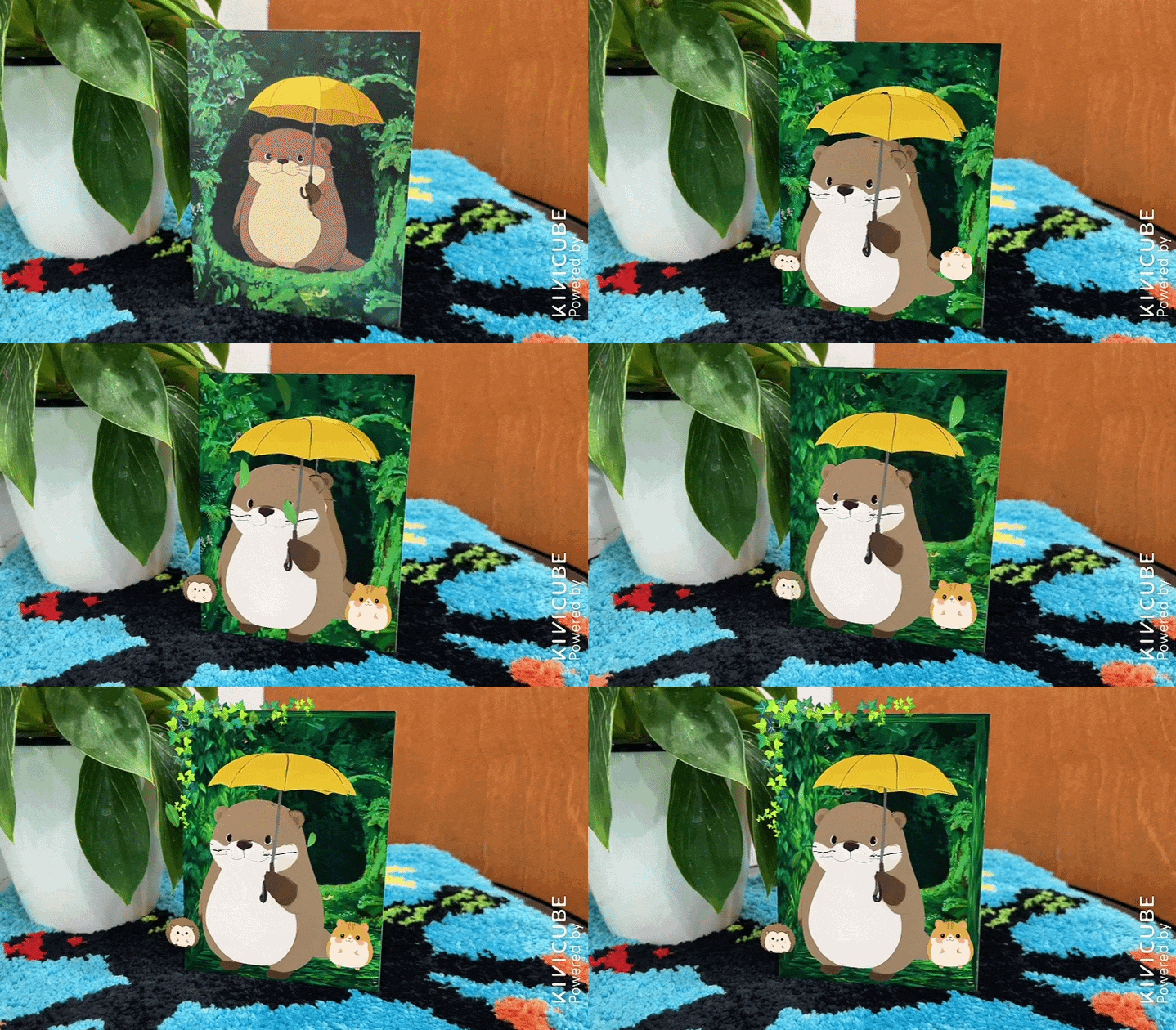
Example 4:
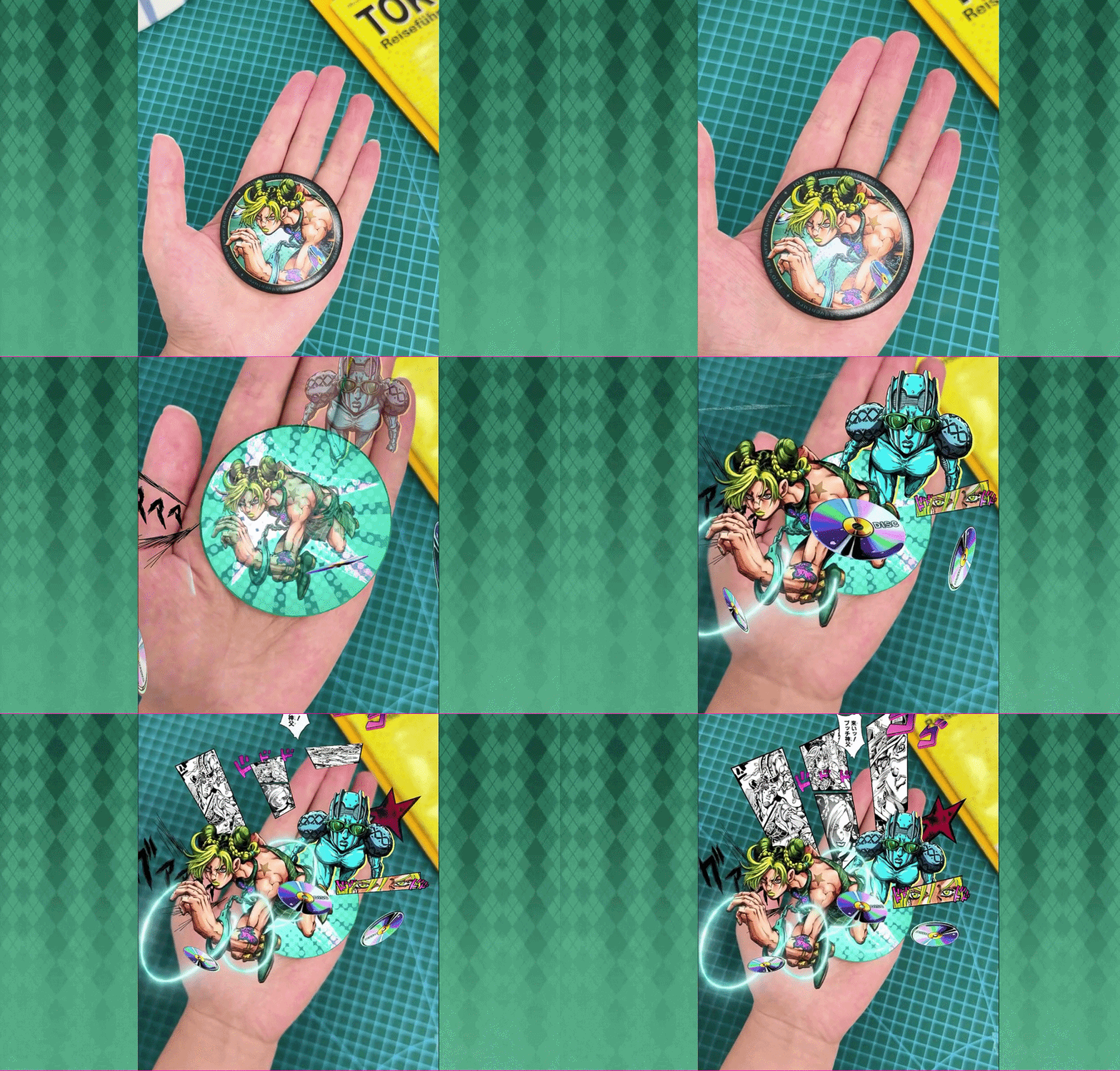
Real-World Use Cases of AR Anime
AR and anime have been combined in a variety of entertainment, fan engagement, and marketing experiences. Here are some real-world examples.
1. AR Camera Function with Anime Characters
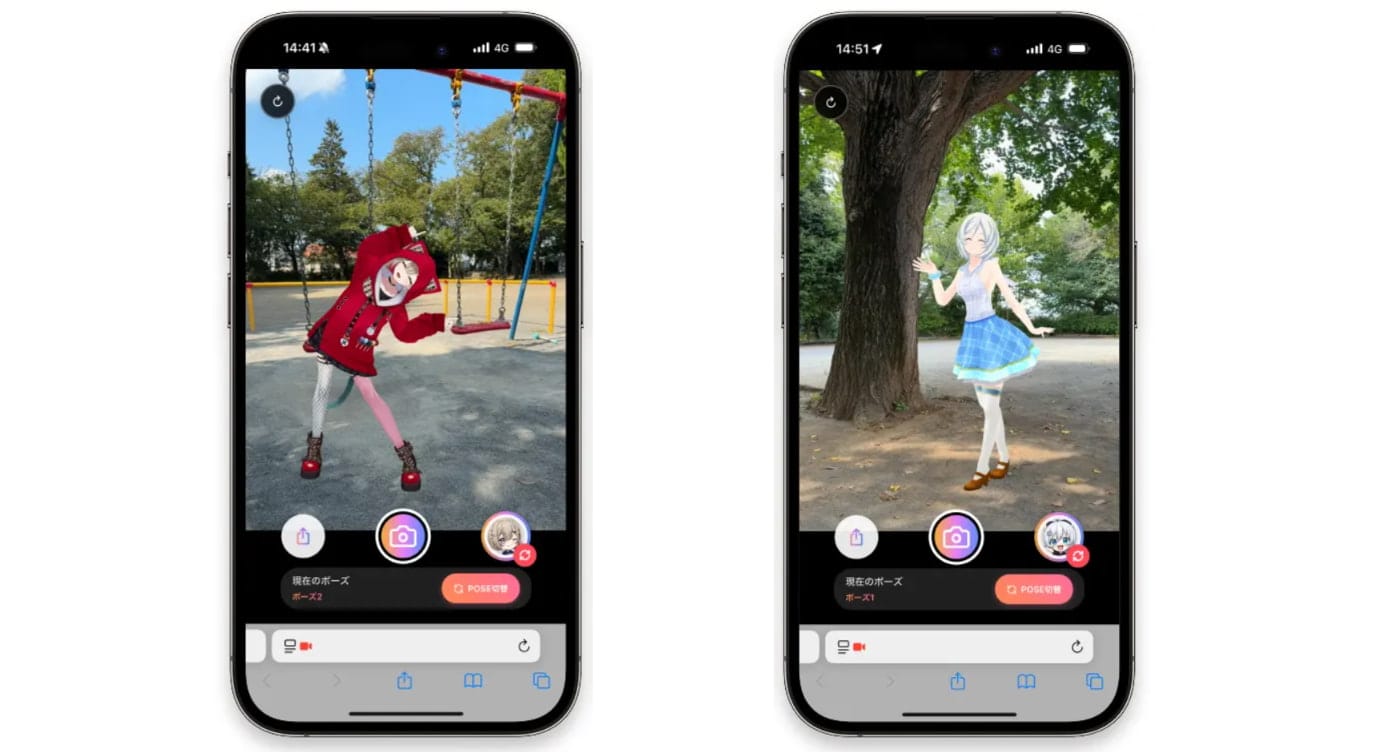
At the 2025 Hanpanai Cultural Festival in Japan, visitors could scan a QR code to access an event-exclusive AR photo experience featuring anime-style characters. Eleven performers appeared as AR characters, each with three poses, allowing fans to take photos as if they were standing alongside them.
2. Google AR Brings Classic Anime Characters to Real Life
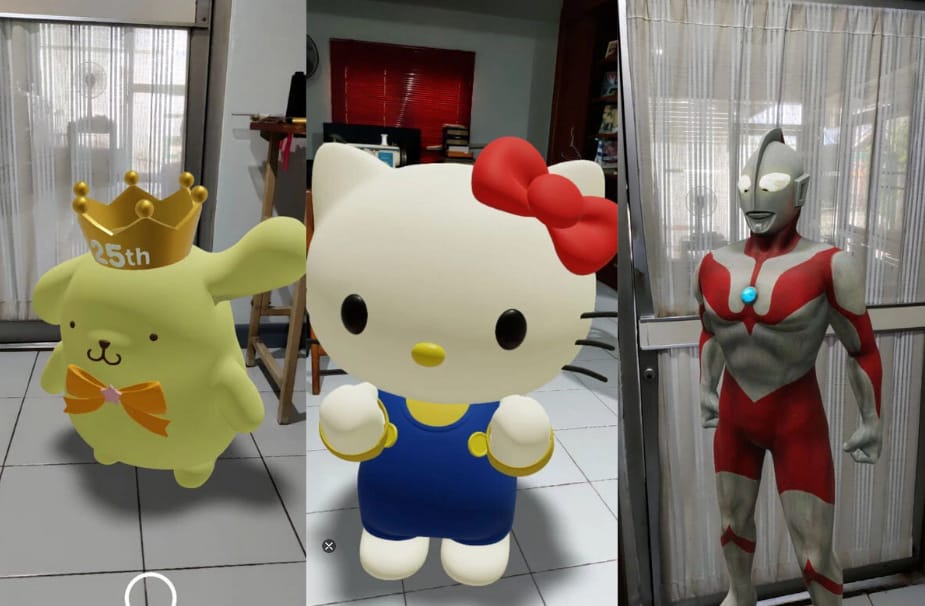
Google brought classic Japanese characters into the real world through AR in Search. Users could search for characters like Hello Kitty, Evangelion, and Ultraman on a mobile device. They could then tap “View in 3D” and place the characters in their surroundings. They could also record AR videos and recreate scenes with their favorite characters.
3. Pokémon GO: An AR Game Inspired by Anime
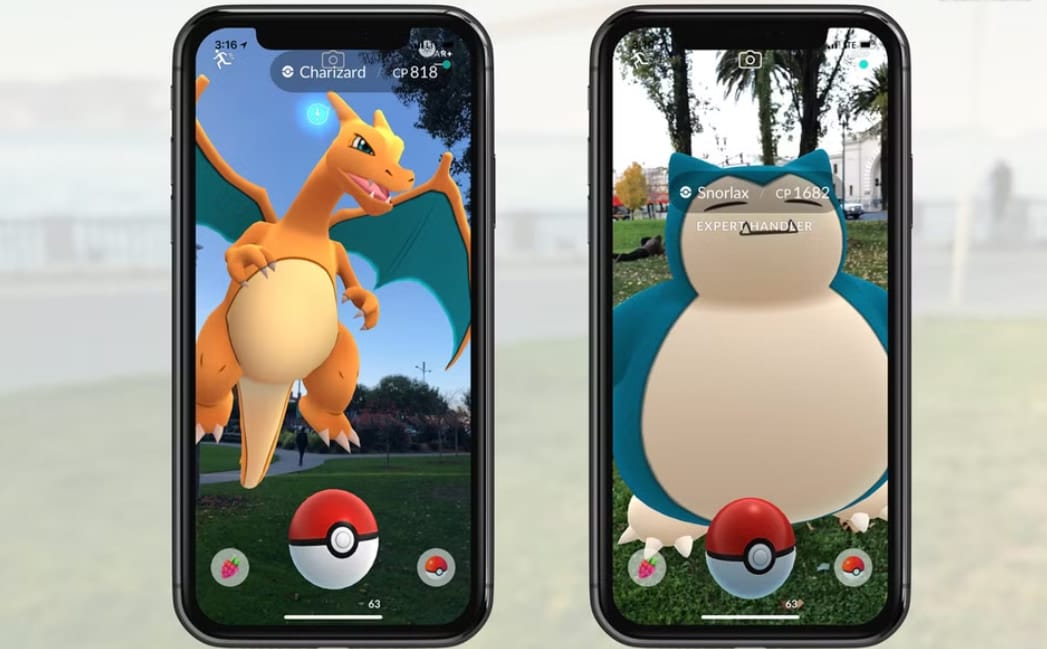
Pokémon GO is a well-known example of how AR can turn an anime-inspired world into an AR game. Players can find Pokémon in real-world locations and use their phones to catch them. The game has more than 1 billion downloads worldwide, as shown on Google Play, showing the enormous reach that character-driven AR experiences can achieve.
4. HeroMirror AR at Aniplex's 20th Anniversary Event
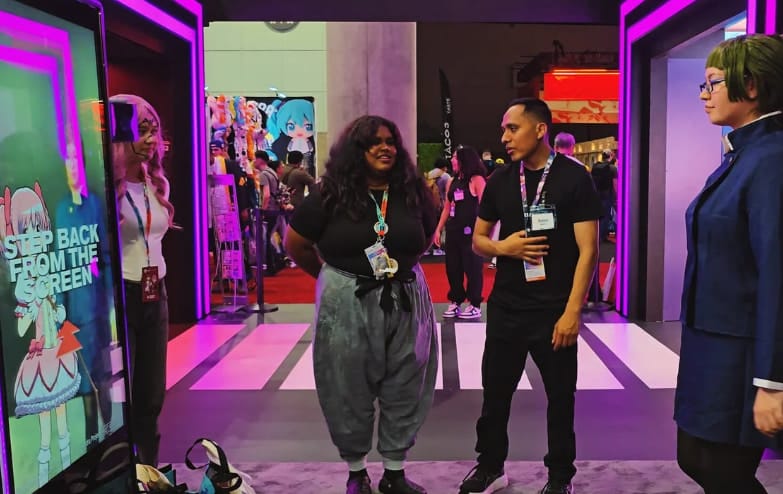
At Aniplex of America's 20th Anniversary event in Los Angeles, HeroMirror AR of INDE created an interactive photo experience for Sony anime fans. Visitors could step into the AR photo booth and take photos with virtual anime characters, blending digital effects with their real-world surroundings.
5. My Hero Academia AR Statue
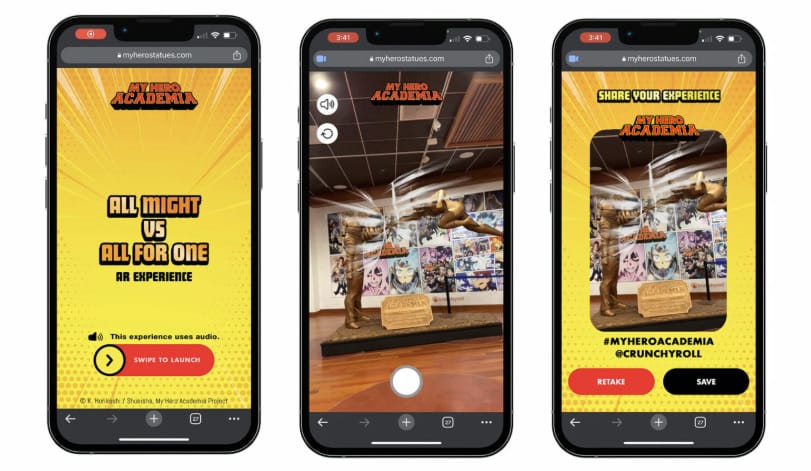
Groove Jones collaborated with Gnet Agency to create an interactive AR experience that lets fans bring a virtual character statue into the real world. Using AR technology, fans can view the 3D statue in their surroundings and interact with it through their phones.
Explore more AR examples in this post:
 Bella
Bella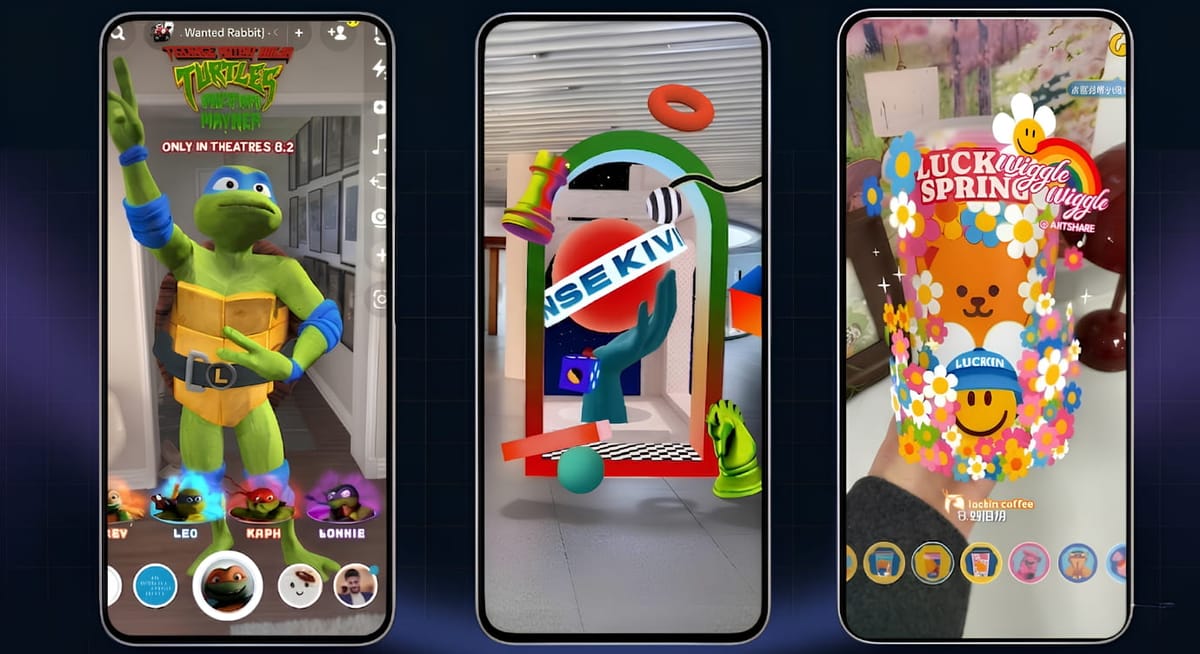
Anime Augmented Reality FAQs
Q: How can I experience Anime in AR?
You can experience anime in AR through mobile AR experiences, games, filters, 3D character viewers, and interactive campaigns.
Q: Can I turn a 2D anime drawing into AR?
Yes. It is possible to create an AR experience based on a 2D image from anime. On the Kivicube platform, designed for creating WebAR experiences, you can not only convert 2D character images into 3D models but also animate them with various effects and interactions.
Q: Do I need an app to experience AR anime?
Not always. WebAR allows users to access some AR anime experiences directly through a mobile browser. No need to download an app.
Q: Can brands use AR anime for marketing?
Yes. Brands can use AR anime for marketing products or events, as well as social media campaigns and fan engagement activities. In addition, interactive characters and AR photo experiences can also encourage users to create and share their own AR content.
To Sum Up
Creating interactive AR anime experiences is no longer limited to developers or AR professionals. Thanks to WebAR platforms like Kivicube, even newcomers can create an eye-catching augmented reality anime scene using an intuitive drag-and-drop editor. Ready to create your own AR anime scene? Try Kivicube with two free AR projects.