English
Appearance
After logging in to Kivicube and opening the creation platform, you can browse experience templates, create your own experiences, and manage your existing content.
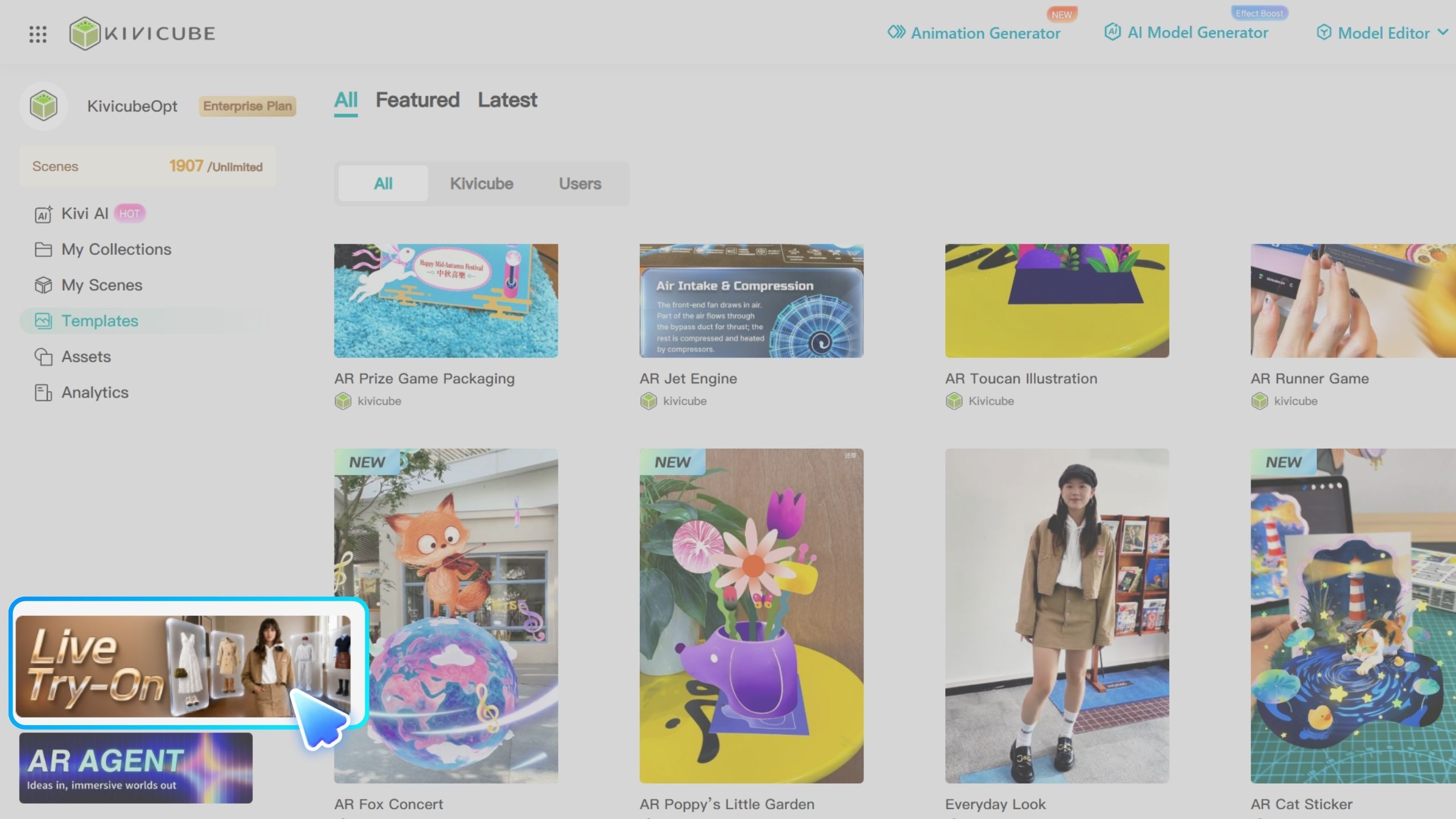
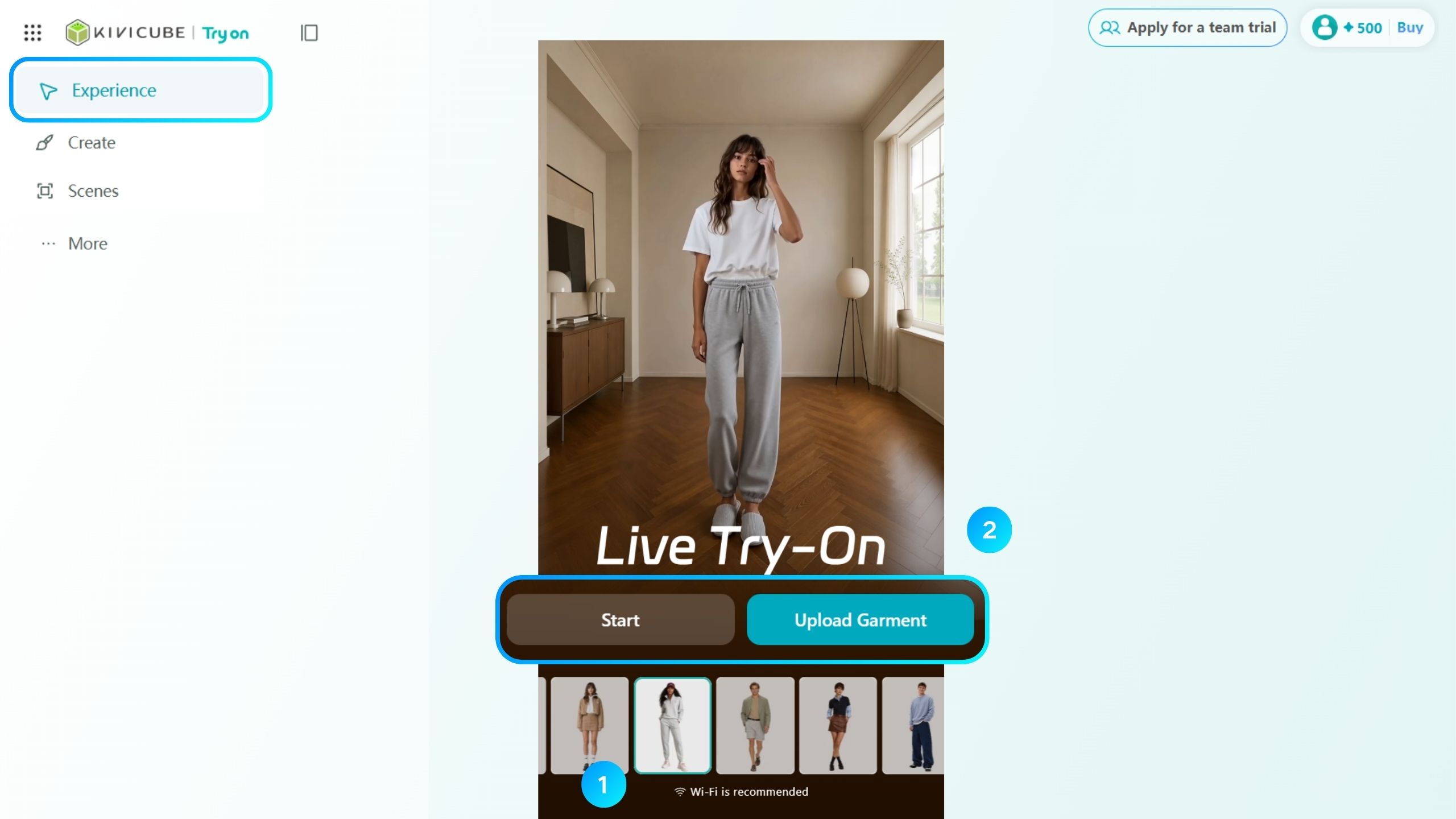
After entering the Live Try-On creation platform, use the left sidebar to access different features.
Explore: Browse and try Live Try-On and Live Interaction templates.
Create: Build custom experiences to suit your needs.
Scenes: View and manage your existing scenes.
More: Create static try-on experiences or explore AR try-on solutions.
The top-right corner also provides access to your credit balance and purchases, as well as team trial requests.
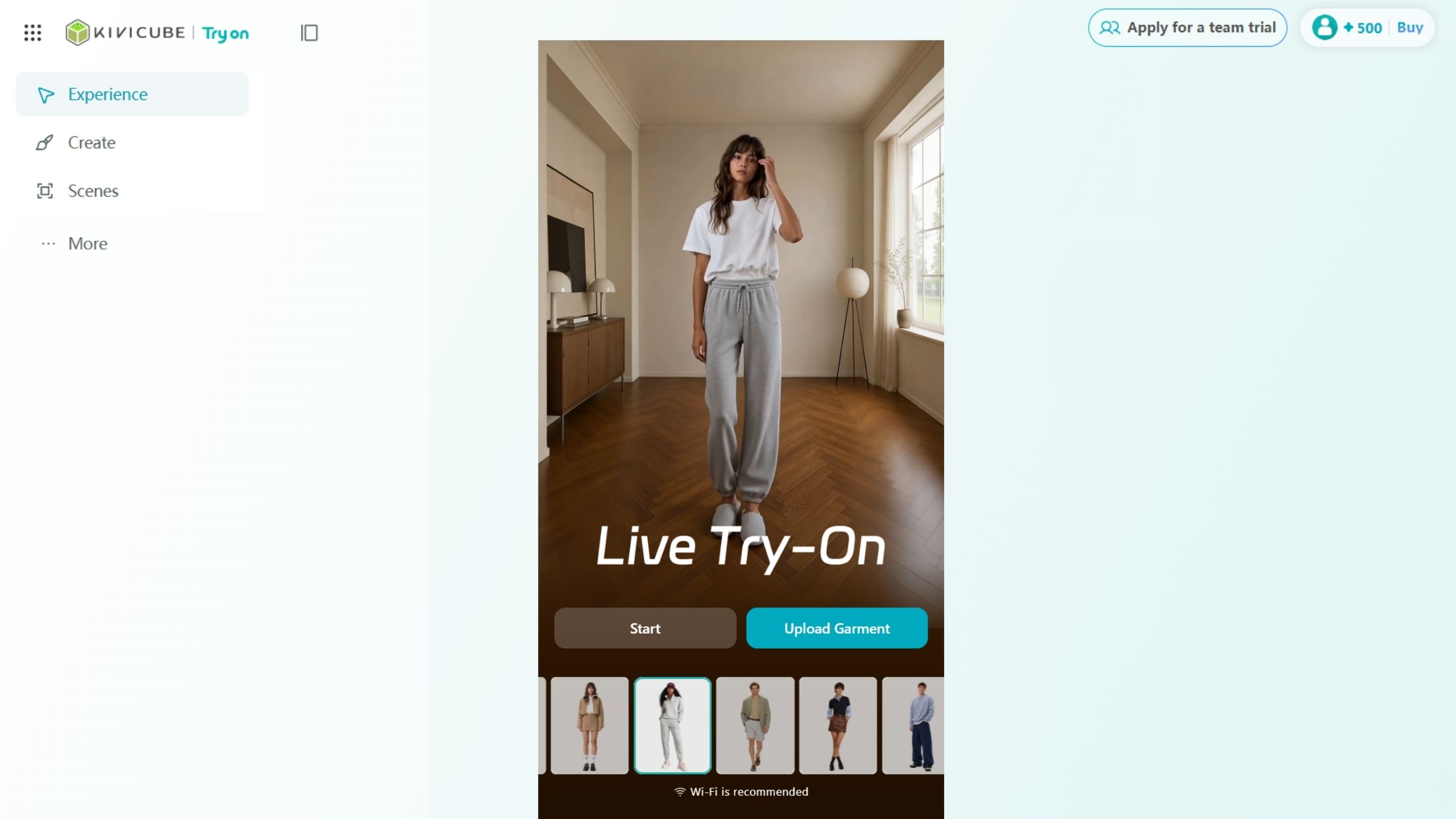
After entering the platform, click Explore in the left sidebar to browse Live Try-On and Live Interaction templates.
The platform offers a variety of ready-made experiences featuring different clothing styles, characters, and interactive effects. You can try any template to see how the final experience looks.