


Step 1
Pick a Template or Blank
Start by signing up for free. Then duplicate a ready-made template, or create a new scene from scratch.

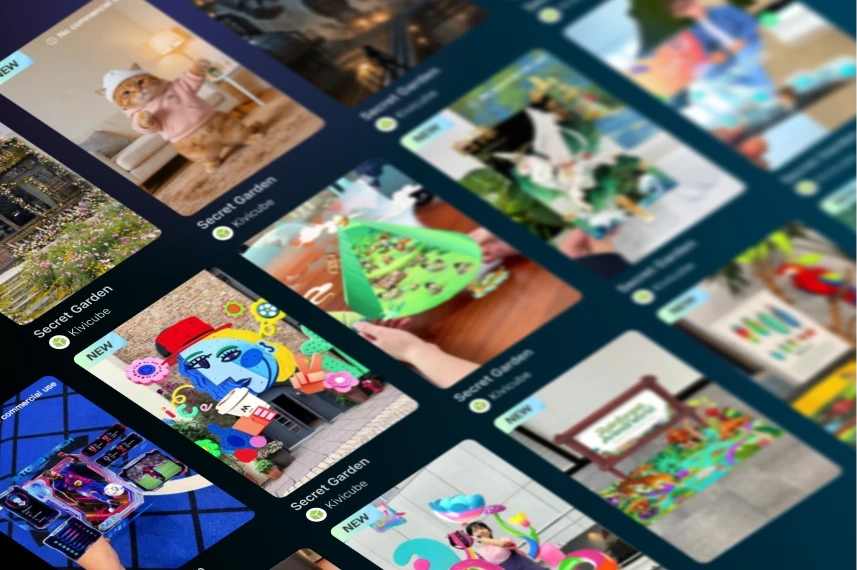
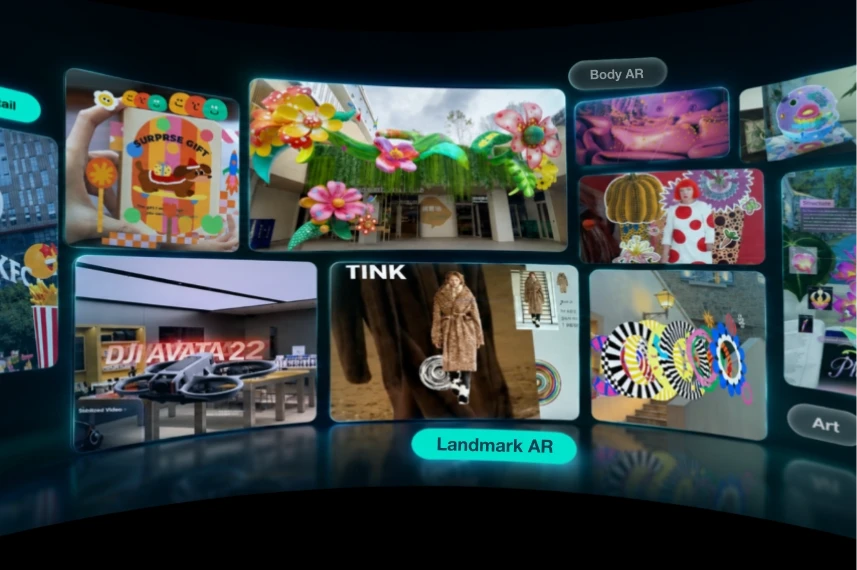
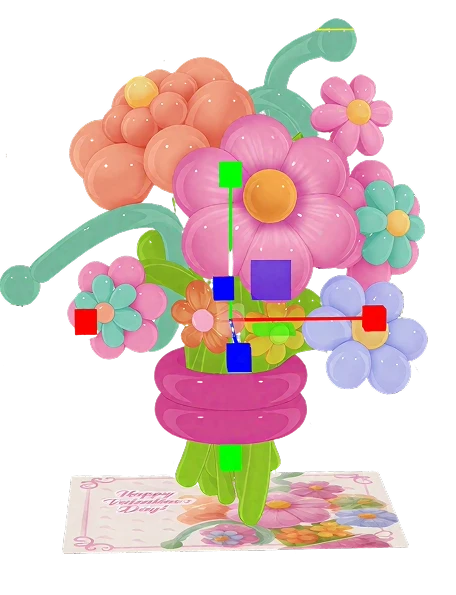
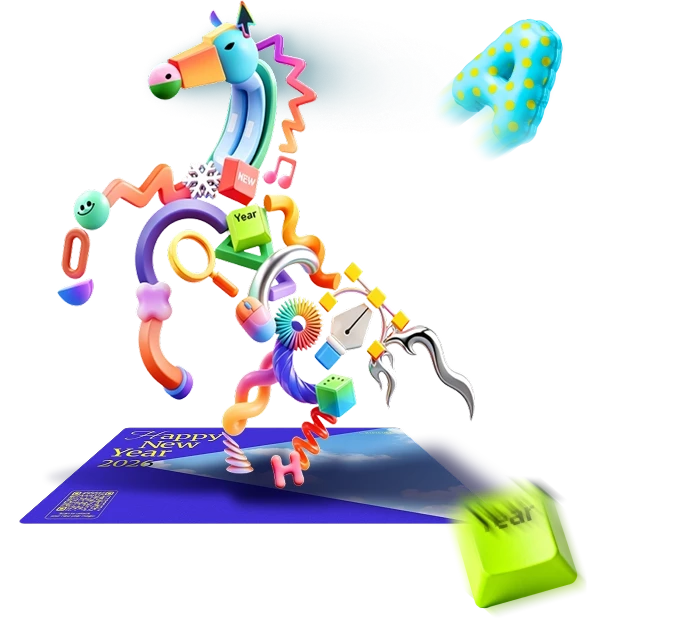
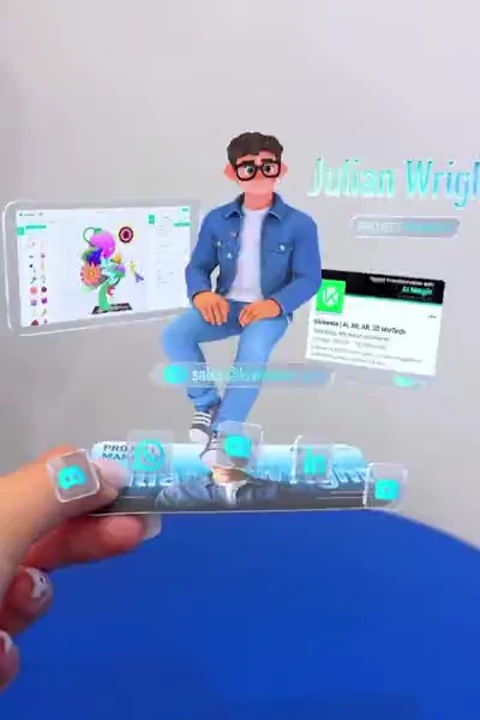
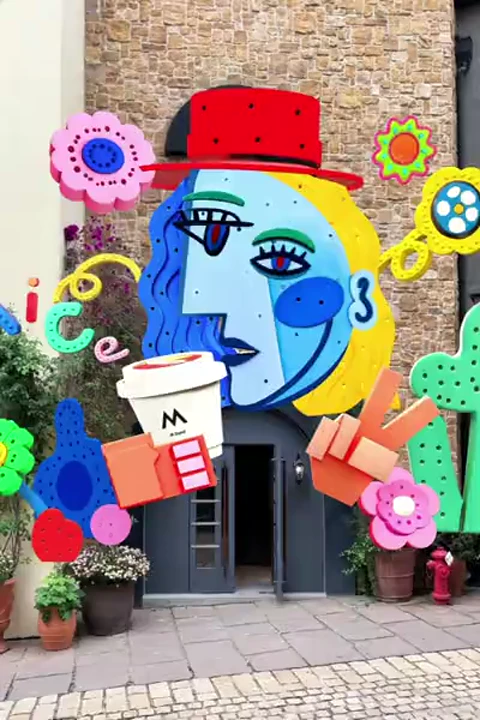
Explore real-world WebAR campaigns that deliver fresh ideas and solid values.
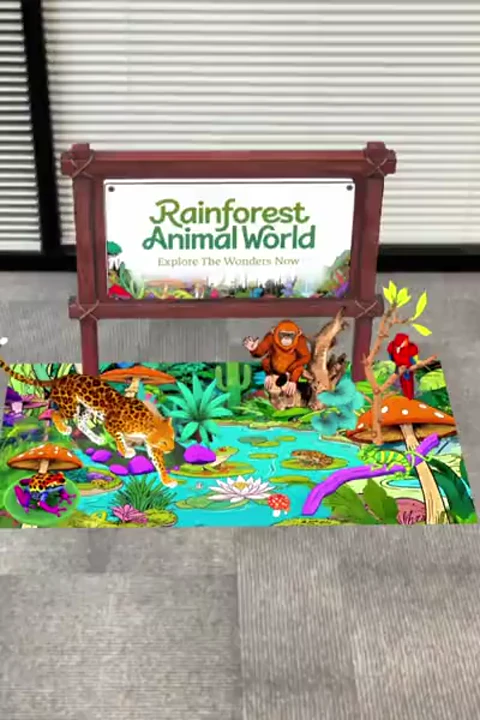
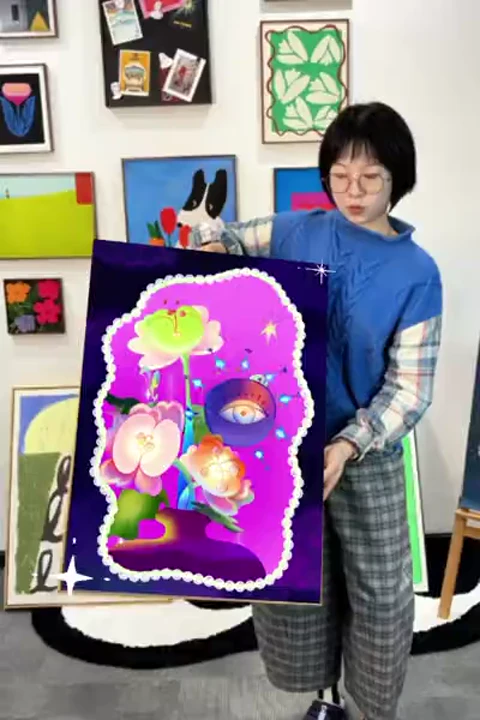
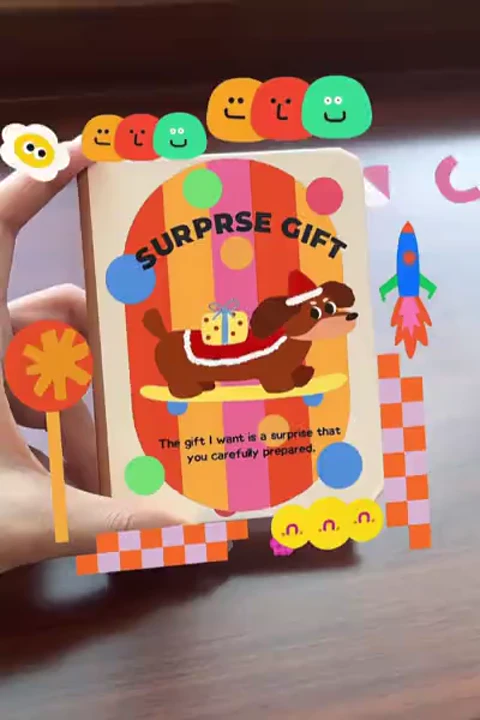
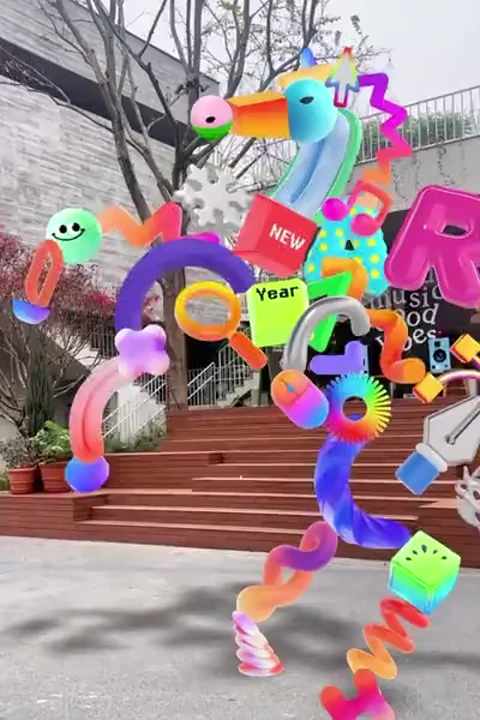

Build and share your creation quickly through WebAR.
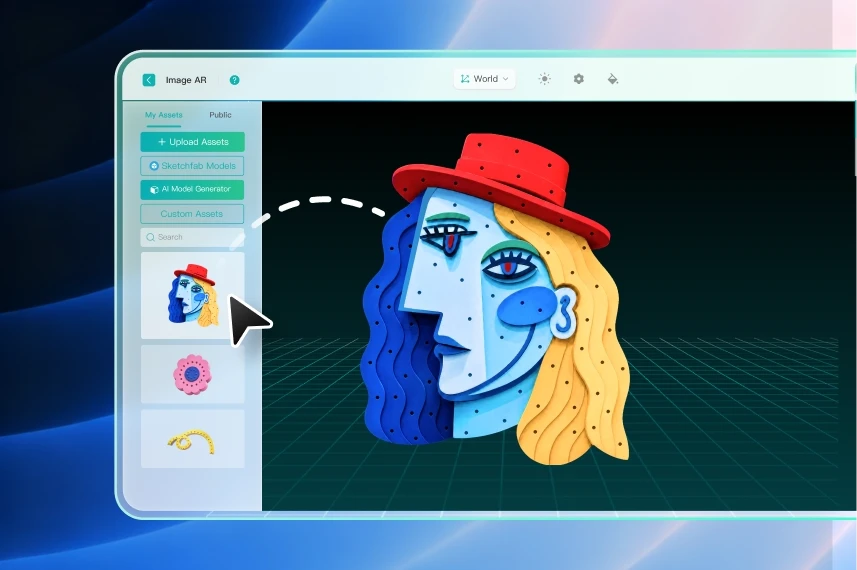
Start by signing up for free. Then duplicate a ready-made template, or create a new scene from scratch.
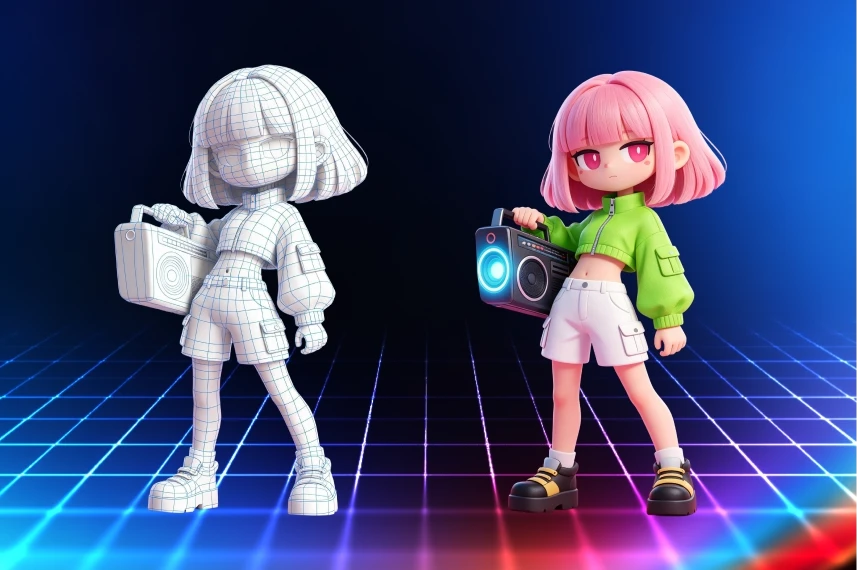
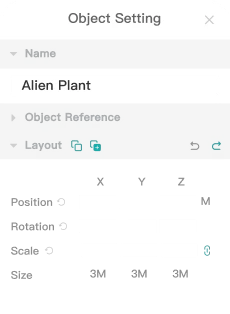
Add your own images, 3D models, or videos with drag-and-drop editing. Then set interactions and make other fine adjustments.
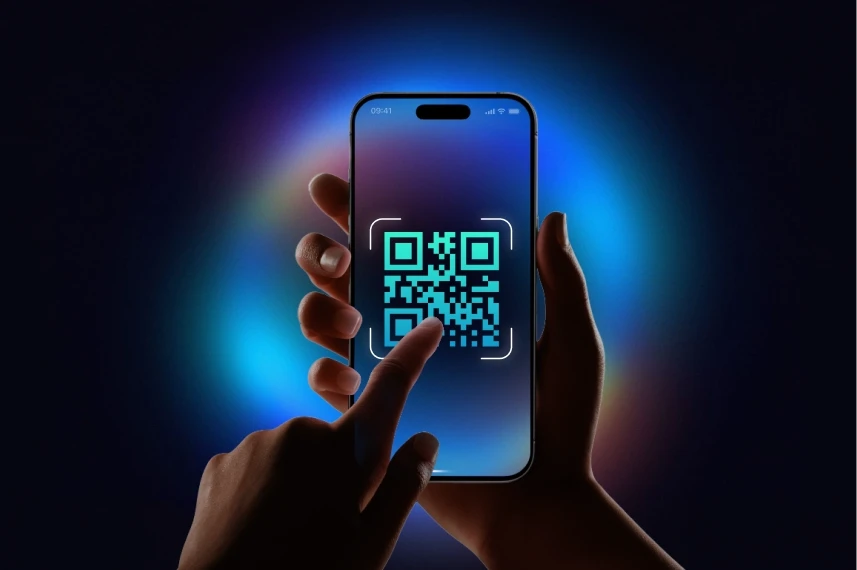
Publish your creation and share it with a link or QR code. Everyone can experience your WebAR creation through their phone's camera.
Experience AR creation at no cost. Everyone gets 2 free projects to start. Explore now!
Discover what sets Kivicube apart and why our WebAR tools outperform others.
For every AR creator, from beginners to PROs
For individuals. Get started with essential tools and 2 free AR scenes.
For individuals. Unlock more scenes and features, with options to buy extras.
For small to mid-sized teams. Includes more scans, recognition, storage, and advanced features.
For enterprises. Unlimited scenes, global CDN, 1-on-1 support, and advanced features.

WebAR is widely used in retail and e-commerce for virtual try-on, furniture placement, and 3D product viewing. Brands using AR see conversion rates increase up to 250%.

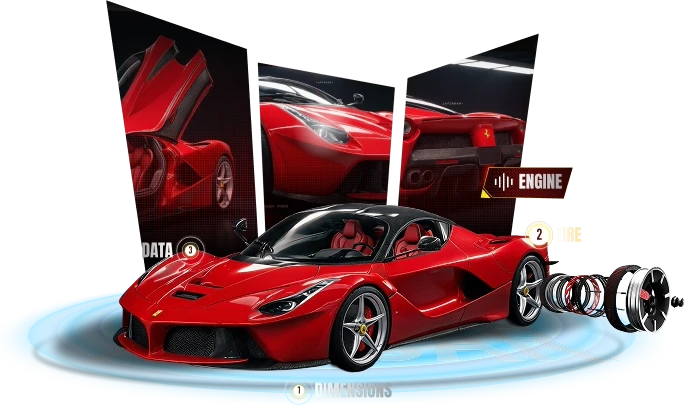
View products from every angle with realistic detail.
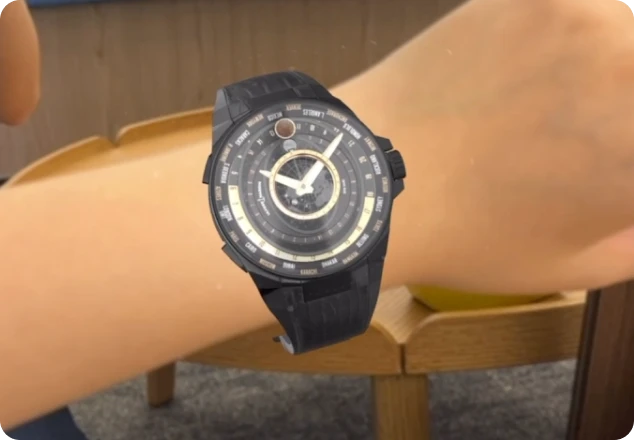
See products on you with virtual try-on for ecommerce.
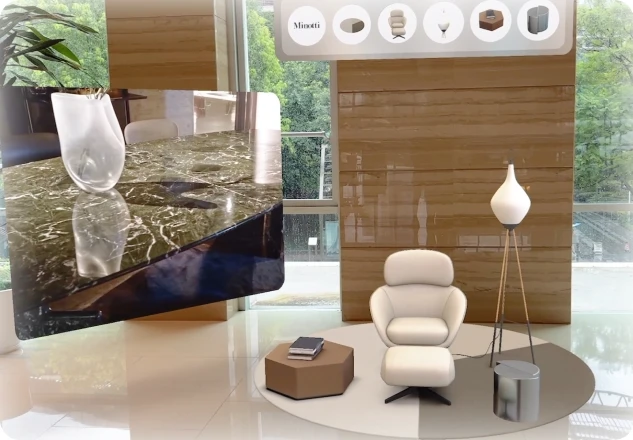
Place virtual furniture in real space to see fit and style.
Real-World AR, Real-World Value

Creators Worldwide
Top Choice for Developer

Total AR Visits

Total AR-Driven Sales
Get your AR done fast and keep your creativity flowing

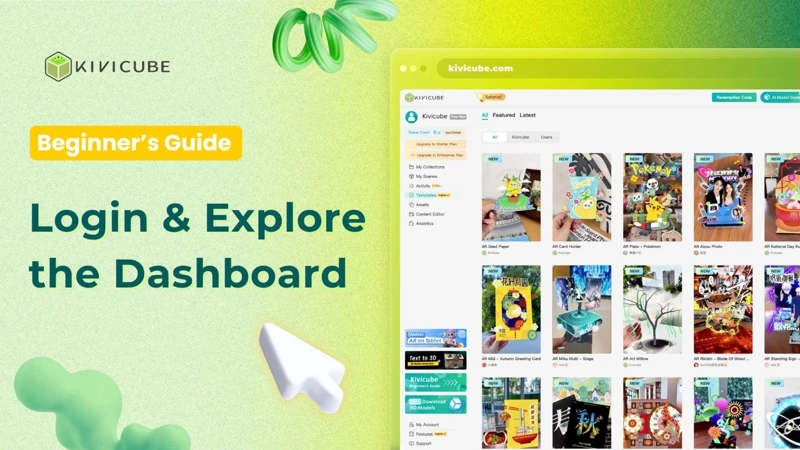
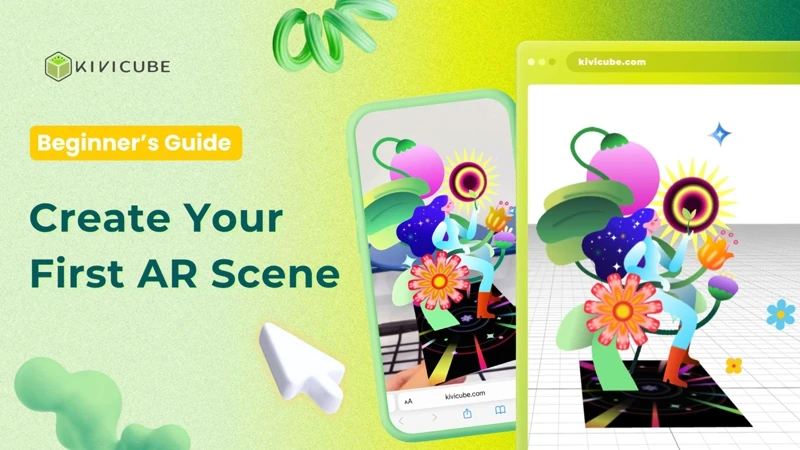
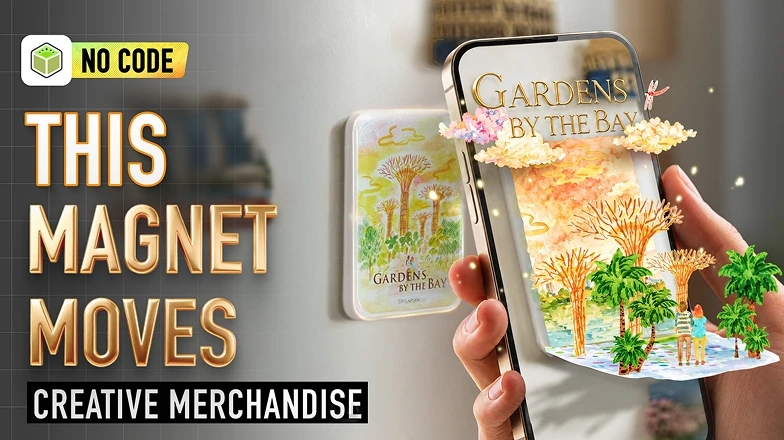

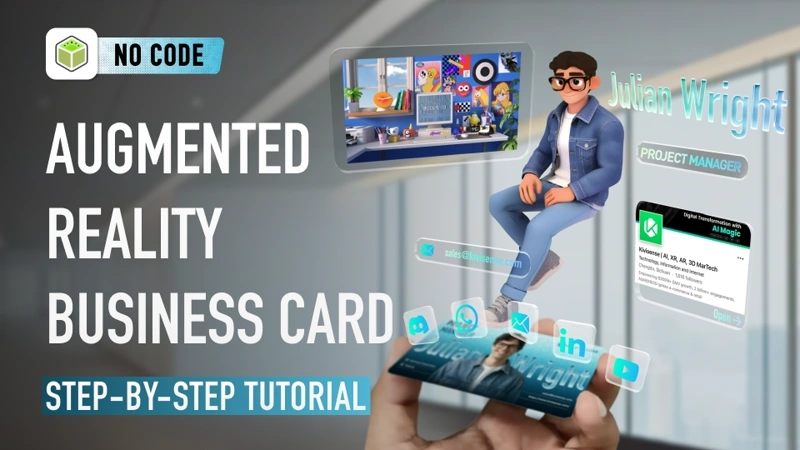
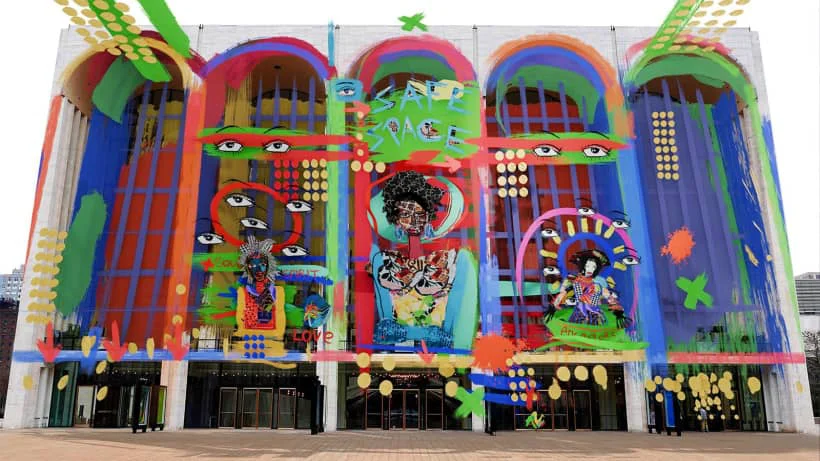 Tutorials
Discover how no-code WebAR platforms are transforming augmented reality. Learn what WebAR is, when to use it, and how creators build browser-based AR experiences without apps or coding.
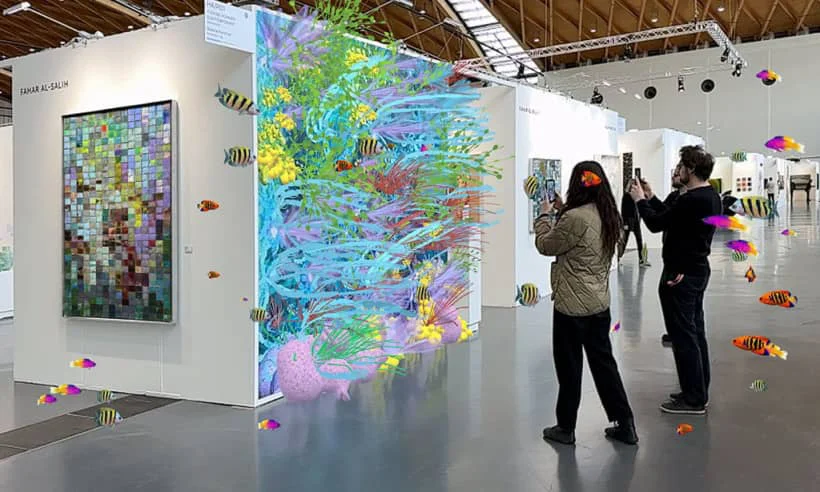 NEWS · HOW TO
Learn how to turn your hand-drawn sketches into interactive augmented reality drawings with no code. Follow this step-by-step guide to create shareable AR art using Kivicube—no advanced skills required.
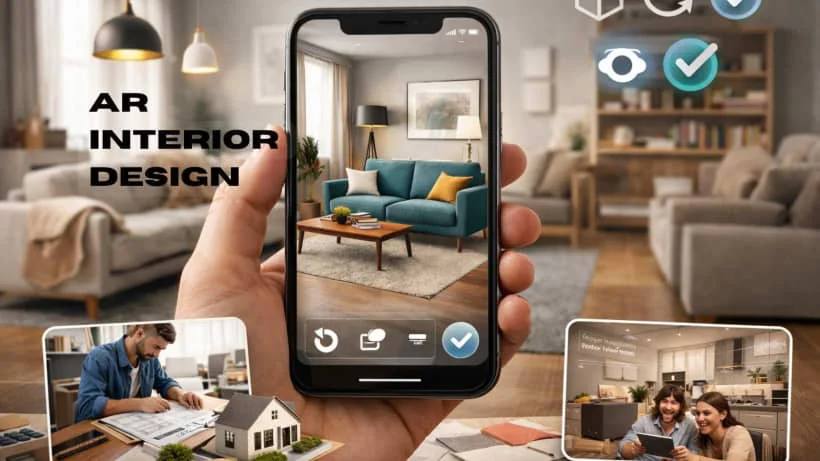 AR Industry News
AR interior design helps visualize furniture and layouts in real spaces, enabling smarter design decisions and more confident home and planning.
Augmented Reality (AR) is a technology that overlays virtual content like 3D models and animations onto the real world in your camera view. Unlike Virtual Reality (VR), which creates a fully digital environment, AR enhances your physical world by adding interactive digital elements on top of it.
WebAR is augmented reality that runs directly in your web browser. Unlike app-based AR, which requires downloading a separate application, WebAR platforms like Kivicube deliver immersive experiences instantly through a QR code scan or a single link, right in Chrome, Safari, and other browsers.
No. Kivicube is a 100% code-free platform. Everything is built around drag-and-drop. Just upload your assets and arrange them visually. No programming skills or technical background needed throughout creation, sharing, and viewing experiences.
Kivicube supports multiple AR types, including image, world, body, face, landmark, 3D object, and rotation tracking types. Whatever you want to build, Kivicube has the tracking to match.
You are welcome to contact us for brand customization solutions. Through our partnerships with leading brands like Ingka, L'Oreal, and Ulysse Nardin, we have gained proven experience across the US, Europe, and other global markets. Kivicube delivers professional AR services and fully tailored AR scenes that you can easily embed into your website, app, or e-commerce platform for marketing campaigns.
Kivicube's WebAR solution supports nearly every industry and entertainment need. From retail try-on and marketing campaigns to education, art, and tourism, whatever your field, Kivicube has you covered.