Image Tracking
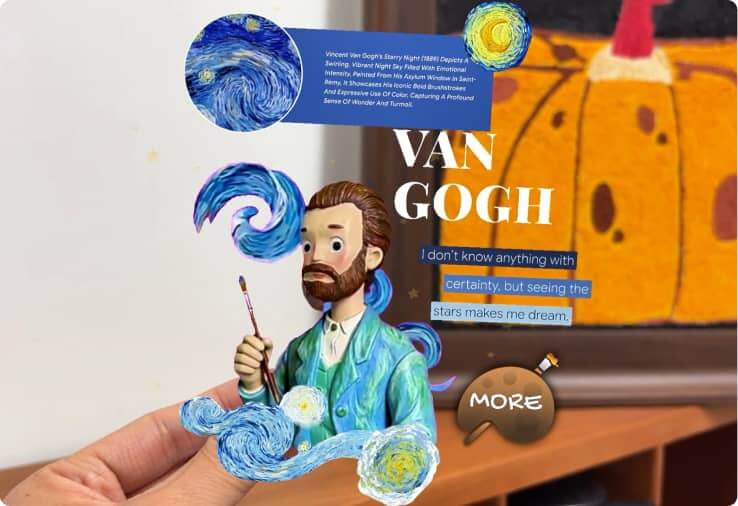
Place AR content on an image and keep it anchored during the experience.

Explore AR tracking on Kivicube: image, face, body, plane, landmark, and more. Create immersive WebAR experiences directly in browsers.
AR tracking is the technology that allows digital content to stay anchored in the real world using a device's camera. Different types of AR tracking define how and where your experience is presented, whether it's attached to an image, surface, face, or physical location.
Place AR content on an image and keep it anchored during the experience.
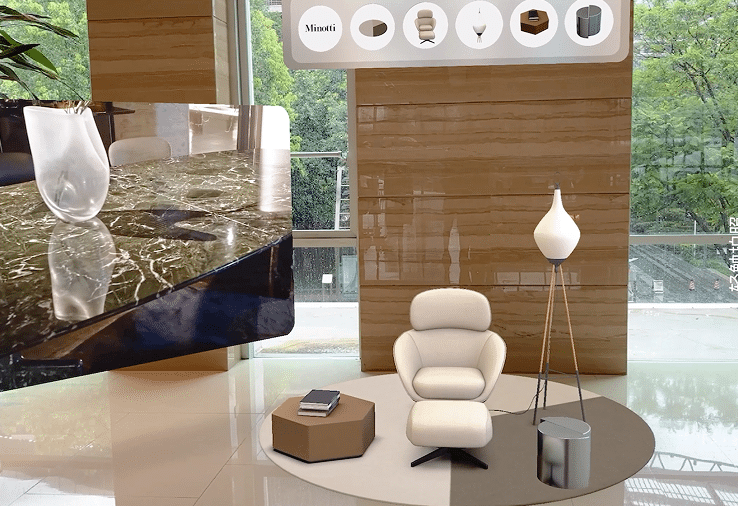
Detect real-world surfaces such as tables and floors and put AR content on it.
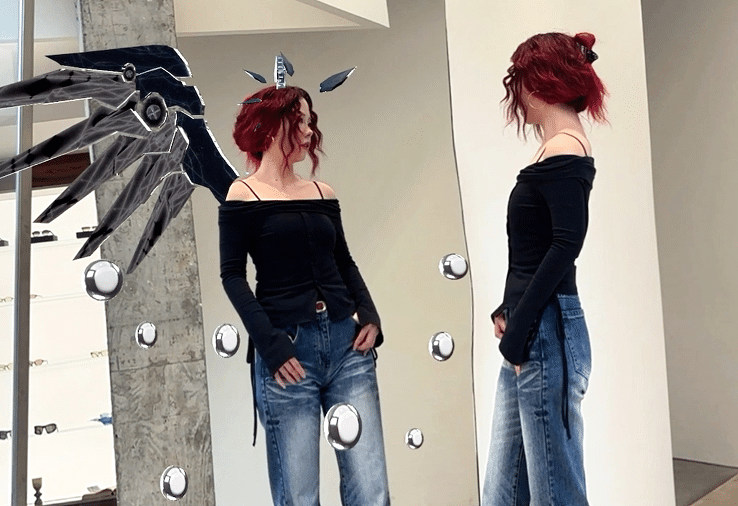
Attach AR content to the human body in real time using Kivicube’s realtime tracking technology.

AR face tracking detects and track the user’s face in real time to apply AR effects.
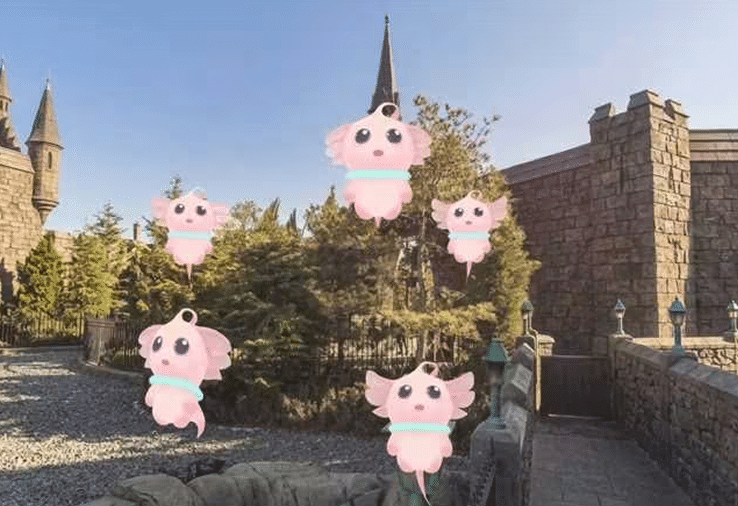
By utilizing the gyroscope built into mobile devices, AR content can be positioned around users, enabling smart tracking.
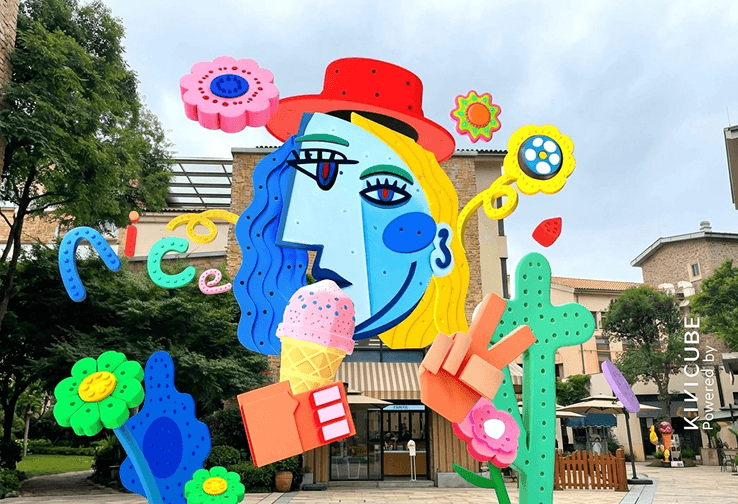
Capture real-world landmarks and anchor AR content to them with high precision.
Image tracking allows you set an image or a photo as a target and you can freely add assets on them. It is perfect for campaigns, product packaging, artworks and print.
Start for FreeWorld tracking AR also known as plane detection or SLAM. Detect real-world surfaces like tables or floors and place AR content that stays fixed in space. Ideal for product visualization, virtual placement, and AR portals.
Body tracking AR supports realtime tracking human body movement to create immersive AR experiences. Great for fashion, interactive storytelling and creative AR effect.
Attach AR effects directly to the user’s face in real time. Widely used for social media AR filters, glasses tryon, mask try-on and branded campaigns.
Anchor AR content to real-world buildings and landmarks. Perfect for tourism, city experiences, and large-scale campaigns.
Start for FreeDisplay floating AR content without needing markers or surfaces. Ideal for quick campaigns, games, and immersive storytelling.
Book a DemoSpatial AR allows you to scan entire environments such as streets, rooms, or facilities and anchor AR content within them.
Book a Demo
AR tracking determines how immersive and stable your AR experience feels. The right tracking method brings solid values.


No-code editor for all tracking types.

Ready-to-use templates for different scenarios.

Publish instantly via WebAR. No app downloading.

Works across iOS and Android browsers.
WebAR tracking is the technology that supports you to run AR effects directly in a mobile web browser, without downloading a separate app.
AR tracking uses a device’s camera and sensor to detect and follow real-world references, such as images, faces, or surroundings. By using advanced algorithms like SLAM, it builds a real-time tracking experience with high precision.
The main types of AR tracking are:
It depends on your specific needs. For example, for product packaging, choose Image Tracking. For social media filters or glasses try‑on, choose Face Tracking. For virtual furniture placement or AR portals, choose World Tracking (SLAM). Choosing a professional AR maker like Kivicube can meet all your needs.
Most modern smartphones support WebAR tracking in Kivicube. You can create and run your AR creation directly in the browser on your iPhone or Android device.
No. With Kivicube, you can create AR experiences directly in a web-based no-code editor. You don’t need to build or install a native app. Your viewers don’t need an app either. They simply scan a QR code or click a link to open the AR experience in their browser.
WebAR tracking works instantly in a browser, no app download required. App‑based AR requires users to download and install a native app first.
It depends on the campaign goal. For print ads, product packaging, or posters, Image Tracking is the most common and reliable choice. For social media branded face filters, Face Tracking works best. Kivicube supports various tracking types and can surely meet your goals.