
STEP 1. CREATE A MODEL
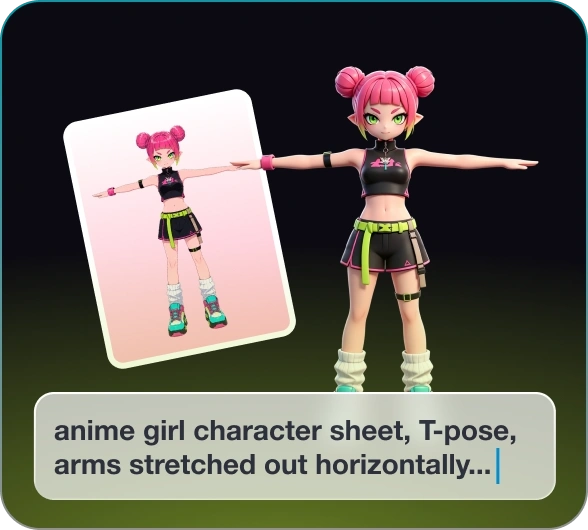
Create a 3D model from text or images with our AI Model generator.

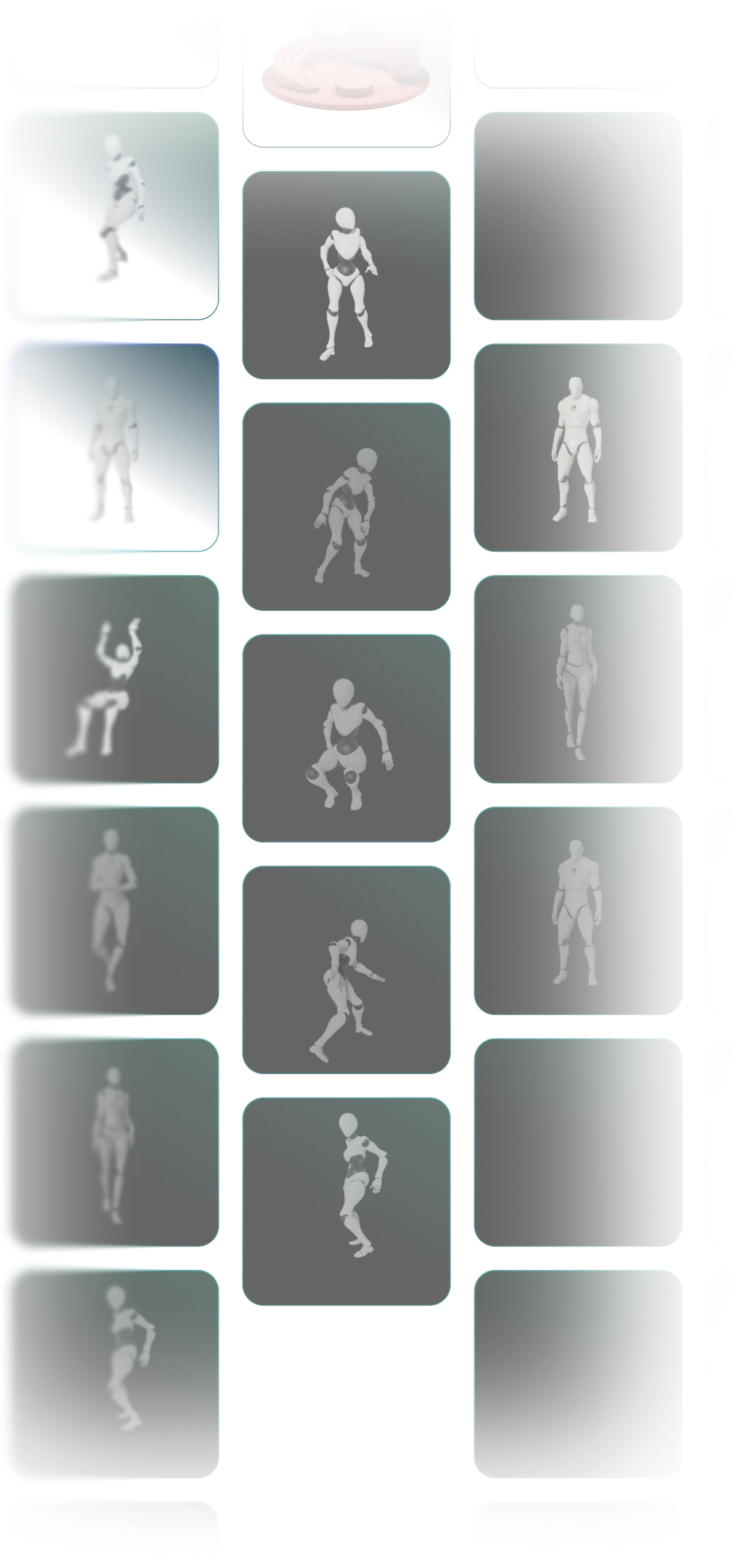
Choose from 600+ motion presets and bring your 3D characters to life.
Animate Now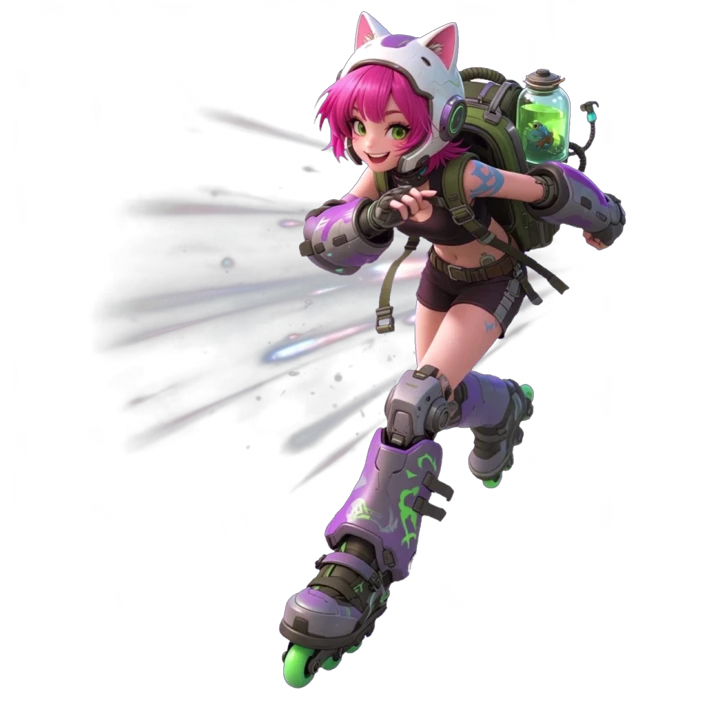
Create a 3D model from text or images with our AI Model generator.
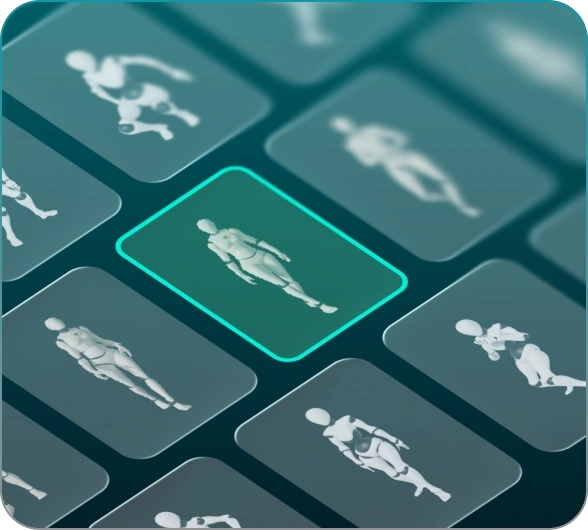
Choose a motion from our 600+ built-in animation presets.
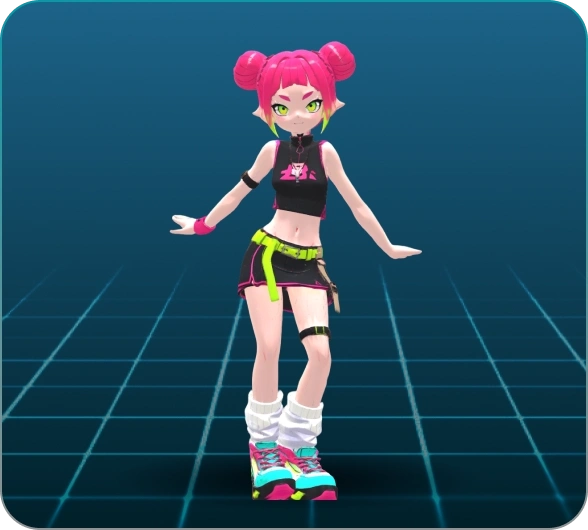
AI engine automatically rig your model and deliver fluid 3D animations.
Pick a motion to see the model come alive in real time. Explore by yourself and have fun with 3D animation.

From hip-hop to YMCA, choose from a variety of dance moves to give your characters personality and energy.
Animate NowGetting your character from one place to another with a full range of walks, runs, and jumps.
Animate NowEquip your characters with powerful attack moves. From sword slashes to heavy axe swings, bring intensity to every battle.
Animate NowBurpees, push-ups, cardio, and more. Add those exercise moves to any characters for natural fitness scenes and workout loops.
Animate NowA variety of daily gestures are offered. Let your character wave, walk, run, and say hello like a human.
Animate Now
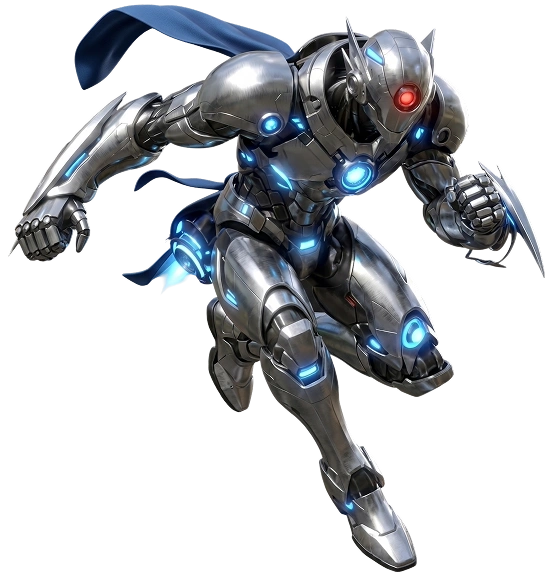
Instead of hours of manual rigging, the 3D animation AI builds a skeleton for your model automatically. Pick any preset motion and the animation plays back with the same smooth, natural flow.
Kivicube also provides a 3D model generator for one-stop model management. Describe your idea in text or upload a reference image, and a 3D model is generated for your further animation.
A huge collection of ready-to-use 3D animations spanning dance, locomotion, combat, sports, and everyday gestures is offered. Each motion is well crafted and can be applied with a single click.
Download your animated character as GLB or OBJ files that drop straight into game engines like Unity and Unreal, or any AR environment. Everything you make is built to be used.
Whether cartoon, realistic, humanoid, or stylized, the animation AI intelligently recognizes your character's structure and adapts the animation to fit. Every model, diverse needs.
Animate game heroes, NPCs, and enemies without rigging knowledge. Animate, export, and test in Unity or Unreal within minutes.
Animate Now
Indie Game Developer in the USA
I used to spend weeks just getting a character to walk. Now I block out enemy animations in an afternoon and drop them straight into Unity. It's changed how I prototype.

Brand Marketing Manager in Germany
We needed animated content for a product launch and had two weeks. I tried this 3D animation maker online and got there in three days. Our mascot has never been more alive.

TikTok Content Creator in Japan
I can't afford an animator and I don't know 3D. But my characters dance now, and my followers noticed. One video hit a million views last month.

Film Animator in Spain
Previz used to eat up half my schedule. With this 3D animation AI, I can populate a scene with moving characters before lunch and show the director something real, not stick figures.

Science Teacher in Canada
I just love how simple this AI 3D animation generator is! My students used to zone out during classes. Now they focus on the animated stories like never before. BTW, I know nothing about 3D and modeling.
3D animation is the technology that brings 3D characters to life through a full sequence of actions like dancing or running. Kivicube lets anyone create 3D animations directly in a browser. Users can select a model or generate one from text or images, then choose an animation from 600+ presets. The 3D animation AI engine handles rigging and delivers fluid motion sequences. No expertise required.
3D animation works by moving a digital skeleton inside a 3D model. The animator sets key poses at certain points in time, and the software fills in the frames between them to create smooth movement. This process is called interpolation. The result plays back as a continuous animation. Kivicube eliminates the manual work, leaving you only model and motion picking.
Creating 3D animation traditionally involves a complex pipeline including 3D modeling, rigging and skinning, animation, rendering, and final compositing. Kivicube 3D animation maker simplifies this into 3 steps: Pick or generate a model, select a motion, and click animate to see it move. No manual rigging or software installation required.
The "best" tool depends on your workflow. Kivicube stands out for AI model generation, automatic skeleton building, 600+ motion presets, and convenient export, all online. No downloads, no coding.
No. The advanced animation AI requires a subscription. However, there are 2 free projects for every new user, where you can enjoy countless model libraries for AR creation.
You can export your animated 3D models as GLB or OBJ files. Both formats are compatible with Three.js, Unity, and most AR creation platforms.
Yes. GLB and OBJ exports from Kivicube are compatible with Unity. Once your animated model is in Unity, you can use it for game development, AR applications, or any project that requires a rigged, animated character. You can also contact us for any customization needs.





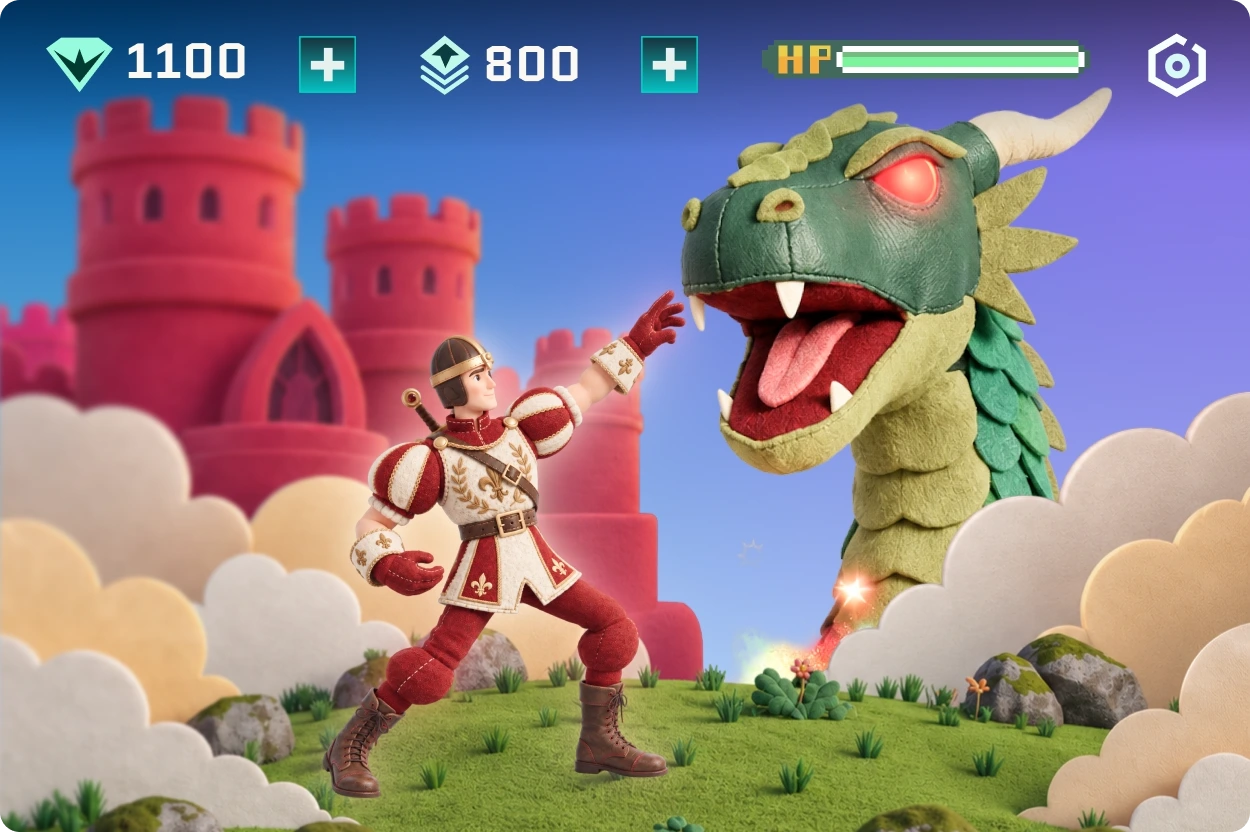
 Game Developers