How to Turn Any Book Into Interactive AR Learning With WebAR (No Code)
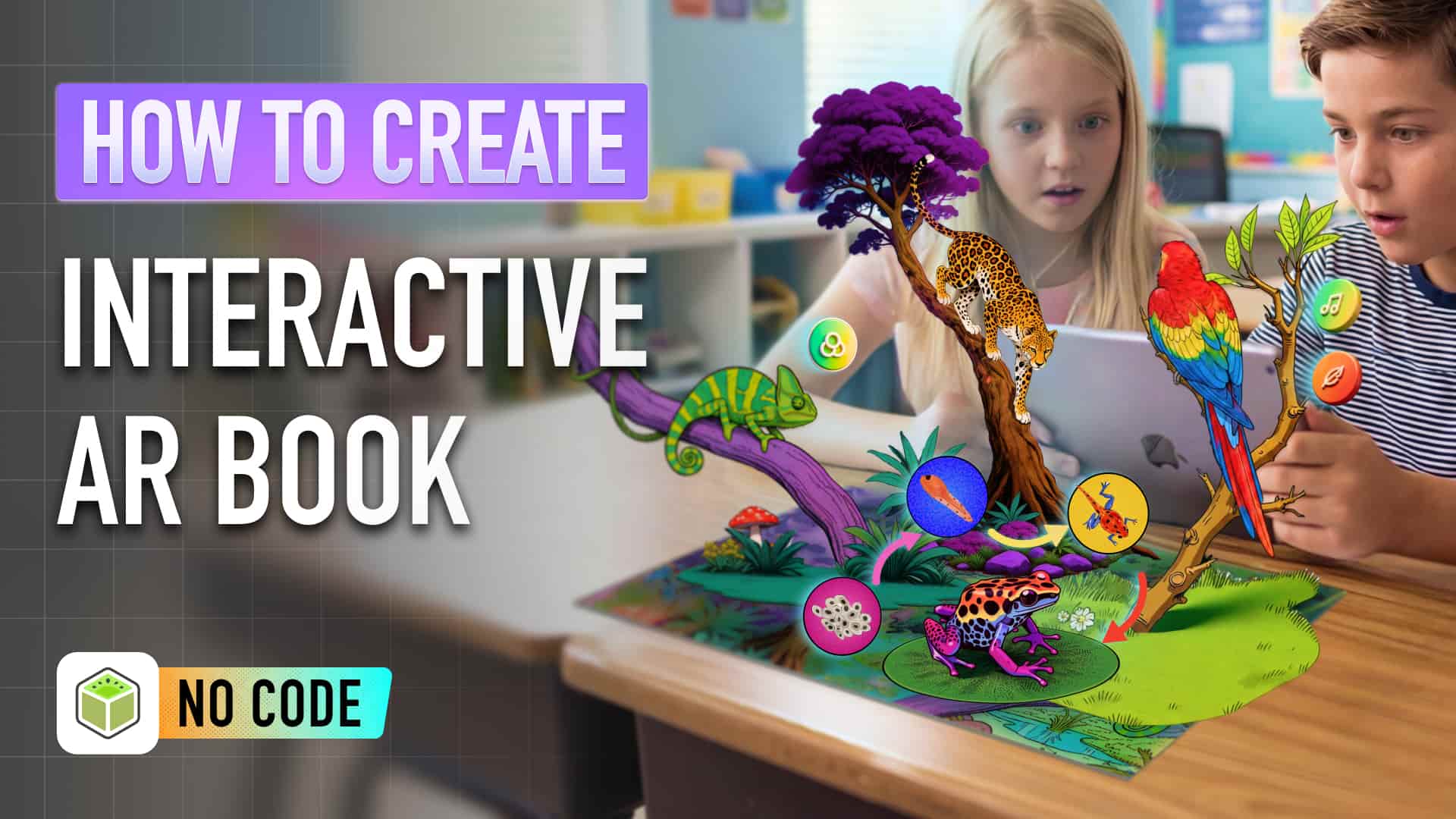
Imagine opening a science textbook and watching a frog transform in 3D right in front of you.
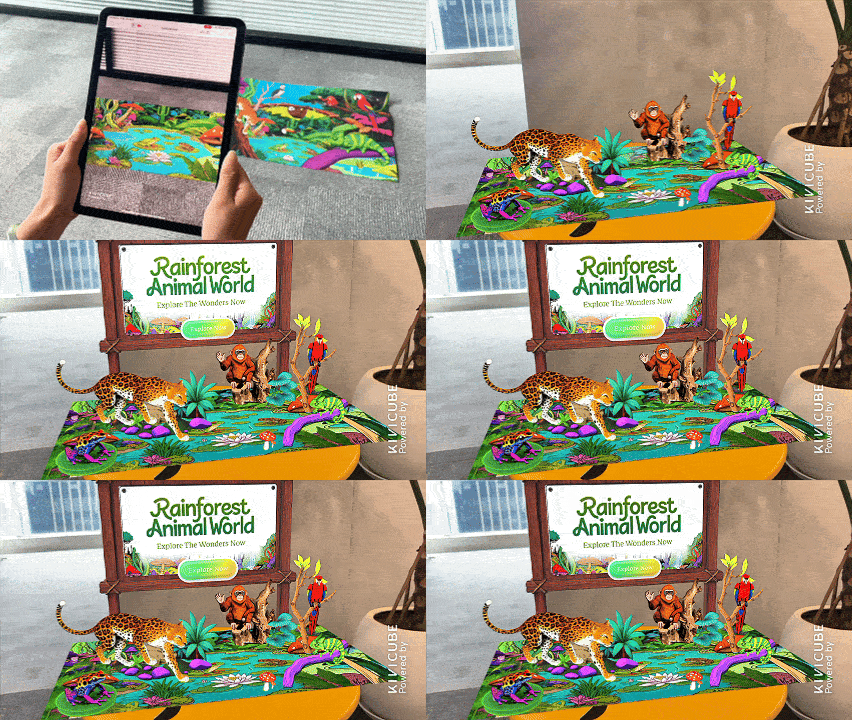
- Explore animals like jaguars up close
- Tap to play real animal sounds
- Access everything directly in your browser (no installation needed)
If this is the kind of experience you want to create, here’s how to build it step by step.
Instead of just reading about concepts like frog metamorphosis, students can see it unfold in 3D, interact with it, and hear real sounds — all in a browser.
This is the power of augmented reality education, making learning more engaging, immersive, and accessible than ever.
What You’ll Learn
By the end of this guide, you’ll know how to:
- Turn traditional learning materials into interactive AR experiences
- Use Kivi AI to generate 3d models, videos you needed with no code
- Build interactive elements using Kivicube
- Publish and share AR educational content easily
Turn Your Science Book Into Interactive AR
Watch the full step-by-step video tutorial to build this exact AR science book project from start to finish:
Kivicube Tutorial | How to create interactive AR book
Below, we’ll break down the key concepts first, then share the full step-by-step written guide for quick reference. Perfect for following along or checking back later.
What is Augmented Reality Education?
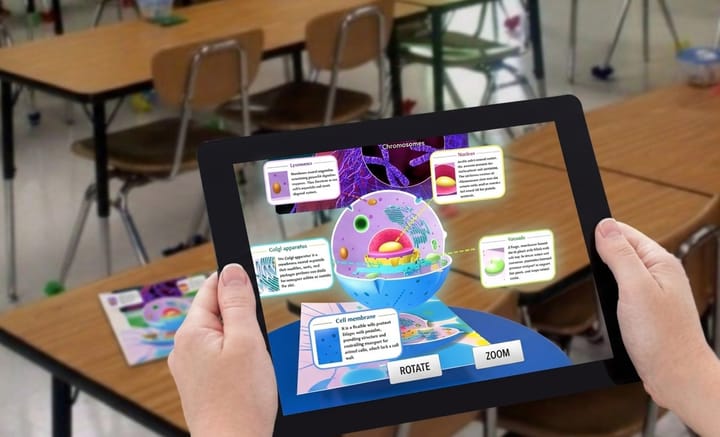
Augmented reality education uses AR to overlay digital content onto the real world. This includes:3D models, Animations, Interactive audio
Unlike traditional teaching, AR makes abstract concepts visual, hands-on, and easy to grasp.
Why WebAR is a Game Changer
WebAR runs AR experiences directly in a browser.No apps. No downloads.That’s why it’s perfect for education:
- Students access instantly
- Teachers share via links or QR codes
- Works on nearly all devices
- Extremely fast to deploy
WebAR isn’t just a convenience for classrooms, it’s a fundamental shift in how we deliver immersive, accessible learning.
If you want to dive deeper into how augmented reality is reshaping modern education for students and teachers alike, check out our full guide:
 summerqiu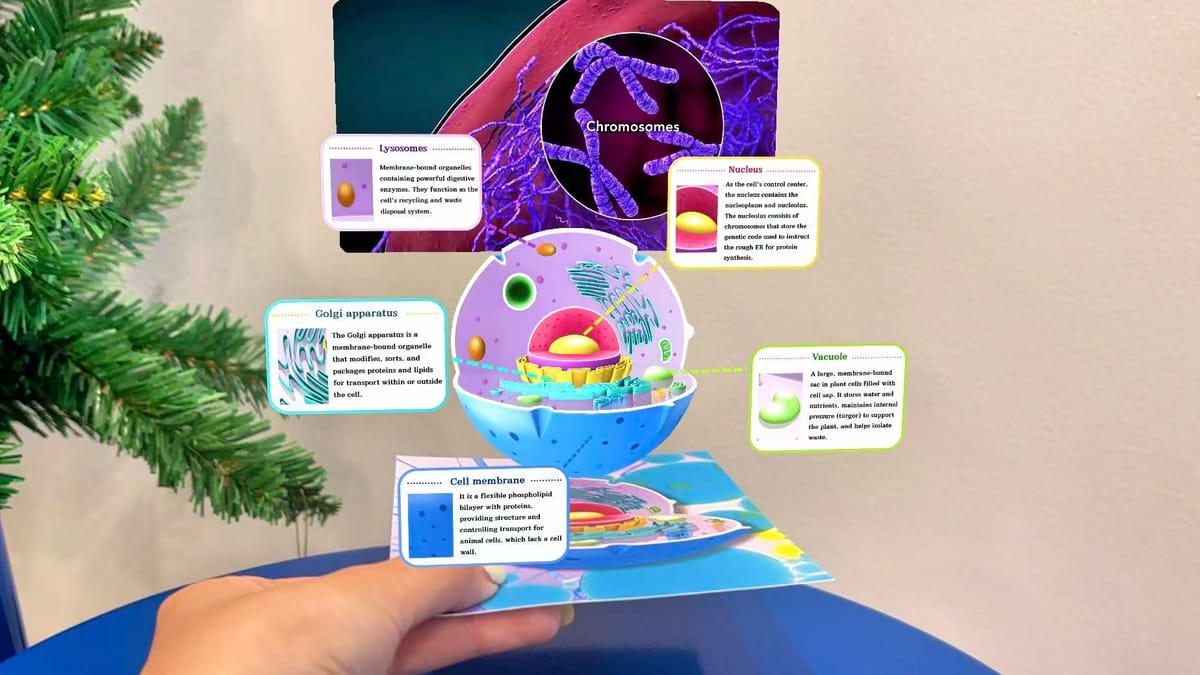
Step-by-Step Tutorial
Now that you understand the value of WebAR for education, let’s dive into the step-by-step process to build your own interactive AR book.
Step 1: Prepare Your Educational Content
Define your learning goal and gather assets like images, audio, or animations.
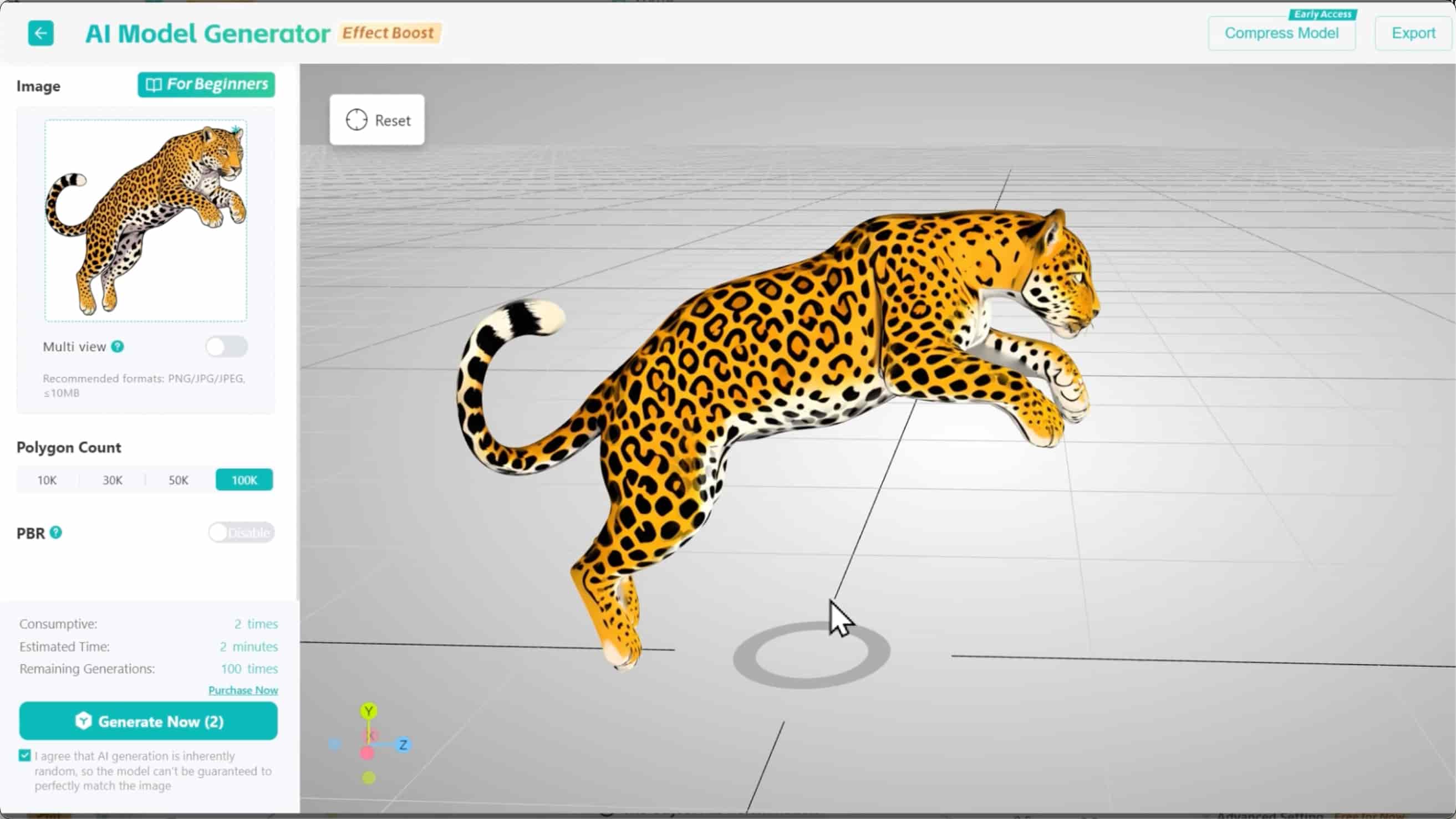
Step 2: Upload to Kivicube
Sign in to Kivicube, upload and organize your assets in Kivicube's AR editor — no coding needed.
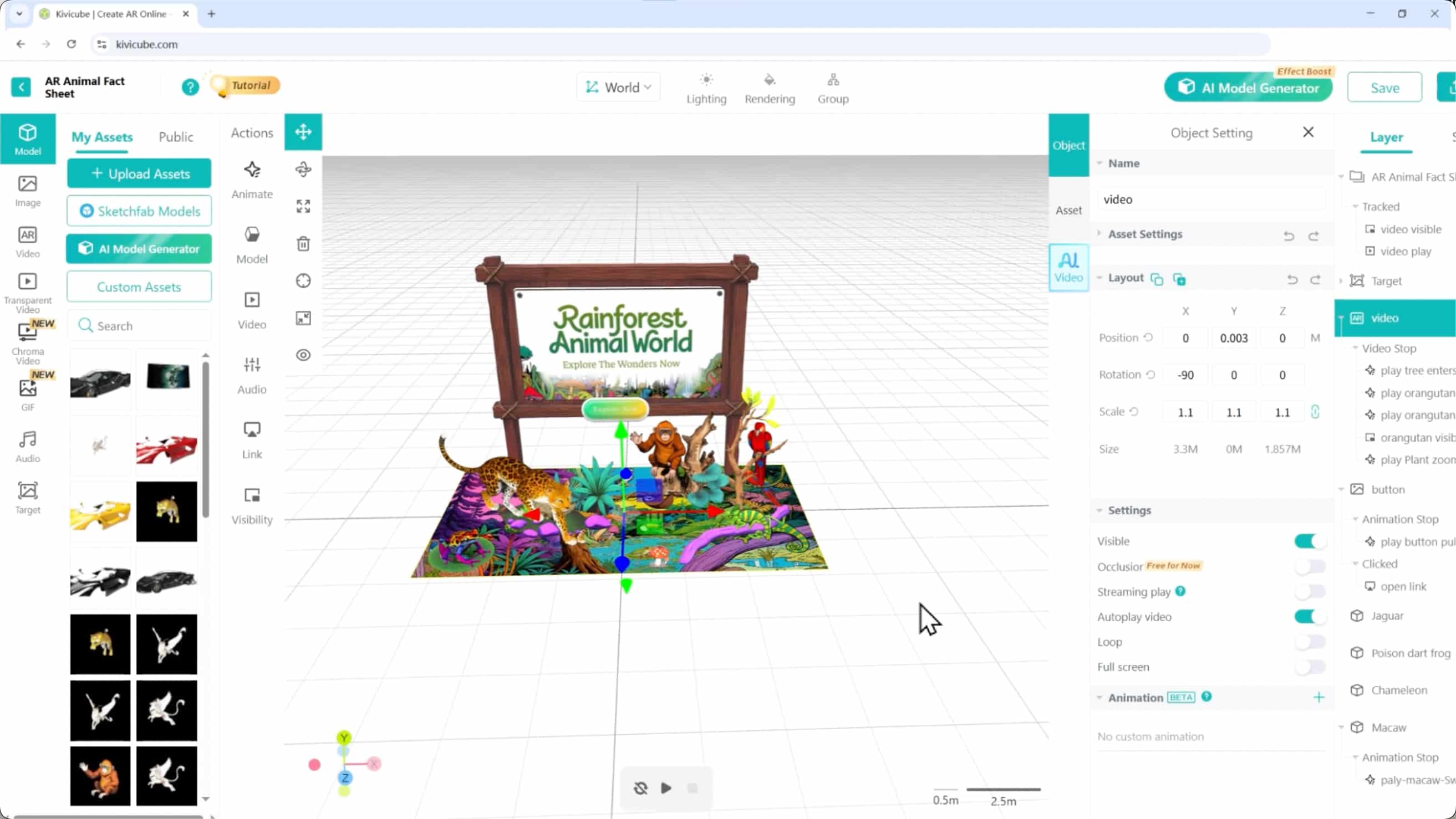
Step 3: Add Interactions
Create tap events, animations, and sound triggers for engagement.
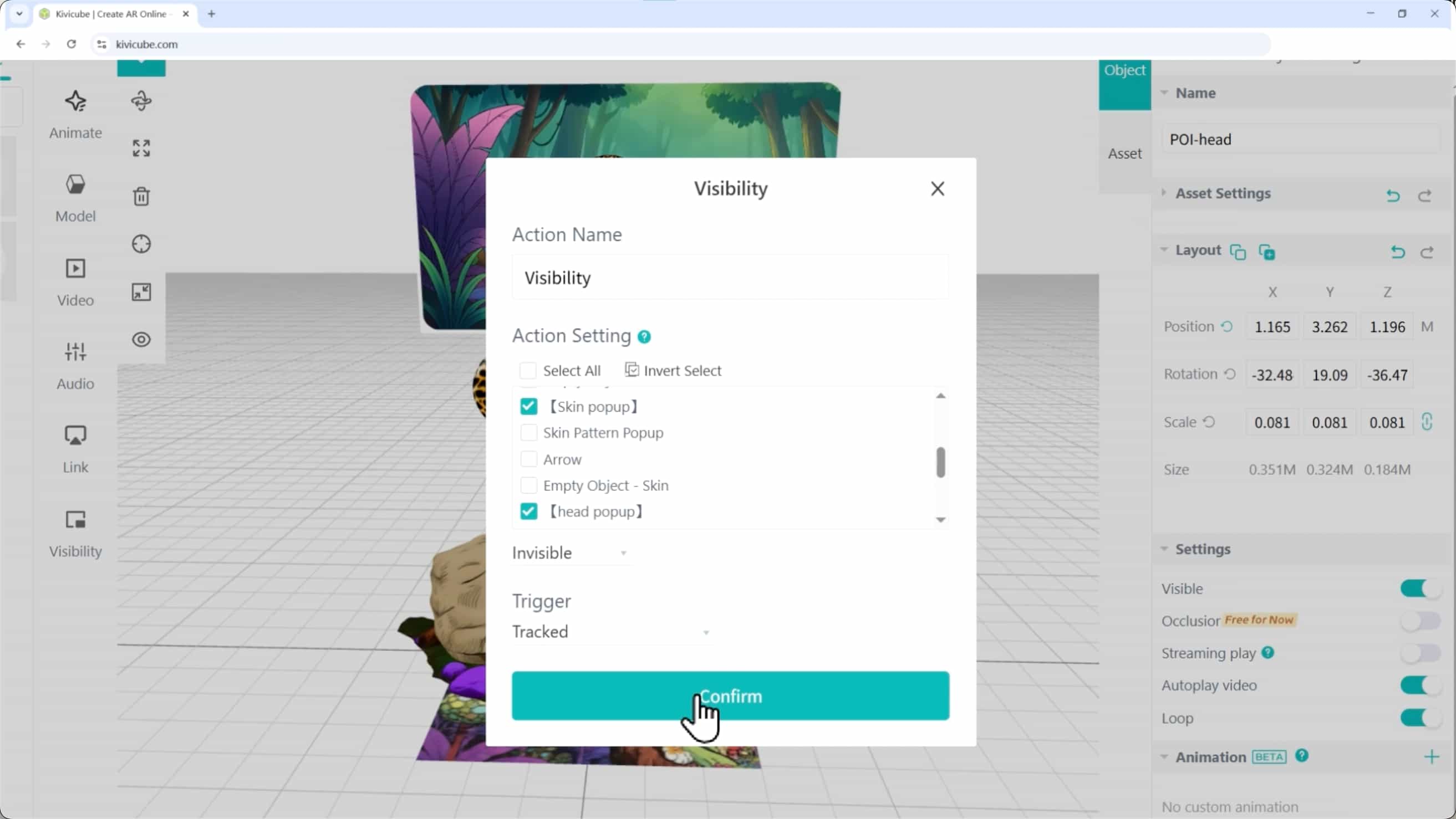
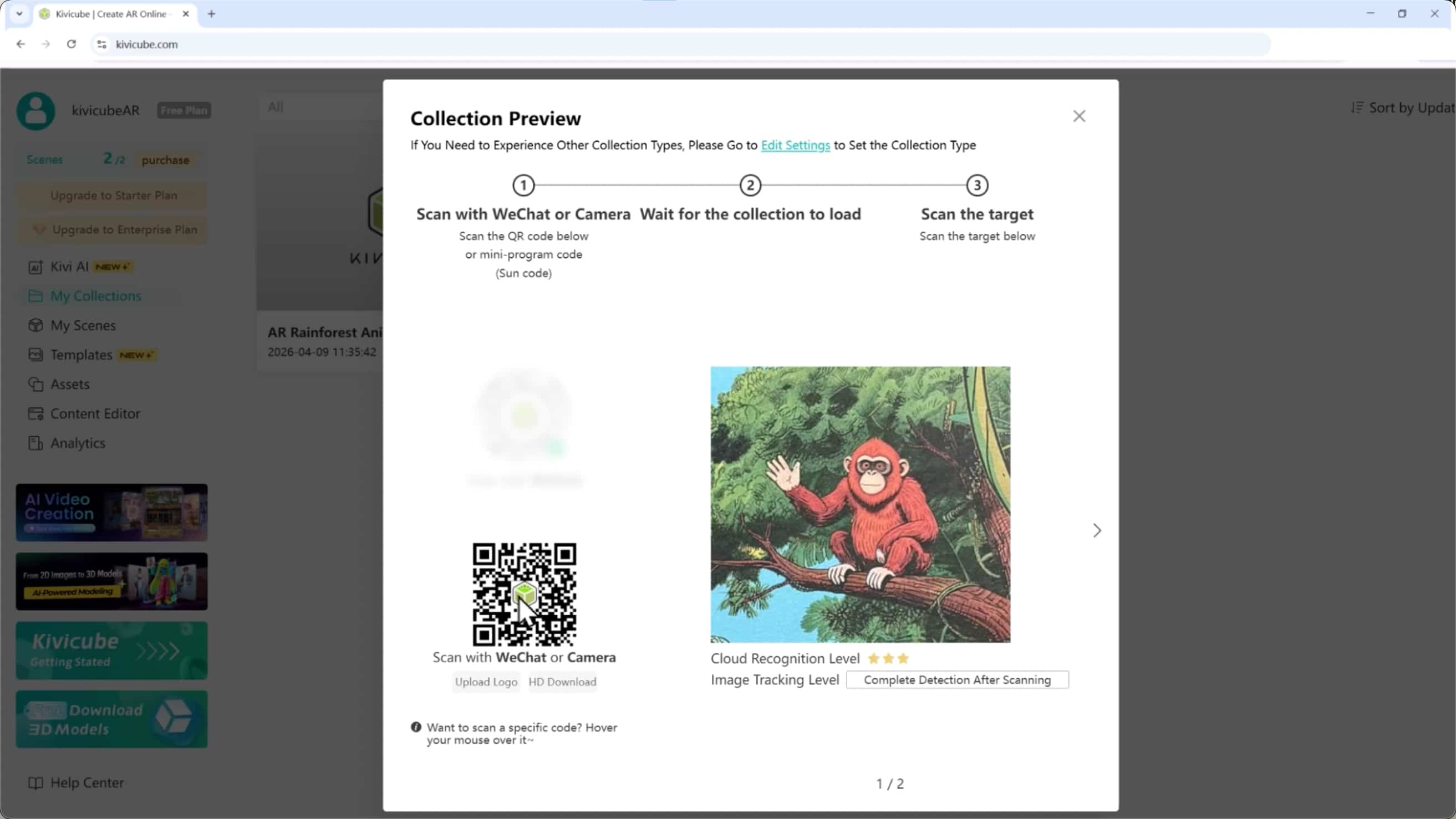
Step 4: Publish & Share
Generate a link or QR code for students to use.
Troubleshooting Tips
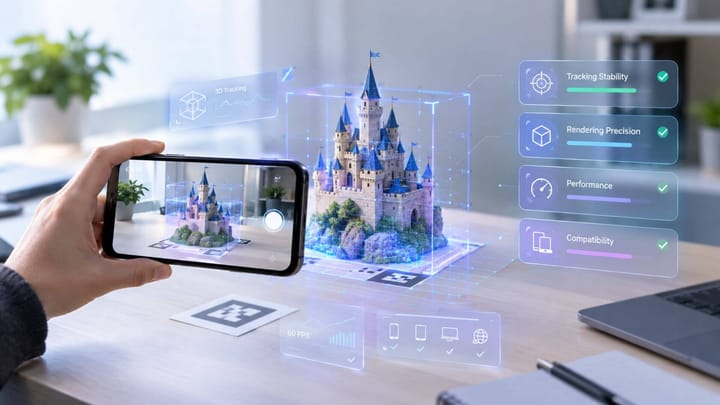
- If your AR tracking is unstable: Use a high-contrast target image and ensure good lighting.
- If your 3D model is too large: Don't forget to use Kivicube's AR content editor to compress your assets.
- If audio won’t play: Check your tap trigger settings and use supported audio formats.
This step-by-step workflow works for any educational book and it’s just as easy to apply to storybooks, too.
If you want to learn how to turn your favorite storybooks into interactive AR experiences for young readers, follow our full tutorial:
 summerqiu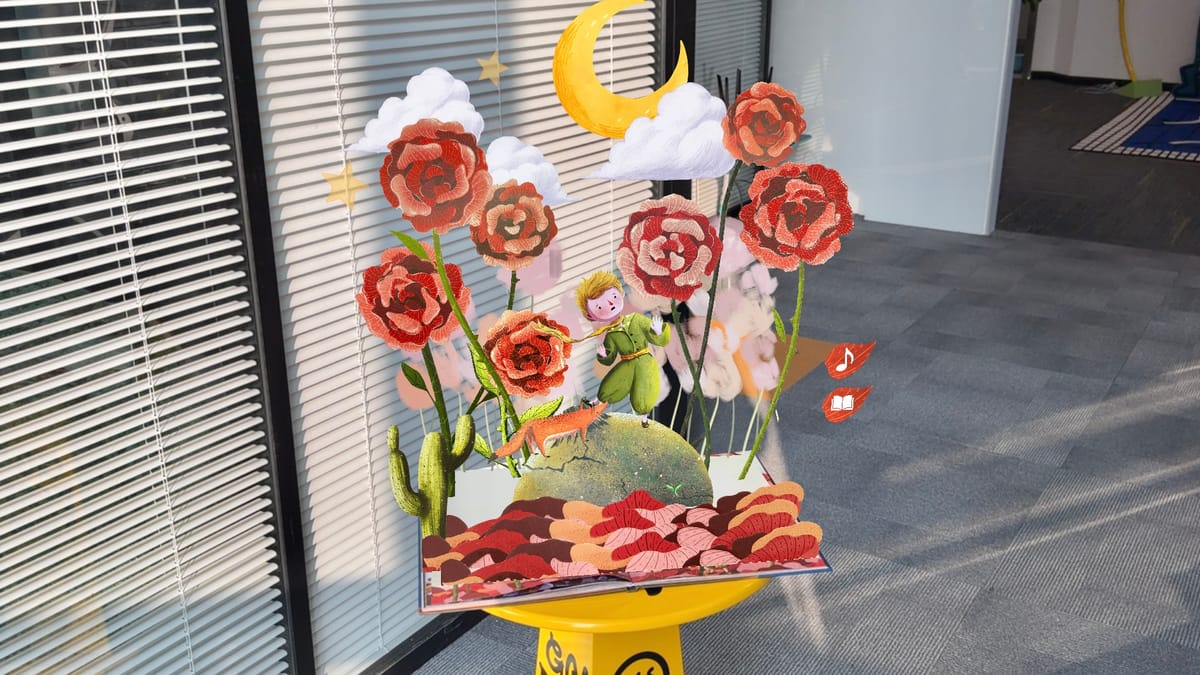
Benefits of AR in Education
Augmented reality improves learning by:
- Boosting student engagement
- Strengthening memory retention
- Making complex topics simple to understand
- Encouraging active learning over passive reading
Why Kivicube?
Kivicube AR platform capabilities overview
Kivicube makes AR creation simple for everyone.It includes:
- A 100% no-code AR creation workflow
- Fast WebAR publishing
- Easy asset management
- Dozens of pre-built AR templates for educational books and lessons
- Powerful AI tools (3D Model Generator, AI Video Generator, AI Image Generator) to boost your creation efficiency
Best Practices
To create effective AR lessons, follow these tips:
- Focus on learning outcomes first: Visuals and interactions should support your lesson, not distract from it
- Keep it simple: Avoid overloading students with too many elements
- Test across devices: Ensure your AR works on phones, tablets, and laptops
- Pair with traditional materials: AR enhances—not replaces—textbooks and lectures
FAQ
Q: What is WebAR for education?
WebAR allows you to run AR in your browser without installing any apps.
Q: Do I need coding skills?
No. Kivicube, for example, allows you to create AR without any code.
Q: What devices are compatible with WebAR?
Most modern smartphones and tablets support WebAR.
Q: How does AR improve learning?
AR turns passive reading into active exploration, helping students visualize concepts and retain information better.
AR is a powerful tool for learning. It makes abstract concepts visual, interactive and memorable.
Augmented reality isn’t just changing how we learn it’s reimagining the future of reading itself.
If you want to explore how AR is transforming storytelling and reading experiences for learners, don’t miss our in-depth guide:
 summerqiu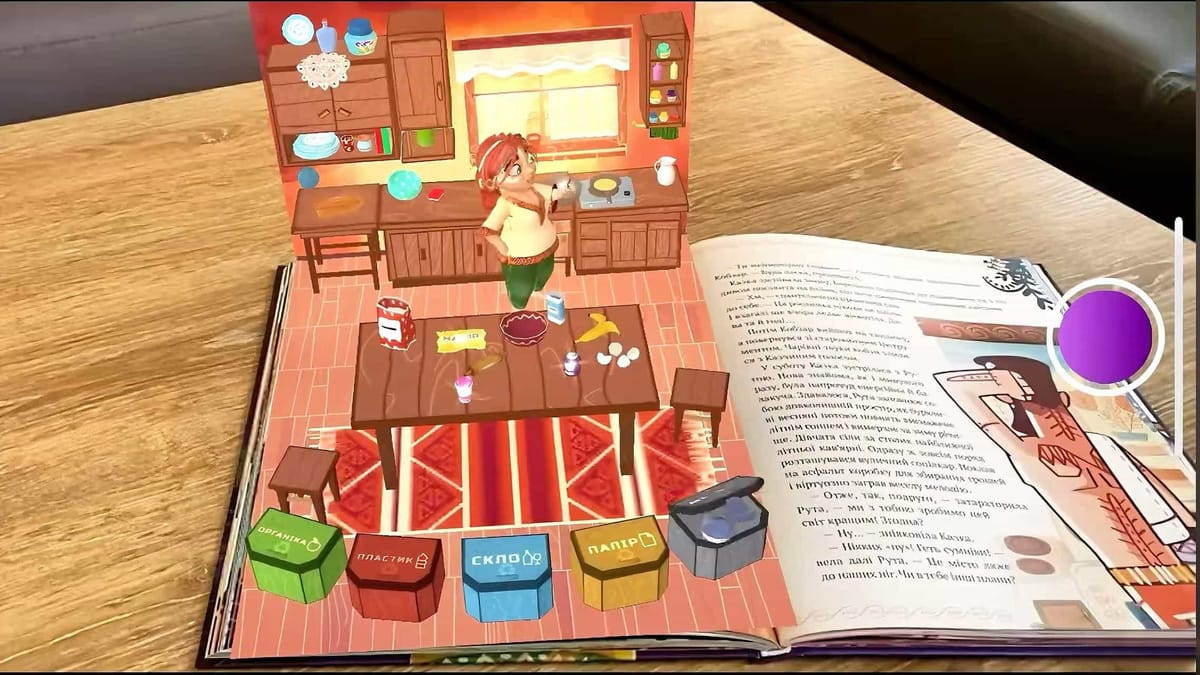
Closing
Augmented Reality is changing education. Lessons are becoming more visual, interactive and engaging. Anyone can create immersive learning experiences with WebAR and Kivicube.