Top 13 Web-Based AR Platforms in 2026
Looking for simple web-based AR platforms? Here, you can get 13 tested WebAR tools for stunning AR effects with no app downloading.
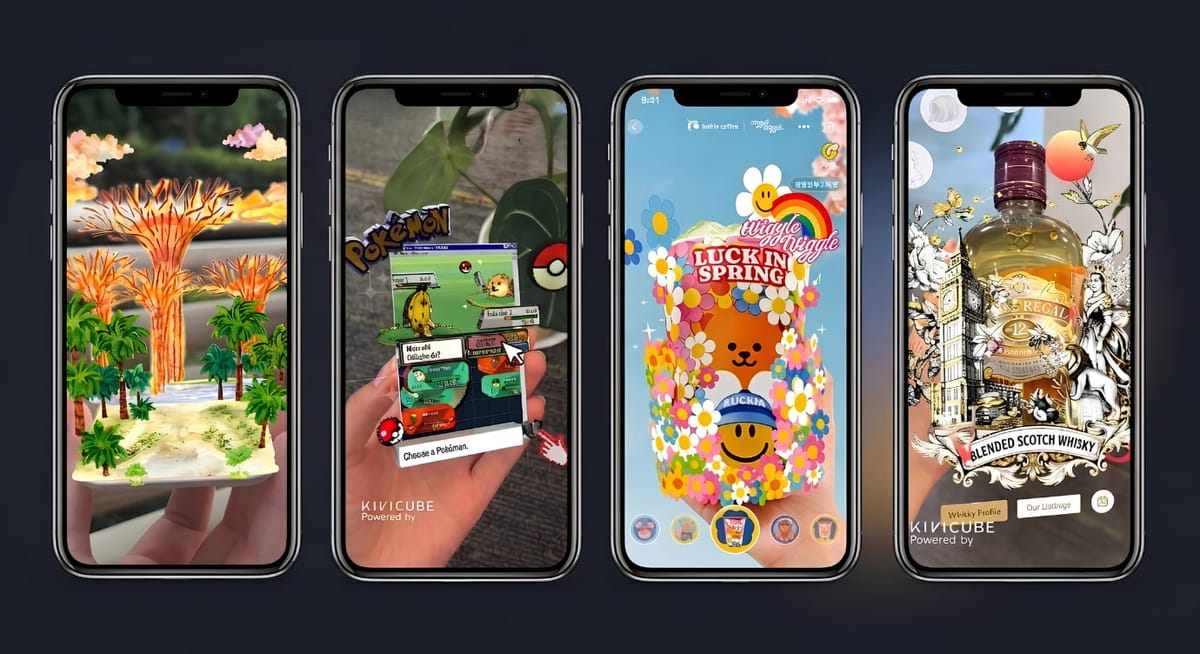
Web-based AR platforms are changing the way brands, educators, artists, and personal creators connect with their audience, with no app download needed. With such platforms, AR creation no longer requires coding skills and complicated processes.
Several WebAR platforms are emerging to help users create engaging AR experiences within minutes. After testing and comparing popular web-based AR tools, we have selected the top 13 browser-based augmented reality platforms that are practical and simple to use. Let’s take a closer look.
Quick Overview of Best Web-Based AR Platforms
How can you choose your own ideal web-based AR platform online? The table below provides a quick overview of the 13 best WebAR platforms within different dimensions. You can choose based on your specific needs.
Learning Curve | Pre-Made Resources(Assets & Templates) | Free Trial | Visual Effect | |
ARViewer | ★★★★ | None | Limited free use | Medium |
Kivicube | ★★★★★ | Extensive templates & assets | Yes (2 projects with unlimited features, templates, and assets) | High |
UniteAR | ★★★★ | Limited assets | Free plan (limited views) | Medium-High |
Overlyapp | ★★★ | Basic assets only | 14-day free plan | Basic |
Onirix | ★★★ | Templates only | 15-day trial | High |
Hololink | ★★★★ | Limited templates | Demo only | Medium |
8th Wall | ★ | None | Open-source | High |
GeeneeAR | ★★★★ | None | Not clearly specified (custom pricing) | High |
Aryel | ★★★ | None | Demo only | Medium |
MyWebAR | ★★★★ | Rich assets & templates | 14-day trial (limited) | High |
EYEJACK | ★★★ | None | No self-service trial | High (art-focused) |
Artivive | ★★★★ | Some templates & assets | Free basic plan | High |
Zapworks | ★★★ | A few basic templates | 14-day trial | Medium |
1. ARViewer: Turn Ideas & Images into Interactive AR
Best for: Amateur creators who want to have fun with interactive AR experiences.
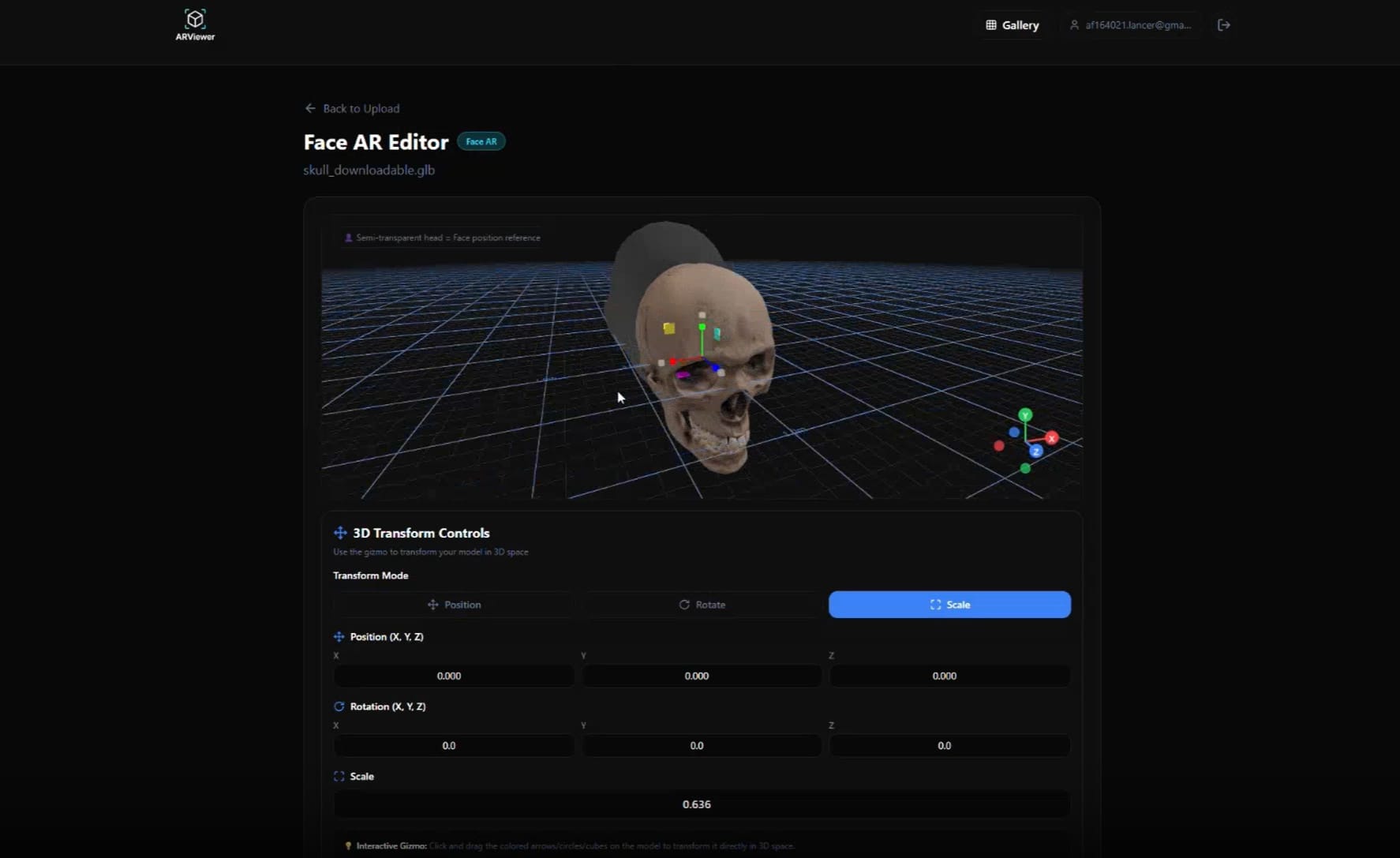
ARViewer is a browser-based AR platform that can easily turn any concept, image, or 3D model into a stunning AR experience. By integrating a comprehensive AR suite, it supports 6 types of AR creation, including model AR, face AR, image AR, picture frame, 3D text, and SVG to 3D. The free trial is limited to a few simple conversions, such as text-to-3D.
Learning Curve: ★★★★
Pricing: The free option is accessible. $12.99/mon for Pro plan, and $39.99/mon for Business plan.
Pre-Designed Resources: No asset or template library is provided.
2. Kivicube: Best All-in-One WebAR Platform
Best for: Both personal users and businesses that are seeking a practical and low-cost AR campaign to boost sales.
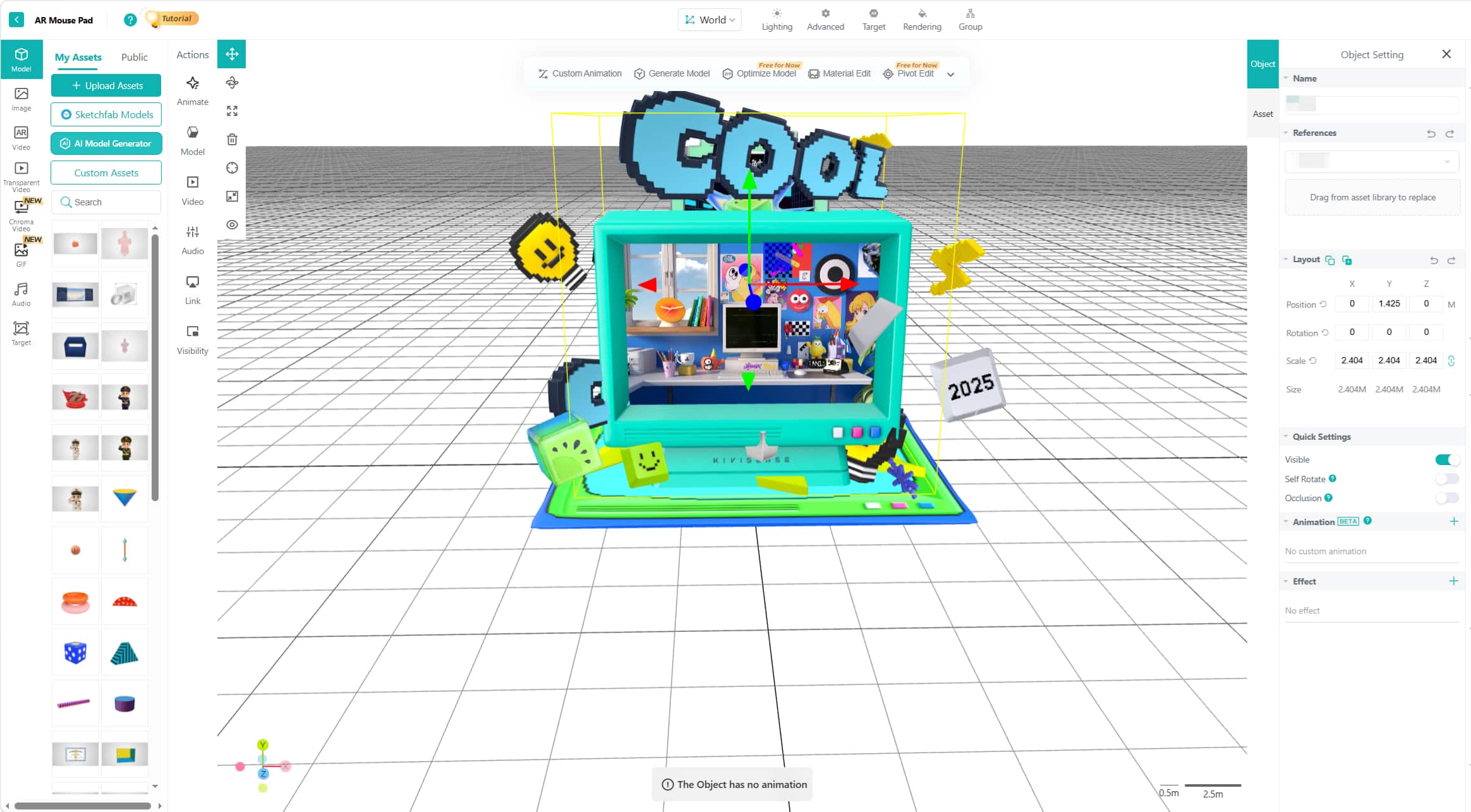
If the ARViewer cannot meet your needs, you can give Kivicube a try. This all-round platform is designed to provide striking AR visual effects for both individuals and businesses. Given the free trial, users can largely explore their creativity for an AR scene from scratch or directly use the diverse pre-made resources for fast creation.
Kivicube Video Intro
- Intuitive drag-and-drop editing: No coding knowledge is required. Simply drag and drop assets into the editor, adjust position and scale, set triggers and interactions, and then you can complete your WebAR creation.
- Wide-ranging asset and template library: Diverse exquisite templates and assets in themes are available, saving your time and effort to create a stunning augmented reality experience.
- Striking AR visuals: Features like high-precision rendering, realistic lighting, and clear textures ensure a vivid WebAR scene that can immediately capture users’ attention upon opening.
- AI-powered material generation: The built-in KiviAI helps generate gorgeous AI images, 3D models, and even videos just in seconds.
Learning Curve: ★★★★★
Pricing: Free trial with 2 full-featured AR scenes. €47.9/year for Starter plan (≈ €3.99/mon), €1680/year for Pro plan (≈ €140/mon).
Pre-Designed Resources: Hundreds of pre-designed assets (images, videos, and 3D models) and templates are available.
3. UniteAR: Code-Free WebAR Creator with Limited Assets
Best for: People who want to make storytelling more vivid with an interactive experience, and teams that are looking to build a custom white-label AR app.
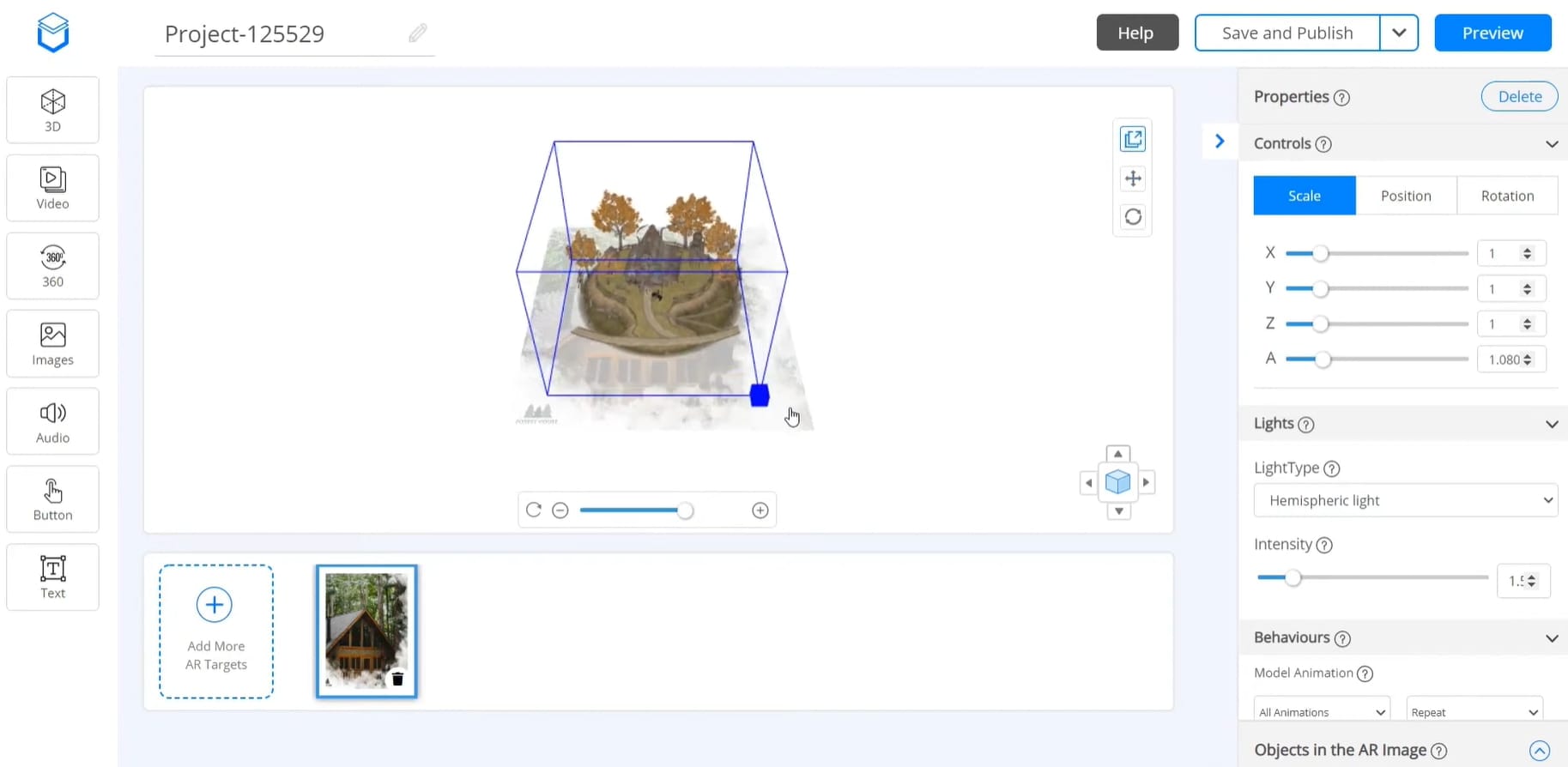
UniteAR allows users to create engaging digital content for different purposes, such as product visualization, art gallery, newspaper ads, etc., leaving the audience a lasting impression with multi-sensory storytelling. In addition, it works on building white-label AR apps for Android and iOS with no coding required.
Learning Curve: ★★★★
Pricing: Free plan with limited AR views. $18/mon for Education plan, $388/mon for Professional plan
Pre-Designed Resources: Limited audio, images, and video are shared.
4. Overlyapp: Browser-Based AR Platform for Basic AR Projects
Best for: Individuals and small-sized businesses with limited budgets.
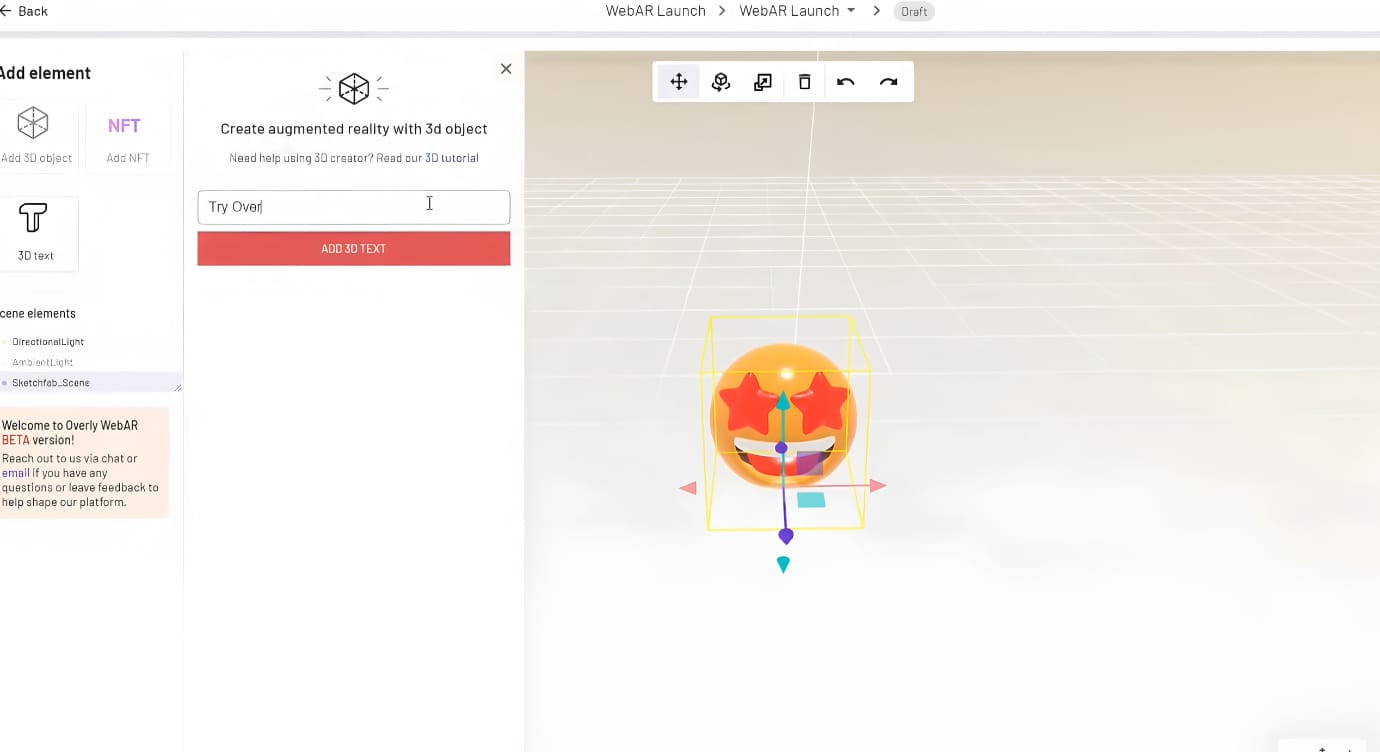
Overlyapp, a popular web-based AR platform that works on marker‑based AR and WebAR experiences creation. It provides basic assets, including simple 3D models and texts, for its users to design their own AR scenes. If you do not pursue a complicated AR creation, it can be a suitable partner.
Learning Curve: ★★★
Pricing: 14-day free plan with 100 AR views and 2 projects. € 19.99/mon for Pro plan.
Pre-Designed Resources: No templates. Several basic 3D models and 3D texts.
5. Onirix: No-Code & Low-Code AR Platform with Templates
Best for: Teams that pay attention to precise AR tracking and want full control over WebAR creation.
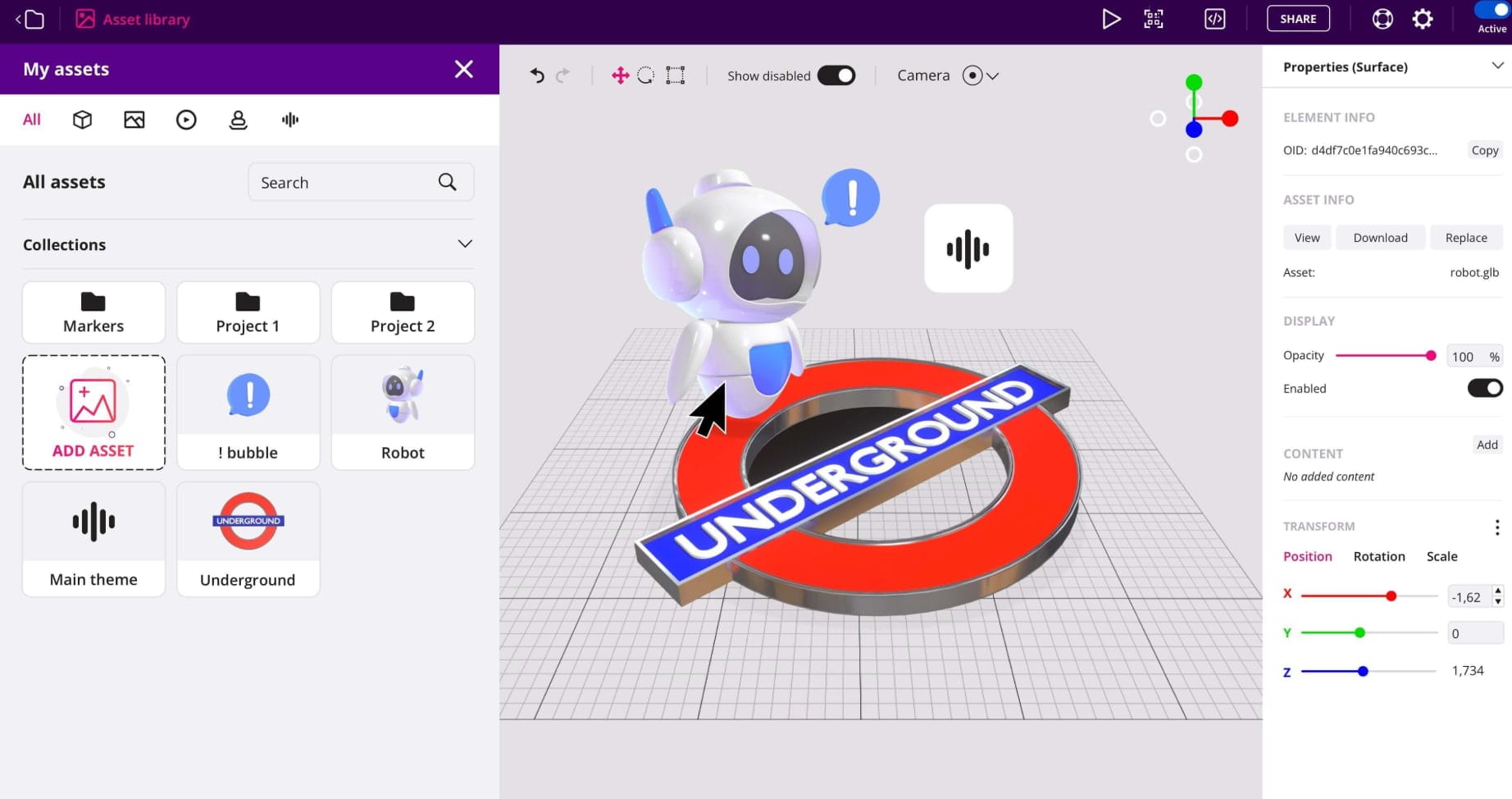
Onirix is a great WebAR tool that supports both no-code AR creation and low-code editing. This platform offers plenty of templates across multiple sectors, such as tourism, entertainment, retail, and training. However, since no assets are provided, you need to upload all assets you require yourself. Also, if you tend to create within this platform, you need to prepare information like the company website and industry for registration.
Learning Curve: ★★★
Pricing: 15-day free trial with limited features. €45/mon for Starter plan, €299/mon for Professional plan.
Pre-Designed Resources: Numerous templates across industries are available. No pre-designed assets.
6. Hololink: Intuitive WebAR Platform with Basic Features
Best for: Non-technical groups that require PPT-like simple AR creation.
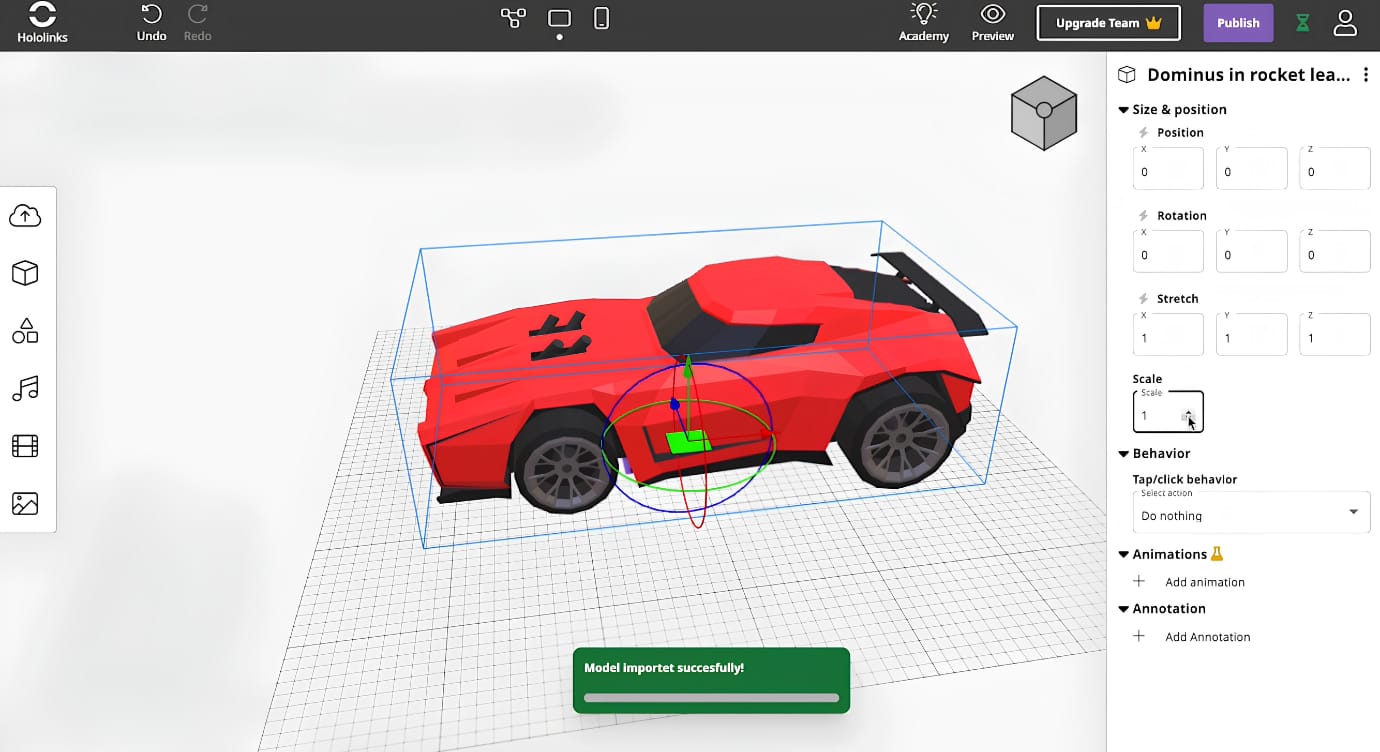
Hololink is another worth-trying augmented reality platform that supports making WebAR experiences. It provides an intuitive editor for all users to easily create web-based augmented reality scenes, just like making PPTs. There are diverse AR technologies, including multiple image tracking, GPS TRIGGERS, 360° Scenes, and more, aiming to meet more users’ requirements.
Learning Curve: ★★★★
Pricing: A demo version instead of a free trial. €9/mon for Personal plan, €29/mon for Basic plan, and €99/mon for Pro plan.
Pre-Designed Resources: Limited templates for reference. No pre-made assets are available for direct use.
7. Aryel: Simplify WebAR Campaign Creation
Best for: Brands and marketers who want to boost their marketing and improve sales with interactive web-based AR scenes.
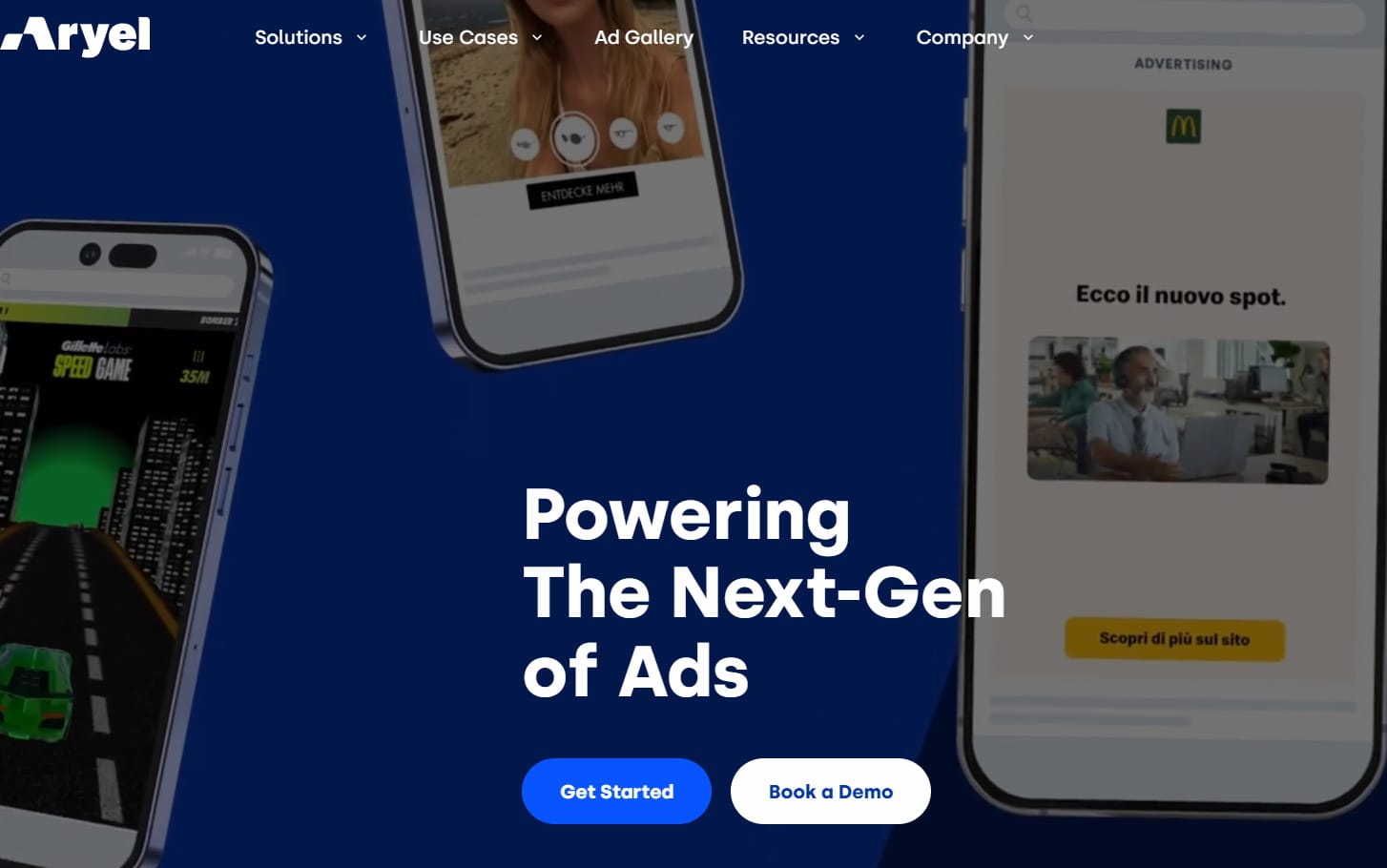
Aryel is a dedicated platform for brands and agencies to simplify the AR creation process for campaigns. With the no-code augmented reality generator and marketing integrations, it enables people to get WebAR ad campaigns faster than ever before.
Learning Curve: ★★★
Pricing: Demo version is available. No free trial. The price is tailored to clients’ requirements.
Pre-Designed Resources: No pre-set template or assets.
If you’re interested in combining augmented reality with your campaign, then this post can be helpful:
 Leonie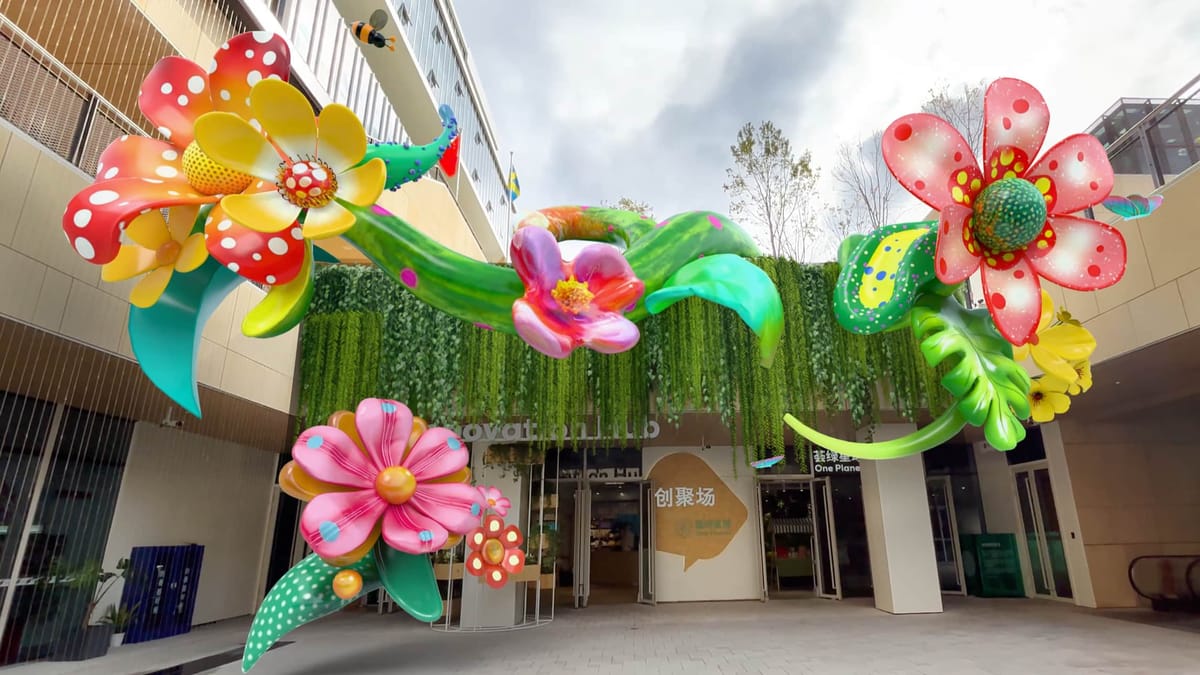
8. MyWebAR: Build Rich Web-Based AR Experiences Effortlessly
Best for: Educators and marketers tend to work with a versatile WebAR platform.
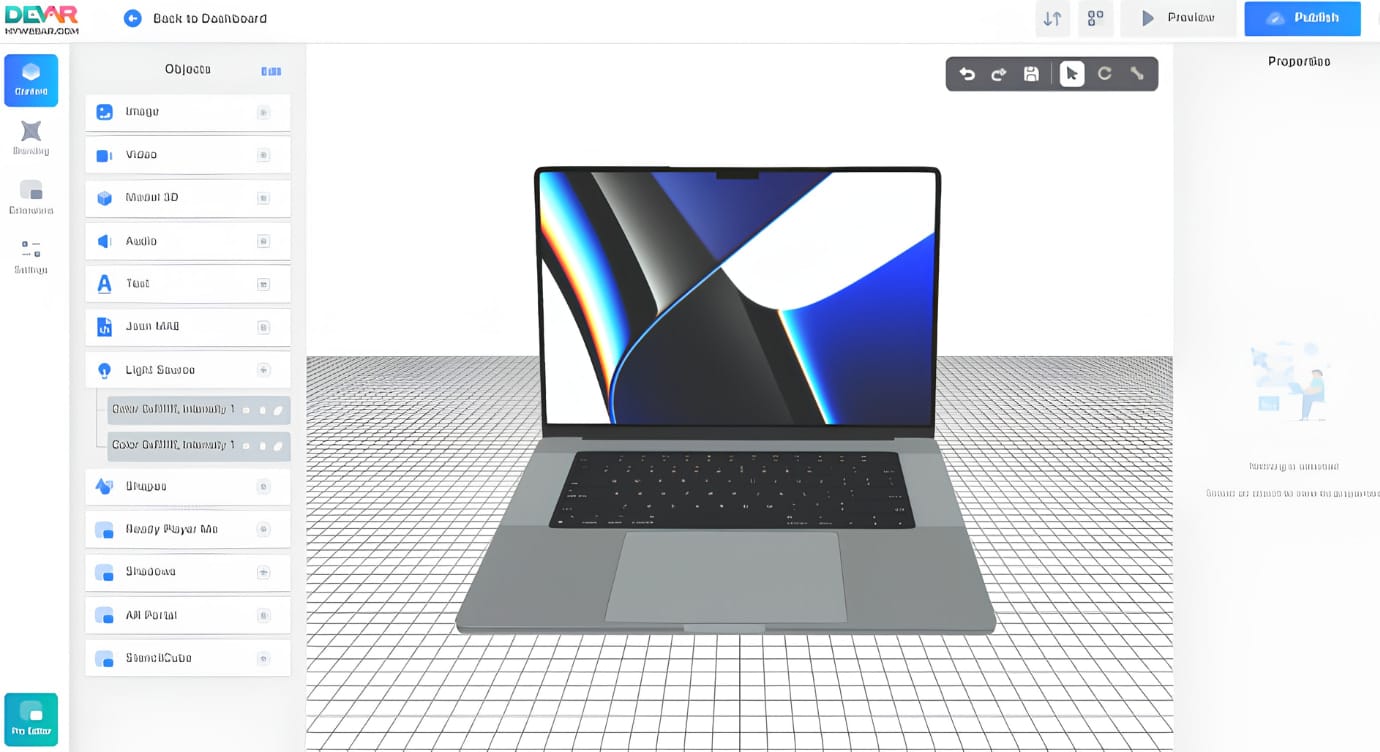
Similar to Onirix, MywebAR by DEVAR supports both code-free and code-based AR scene design. This WebAR platform seems to be multi-functional: intuitive drag-and-drop editing, extensive assets, and duplicatable templates. However, free users can only use several features, such as AR in the Real World and Face Filters. Although there’s a 14-day free trial in the paid plan, it only works when a credit card is offered. Moreover, detailed personal information is required for registration, including country, industry, company site, etc.
Learning Curve: ★★★★
Pricing: Free trial with only 3 AR types. $25/mon for Pro plan, $250/mon for Ultimate plan
Pre-Designed Resources: Plenty of assets are provided, and premium templates are available here.
9. EYEJACK: Bring Art to Life with Immersive WebAR Experiences
Best for: Artists or art galleries want to better connect with their fans and audience with an interactive experience.
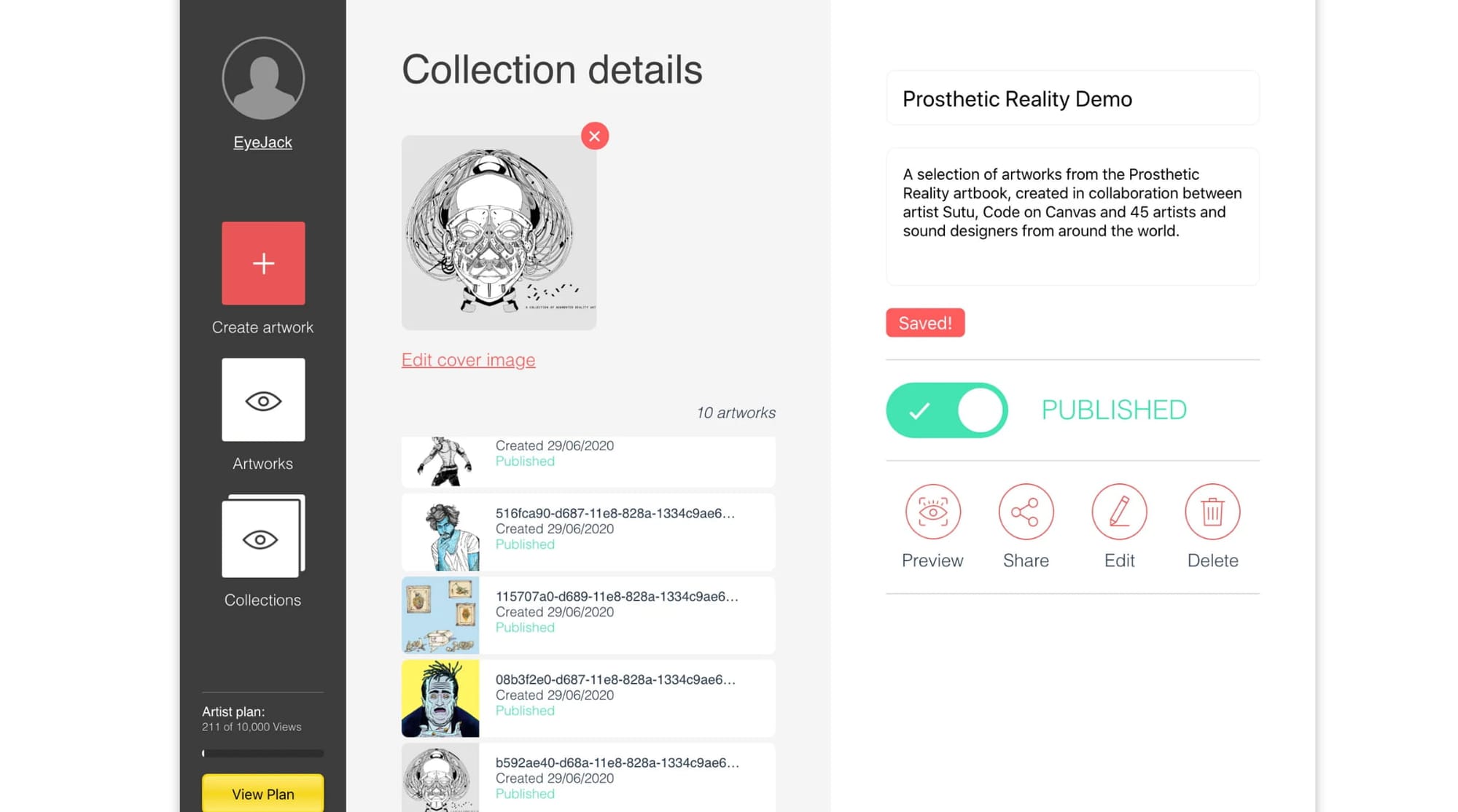
EyeJack is a creative AR and XR studio that provides interactive digital experiences about art, technology and place. With talented artists, designers, etc. in the team, it provides clients with cutting-edge AR solutions. Unlike the other web-based AR platforms, it doesn’t provide an editor at all, so the clients only get customized AR projects from the team.
Learning Curve: ★★★
Pricing: The price is different based on each AR experience.
Pre-Designed Resources: No pre-designed AR templates or assets.
Explore more about AR art in this post:
Leonie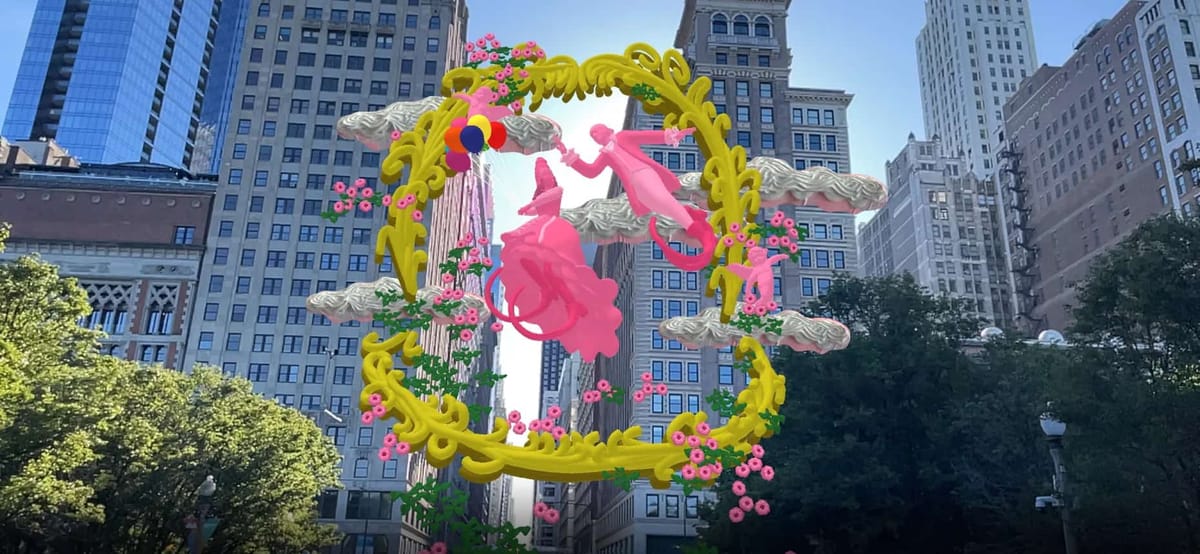
10. Artivive: Web-Based AR Creation but App-Based Viewing
Best for: WebAR creators and businesses with enough budget.
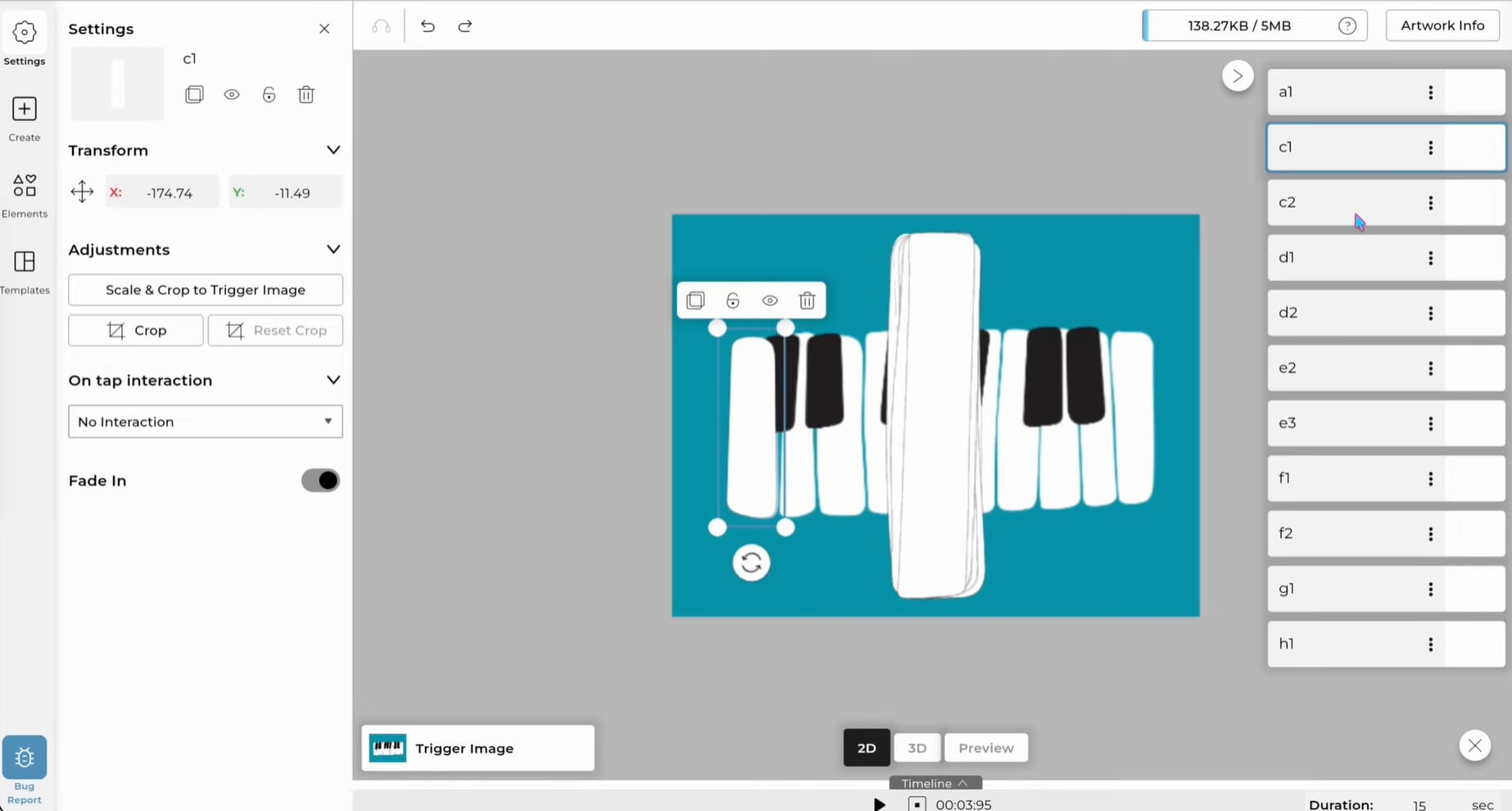
The Artivive webAR platform allows users to create stunning AR experiences with high visual impact. Designed for creators across multiple industries, this powerful tool provides various templates and assets for simple and high-quality creation. Although it supports users in creating AR scenes online, the final experience requires downloading an app.
Learning Curve: ★★★★
Pricing: Free basic plan with 50 limited views and only 1MB storage. $17.9/mon for Pro plan, $49.9/mon for Pro Plus plan.
Pre-Designed Resources: It offers some free AR templates, images, and 3D models.
11. 8th Wall - Former Industry Leader Now Open Source
Best for: Developers who aim to learn open source for advanced WebAR projects.
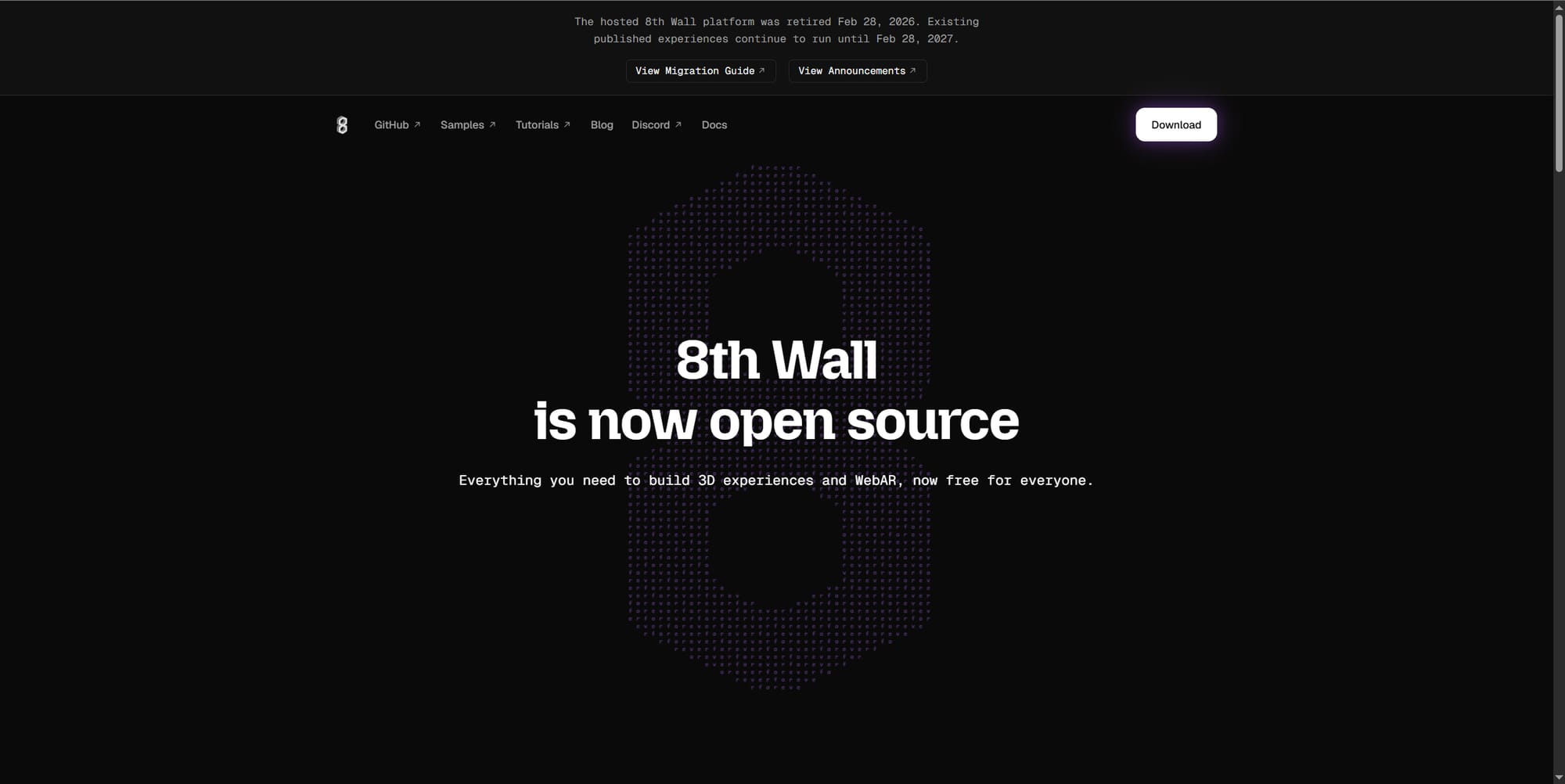
As a leading platform for WebAR creation, the shutdown of 8th Wall is one of the biggest regrets in the industry. It officially announced the site closure on Feb 28, 2026, with some technology open source. If you’re a person who wants to explore more about this platform, you can turn to GitHub for its open-source code.
Learning Curve: ★
Pricing: Free now.
Pre-Designed Resources: Since it’s shut down now, no asset or template is available.
12. Zapworks: WebAR Editor with a Certain Learning Curve
Best for: Teams with a bit of technical expertise
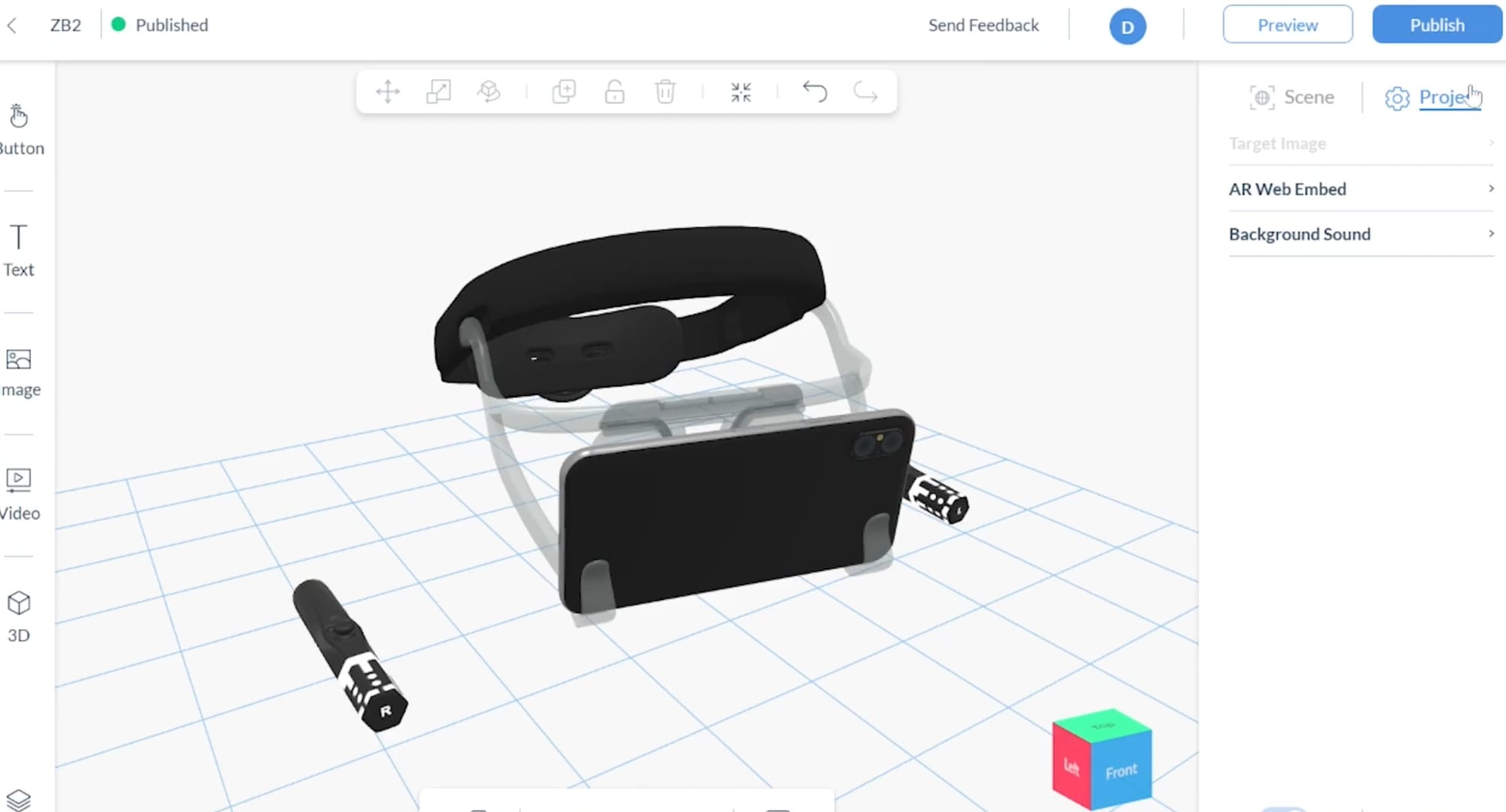
Zapworks by Zapper is a web-based augmented reality editor with basic functions and templates, which requires users to put in more effort and resources for creation. This paid online tool provides a 14-day free trial for newcomers to start.
Learning Curve: ★★★
Pricing: Free 14-day trial. $12.99/mon for Developer plan, $315/mon for Pro plan.
Pre-Designed Resources: Only a few basic built-in templates are accessible.
13. GeeneeAR: Advanced AR Mirror Technology for Real-Time Body Tracking
Best for: Creators ready to create body-tracking AR experiences.
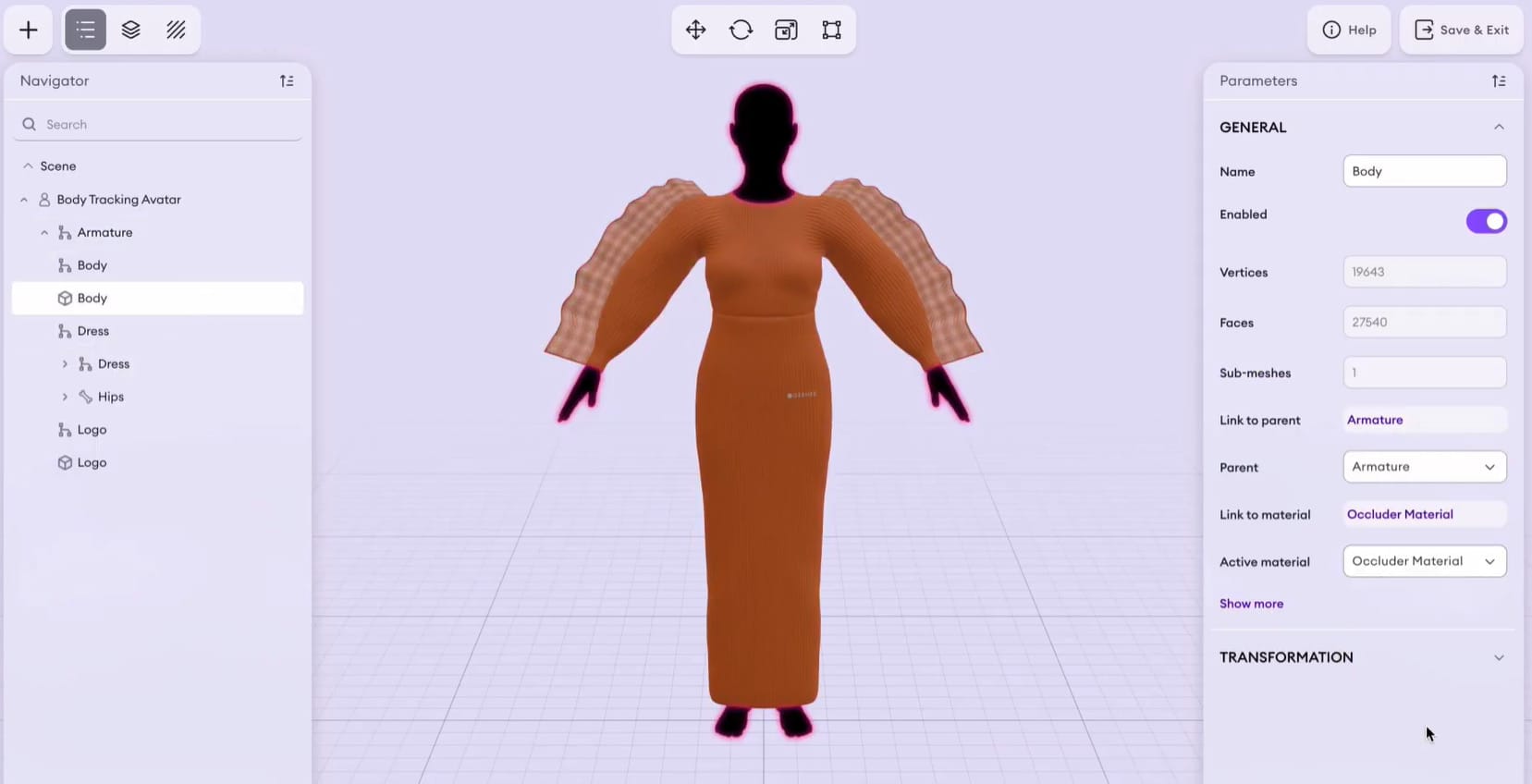
Focusing on body tracking AR, the GeeneeAR platform provides the most realistic and immersive AR experiences for its users. By letting the shoppers visualize how the product looks on themselves, it helps businesses and retailers to improve user engagement. The AR mirror technology provides a new method for AI-powered smart shopping. However, this platform only provides customized projects and does not offer a self-service editor.
Learning Curve: ★★★★
Pricing: The price is based on the customized AR projects.
Pre-Designed Resources: No AR templates or assets are provided.
FAQs about Web-Based AR Platforms
Q: Do users need to download an app?
No. With the web-based AR platforms like Kivicube, users can directly create and experience the AR scenes online without downloading any app.
Q: How does a WebAR platform work?
A WebAR platform works through the following process:
- Process 3D or image-based content in the cloud.
- Generate a shareable link or QR code for cross-platform access.
- Users scan the link or QR code and open the AR experience in a mobile browser.
- The system uses SLAM (Simultaneous Localization and Mapping) to track the environment and place digital content into the physical world in real time.
Q: Are there free online AR platforms?
Yes. Most online augmented reality platforms provide free plans or trials for new users to create a WebAR experience. For example, Kivicube provides a free trial with 2 free AR projects, with which users can try multiple premium templates, assets, and features without limitation.
Final Words
In a world where AR experience is quickly becoming trendy, web-based AR platforms offer a much more convenient method for immersive AR scenes. All 13 online augmented reality platforms mentioned can empower you to bring your ideas to reality with WebAR technology. And Kivicube stands out in this list because of its combination of templates, usability, and visual output quality. Head over to Kivicube and unleash your imagination now.