What is an AI GIF maker? 
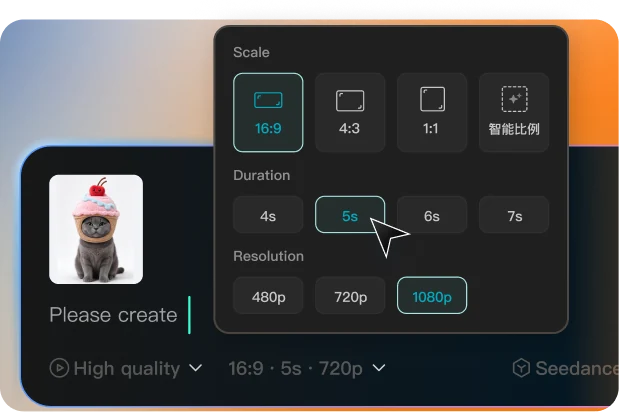
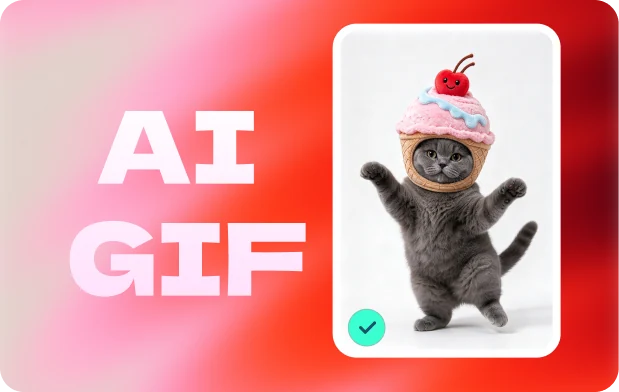
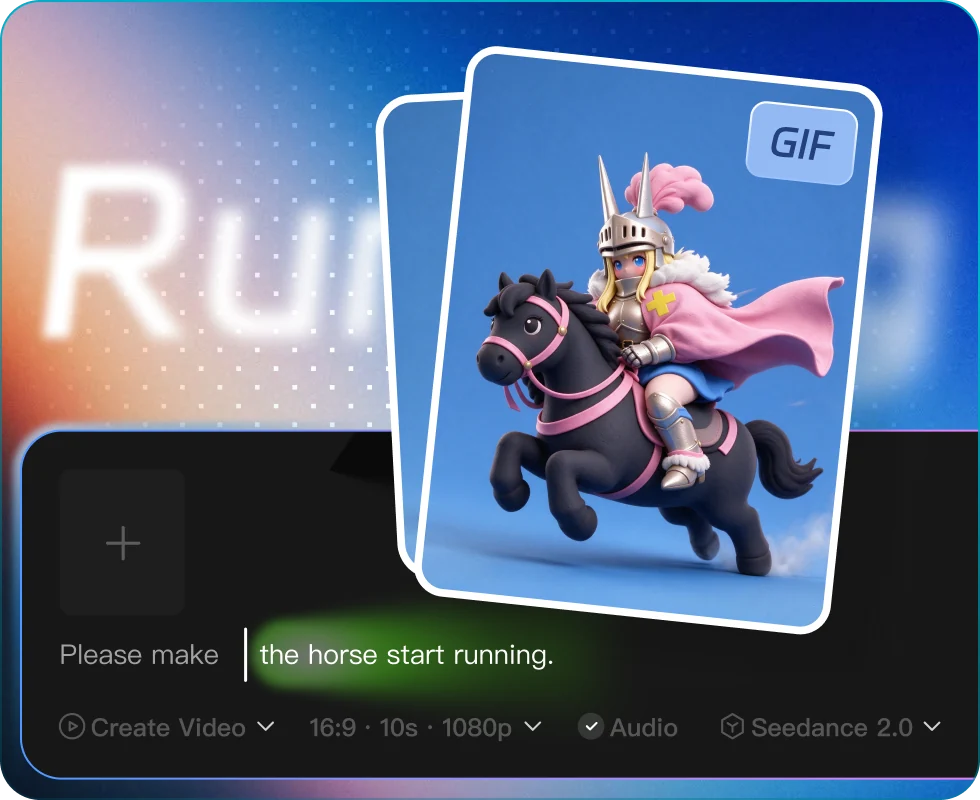
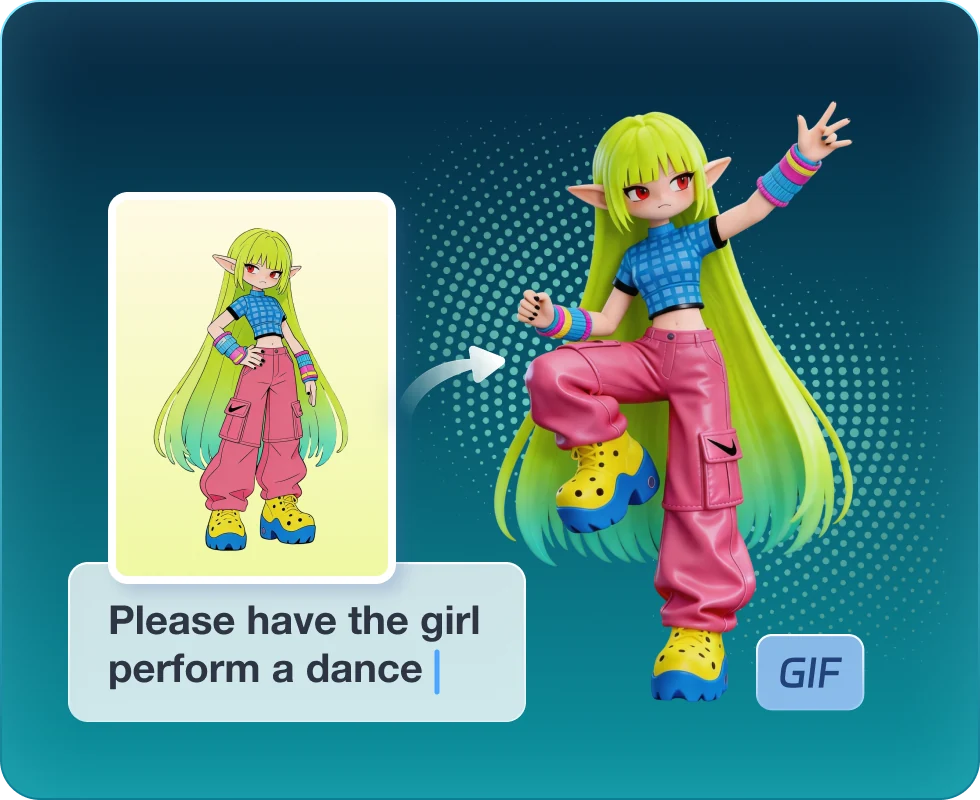
An AI GIF generator uses AI to turn text prompts or images into animated GIFs. Instead of creating each animation frame manually, users can simply describe the motion or visual effect they want, and the AI generates a GIF based on their input. Some tools, such as Kivicube AI GIF creator, also offer customization options, including aspect ratio, duration, and background transparency.
Can I use the AI-generated GIFs for commercial purposes?
It depends on the terms of service provided by the AI GIF makers and the rights associated with the input materials and generated content. Therefore, please check the platform's commercial usage policy before using an AI-generated GIF in commercial projects.
Is Kivicube AI GIF generator free to use?
Yes! Kivicube offers a free trial for AI GIF generation. You can try creating GIFs from both text prompts and images, and explore its features before deciding whether to continue creating more.
What if the generated GIFs cannot meet my needs?
If the first result isn't quite right, you can refine your prompt with more specific details about the subject, movement, visual style, or background. You can also upload more reference images to give the AI clearer creative direction.
Is there any watermark on my AI GIF creations?
No. Kivicube supports watermark-free downloads of your AI-generated GIFs. You can save your creations without an added Kivicube watermark and use them in your personal content and other projects, subject to the applicable usage terms.
Can I upload images as a reference for my GIF creation?
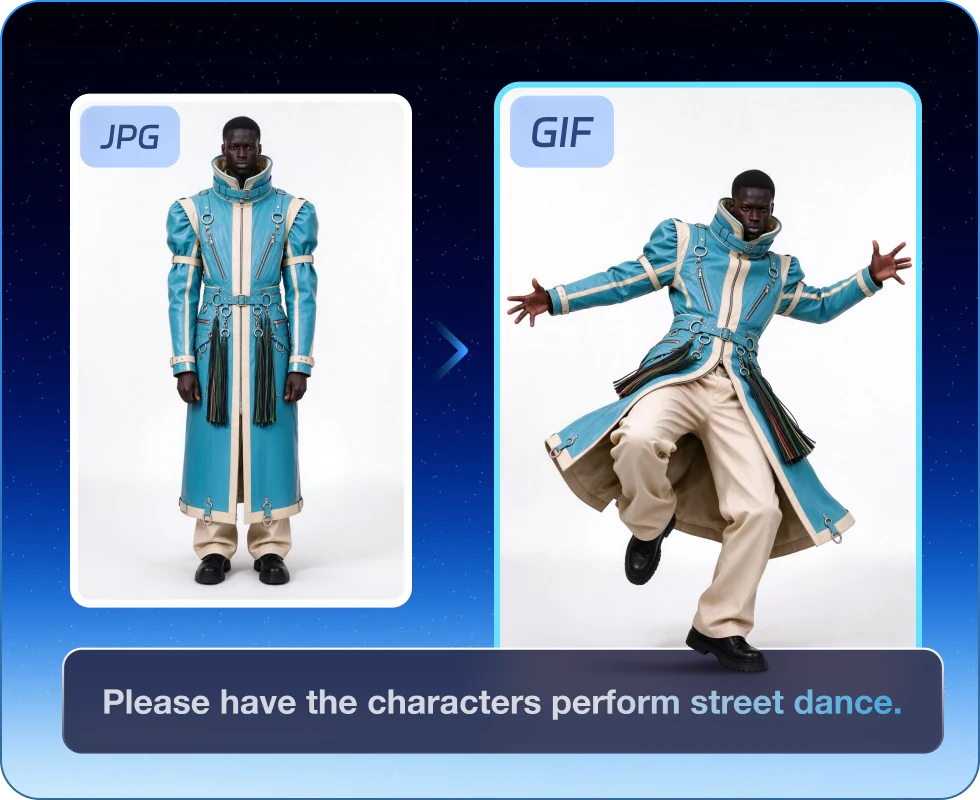
Yes. Kivicube AI GIF generator supports image references for more personalized results. In General Reference mode, you can upload multiple images and combine them with text prompts to describe the subject, style, desired animation, and other details. These references give the AI more visual context, helping it generate a GIF that better matches your creative direction.
How to make a GIF transparent?
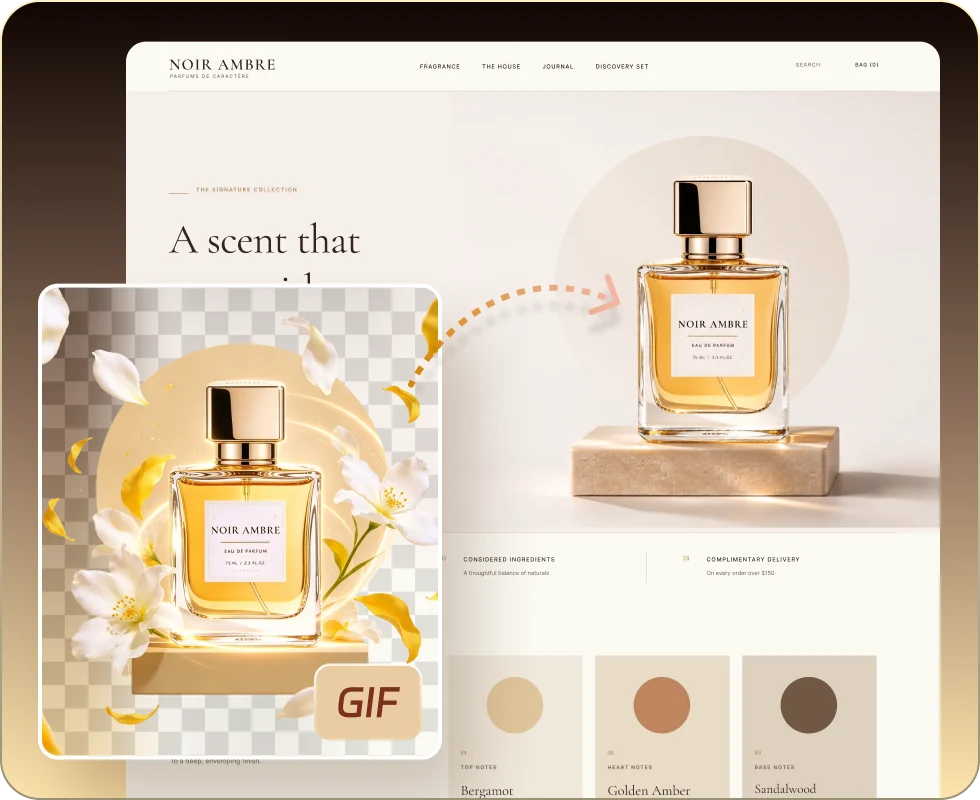
Traditionally, people need to remove the background from each frame of a GIF using online editing tools. Some AI tools also offer functions to transparent a GIF with AI. With Kivicube's Transparent GIF Maker, you can skip these extra steps. Simply enter a text prompt or upload an image to generate a GIF, select the transparent background option, and create your GIF with a transparent background.

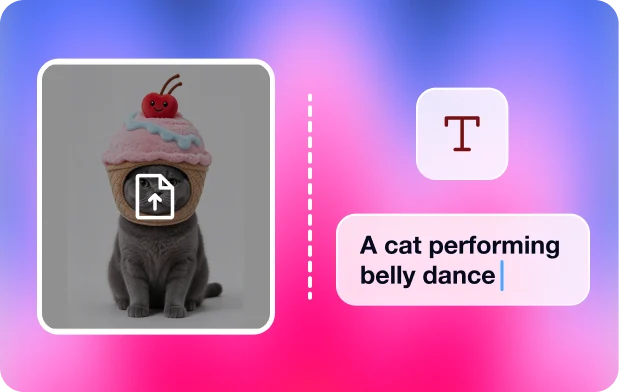





 Text to 3D models