How to Make Augmented Reality for Social Networks & Boost Engagement
AR social networks are the use of augmented reality on social platforms to enhance visual expression. Follow this guide to create AR content for social media.
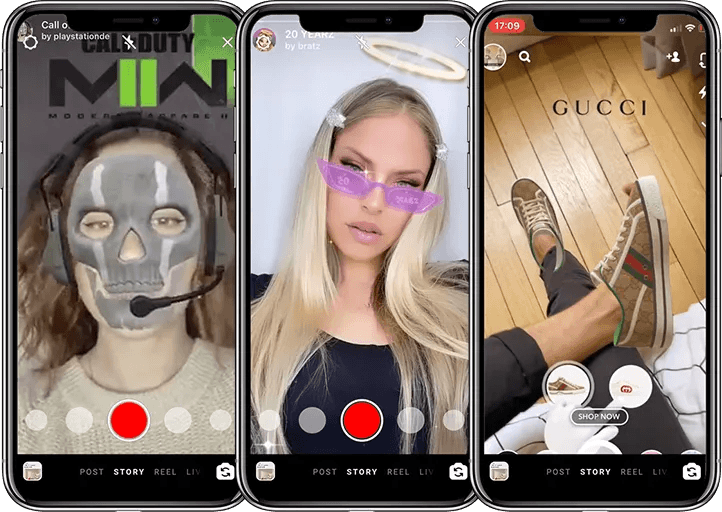
Impressed by those 3D graphics and digital overlays on social network posts? Those strong visual effects are the result of augmented reality. Creators and brands widely use AR on social platforms to enhance visuals and boost sales. According to a WiseGuy Reports analysis published in April 2026, the AR social network market was valued at $7.69 billion in 2025 and is expected to hit $50 billion by 2035. Hoping to grab a share but no clue how? Follow this guide to start your AR social media campaigns.
Key Takeaways
- Snapchat’s Q1 2026 report: 75% of Snapchatters use AR daily. Revealing a surging trend in social AR.
- Use WebAR tools like Kivicube to go beyond basic filters and create standout AR for social media.
- Five successful social media AR campaigns are introduced to inspire your creation.
What Are AR Social Networks?
AR social networks refer to the use of augmented reality technology on social media platforms like Snapchat, TikTok, and Instagram. AR adds digital objects, face filters, or animations to real-world camera views, making static scenes feel alive and interactive. This enhanced visual expression is rapidly becoming a trend across social platforms, and for good reasons.
Why AR Social Network Marketing Success?
From basic face AR filters to AR shopping experiences inside TikTok Shop and Snapchat Shopping Lenses, the social AR trend is driven by real benefits.
📈 Higher Engagement Rates
AR content catches attention and stops the scroll. When users see a filter or a 3D object moving on screen, they pause and watch. That pause turns into longer viewing time, more likes, comments, and even followers.
💰Boost Conversions & Sales
Not just engagement, AR drives sales. Shopify reveals that products with virtual try-on features see conversion rates up to 94% higher than those without. That's why Snapchat Shopping Lenses and TikTok Shop are all racing to integrate AR into their shopping experiences.
🧠 Increased Brand Recall & Awareness
People forget most ads within seconds, but AR marketing leaves a lasting impression. It turns a casual viewer into someone who remembers your name and chooses you over competitors the next time they need what you offer.
🔥 Viral Potential & Shareability
AR effects are fun, and people share fun things. When a user discovers an entertaining filter or a surprising 3D effect, they tag friends, post it to their story, or share it through messaging apps. That organic sharing creates a ripple effect.
Creating AR for Social Media: Built-in Filters vs. WebAR Tools
Social platforms come with simple built-in AR filters to spice their posts. On top of that, a dedicated WebAR tool can bring your AR experience to the next level, helping you stand out and achieve real social media marketing success.
Built‑in Filters & Lenses
Social platforms like Snapchat, TikTok and Instagram offer their own AR tools. They are easy to use and widely loved.
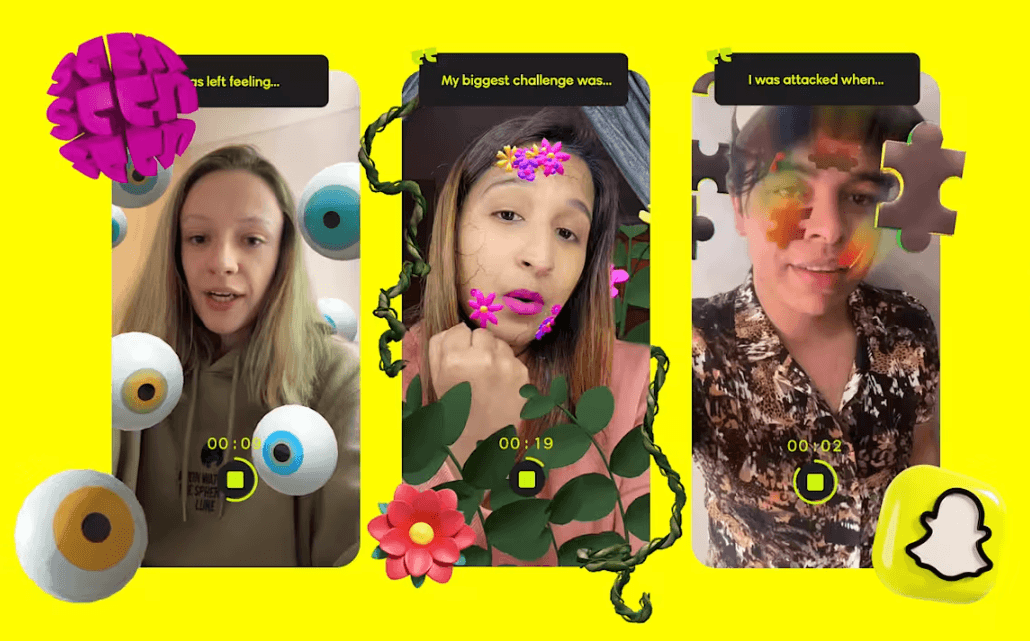
• Snapchat AR Lenses
Snapchatters can add AR to their content easily with Lenses. Snap also integrates Lenses into its shopping section for virtual try‑on.
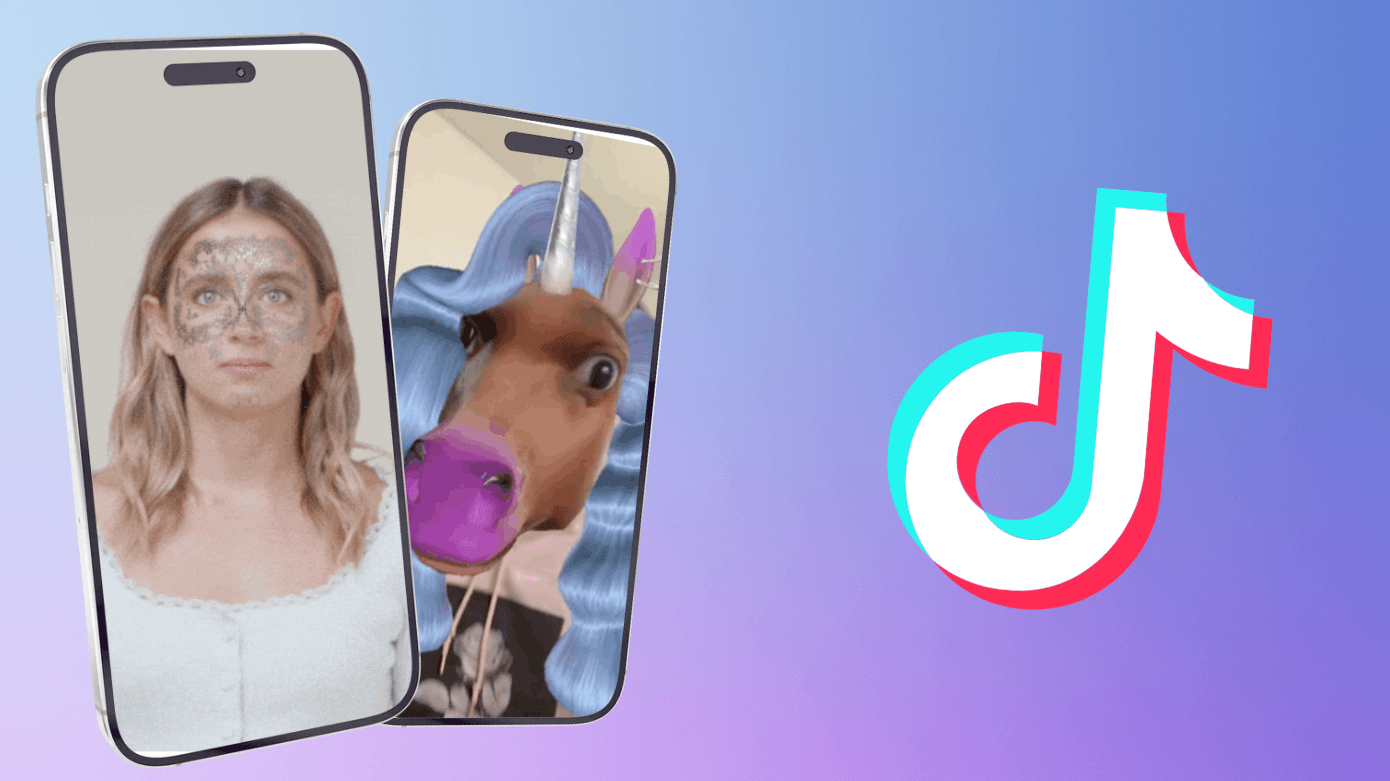
• TikTok AR Effects
TikTok creators build AR effects using Effect House. Brands can run paid Branded Effects campaigns. But TikTok's Branded Effects require a budget and strict approval. Your effect might not go live in time.
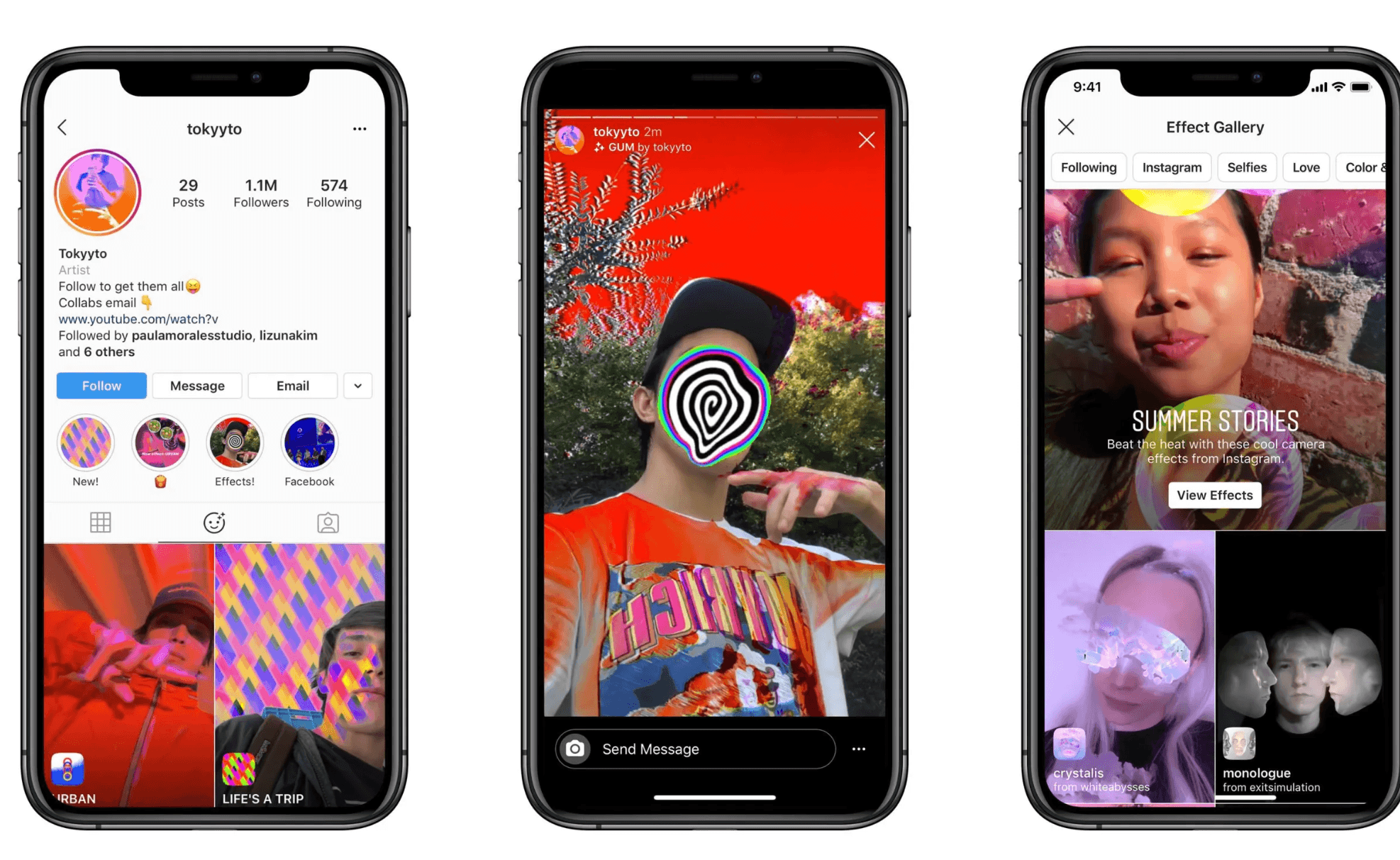
• Instagram AR Effects
Instagram also provides built-in AR filters for fun effects. However, the shutdown of Spark AR last year cut off brands‘ ability to make custom filters on the Meta products.
Yeah it's convenient to start and have fun. Yet the styles are limited, especially true for brands that need custom AR or 3D effects to better showcase their products. That's where you need another way.
WebAR Tools
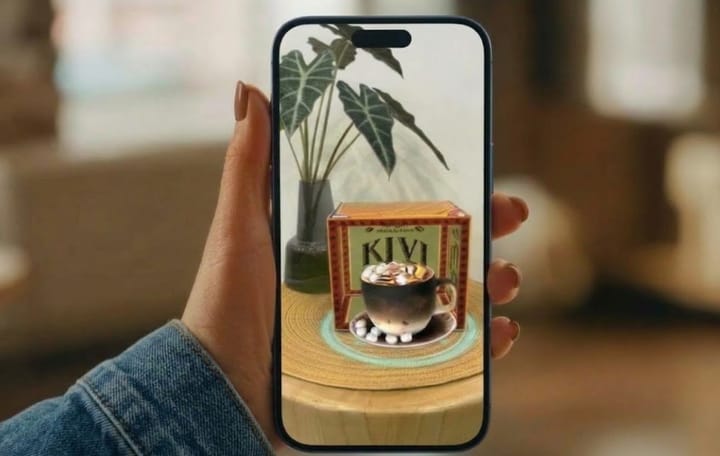
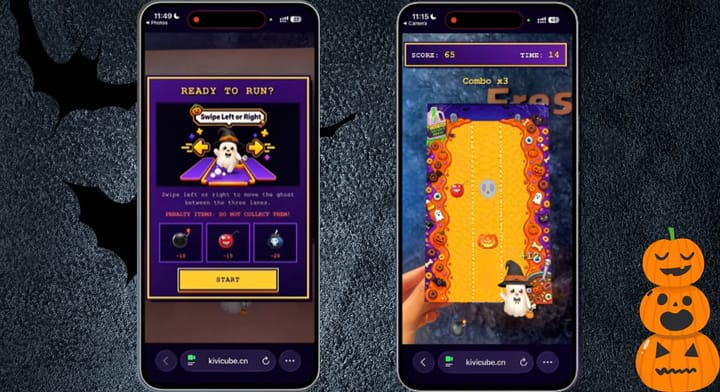
WebAR breaks free from those clichéd filters and delivers richer, more eye‑catching AR experiences. A professional tool like Kivicube lets you create standout effects, even customize them for your brand. Best of all, unlike social media's built‑in AR filters that limit you to their own platforms, the AR effects you make in Kivicube can go everywhere. Win your social media across TikTok, Instagram, Snapchat, etc. Start exploring right away with two free trials that Kivicube offers for new users.
🌟 Fun Templates & Assets
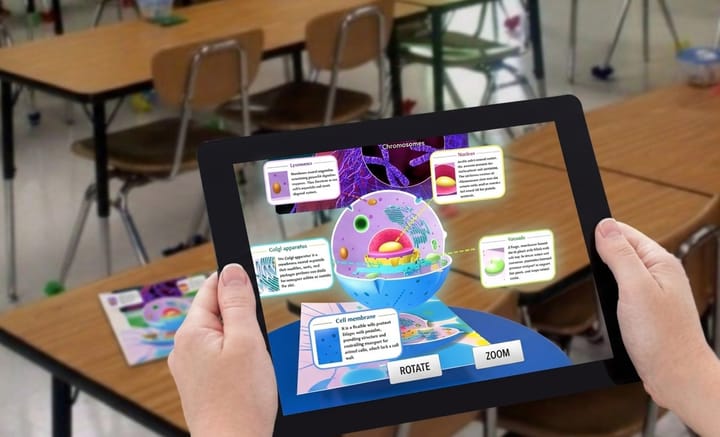
Not sure what AR content to post? Just pick one from hundreds of ready-to-use templates. There are also stunning AR assets like 3D models and engaging graphics to use. Start to create, drag and drop assets, then publish and share them on social media.
🌟 3D Product Showcase & Virtual Try-On
Create stunning 3D displays for your product and increase brand awareness. You can also use Kivicube to create virtual try-on experiences to drive real sales. Or, contact us to build a fully branded AR effect just for you.
🌟 Analytics Dashboard
Share your AR creation along with the Kivicube QR code or link. Each time your audience scans and experiences it, you'll get a clear look at click counts, scan rates, and engagement time. Know what works and win every campaign.
Comparison
Here‘s a brief comparison to help you decide which approach suits your needs.
Built-in Filters | WebAR Tools | |
User-Friendly | ✅ | ✅ |
Face & Body AR Support | ✅ | ✅ |
Product Visualization | Partially | ✅ |
Cross-Platform | ❌ | ✅ |
Customization Freedom | ❌ | ✅ |
In short, built‑in filters are great for quick face effects and casual fun. But for product visualization, cross‑platform campaigns, and full creative control, WebAR tools like Kivicube suit better.
How to Make Stand-Out AR for Social Media?
Follow the 4 easy steps to create striking social media AR content.
Step 1. Sign up and open the editor right in your browser.
Step 2. Pick a template or start your creation from scratch.
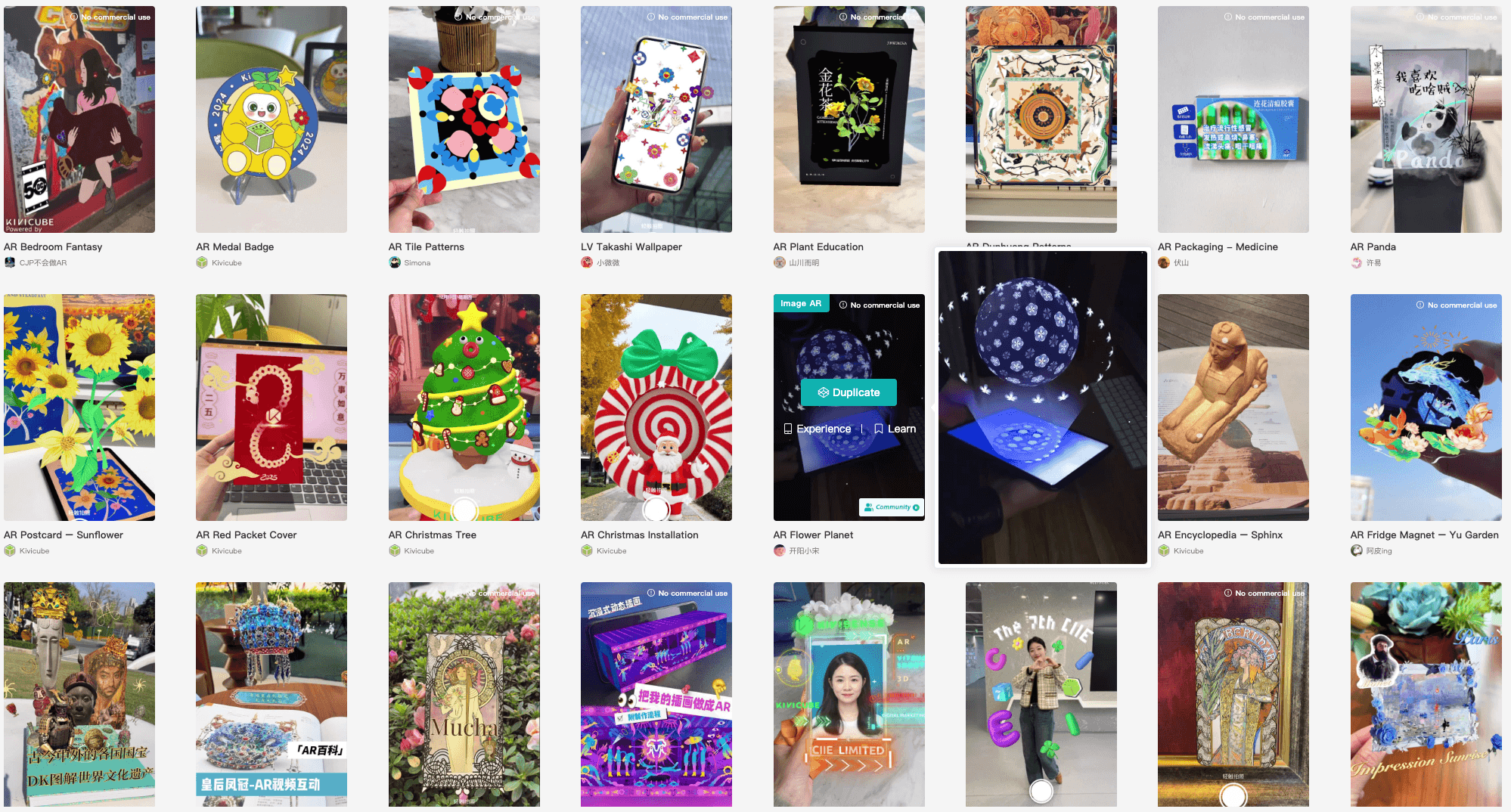
Step 3. Add animations, interactions, and even audio to your AR scene.
Step 4. Publish and share your AR work across social media.
5 Trending Social Media AR Campaign Examples 2026
Let's look at 5 real campaigns that nailed AR on social media this year. These examples show how brands and creators are using AR to drive real results.
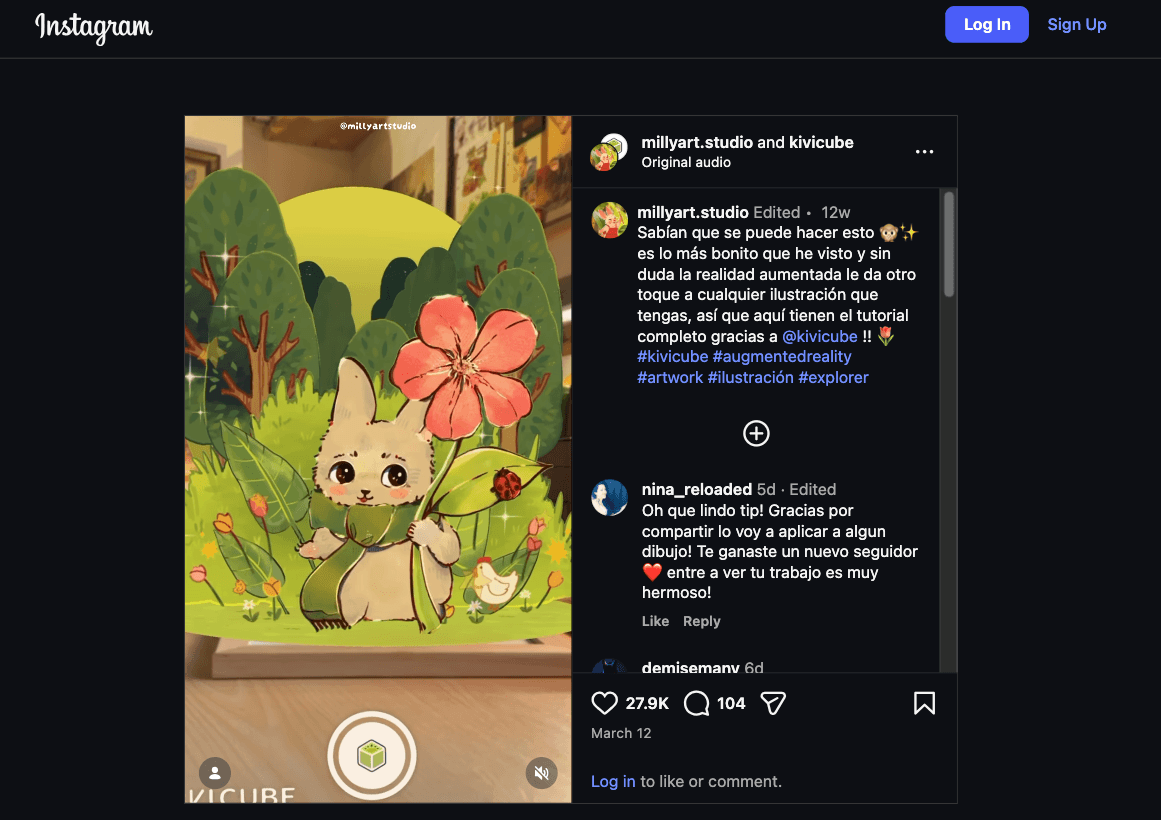
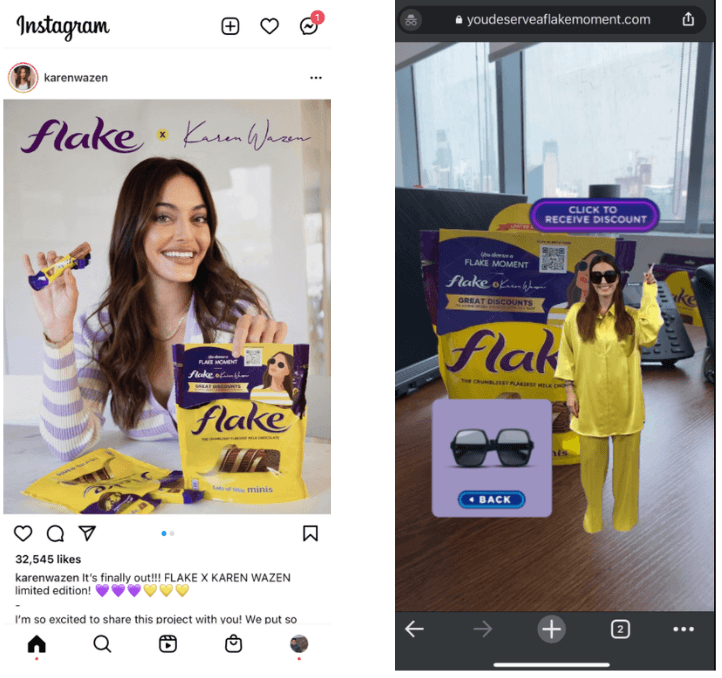
1. Cadbury Flake x Karen Wazen
Cadbury and influencer Karen Wazen launched a viral AR campaign on Instagram. Fans scanned the chocolate wrapper to unlock a 3D avatar of Karen showing her sunglasses and offering discounts, driving a 30% sales lift in the UAE.
2. JobsDB AR Filters Campaign
JobsDB partnered with multiple Instagram influencers to promote its AR filters campaign. Users sharing their workplace thoughts via the brand‘s custom “Office‘s Heart Talks” AR filters. Within a month, the campaign generated over 180,000 impressions, more than 21,000 opens, and over 5,800 video captures.
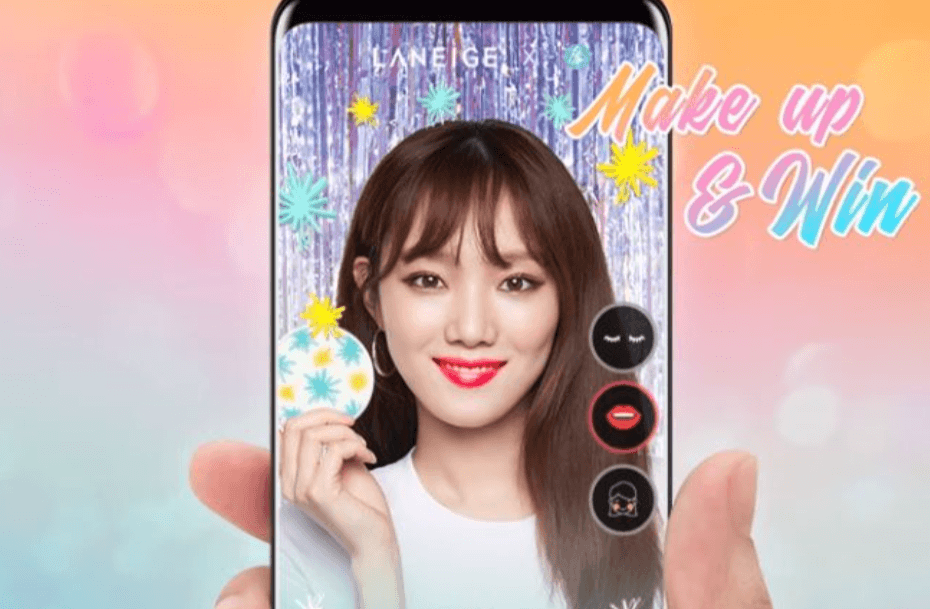
3. LANEIGE × Facebook
LANEIGE partnered with Kingdom Digital and AliveNow to launch an AR camera filter on Facebook in May 2026. Users could try out three eye makeup looks, lipsticks, and blushes, create their own combinations, and share photos and videos directly to Facebook and Instagram to win prizes.
4. PUMA × Instagram
PUMA collaborated with 6 influencers and created personalized AR face filters for them. Fans can use these filters and share tagged photos on Instagram to earn discounts at PUMA physical stores. This campaign brought foot traffic to 10 flagship stores in Singapore.
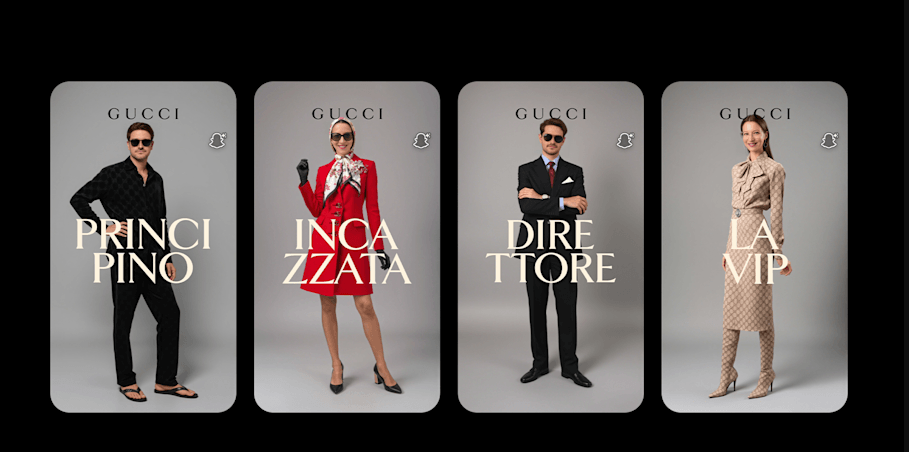
5. Gucci × Snapchat
Gucci launched the luxury industry's first Sponsored AI Lens on Snapchat in February 2026. The Lens transforms users into iconic characters from Gucci's "La Famiglia" collection. Snapchatters can see themselves wearing Gucci's looks like "L'Incazzata," and this campaign went viral quickly.
Conclusion
AR social networks are no longer a complex future concept but are reshaping how people interact, shop, and share on social media every day. From higher engagement to stronger brand recall, the benefits are clear. Go beyond basic built-in filters and try the WebAR platform like Kivicube to create eye‑catching, conversion‑driven AR effects now!
FAQs
What Does AR Mean in Social Media?
AR in social media refers to the overlaying of digital objects onto the real-world scenes you see on social media. It could either be created directly with an AR filter built in, or through a dedicated AR tool like Kivicube.
Which Social App Uses AR?
A lot of social apps use AR nowadays. Snapchat has Lenses. TikTok has Effects. Instagram and Facebook also offer AR features. Even shopping services like Amazon are cooperating with Snapchat to use AR for virtual try-on.
How Do I Turn a Picture into AR?
You can turn a photo into AR easily with a WebAR tool like Kivicube. Simply upload your picture as a trigger image, add assets and interactions, publish when satisfied, and publish it anywhere.
Is AR Easy to Create?
Absolutely. Creating AR needs no complex skill or coding knowledge. Social media built‑in filters offer a one‑tap AR creation experience. WebAR tools like Kivicube provide ready-to-use templates and more creativity over AR creation.
How to Create an AR Filter for Instagram?
Step 1. Open Instagram Stories camera.
Step 2. Tap the smiley face icon at the bottom.
Step 3. Browse the Effect Gallery and tap any AR filter to use.
Or, use a WebAR tool like Kivicube to build creative AR effects or custom brand AR for a next-level AR experience.