How to Make an Augmented Reality Animal Experience: Step-by-Step Guide
Create augmented reality animal experiences with the Kivicube WebAR generator. No coding or app required.
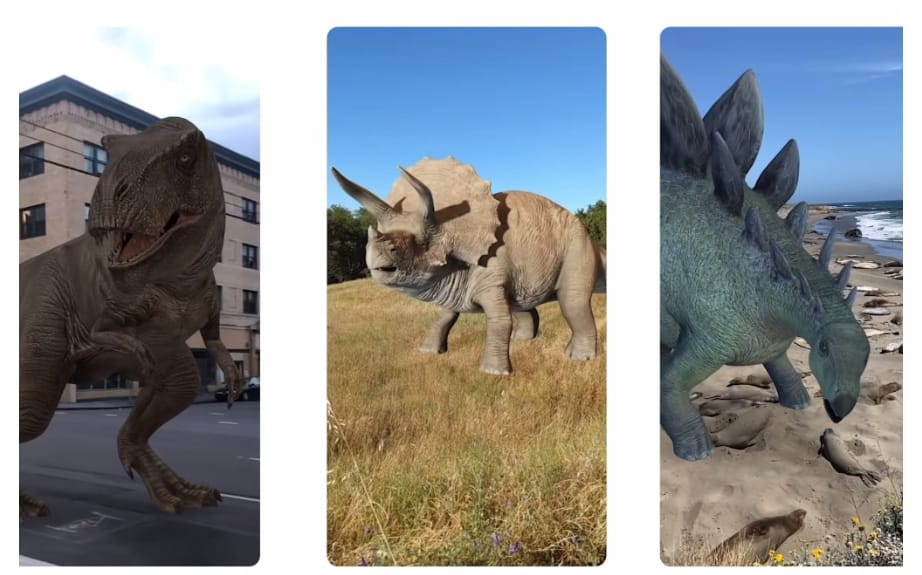
Have you ever imagined seeing a tiger or panda appear right in your room without visiting a zoo? AR apps like Google Arts & Culture have made it possible to view realistic 3D animals directly through a smartphone. Whether you want to see endangered wildlife or ancient creatures, augmented reality technology lets you make it anytime, anywhere. This guide provides a detailed tutorial on creating augmented reality animal scenes in your browser.
What Are Augmented Reality Animals?
Augmented reality animals are digital animal models that can be overlaid onto the real world through AR technology. Users can view and interact with realistic 3D animals through devices like smartphones and AR glasses. This technology transforms traditional animal learning into interactive experiences through a simple workflow:
- Open the AR experience through a QR code, link, or AR application.
- Point the device camera at the surrounding environment.
- The AR engine recognizes the environment and overlays a digital animal model onto the real-world view.
- People can observe animal movements and interact with them in real time.
Why Create an Augmented Reality Animal Experience?
Why are augmented reality animal experiences becoming increasingly popular? The AR animals are favored by a large group of children for these advantages:
- Make Animal Learning More Interactive
Instead of relying only on tedious textbooks, images, and videos, augmented reality animal experiences provide interactive ways for students to explore animals. Children can get a close look at and observe more details about the animals.
Also Read a post about AR education:
 Leonie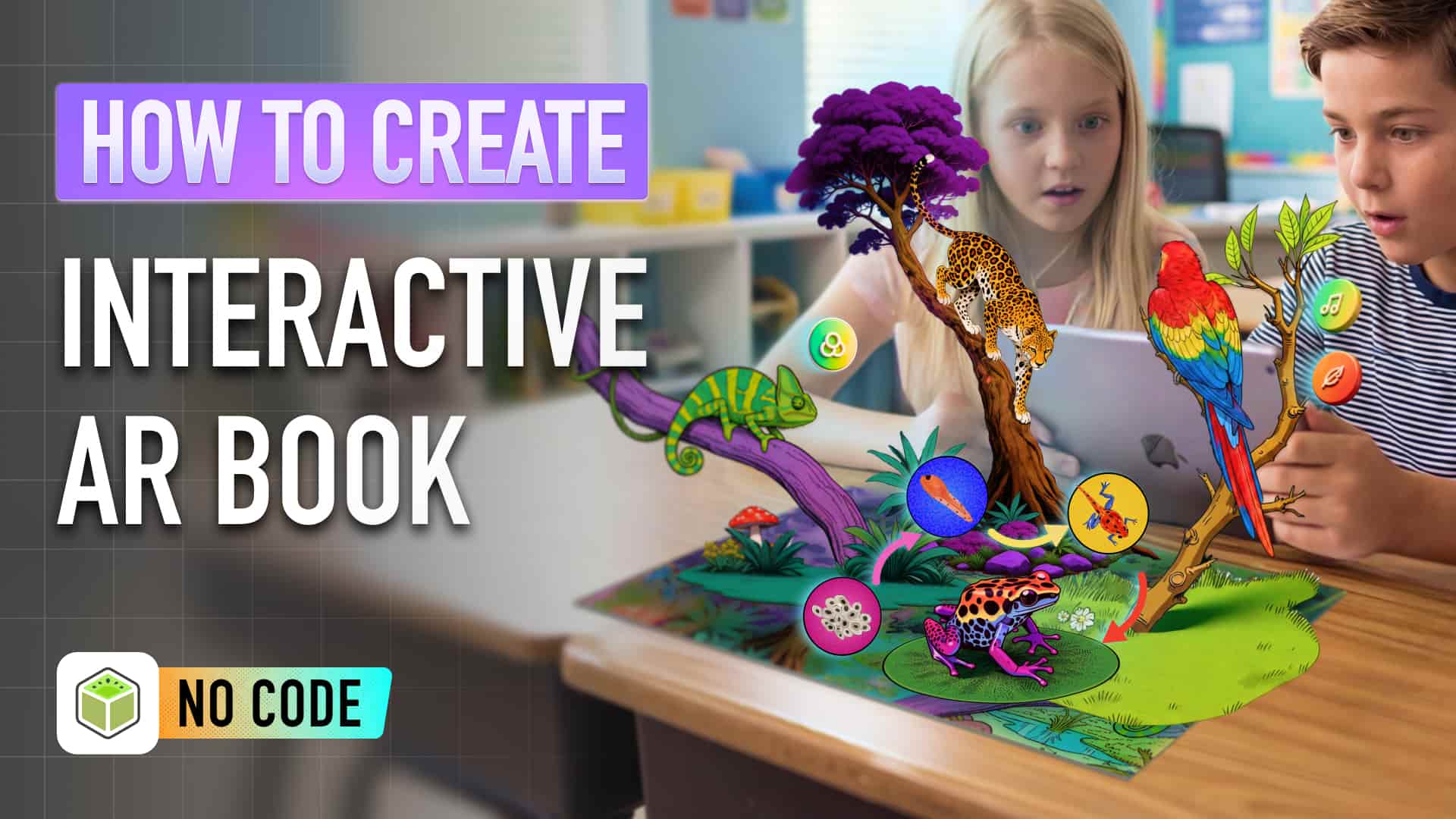
- Bring Digital Animals Into Real Spaces
No need to go to specific places such as zoos and aquariums, people can directly interact with animals at home. With advanced AR technology, people can place realistic 3D animal models anywhere. Whether it's a table, a floor, or even a bed, the AR animals can be easily and stably placed on it for close observation and interaction.
- Create Engaging Brand Experiences
AR animals not only work for education and entertainment, but are also beneficial for marketing by building connections between brands and audiences with a more interactive experience. By adopting augmented reality technology in marketing campaigns and product packaging, businesses can attract more attention and improve user engagement.
How Can You Create an Augmented Reality Animal Scene with WebAR?
Want to try the AR animal scenes but hesitate to download an augmented reality app? One of the best solutions is WebAR, which supports the AR animal experience in browsers, with no app download and installation required. Kivicube provides an intuitive platform for people to build a 3D augmented reality animal scene.
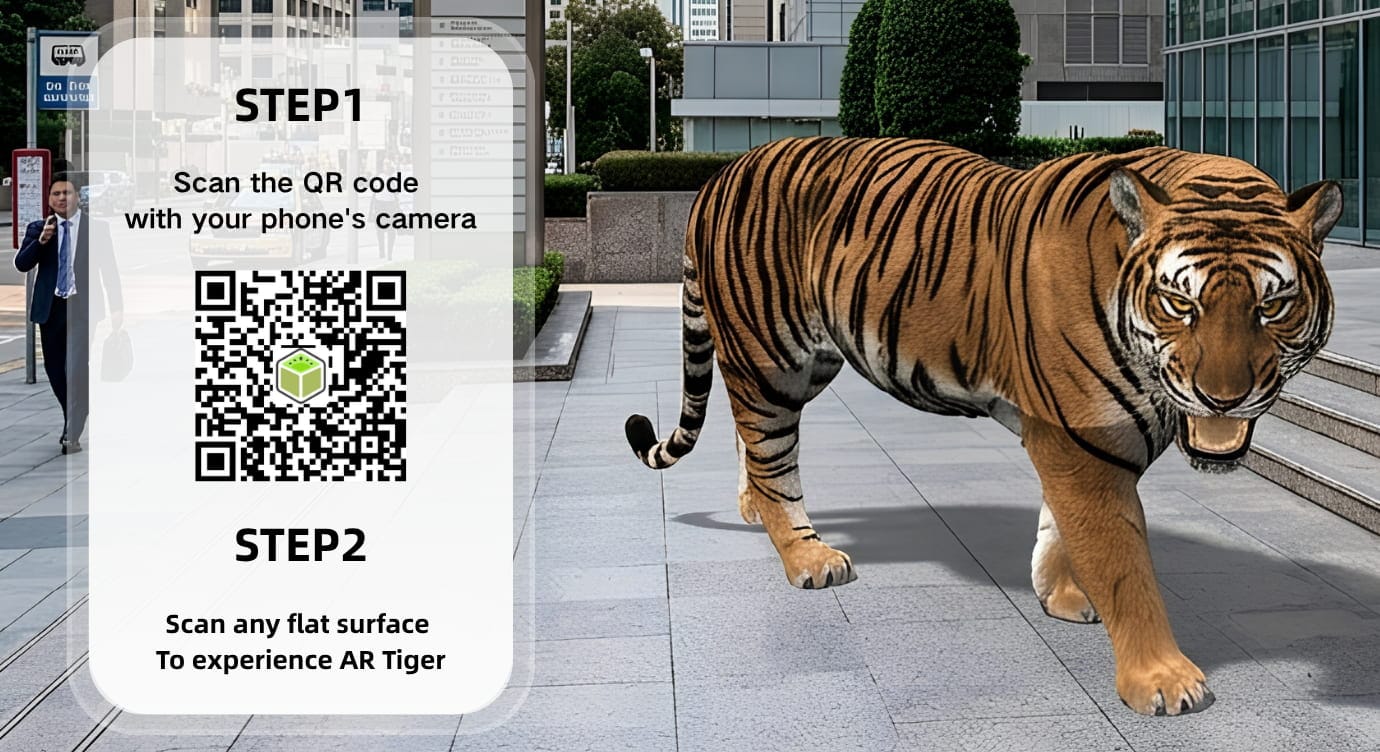
Taking the tiger augmented reality scene as an example, follow the simple steps for AR creation.
Step 1. Log in to Kivicube and select a pre-made AR template. Here I select the “AR Animal Cell Card” template.
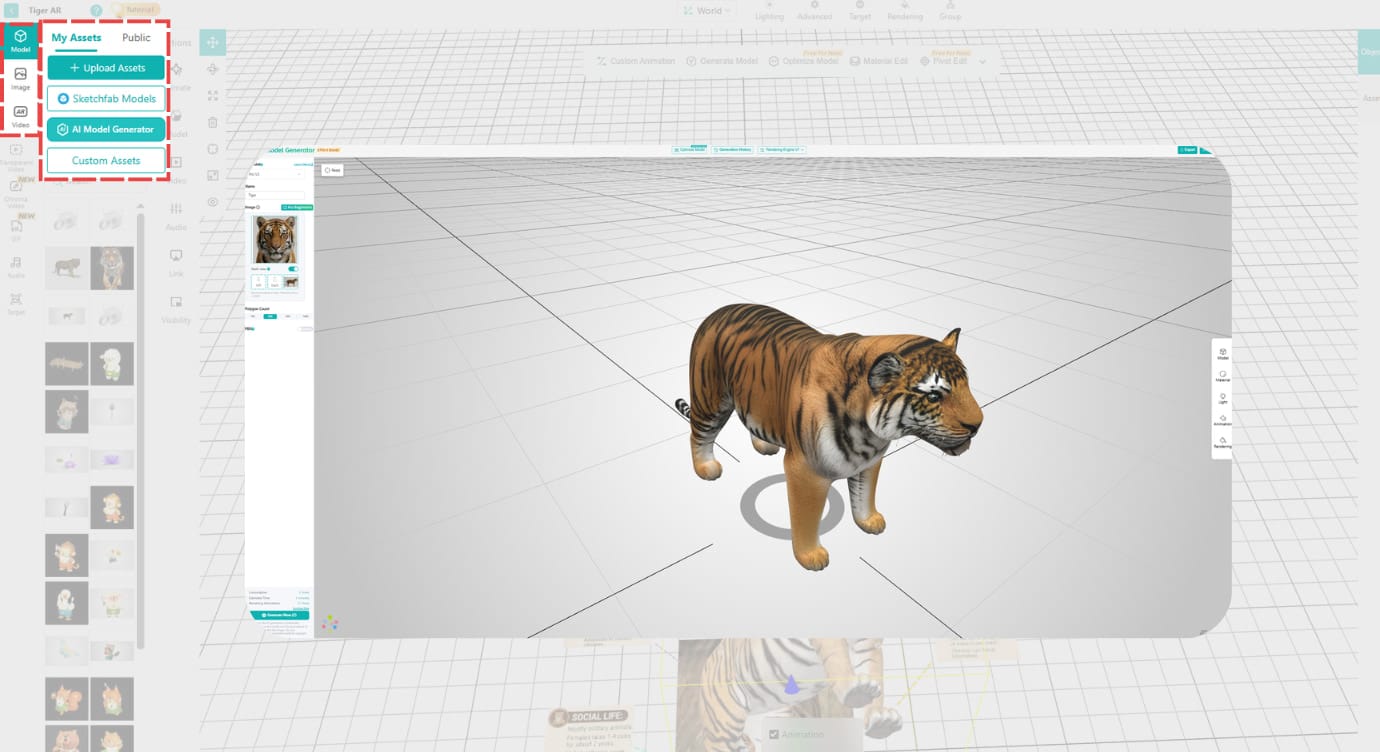
Step 2. Upload the tiger assets from your devices. You can also create new assets such as images, 3D models, and videos with the Gen AI generator.
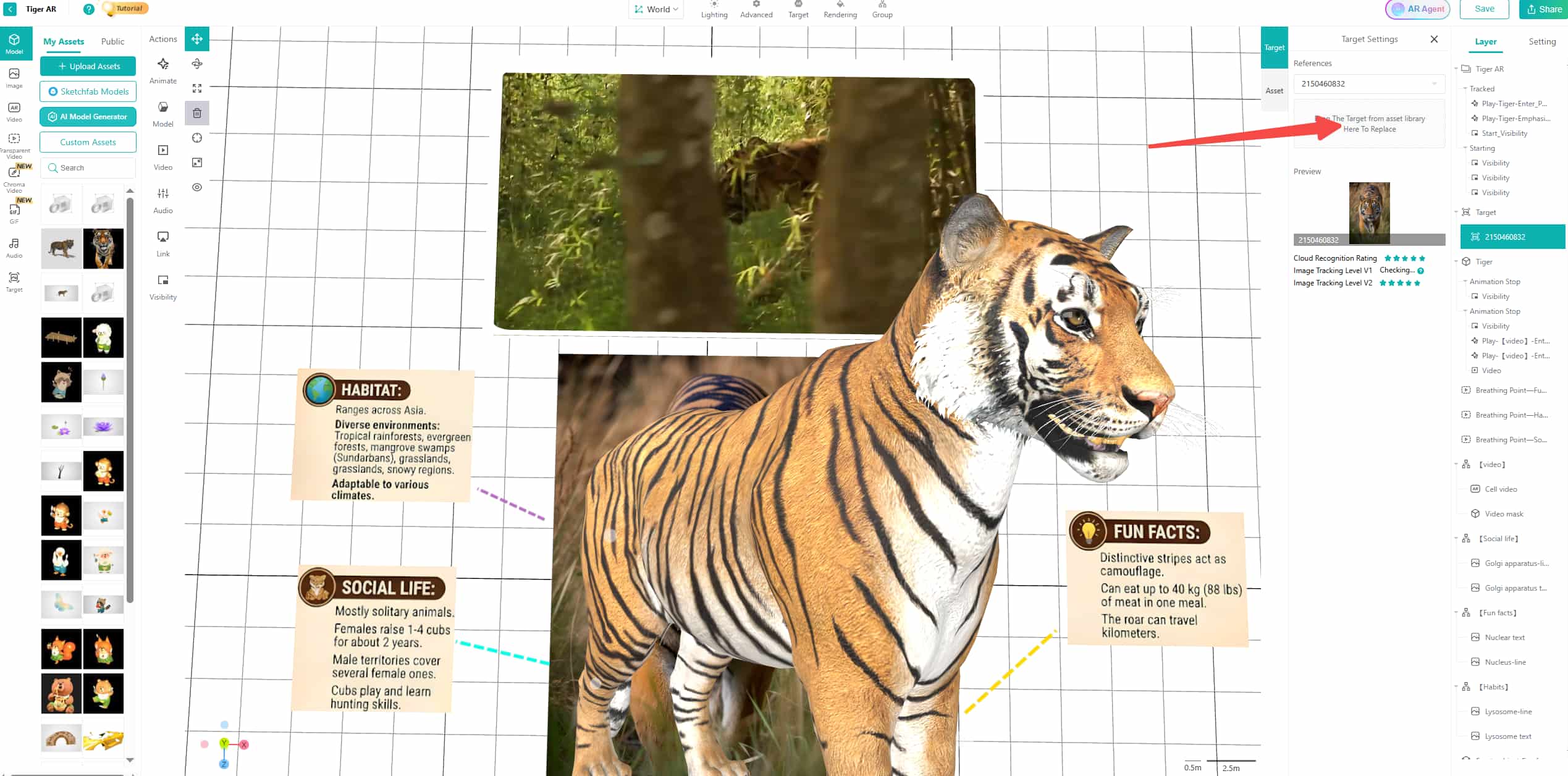
Step 3. Select the target assets in the original experience you want to change, and drag and drop your assets to the target area for replacement. Then you can adjust the animations and interactions based on your requirements.
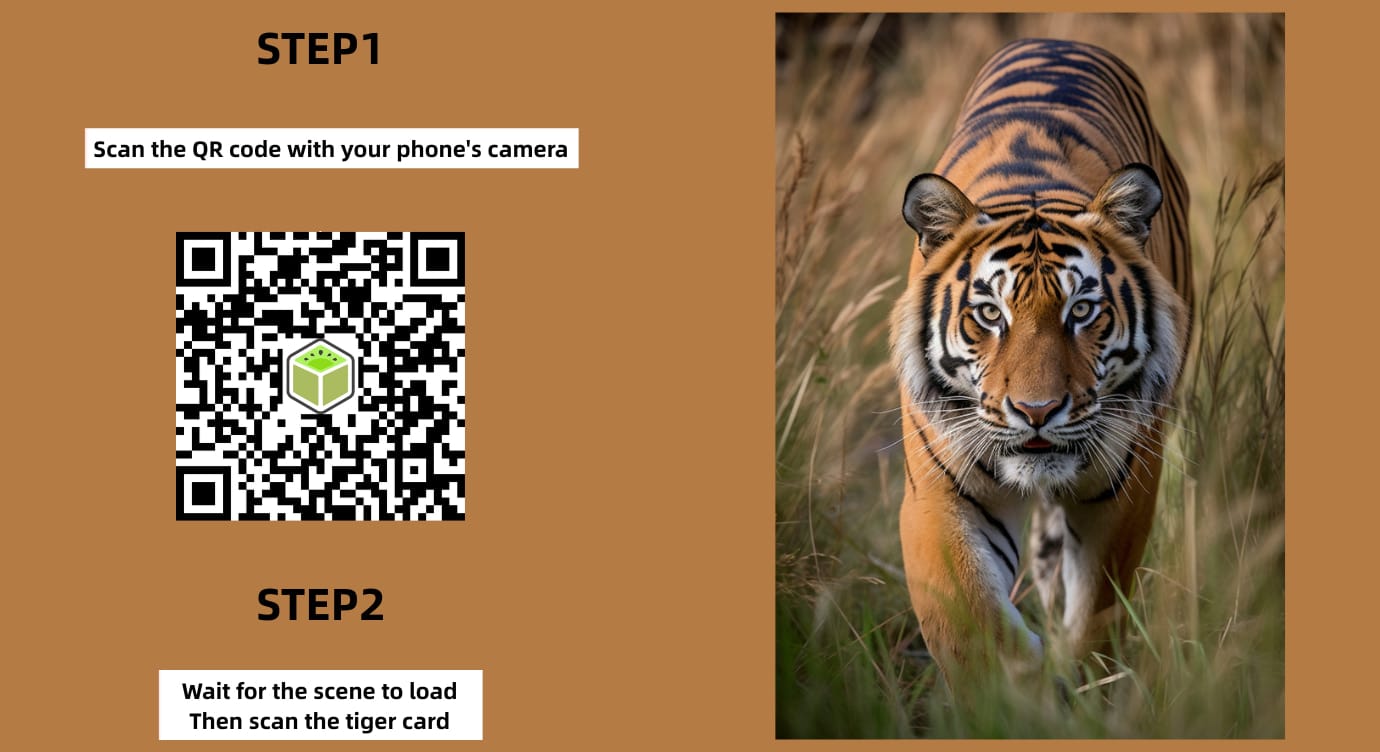
Step 4. Once the settings are done, click “Save” and “Share” for the QR code and link of the AR tiger scene.
Note: If you just want to make an AR tiger experience that can place the virtual tiger in a physical space, you can select “Plane AR” and then add the target 3D tiger model to the grid editor for fast creation.
Why Choose Kivicube for Animal Augmented Reality Experience Creation
As a professional WebAR generator perfect for AR animal experience creation, Kivicube enables users to view and interact with animals in 3D. Starting with animal image-to-3D-model conversion and ending with the AR experience creation by adding animations and interactions, this tool aims to provide AR scenes with striking visuals.
- 2 Free AR Projects: Each new user has 2 free scenes for creation, so users can try to design and share their own AR scenes without upfront costs.
- Ready-to-Use AR Templates: Multiple themes of pre-designed AR animal templates are provided for fast creation. Whether you want an educational template or a marketing-related template, you can find the right one here.
- AI-Assisted AR Animal Scene Generation: AI can generate AR assets including images, 3D models, and videos. Besides, the AI AR agent helps users create a new version of an AR animal scene from simple prompts.
- High-Precision Rendering: The animal models created by the Kivicube Rendering engine can show realistic textures, shadows, and more details on the surface.
Use Cases of AR Animals
Here are some common use cases of 3D augmented reality animal scenes in different fields.
1. AR Animal Education
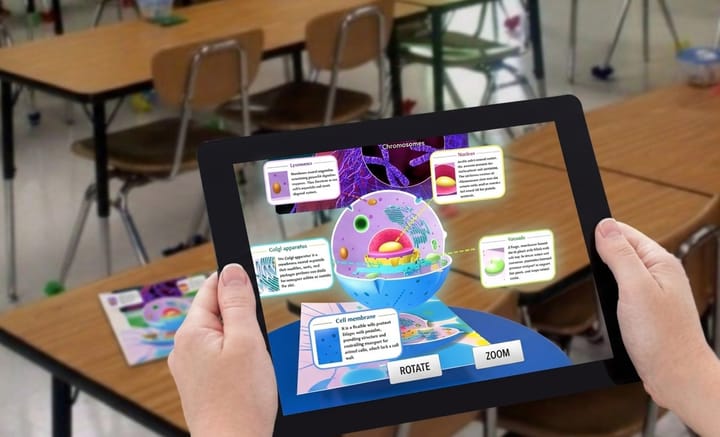
The AR animal scenes can be used for interactive education that allows students to place 3D animal models into real environments and observe them from different angles. With immersive AR interactions, students can explore animal anatomy and learn more animal information in a more engaging way.
2. AR Zoo Experience
AR technology enhances the zoo visiting experience by providing multiple 3D animal augmented reality experiences, such as animal introduction boards and AR zoo navigation. Research published on ScienceDirect suggests that AR experiences for zoos are useful to enhance visitor engagement by sharing interactive animal categorization and growing conservation awareness.
3. AR Animal Marketing & Brand Activation
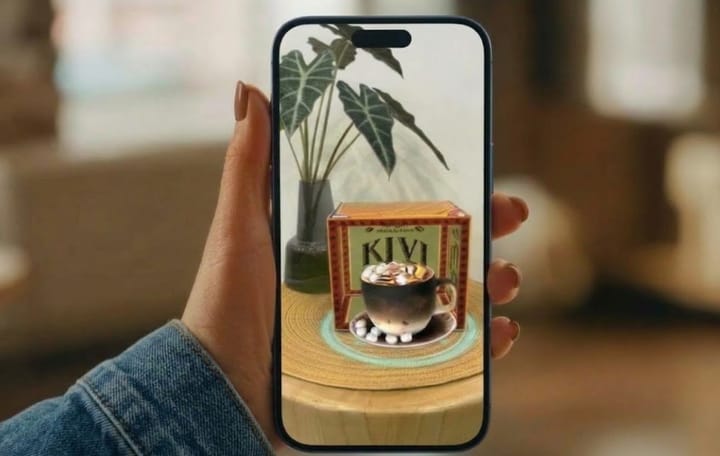
AR animal marketing campaigns are helpful for brands to create more interactive experiences through digital mascots and creative digital content. By scanning product packaging, users can bring 3D animal mascots to life and explore animations, mini-games, special offers, and other interactions.
Read more about AR marketing:
Leonie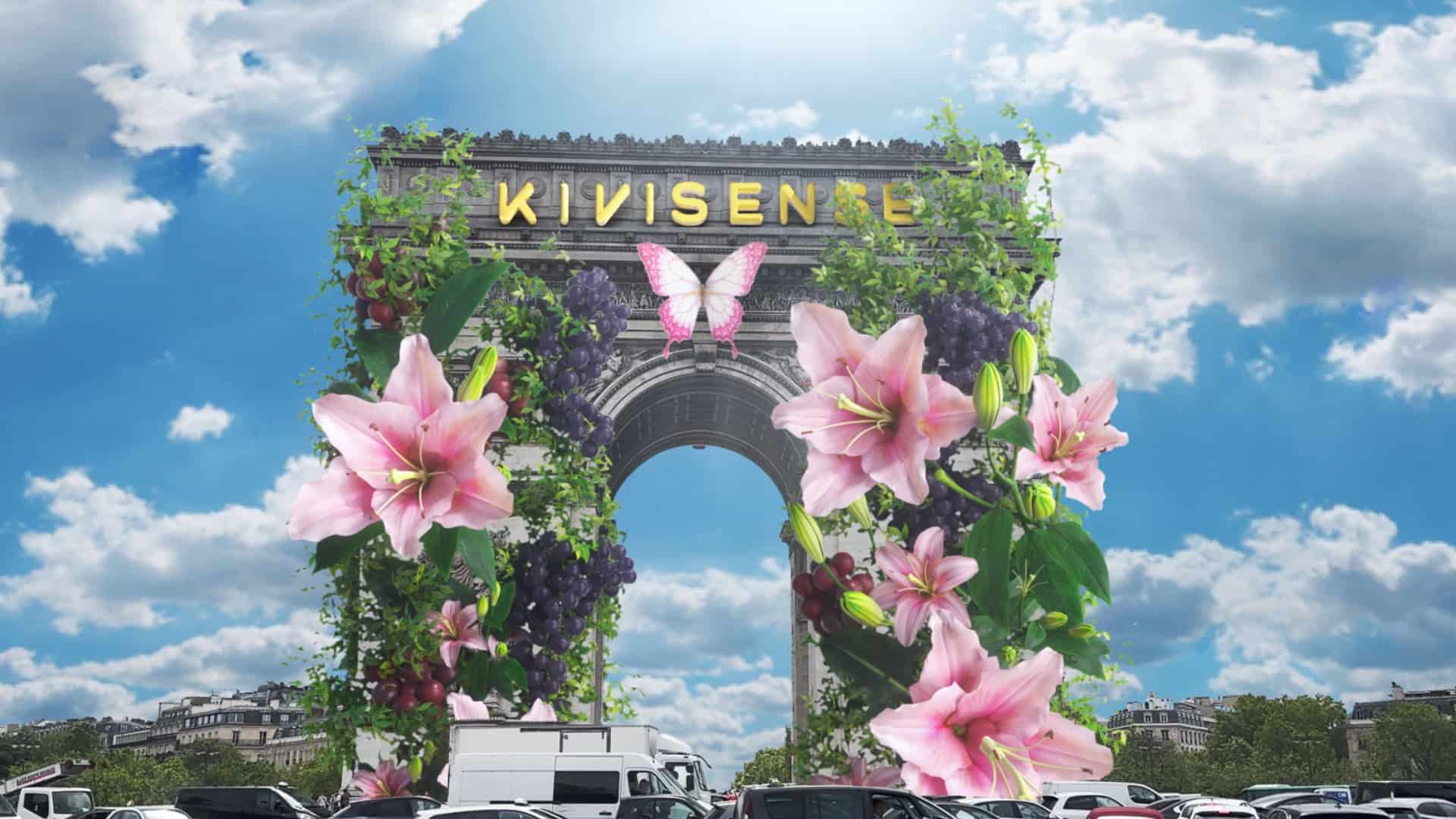
4. AR Virtual Pets
AR animal experiences can also be used for interactive digital companions that users can raise and engage with in real environments. With augmented reality technology, people can interact with digital pets like virtual dogs, digital cats, and other fantasy creatures through their devices.
5. AR Animal Games
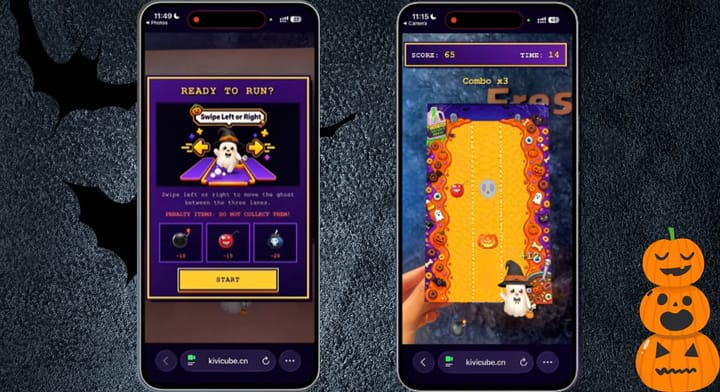
AR animal games combine entertainment with interactive learning experiences. In animal collection games, children can discover hidden digital animals, complete challenges, and unlock new species through AR interactions. These games make animal exploration more immersive while helping children learn more about different creatures through playful experiences.
To Sum Up
Augmented reality animal experiences provide a new method for making animal education more entertaining. Instead of passively learning animal information from rigid textbooks or static images, AR technology brings 3D animals to life with eye-catching visuals and animations. With WebAR platforms like Kivicube, creating an animal AR scene is easier than ever before. Anyone can create their own augmented reality animal scenes with simple steps on the platform, with no app or coding required.
Augmented Reality Animal FAQs
Q: Can I create an augmented reality animal without coding?
Yes. With intuitive WebAR generators such as Kivicube, you can make an AR animal scene without any technical skills.
Q: What type of 3D models can be used for AR animals?
Common 3D animal models include realistic wildlife, pets, cartoon animals, and fantasy creatures. These 3D models can be customized with animations and interactive features.
Q: Can I share the AR animal experience online?
Yes. WebAR animal experiences can be shared online through links or QR codes without requiring users to download an app. People can open the experience directly in a mobile browser and interact with digital animals in their real environment.