English
Appearance
Image tracking, in full, refers to Image Detection and Tracking (i.e., an Image AR scenario).
It consists of two components:
To evaluate the quality of the experience, both factors must be considered:
When using the Collection feature (multi-scene recognition entry), the cloud-based image recognition algorithm will be used.
Therefore, the recognition images must comply with both the Image Tracking specifications and the Cloud Recognition Image specifications.
| Category | Descriptions and Examples |
|---|---|
| Valid Format | jpg, jpeg |
| Valid Color Mode | Set the image to RGB to help detect any color deviation promptly. 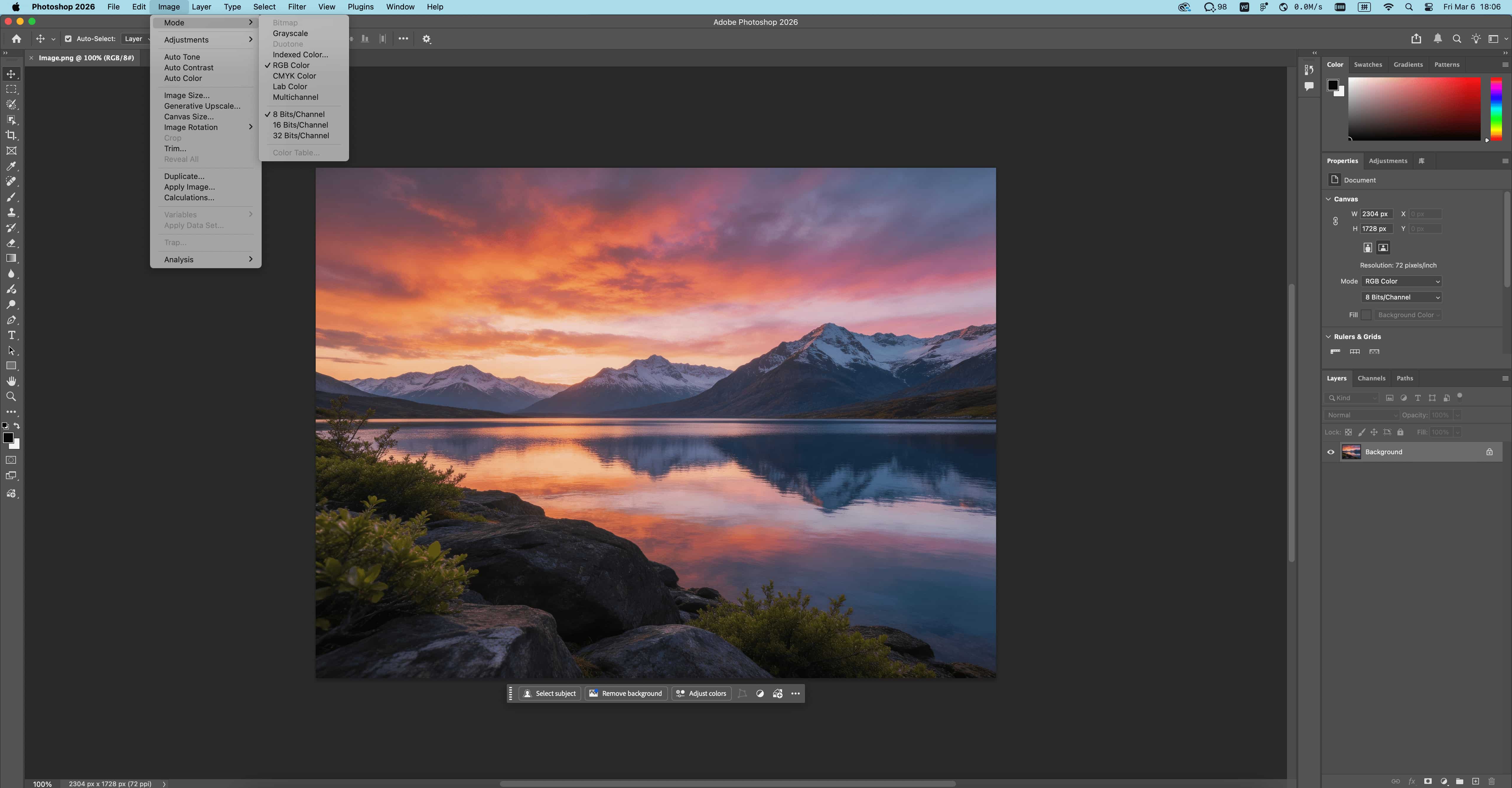
|
| Recommended Image Resolution | The image resolution is recommended to be between 480×480 and 1280×1280, with around 800 being ideal. 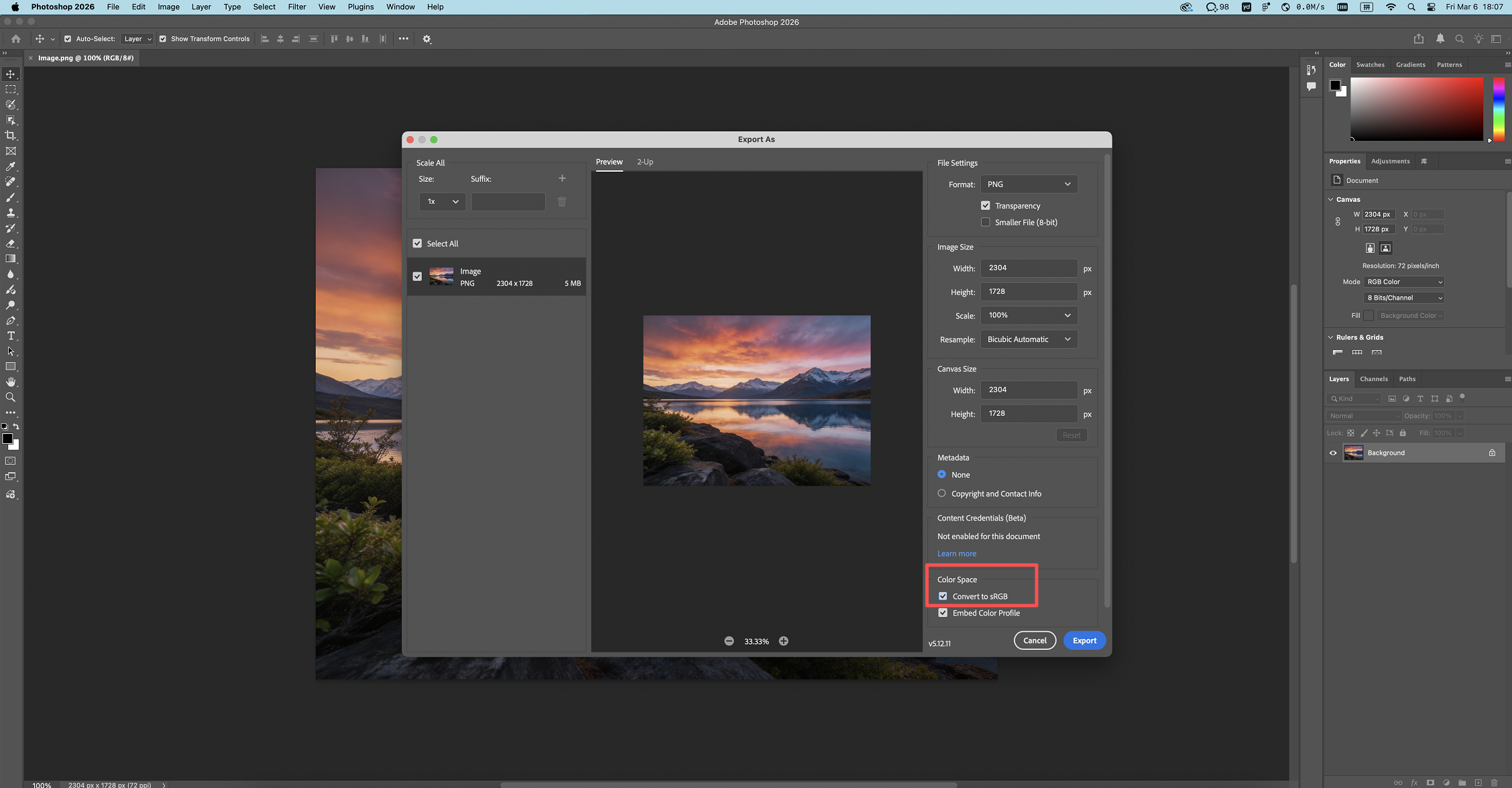 |
Recommended Image Aspect Ratio | Landscape: 1:1 to 16:9 (Aspect Ratio 1 to 1.78) Portrait: 9:16 to 1:1 (Aspect Ratio 0.56 to 1) %20(5).BoJSg0Ba.png) %20(4).B02Ihlvl.png) %20(6).AZlXulvN.png) %20(4).Dg_1pXzv.png) .DTe1W_15.gif) .BbpBZ6d7.gif) .Bs6i9aI-.gif) |
| Rich Detail | The following are examples of poor-quality images: %20(4).Di8BrqPw.png) %20(3).D3GrYg4c.png) %20(3).zAiBKumH.png)  |
Avoid extensive whitespace | %20(2).tb53U0p2.png) %20(2).D1hyh4j3.png) %20(1).DW8ccn-x.png) 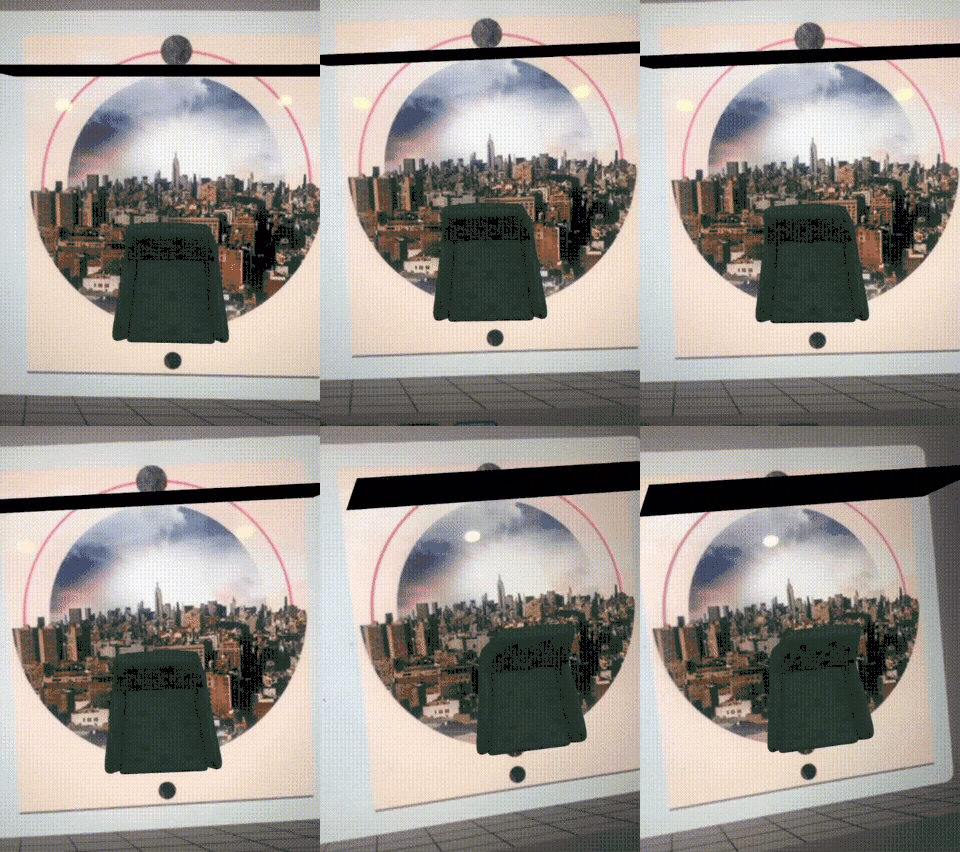 Too much empty space can reduce tracking stability. Minimize blank regions and ensure the main subject is clearly emphasized. |
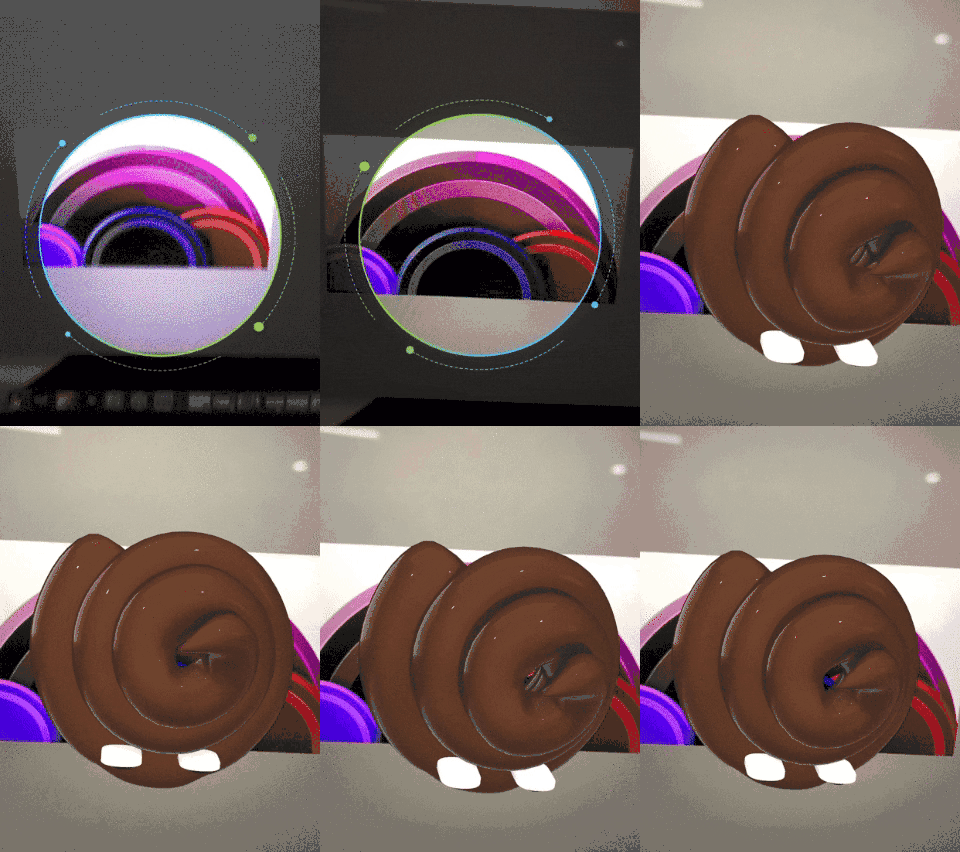
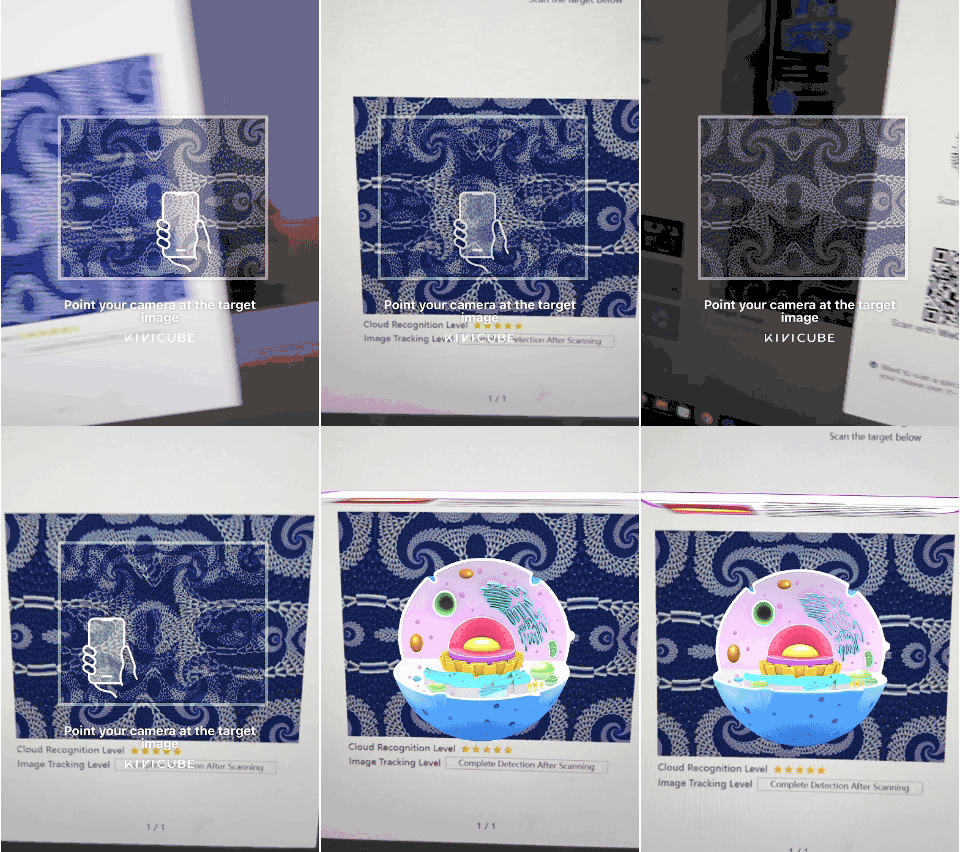
| Avoid repeatitive patterns / Symmetrical images | Symmetrical images tend to be unstable: For images that are not perfectly symmetrical, the final assessment should be based on actual tracking performance. %20(2).JwCSU3CG.png) 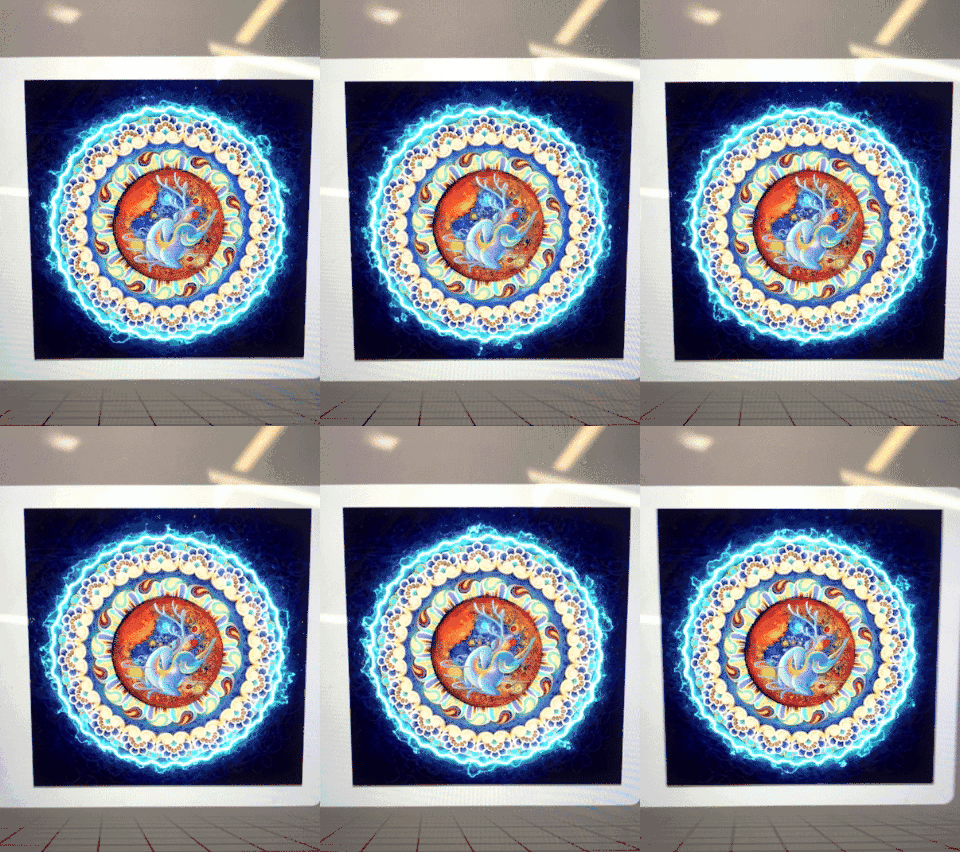
%20(1).Bbx8H-al.png) %20(1).cpNXNiCM.png) %20(1).BT4RxfYr.png) |
Uniform Distribution of Feature Points | Try to avoid large Single-color region around the borders. %20(2).D2EL3deT.png) %20(2).bRvOFq9K.png) 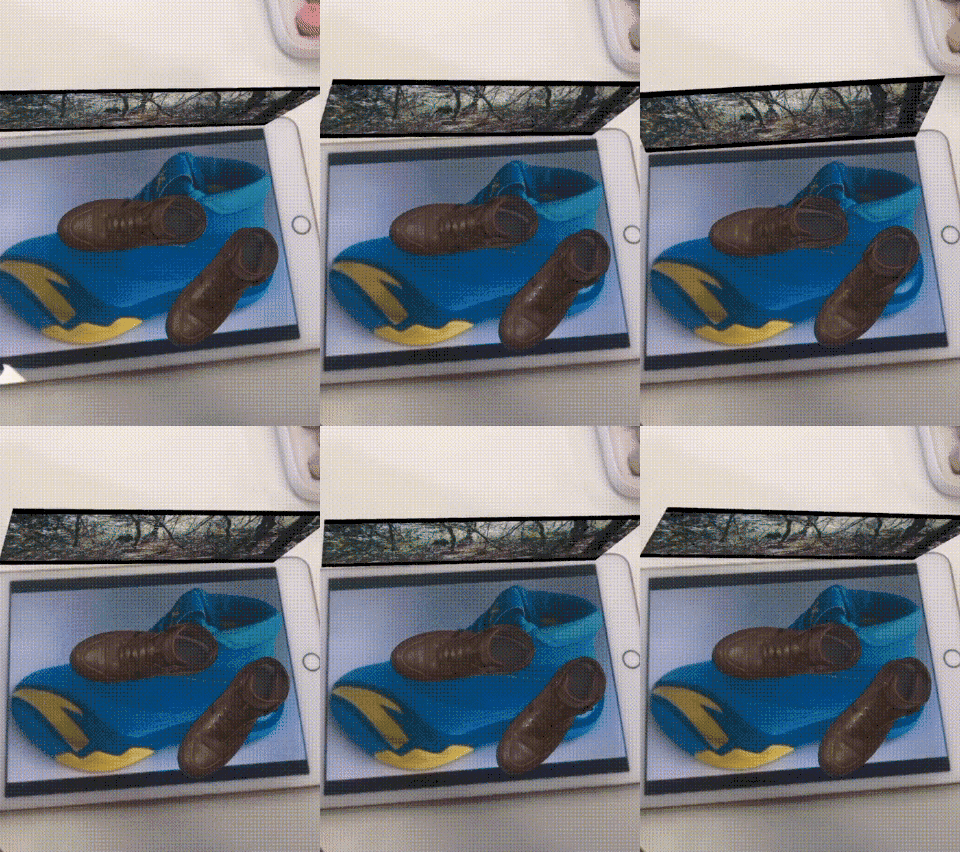 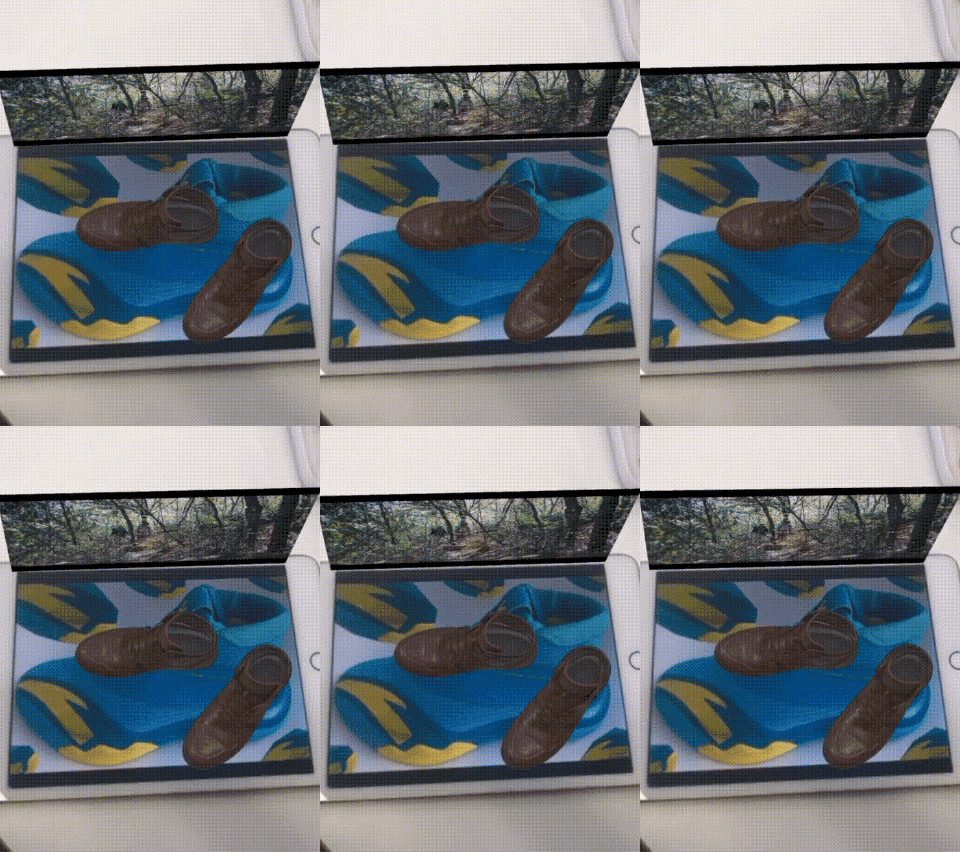 |
| Cloud Recognition vs Image Tracking | Different Feature Point Extraction Principles
 Actual Performance may still jitter. (This does not encourage using blurred designs, only indicates that the system offers higher tolerance.) |
| Avoid Gradient Designs | Avoid using large gradient areas%20(1).BVXS9Snr.png) |
Recommended Practice
Before uploading an image for recognition, add a white border around it.
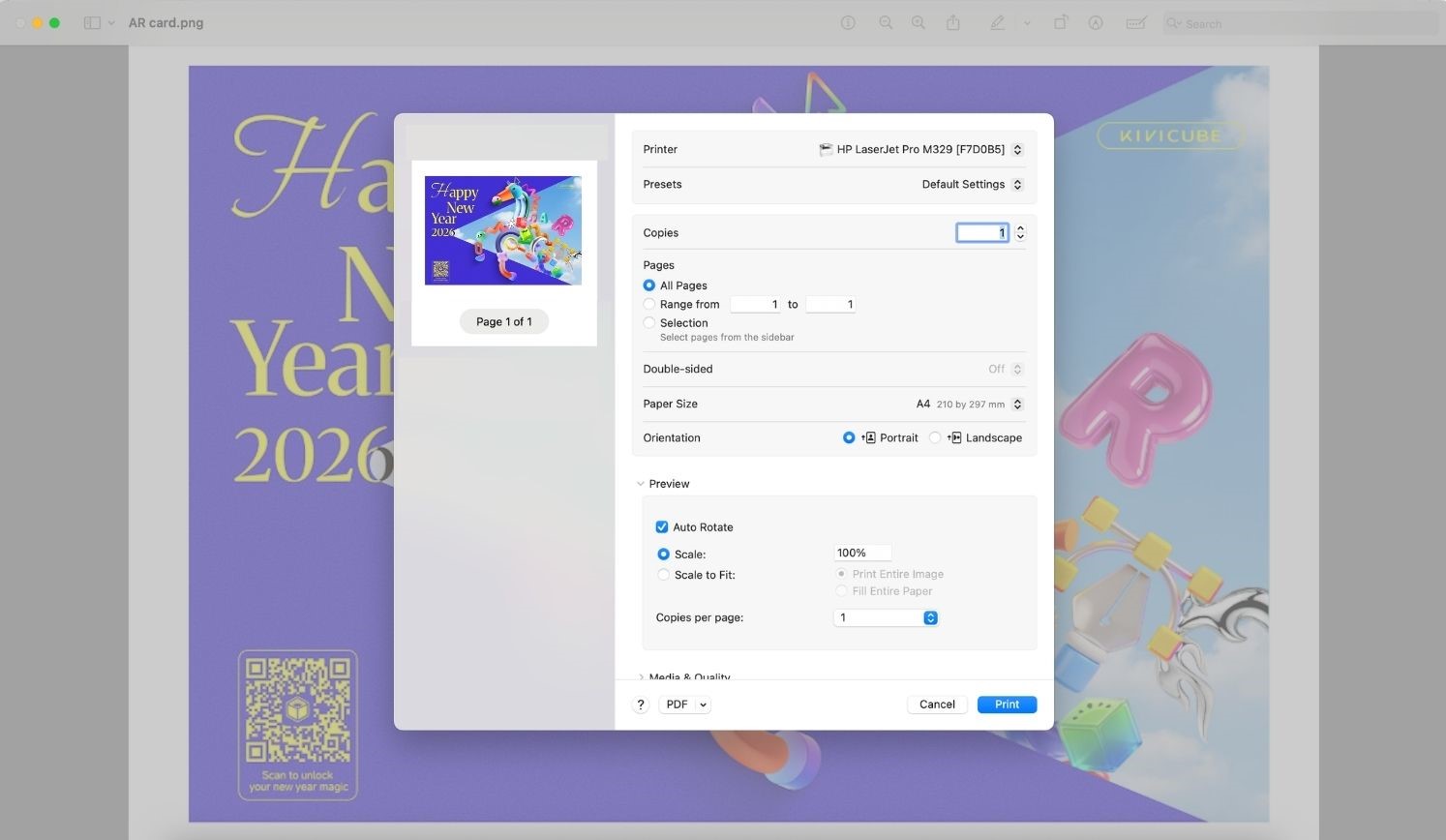
If the image will be printed, include a white border on the printed version as well.
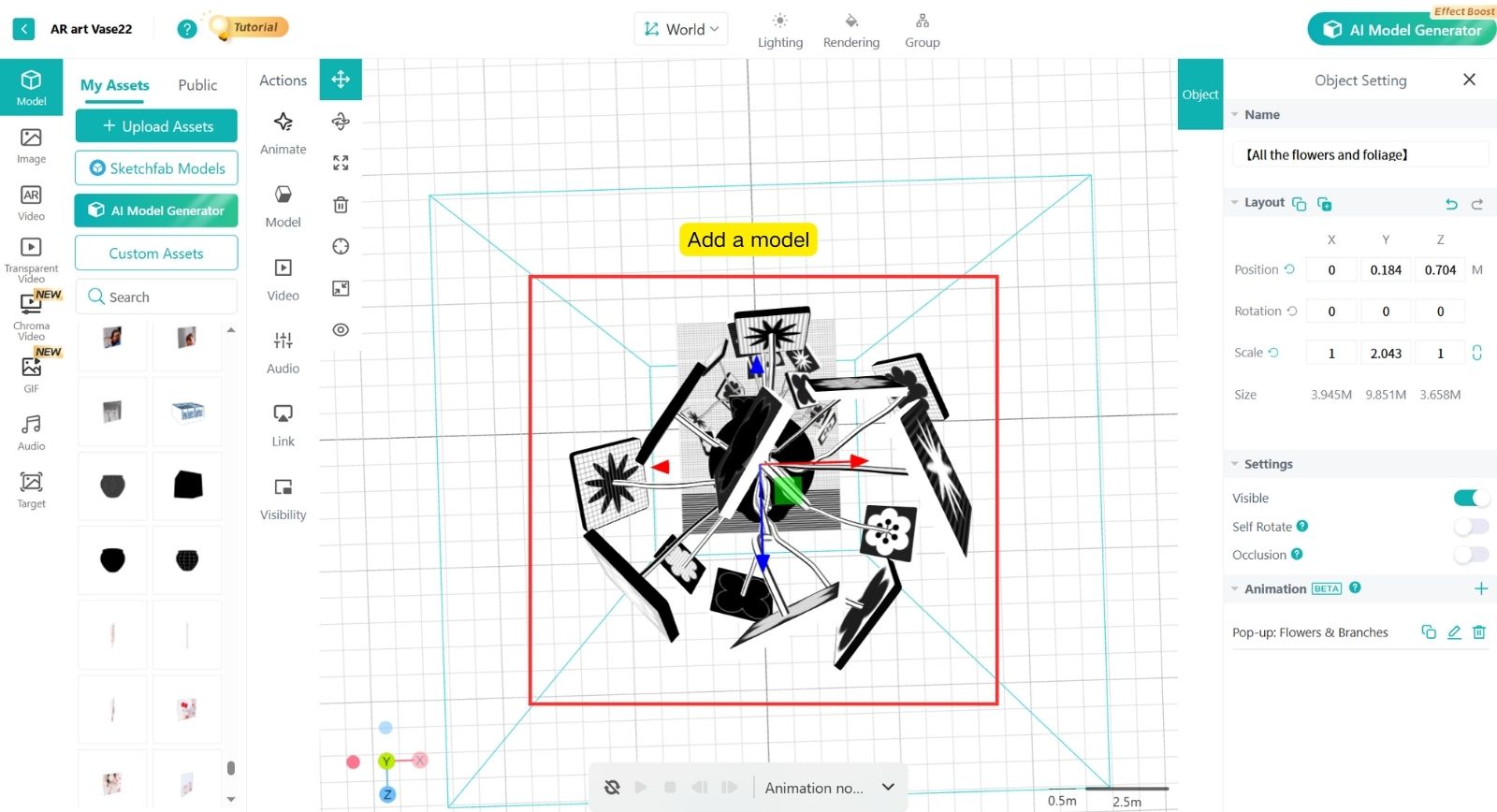
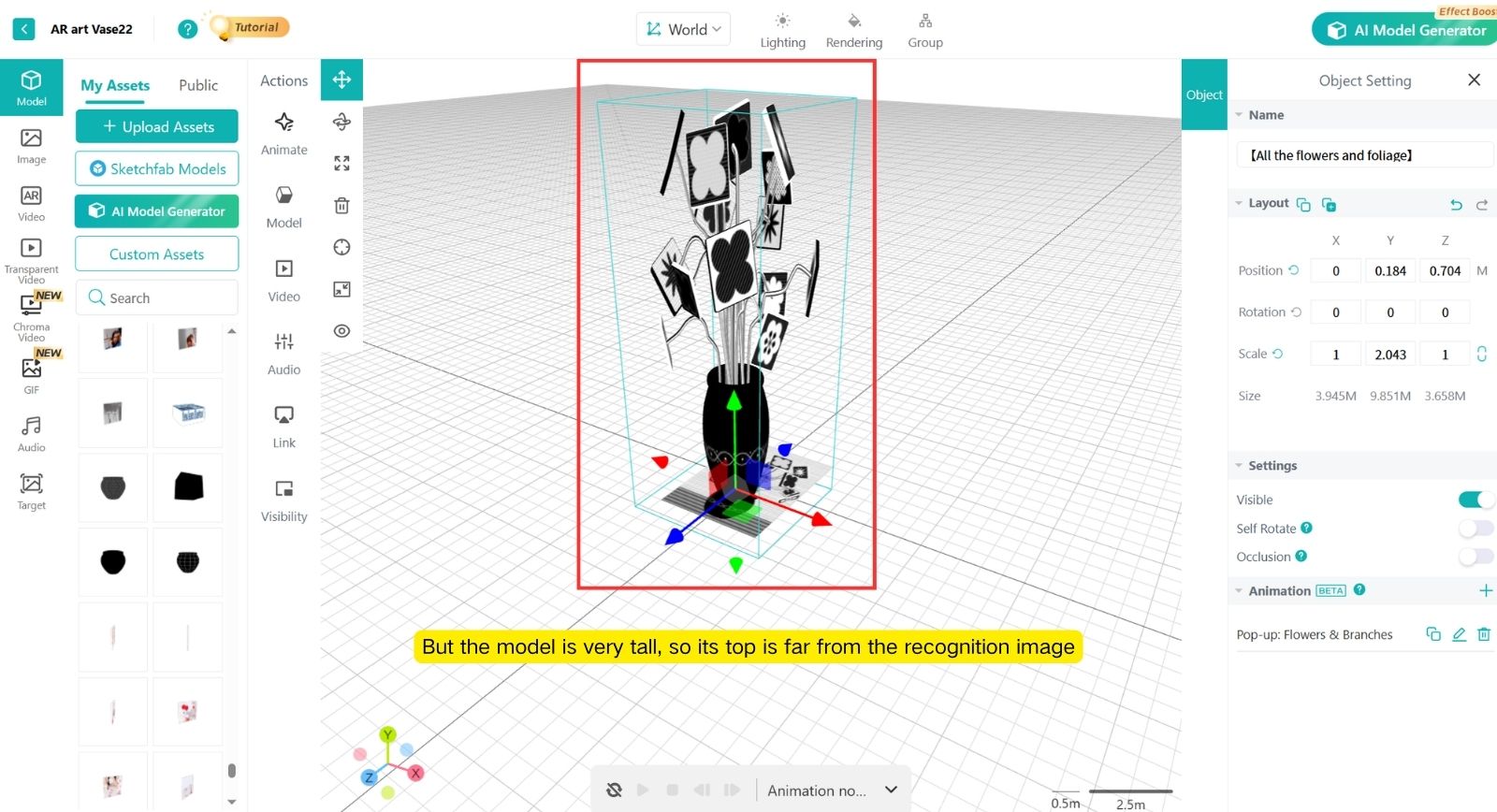
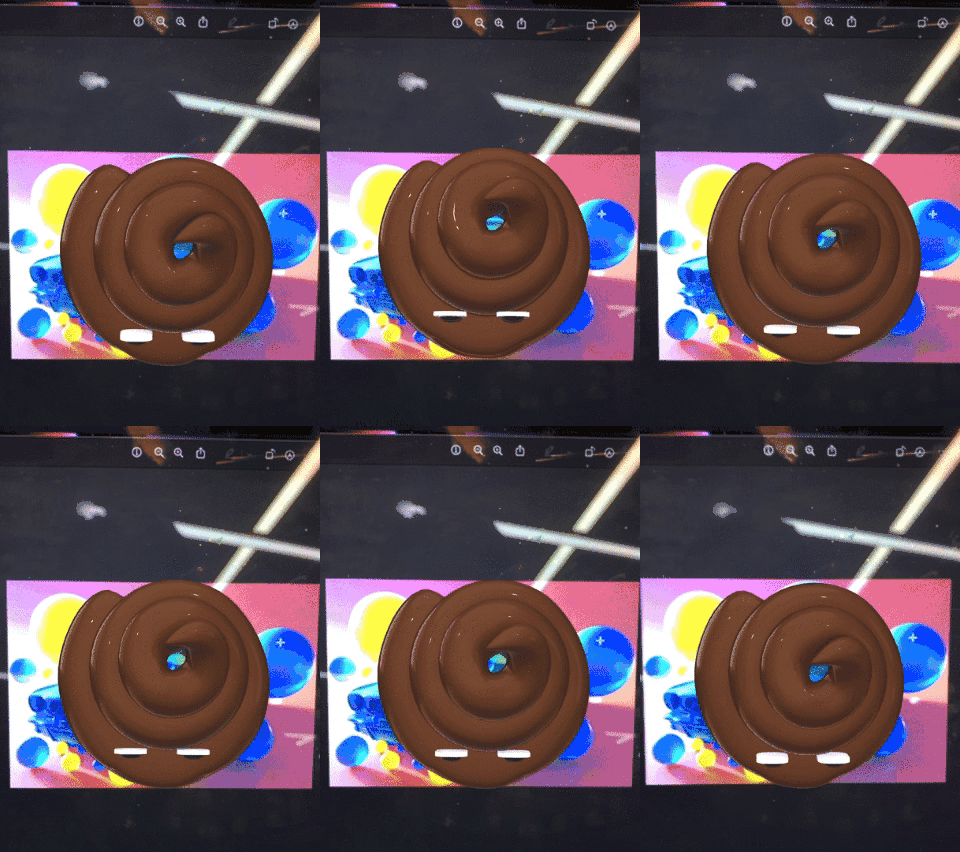
Place AR objects tightly on the Image marker
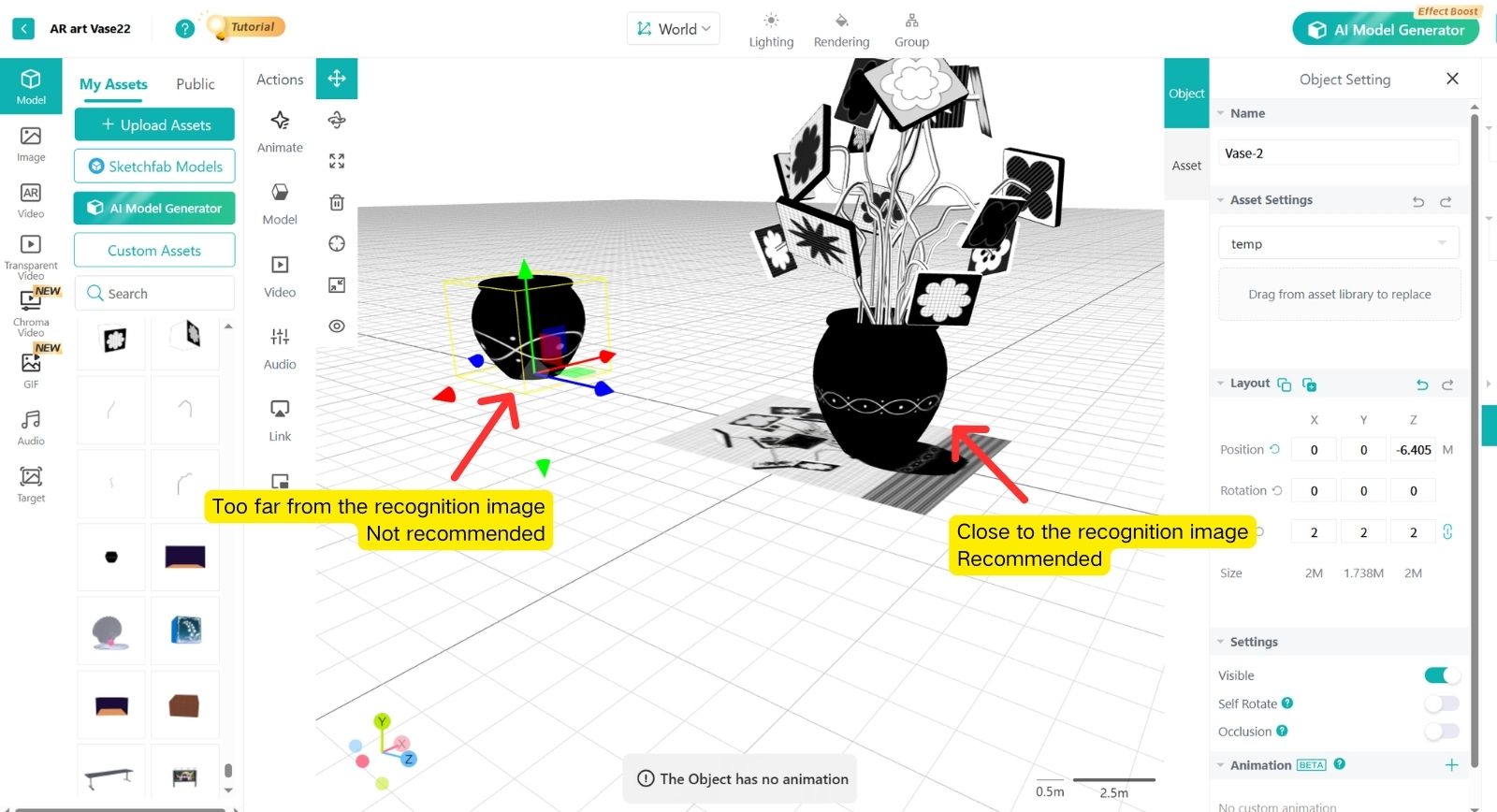
The AR scene placed on the Image marker should not be too tall.
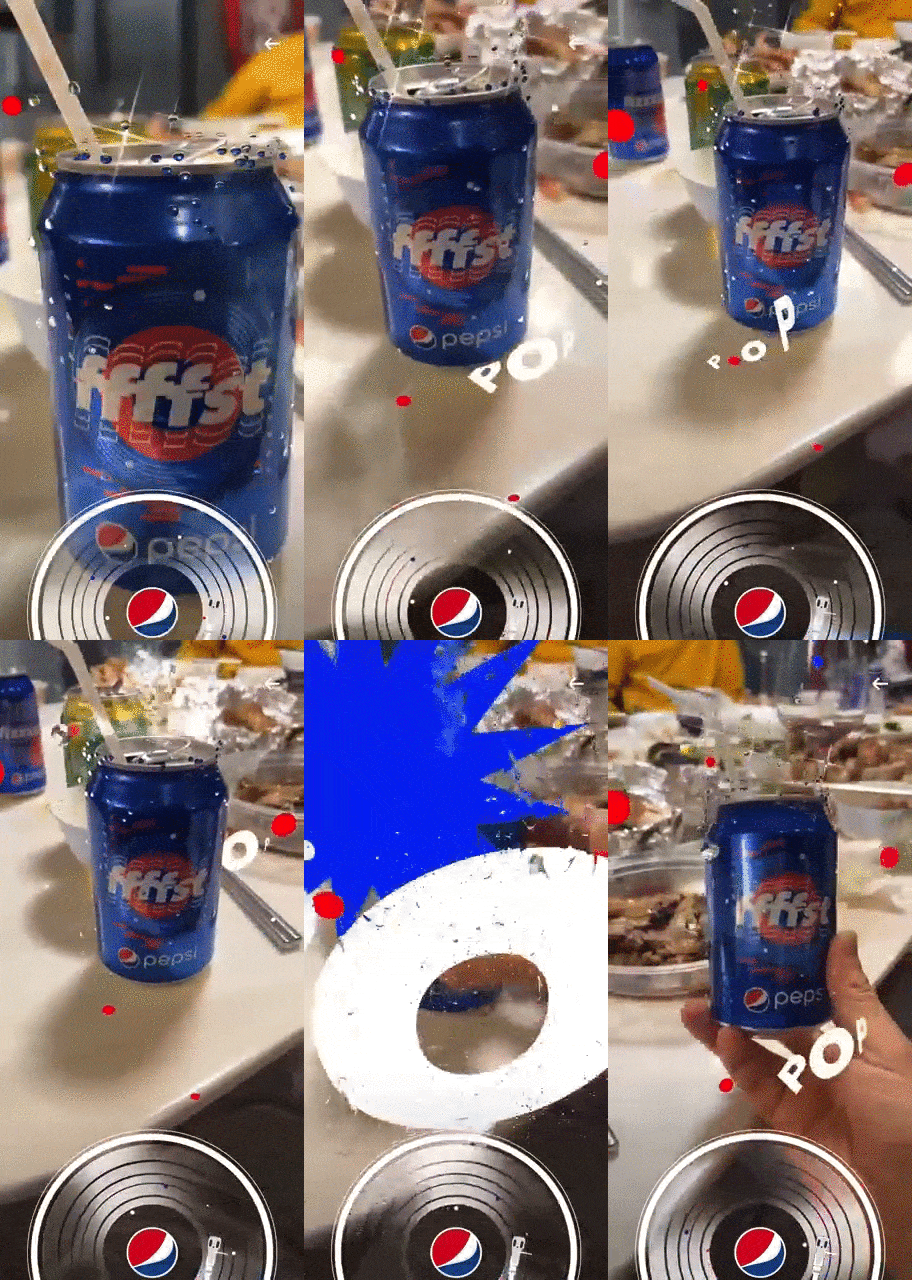
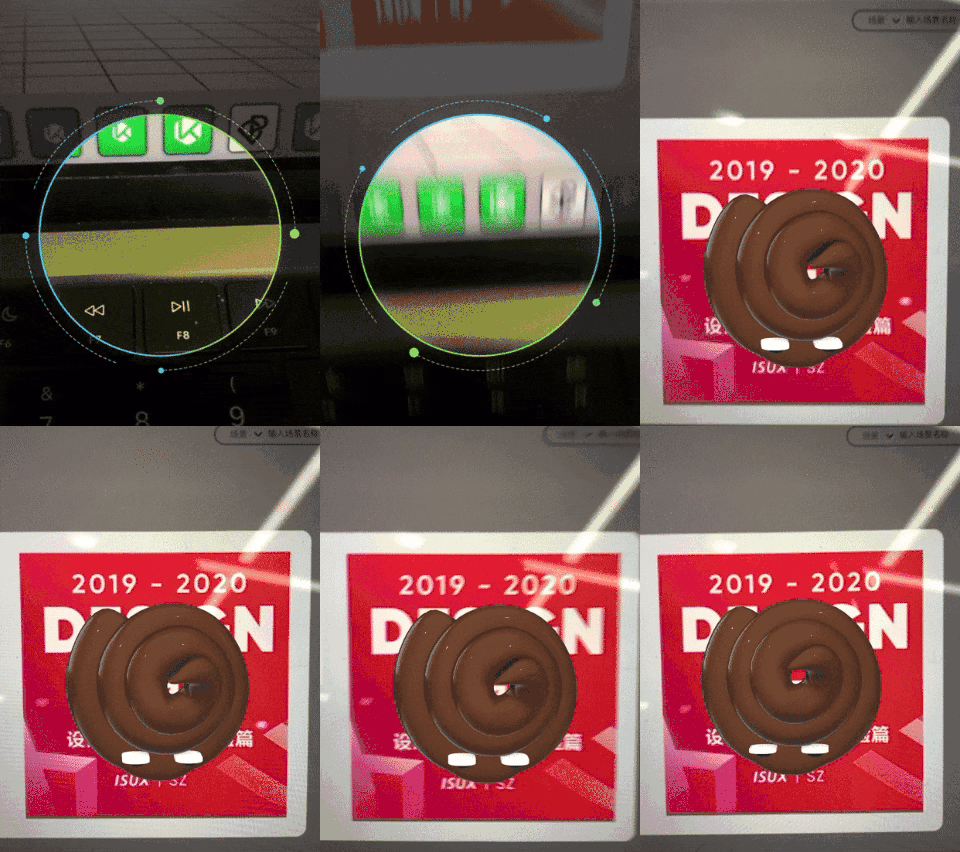
Example: Scanning a wall poster triggers an AR interaction.
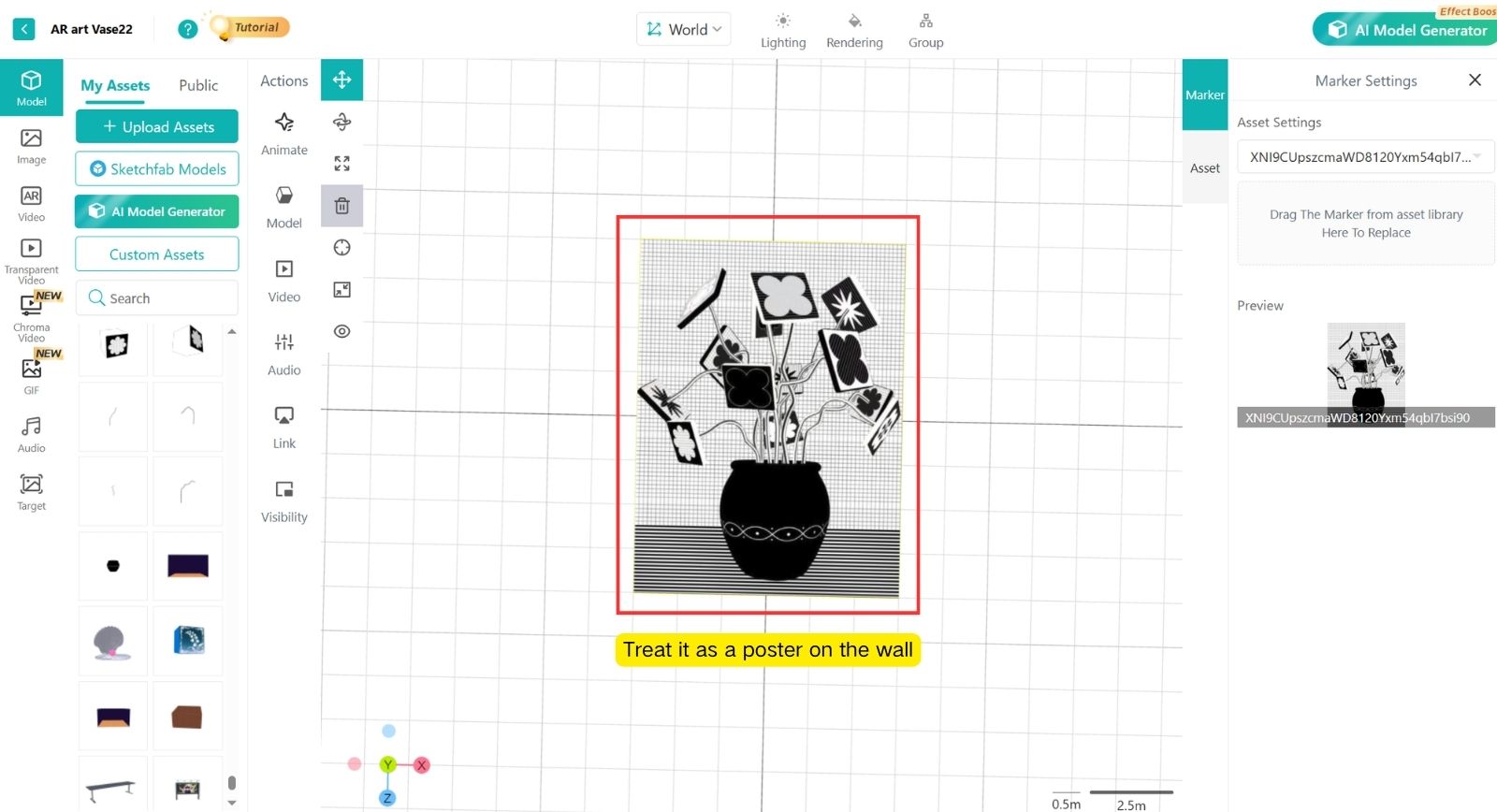
%20(2).DSK-g6Oc.png)
%20(1).BScNjCdj.png)