How to Make Solar System AR Flashcards for Interactive Learning
Learn how to make solar system AR flashcards with Kivicube. No coding or software needed. Follow easy steps with this powerful tool to engage your students.
Keeping kids and students engaged is hard. Traditional flashcards helped a little by adding visuals to learning, but they are still just paper, and kids start to zone out. Then AR flashcards came into being. They allow kids to explore on their own, adding both visuals and sound to keep students engaged. It is actually surprisingly easy to create yourself! Follow this guide to make solar system AR flashcards with visuals and quizzes in just a few simple steps.
What is an AR Flashcard?
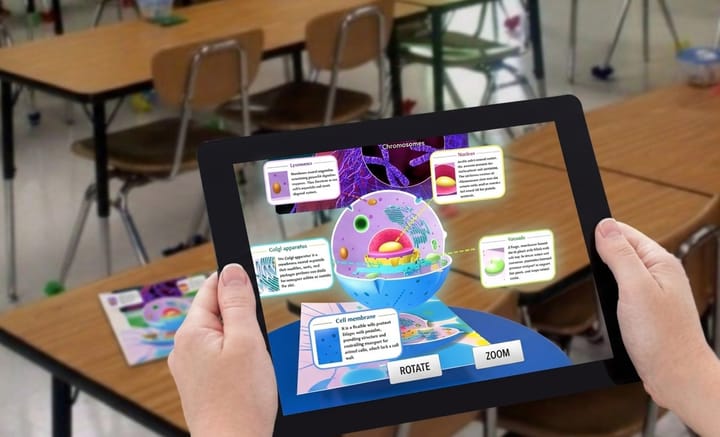
An AR flashcard is a learning card that can display digital items, sounds, and interactive animations when scanned with a smartphone or tablet. Users can freely rotate, tap to hear pronunciations, or trigger mini quizzes with AR flashcards. This hands‑on interaction makes learning feel like play and is widely used in education to boost engagement.
AR flashcard applications span the entire educational spectrum, from kindergarten to university. Here are some top subjects that teachers and parents love most:
- AR animal flashcards: Watch animals move and roar using augmented reality animal cards, sparking curiosity about the natural world.
- AR flashcards alphabet: Letters become 3D objects with sounds, making pre‑reading fun and memorable.
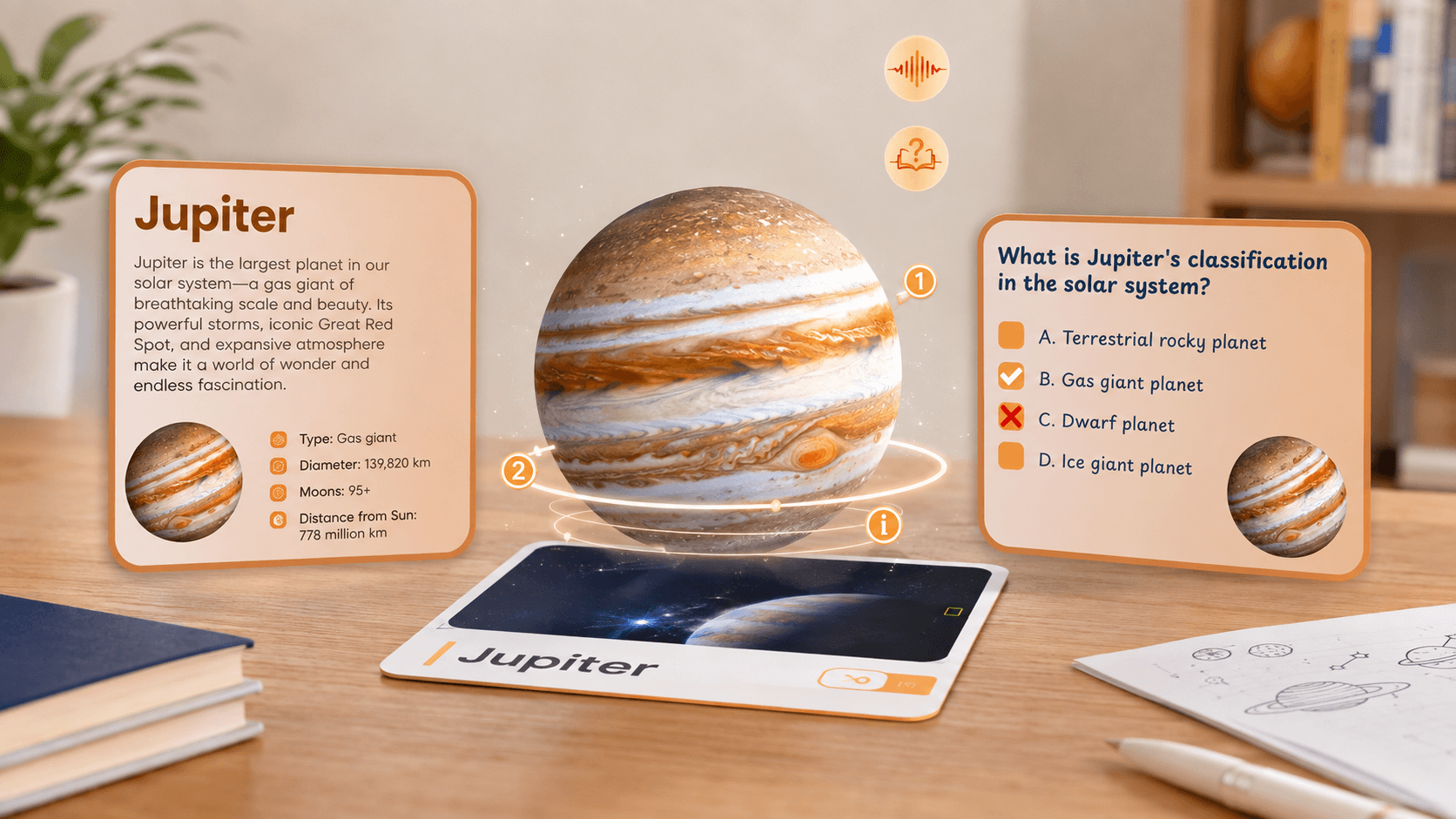
- AR solar system flashcards: Spin 3D planets around and answer quiz questions, turning space science into a playful adventure.
- AR shapes and colors flashcards: Bright 3D shapes and colors pop up playfully, helping little ones recognise patterns with ease.
- AR body parts flashcards: Animated models show how our bodies work with augmented reality anatomy, making human anatomy simple and fascinating for kids.
Augmented Reality Flashcards vs. Traditional Flashcards
The arrival of AR flashcards has completely transformed the way children learn. From engagement to knowledge retention, AR flashcards deliver a brand-new experience at every level.
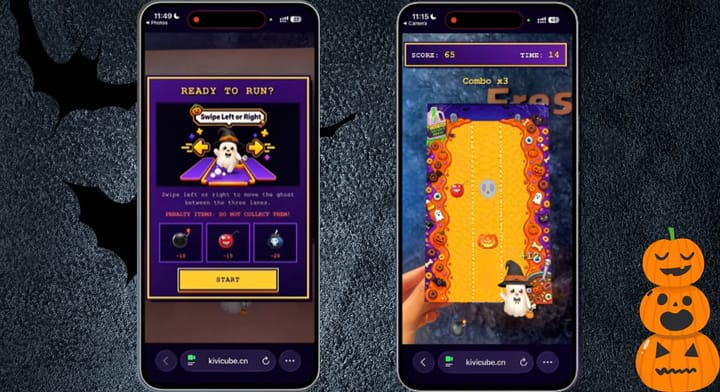
No longer limited to static images and printed text, learning becomes an immersive journey with AR flashcards. You can even design playful AR games to spark curiosity and keep learners motivated.
 Bella
Bella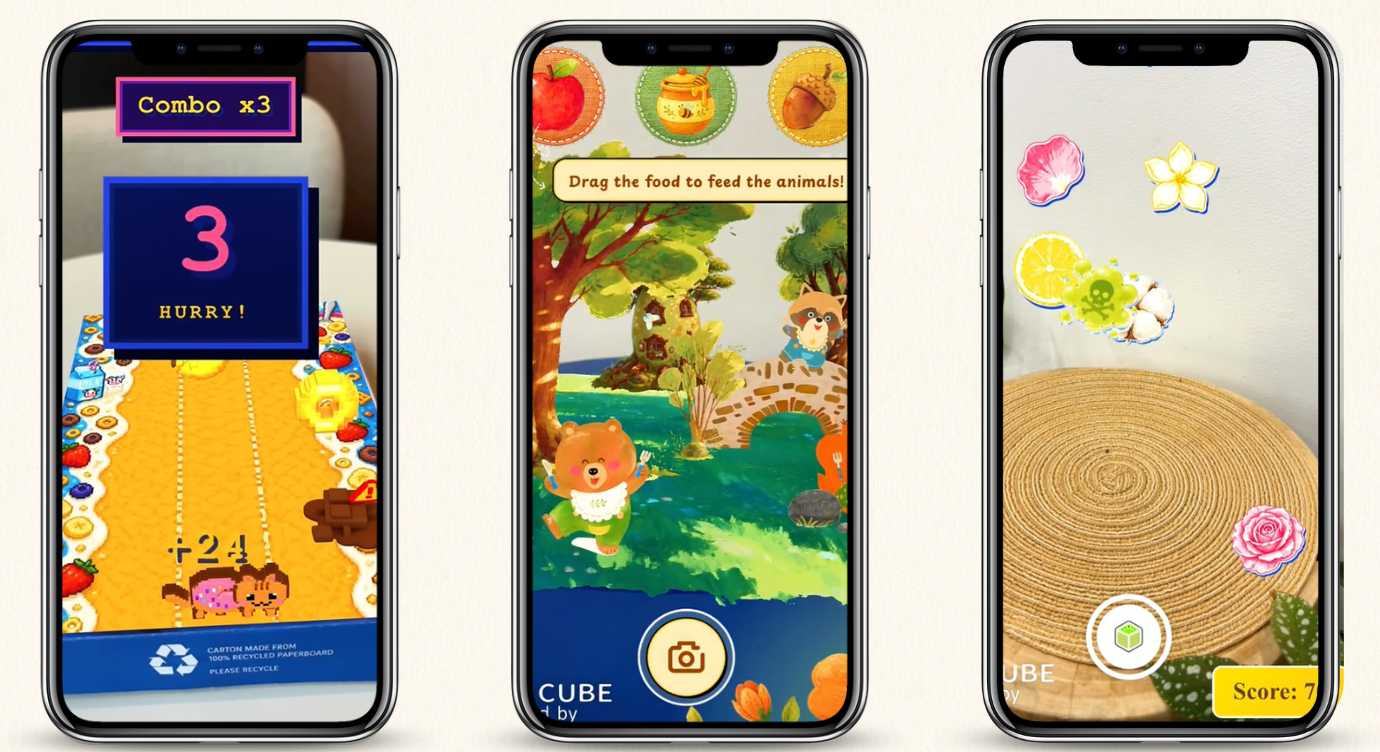
How to Make Solar System AR Flashcards?
Easy! You don't need a degree in coding or a big budget. All you need is a smartphone, an AR creator, and a bit of creativity. Kivicube works wonderfully if you want WebAR flashcards that open right in a browser.
Step 1. Get your card images and all the videos, audio, and quizzes ready. You can simply snap photos, search online, or let Kivi AI generate them for you.
Step 2. Log in to Kivicube and duplicate the "AR Interactive Planet Cards" template.
Step 3. Upload your assets. Remove any preset ones you do not need, or tell AI to swap them with your own files.
Step 4. Tell the AR Agent what interactions, layout, and display sequences you want. Then AI will handle all the rest.
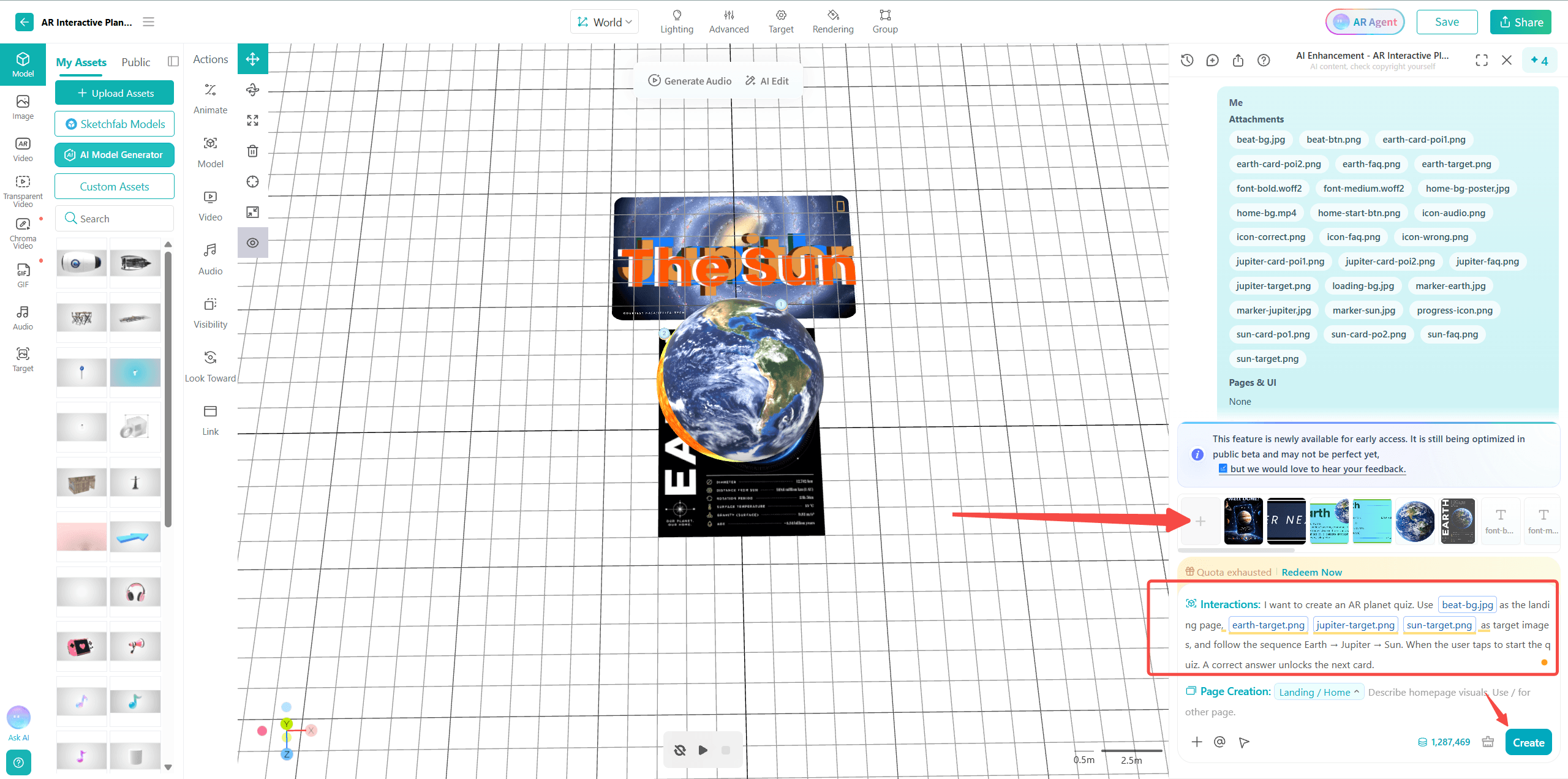
Step 5. Publish your creation. Your students can now scan the flashcard and explore the solar system on their own.
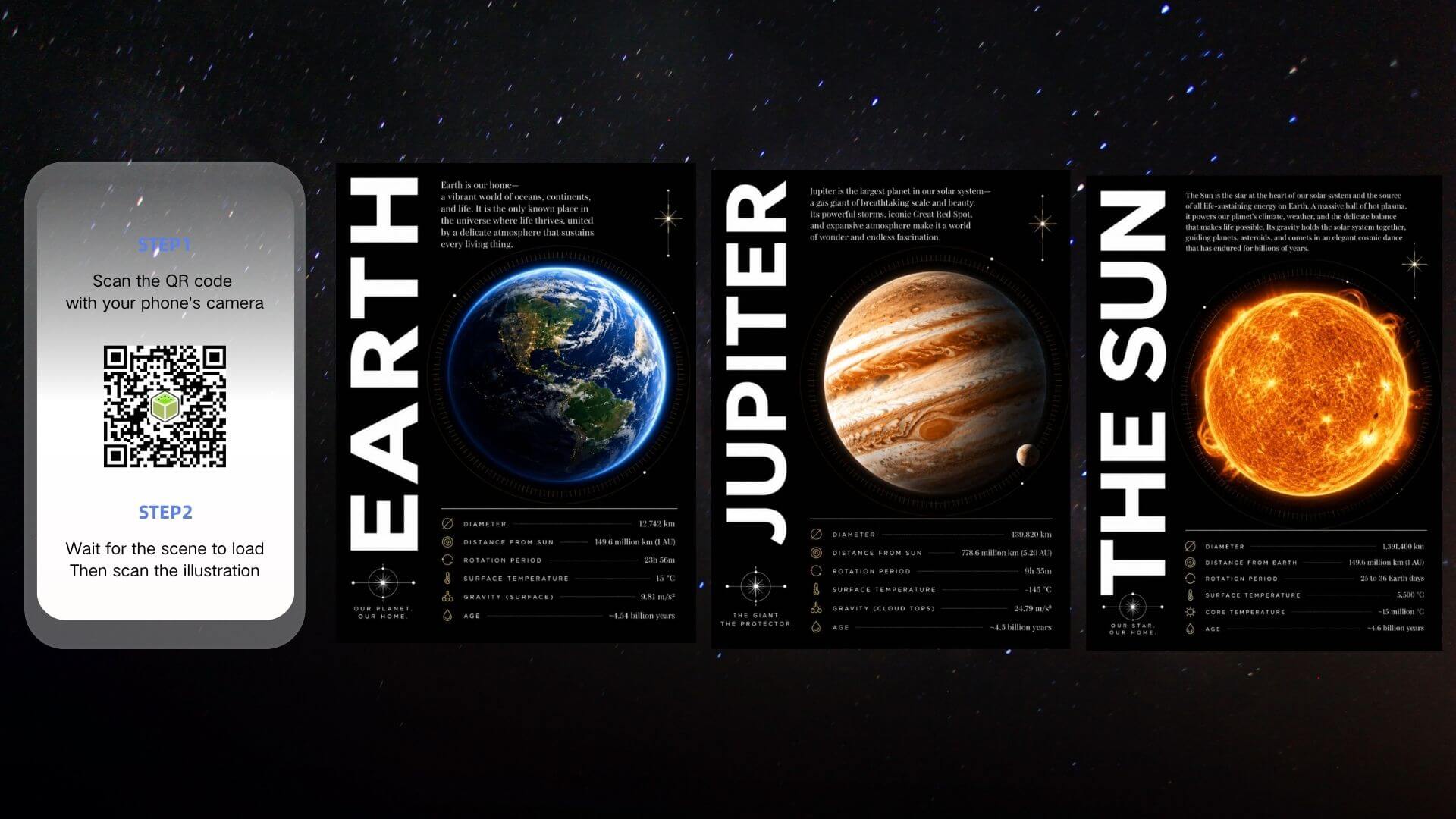
You can also print the QR code right behind each AR flashcard for convenient distribution and exploration. Curious about the full capabilities of AR Agent? Check the AI AR user manual for detailed instructions.
Best Augmented Reality Flashcards Maker
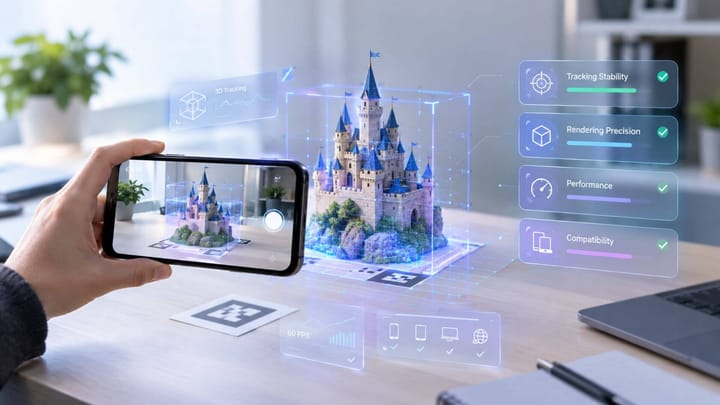
Looking for a tool to build your own AR flashcards? Meet Kivicube, a browser‑based AR creation platform that lets anyone build interactive AR experiences without coding. This WebAR solution has been widely adopted across industries, with a significant number of educators on board. And because it runs right in a browser, students can scan cards directly from their phones without installing any extra apps. It is that easy.
⭐ Zero Code, Drag & Drop
Build interactive AR experiences with simple drag-and-drop. No programming skills are needed. From parents to teachers, anyone can bring their ideas to life with ease.
⭐ All‑in‑One Asset Support
This AR flashcards maker is built for every subject. You can upload the sound of tigers, video clips of space, and 3D models of anatomy all on the same platform. Place any asset with a single drag. Mix and match to create immersive cards.
⭐ AI‑Powered Creation
No need to build everything on your own. Just bring your assets here and tell AI what you want to create. The powerful AI AR Agent will build every interaction for you.
⭐ Countless Educational Templates
Choose from a rich library of ready‑to‑use AR templates for educational purposes. There are solar system cards to explore the planets, AR Anatomy to demonstrate the digestive system, and interactive science books filled with animals.
⭐ Easy Sharing & Experiencing
Publish your creation and share it with a link or a QR code. Students scan the card with their phone and start exploring right away. No app installation is required.
Conclusion
Technology is transforming the way we teach and learn. AR flashcards are an engaging way to convey information and encourage self-exploration. Every card becomes an adventure, and every quiz becomes a game. With the WebAR tool Kivicube, you don't need any coding skills to make it happen. Just bring your idea, and let the tool handle the rest.
FAQs
What Types of AR Flashcards Can I Make?
Almost anything you can imagine. You can create flashcards for the solar system, science, biology, anatomy, and more, with ready‑to‑use templates to help you customize in minutes.
Can I Create AR Flashcards for Alphabet Learning?
Absolutely. Alphabet flashcards are one of the most popular use cases for AR in early education. With Kivicube, you can turn each letter and word into an interactive 3D experience. By adding animations, audio clips, and even quiz interactions, alphabet learning could be as fun as playing games.
How Many Flashcards Can I Create with Kivicube?
As many as you want! There is no fixed limit on the number of flashcards per project. As long as you stay within the file size limits, you can add as many flashcards as you like within each project. Once you need more projects or higher usage limits, simply upgrade your plan to scale with your educational content libraries.
How Can Students Access the AR Flashcards I Create?
Once you publish your AR flashcard on Kivicube, you get a QR code and a shareable link. You can simply print the code on the back side of your cards and let students scan it with their phone, or share the link with your students.
Is It Costly to Do Augmented Reality Flashcards?
Not necessarily. WebAR solution is one of the best affordable choices for anyone to get started, and Kivicube provides new users with 2 free projects to start. In short, you can start creating AR flashcards at no cost right now!