English
Appearance
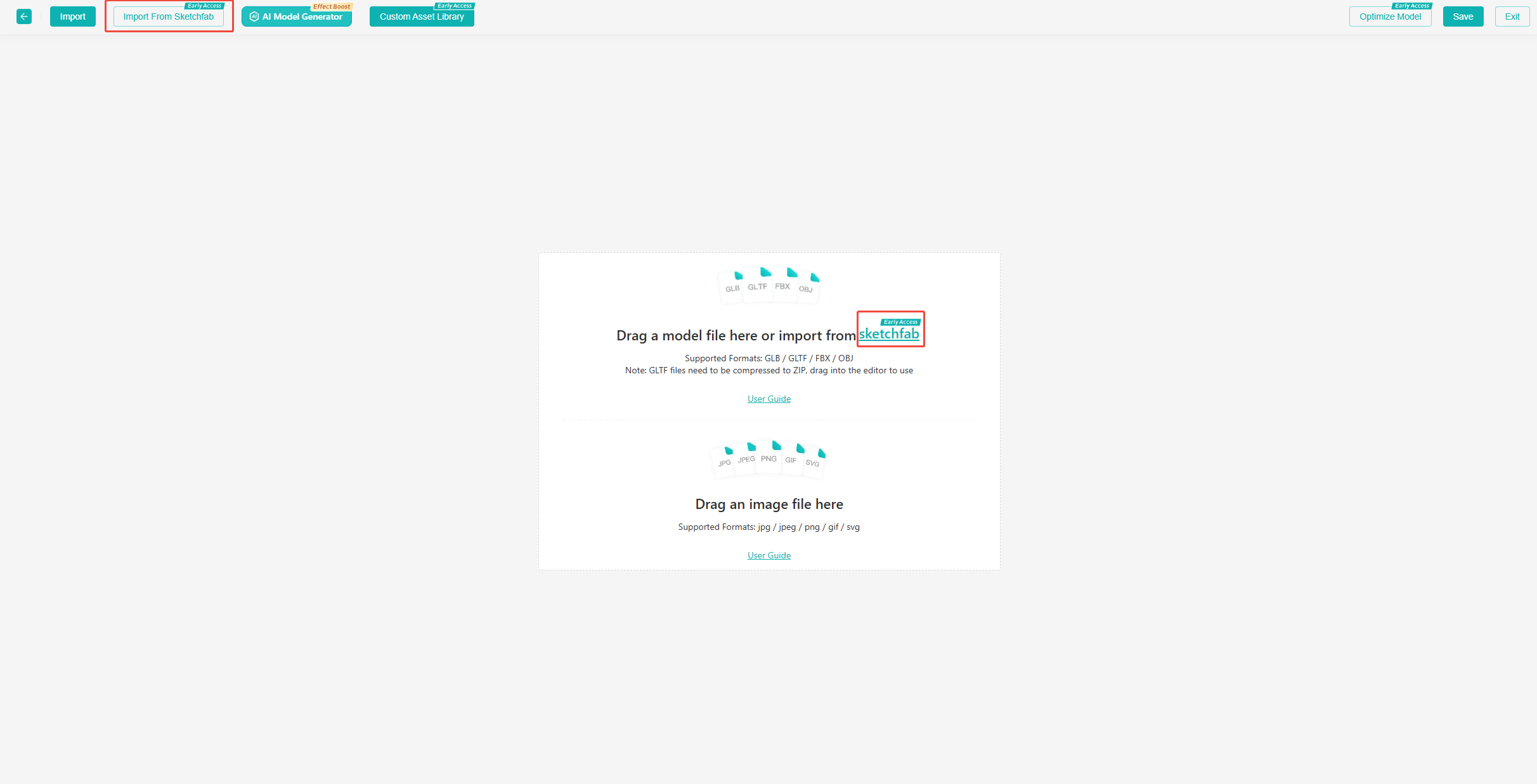
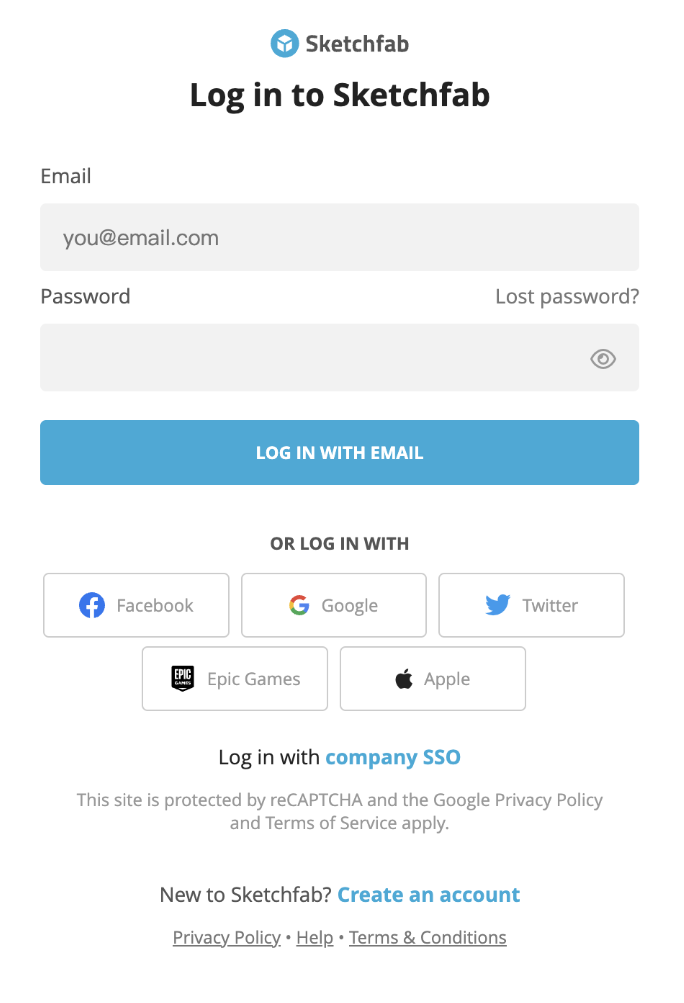
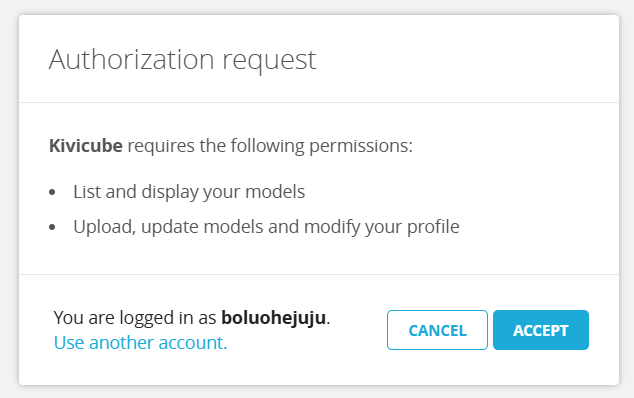
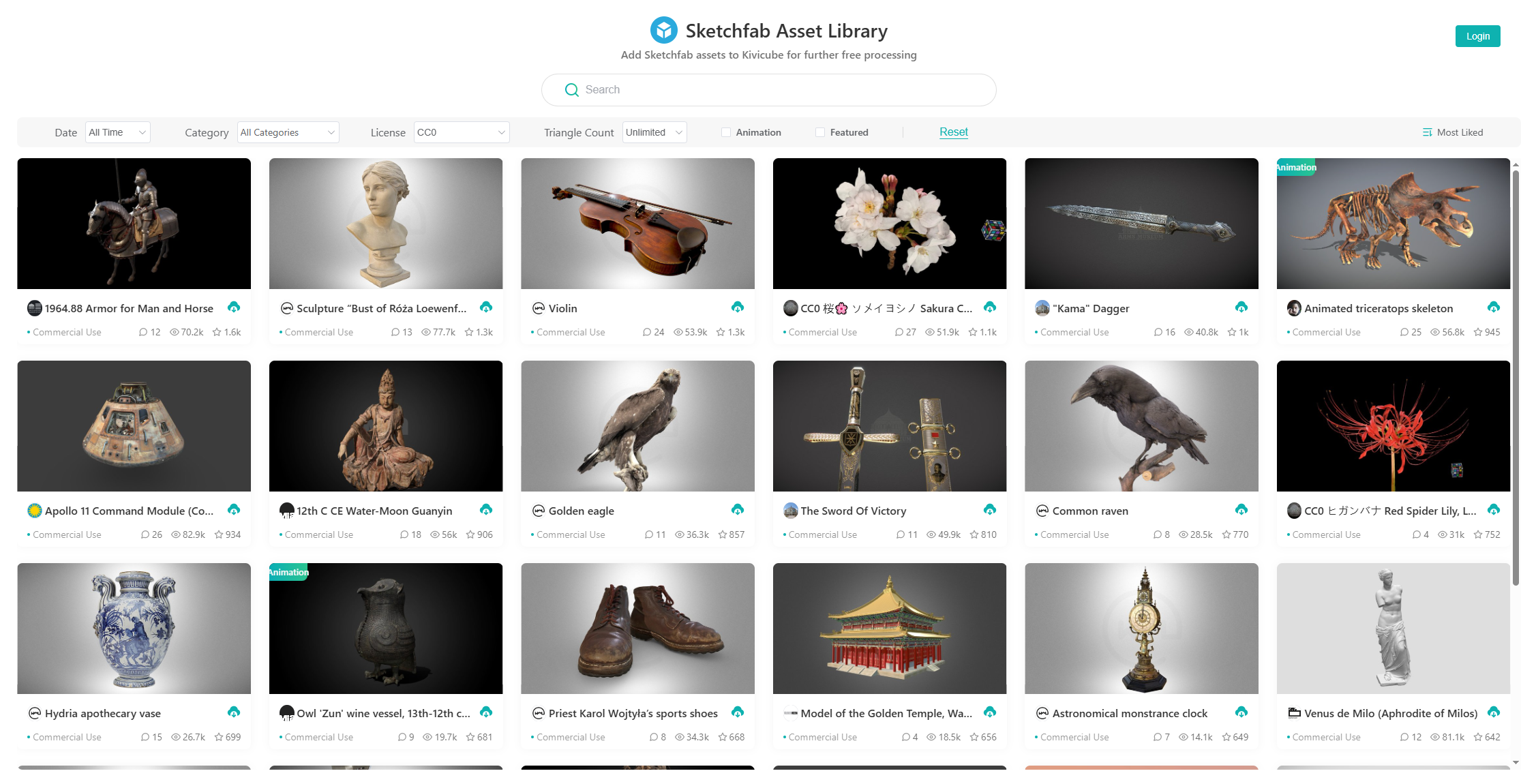
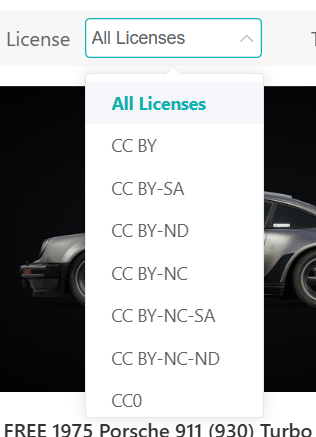
Pay attention to the license information when selecting a model. For commercial projects, always ensure the asset has a commercial use license.
The rendering engine used by Sketchfab differs from Kivicube's, so the visual result may not match the Sketchfab preview. You can adjust the lighting environment, render settings, and materials within Kivicube until you achieve the desired look.
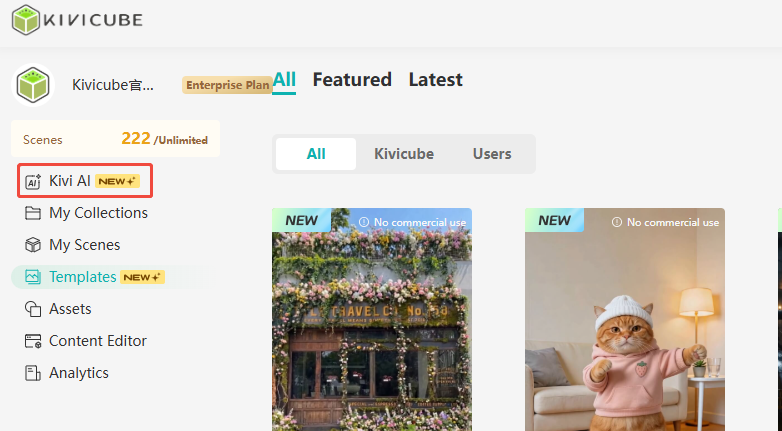
Kivicube has launched Kubu AI, which supports multiple generation modes including 3D models, video, and images. The entry point is in the top-left corner of the Kivicube homepage.