11 Best Augmented Reality Builders in 2026
The 11 best augmented reality builders in 2026 are Kivicube, ARLOOPA, Overly, Blippar, etc. Check the details and choose one for creation.
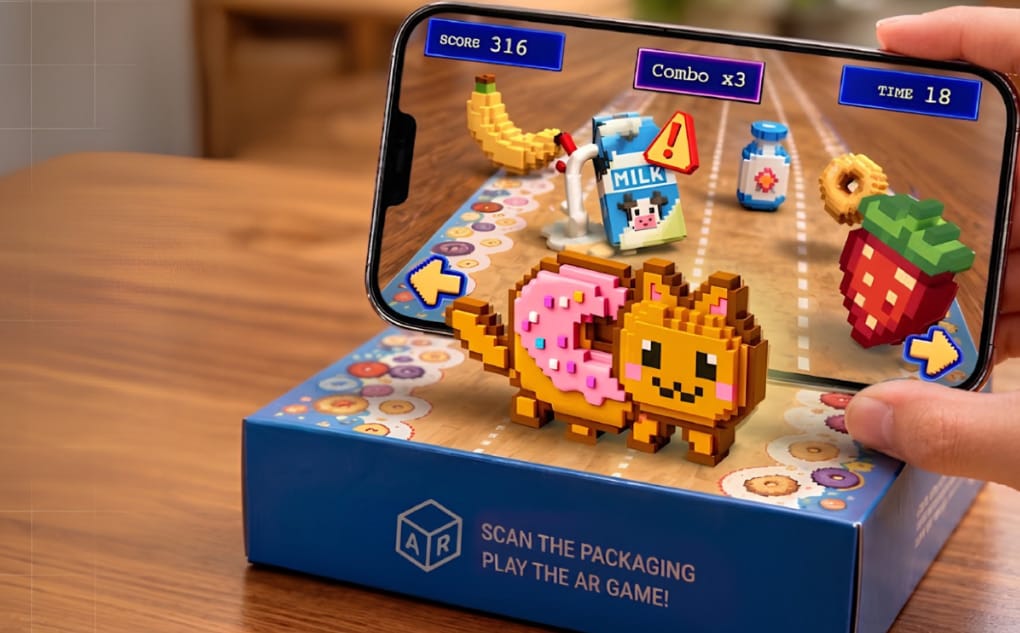
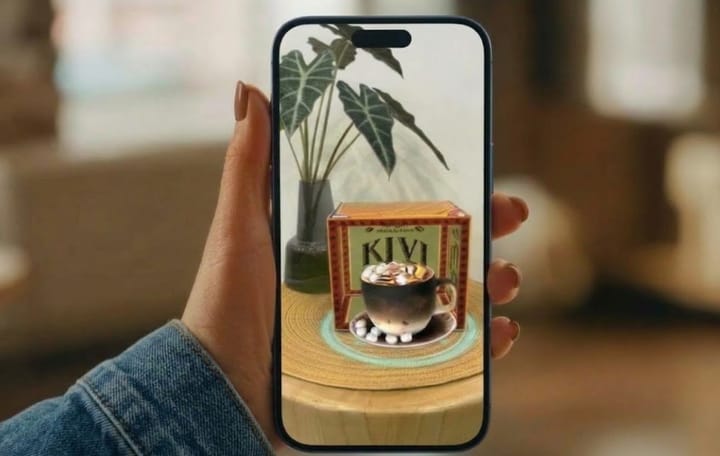
Augmented reality is a technology that overlays digital content onto the environment and objects in real life. Since AR can create interactive experiences and capture users’ attention, more businesses are incorporating it into their marketing campaigns. However, the high cost of developing AR experiences can discourage individuals and small businesses from adopting the technology.
Fortunately, a growing number of AR builders make it easier and more affordable to create AR experiences. Whether you are a business marketer or an individual user, you can easily build your own augmented reality scenes in seconds with such AR builders. In this post, we’ll discuss the top augmented reality builders after testing.
What Can You Do with an Augmented Reality Builder
AR builders help you convert your ideas into interactive digital experiences with simple steps.
Create AR Scenes: Create new AR scenes with 3D models, images, and videos.
Add Interactions: Add animations and effects, such as movement and pop-out effects, to make AR scenes more interactive.
Publish with Ease: Share the AR experiences through links or QR codes, with no need to download an app.
Share Anywhere: Embed AR experiences on websites, social media, marketing materials, and other digital channels.
1. ARLOOPA: AR Visualization Tool for Multiple AR Projects
Best for: Creating versatile AR experiences for marketing, education, events, and product visualization.
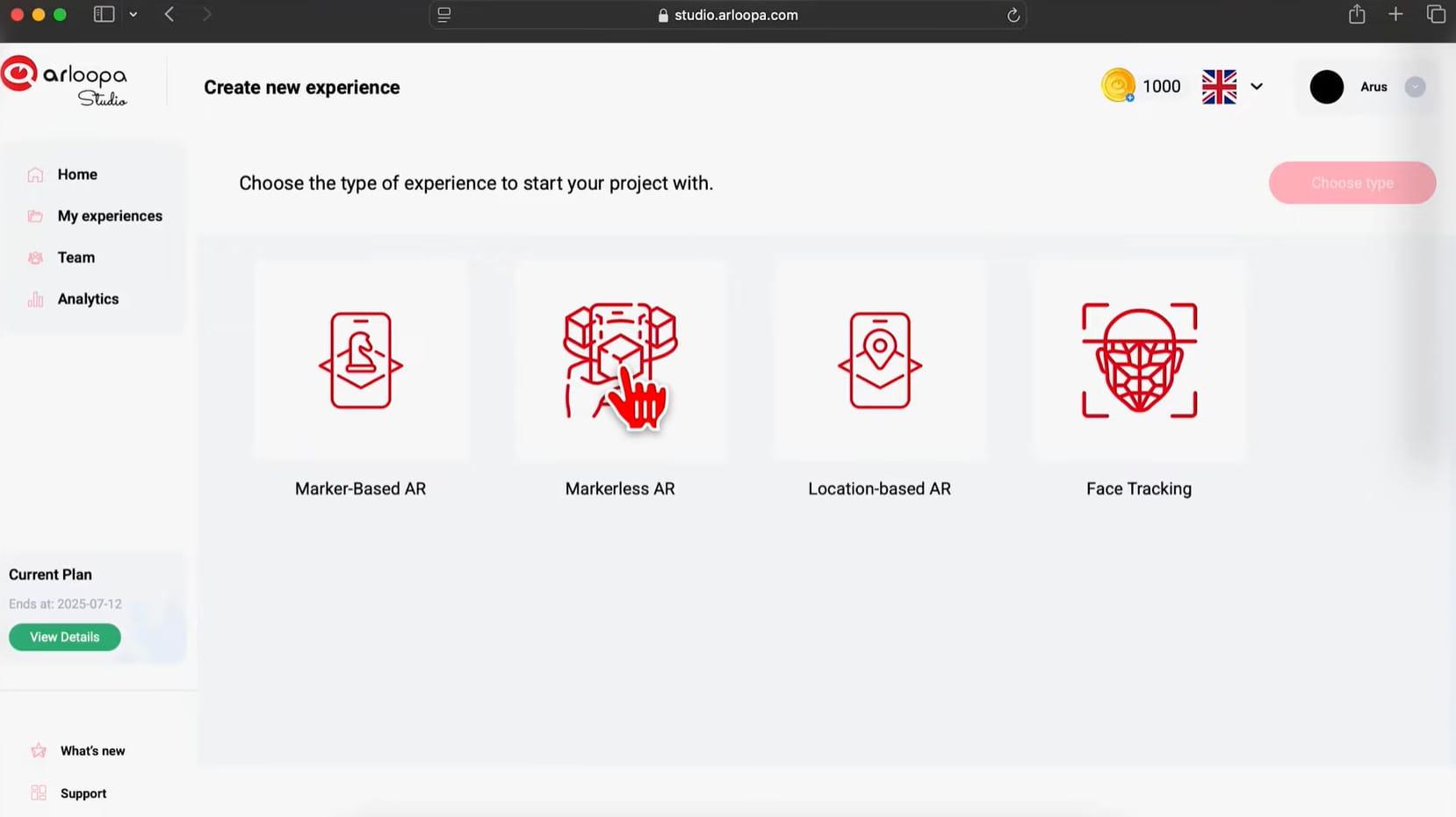
ARLOOPA Studio is a platform that enables people to build an augmented reality project without writing any code. It can be used to create AR experiences for a variety of purposes, including marketing campaigns and education. Using a user-friendly editor, users can easily incorporate images, videos, audio clips, text, and 3D objects into their AR scenes.
Pros:
✓ No-code workflow with visual scene creation.
✓ Supports multiple AR tracking methods, such as image tracking and face tracking.
Cons:
✗ Complex native AR experiences may require custom development beyond the no-code workflow.
✗ Large 3D models and media files may need to be optimized for smoother performance on mobile devices.
Ease of Use: ★★★★★
Price: Free trial, $10/mon for Personal, $50/mon for Schools & Universities, and $125.00/mon for Business.
2. Kivicube: Overall Web-Based Augmented Reality Builder
Best for: Personal users and businesses that are looking for a low-cost AR solution online.
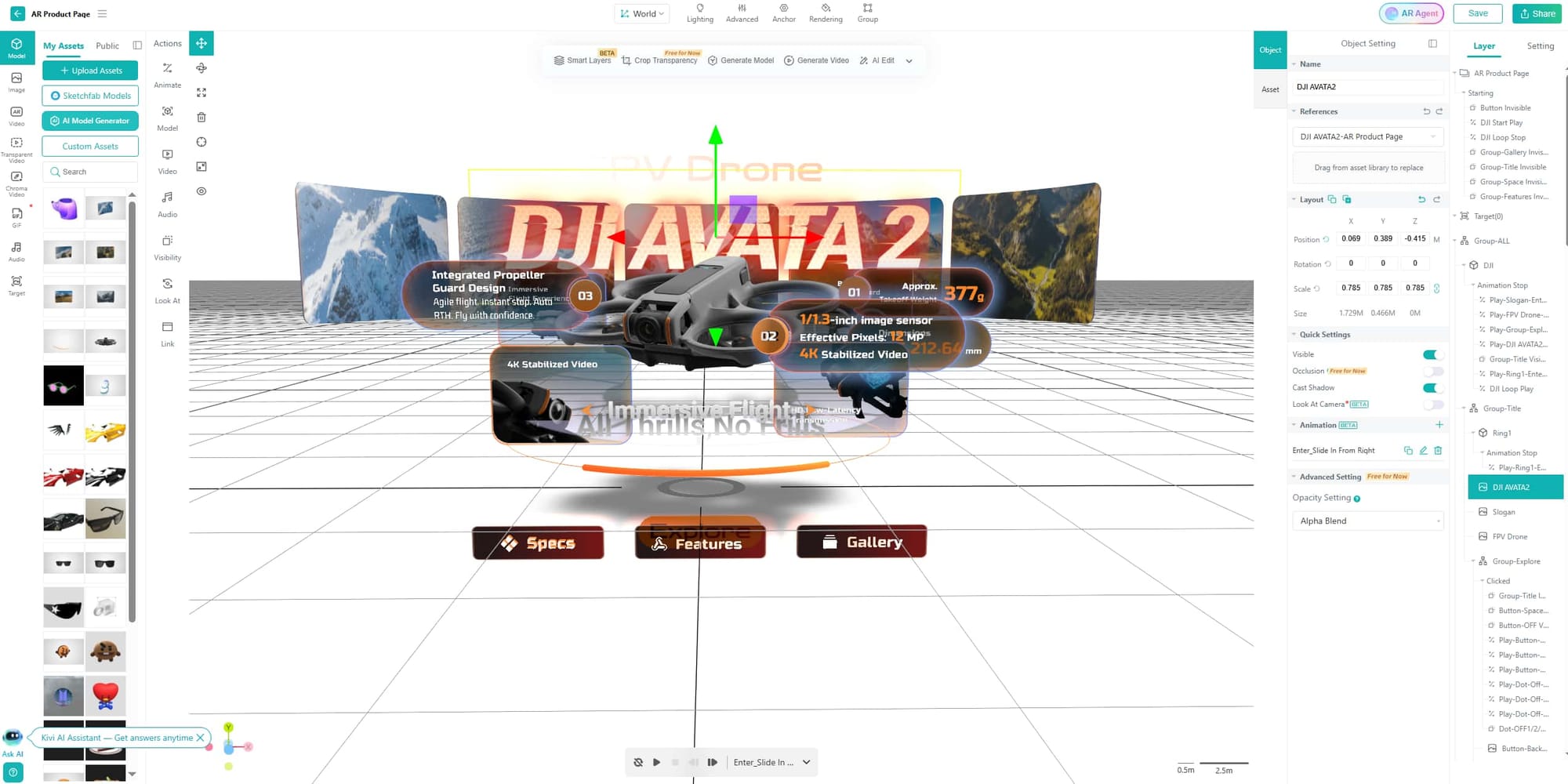
How to make augmented reality for free? If you're new to AR or run a small business with a limited budget, Kivicube can be a suitable option for bringing your ideas to life. Within a drag-and-drop editor, it enables anyone to design engaging browser-based AR scenes in a short time. No coding or app download is required.
Pros:
✓ Ready-to-Use AR Templates and Assets: Choose from pre-designed AR templates and assets for faster customization.
✓ Powerful AR Tracking Support: Diverse AR tracking algorithms to meet different requirements, such as face tracking, body tracking, plane tracking, walk-in tracking, and more.
✓ Advanced AR Effects: High-precision rendering supports realistic 3D model visualization, while a range of animations and interactions, including zoom, rotation, pop-out effects, and keyframe animation, gives creators more control over their experiences.
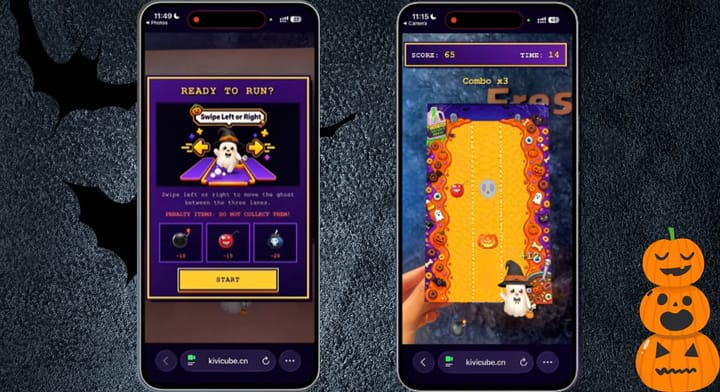
✓ AI-Assisted Asset Generation: The Kivi AI generator can create AR assets (images, 3D models, and videos) in seconds. The AI AR Agent can generate AR games and other highly interactive AR projects from prompts.
✓ Instant WebAR Scene Publishing: After you create a WebAR experience, Kivicube generates a QR code and link that you can quickly embed across platforms.
Cons:
✗ Advanced customization may be less flexible than a developer-focused SDK.
Ease of Use: ★★★★★
Price: Free trial for 2 totally free AR scenes and an extensive AR template library, €47.9/year for the Starter plan (≈ €3.99/mon), €1680/year for the Pro plan (≈ €140/mon).
3. Web-AR.Studio: Universal No-Code AR Editor with 4 Recognition Algorithms
Best for: Creators who value realistic model visualization instead of eye-catching visual effects.
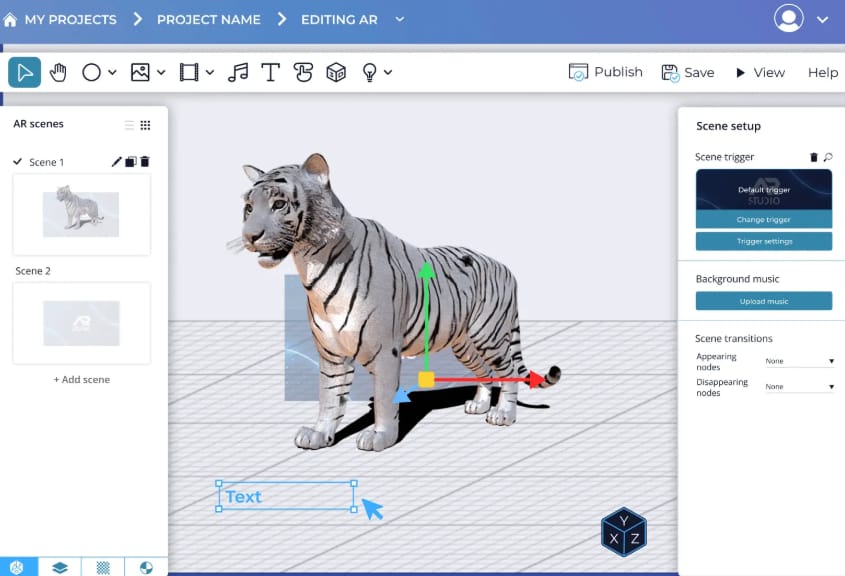
Web-AR.Studio lets users create and publish AR experiences without coding or advanced 3D skills. This augmented reality builder provides three creation methods: WAS Design Studio, WAS Lite Studio, and WAS 3D Configurator. WAS Design Studio provides a visual editing environment, while WAS Lite Studio offers a simpler template-based workflow. Users can also create 3D product configurators with the dedicated WAS 3D Configurator.
Pros:
✓ Supports multiple deployment options, including WebAR, AR in App, and Instant Launch AR.
✓ It offers both turnkey AR development and professional AR training.
✓ The platform provides built-in data analytics for performance tracking.
Cons:
✗ Some advanced options are restricted to higher-tier plans
✗ The free plan is relatively limited, with 10 projects, 200 MB of storage, and restrictions on tracking and asset sizes.
✗ The free plan provides access to only a limited number of templates.
Ease of Use: ★★★★
Price: Free with limited storage, $8/mon for the Standard version, $24/mon for the Business version, and $110/mon for the Unlimited version.
Also read:
4. Overly: DIY AR Editor for Basic AR Projects
Best for: Beginners and small businesses creating simple WebAR and app-based AR campaigns.
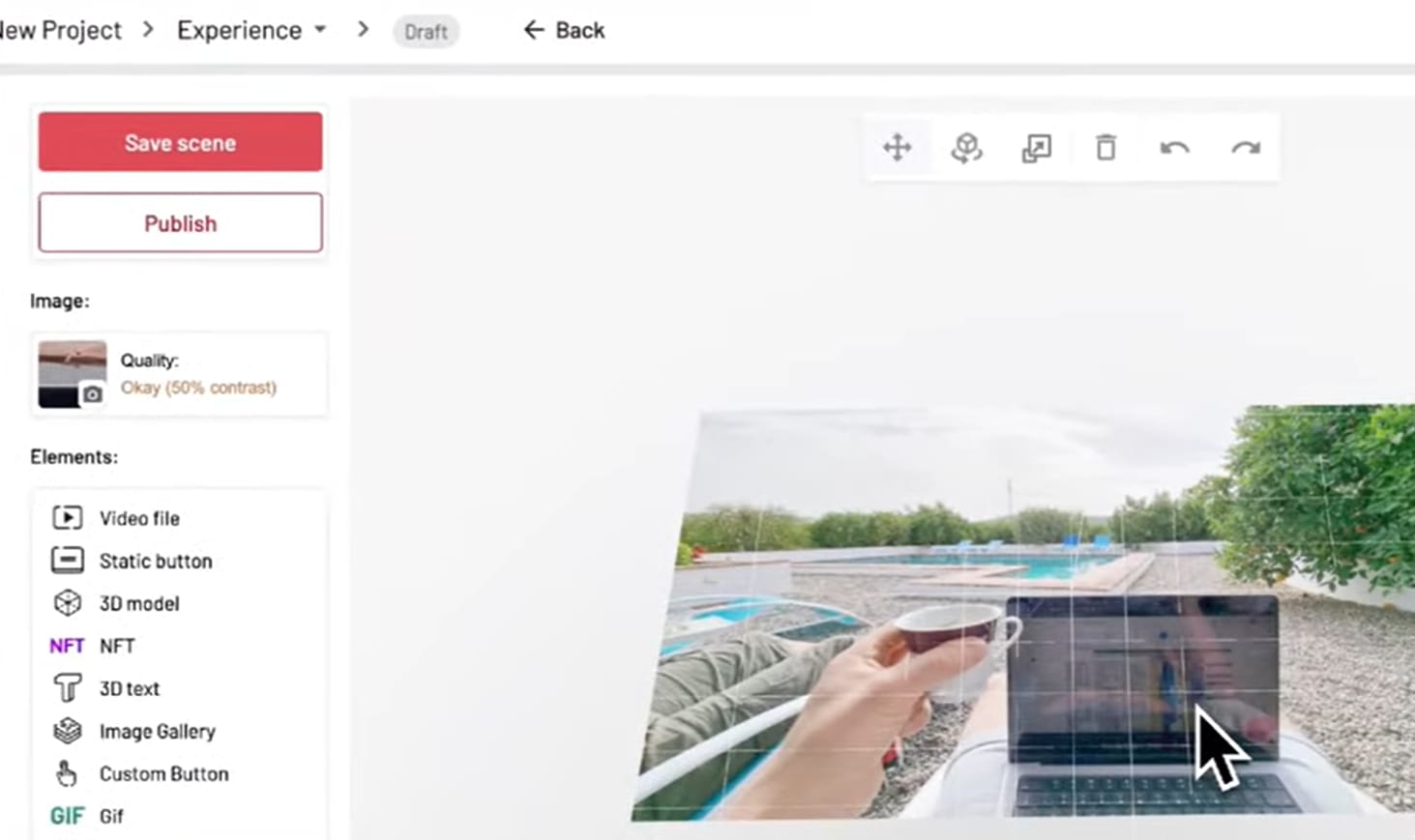
As a no-code AR platform, Overly supports both WebAR and app-based AR experiences. It enables browser-based augmented reality creation through its upload-and-publish workflow, 3D editor, and marker-based triggers.
Pros:
✓ It has diverse use cases, including marketing, ecommerce, education, publishing, museums, and art galleries.
✓ It offers basic 3D modeling and 3D text.
Cons:
✗ It is more appropriate for basic and medium AR applications rather than complex ones that require advanced tracking, interactions, and visual effects.
✗ It relies more heavily on user-provided assets than on built-in templates.
Ease of Use: ★★★
Price: Free trial with a 14-day duration, € 19.99/mon for the Pro version, and a customizable price for businesses.
5. Blippar: Create WebAR Scenes with Free 3D Assets
Best for: Beginners and developers creating interactive WebAR experiences
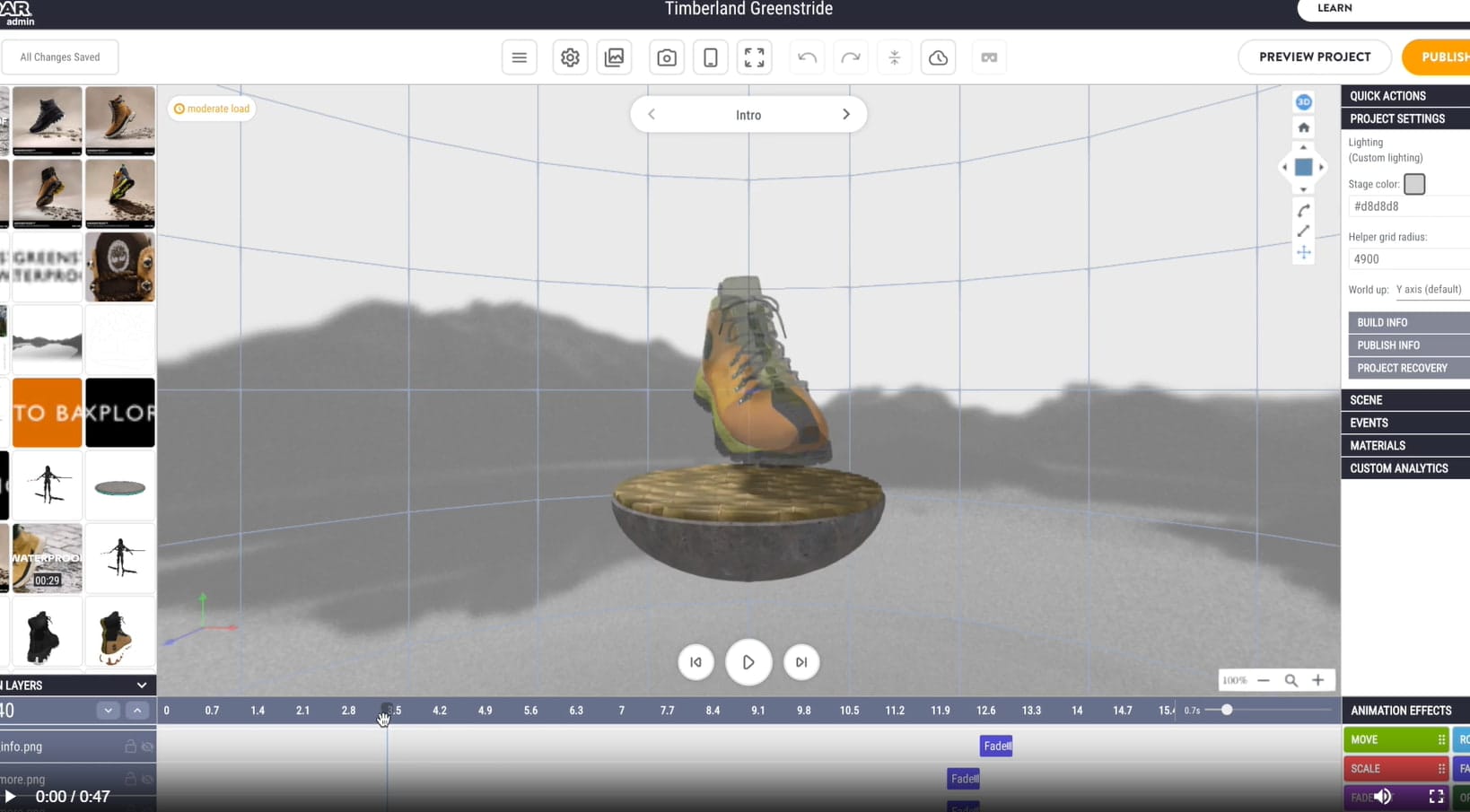
Blippar is an AR builder that provides both no-code and developer-oriented tools for building immersive WebAR experiences. Its Blippbuilder editor allows creators to build AR scenes visually, while the WebAR SDK gives developers more flexibility to create customized experiences with code.
Pros:
✓ It supports multiple types of WebAR experiences and interactive content.
✓ Its developer toolkit also supports custom WebAR development through technologies such as A-Frame and Babylon.js.
Cons:
✗ The advanced capabilities can involve a steeper learning curve, particularly when working with the WebAR SDK.
✗ It also provides fewer ready-made templates than some no-code AR platforms.
Ease of Use: ★★★★
Price: Free trial, and pricing varies by product and usage, with commercial plans available.
6. Artivive: AR Art Experience Generator to Bring Artworks to Life
Best for: Artists, museums, photographers, and creators turning physical artwork into interactive AR experiences
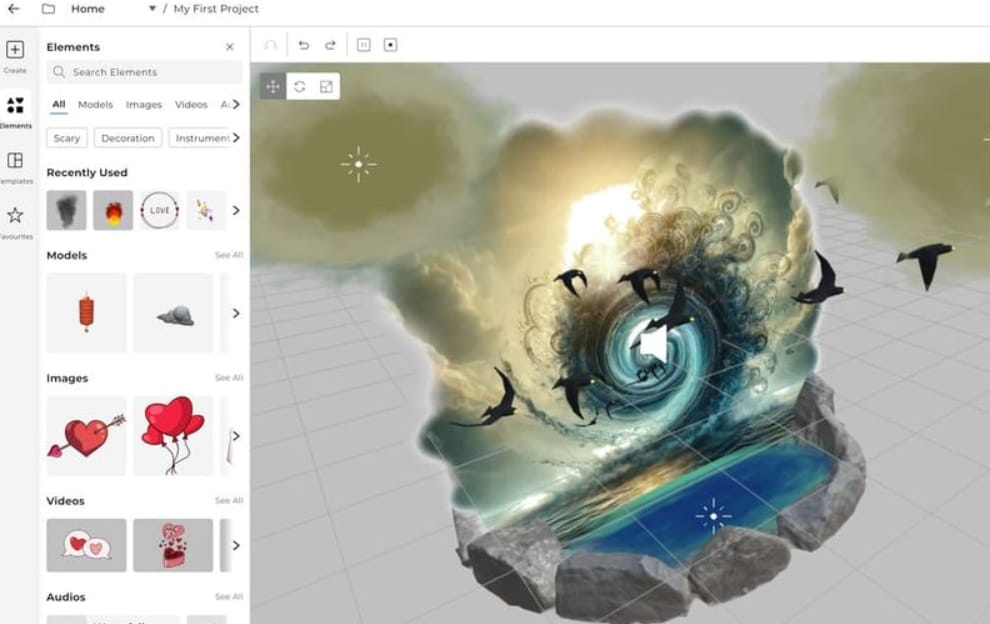
Artivive is an affordable web-based augmented reality builder designed to bring paintings, photos, posters, and other physical artworks to life. It allows creators to add interactive elements, such as buttons and links, that can direct users to external websites. Its practical AR features have made it popular among artists and creative professionals.
Pros:
✓ It supports multiple content types and layered AR scenes.
✓ Unlimited artworks on all plans.
✓ WebAR and Timeline are available with Pro Plus.
Cons:
✗ The free plan is limited to 50 lifetime views.
✗ Only image AR scenes can be created, so for creators who require other AR types, it's not suitable.
✗ WebAR requires Pro Plus or above.
✗ Advanced animation and sequencing features are restricted to higher-tier plans.
Ease of Use: ★★★★
Price: Free trial with 50 lifetime views and limited storage, $17.90/mon for the Pro version and $49.90/mon for the Pro Plus version.
Read more about AR art:
7. Zappar: Build Interactive 3D Web Experience with Ease
Best for: Creators at different levels, from AR newcomers to developers with coding knowledge.
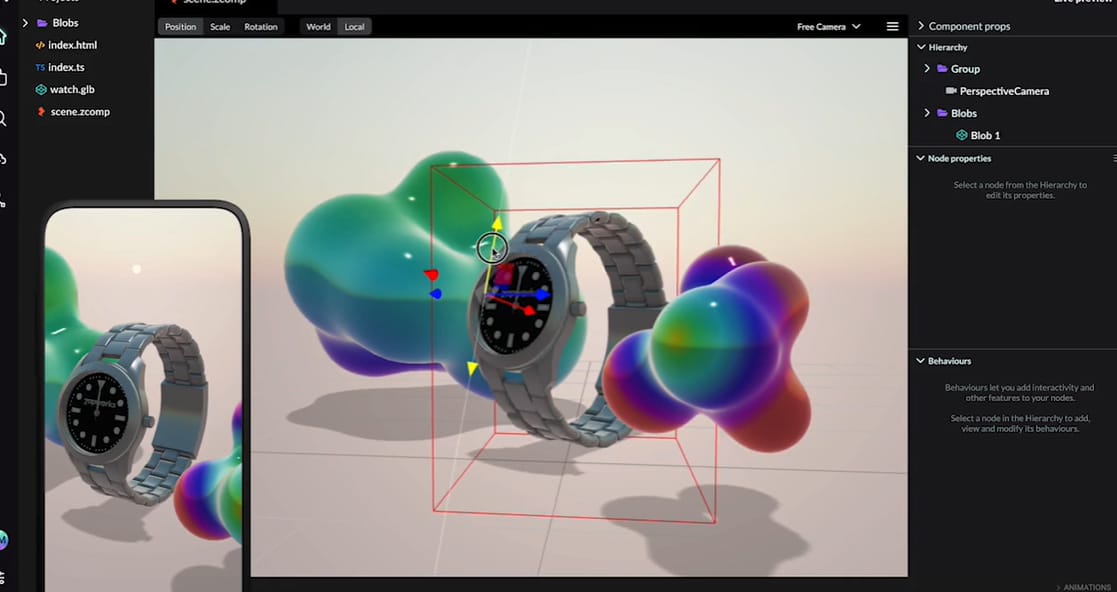
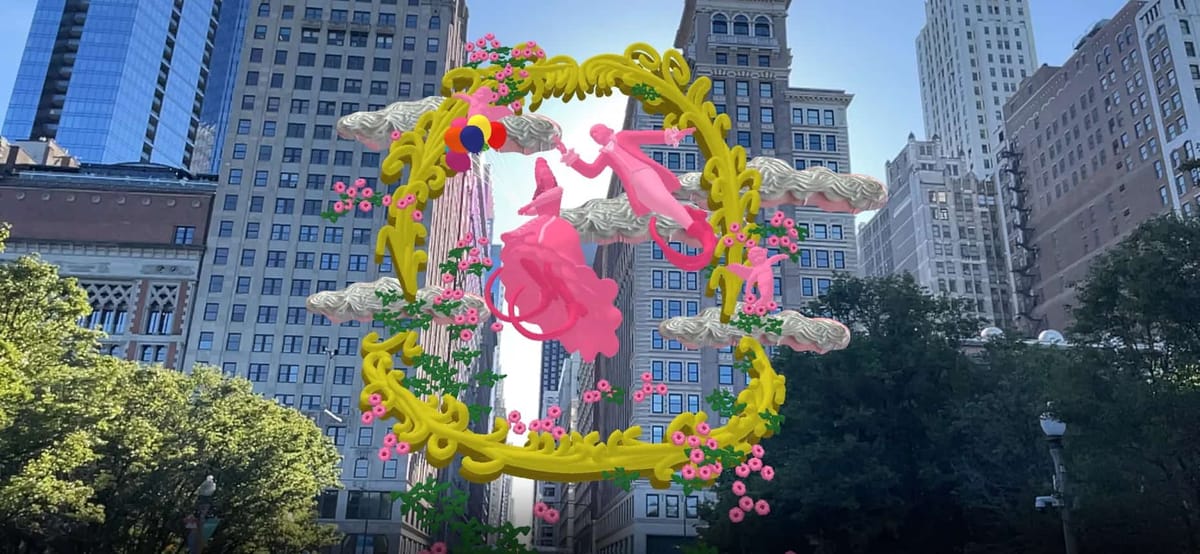
How to build augmented reality scenes? Zapworks tools from Zappar come with no-code tools alongside advanced development options, allowing users to create and publish immersive content directly in the browser. Zapworks Designer provides a drag-and-drop editor with templates, whereas Mattercraft offers more advanced tools for creating interactive 3D web experiences.
Pros:
✓ No-code Designer makes AR creation accessible to beginners.
✓ Offers advanced SDKs for developers and supports WebAR without requiring an app.
Cons:
✗ Advanced tools such as Mattercraft and SDKs may require more technical knowledge, creating a steeper learning curve for beginners.
Ease of Use: ★★★
Price: 14-day free trial, $12.99/mon for the Developer version, and $315/mon for the Pro version.
8. MyWebAR: Design AR Experience for Diverse Purposes
Best for: Marketers, educators, creators, and businesses building versatile WebAR experiences
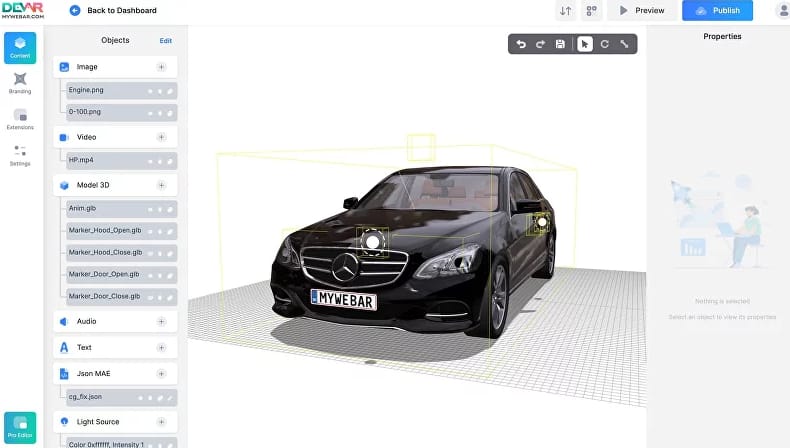
MyWebAR is favored for its beginner-friendly no-code editor and advanced tools for more customized projects. It provides templates for AR marketing, retail, social media, and others, making it suitable for a wide range of users and use cases.
Pros:
✓ Supports rich content, including 3D models, videos, images, and sound.
✓ Interactive actions can trigger animations, webpages, sounds, or object visibility.
Cons:
✗ Advanced customization, such as Three.js development through the PRO Editor, requires more technical knowledge and higher-tier plans.
Ease of Use: ★★★★★
Price: Free trial, $39/mon for the Pro version, $399/mon for the Unlimited version, $999/mon for the Unlimited Plus version, and $1199/mon for the Phygital Marketing version.
9. Geenee AR: AI-Powered Virtual Try-On and AR Mirrors
Best for: Retailers and brands building AI-powered virtual try-ons and AR mirrors.
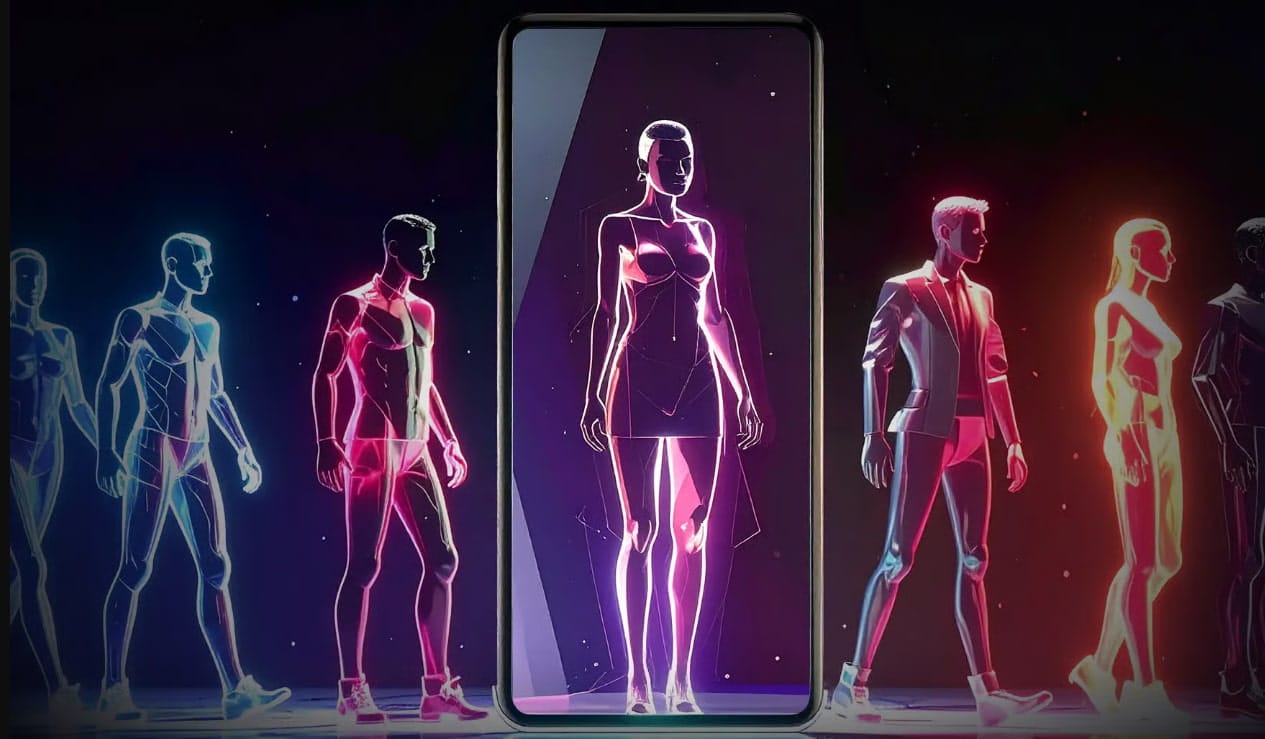
Geenee AR is an AI-driven augmented reality software for try-ons, AR mirrors, and immersive shopping experiences. WebAI technology of Geenee AR makes use of real-time body, face, and wrist tracking that allows users to see how products look on them in real time through their web browsers.
Pros:
✓ The solutions can be integrated into e-commerce sites like Shopify, Wix, Squarespace, and Webflow.
✓ It offers customizable AR mirror applications for brick-and-mortar stores.
Cons:
✗ Geenee AR has discontinued its free WebAR Builder service, which makes it less accessible to users compared to no-code builders.
Ease of Use: ★★★
Price: Custom pricing based on the project.
10. DeepAR: Add AR Functions to Video Chat Apps
Best for: Developers building AR filters, video chat apps, and virtual try-on experiences
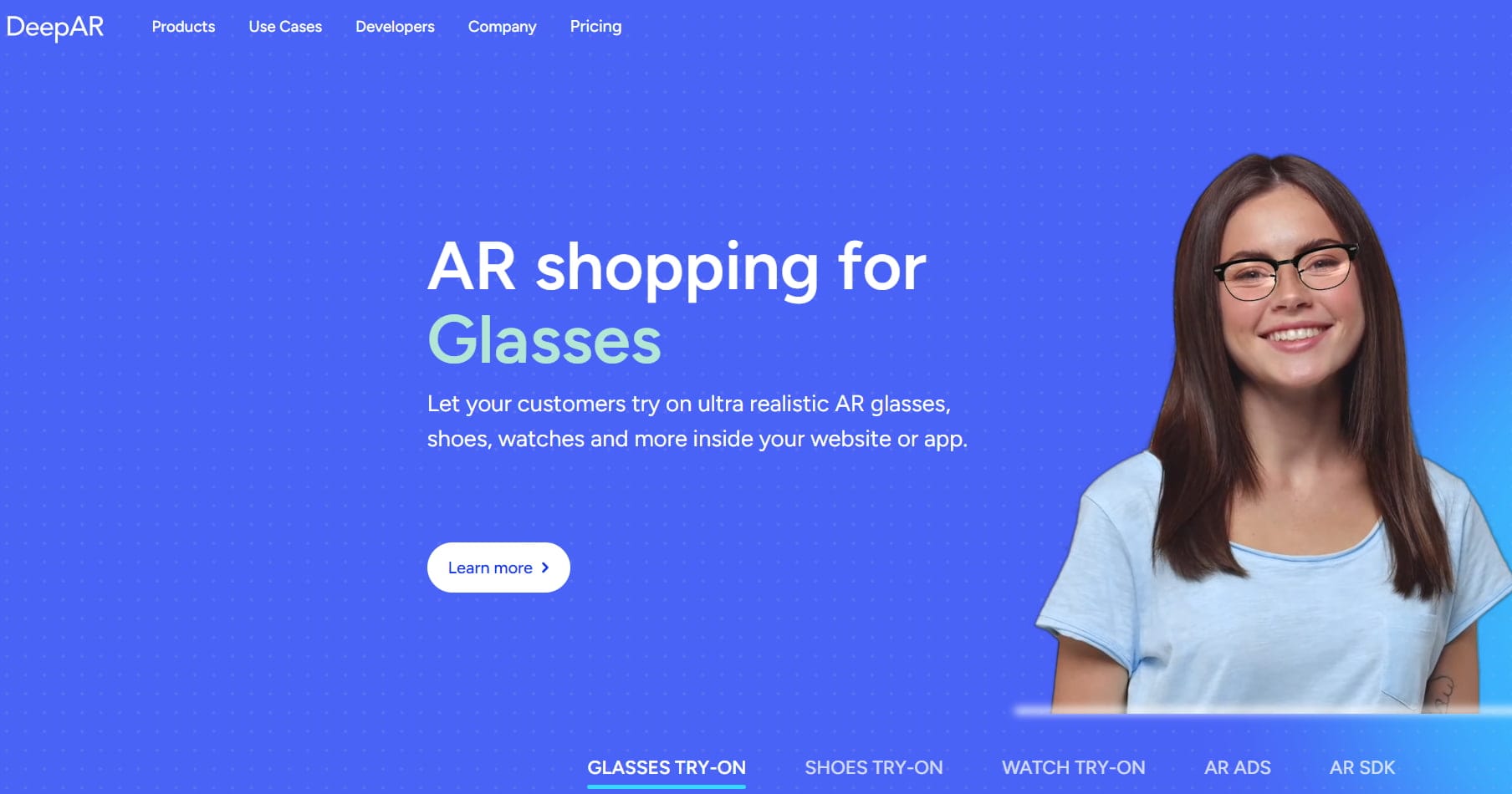
DeepAR is a developer-focused augmented reality SDK for adding real-time AR features to websites and applications. It uses machine learning and deep learning models to track faces and facial expressions frame by frame, then overlays 2D and 3D AR effects on the camera feed.
Pros:
✓ It supports a range of AR features, such as face filters, background replacement, and background blur.
✓ It is particularly useful for video chat and live-streaming apps, with integrations for platforms such as Agora, AWS IVS, and Vonage.
Cons:
✗ DeepAR is designed for developers, so it is less suitable for users looking for a simple no-code AR creation platform.
✗ Some advanced capabilities are also platform-dependent, while pricing is based on monthly active users (MAU).
Ease of Use: ★★★
Price: Free for up to 10 monthly active users; paid plans start at $25/month for up to 1,000 MAU.
If you’re interested in augmented reality marketing, here are some marketing ideas for you:

11. Hololink: Create Immersive AR & XR Experiences
Best for: People who want to build WebAR experiences with image, GPS, and 360° tracking.
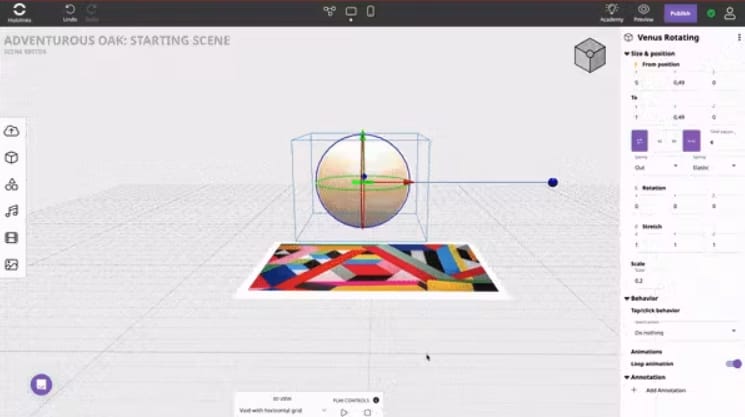
Hololink is a WebAR and WebXR platform designed to make immersive AR creation accessible without programming. Hololink supports multiple tracking and scene types, including image tracking, multi-image tracking, surface tracking, GPS triggers, and 360° scenes.
Pros:
✓ Users can add animations, soundtracks, sound effects, buttons, text, videos, and interactive actions to their experiences.
✓ It provides analytics such as views and dwell time.
✓ It provides multiple learning resources, such as tutorials and help articles.
Cons:
✗ Although Hololink provides advanced tracking and interaction features, users looking for highly customized or technically complex AR applications may need more specialized development tools.
✗ Features such as custom analytics, 3D asset optimization, and custom code are reserved for higher-tier plans.
Ease of Use: ★★★★
Price: Free trial, €9/mon for Personal plan, €29/mon for Basic plan, and €99/mon for Pro plan.
Comparison of the Above AR Builders
| AR Builders | Easy to Use | Pre-Designed Resources | Visual Effects | Pricing |
| ARLOOPA | ★★★★★ | ★★★★☆ | ★★★★☆ | Free trial, $10/mon for Personal, $50/mon for Schools & Universities, and $125.00/mon for Business. |
| Kivicube | ★★★★★ | ★★★★★ | ★★★★★ | Free trial for 2 totally free AR scenes and unlimited views, €47.9/year for Starter (≈ €3.99/mon), €1680/year for Pro (≈ €140/mon). |
| Web-AR.Studio | ★★★★☆ | ★★★★☆ | ★★★★☆ | Free with limited storage, $8/mon for Standard, $24/mon for Business, and $110/mon for Unlimited. |
| Overly | ★★★☆☆ | ★★★★☆ | ★★★★☆ | Free trial with a 14-day duration, €19.99/mon for Pro, and a customizable price for businesses. |
| Blippar | ★★★★☆ | ★★★★★ | ★★★★☆ | Free trial, and pricing varies by product and usage, with commercial plans available. |
| Artivive | ★★★★☆ | ★★★★☆ | ★★★★★ | Free trial with 50 lifetime views and a 1 MB memory limit, $17.90/mon for Pro and $49.90/mon for Pro Plus. |
| Zappar | ★★★☆☆ | ★★★★☆ | ★★★★☆ | 14-day free trial, $12.99/mon for Developer, and $315/mon for Pro. |
| MyWebAR | ★★★★★ | ★★★★☆ | ★★★★☆ | Free trial, $39/mon for Pro, $399/mon for Unlimited, $999/mon for Unlimited Plus, and $1199/mon for Phygital Marketing. |
| Geenee AR | ★★★☆☆ | ★★★☆☆ | ★★★★☆ | Custom pricing based on the project. |
| DeepAR | ★★★☆☆ | ★★★★☆ | ★★★★☆ | Free for up to 10 monthly active users; paid plans start at $25/month for up to 1,000 MAU. |
| Hololink | ★★★★☆ | ★★★★☆ | ★★★★☆ | Free trial, €9/mon for Personal, €29/mon for Basic, and €99/mon for Pro. |
FAQs About Augmented Reality Builders
Q: What is an augmented reality builder?
An AR builder is a tool that enables users to create an AR experience without writing code from scratch. Users can turn their ideas into interactive AR experiences using a visual editor.
Q: Do I need coding skills to use an AR builder?
Not always. Most AR builders, such as Kivicube, let non-experts create AR experiences without any coding. However, some tools that provide customization via scripting will require some technical knowledge.
Q: What augmented reality scenes can you build with an AR builder?
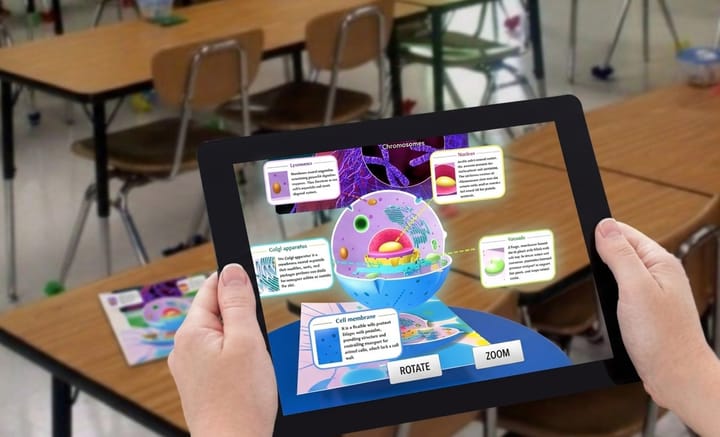
AR builders can be used to create a wide range of experiences, including product visualizations, AR games, interactive marketing campaigns, educational experiences, virtual try-ons, AR art, tourism experiences, and so on.
Q: Are augmented reality builders free?
Some AR platforms offer free plans, while others use subscription-based pricing. The free plans might have certain restrictions, such as the number of projects that can be created, certain features, and analytics.
To Sum Up
Today, creating AR experiences is no longer limited to large businesses or technical professionals. With augmented reality builders like Kivicube, everyone can create their own AR scenes with just a few clicks. Whether you want to bring artwork to life, engage customers with interactive AR, or create educational experiences, you can find an ideal tool among the options above. Choose one and start building your own augmented reality scenes.