AR vs. VR: Differences, Use Cases, Examples [2026 Updated]
What's the difference between AR and VR? From what they are to use cases, this guide covers it all with real examples and practical advice to get started.
![AR vs. VR: Differences, Use Cases, Examples [2026 Updated]](/post/content/images/size/w1200/2026/08/AR-vs-VR.png)
Virtual reality (VR) and augmented reality (AR) are often mentioned in the same breath, yet many are still confused about the differences between them. In this guide, we’ll dive deep into AR vs. VR, showing you exactly what they are, exploring their unique real-world applications, and giving some typical examples of each spatial technology. By the end, you'll be able to choose the most suitable spatial solution for your entertainment or business needs.
What Is Augmented Reality
Augmented reality is the technology that overlays items onto the viewer's real environment. These items can be placed on various real-world anchors, including but not limited to faces, bodies, images, and surfaces. Yet, because the core is the real world, the anchored content can be either virtual (like buttons or animations) or real‑object related (like glasses or clothing), making this technology widely adapted across various industries.
How Does Augmented Reality Work
Augmented reality works through a continuous 4-step cycle that happens in milliseconds.
1. Sensing & Data Acquisition: The device's camera and sensors (IMU, LiDAR) capture the real‑world environment and track the user's position.
2. Understanding & Mapping: Processes sensor data to determine the device's position and orientation relative to the environment. SLAM is commonly used here for markerless AR experiences.
3. Rendering & Generation: The GPU renders 3D content and aligns it with the physical environment based on the SLAM map, adjusting for lighting and perspective.
4. Displaying & Interacting: The device overlays the rendered content onto the real world and responds to user inputs like taps, gestures, or gaze.
This cycle repeats continuously to bring viewers immersive AR experiences. Depending on the type of AR, the specific processing varies. WebAR technology, for example, calls the device's camera and sensors directly through the browser, while other types rely on native SDKs or dedicated hardware.
Types of Augmented Reality
Augmented reality can be classified in many ways, such as marker‑based or location‑based. We divide it into the following 4 types based on the access method.
Types of AR | Explaination | Representatives |
WebAR | AR accessed directly via browser | Kivicube, 8th Wall |
App-Based AR | AR delivered through dedicated mobile apps | IKEA Place, Snapchat(AR Lenses) |
Wearable AR | AR through headsets or glasses | Apple Vision Pro, SPECS(AR glasses by Snap) |
Projection-Based AR | AR projected onto physical surfaces | Bershka AR Mirrors, Ovme Smart Mirror |
Check this guide to learn the difference between WebAR and App AR:
 Bella
Bella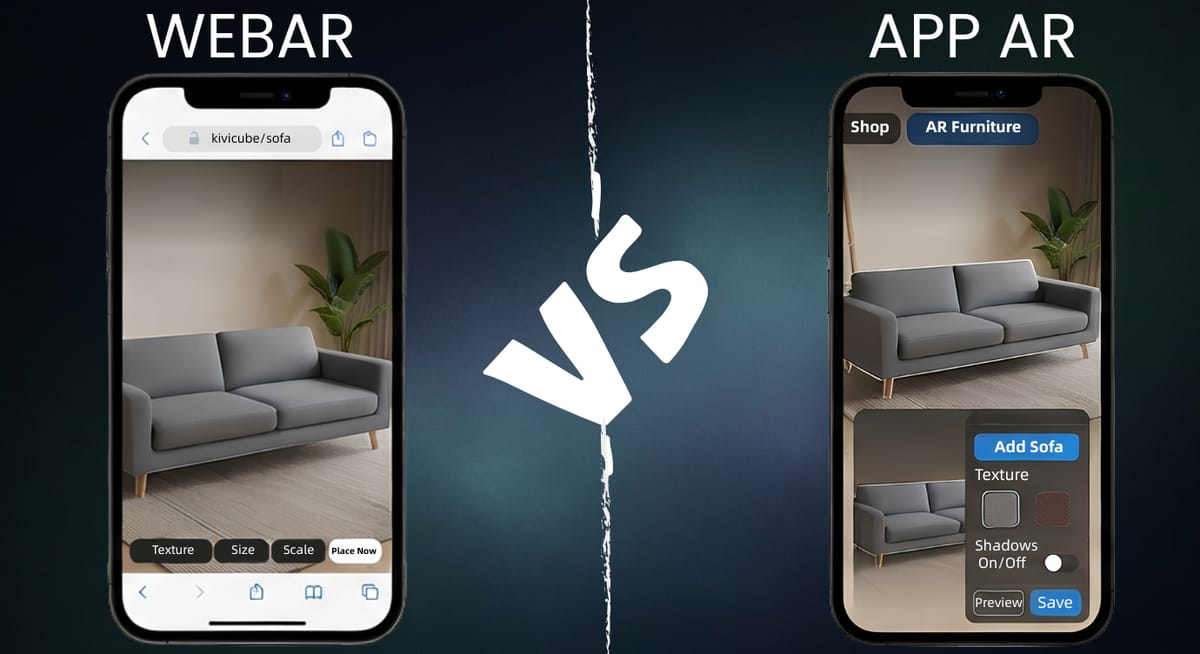
What Is Augmented Reality Used for
This innate ability to blend the digital with the physical has led to AR's wide adoption across industries. Here are some of the most common applications:
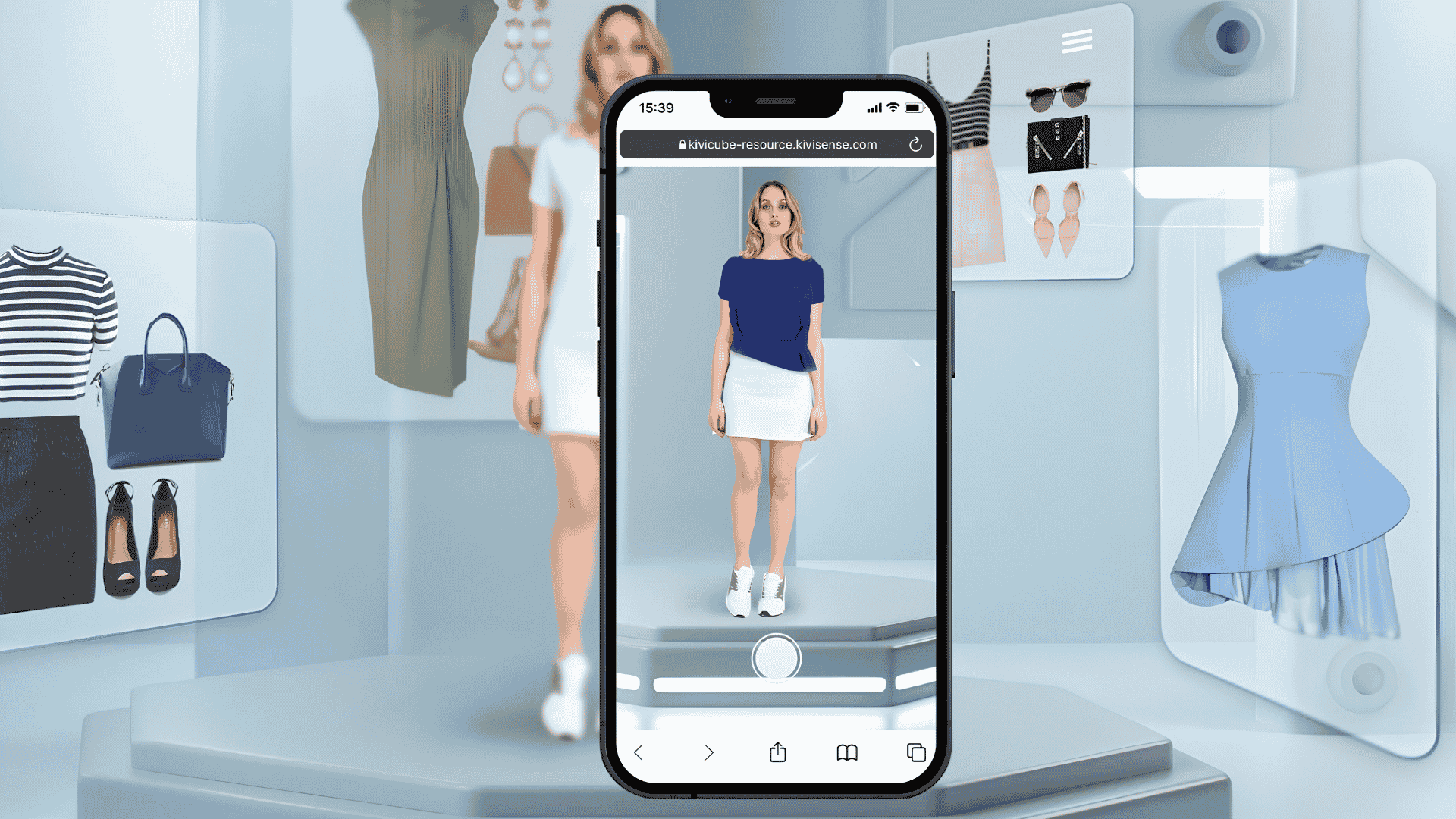
Virtual Try-On: AR allows customers to use their smartphone cameras to preview how clothing, shoes, glasses, jewelry, and beauty products will look on them in real time.
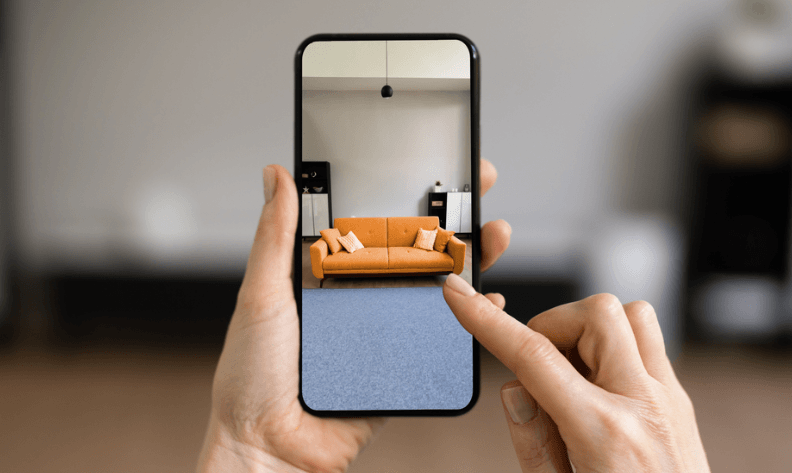
Furniture Placement: Buyers can visually see how furniture, presented in its actual scale, would look in their own home space before making a purchase.
Social Media Filters: AR filters power Lenses on Snapchat and AR effects on other social media. Users can enjoy fun digital overlay effects in real time when taking photos and videos.

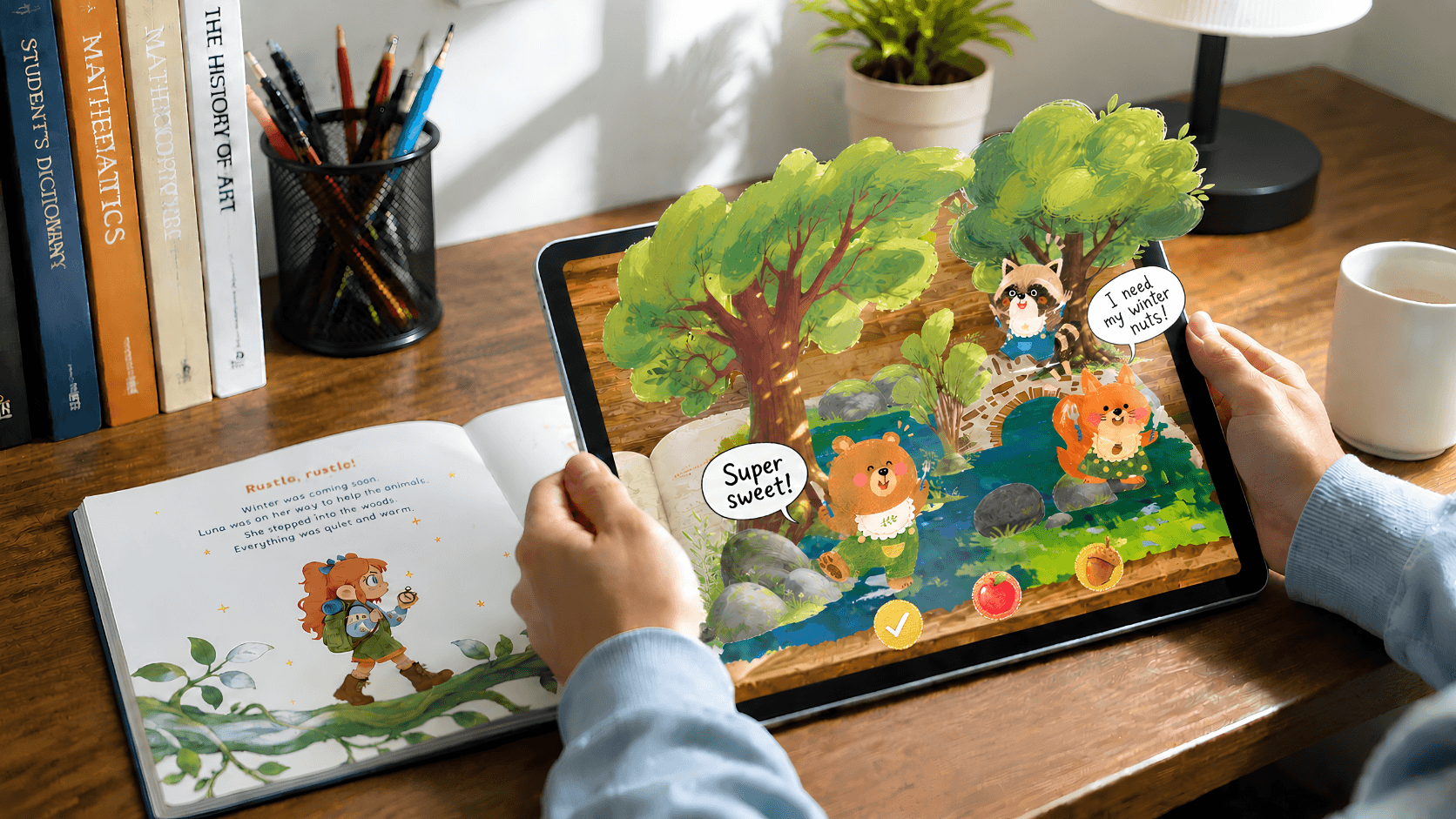
AR Books: AR technology breathes new life into printed book pages. Simply scan the page with your phone, and the static image can be transformed into interactive 3D animation, video, or audio content.
Beyond these, AR is also commonly found in gaming, education, marketing campaigns, healthcare, and manufacturing. The list goes on, as new use cases emerge every day.
What Is Virtual Reality
Virtual Reality (VR) is the technology that immerses users in a fully digital environment. Unlike Augmented Reality (AR), which enhances the real world, VR creates a self-contained virtual space where users can look around and move freely. The core of VR lies in "total immersion." VR headsets cover the user's field of view, isolating them from the real-world environment and transporting them into a computer-generated virtual world.
How Does Virtual Reality Work
While following the same continuous 4‑step cycle, AR adds to reality, while VR substitutes it entirely.
1. Tracking & Positioning: The VR headset uses sensors like gyroscopes or accelerometers to track the user's head movements and position in real time.
2. Rendering & Generation: The GPU renders a stereoscopic 3D virtual environment at high frame rates, adjusting the view dynamically based on the user's head orientation to create a seamless, immersive visual experience.
3. Displaying & Presenting: Head-mounted displays use high-resolution screens and lenses to display rendered content, presenting two slightly offset images to create depth perception and deliver an immersive virtual world experience.
4. Interacting & Responding: Users interact with the virtual environment through handheld controllers or other methods. The system tracks these inputs and updates the scene accordingly, keeping the user engaged and responsive.
Types of Virtual Reality
VR experiences are delivered through a range of systems. VR is generally divided into 3 categories based on the level of immersion and the technology involved.
Types of VR | Explaination | Representatives |
Non‑Immersive VR | VR experienced through a computer or mobile screen, with limited sensory engagement. | Video games, room design software |
Semi‑Immersive VR | Partial VR accessed through screens or basic headsets, focusing on visual 3D experience. | CAVE systems, Sony SRH-S1, URXR One |
Fully Immersive VR | Complete immersion using headsets, gloves, and motion tracking to block out the physical world. | Meta Quest 3, Sony PlayStation VR2, Apple Vision Pro |
What Is Virtual Reality Used for
This ability of VR to transport users into entirely new worlds has opened up countless possibilities across industries. Here are some of the most common applications:
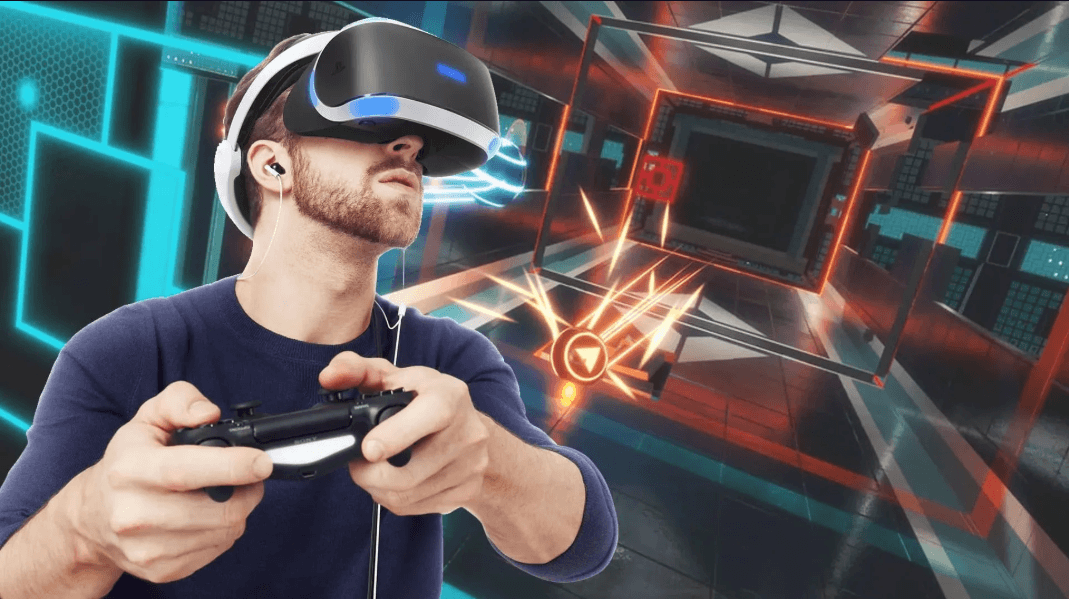
VR Gaming: VR brings an immersive gaming experience more than ever. It places players at the center of the action, allowing them to explore virtual worlds as if they were actually there.
Healthcare: VR is used to treat phobias, post-traumatic stress disorder, and chronic pain through controlled exposure and distraction techniques, as well as for physical rehabilitation.

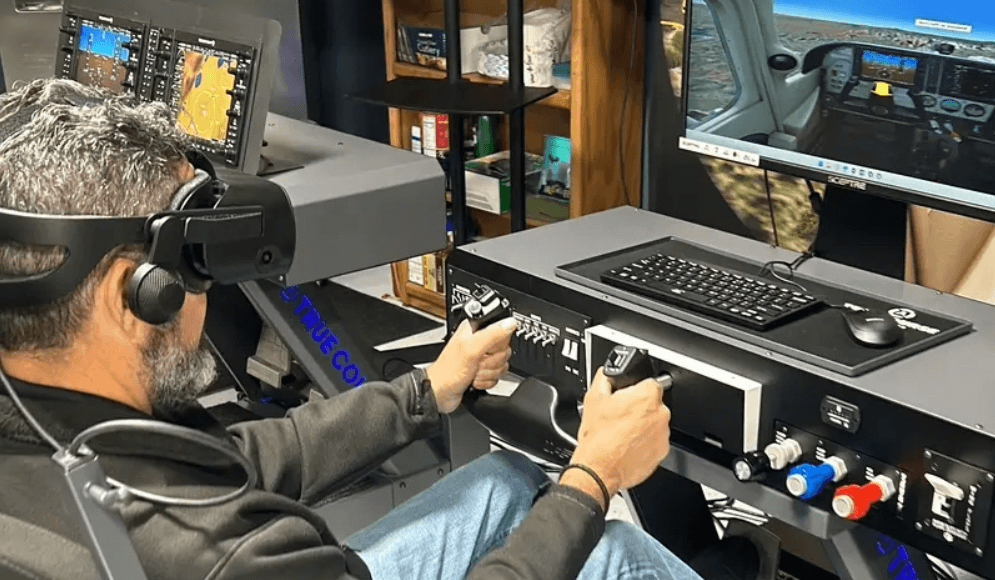
Training: VR provides a safe and cost-effective environment for high-risk or complex training tasks like pilot flight simulation.
Virtual Tourism: VR allows potential buyers to take immersive 3D tours of properties without being physically present, and lets travelers preview destinations before booking.

Beyond these, VR is also found in automotive design, military training, architecture visualization, and so on. Learn more about how AR can enlighten your tourism on this blog:
Leonie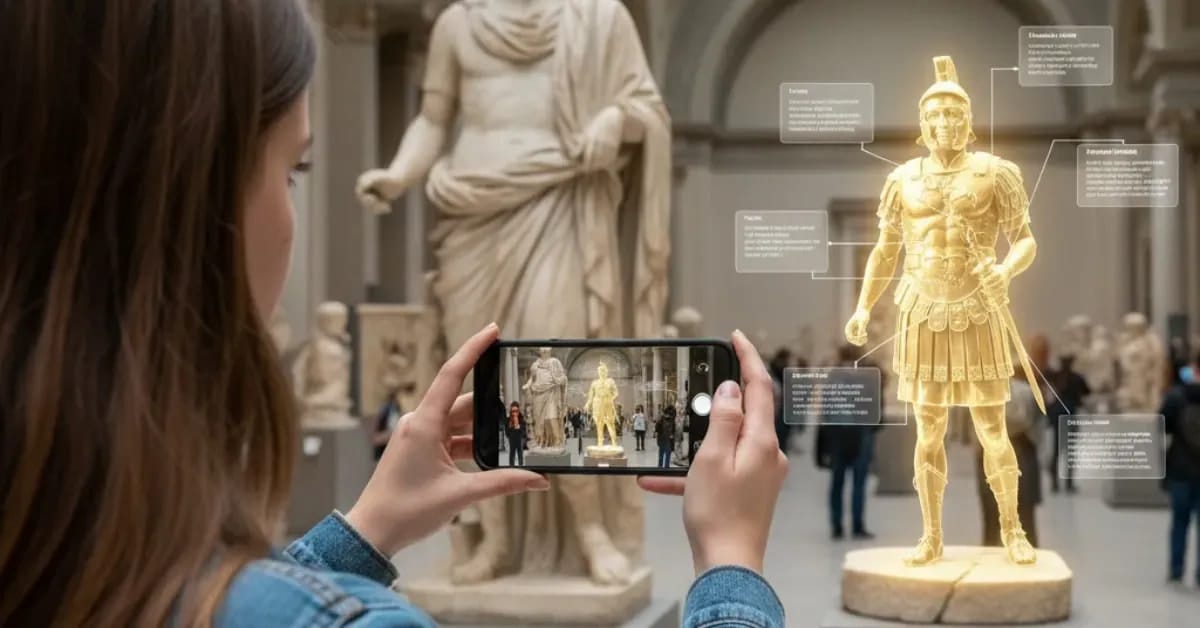
AR vs. VR: Key Differences
Simply put, VR creates a fully virtual world for you, while AR brings the virtual world to your real environment. They differ in almost everything, from the underlying technology to the user experience they create.
AR | VR | |
Environment | Real world | Completely virtual |
Access Method | Browser (WebAR), native apps, wearable devices | Dedicated headsets or projection systems |
Interaction | Taps, gestures, or gaze on real-world anchors | Controllers, hand tracking, or voice in virtual space |
Audience Reach | Broader audience reach especially with WebAR | Limited to users who own dedicated headsets |
Common Use Cases | Try-on, navigation, retail, social filters, etc. | Gaming, training, therapy, etc. |
How to Choose Between AR & VR
AR and VR each excel in different areas. The right choice depends entirely on what you want or what business goals you have.
Choose AR when:
- You want the user experience to stay connected to their real environment;
- You want to start easily even without a dedicated headset;
- You need broad audience reach without any friction that may give your audience up.
Choose VR when:
- You need a fully virtual immersive environment;
- You want to block out the physical world entirely to focus user attention on a virtual space;
- You or your audience already own VR headsets or are willing to invest in them.
Getting Started Easily with WebAR Right Now
Whether AR or VR, immersive experiences may sound like something from the future. Yet it doesn't have to be deep and inaccessible. Through WebAR, anyone can step into augmented reality instantly through a QR code or a browser link. No headset, no app download.
To create your own WebAR experiences, Kivicube is your ready-to-go WebAR platform without dedicated hardware devices or programming skills. Anyone can easily build an interactive AR experience through a drag-and-drop editor and share it with your audience instantly.
Anyone can get 2 free projects to experience, and there are hundreds of templates to duplicate for various purposes. Besides, you don't even have to build everything by yourself, we offer customization services tailored to your needs.
Conclusion
Immersive experiences have long been considered distant and high-tech, yet they are now part of our everyday shopping and entertainment lives. When comparing AR and VR, there is no absolute winner, for they just serve different purposes. VR replaces your reality, and AR enriches it. Both have their own strength, so simply choose the one that fits your needs. Or, try Kivicube WebAR today to take your first step into the immersive world.
FAQs
What Is MR?
MR stands for mixed reality. It places digital objects into your real environment. It allows these objects to interact with physical space, as well as your hands and movements. Experiencing MR typically requires a headset or glasses that understand spatial depth and surface geometry.
What Is XR?
XR stands for extended reality. XR itself is not a single technology but a category that covers all immersive technologies: AR, VR, and MR.
AR vs VR vs MR vs XR?
In simple words, VR replaces your real environment with a virtual one, AR overlays digital content onto your real environment, MR places digital objects into your real environment and allows physical interaction, and XR is the overarching category that includes all the others.
What Are Examples of AR and VR?
For AR, Snapchat Lenses and Pokémon GO are common AR examples. For VR, playing games on a headset like the HTC Vive or PlayStation VR is the most common consumer VR application.
AR vs VR Gaming
The core difference between AR and VR gaming is the player's relationship with their environment. Think of VR as being inside the video game, while AR is like having the video game played out on your table.