English
Appearance
Basic AR refers to cloud-based image recognition and matching. By scanning a 2D image, AR content can be placed on the screen (without tracking the target image). This type of AR scene supports recognition of up to 100,000 images and can easily identify real-world visual content such as movie posters and storefront signage. It is widely used in scenarios including brand marketing, in-store interaction, event exhibitions, and educational outreach.
.C0gBe6La.gif)
Gyroscope refers to the use of a mobile device’s gyroscope sensor to enable scene content and interactions. Compared to Basic AR, it provides more dimensional and spatially immersive interactive experiences.
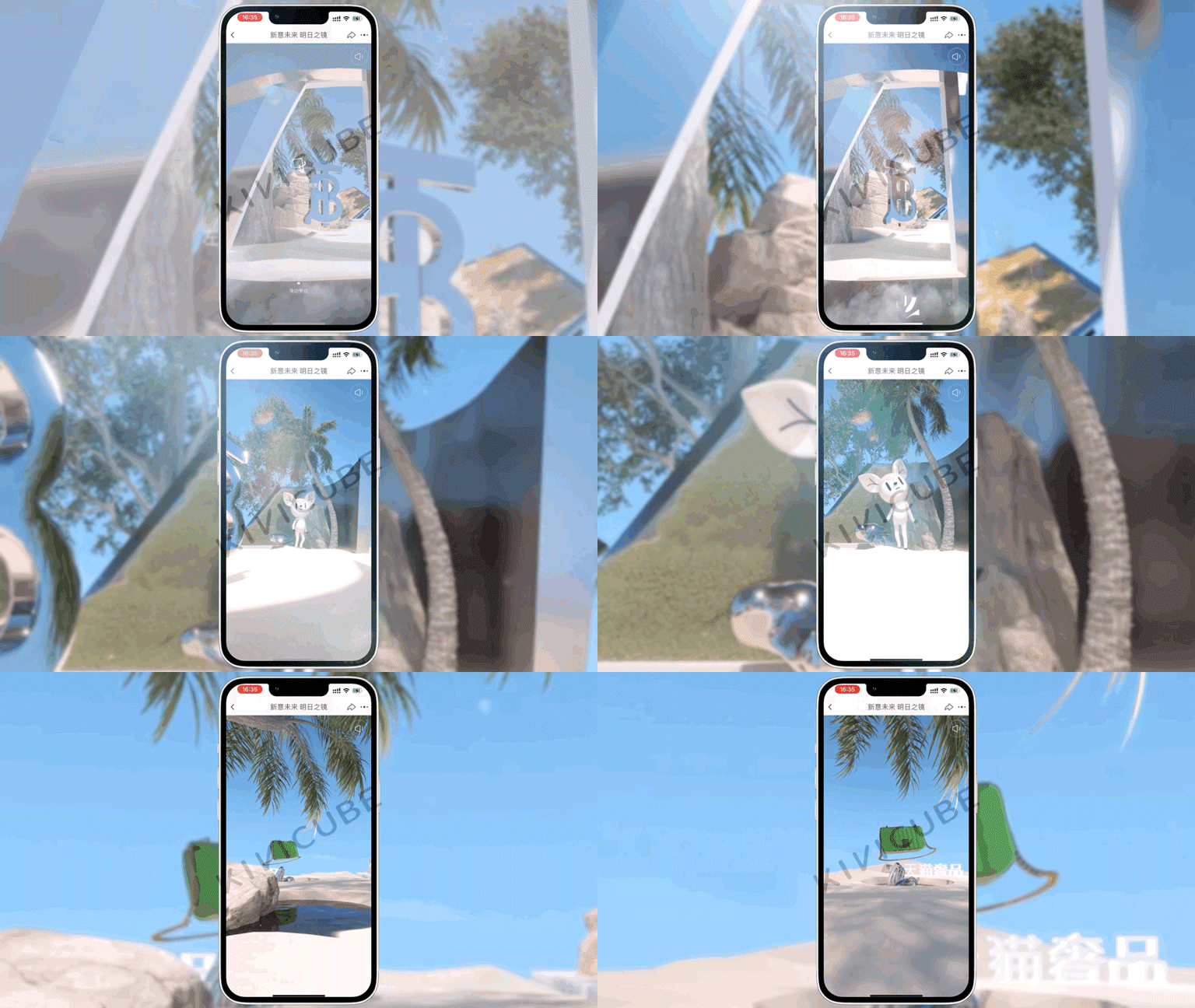
Basic AR/Gyroscope features:
A Basic AR scene allows you to upload multiple target images. For example, for storefront signage, you can upload photos from different angles to enable multi-angle recognition.
All uploaded target images should have rich details and strong color contrast, while avoiding issues such as glare and color distortion. Click here to view the Basic AR target image guidelines; for other scene asset specifications, refer to the relevant sections in the user documentation.
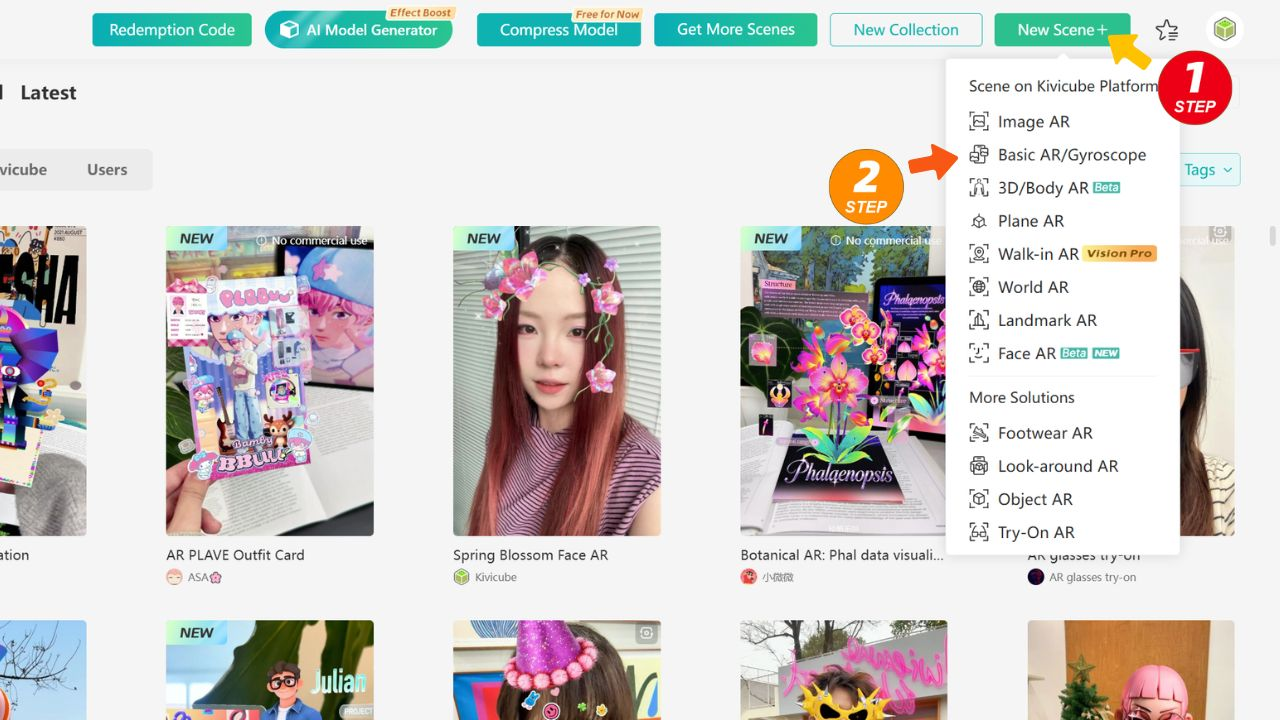
Click here to log in to the Kivicube platform. Create a new "Basic AR/Gyroscope" scene and complete the production using the visual editor.
If you require a custom project, click here to add Business WhatsApp for consultation.