English
Appearance
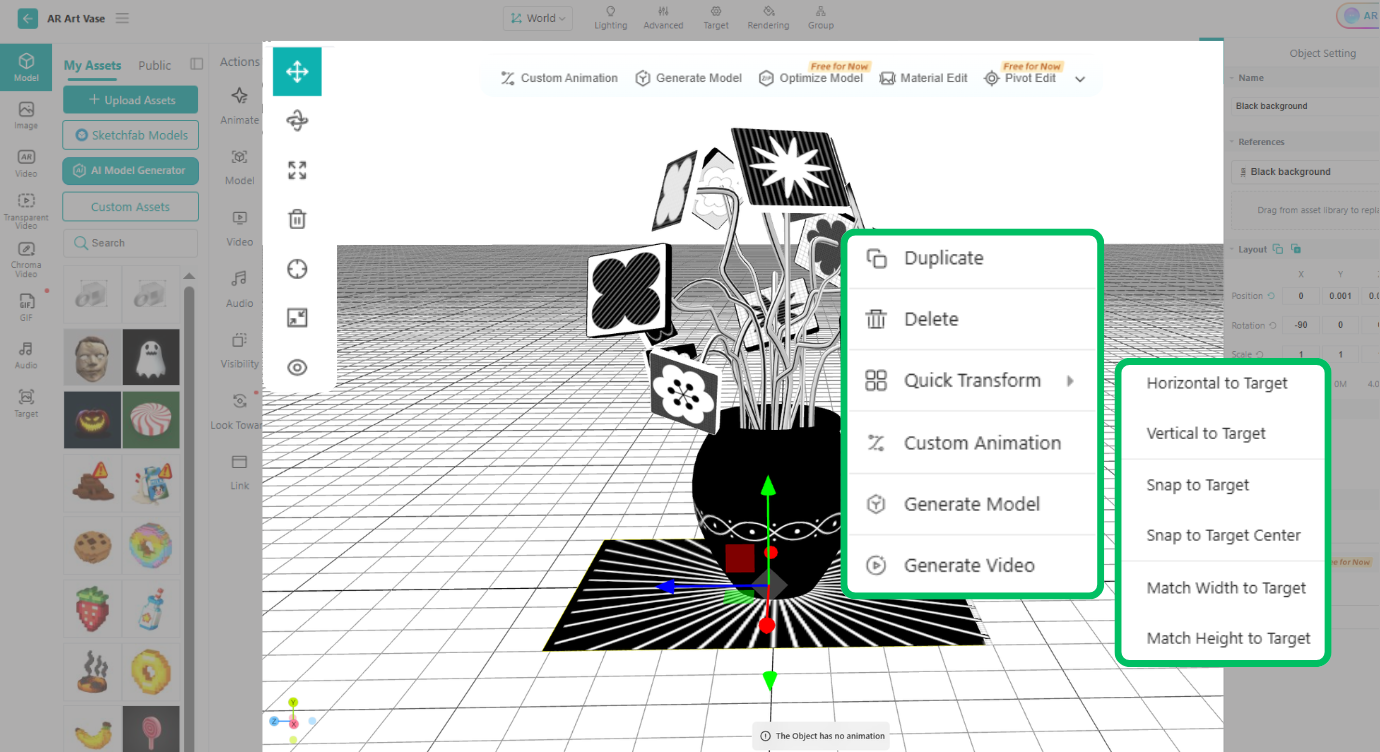
Right-click an object on the 3D canvas (or press and hold on a tablet) to open the Right-Click toolbar. Here, you can quickly copy or delete objects, adjust their position relative to the target image or the plane, and add special effects, custom animations, etc.
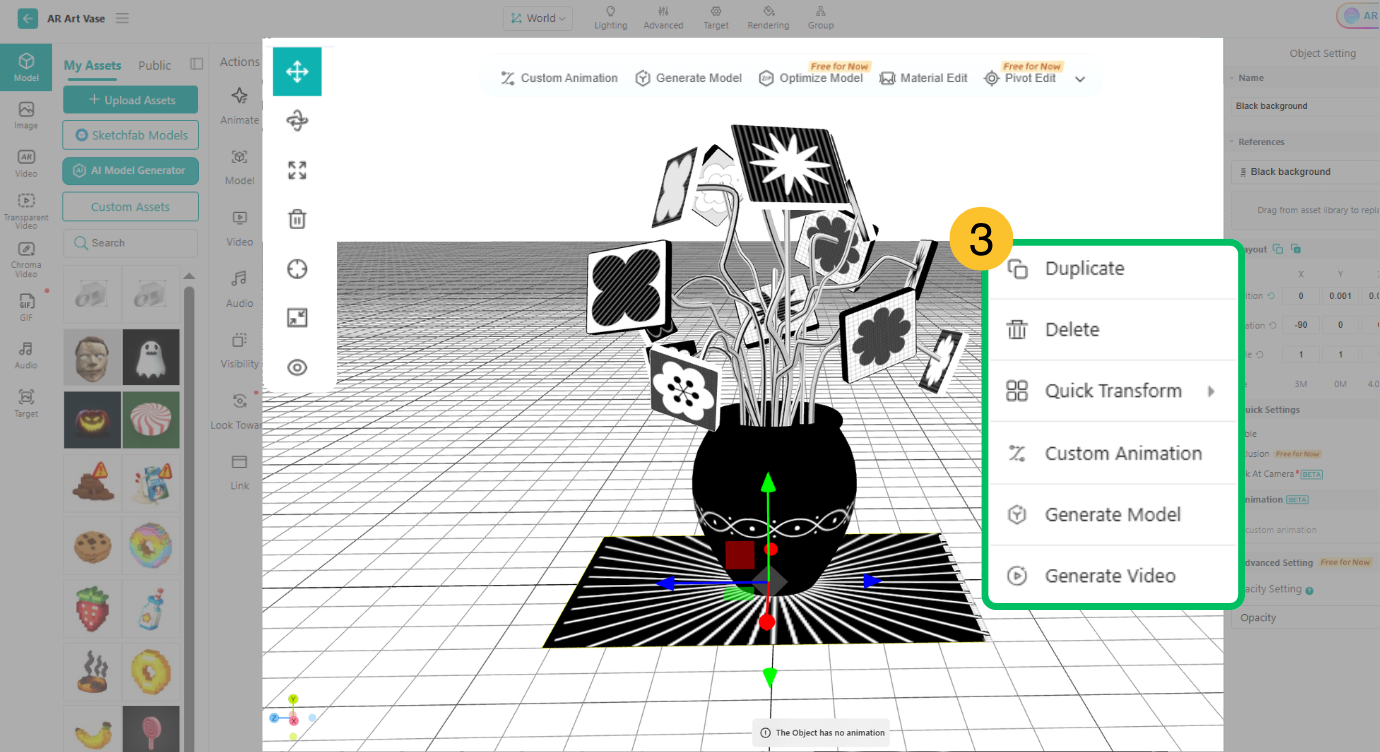
Duplicate: Quickly duplicate the currently selected object in the scene. The duplicate retains all settings of the original object, including visibility, custom animations, and video or animation playback.
Quick Transform: You can rotate objects parallel or perpendicular to the target image or plane, snap them to the target image or plane, align them to the center of the target image, or align them based on the width or height of the target image.