English
Appearance
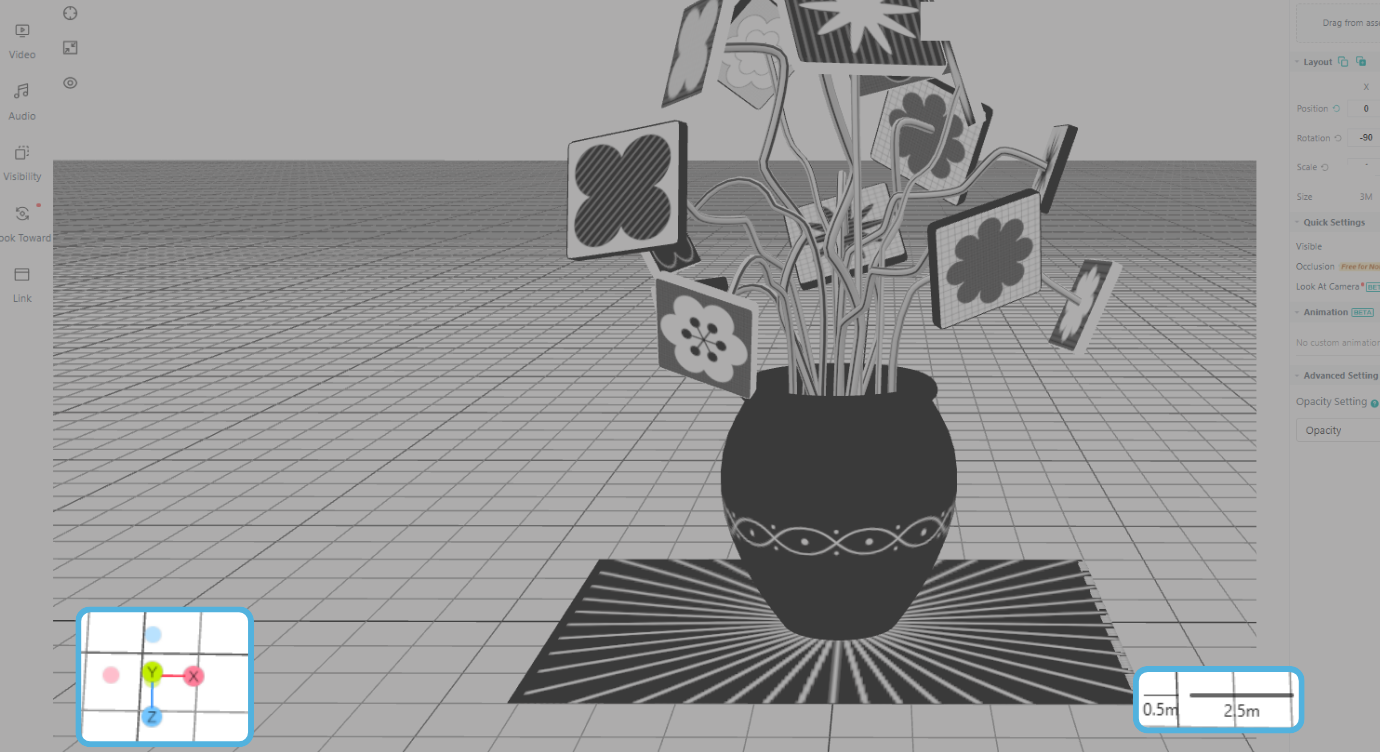
Display of the X, Y, and Z axes in 3D space helps you determine the orientation and position of objects. You can click on the axis of a specific direction to quickly switch to the corresponding view, making it easier to view and arrange assets on the canvas.
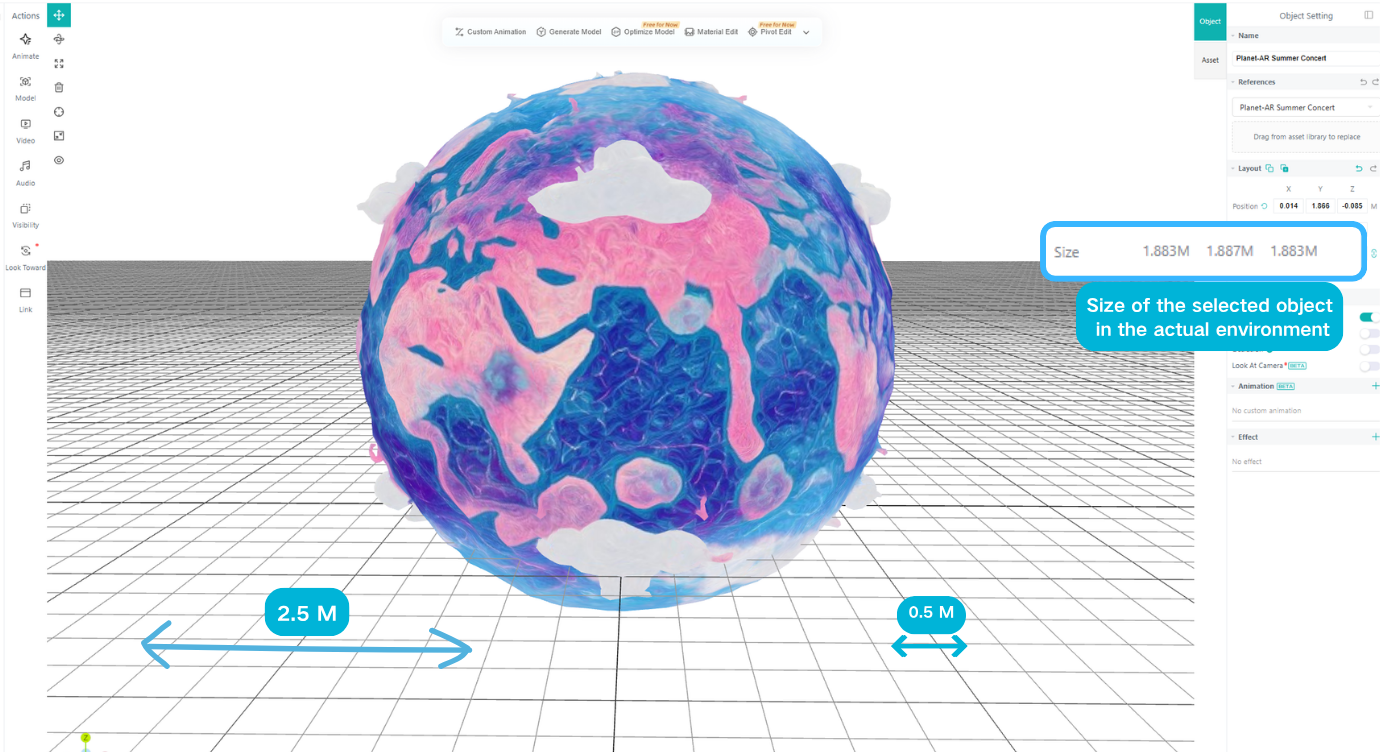
When creating Plane AR and Walk-in AR, use the mesh dimensions in the 3D canvas as a reference to position assets in scale with the real-world environment. Each small grid square represents 0.5 m, and each large grid square represents 2.5 m. For other AR types, use the uploaded target image or positioning map as a reference to adjust the size and position of the assets.