English
Appearance
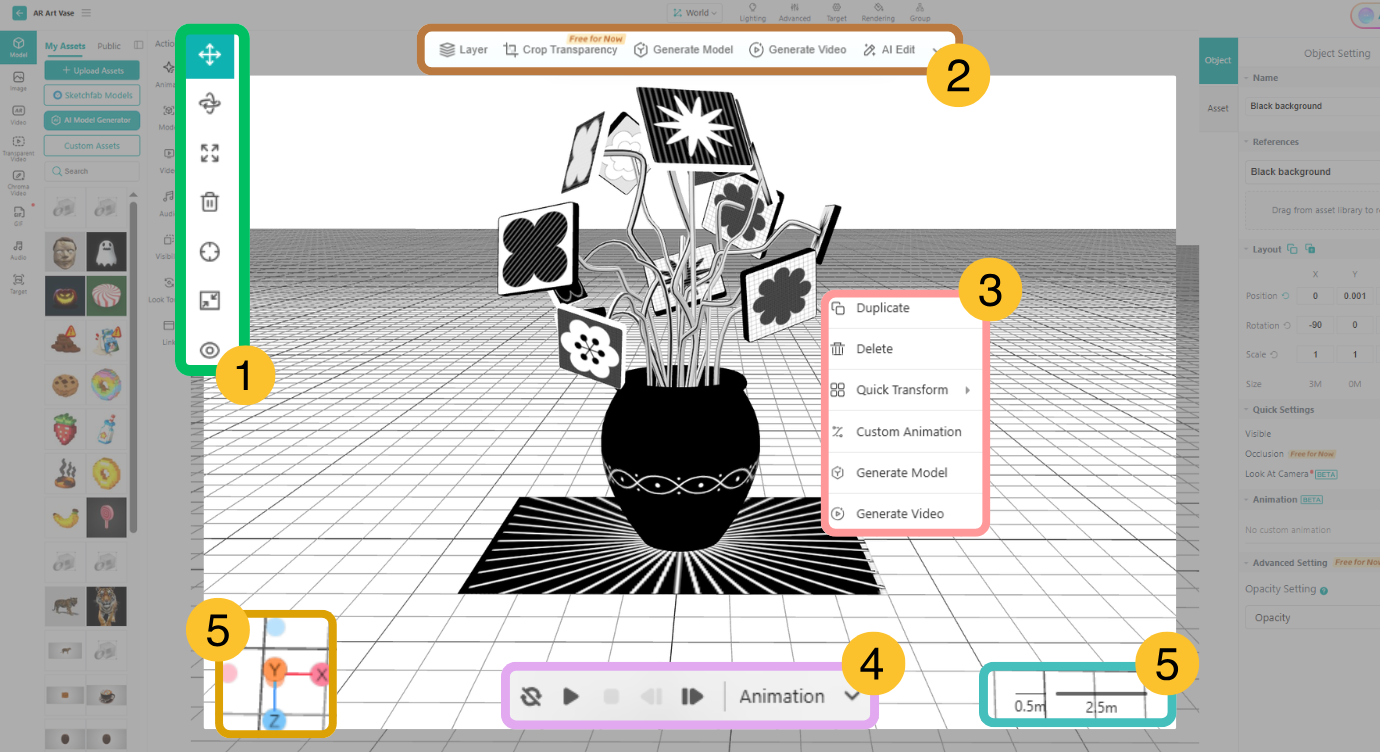
3D canvas is a workplace for creating AR content. After dragging assets from the assets list onto the 3D canvas, you can visually adjust their size, position, and angle, as well as preview videos and animations.
Note
Audio assets also need to be dragged to the 3D Canvas
When creating AR content on small-screen devices such as tablets, you can hide the asset panel on the left and settings panel on the right. You can also magnify the editing area in the 3D Canvas for a larger operating vision.